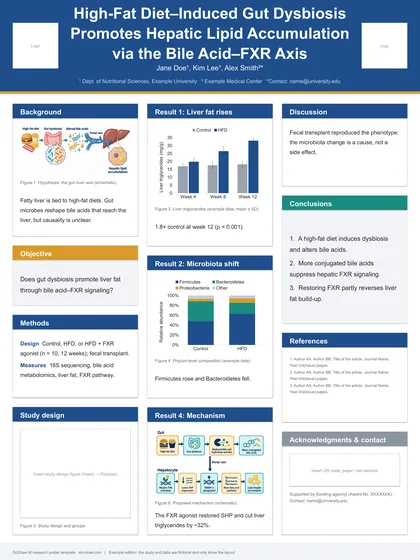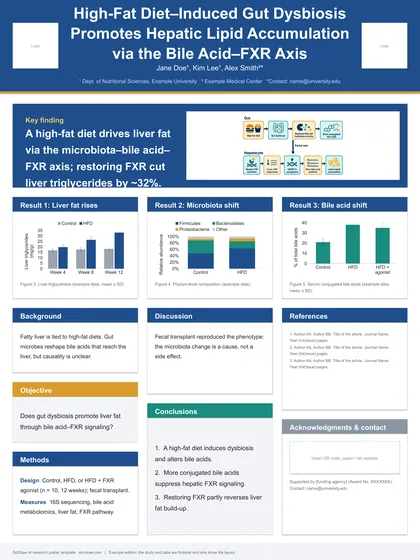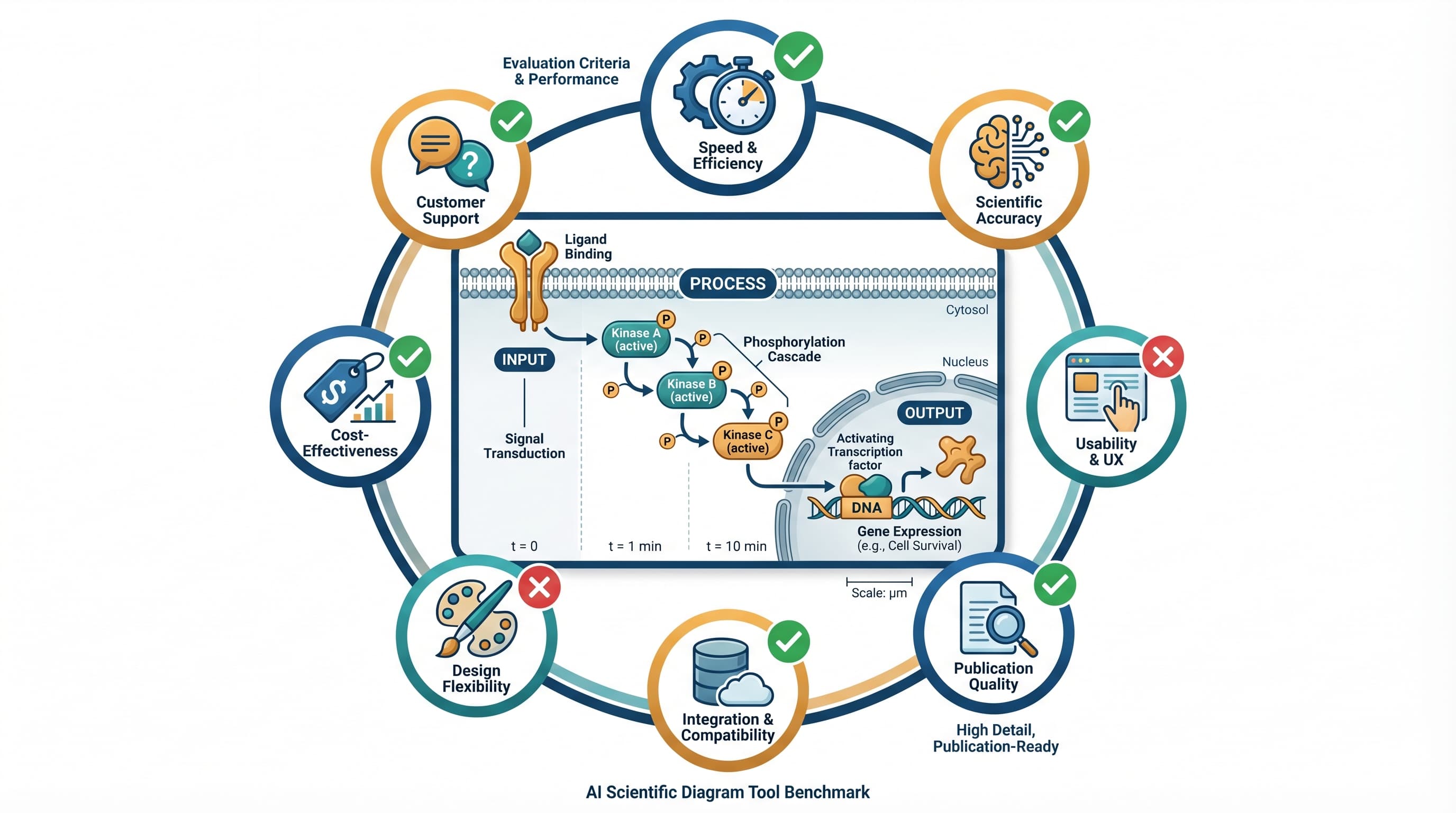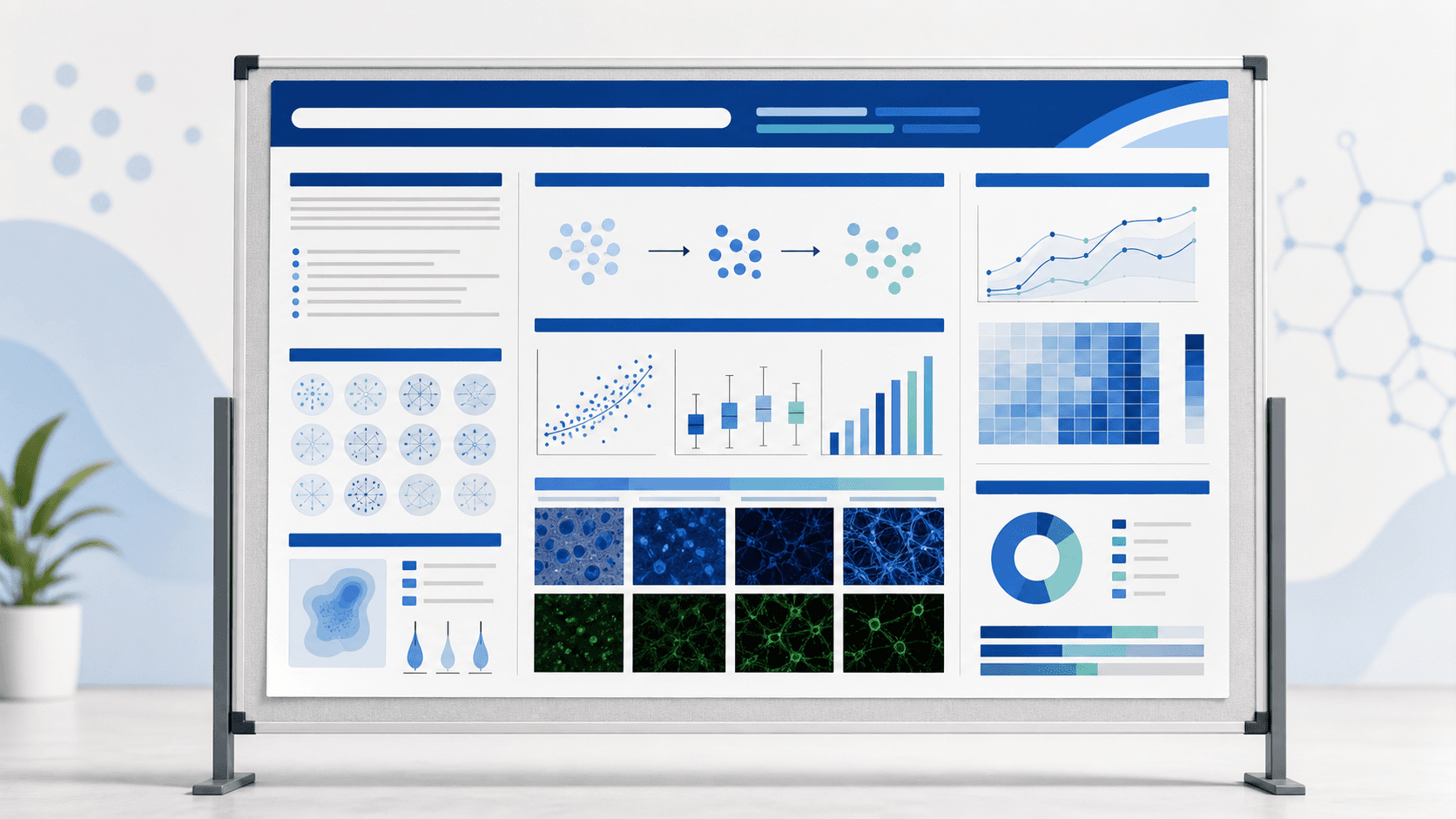
No single AI tool covers every academic poster workflow equally well, so choose based on whether you need a manuscript-to-poster draft, scientific figures, or a layout template. For an open-source Python pipeline converting a paper PDF into an editable .pptx file, use Paper2Poster (PosterAgent); for a browser workspace that drafts an IMRaD poster layout from a paper PDF or abstract and generates scientific illustrations with PNG, SVG, or PPTX export, use SciDraw AI's Scientific Poster Maker. For manual panel assembly with icon libraries or general templates, BioRender, Mind the Graph, Piktochart, Visme, Canva, Adobe Express, Gamma, PosterMyWall, and PowerPoint with Copilot each fit specific steps.
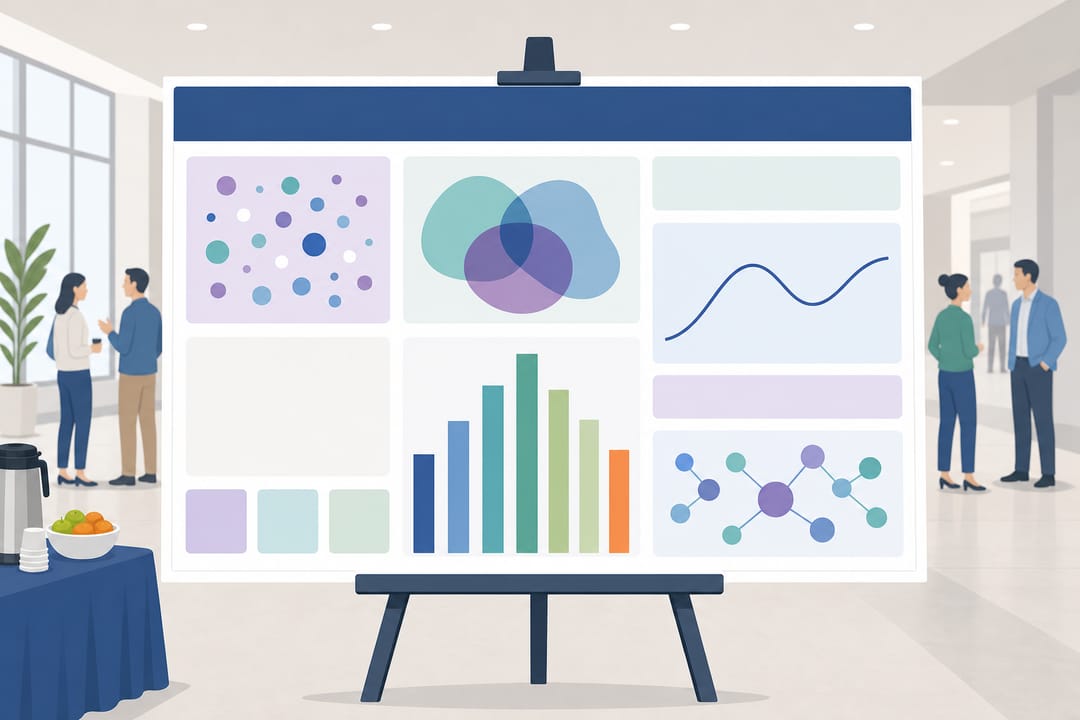 AI poster tools range from paper-to-poster layout generators to scientific illustration and template editors.
Comparison Table: AI Scientific Poster Generators (2026)
Checked against public product, pricing, and help pages on October 25, 2026:
| Tool | AI Full-Poster Generation | Editable Output | Free Tier | Best For |
|---|---|---|---|---|
| SciDraw AI | Yes (IMRaD draft from PDF/abstract) | PNG (4K), SVG, PPTX | Yes (10 signup + 5 daily credits) | Poster drafts + scientific figures |
| Paper2Poster | Yes (PDF to poster.pptx code) | Native PPTX (48×36 in) | Open-source (MIT); pay API/GPU | Python users wanting .pptx |
| BioRender | Unverified from paper upload | In-app; PNG/JPG/PDF (watermarked) | Free ($0, 72 DPI, watermark) | Manual biology icon layouts |
| Mind the Graph | Unverified (AI image gen only) | In-app; paid PNG/PDF/TIFF/vector | Starter ($0, watermark) | Life-science templates + visuals |
| Piktochart | Yes (prompt, text, or document) | In-app; PNG (Free/Pro), PDF/PPT (Business) | Free ($0, 60 credits, 2 PNGs) | Infographic research posters |
| Visme | Yes (prompt or PDF/DOCX ≤5 MB) | In-app; PDF (Starter), PPTX (Business) | Basic ($0, no print PDF) | Visual shells + manual charts |
| Canva | Yes (prompt-based general design) | In-app; lists JPG/PNG/PDF/PPTX | Free (US$0, AI limits) | General templates & teams |
| Adobe Express | Yes (prompt + reference assets) | In-app; JPG, PNG, PDF | Free (US$0, credit limits) | Typography & Adobe workflows |
| PowerPoint + Copilot | Slides/decks (poster mode unverified) | Native PPTX, PDF (≤56 in) | 1-month trial ($9.99/mo Personal) | Labs standardized on .pptx |
| Gamma | Cards/decks (poster mode unverified) | PDF, PPTX, PNG (Free branded) | Free (≤10 cards/prompt) | Summarizing papers into cards |
| PosterMyWall | Yes (text/audio prompt + image) | In-app; JPG, PNG, PDF, WEBP, GIF | Free standard download | Event and outreach flyers |
AI Scientific and Academic Poster Tools Reviewed
1. SciDraw AI
- Best for: Researchers and students drafting a conference poster from a paper PDF or abstract while creating scientific figures in one workspace.
- AI capabilities: SciDraw AI reads a text-based paper PDF (≤20 MB; sign-in required) or abstract to draft an IMRaD prompt (title bar, introduction, methods, results with figure placements, conclusion) for review before generating. You can also use a Research Poster Template or create diagrams in the AI Scientific Illustration Tool.
- Pricing: Free tier gives 10 signup plus 5 daily credits; paid plans and credit packs add monthly credits, higher-res exports, and a PDF Publication License Certificate (see pricing).
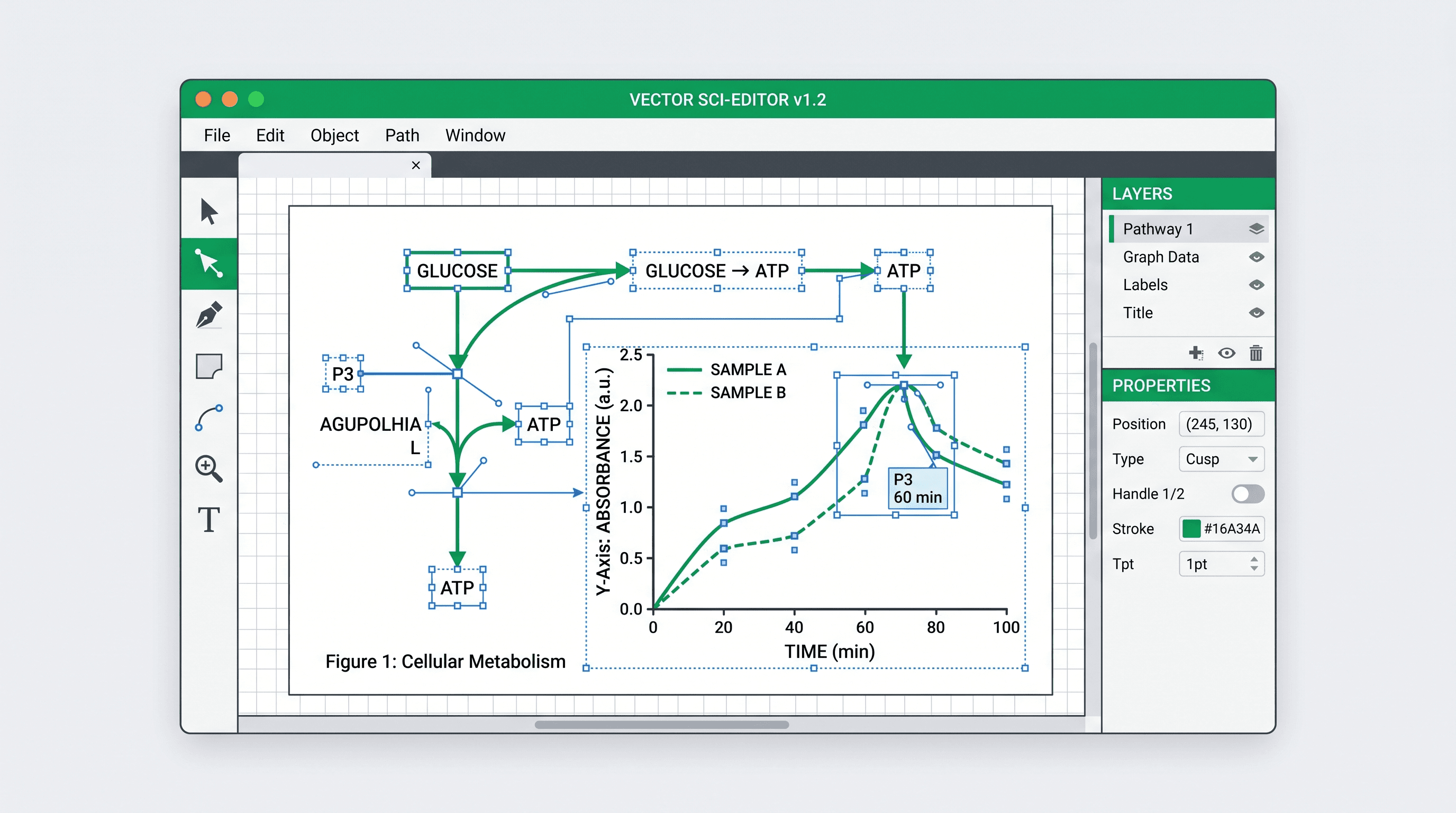
- Outputs: PNG (up to 4K) for A0, 48×36 in, and 36×48 in boards, plus conversion to editable SVG or PPTX via the image vectorizer.
- Limitations: Does not verify scientific accuracy—check every label, arrow, and value before printing. Scanned PDFs require pasting the abstract.
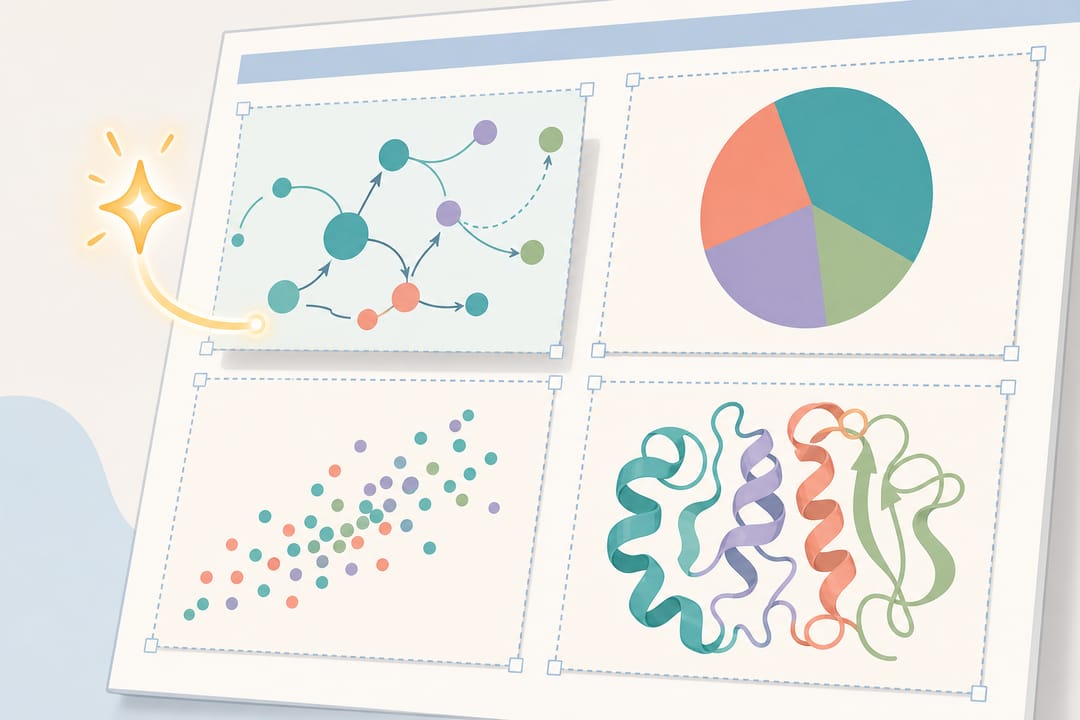 SciDraw AI drafts IMRaD poster layouts from a paper PDF or abstract and exports PNG, SVG, or PPTX files.
2. Paper2Poster / PosterAgent (Open-Source)
- Best for: Computational researchers comfortable with Python, CLI tools, and LLM APIs.
- AI capabilities: Open-source GitHub pipeline (released May 27, 2025; Skill added June 6, 2026) converting a paper PDF into
poster.pptx. - Pricing: MIT License with no code fee (not a hosted SaaS free tier); users pay their own LLM API, vLLM, and GPU costs, with no fixed price or verified per-poster cost.
- Outputs: Editable
PPTX(48×36 in example canvas); PDF requires conversion via LibreOffice or PowerPoint. - Limitations: Needs local dependencies (LibreOffice, Poppler) and API setup; no browser GUI.
3. BioRender Poster Builder
- Best for: Biomedical researchers manually building posters from standardized biological icons.
- AI capabilities: Editable templates, drag-and-drop icons, auto-spacing, and orientation switching. Pricing lists AI-assisted illustration, but one-click paper-to-poster generation is unverified—check the vendor page.
- Pricing: Free ($0); Academic Individual at US$35/month billed annually or US$39/month billed monthly (excludes commercial plans).
- Outputs: PNG, JPG, PDF (72 DPI Basic; 72/150/300 DPI Premium); poster PPTX is unverified.
- Limitations: Per BioRender's help page (September 9, 2026), Poster Builder exports on all plans carry a dedicated watermark.
4. Mind the Graph
- Best for: Life-science users combining poster templates with AI-generated figure assets.
- AI capabilities: Offers AI Image Generation alongside scientific icons and poster templates; automatic full-poster generation from a paper is unverified.
- Pricing: Starter ($0); Researcher lists $99/year (monthly prices of $9/$14 appear inconsistently—check the vendor page).
- Outputs: Paid PNG, PDF, TIFF, and vector downloads with in-app editing; poster PPTX is unverified.
- Limitations: Free Starter exports include a watermark and require formal attribution.
5. Piktochart
- Best for: Turning text or uploaded documents into infographic-style research posters.
- AI capabilities: AI Poster Generator explicitly lists research posters and builds editable layouts from prompts, text, or documents.
- Pricing: Free ($0, 60 AI credits); Pro at US$10/member/month billed annually; Business at US$17/member/month billed annually.
- Outputs: Pricing/help pages state Free gets 2 PNGs, Pro gets unlimited PNGs, and PDF/PowerPoint require Business (its AI poster page claims free PNG/JPG/PDF, conflicting with pricing/help pages—check your tier).
- Limitations: PowerPoint export does not guarantee full element editability; scientific plots require manual creation.
6. Visme
- Best for: Drafting a visual poster shell from a short document before adding your own charts.
- AI capabilities: Creates editable poster designs from prompts or one PDF/DOCX file (≤5 MB / 10 pages).
- Pricing: Basic (US$0); Starter at US$12.25/person/month (US$147/year); Business at US$24.75/person/month (US$297/year).
- Outputs: In-app editing; JPG/PNG/PDF start on Starter (not free on Basic), and PPTX is on Business (poster PPTX object editability is unverified).
- Limitations: Visme states its AI Designer cannot create or modify charts or data visualizations and does not guarantee verbatim text retention.
7. Canva
- Best for: General poster layouts, typography, and team collaboration.
- AI capabilities: Generates poster designs from topic and style prompts for drag-and-drop editing.
- Pricing: Free (US$0); Pro at US$144/year per person in the US (US$12/month billed annually). Both tiers limit AI usage.
- Outputs: Lists JPG, PNG, PDF, and PPTX, though object-level PPTX editability and chart/font fidelity are unverified.
- Limitations: Does not extract paper results or validate scientific accuracy; specialized diagrams must be imported.
8. Adobe Express
- Best for: Adobe users wanting clean typography and color themes.
- AI capabilities: Generates editable poster templates from prompts and reference assets.
- Pricing: Free (US$0, limited credits); Premium at US$9.99/month billed monthly (no annual commitment; 250 generative credits/month).
- Outputs: JPG, PNG, PDF; poster PPTX is unverified.
- Limitations: Targets commercial/brand posters; conference dimensions, figures, and citations require manual setup.
9. Microsoft PowerPoint + Copilot
- Best for: Co-author teams requiring a native
.pptxfile. - AI capabilities: Drafts decks and single slides from prompts or documents; one-click conference poster generation from a paper is unverified.
- Pricing: Microsoft 365 Personal is US$9.99/month with PowerPoint and Copilot (1-month trial; not permanently free).
- Outputs: Native editable
PPTXandPDF. - Limitations: Slide size is capped at 1–56 inches per side (36×48 in fits; 36×60 or 48×72 in cannot be set at 1:1 scale), and grids need manual setup.
10. Gamma
- Best for: Summarizing paper notes into structured cards before final poster layout.
- AI capabilities: Creates decks, documents, and images from prompts; single-sheet A0 or 36×48-inch poster generation is unverified.
- Pricing: Free tier allows ≤10 cards/prompt with non-refreshing credits; Plus/Pro/Ultra prices were not verifiable on the public pricing page—check the vendor page.
- Outputs: PDF, PPTX, PNG (Free exports carry Gamma branding; full poster layout fidelity in PPTX is not guaranteed).
- Limitations: Built for multi-card decks rather than single-sheet print posters.
11. PosterMyWall
- Best for: Symposium flyers or outreach posters.
- AI capabilities: Generates and edits posters from text/audio prompts and reference images.
- Pricing: Free standard downloads (high-res from US$5.99). FAQ lists Premium at US$13/month ($109/year) and Premium Plus at US$30/month ($319/year); AI poster tools require paid plans or trial credits.
- Outputs: JPG, PNG, PDF, WEBP, GIF; PPTX is unverified.
- Limitations: Built for marketing design; scientific chart accuracy and academic templates are unverified.
Non-AI & Legacy Note: PosterSession offers free non-AI editable PPTX templates (some list A0 as ~85×120 cm rather than ISO 841×1189 mm). Legacy tool PosterGenius (postergenius.com) timed out in October 2026 with no verifiable active sales or support, so it is excluded.
How to Choose an AI Scientific Poster Generator
- Paper PDF/abstract to poster draft + scientific figures: Use SciDraw AI's Scientific Poster Maker and AI Drawing.
- Python pipeline from PDF to
.pptx: Use Paper2Poster / PosterAgent with LibreOffice and your LLM API keys. - Native PowerPoint editing: Use PowerPoint + Copilot (≤56 in), SciDraw AI's Research Poster Templates, or PosterSession
PPTXtemplates. - Biology icons or general templates: Use BioRender or Mind the Graph for icons (noting watermarks), or Piktochart, Visme, Canva, or Adobe Express when importing verified charts.
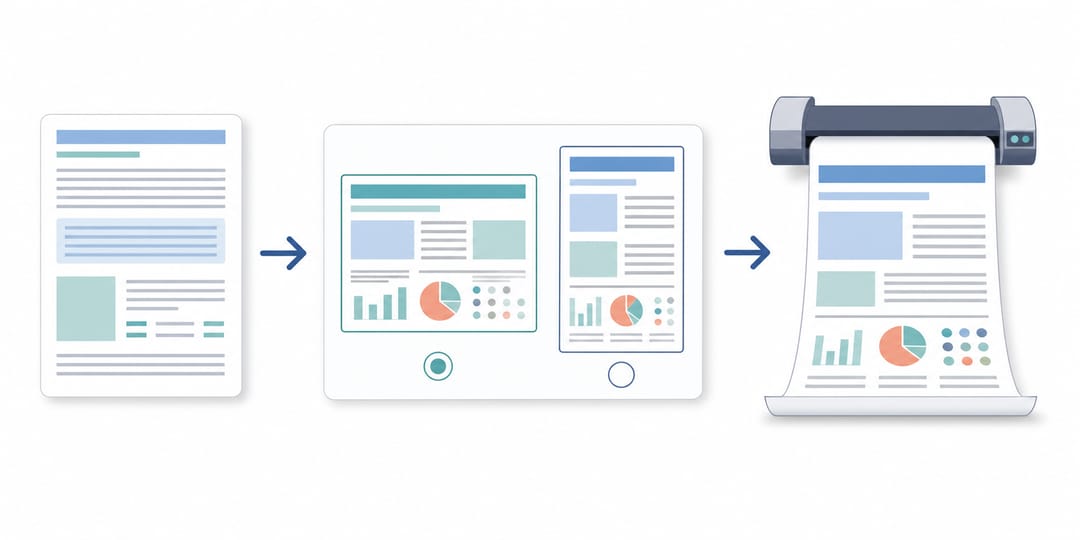 Draft the IMRaD structure from your abstract or PDF, verify figures and labels, and export at print resolution.
Academic Poster Sizes and Conference Requirements
Check your conference instructions before setting up a canvas:
- ISO A0 (841 × 1189 mm): Standard metric size (swap width/height for landscape). The 2026 UAB student conference requires A0 and permits landscape while recommending portrait. See our Scientific Poster Size Guide.
- 36 × 48 in / 48 × 36 in: Common US size where direction matters—USF's graduate symposium requires 36×48 in (portrait) for print, but 48×36 in (landscape) for digital posters.
- Oversized Boards (36×60, 42×60, 48×72 in): Optional sizes from providers like PosterSession (exceeding PowerPoint's 56-inch limit at 1:1 scale).
- Content Structure: Guidelines (2026 UKSWSE, MMN 2026) typically require title, authors/affiliations, background, methods, results, conclusions, and references.
- Resolution & Delivery: Export exact-size PDFs with embedded fonts; UAB recommends ~300 DPI and MMN 2026 requires ≥300 DPI. Check panels with the Figure DPI Calculator or Figure Checker.
- Readability: UKSWSE 2026 suggests 24–32 pt body text and 70–120 pt titles with high contrast (see best fonts for scientific figures and posters).
Frequently Asked Questions (FAQ)
What is the best AI for poster generation in academic research?
For drafting an IMRaD layout from a paper PDF or abstract and creating scientific figures in the browser, SciDraw AI handles both tasks. For an open-source Python pipeline from PDF to .pptx, choose Paper2Poster. For general templates where you add your own charts, Piktochart, Visme, and Canva work well.
Is there a free AI academic poster generator?
Yes, with export limits: SciDraw AI gives 10 signup plus 5 daily credits; Paper2Poster is MIT open-source code (pay your API/GPU costs); BioRender and Mind the Graph offer $0 tiers with watermarks (BioRender watermarks all Poster Builder plans and caps Basic at 72 DPI); and Piktochart ($0, 2 PNGs) and Visme ($0 Basic) require paid plans for print PDFs.
Can AI turn an abstract or paper PDF directly into a conference poster?
Yes. SciDraw AI reads a text-based paper PDF (≤20 MB) or abstract to draft an IMRaD prompt and layout, and Paper2Poster converts a paper PDF into poster.pptx. Piktochart and Visme (≤5 MB / 10 pages) also accept documents, whereas full paper-to-poster generation is unverified for BioRender, Mind the Graph, Gamma, and PowerPoint Copilot.
What is the best AI for poster presentation files that stay editable in PowerPoint?
PowerPoint with Copilot edits native .pptx files (≤56 in), Paper2Poster outputs poster.pptx, and SciDraw AI converts posters and figures into editable PPTX or SVG via its Vectorizer. Canva, Gamma, Piktochart (Business), and Visme (Business) list PPTX exports, but full object editability on complex posters is unverified.
Can AI poster makers generate accurate scientific charts?
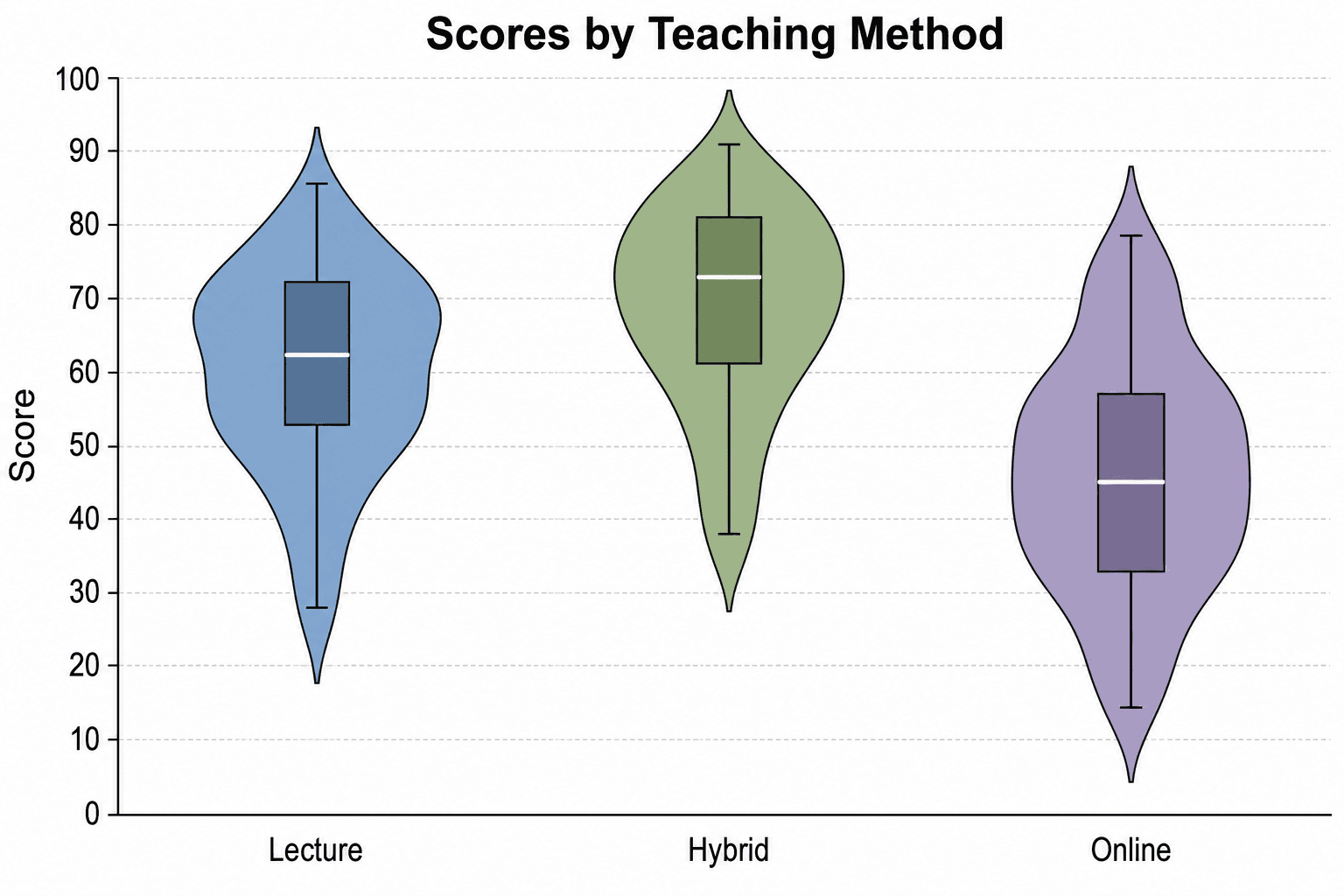
Do not rely on general AI layout tools to plot raw data. Visme states its AI Designer cannot create or modify charts and does not guarantee verbatim text retention, and SciDraw AI advises checking every label, arrow, and value before printing. Export statistical plots from your analysis software at 300 DPI or as SVG, then place them into your poster.
Related Guides
- Research Poster Design Guide — scientific poster layout guide
- Scientific Poster Size Guide — A0, 48×36, and 36×48 dimensions
- Best Fonts for Scientific Figures and Posters — typography and font-size rules
- Conference Presentations with AI — visual techniques for talks
- 8 AI Prompt Rules for Scientific Figures — prompts for poster graphics
- AI Scientific Illustration Tool — create poster visuals online