Free AI Scientific Diagram Maker
Turn plain text into mechanism, process, system, and network diagrams
Build scientific diagrams, mechanism schematics, network visuals, system architecture figures, and flowcharts without starting from a blank canvas. SciDraw AI structures the panels, labels, and arrows so every diagram reads like a journal figure — not a clipart slide.
Scientific Diagram Examples
Browse scientific diagrams across disciplines, or generate your own above.
What can this AI scientific diagram maker do?
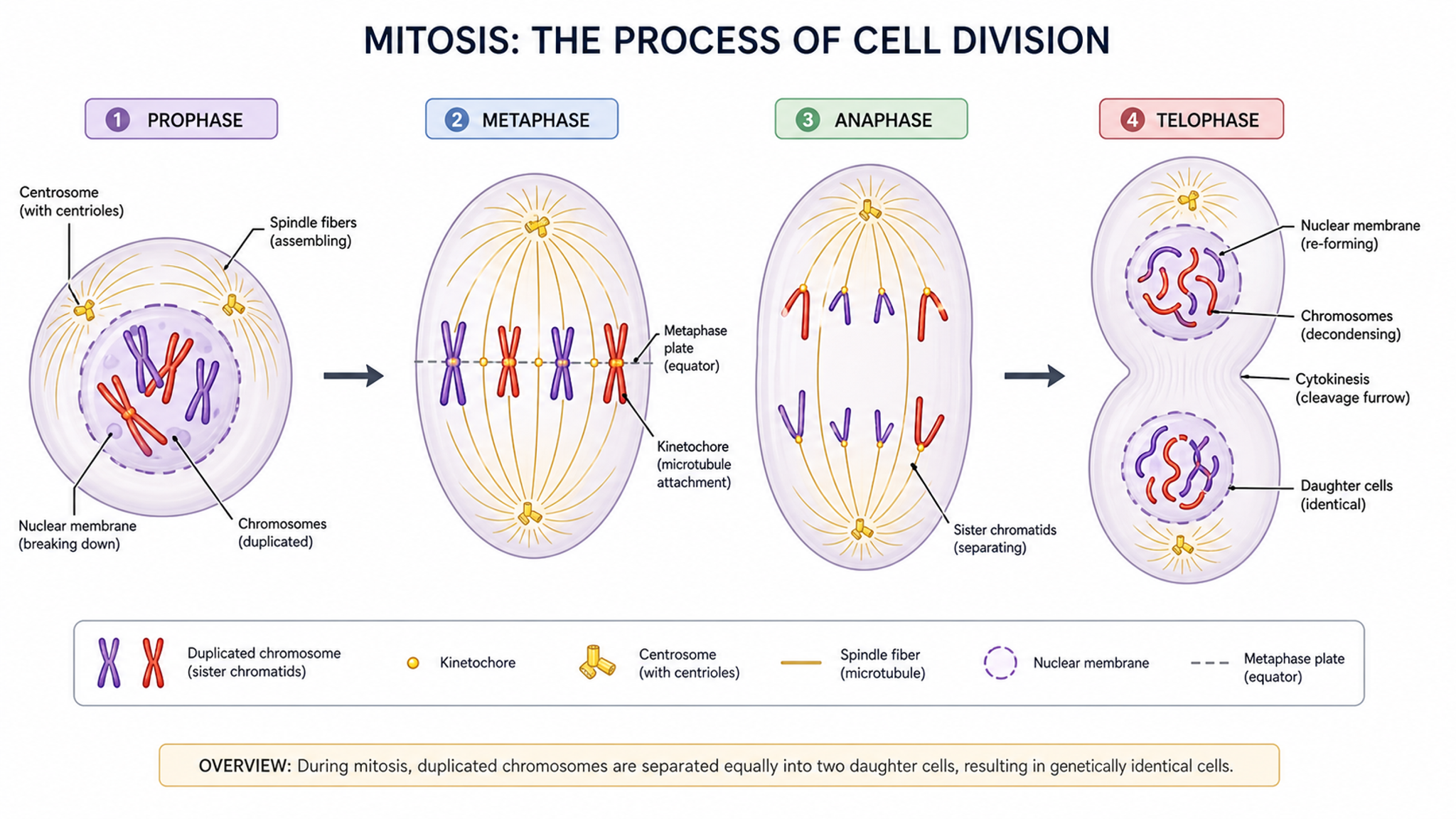
This AI scientific diagram maker turns a plain-language description into a structured, labeled scientific diagram or schematic diagram (示意图). It handles process diagrams, mechanism schematics, force diagrams, reaction and earth-science cycles, systems block diagrams, network diagrams, and classification trees, choosing the right layout, symbols, and arrow conventions so the result reads like a journal or textbook figure instead of generic clipart.
Why scientific diagrams matter
- Explain a process, mechanism, or system far faster than text alone
- Communicate spatial relationships and step-by-step flow at a glance
- Meet figure expectations for papers, theses, and grant proposals
- Make abstract concepts concrete for students and non-specialists
- Keep a consistent visual language across slides, handouts, and chapters
How to create a clear scientific diagram
Start by naming what the diagram or schematic must show — a process, a force balance, a cycle, a system, or a hierarchy — then list the key components and how they connect. Use correct symbols, consistent arrows, and minimal text so the structure carries the meaning. SciDraw AI applies these conventions automatically and produces an editable scientific diagram or schematic diagram (示意图) you can refine through natural language or export as SVG.
Common elements in scientific diagrams
- Clearly labeled nodes, components, or structures
- Directional arrows showing flow, sequence, or cause and effect
- Correct domain symbols (vectors, reaction arrows, circuit blocks)
- A logical layout: linear, circular, branching, or layered
- Concise text labels and a short legend where needed
- Consistent color and styling across related elements
Scientific Diagram Maker FAQ
What counts as a scientific diagram?
A scientific diagram is any structured visual that explains how a system, process, or mechanism works. This includes pathway diagrams, mechanism schematics, experimental workflows, system architectures, decision trees, and methods flowcharts. It is distinct from a data chart (bar, scatter, heatmap) and from a photograph.
How is SciDraw AI different from Lucidchart or draw.io?
Lucidchart and draw.io are general diagramming tools. SciDraw AI is designed specifically for scientific diagrams: it understands research terminology, picks journal-friendly symbols by default, and exports in formats journals actually accept. You spend your time on the science, not on picking shapes from a palette.
Can I make multi-panel scientific diagrams?
Yes. SciDraw AI supports multi-panel layouts so you can combine a mechanism diagram, an experimental pipeline, and a result summary in a single figure — the way most research papers present methods and results together.
Does it understand specific fields like cell biology or materials science?
You can describe diagrams from cell biology, molecular biology, chemistry, materials science, physics, and clinical research. Include the terminology, relationships, and visual conventions you need, then review the result against reliable references. Accuracy varies by subject and request.
Can I edit the scientific diagram after it is generated?
Yes. You can edit through natural language prompts (rename a node, add an arrow, reorder panels) or through direct SVG editing in Illustrator, Inkscape, or PowerPoint. Editable SVG means you never have to start from scratch for small fixes.
Is there a free way to try the scientific diagram maker?
Yes. New users receive free credits on sign-up and can generate several scientific diagrams at no cost. After the free credits, affordable monthly and pay-as-you-go plans are available.
Can it make a schematic diagram (示意图)?
Yes. A schematic diagram — 示意图 in Chinese — is exactly what this tool is built for: a simplified, labeled drawing that shows how a system, device, or process works without photographic detail. Describe the components and how they connect, and SciDraw AI lays out a clean scientific schematic with the right symbols, arrows, and labels, ready for a paper, slide, or textbook.
What diagram types are supported?
SciDraw AI supports a wide range of scientific diagram types: pathway and mechanism diagrams, experimental workflows and flowcharts, schematic diagrams (示意图), system architecture and block diagrams, biological and citation networks, decision trees, cycle diagrams (such as the rock cycle or carbon cycle), force diagrams, and classification trees. If you can describe the structure in words, it can usually draw it — and you can combine several into a single multi-panel figure.
Can I use the figure in a journal paper, thesis or poster?
Yes. Every figure you create can carry a Publication License Certificate — a one-page PDF that names you as the licensee and covers journals, theses, presentations and posters. Click License Certificate beside Download; certificates unlock once you have bought any plan or credit pack.
How accurate are the generated figures?
The AI draws and labels what you describe, but it does not check the science for you. Review every label, arrow and value before you use the figure, then fix anything that is off by refining your description and regenerating, or by adjusting it in the editor.
Explore More Tools
Scientific Figure Maker
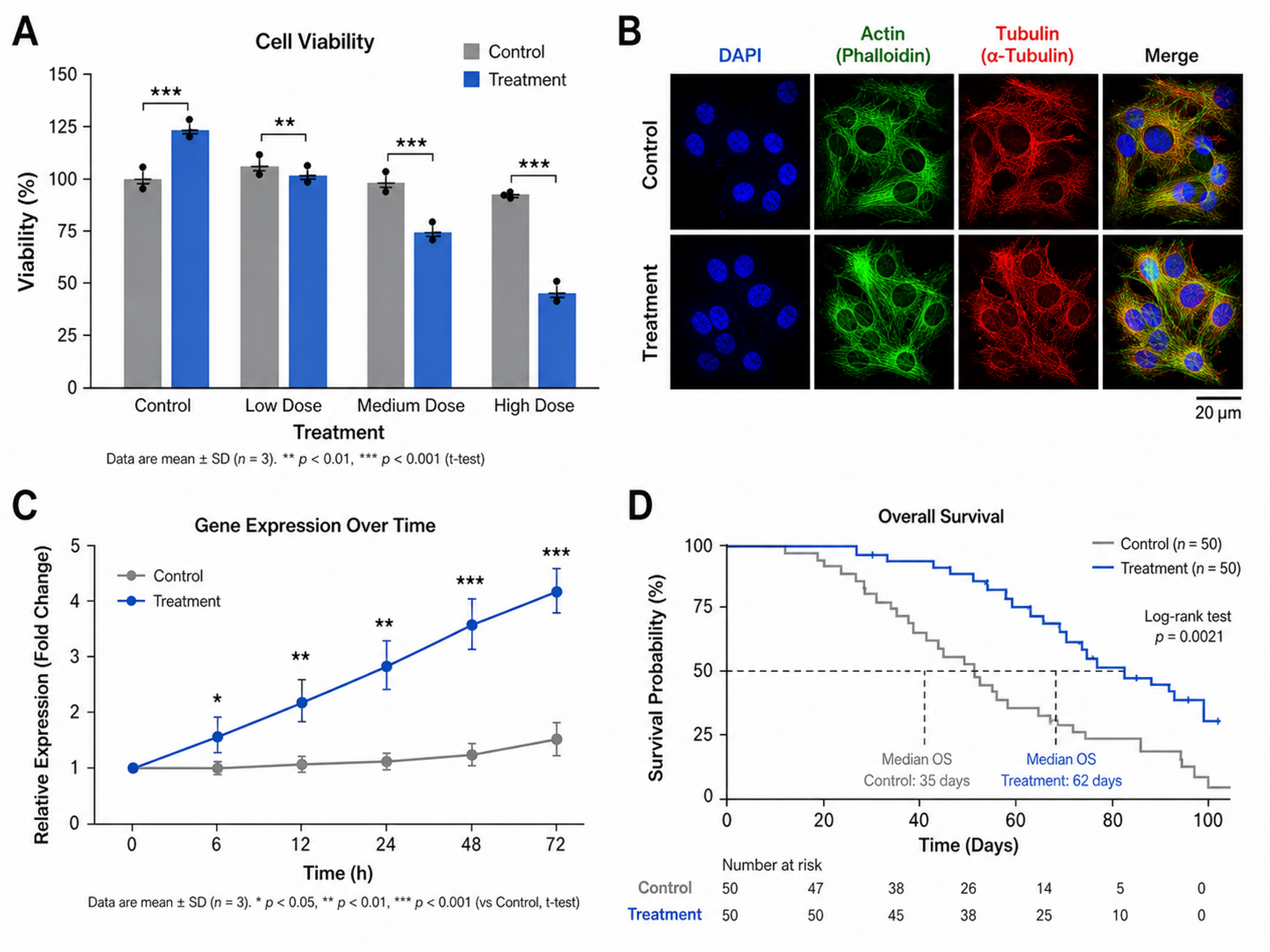
Create publication-ready figures for research papers
Try it free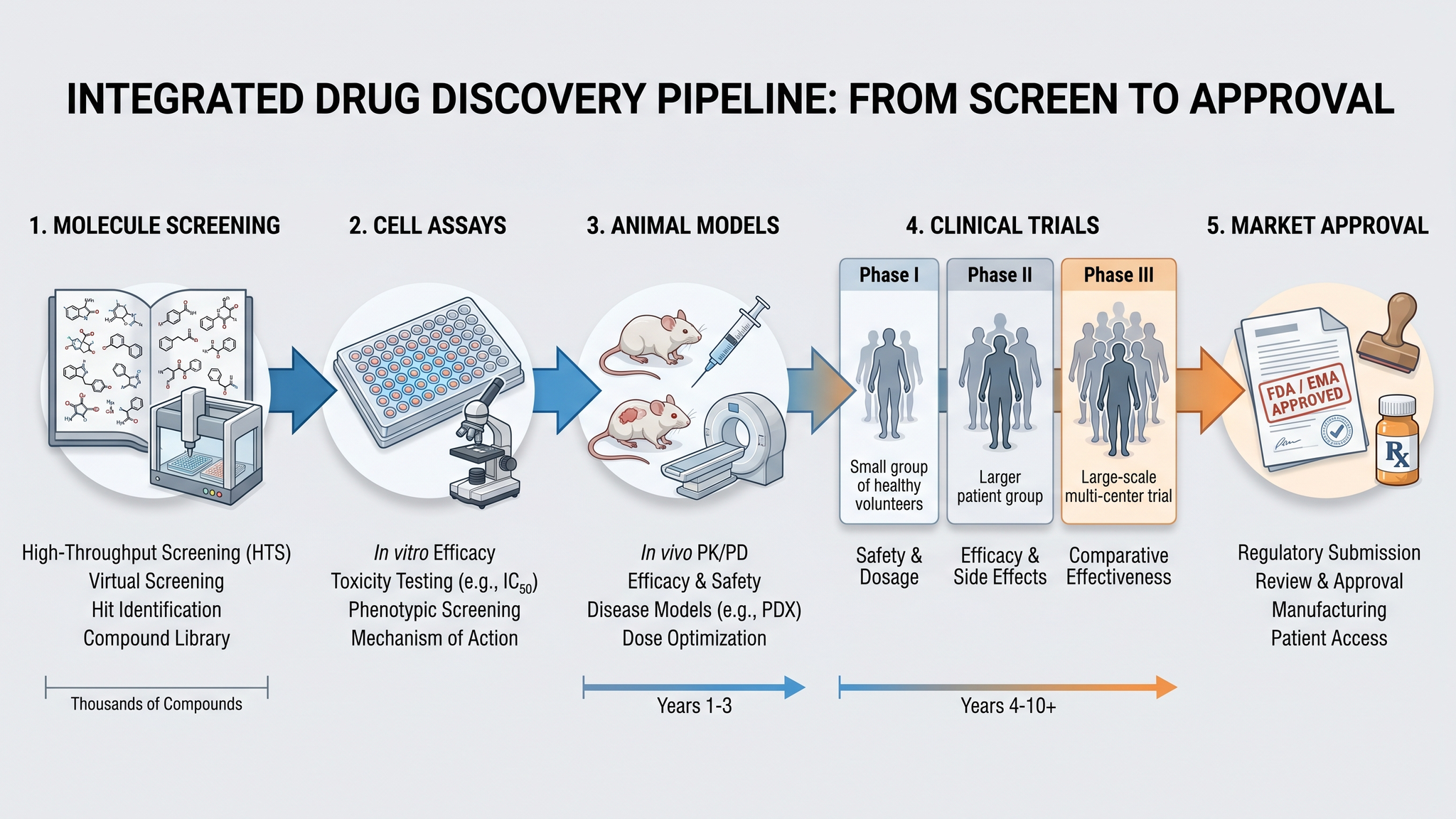
Graphical Abstract Maker
Create stunning graphical abstracts for journal submissions
Try it free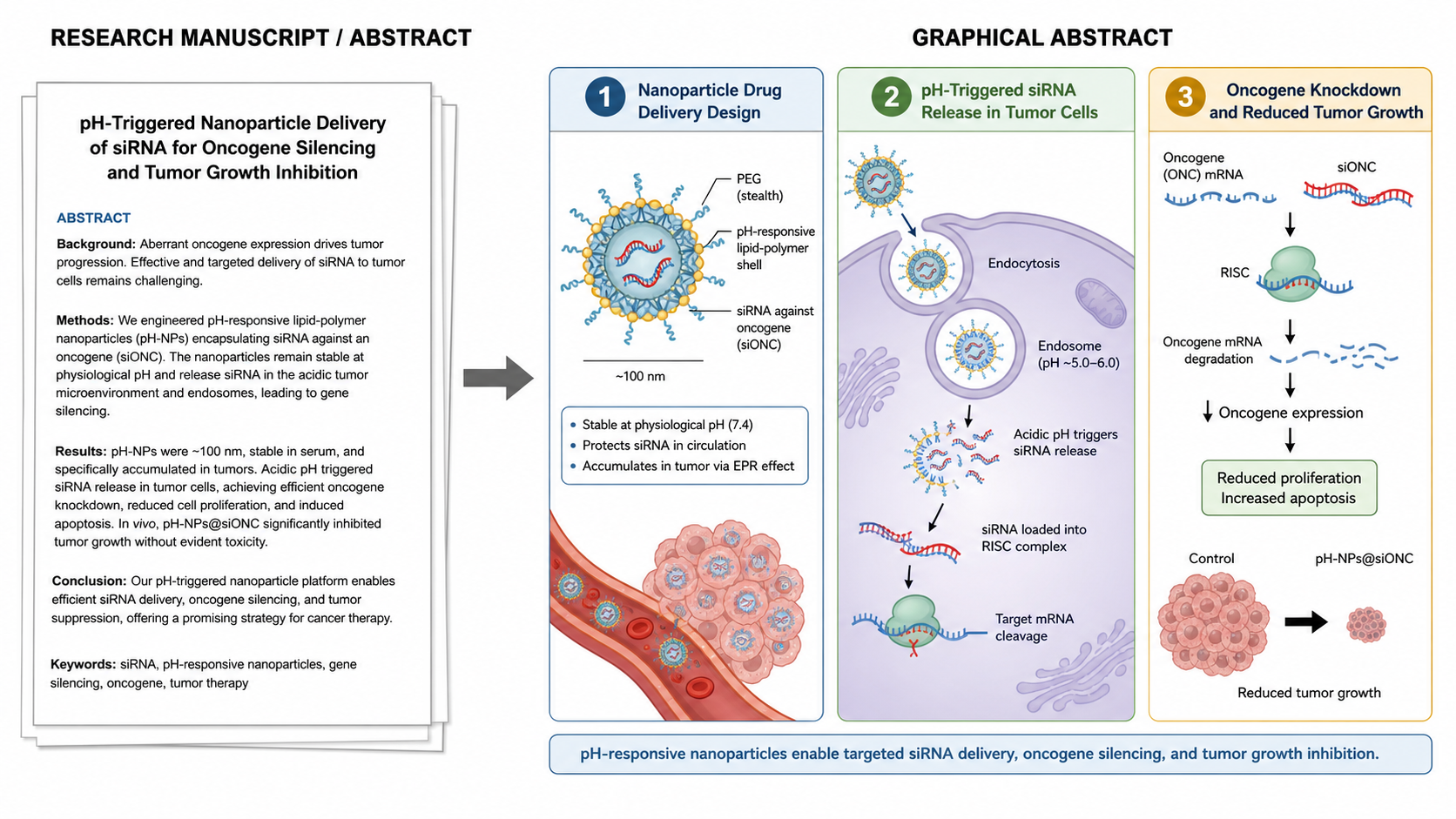
Manuscript to Figure Generator
Create manuscript to figure visuals for abstracts, methods, results, study workflows, graphical abstracts, and multi-panel paper figures.
Try it freeCreate Your First Scientific Diagram Today
Free to start. Describe the diagram and export editable SVG in seconds.