Research presentation and poster templates
Download an editable PowerPoint file, replace the example study with yours, and present. Each template follows how that talk or poster is actually judged.
Scientific presentation templates
Five decks for the talks a researcher gives most: defense, conference, journal club, lab meeting and proposal. Each slide says what belongs on it, how long to spend there and what the audience usually asks.
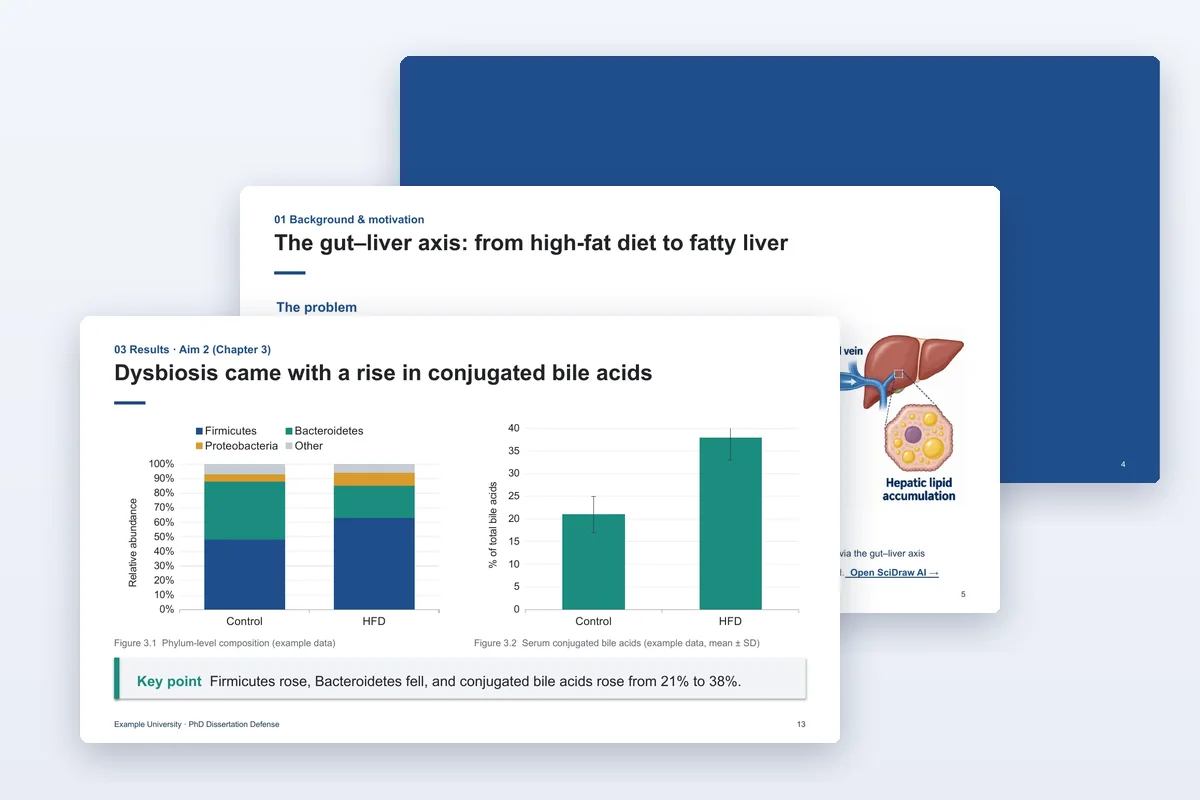
Thesis defense
A PhD or master's defense talk with committee Q&A backup slides.
- 20 slides
- PPTX
- 11 languages
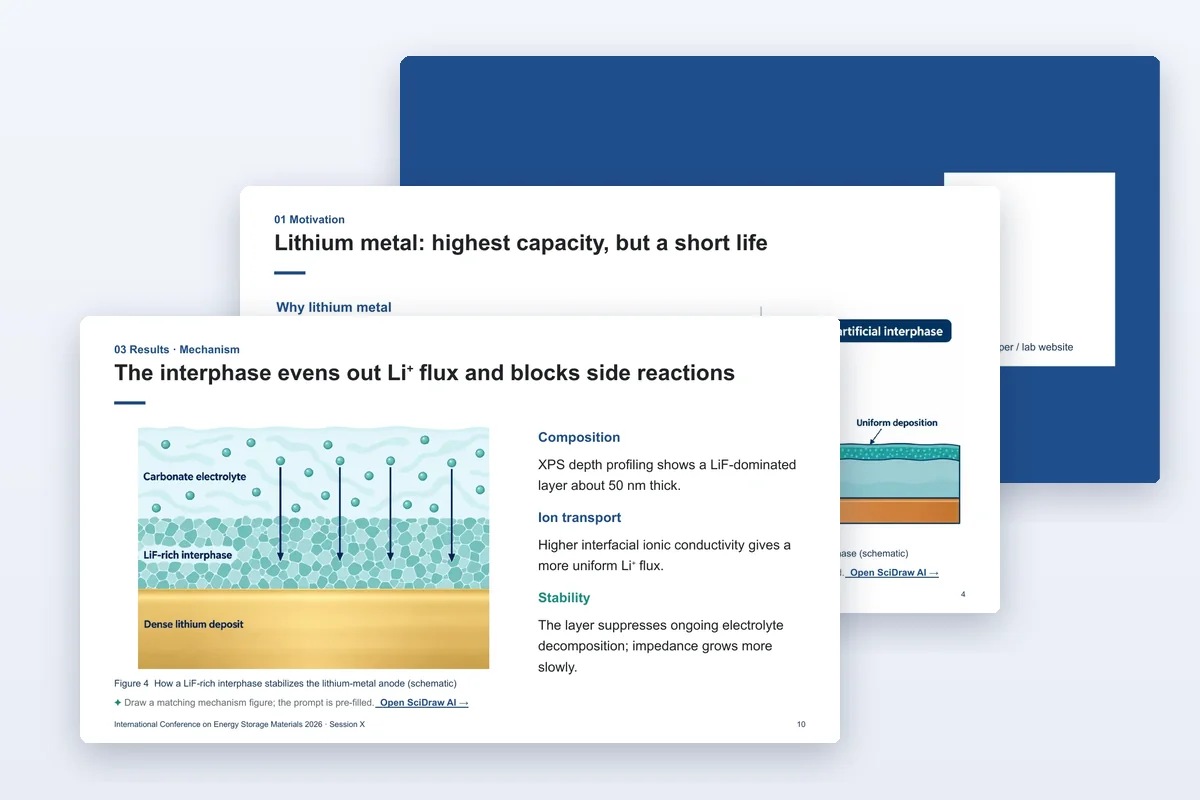
Conference presentation
A 12–15 minute talk that leads with one take-home message.
- 13 slides
- PPTX
- 11 languages
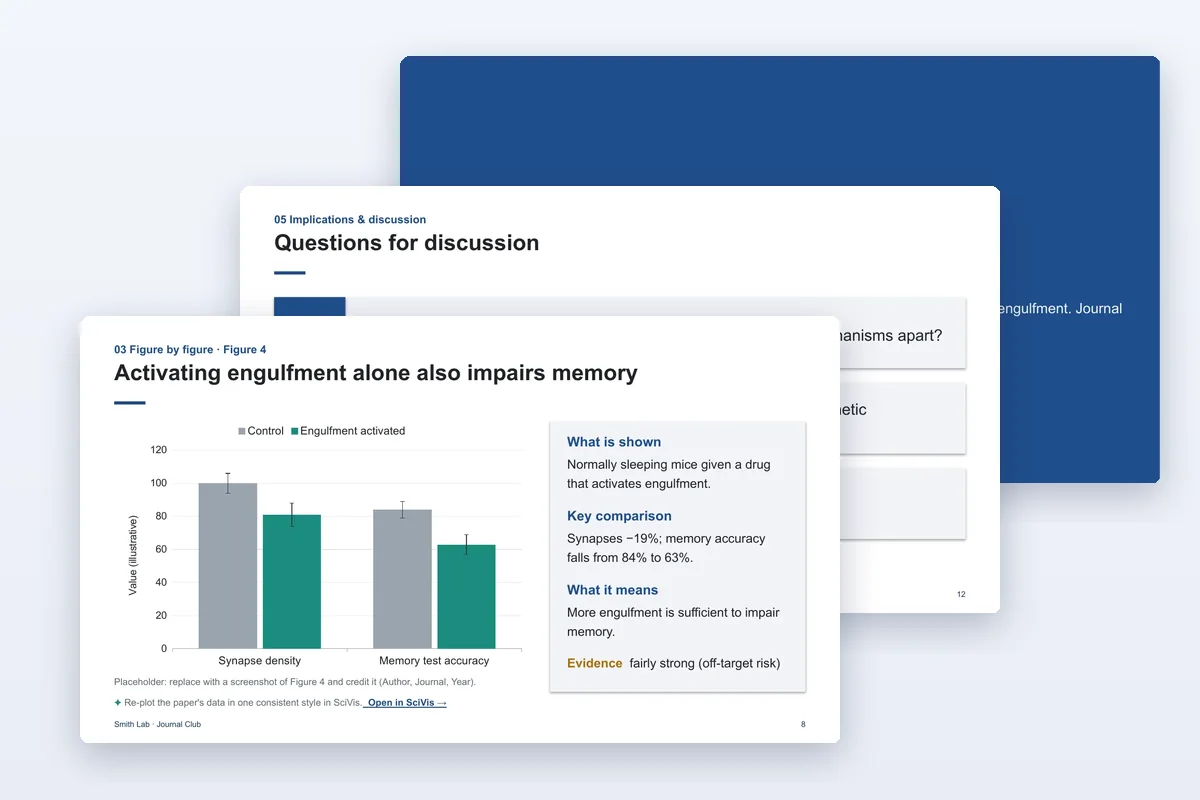
Journal club
Walk through one paper figure by figure and judge the evidence.
- 12 slides
- PPTX
- 11 languages
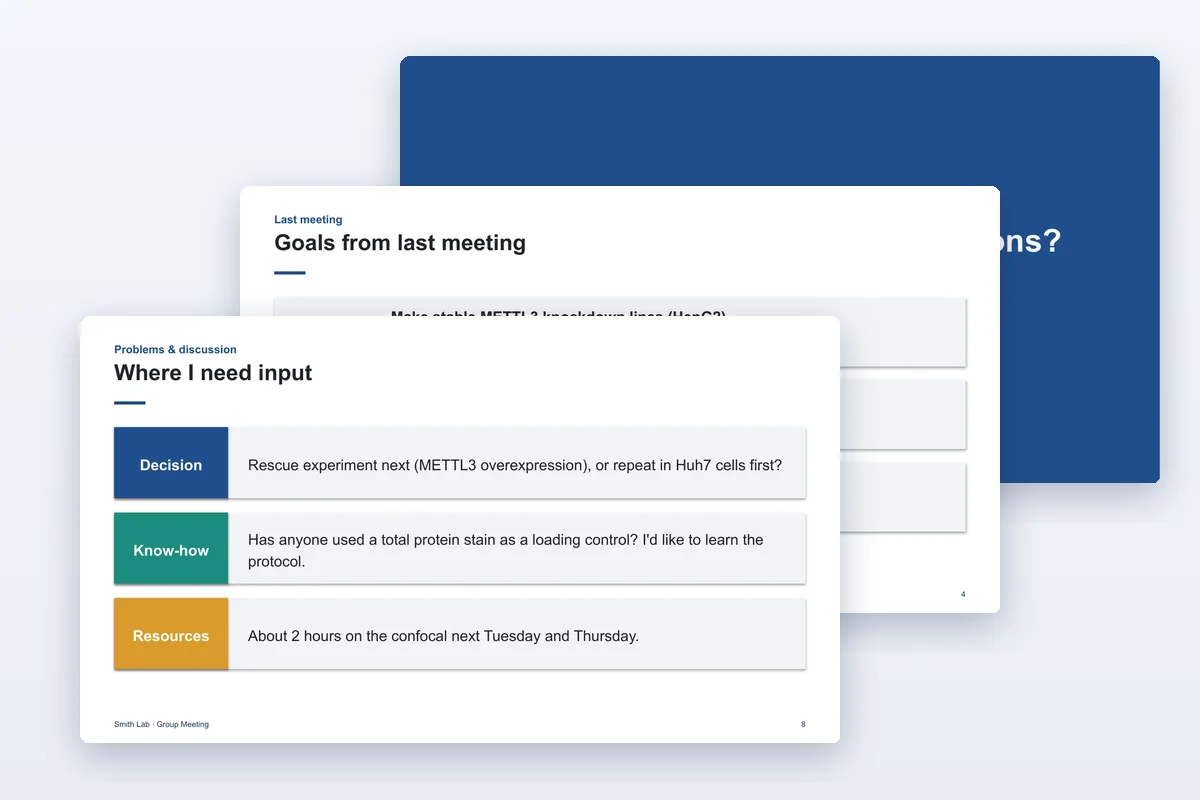
Lab meeting
A 10-minute progress update: done, found, stuck, need, next.
- 9 slides
- PPTX
- 11 languages
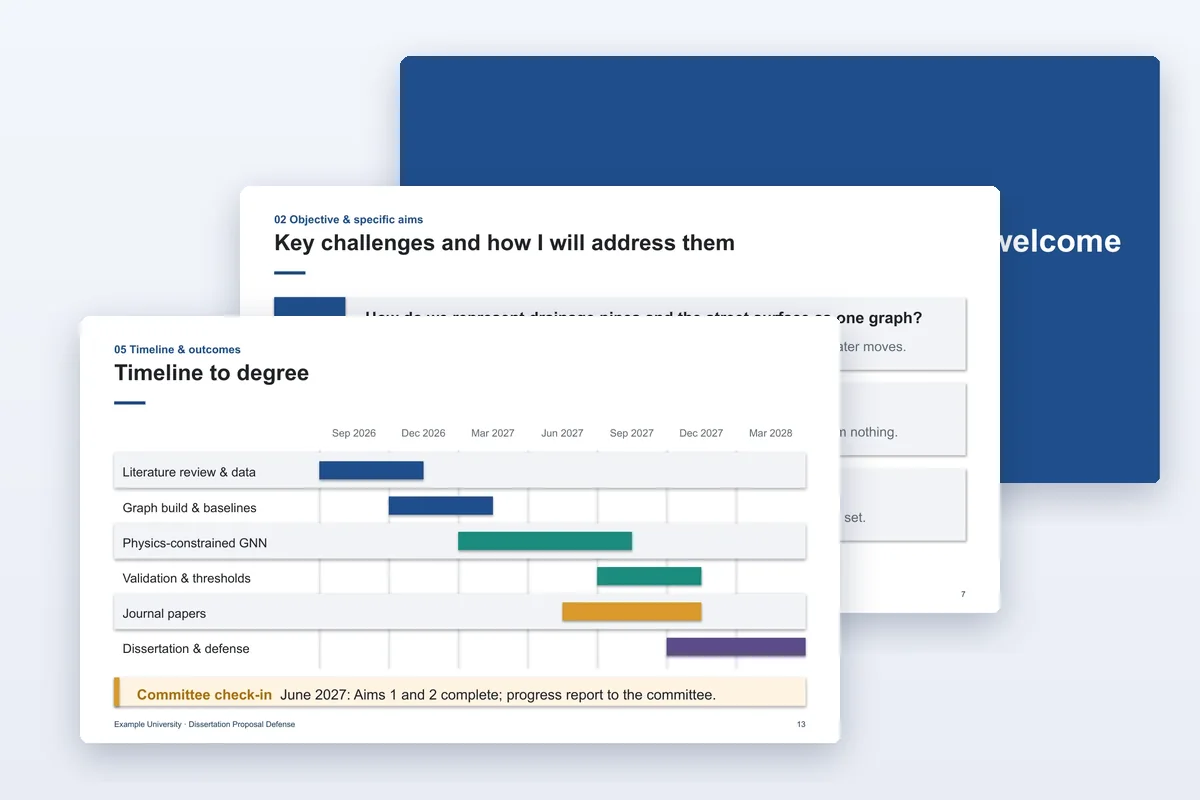
Research proposal
Dissertation proposal or qualifying exam: aims, approach, feasibility, timeline.
- 15 slides
- PPTX
- 11 languages
Download a ready-made poster template
Prefer to edit it yourself? Get an editable PPTX in the size your conference asks for.
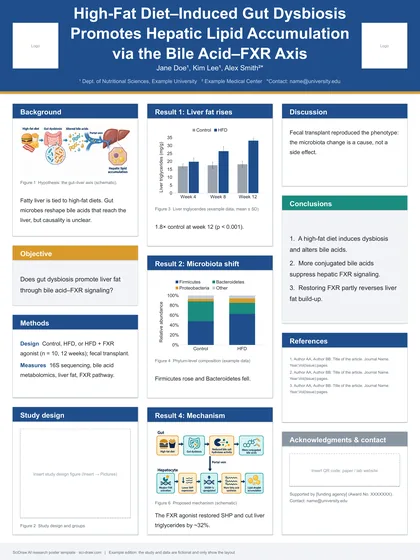
Research poster · Standard
Classic IMRaD poster in three or four columns.
- 10 sizes
- 4 colour schemes
- PPTX
- 11 languages
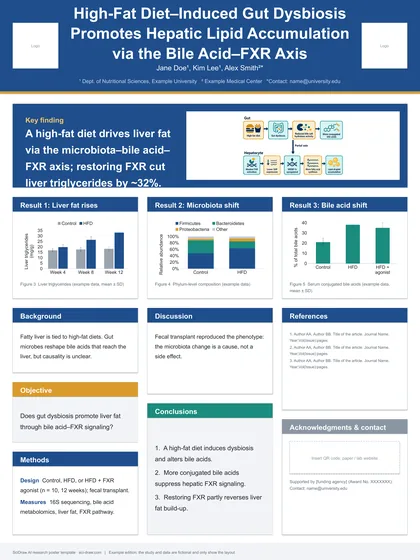
Research poster · Results spotlight
One finding in a banner, the evidence underneath.
- 9 sizes
- 4 colour schemes
- PPTX
- 11 languages
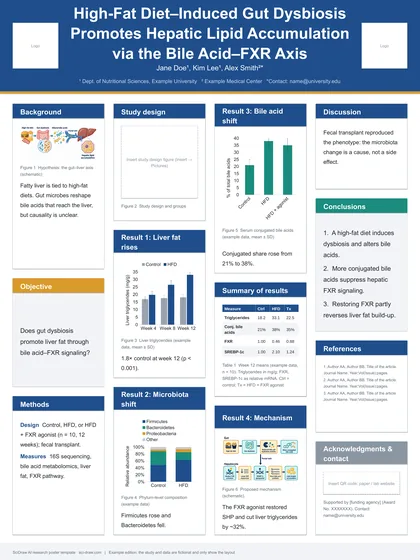
Research poster · Four columns
Room for more figures and a results table.
- 4 sizes
- 4 colour schemes
- PPTX
- 11 languages
What every template includes
Written example, not lorem ipsum
A complete fictional study shows how much to write on each slide. Example data is labelled as example data.
Native, editable charts
Bar and line charts are PowerPoint charts: right-click → Edit Data and the chart redraws with your numbers.
Speaker notes and backup slides
Notes say what to say and for how long; hidden backup slides hold answers to the questions you are likely to get.
One-click figures
Every figure slot links to SciDraw AI with a matching prompt already filled in, in the language of the file.
Which template do I need?
- Defending a thesis or dissertation
- Use the thesis defense deck. Plan on about one slide per minute and keep the backup slides for questions.
- A talk at a conference
- Use the conference presentation: one message up front, three results, and a closing slide with a QR code.
- Presenting at a poster session
- Standard for a classic IMRaD layout, results spotlight when one finding matters most, four columns when you have many figures.
Frequently asked questions
Are the templates free?
Yes. Download without an account and use them for your own talks, posters, teaching and publications. Please don't resell or redistribute the templates themselves.
Which software do they open in?
They are built for Microsoft PowerPoint on Windows and Mac. Keynote, Google Slides, WPS and LibreOffice can open .pptx files, but fonts, line breaks and native charts may look slightly different there.
Is the example research real?
No. Every template carries a fictional study so you can see how much to write. Replace all of it, including the example numbers, before presenting.
How do I change the colours?
All colours are theme colours. In PowerPoint go to Design → Variants → Colors and pick a palette; every shape, chart and table recolours at once. Posters also come in four ready-made colour schemes.
Can I print the poster at a different size?
Download the file for your size instead of scaling the page. Text sizes are set for each print size so the poster stays readable from a distance.
Where do the figures come from?
Example illustrations were generated from the prompts shown in each file's notes. Use the link under a figure to open SciDraw AI with that prompt filled in and adapt it to your study. Experimental images such as micrographs are left as empty frames — use your own.