Presentazione a un congresso
Si apre con il messaggio chiave, lo sostiene con tre slide di risultati formulate come conclusioni e termina con una slide di contatto e codice QR. Le note tengono ogni slide intorno a un minuto.
Le anteprime sono generate dal file scaricabile.
Strumenti per le figure di questo modello
 Creatore di Figure ScientificheCrea figure pronte per la pubblicazione per articoli di ricerca
 Creatore di Abstract GraficiCrea abstract grafici eleganti per le tue pubblicazioni
- Visualizzazione Dati ScientificiCarica i tuoi dati e ottieni grafici a barre, a linee, box plot e violin plot pronti per la pubblicazione.
Cosa contiene
- 1Scaletta con il messaggio chiave
- 2Contesto e lacuna che affronti
- 3Approccio e metodi
- 4Tre slide di risultati con grafici nativi
- 5Confronto con gli approcci esistenti
- 6Conclusioni e prossimi passi
- 7Slide di contatto con codice QR
- 8Slide di riserva nascosta per le domande
Come usarlo
- 1
Scarica il file nella tua lingua e aprilo in PowerPoint.
- 2
Leggi prima la slide di istruzioni nascosta: spiega tempi, colori e figure.
- 3
Sostituisci lo studio di esempio slide per slide. Tasto destro su un grafico → «Modifica dati» per inserire i tuoi numeri.
- 4
Ti serve una figura? Usa il link sotto qualsiasi spazio per figure per aprire SciDraw AI con un prompt adatto.
Guide da leggere insieme
- 5 Tecniche di Illustrazione AI per Presentazioni di Conferenze di ImpattoTransform conference slides with AI-powered visuals. Learn techniques for opening slides, data storytelling, methodology infographics, conclusion summaries, and Q&A backup materials with prompt templates.'AI. Scopri le tecniche per le slide di apertura, lo storytelling dei dati, le infografiche sulla metodologia, i riassunti delle conclusioni e i materiali di backup per le sessioni di Q&A con modelli di prompt.
- Convertire immagini scientifiche in PPTX e SVG modificabiliScopri come trasformare figure scientifiche PNG, JPG, WebP o generate con IA in file PowerPoint PPTX e SVG modificabili, con suggerimenti per slide, Illustrator, Figma e submission a riviste.
- I migliori font per figure scientifiche e poster accademici: guida di riferimento completaGuida pratica alla scelta dei font per figure scientifiche e poster da convegno — raccomandazioni, dimensioni, requisiti delle riviste e consigli sull'accessibilità.
Altri modelli
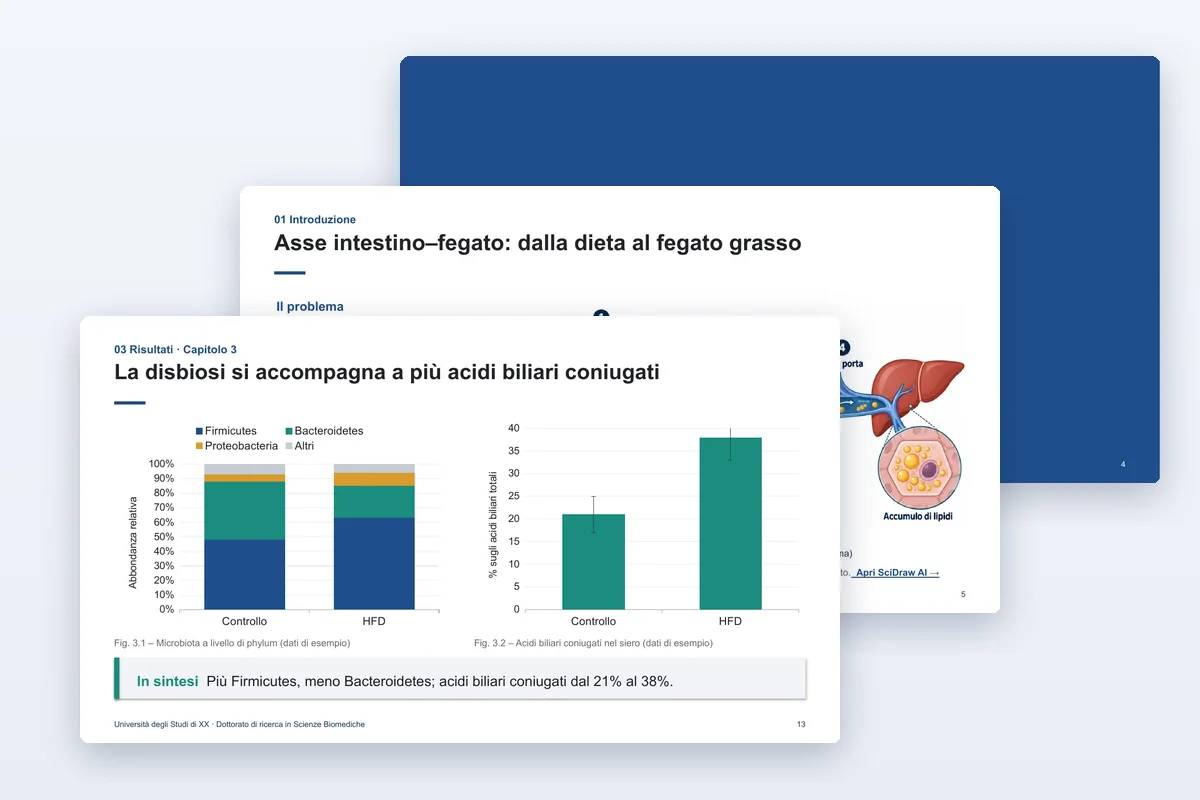
Discussione della tesi
Discussione della tesi di laurea magistrale o di dottorato, con slide di riserva per le domande della commissione.
- PPTX
- 11 lingue

Journal club
Analizza un articolo figura per figura e valuta le prove.
- PPTX
- 11 lingue
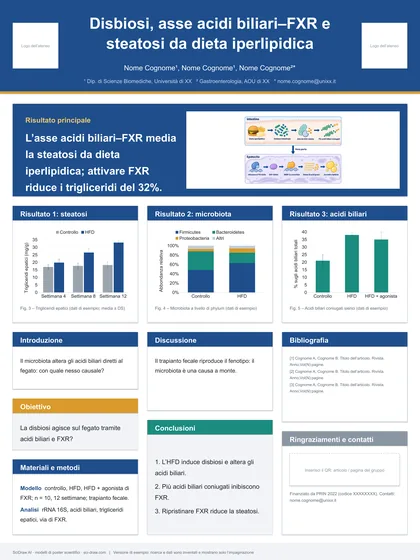
Poster scientifico · Risultato in evidenza
Un risultato in un banner, le prove sotto.
- PPTX
- 11 lingue