Modelli per presentazioni scientifiche
Cinque presentazioni per gli interventi più frequenti nella vita di un ricercatore: discussione della tesi, congresso, journal club, riunione di gruppo e progetto di ricerca. Ogni slide indica cosa contiene, quanto tempo dedicarle e cosa chiede di solito il pubblico.
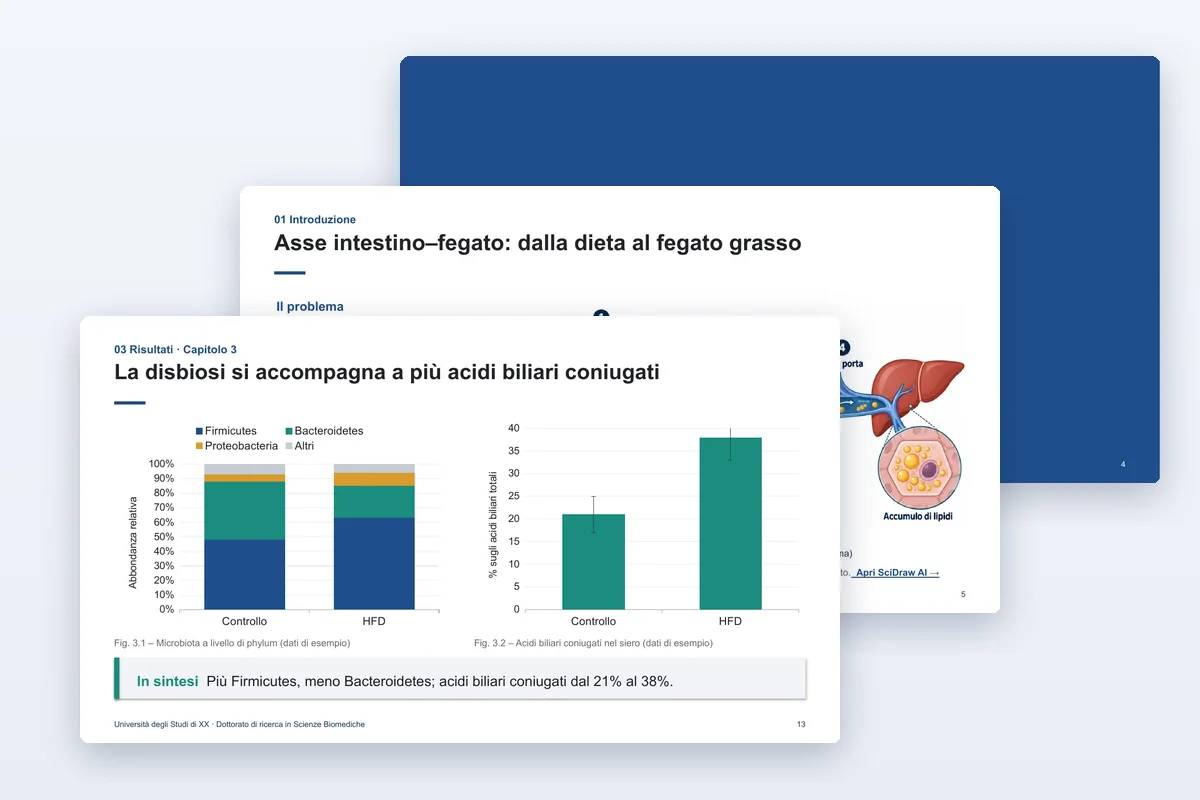
Discussione della tesi
Discussione della tesi di laurea magistrale o di dottorato, con slide di riserva per le domande della commissione.
- 20 slide
- PPTX
- 11 lingue
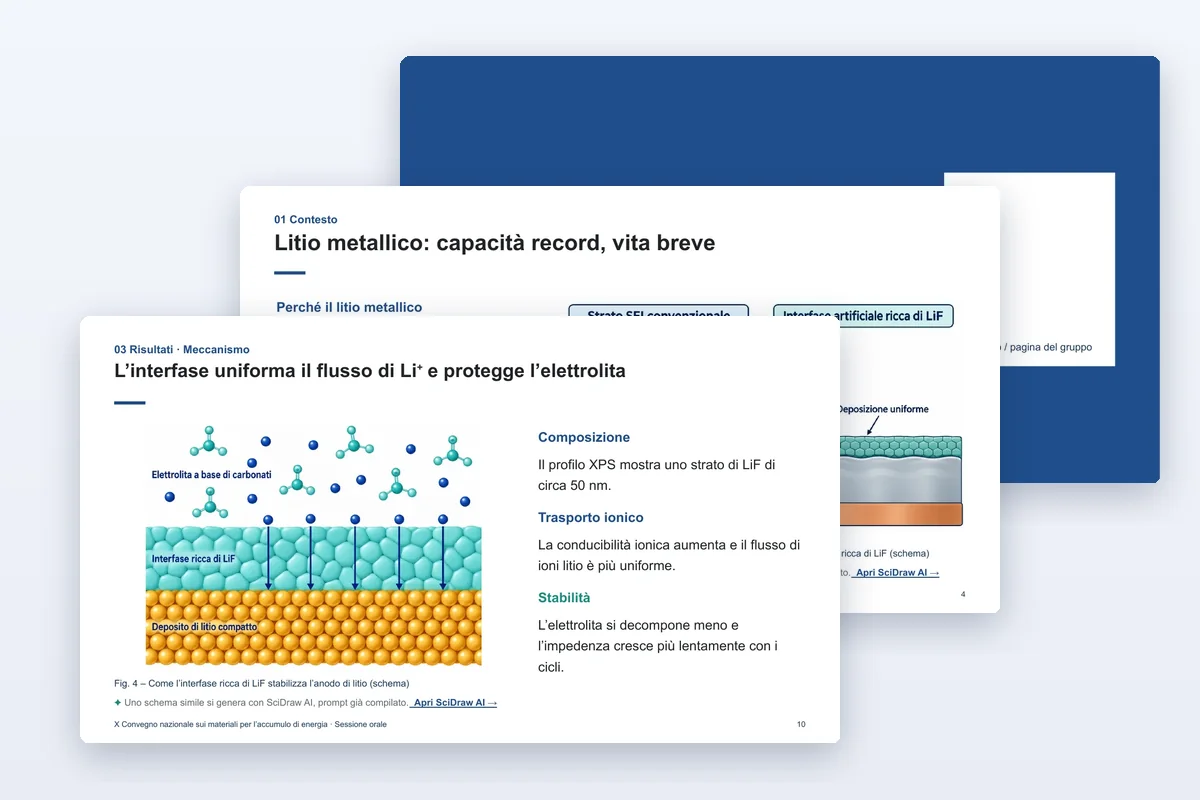
Presentazione a un congresso
Un intervento di 12–15 minuti che parte da un unico messaggio chiave.
- 13 slide
- PPTX
- 11 lingue

Journal club
Analizza un articolo figura per figura e valuta le prove.
- 12 slide
- PPTX
- 11 lingue
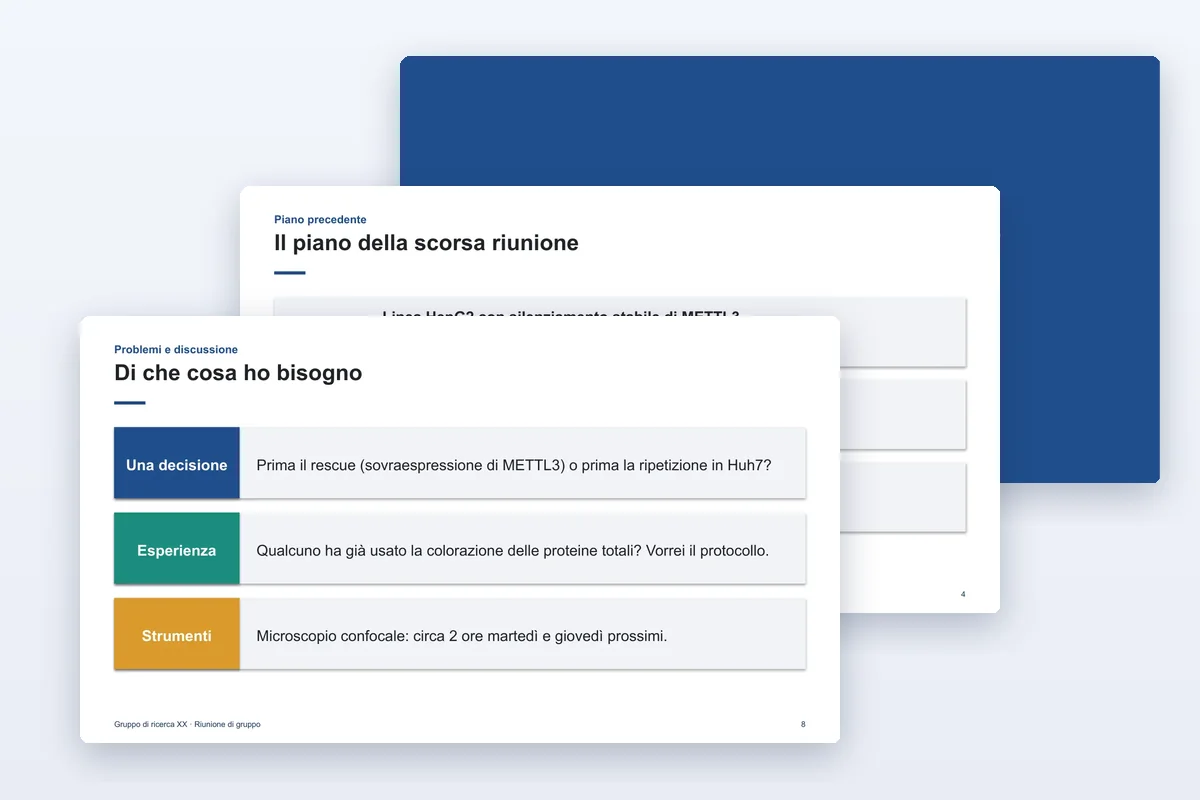
Riunione di gruppo
Un aggiornamento di 10 minuti: fatto, trovato, bloccato, serve, prossimo passo.
- 9 slide
- PPTX
- 11 lingue
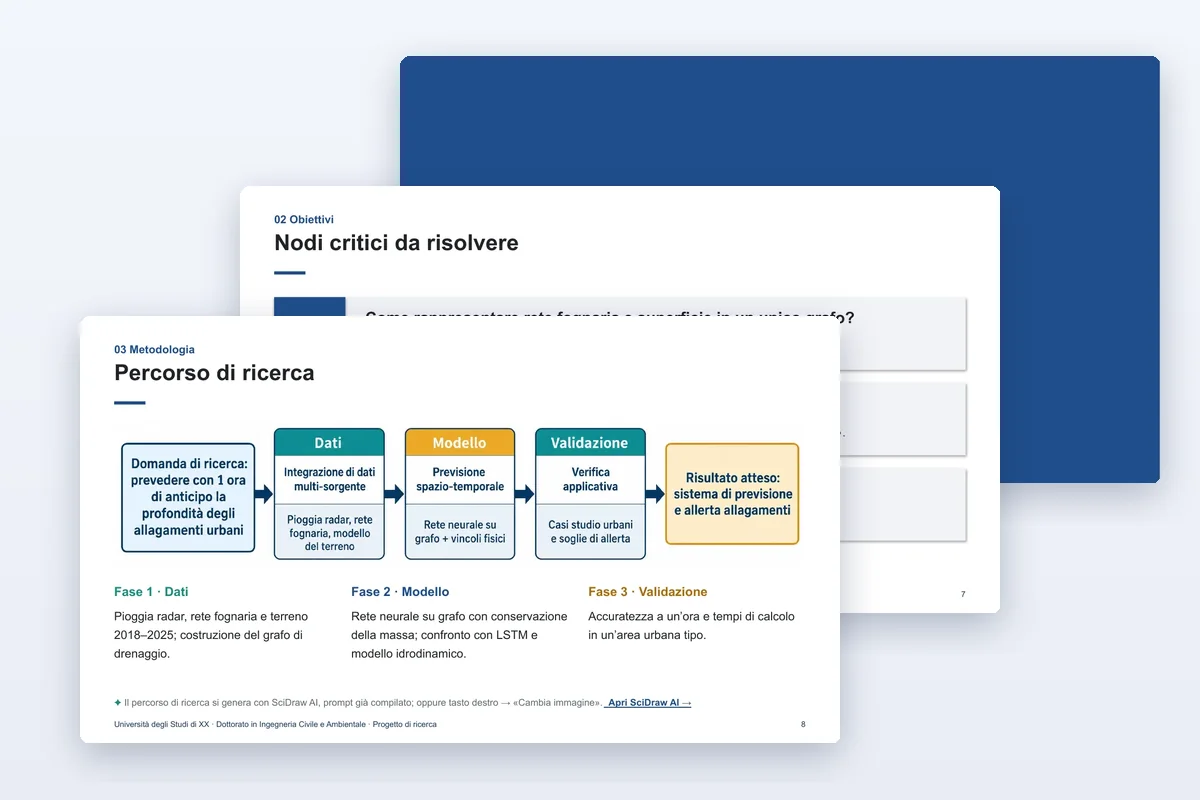
Progetto di ricerca
Presentazione del progetto di dottorato o esame di ammissione: obiettivi, approccio, fattibilità, cronoprogramma.
- 15 slide
- PPTX
- 11 lingue
Cosa include ogni modello
Un esempio scritto, non lorem ipsum
Uno studio fittizio completo mostra quanto scrivere su ogni slide. I dati di esempio sono indicati come tali.
Grafici nativi e modificabili
Gli istogrammi e i grafici a linee sono grafici di PowerPoint: tasto destro → «Modifica dati» e il grafico si ridisegna con i tuoi numeri.
Note del relatore e slide di riserva
Le note dicono cosa dire e per quanto tempo; le slide di riserva nascoste contengono le risposte alle domande che probabilmente ti faranno.
Figure in un clic
Ogni spazio per una figura rimanda a SciDraw AI con un prompt adatto già compilato, nella lingua del file.
Quale modello mi serve?
- Discutere la tesi di laurea o di dottorato
- Usa il modello per la discussione della tesi. Calcola circa una slide al minuto e tieni le slide di riserva per le domande.
- Un intervento a un congresso
- Usa il modello per congressi: un messaggio chiaro in apertura, tre risultati e una slide finale con codice QR.
- Presentare a una sessione poster
- Il classico per la struttura IMRaD tradizionale, risultato in evidenza quando conta soprattutto una scoperta, quattro colonne quando hai molte figure.
Domande frequenti
I modelli sono gratuiti?
Sì. Li scarichi senza account e puoi usarli per le tue presentazioni, i tuoi poster, la didattica e le pubblicazioni. Ti chiediamo solo di non rivendere né ridistribuire i modelli in quanto tali.
Con quali programmi si aprono?
Sono pensati per Microsoft PowerPoint su Windows e Mac. Keynote, Google Presentazioni, WPS e LibreOffice aprono i file .pptx, ma caratteri, a capo e grafici nativi possono apparire leggermente diversi.
La ricerca di esempio è reale?
No. Ogni modello contiene uno studio fittizio, così vedi quanto scrivere. Sostituiscilo per intero, numeri di esempio compresi, prima di presentare.
Come cambio i colori?
Tutti i colori sono colori del tema. In PowerPoint vai su Progettazione → Varianti → Colori e scegli una tavolozza: forme, grafici e tabelle si ricolorano tutti insieme. I poster sono disponibili anche in quattro combinazioni di colori già pronte.
Posso stampare il poster in un altro formato?
Scarica il file nel formato che ti serve invece di ridimensionare la pagina. Le dimensioni del testo sono impostate per ogni formato di stampa, così il poster resta leggibile anche a distanza.
Da dove vengono le figure?
Le illustrazioni di esempio sono state generate dai prompt riportati nelle note di ogni file. Con il link sotto una figura apri SciDraw AI con quel prompt già compilato e lo adatti al tuo studio. Le immagini sperimentali, come le micrografie, sono lasciate come riquadri vuoti: usa le tue.