Vectorize Images Into Editable SVG
A fast way to vectorize image files for scientific figures, labels, and diagrams
Turn PNG, JPG, and AI-generated graphics into editable SVG files you can refine for papers, posters, and slide decks. This page is built for teams searching how to vectorize image files without losing clarity or rebuilding figures from scratch.
Drag image here or click to browse
JPG, PNG, WebP (max 10MB)
Professional Image Conversion Features
Everything you need for publication-ready scientific figures
High Resolution Output
Export at 300, 600, or 1000 DPI for print-ready quality. Meet strict journal requirements for Nature, Science, Cell, and all major publishers.
Editable PPTX Export
Turn a static image into a PowerPoint file with editable text labels for presentations and quick revisions.
SVG Vector Conversion
Convert raster images to editable SVG vector graphics for Adobe Illustrator, Inkscape, and Figma refinement.
OCR Text Extraction
Automatically detect text and turn labels into editable layers in PPTX or SVG.
Multiple Export Formats
Export to PPTX, SVG, PNG, PDF, and TIFF. TIFF with LZW compression supports professional publishing workflows.
AI Super-Resolution
Enhance image resolution using advanced AI upscaling. Transform low-resolution figures into crystal-clear visuals.
Publication Standards
Output meets requirements of major scientific journals including Elsevier, Springer, Wiley, and ACS publications.
Academic Journal Figure Requirements
Common questions about scientific figure formatting for publication
What does this image vectorizer do?
It converts a flat raster image — a PNG, JPG, or WebP screenshot or exported figure — into an editable file you can actually change: an editable PowerPoint (PPTX) with real text labels, or a scalable vector SVG. Instead of being stuck with a fixed image, you get back the shapes and text so you can recolor, relabel, and resize without losing quality.
Why vectorize a scientific figure?
- Editable PPTX lets you fix a typo or update a value without redrawing the whole figure.
- Vector SVG scales to any size — from a thumbnail to a full-page print — with no blur.
- Reviewers often request label or color changes late; an editable file makes that a two-minute fix.
- Co-authors can tweak a figure in PowerPoint without owning specialist design software.
- Raster screenshots can't be edited or scaled cleanly; vector and PPTX can.
How to convert an image to PPTX or SVG
Upload your image (JPG, PNG, or WebP up to 10 MB), choose PPTX for an editable PowerPoint with text labels or SVG for a scalable vector file, then download the result. For SVG you can extract just the text or vectorize the whole image. Open the PPTX in PowerPoint or the SVG in Illustrator or Inkscape to finish your edits.
PPTX vs SVG — which to choose
- PPTX — best when you want to edit labels and layout in PowerPoint.
- SVG (text only) — extracts editable text while keeping the artwork.
- SVG (full) — vectorizes the entire image into scalable shapes.
- Use PPTX for slides and quick co-author edits.
- Use SVG for infinite scaling and professional vector editing.
- Need print-ready PNG/PDF/TIFF instead? Use the image converter.
Vectorize Image FAQ
What does it mean to vectorize an image?
To vectorize an image means converting a raster file such as PNG or JPG into scalable vector shapes. This makes lines sharper at any size and allows you to edit elements more precisely in SVG-compatible tools.
Can I vectorize image files for free?
Yes. You can start with SciDraw AI's free workflow to test whether your figure is a good fit for SVG conversion before deciding if you need deeper cleanup or additional edits.
Will the output work in Illustrator or Inkscape?
Yes. The resulting SVG is designed for common editing tools such as Adobe Illustrator, Inkscape, and PowerPoint, so you can update labels, colors, and layout after conversion.
What types of images vectorize best?
Diagrams, charts, logos, line art, and scientific figures with clear edges and text produce the best vector results. Complex photographs with gradients and continuous tones are harder to vectorize cleanly.
Will vectorization improve image quality?
Vectorization makes the image resolution-independent so it scales to any size without pixelation. However, it does not add detail that was not in the original image. For best results, start with the highest quality source file available.
Can I batch-convert multiple figures at once?
Currently, figures are converted one at a time to ensure quality control. Each conversion can be reviewed and adjusted before exporting the final SVG file.
Explore More Tools
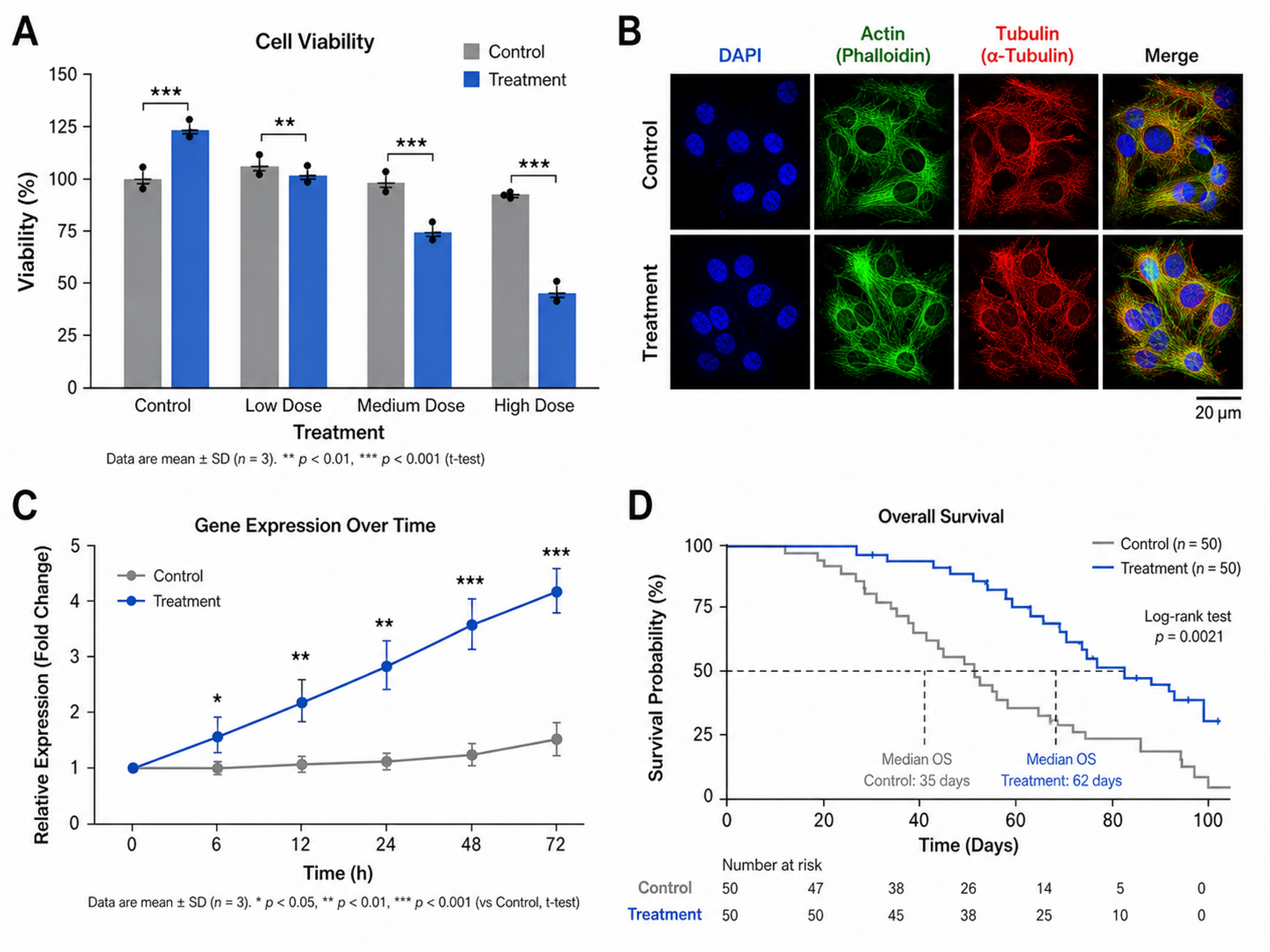
Scientific Figure Maker
Create publication-ready figures for research papers
Try it free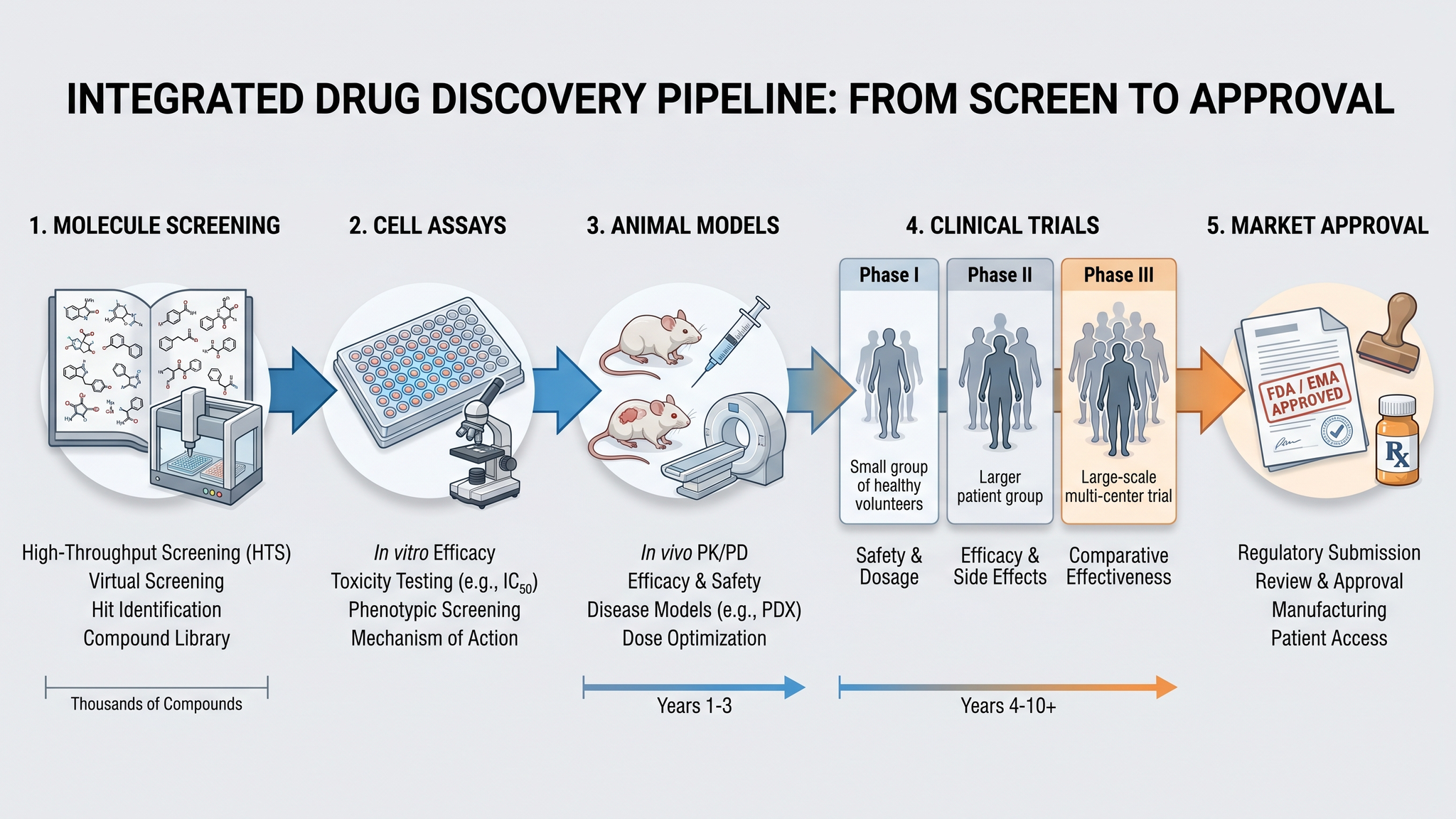
Graphical Abstract Maker
Create stunning graphical abstracts for journal submissions
Try it free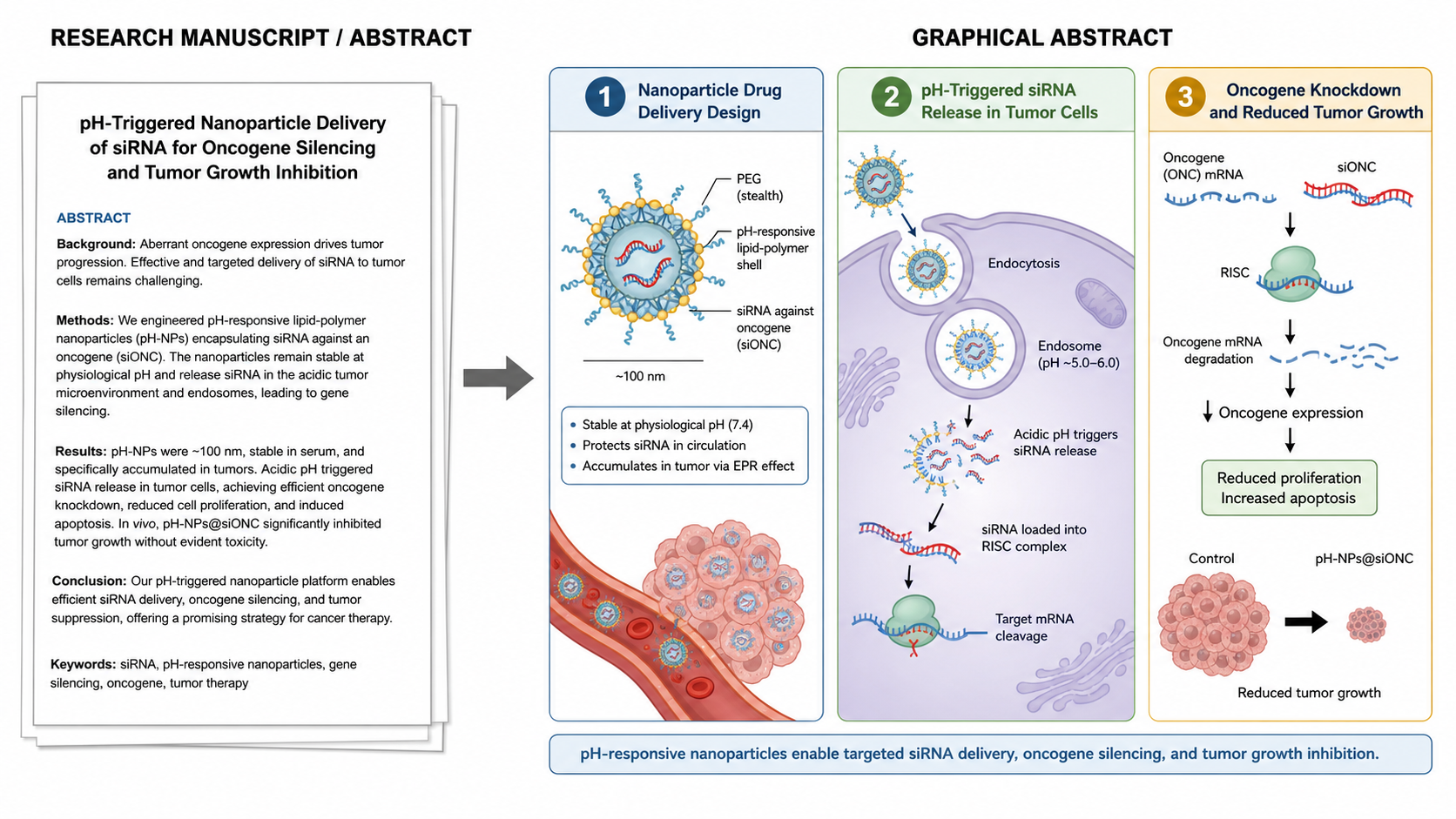
Manuscript to Figure Generator
Create manuscript to figure visuals for abstracts, methods, results, study workflows, graphical abstracts, and multi-panel paper figures.
Try it freeConvert Your First Figure to SVG
Use SciDraw AI to vectorize image files, keep labels editable, and speed up figure revisions.