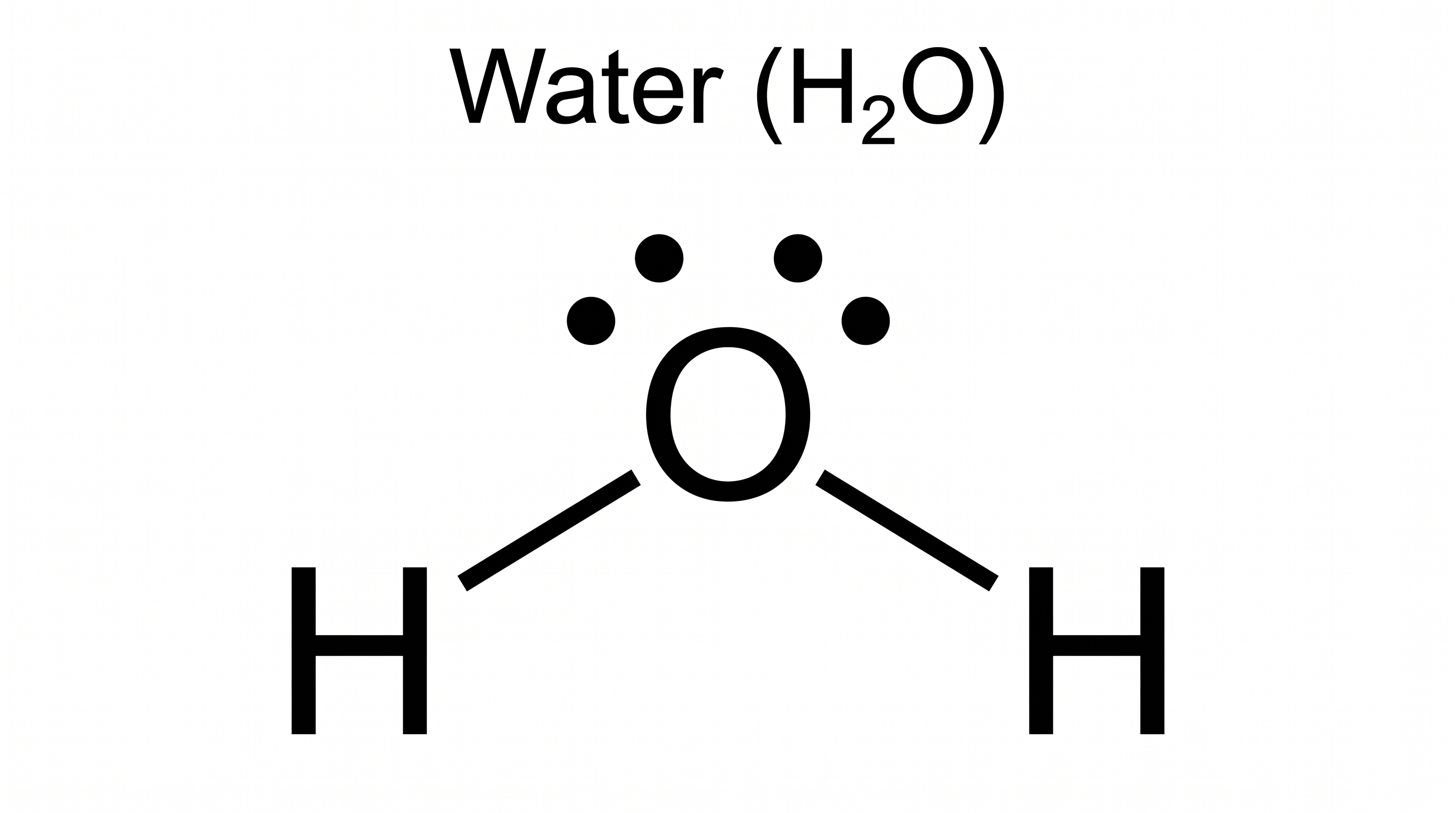
Free Lewis Dot Structure Generator
Draw electron dot diagrams from a molecule name or formula
Type any molecule, ion, or compound and AI generates a clean, labeled Lewis dot structure showing all bonding pairs, lone pairs, and formal charges — ready for chemistry homework, lab reports, and exam prep.
Lewis dot structure examples
Click any example to load its prompt, or use it as a starting point for your own electron dot diagram.
What is a Lewis dot structure?
A Lewis dot structure (also called a Lewis structure, electron dot diagram, or electron dot structure) is a 2-D drawing that represents the valence electrons of a molecule, ion, or element using dots and lines. Shared bonding pairs appear as lines (or dots) between atom symbols, while lone pairs sit as dots on individual atoms. It is the diagram chemists use to show how atoms are connected, where non-bonding electrons reside, and how the octet rule is satisfied. This Lewis structure generator takes the description you provide and lays out a clean, labeled diagram — it is a drawing tool, so it renders the structure you specify rather than solving the chemistry for you. You get a publication-quality figure with bonds, lone pairs, and formal-charge labels, ready for slides, worksheets, or reports.
Why use a Lewis structure maker or builder
- Lewis structures are a foundational skill in general and organic chemistry, so students draw them constantly for homework, quizzes, and exams.
- Drawing neat electron dot diagrams by hand — aligning bonds, spacing lone pairs, and labeling formal charges — is slow and messy, especially for complex molecules and ions.
- A clean Lewis dot diagram makes bonding pairs, lone pairs, and molecular shape intuitive at a glance.
- Instructors and researchers need quick, tidy structures for lecture slides, textbook figures, and papers.
- Redrawing a diagram from a short text description is far faster than re-inking dots and lines every time the molecule or formula changes.
How to draw a Lewis structure
Start by counting the total valence electrons for every atom in the molecule, adding one for each negative charge and subtracting one for each positive charge. Place the least electronegative atom in the center, connect the surrounding atoms with single bonds, then distribute the remaining electrons as lone pairs to satisfy the octet rule (a duet for hydrogen). Convert lone pairs into double or triple bonds where needed so that formal charges are minimized, and draw resonance structures when electrons are delocalized. To use this Lewis structure maker or builder, describe what you want — for example 'Lewis structure for CO2 with double bonds and lone pairs labeled' — and the AI draws and labels that electron dot structure for you. Because it renders your description rather than acting as a solver or calculator that computes valence electrons, check the electron count against your textbook rules before you rely on it; you can also ask for a 3D structure hint based on VSEPR geometry.
Parts of a Lewis structure
- Element symbols — the letters (H, O, C, N…) marking each atom, arranged with the central atom in the middle.
- Valence electron dots — dots placed around an atom to represent its outer-shell electrons.
- Bonding pairs — shared electron pairs drawn as lines (single, double, or triple bonds) between two atoms.
- Lone pairs — non-bonding electron pairs shown as two dots resting on a single atom.
- Formal charges — the +/− labels placed next to an atom to show its hypothetical charge under equal electron sharing.
- Brackets and charge — square brackets around an ion with its overall charge written as a superscript, plus optional resonance structures for delocalized electrons.
Lewis Dot Structure Generator FAQ
What is a Lewis dot structure?
A Lewis dot structure — also called a Lewis structure, electron dot diagram, or electron dot structure — is a 2-D drawing that shows every valence electron of a molecule or ion as either a bonding pair (a line between atoms) or a lone pair (two dots on one atom). It reveals how atoms are connected, where non-bonding electrons sit, and how the octet rule is satisfied.
How do I draw a Lewis structure online?
Describe the molecule, ion, or element you want and any details — central atom, single/double/triple bonds, lone pairs, formal charges, or resonance — for example 'Lewis dot structure for water showing two lone pairs on oxygen.' The AI then draws and labels that electron dot diagram. SciDraw AI is a drawing tool that lays out the structure you specify, so review the result against your chemistry rules.
Can it draw a specific molecule like CO2 or H2O?
Yes. Ask for a Lewis structure for any specific molecule or ion — CO2, H2O, NH3, CH4, NO3⁻, CO3²⁻, benzene, and more — and the tool lays out the labeled electron dot structure you describe. It also handles Lewis dot structures for individual elements, drawing the valence electron dots around a single atom symbol.
Does it show lone pairs and formal charges?
Yes. When you mention them in your prompt, the generator draws lone pairs as dots, bonding pairs as lines, and adds +/− formal-charge labels and brackets for ions. It renders what you describe rather than auto-computing the values, so confirm the lone-pair count and formal charges match your worked answer.
Is the Lewis structure generator free?
Each generation uses a small number of credits, and new accounts receive free credits, so you can draw Lewis dot structures without a subscription. It works right in the browser with no software to install.
Can I use it for chemistry homework or class?
Yes. The diagrams are clean and labeled, making them well suited for homework, lab reports, study guides, and lecture slides from high school through AP and college chemistry. Because the tool draws the structure you describe instead of solving it, always verify electron counts, lone pairs, and formal charges against your textbook before submitting.
Is this a Lewis structure maker, builder, or drawer?
All of those describe the same thing — a tool that lays out an electron dot diagram for you. SciDraw AI works as a Lewis structure maker and builder: you describe the molecule, ion, or element and the central atom, bonds, lone pairs, and formal charges you want, and it draws and labels the structure. It builds the diagram you specify rather than dragging atoms onto a canvas by hand, so it's faster for homework, slides, and reports.
Is there a Lewis structure solver, calculator, or 3D view?
SciDraw AI is a drawing tool, not an automatic solver or calculator — it renders the structure you describe rather than computing valence electrons, formal charges, or geometry from scratch, so always verify the chemistry yourself. That said, if you tell it the molecular shape (for example 'bent', 'trigonal pyramidal', or the VSEPR geometry), it can also draw a 3D-style structure alongside the flat Lewis dot diagram to show the molecule's true shape.
Writing a paper, thesis or grant?
SciDraw AI also makes publication-ready research figures: graphical abstracts, mechanism figures, workflows and conceptual frameworks.
Explore More Tools

Chemistry Diagram Generator
Create chemistry figures, TOC graphics, and molecular visuals
Try it free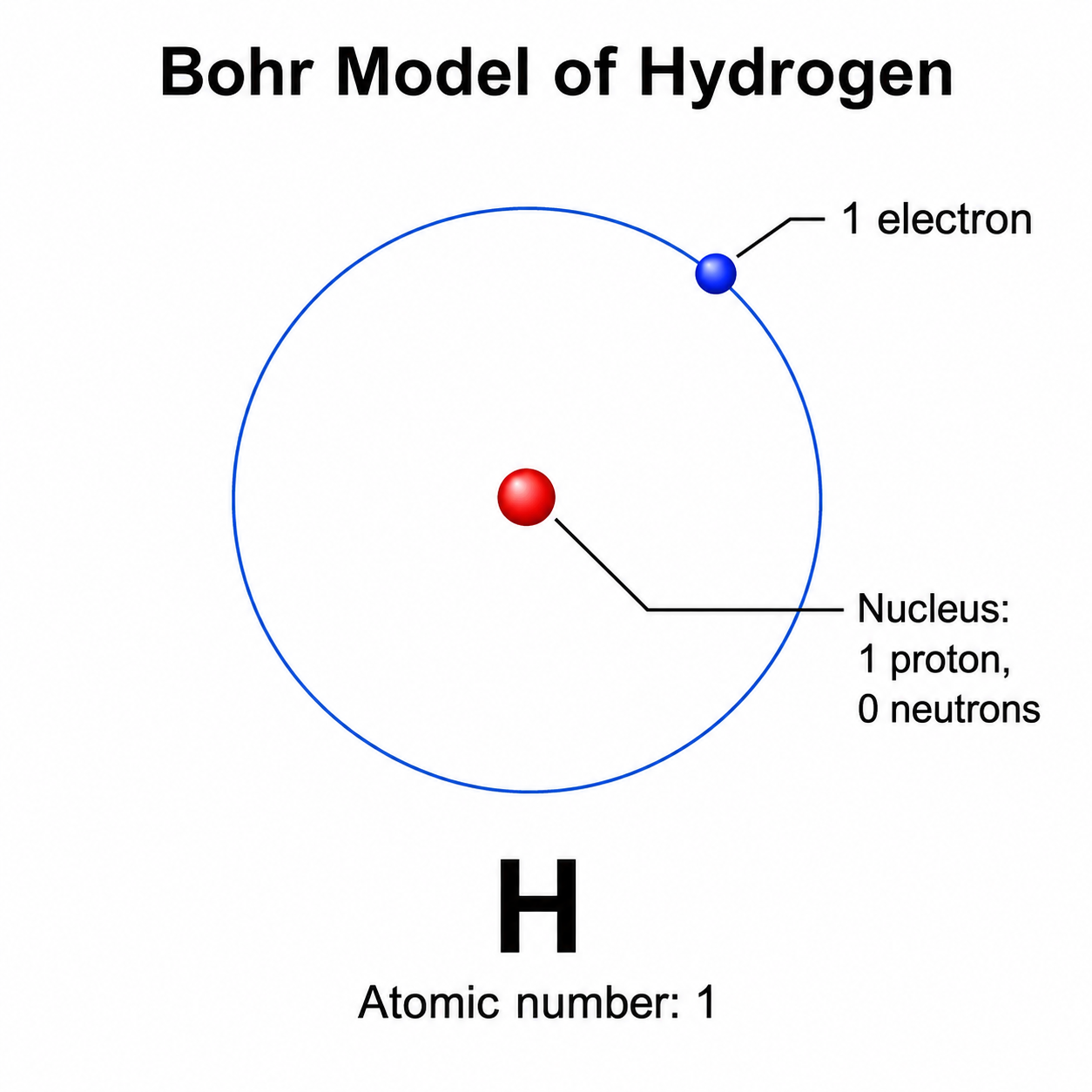
Bohr Model Maker
Draw clean, labeled Bohr diagrams with a nucleus and electron shells from a text prompt.
Try it free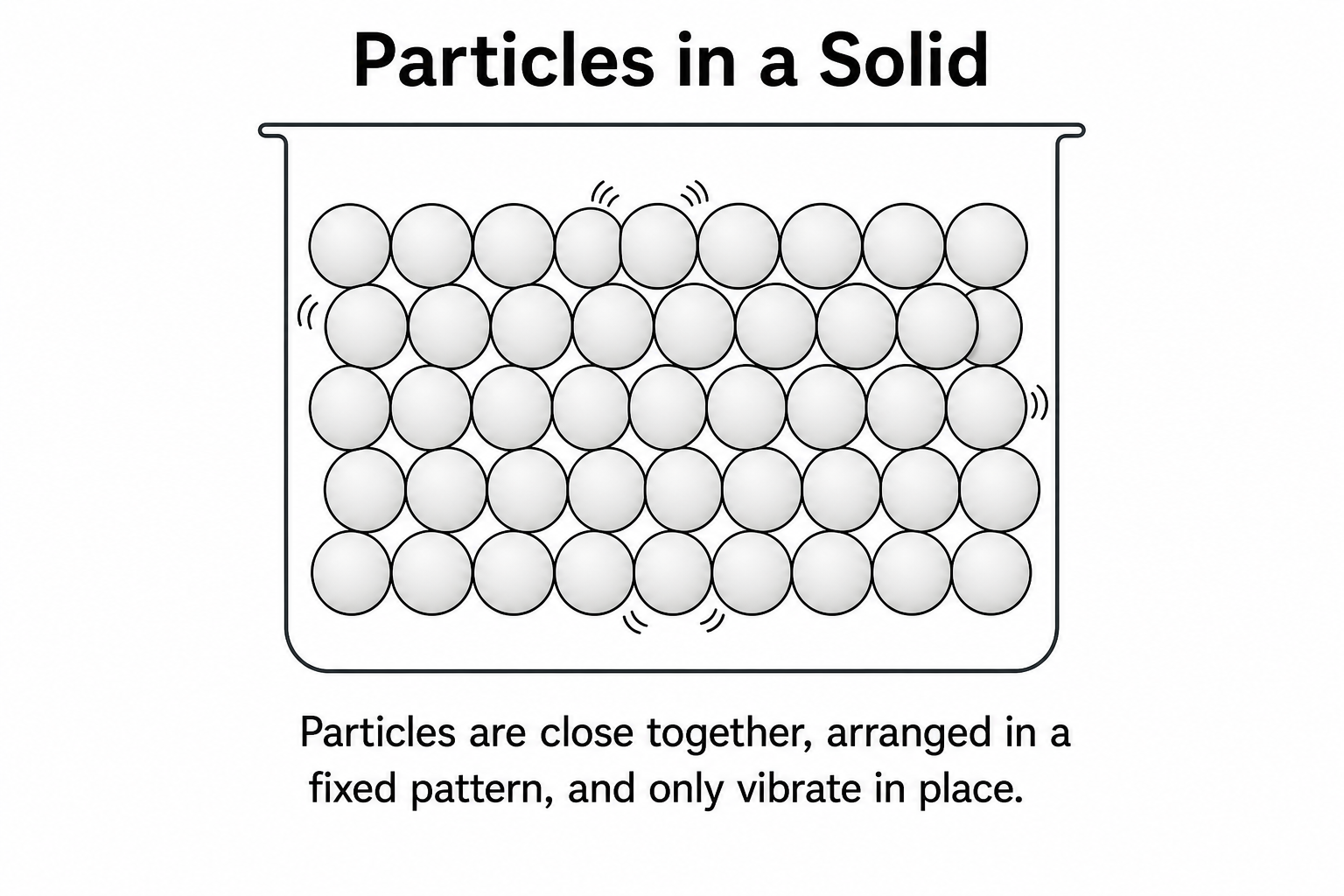
Particle Diagram Generator
Draw labeled solid, liquid, and gas particle diagrams with correct arrangement.
Try it freeNeed other chemistry diagrams?
Generate molecular orbital diagrams, reaction mechanisms, energy level diagrams, and more with SciDraw AI.