AI Scientific Figure Maker for Research Papers
A figure maker for methods, results, mechanisms, and journal submissions
SciDraw AI helps researchers turn methods, results, pathways, and concepts into clear scientific figures with editable export and journal-friendly layouts.
Scientific Figure Examples
Browse scientific figures across research disciplines, or generate your own above.
What can this AI scientific figure maker do?
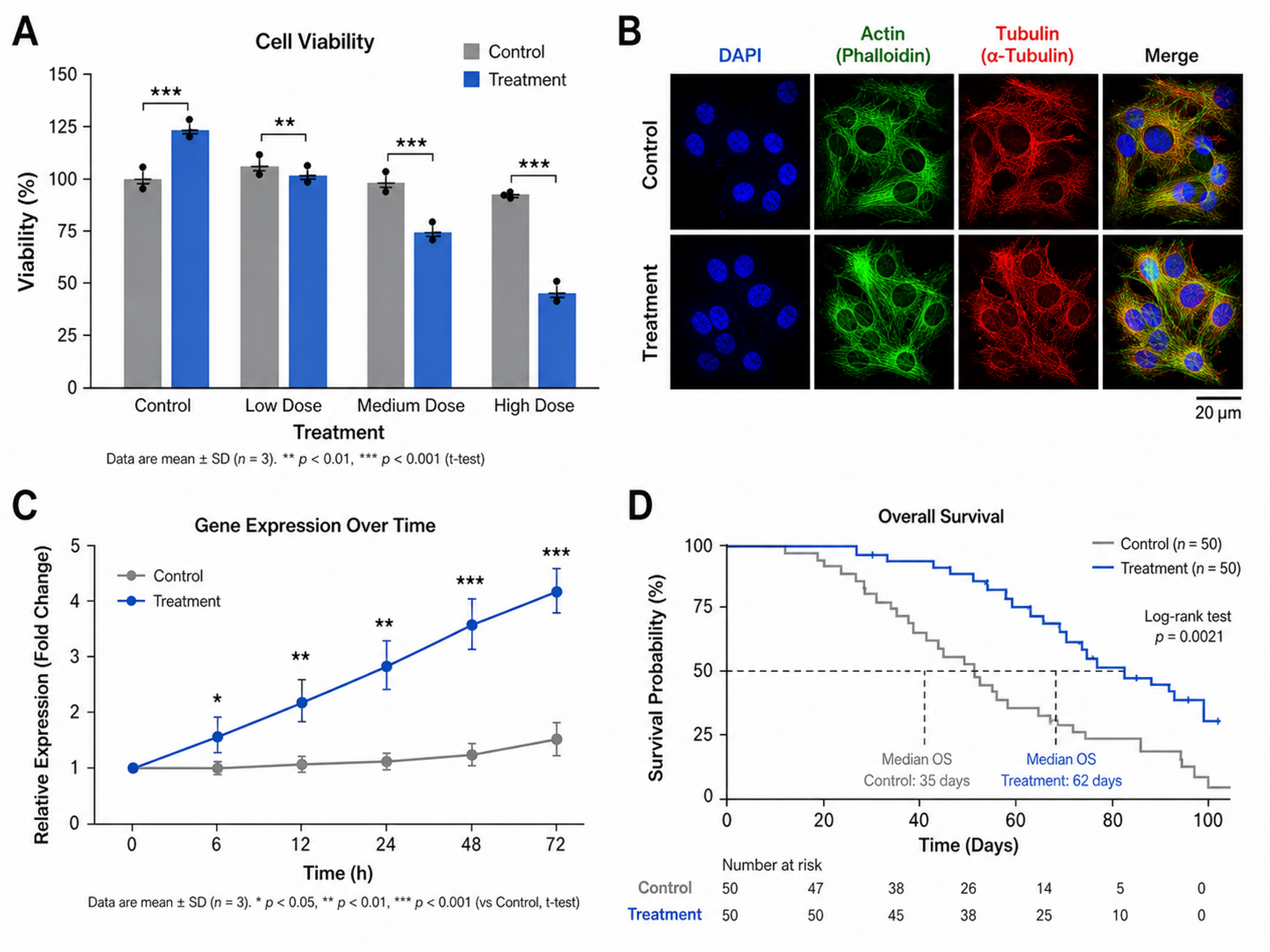
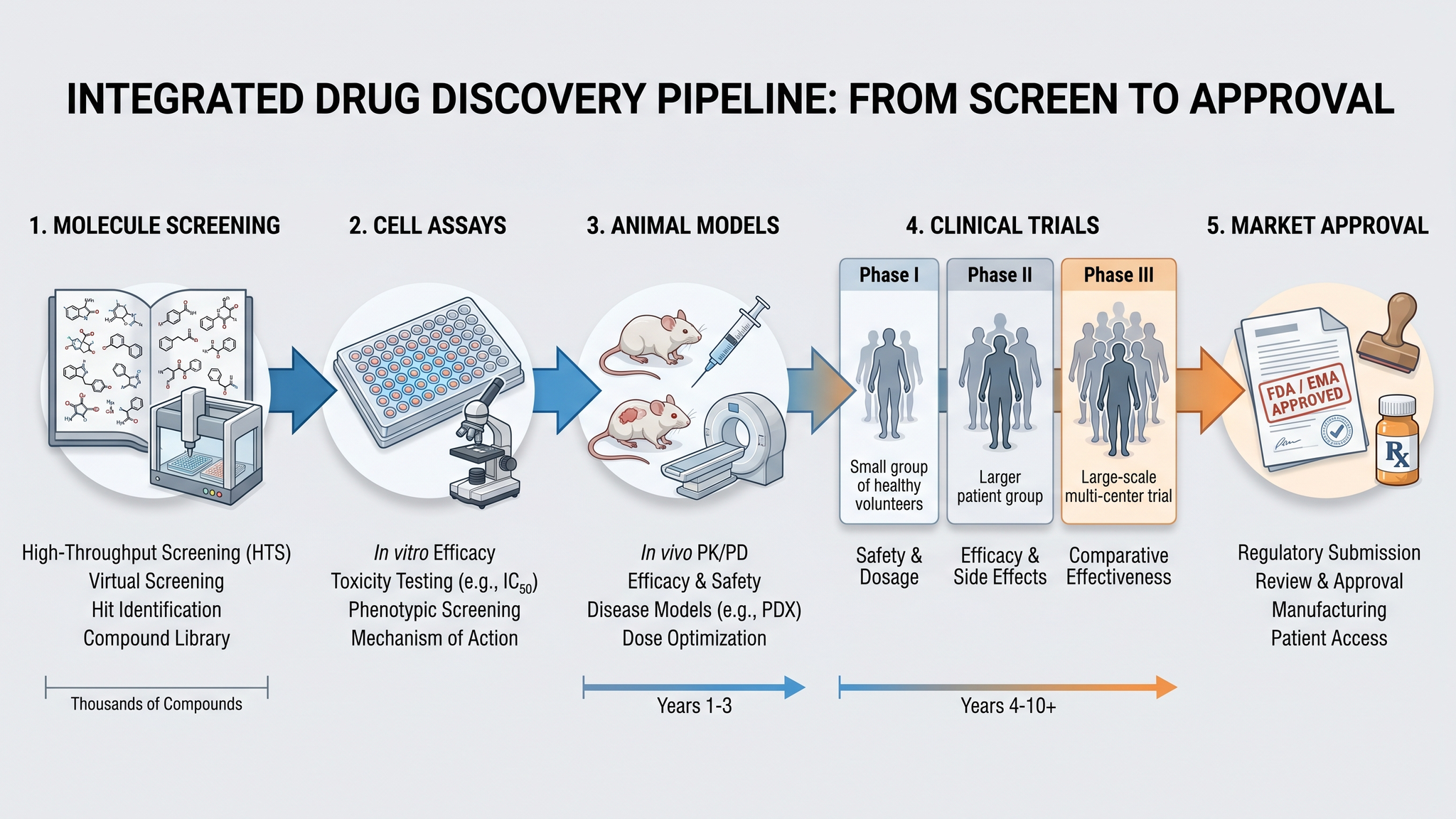
This AI scientific figure maker turns a plain-text description, method summary, or dataset outline into a clean, publication-ready scientific figure. Whether you need a single research paper figure or a full multi-panel display item, it produces results layouts, mechanism schematics, anatomical illustrations, data visualizations, and characterization panels across every research discipline, formatted for journal submission, theses, grants, and conference posters. Not sure this is the right tool? For a single mechanism or system, use the Scientific Diagram Maker; for a methods workflow, the Workflow Diagram Generator; for a whole-paper visual summary, the Graphical Abstract Maker; for a one-page study reference, the AI Cheat Sheet Maker. This page is the one for multi-panel results figures.
Why researchers need a scientific figure maker
- Communicate complex methods and results clearly to reviewers and readers
- Save hours of manual drawing in Illustrator, Inkscape, or PowerPoint
- Keep fonts, colors, and panel labels consistent across an entire paper
- Meet journal requirements for resolution, column width, and figure format
- Speed up revision rounds with editable, reusable figure layouts
How to make a scientific figure
Start by deciding the single message each panel must convey, then describe your method, mechanism, or result in plain language. Choose a layout that separates panels logically, label every component clearly, and keep typography and color consistent across the figure. SciDraw AI generates publication-ready scientific figures that follow these conventions automatically, so you go from concept to submission-ready visual in minutes.
Common elements in scientific figures
- Panel labels (A, B, C) for multi-panel layouts
- Clearly labeled axes with units and legends
- Directional arrows showing flow, reaction, or causation
- Scale bars for microscopy and imaging panels
- Statistical annotations such as significance markers and error bars
- Consistent typography, color scheme, and component labeling
Guides for building better figures
How to Draw Scientific Figures: Complete Guide
Design principles for clear, publication-ready scientific figures — layout, color, typography, and multi-panel composition from scratch.
Read the guideHow to Make Figures for Research Papers
A step-by-step workflow for turning results into journal-ready figures, from first draft to final export.
Read the guidePublication-Ready Figures in Minutes
How to go from idea to a finished scientific figure fast with an AI scientific figure maker, without sacrificing accuracy.
Read the guideSciDraw AI vs FigureLabs vs BioRender
An honest side-by-side comparison of three scientific figure tools: field coverage, SVG export, label accuracy, and when each one is the better choice.
Read the guideScientific Figure Maker FAQ
How do I make scientific figures for a research paper?
Start by defining the claim each panel needs to support, then choose a layout that separates methods, mechanisms, and results clearly. SciDraw AI speeds this up with templates and editable exports so you can go from rough concept to submission-ready figure faster.
What types of scientific figures can I create?
You can create workflow diagrams, pathway diagrams, mechanism figures, multi-panel result layouts, poster visuals, and other publication-ready scientific figures for papers, grants, and presentations.
Is this a good figure maker for research paper revisions?
Yes. Scientific figures usually need multiple review rounds, so editable SVG, PDF, and high-resolution image exports make it much easier to update labels, colors, and panel arrangements after co-author or reviewer feedback.
Can I create multi-panel figures?
Yes. SciDraw AI supports multi-panel layouts commonly used in research papers, where each panel shows a different aspect of your experiment, method, or results. You can arrange panels and add consistent labeling across the entire figure.
What resolution should scientific figures be?
Most journals require 300 DPI for photographs and 600-1200 DPI for line art at the final printed size. SciDraw AI exports at high resolution by default, and SVG exports scale to any size without quality loss.
Do I need design experience to use this tool?
No. Describe your research concept in plain language and the AI generates a structured figure. You can then refine the output or export it directly for submission.
Is this a figure maker for research paper submissions?
Yes — this scientific figure maker is built specifically for research paper submissions. It generates figures at journal-required resolutions (300 DPI for photos, 600 DPI for line art), supports the column widths used by Nature, Science, Cell, and Elsevier titles, and exports editable SVG so reviewer-requested label or color changes take minutes rather than a redraw.
How is this scientific figure generator different from general AI image tools?
General AI image generators (DALL-E, Midjourney, Stable Diffusion) output decorative PNGs with baked-in text and frequent label errors on technical terms. This scientific figure generator is tuned on research figure datasets, preserves text as editable layers, and exports SVG/PDF/TIFF at journal specs. Label accuracy on long technical terms (13+ characters) tested at 87%, vs 40-71% for general models.
Can I use this AI figure generator for free?
Yes. New users get 10 credits on signup plus 5 free credits every day, with no watermark, full-resolution export, and SVG vector output included. Paid plans start at $20/month for 300 credits, or $10/month billed yearly.
How is SciDraw different from BioRender and FigureLabs?
BioRender is a drag-and-drop tool built around a large library of pre-drawn biology icons, which suits canonical workflows such as PCR, Western blot, and signaling pathways. FigureLabs is an AI text-to-figure generator focused mainly on fast cell and molecular biology schematics. SciDraw AI also generates figures from text, but it is tuned for scientific figures across biology, chemistry, materials science, and clinical research, and includes editable SVG export with no watermark on every plan, including the free tier. For benchmark details and when each tool is the better choice, read our SciDraw AI vs FigureLabs vs BioRender comparison on the SciDraw blog.
Explore More Tools
Graphical Abstract Maker
Create stunning graphical abstracts for journal submissions
Try it free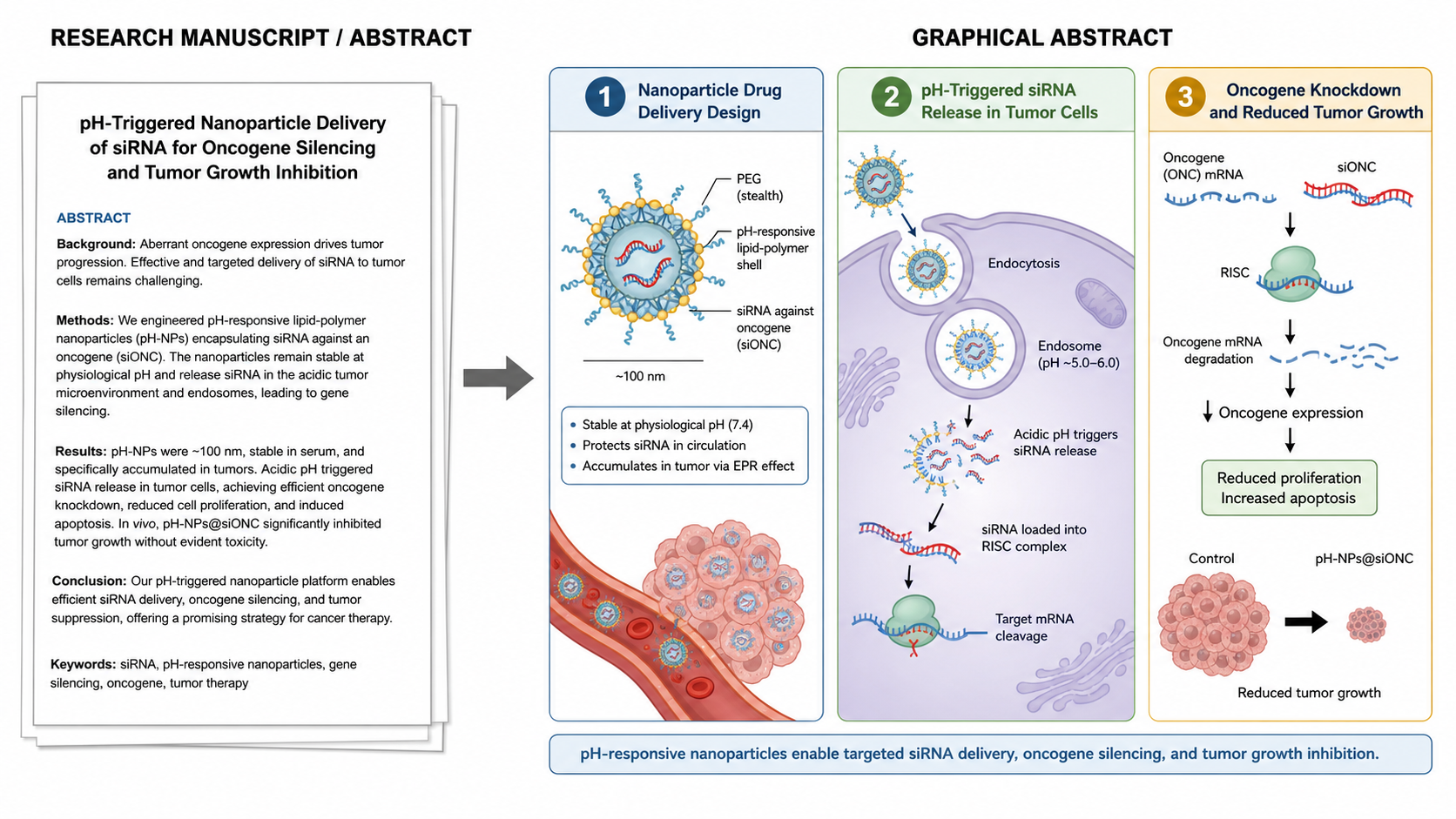
Manuscript to Figure Generator
Create manuscript to figure visuals for abstracts, methods, results, study workflows, graphical abstracts, and multi-panel paper figures.
Try it free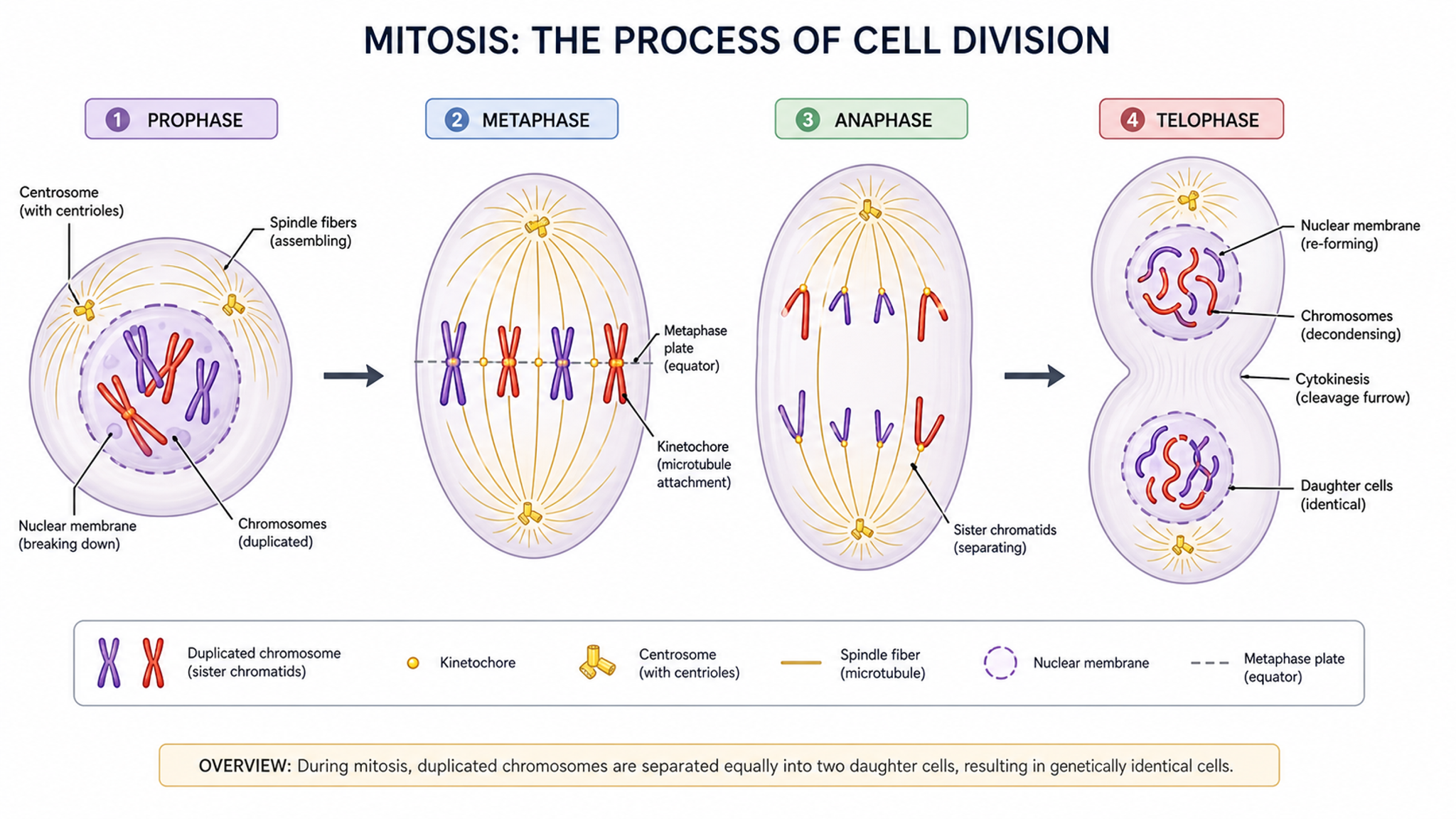
Scientific Diagram Maker
Create flowcharts, mechanism schematics, and pathway diagrams
Try it freeStart Creating Professional Figures Today
No design skills required. Your first figure is free.