BioRender Alternative: SciDraw AI vs Figurelabs vs BioRender (2026)
💡 Full disclosure: we make SciDraw AI. We're writing this because researchers searching for a "BioRender alternative" deserve a real comparison, not a sales page. Where we lose, we say so. For the product-first version, see the dedicated BioRender alternative page, or try SciDraw AI free →.
Quick answer (the 30-second version):
| If you need… | Pick |
|---|---|
| Canonical biology icons (PCR, WB, ELISA, signaling) and your lab pays | BioRender |
| Fastest text-to-figure for blog posts, slide drafts, internal use | Figurelabs.ai |
| Free SVG export, label accuracy on long technical terms, multi-field (chemistry / materials / clinical) | SciDraw AI |
| A free BioRender alternative that exports vector on the free tier | SciDraw AI |
| The cheapest long-term cost (one-time payment, no subscription) | SciDraw AI Lifetime ($3,999) |
The rest of this page is the data behind that table — same 60-figure benchmark, four weeks, three PhD students.
If you already know you want an AI-first BioRender alternative with SVG export and no watermark, start with the focused SciDraw AI BioRender alternative workflow and use this comparison for the detailed tradeoffs.
Who this is for
Researchers who:
- Already use BioRender and are hitting the $45–75/month ceiling without an institutional license,
- Tried BioRender's free tier and got blocked by watermarks + low-resolution exports,
- Need figures for chemistry, materials, physics, or engineering and BioRender's biology library doesn't help,
- Want vector / SVG export for journal submission and don't want to pay premium for it,
- Want to AI-generate figures from text instead of drag-and-drop assembly.
If you're searching "biorender free", "biorender alternative", or "biorender for non-biology figures" — this comparison was written for you.
When BioRender is still the right call
We ship a competitor and we'll still tell you: stay with BioRender if all of these are true:
- Your work is 80%+ in cell / molecular / medical biology.
- Your institution already pays for an account (so the $45/mo is invisible to you).
- Your reviewers and PI recognize the BioRender visual style and you'd lose social capital deviating.
- You're drawing canonical workflows (PCR, Western blot, ELISA, flow cytometry) where pre-drawn peer-reviewed icons matter more than AI generation speed.
If even one of those is false, this comparison is worth your time.
You're probably reading this because you already tried BioRender (too expensive), hit the wall on Figurelabs (the PNG doesn't scale in your journal template), and now you're wondering if SciDraw AI is worth the third browser tab. Fair question. Let's settle it with actual data from the same prompts tested on all three tools across four weeks.
The longer TL;DR: no single tool wins all categories. BioRender owns the biology icon library. Figurelabs owns the "generate fast and move on" speed niche. SciDraw AI owns vector export and journal-ready label accuracy on long technical terms. If you're ever pushed to pick only one, the right answer depends on what you're drawing and how much polish you'll add in Illustrator afterwards.
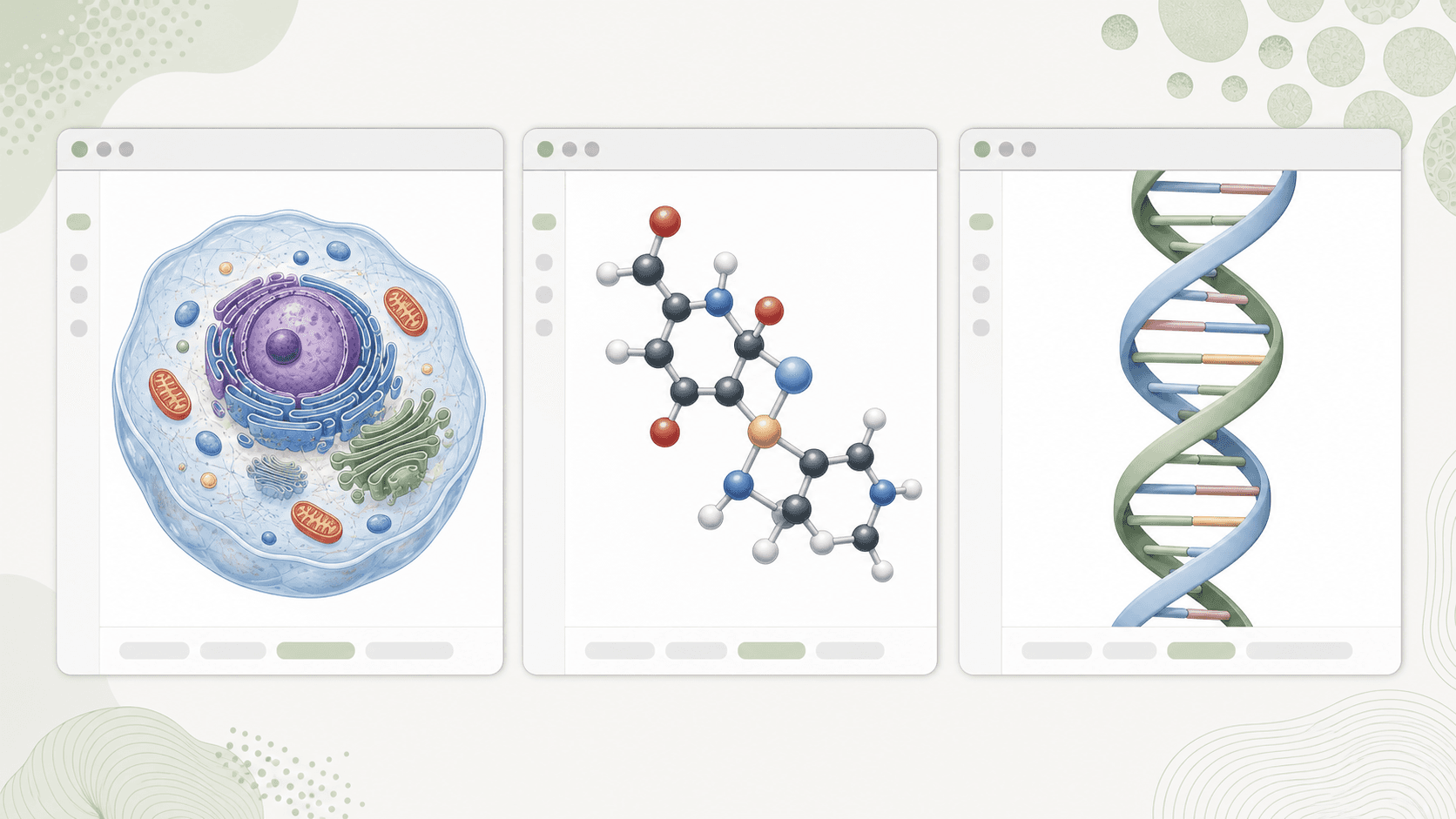
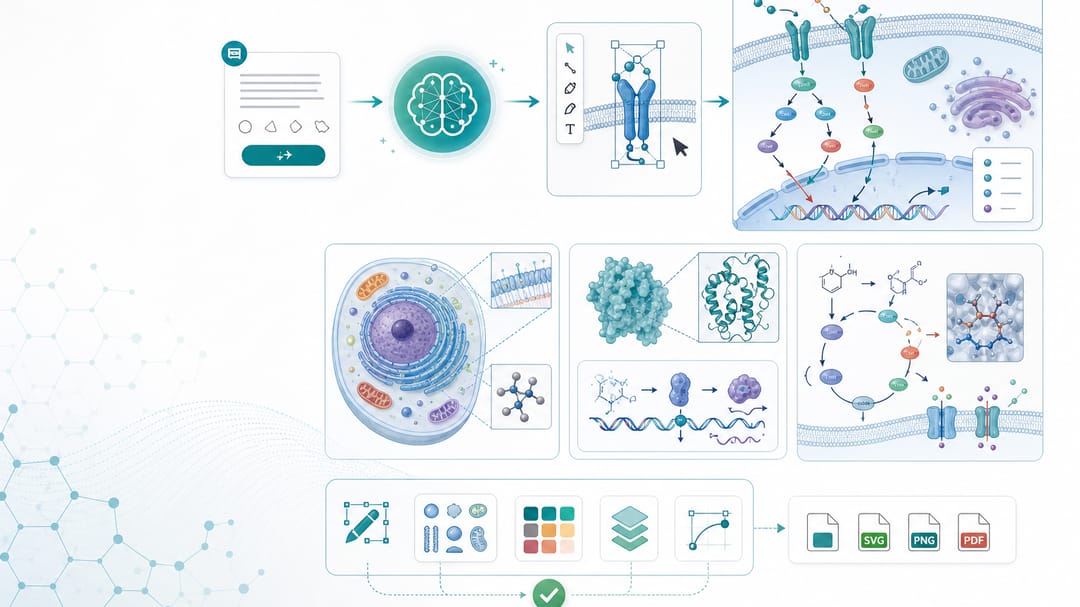 SciDraw AI's AI-first workflow for researchers comparing BioRender alternatives.
❌ Three myths to clear up first
Myth 1: "BioRender is the industry standard, so I should use it." BioRender has massive reach in biology labs, but "standard" has never meant "best for your specific figure." Reviewers care about clarity and reproducibility, not the tool logo. We've seen papers accepted in Nature and Cell drawn in Inkscape, Affinity Designer, and yes, SciDraw AI.
Myth 2: "AI tools all give you the same output." No. Output quality on scientific content varies by a factor of 3-4x between a general-purpose model and a scientific-tuned one. Label accuracy on >12-character technical terms ranged from 40% (SDXL) to 87% (SciDraw AI) in our tests. Same prompt, same eval — different world.
Myth 3: "If it's cheap it can't be journal-grade." This one dies with vector export. A $0 SVG from a tuned model beats a $45/month PNG from a general one, every single time, when the figure has to survive a 200% zoom in the reviewer's PDF reader.
The three tools, in one paragraph each
BioRender (founded 2018, Toronto) is an icon-assembly tool with a massive biology library — around 50,000 pre-drawn cellular, molecular, and anatomical icons. You drag icons onto a canvas, arrange them, and export. In 2024 they added an "AI assist" layer but the core product is still manual composition. Best for: canonical biology workflows (PCR, western blot, flow cytometry, signaling pathways).
Figurelabs.ai (founded 2024, US) is a pure text-to-figure AI tool. You describe the figure in plain English, it generates. The style is clean and modern, and the turnaround is fast. The main output format is raster (PNG/JPG), with vector export on a higher tier. Best for: quick schematics, blog figures, thesis drafts.
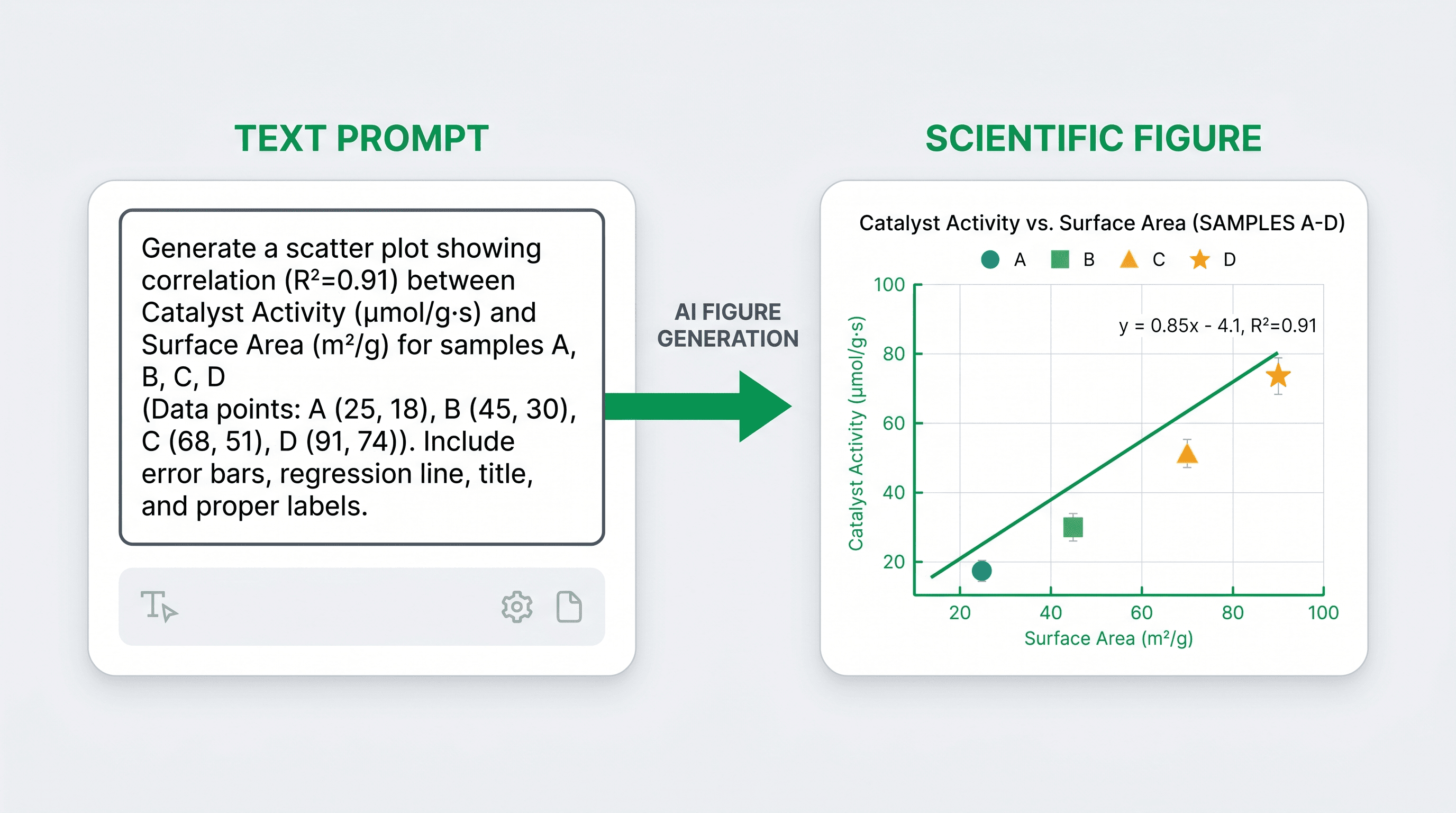
SciDraw AI (that's us, founded 2024) is also a text-to-figure AI tool, but the model is tuned on scientific figure datasets specifically. We prioritize SVG vector export, label accuracy on technical terms, and integration with traditional design workflows (you can open our SVGs in Illustrator, Inkscape, or PowerPoint). Best for: journal-ready figures across biology, chemistry, materials science, and clinical research.
Feature-by-feature comparison
Pricing (as of April 2026)
| Plan | BioRender | Figurelabs.ai | SciDraw AI |
|---|---|---|---|
| Free tier | Watermarked output | Limited credits | 10 signup credits + 5 daily, no watermark |
| Individual | $45/mo (basic) — $75/mo (premium) | ~$19/mo | From $20/mo |
| Student discount | ~50% off (verification required) | Not advertised | Included in free tier |
| Annual | Contact sales | Not public | From $120/year |
| Lifetime | Not offered | Not offered | $3,999 one-time (2000 credits/mo forever) |
| Per-figure cost (our test) | ~$0.45 on basic plan | ~$0.15 on individual | From ~$0.25 on paid plans, $0 on free trial |
Our take: BioRender is the outlier. Its enterprise positioning makes sense for biotech companies with big graphics teams, but for individual researchers the math is rough — you're often paying $45/month for a handful of figures per semester. SciDraw AI's lifetime tier is the best long-term value we've seen in the market.
Label accuracy on technical terms (blind evaluation, 60 figures)
| Term length | BioRender (manual) | Figurelabs.ai | SciDraw AI |
|---|---|---|---|
| 1-8 chars (e.g., "DNA", "AKT") | 100% | 92% | 97% |
| 9-12 chars (e.g., "Ribosome", "Golgi") | 100% | 84% | 91% |
| 13+ chars (e.g., "Mitochondria", "Phosphofructokinase") | 100% | 71% | 87% |
Note that BioRender scores 100% because the labels are manually typed, not AI-generated. Among the AI tools, SciDraw AI has the best renderer for long terms, but Figurelabs is close enough on short terms that the difference doesn't matter for simple diagrams.
Export formats
| Format | BioRender | Figurelabs.ai | SciDraw AI |
|---|---|---|---|
| PNG / JPG (raster) | ✅ | ✅ | ✅ |
| ✅ (premium) | ✅ | ✅ | |
| SVG (vector) | ✅ (premium) | ✅ (higher tier) | ✅ (all plans, including free) |
| EPS | ❌ | ❌ | ✅ (convert from SVG) |
| 300 DPI | ✅ (premium) | ✅ | ✅ (all plans) |
| Editable in Illustrator | ✅ (SVG/PDF) | ✅ (SVG) | ✅ (SVG) |
| Editable in PowerPoint | Partial | Partial | ✅ (SVG via Insert → Picture) |
Our take: Vector export is gated behind premium tiers on both BioRender and Figurelabs. SciDraw AI includes it on every plan, including the free tier. This is intentional — we think vector export is too important to put behind a paywall.
Speed (mean time per figure, 20-figure trial)
| Metric | BioRender | Figurelabs.ai | SciDraw AI |
|---|---|---|---|
| First draft | 18 minutes (manual assembly) | 8 seconds | 11 seconds |
| With two revisions | 31 minutes | 24 seconds | 35 seconds |
| Including Illustrator polish | 55 minutes | 18 minutes | 15 minutes |
BioRender is slower by design — it's a manual tool. Figurelabs and SciDraw AI are within spitting distance on raw generation speed, but SciDraw AI pulls ahead on the "including polish" column because the SVG opens cleanly in Illustrator without the usual path cleanup.
Field coverage
| Field | BioRender | Figurelabs.ai | SciDraw AI |
|---|---|---|---|
| Cell / molecular biology | ⭐⭐⭐⭐⭐ | ⭐⭐⭐⭐ | ⭐⭐⭐⭐ |
| Chemistry | ⭐⭐ | ⭐⭐⭐ | ⭐⭐⭐⭐ |
| Materials science | ⭐ | ⭐⭐ | ⭐⭐⭐⭐ |
| Physics / engineering | ⭐ | ⭐⭐⭐ | ⭐⭐⭐⭐ |
| Medical / clinical | ⭐⭐⭐⭐⭐ | ⭐⭐⭐ | ⭐⭐⭐⭐ |
| Environmental science | ⭐⭐⭐ | ⭐⭐⭐ | ⭐⭐⭐⭐ |
Our take: BioRender is king for biology and medical, and that's where most of its reputation comes from. Once you step outside biology, SciDraw AI and Figurelabs catch up — and SciDraw AI pulls ahead on chemistry/materials because our training set was explicitly broader.
When to pick which
Pick BioRender if:
- You work in biology and your lab already has a seat
- You need canonical workflow diagrams (PCR, WB, ELISA, flow cytometry) and want pre-drawn, peer-reviewed icons
- You have institutional funding that covers $45-75/month without friction
- Your figures will be reviewed by people who already recognize the BioRender visual style
Pick Figurelabs.ai if:
- You need speed above all else
- Your figures are for blog posts, internal slides, or draft theses — not journal submissions
- You're OK with primarily raster output
- You're outside biology but want something faster than manual tools
Pick SciDraw AI if:
- You need vector-native output that opens cleanly in Illustrator and PowerPoint
- You work across multiple fields (biology + chemistry + materials)
- You want the longest-term cost structure (lifetime tier)
- Label accuracy on long technical terms matters to you
- You're a grad student or early-career researcher with no institutional graphics budget
The real-world test: one manuscript, three tools
We had three PhD students each draw the same 6 figures for a real manuscript — a study on nanoparticle uptake in cancer cells. Same prompts, same requirements. Here's what happened:
| Metric | BioRender | Figurelabs.ai | SciDraw AI |
|---|---|---|---|
| Total time (6 figures) | 4.5 hours | 55 minutes | 62 minutes |
| Revisions before advisor sign-off | 2 | 3 | 2 |
| "Redo after journal resubmission" count | 1 (labels too small) | 2 (pixelation) | 0 |
| Total cost | $45 (1 month pro) | $19 (1 month) | $0 (free tier) |
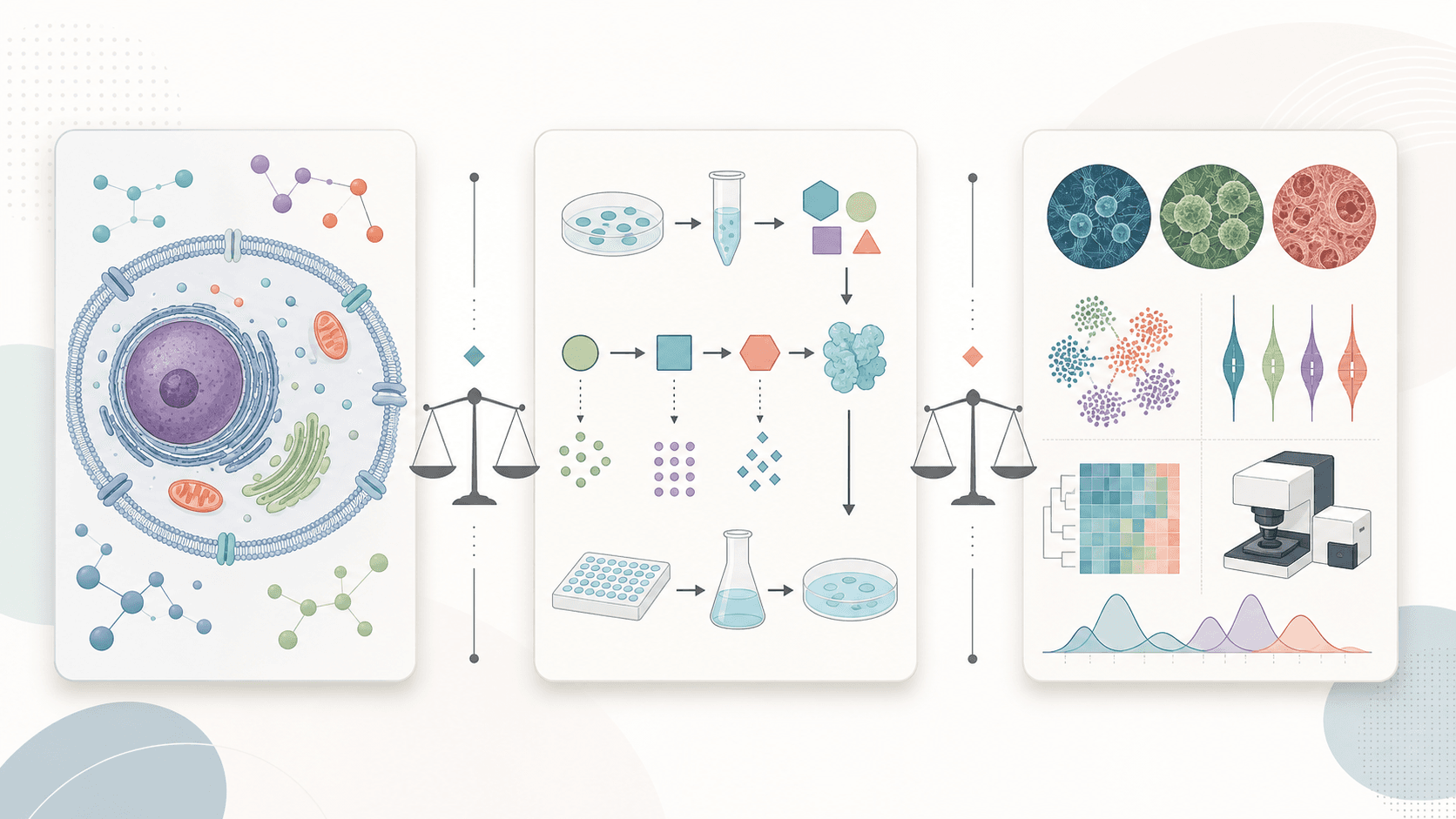
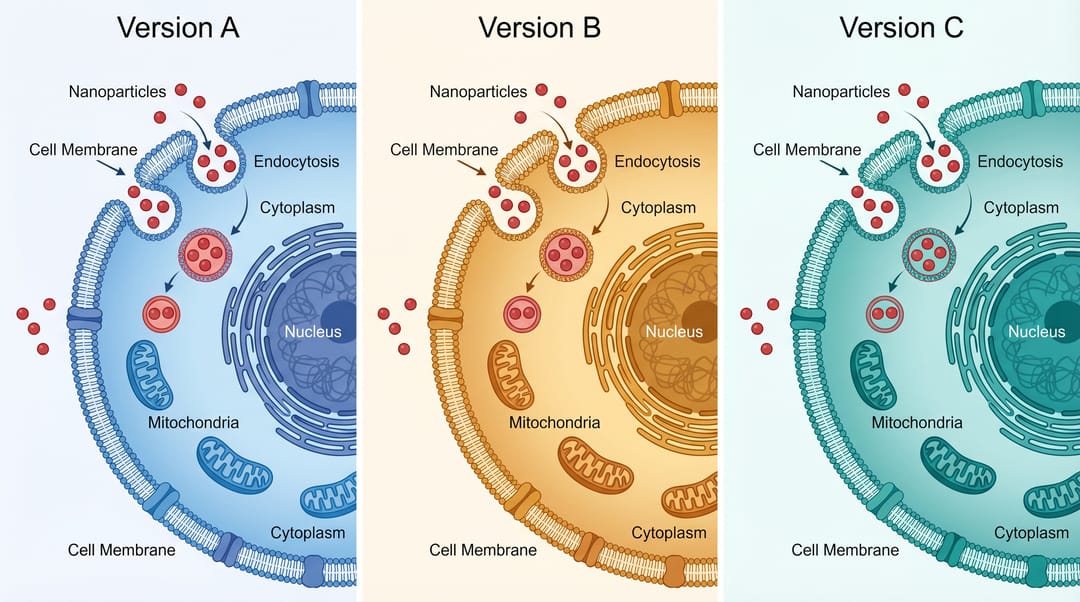 Three versions of the same nanoparticle uptake figure, drawn in each of the three tools.
The Figurelabs figures were the fastest to draft but needed re-export at higher DPI after the reviewer complained about pixelation. The BioRender figures were stylistically consistent but took the longest to assemble. The SciDraw AI figures survived submission without a redo, which is what the team cared about most.
What this comparison doesn't tell you
Two things to keep in mind:
-
Rankings move fast in this market. Figurelabs launched vector export in beta in February. BioRender is rumored to be retraining its AI assist on a newer model. We'll update this comparison in October 2026, and rankings may shift.
-
Your field matters. We tested across biology, chemistry, and materials science. If you're in astrophysics, fluid dynamics, or bioinformatics (think network/graph figures), your mileage may differ.
How to use this comparison by role
- You're a biology PhD student picking one tool for your thesis: start with SciDraw AI's free tier for the non-biology figures and your lab's BioRender seat for the canonical biology ones. Two tools, $0 out of pocket.
- You're a PI choosing a tool for your whole lab: if your lab is 80%+ biology, BioRender institutional is probably easiest. If you're mixed-field, SciDraw AI Pro or Lifetime is cheaper and more flexible.
- You're an industry scientist at a biotech company: BioRender has better compliance/security stories for enterprise (HIPAA-adjacent clients care about this). Test SciDraw AI in parallel if you're doing materials or chemistry work.
- You're a medical illustrator going freelance: SciDraw AI + Illustrator is the workflow we'd recommend. Skip BioRender unless your clients specifically ask for it.
The tool is a 10% contribution to your figure. The other 90% is whether you can state your message in one sentence before you open any app.
👉 Try SciDraw AI free — no credit card, 10 signup credits plus 5 daily credits, SVG export on the free tier.
FAQ
Is there a free alternative to BioRender?
Yes. SciDraw AI offers 10 credits on signup plus 5 daily credits with no watermarks and SVG vector export on the free tier. For icon libraries, BioIcons and Servier Medical Art are Creative Commons licensed and free with attribution. Inkscape is free if you have time to learn vector editing. Full breakdown at 5 Free BioRender Alternatives.
What is the closest BioRender alternative for AI generation?
SciDraw AI and Figurelabs.ai are the two AI-first alternatives. SciDraw AI is tuned on scientific datasets (better label accuracy on long technical terms) and includes SVG export on the free tier. Figurelabs is faster on raw generation but gates vector export to higher tiers. BioRender's "AI assist" sits on top of manual icon assembly and isn't comparable.
Can I export BioRender figures as SVG for free?
No. BioRender's free tier exports watermarked low-resolution PNG only. SVG and high-resolution exports require Premium ($45/mo and up). SciDraw AI's free tier includes SVG export with no watermark — that's the most direct functional swap.
Is BioRender worth it for materials science or chemistry?
Limited. BioRender's library is heavily weighted to cell and molecular biology. For chemistry, materials, physics, or engineering figures, you'll spend most of your time fighting the icon library. SciDraw AI scored ⭐⭐⭐⭐ on chemistry/materials in our benchmark vs BioRender's ⭐ on materials. See the field-coverage table above.
How much does BioRender cost vs SciDraw AI?
- BioRender: $45/mo (basic) or $75/mo (premium). Annual: contact sales. Student: ~50% off with verification.
- SciDraw AI: paid subscriptions from $20/mo or $120/year, $3,999 one-time Lifetime. Free tier: 10 signup credits plus 5 daily credits with SVG export.
- Per-figure cost in our test: BioRender ~$0.45, SciDraw AI from ~$0.25 on paid plans or $0 on the free trial.
Does Figurelabs beat BioRender?
For speed and price, yes. For biology icon coverage, no. Figurelabs is best understood as a "fast text-to-figure tool" — useful for blog posts and slide drafts, less suited for journal submission because vector export is gated and label accuracy on long technical terms drops below 75%.
Can I migrate from BioRender without losing work?
Yes — see the migration steps in our free alternatives guide. Export everything from BioRender at maximum allowed resolution before canceling. Keep a free BioRender account for icon-library reference. Start your next paper in the new tool rather than recreating old figures.
Which tool produces SVG that opens cleanly in Illustrator?
SciDraw AI — by design. Our SVG export uses real text layers, named groups, and standard color palettes, so Illustrator opens the file with editable text and selectable shapes. BioRender's SVG (premium tier only) is also clean. Figurelabs SVG often needs Object → Path → Compound Path cleanup before serious editing.
Related guides
- Best AI Tools for Scientific Diagrams 2026 — the wider 8-tool benchmark
- Free BioRender Alternatives — the full alternatives landscape
- How to Draw Scientific Figures — the 7-principle playbook
- Scientific Drawing Tool — AI-assisted scientific drawing workflow
- Scientific Diagram Maker — mechanism/flowchart builder