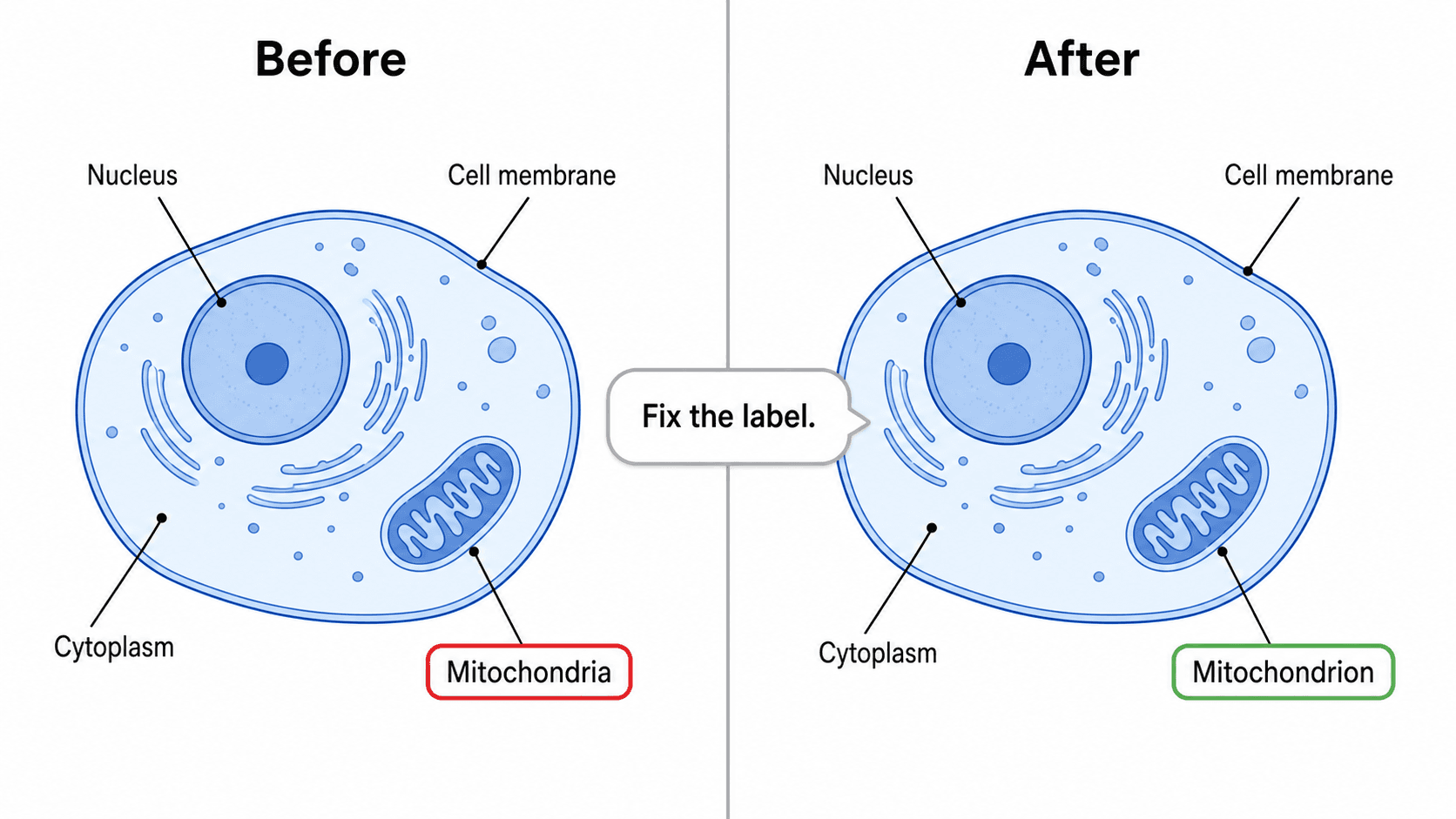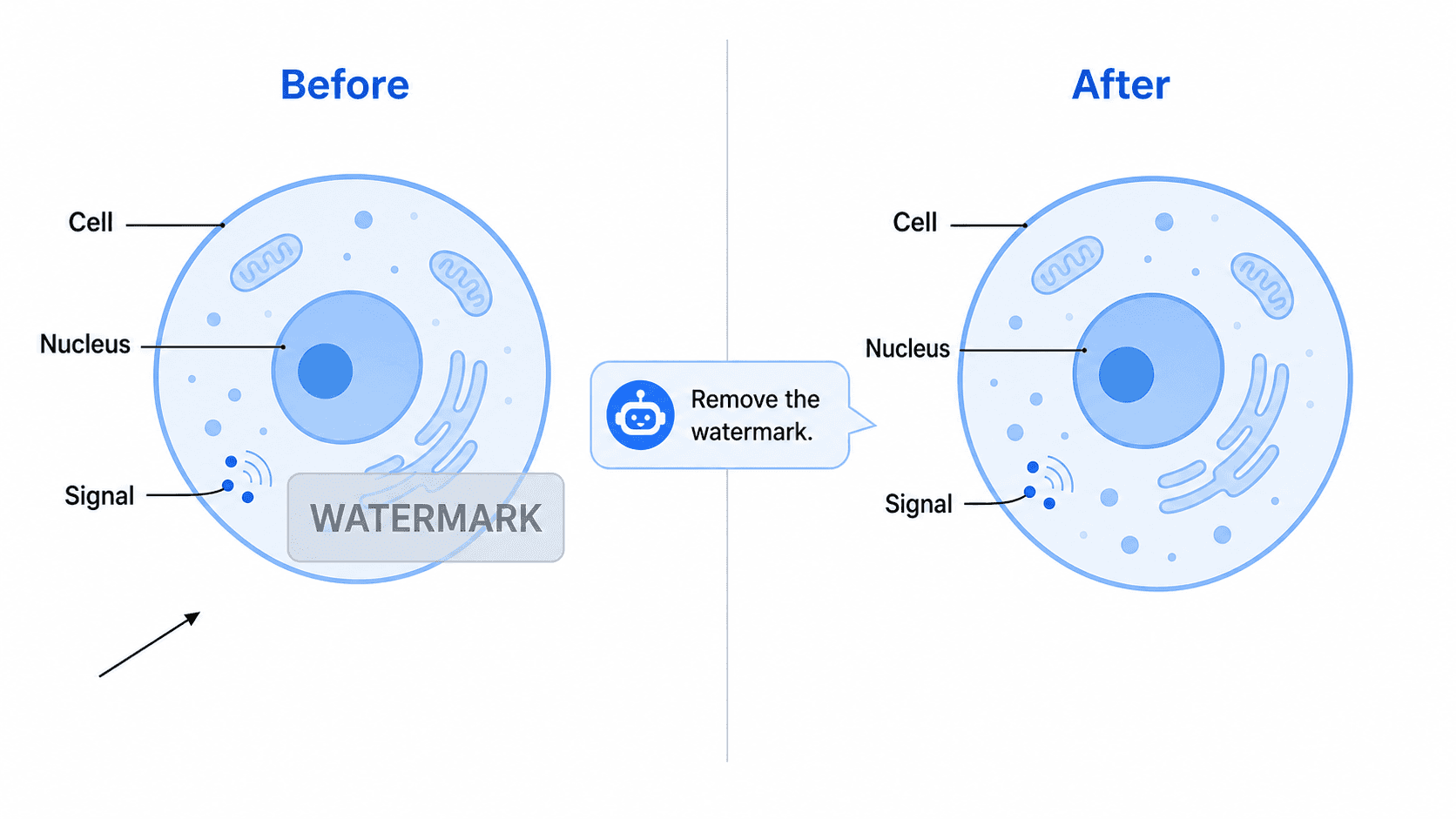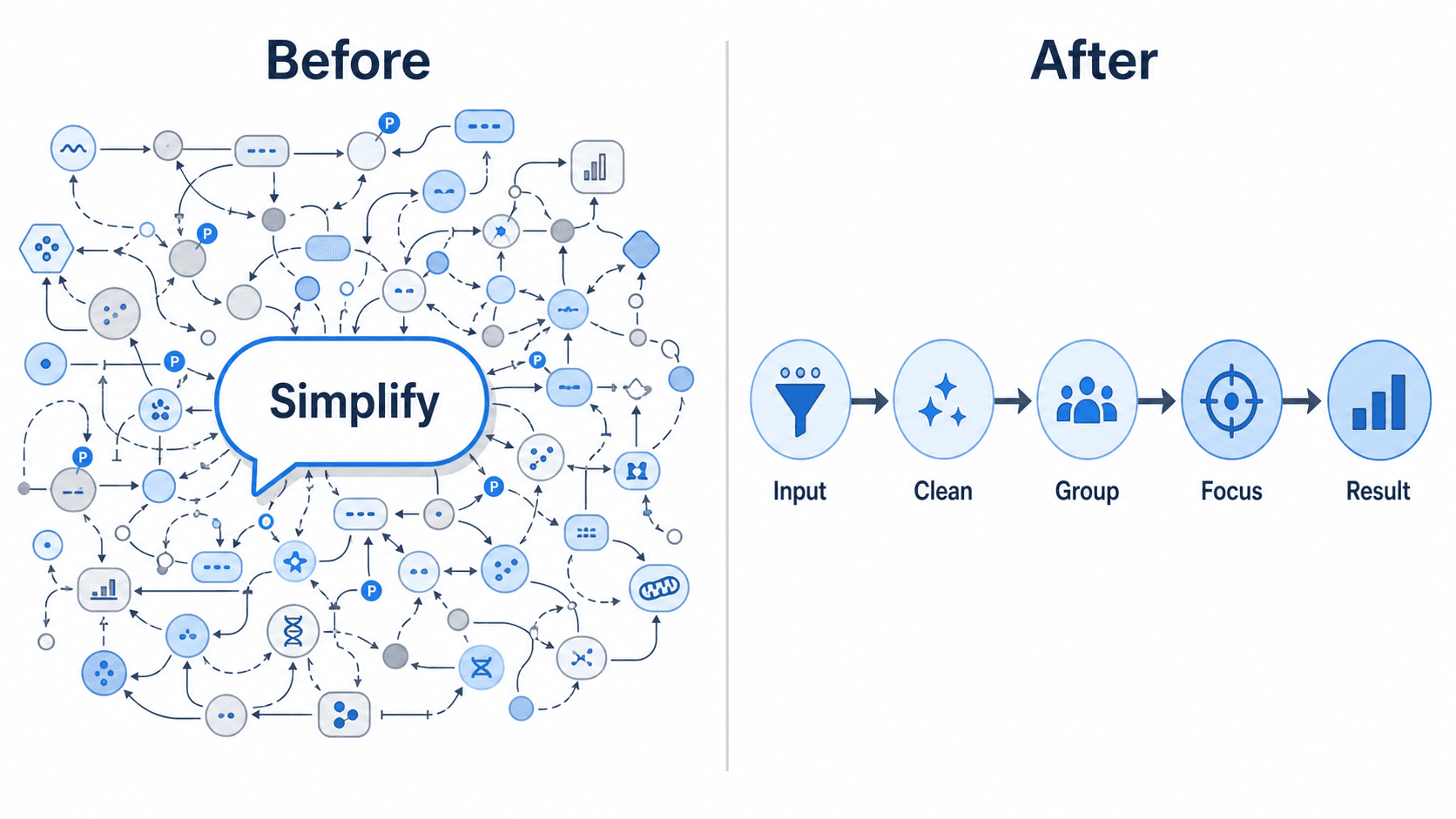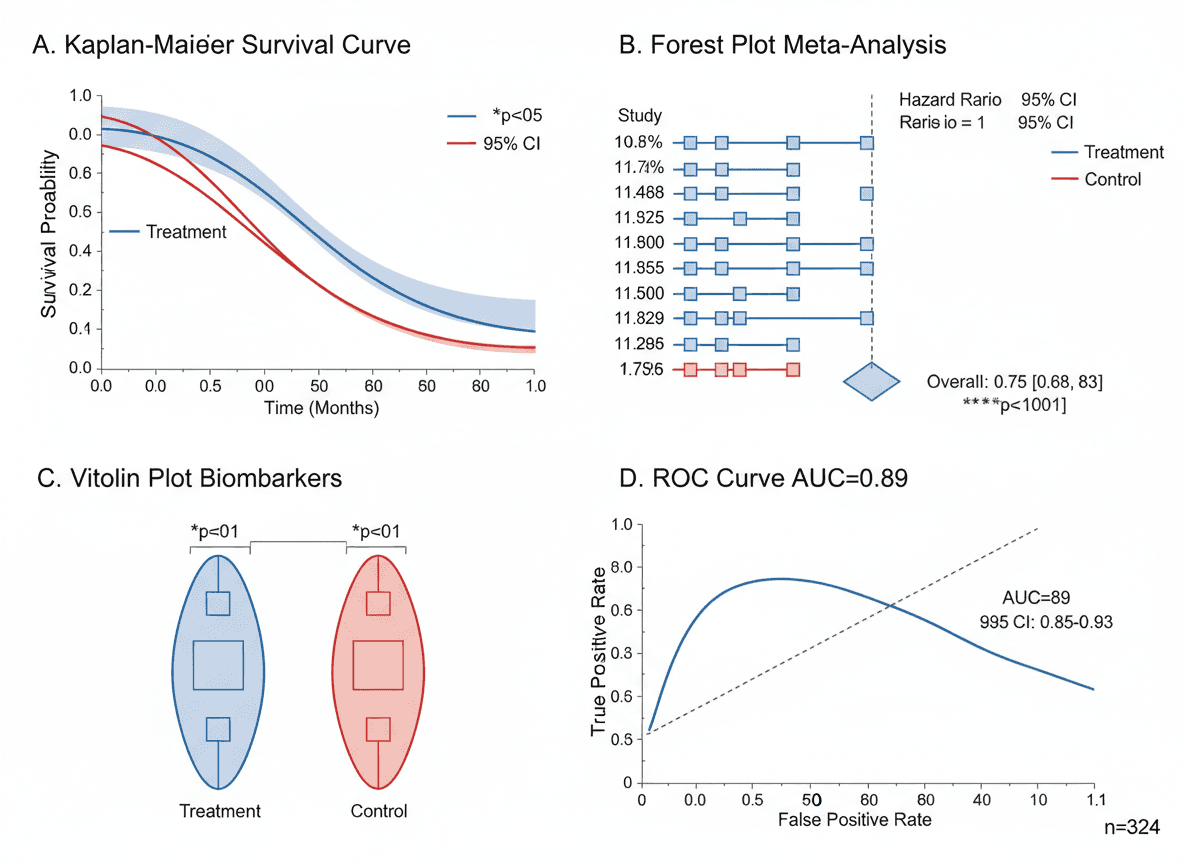
Creating publication-ready figures traditionally takes hours of work with specialized software. AI has changed this equation dramatically, enabling researchers to generate professional scientific illustrations in minutes.
This guide shows you exactly how to create journal-quality figures quickly using AI tools, without sacrificing quality or accuracy.
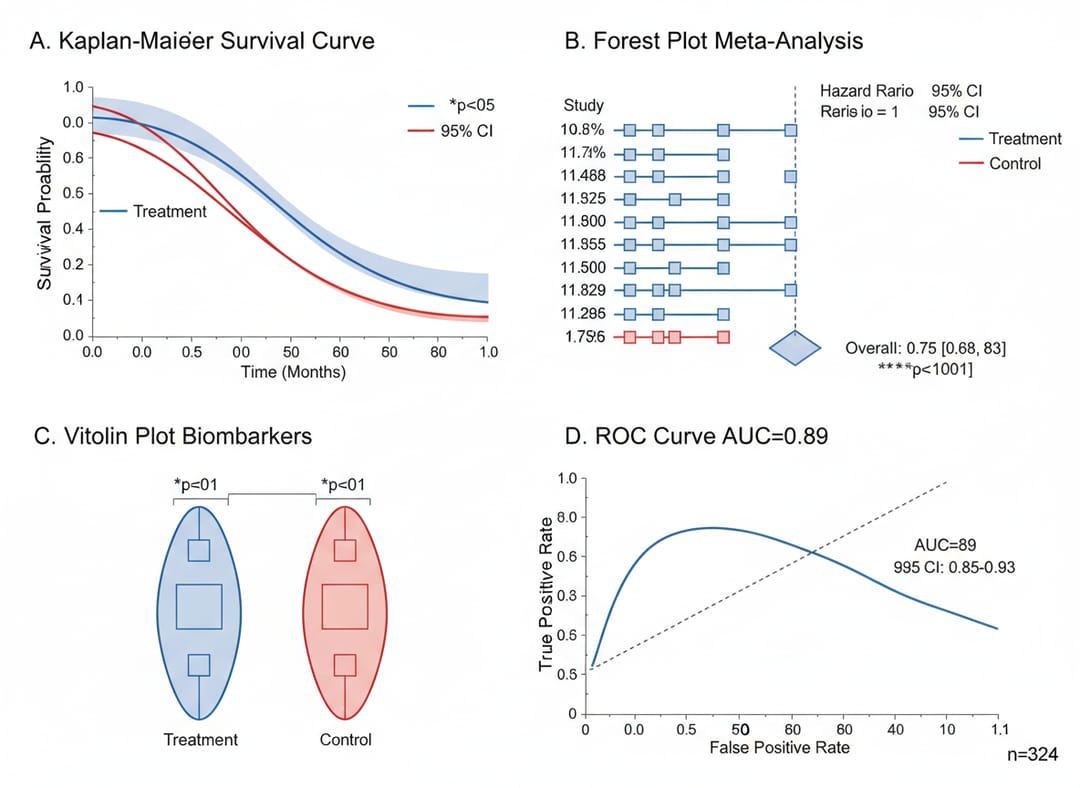 AI-generated figures can meet the highest publication standards
What Makes a Figure "Publication-Ready"?
Before diving into creation, understand what journals require:
Technical Requirements
| Requirement | Standard |
|---|---|
| Resolution | 300+ DPI |
| Format | TIFF, EPS, PDF |
| Color mode | RGB or CMYK |
| Size | Journal-specific |
| File size | Usually < 10MB |
Quality Standards
- Scientific accuracy: Correctly represents concepts
- Visual clarity: Readable at publication size
- Professional design: Clean, uncluttered appearance
- Proper labeling: All elements identified
- Consistent style: Matches paper's other figures
The 5-Minute Figure Workflow
Minute 1: Define Your Figure
Ask yourself:
- What single concept does this figure illustrate?
- What elements must be included?
- What's the target size (single/double column)?
- What style matches my other figures?
Quick template:
Figure type: [conceptual/data/mechanism/workflow]
Key elements: [list 3-5 essential components]
Style: [flat/scientific/isometric/minimalist]
Size: [single column 88mm / double column 180mm]
Minute 2: Write Your Prompt
Structure:
[Figure type] for [journal type] publication,
showing [main concept],
including [element 1], [element 2], [element 3],
labeled with [specific terms],
[style descriptor] style,
[aspect ratio] format,
publication-ready quality
Example:
Mechanism diagram for Nature publication,
showing CRISPR-Cas9 gene editing process,
including guide RNA, Cas9 protein, target DNA, cut site,
labeled with "sgRNA", "Cas9", "PAM sequence", "DSB",
clean scientific illustration style,
4:3 landscape format,
publication-ready quality
Minute 3: Generate with AI
- Open SciDraw AI Drawing
- Select appropriate template (if available)
- Enter your prompt
- Generate image
Pro tip: Generate 2-3 versions to choose the best one
Minute 4: Quick Quality Check
Review against this checklist:
- Main concept clearly communicated
- All required elements present
- Labels readable and accurate
- Colors appropriate and consistent
- No obvious errors or artifacts
Minute 5: Export and Finalize
- Select correct resolution (300 DPI)
- Choose appropriate format (TIFF for submission)
- Verify dimensions match requirements
- Download and name clearly
Total time: 5 minutes or less
Figure Types and Quick Prompts
Graphical Abstract (TOC Graphic)
Time: 3-5 minutes
Graphical abstract for [journal] showing [main finding],
[key visual element] in center,
results: [primary outcome],
clean white background,
[journal-specific dimensions],
publication-ready TOC graphic
Mechanism Illustration
Time: 5-7 minutes
Molecular mechanism figure showing [process name],
step-by-step representation,
[molecule/protein 1] interacting with [molecule/protein 2],
arrows indicating [direction/transformation],
labeled with standard nomenclature,
scientific illustration style,
4:3 format
Workflow Diagram
Time: 4-6 minutes
Experimental workflow for methods section,
[number] main steps: [list steps],
sequential left-to-right flow,
icons representing each step,
timeline indicated,
clean professional style
Cell/Tissue Illustration
Time: 5-8 minutes
[Cell type] illustration showing [focus],
[organelle 1], [organelle 2], [organelle 3] visible,
[process or feature] highlighted,
labels in English with scale bar,
cell biology textbook style
Data Summary Figure
Time: 3-5 minutes
Results summary figure showing [comparison],
[data type] visualization,
treatment vs control clearly distinguished,
key statistics prominently displayed,
publication-ready data figure style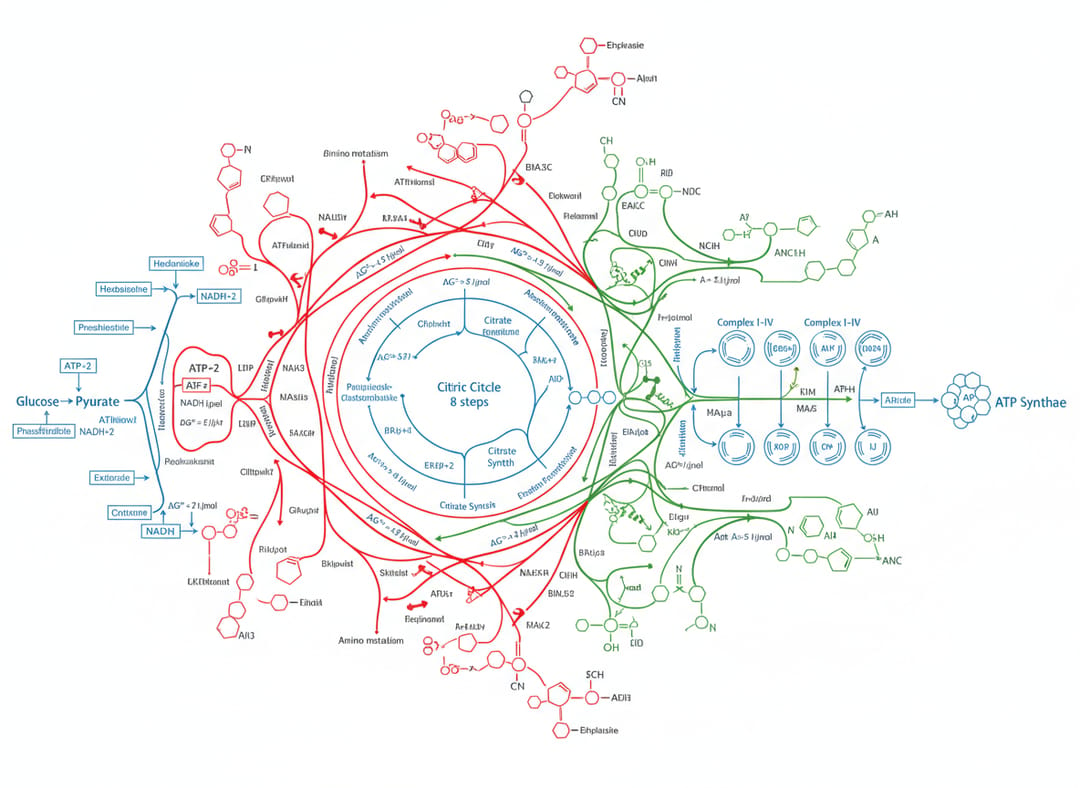 Complex concepts can be illustrated quickly with the right approach
Optimizing for Different Journals
High-Impact Journals (Nature, Science, Cell)
Style characteristics:
- Very clean, minimal design
- White backgrounds preferred
- Sophisticated color palettes
- Maximum visual impact
Prompt addition:
Nature/Science publication style,
maximum visual clarity,
sophisticated minimal design,
high-impact journal aesthetic
Specialty Journals (ACS, RSC, Wiley)
Style characteristics:
- More technical detail acceptable
- Field-specific conventions
- Standard color schemes
- Information-dense layouts possible
Prompt addition:
[Journal name] style,
field-appropriate detail level,
standard [chemistry/biology/etc] conventions,
professional specialist publication aesthetic
Open Access Journals (PLOS, eLife, Frontiers)
Style characteristics:
- Accessibility emphasized
- Clear for broad audiences
- Color-blind friendly recommended
- Digital-first optimization
Prompt addition:
Open access journal style,
accessible to broad audience,
high contrast for digital viewing,
clear at various screen sizes
Speed Tips and Tricks
1. Build a Prompt Library
Save prompts that work well:
My Mechanism Prompt Template:
[Copy your successful prompt here]

My TOC Graphic Template:
[Copy your successful prompt here]
2. Use Consistent Style Keywords
Define your style once:
My style: "clean scientific illustration,
sans-serif labels, blue-gray color palette,
white background, 4:3 format"
Then append to all prompts.
3. Generate Multiple Options
Quick approach:
- Generate first version
- Note what's good/needs improvement
- Refine prompt
- Generate improved version
Usually 2-3 iterations maximum.
4. Parallel Processing
If you need multiple figures:
- Define all figures first
- Write all prompts
- Generate all at once
- Review and refine together
5. Template Selection
SciDraw AI templates pre-configure many settings:
- TOC Graphical Abstract
- Mechanism Illustration
- Experimental Workflow
- Cell Diagram
Using templates saves prompt-writing time.
From Minutes to Submission
Quick Pre-Submission Checklist
Technical specs:
- Resolution: 300+ DPI
- Format: TIFF/EPS/PDF
- Dimensions: Within limits
- File size: Under maximum
- Color mode: RGB or CMYK
Content:
- Scientifically accurate
- All elements labeled
- Consistent with other figures
- Matches figure legend
- Copyright compliant
Documentation:
- AI use disclosed (if required)
- Source files saved
- Prompt recorded
Real-World Time Savings
Case Study: Research Paper with 6 Figures
Traditional approach:
- Figure 1 (mechanism): 6 hours
- Figure 2 (workflow): 4 hours
- Figure 3 (results): 3 hours
- Figure 4 (model): 5 hours
- Figure 5 (comparison): 3 hours
- Figure 6 (summary): 4 hours
- Total: 25 hours
AI-assisted approach:
- Figure 1 (mechanism): 15 min
- Figure 2 (workflow): 10 min
- Figure 3 (results): 20 min
- Figure 4 (model): 15 min
- Figure 5 (comparison): 10 min
- Figure 6 (summary): 10 min
- Refinement: 60 min
- Total: 2.5 hours
Time saved: 22.5 hours
Where Time Goes
Traditional:
- 40% Learning/using software
- 30% Creating elements
- 20% Arranging and styling
- 10% Exporting/formatting
AI-assisted:
- 10% Writing prompts
- 20% Generating options
- 40% Reviewing/refining
- 30% Final adjustments
Maintaining Quality at Speed
Non-Negotiables
Even when working fast, never skip:
- Accuracy check: Is the science correct?
- Readability test: Can you read labels at final size?
- Journal compliance: Does it meet specifications?
Quality Shortcuts
These speed you up without sacrificing quality:
- Use templates
- Reuse successful prompts
- Batch similar figures
- Generate multiple options at once
When to Slow Down
Take more time for:
- Cover art submissions
- Key data figures
- Grant application visuals
- Thesis/dissertation figures
Get Started Now
Ready to create publication-ready figures in minutes?
Quick Start Guide
- Define your first figure (1 minute)
- Visit SciDraw AI (30 seconds)
- Select a template (30 seconds)
- Write your prompt (1 minute)
- Generate (30 seconds)
- Review and export (1.5 minutes)
First figure: Under 5 minutes
Your Action Items
- Bookmark this guide
- Create account on SciDraw AI
- Write prompt for your next figure
- Generate your first AI figure
- Save your successful prompt
Transform your figure creation workflow today. Your future self will thank you.
Related Guides
- Nature, Science & Cell Figure Requirements — exact specs for top journals
- Convert Figures to 300/600 DPI TIFF — fix DPI and format issues
- 8 AI Prompt Rules for Scientific Figures — write better prompts for research visuals
- Scientific Figure Types Guide — choose the right visualization
- AI Scientific Illustration Tool — create publication-ready figures online