Most figure rejections aren't about the science — they're a 2 mm width mismatch, a 96 DPI screenshot, or Calibri where the journal wanted Helvetica. This page is the cheat sheet so that doesn't happen to you, plus a way to check your actual file against it before you upload.
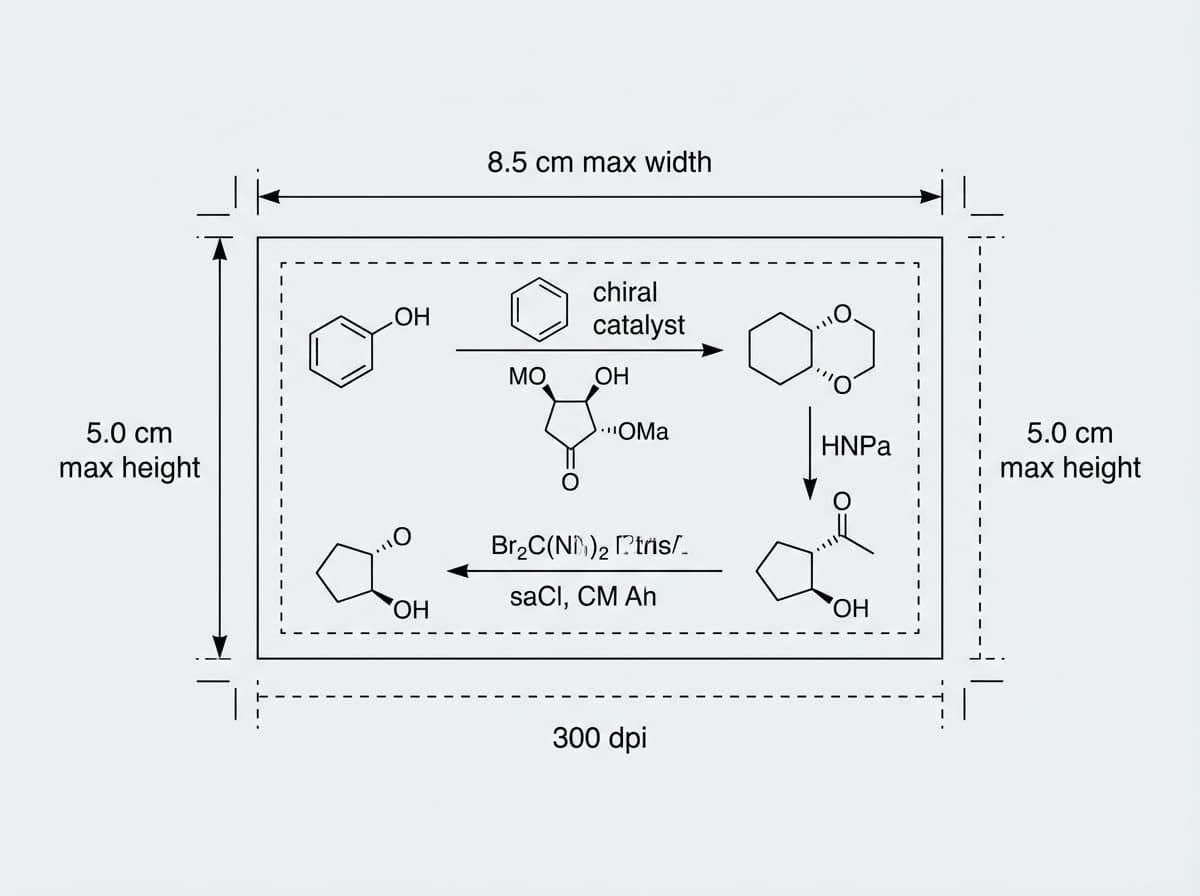
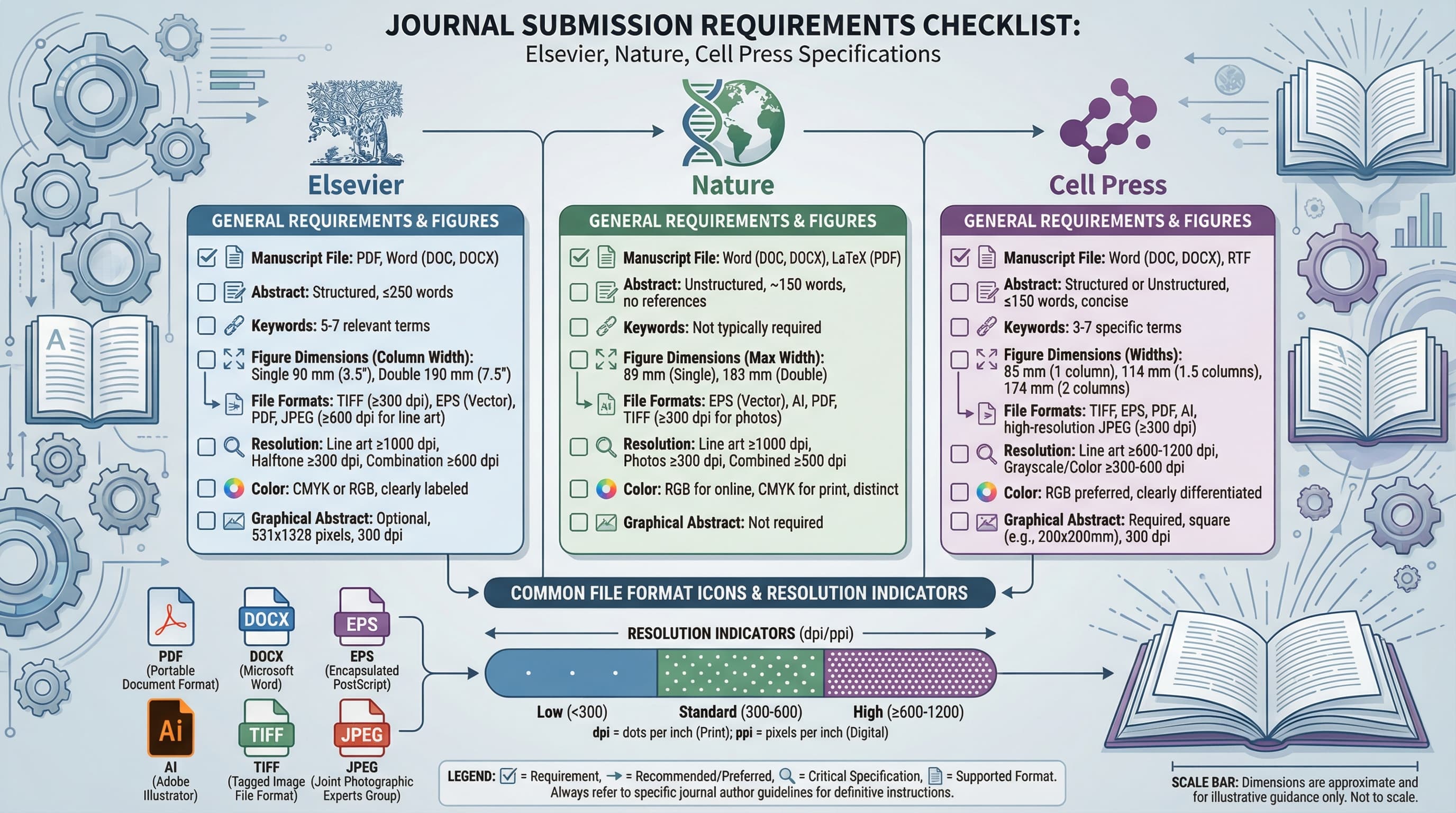
The numbers, at a glance: Nature wants 88 mm (single) or 180 mm (double) — its own final-artwork guide lists 89/183 mm — with 300 DPI photos and vector line art (Nature's guide says "do not rasterize line art"), Arial or Helvetica at 5–7 pt. Science wants 5.7 cm, 12.1 cm, or 18.4 cm (three column widths), vector formats preferred. Cell wants 85 mm or 174 mm, 300 DPI color / 500 DPI B&W / 1000 DPI line art, Arial only, scale bars on every micrograph. Full table below — every value is sourced from the publishers' official pages.
Copy-paste cheat sheet
| Spec | Nature | Science | Cell |
|---|---|---|---|
| Single column | 88 mm (89 mm in Nature's artwork guide) | 5.7 cm (2.24 in) | 85 mm (3.35 in) |
| 1.5 column | 120 / 136 mm | — | 114 mm |
| Double column | 180 mm (183 mm in artwork guide) | 12.1 cm (4.76 in) | 174 mm (6.85 in) |
| 3 column | — | 18.4 cm (7.24 in) | — |
| Max height | 247 mm | — | Fit a single 8.5 × 11 in page |
| Photo DPI | 300 | 300 (initial) | 300 (color) / 500 (B&W) |
| Line-art DPI | Vector (do not rasterize) | Vector preferred | 1000 |
| Format | TIFF, EPS, PDF | EPS, PDF, TIFF, AI | TIFF, PDF, EPS |
| Color | RGB (→ CMYK for print) | RGB preferred | RGB |
| Max file size | 50 MB (final artwork) | — | 20 MB (final) |
| Font | Arial / Helvetica | Helvetica preferred | Arial only |
| Panel labels | a, b, c (8 pt bold) | A, B, C (10 pt bold) | A, B, C (caps) |
| Scale bars | On micrographs | On micrographs | Every microscopy panel |
Save this section. Most production delays trace back to one small mismatch — width, DPI, font, format, scale bars, or panel labels.
Now check your own figure
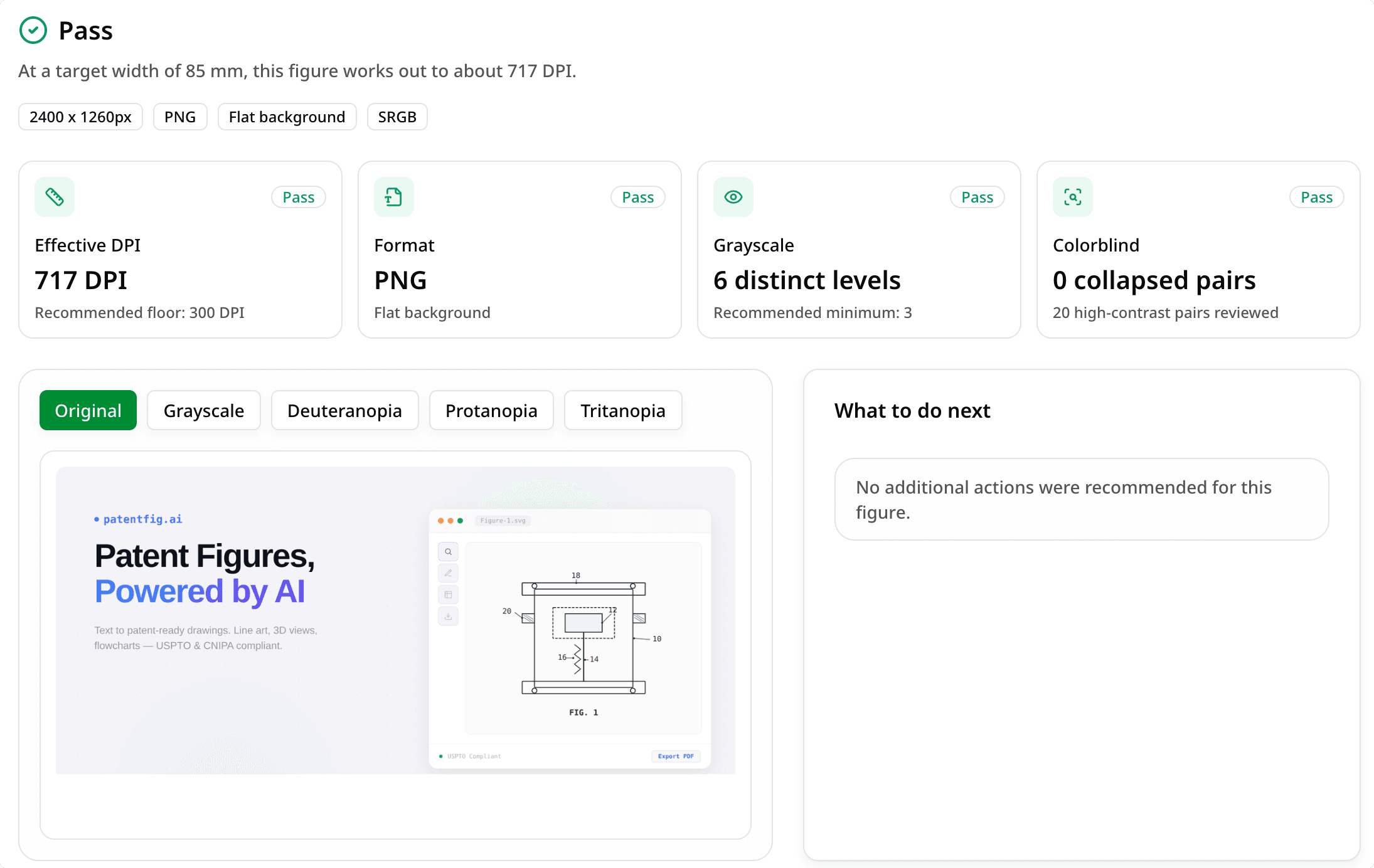
Reading the specs is the easy part — the question is whether your file actually meets them, and you can't tell that by eye. Drop it into the checker and get DPI, dimensions, format, color mode, and journal fit on one screen.
Does your figure pass? Check DPI, size, format, and colorblind safety against Nature/Science/Cell specs in seconds — free daily credits.
If something fails, the fix usually isn't a redraw:
| If the check flags… | Do this |
|---|---|
| Resolution below 300/600 DPI | Convert / upscale to spec |
| Wrong format (need TIFF/PDF) | Convert the file |
| Figure needs rebuilding | Scientific Figure Maker |
| Missing or weak figure legend | Figure Legend Generator |
Who this is for
Anyone preparing a first or revised submission to Nature, Science, Cell, or their family journals (Nature Methods, Nature Communications, Cell Reports, Science Advances…). Same physical specs, same checklist.
Not your case? Society/specialty journals (ACS, IEEE, RSC) set their own rules — check their "Figure Preparation" page. Preparing a graphical abstract? See Graphical Abstract Requirements by Journal. Just need a PNG turned into journal-grade TIFF? Go straight to the conversion guide.
Pre-submission checklist
- Width matches a journal column option (single / 1.5 / double)
- Photos ≥300 DPI at final print size (not native pixel size)
- Line art is vector (Nature says "do not rasterize"; Science prefers vector) or ≥1000 DPI (Cell)
- File is TIFF (LZW), EPS, or PDF — never JPEG for final
- Font is Arial/Helvetica; 5–7 pt labels, 8 pt bold panel letters
- Panel labels run a–z (Nature) or A–Z (Science/Cell)
- Micrographs have scale bars + magnification stated
- Blots have MW markers + loading control
- File size under the cap (Nature allows up to 50 MB per final-artwork figure; some submission systems cap lower)
- Editable SVG/AI source kept locally for revisions (editing tips)
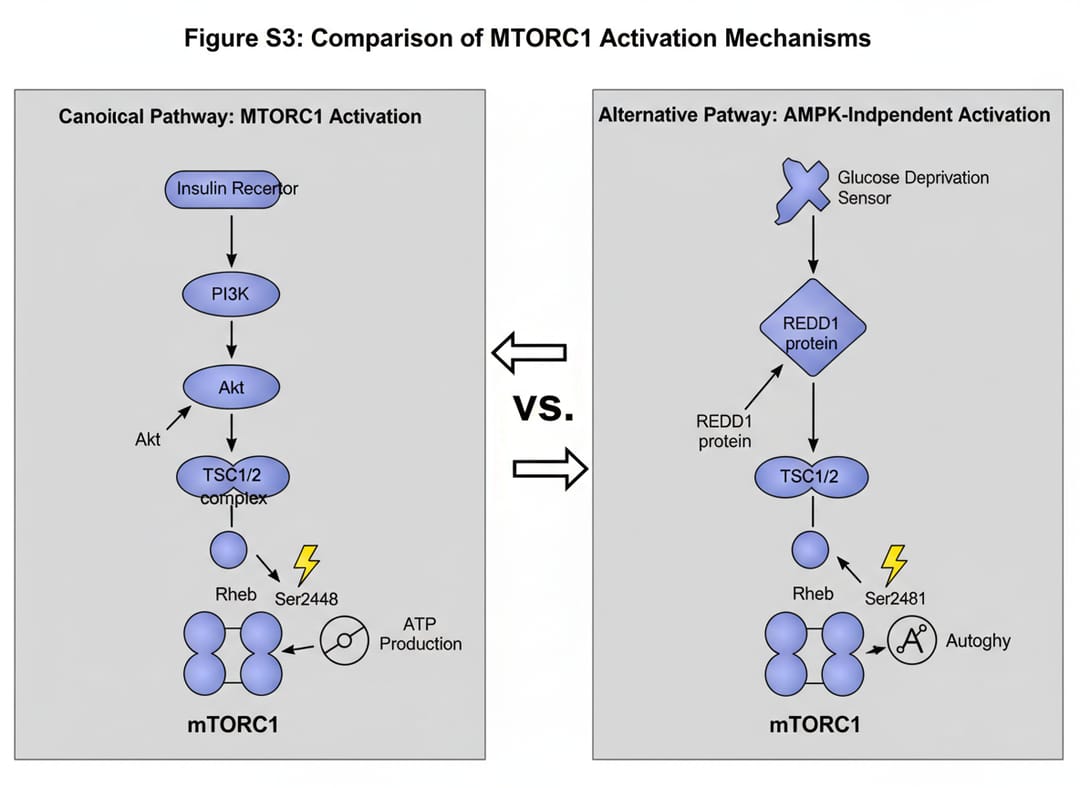 Figures must clear technical and aesthetic bars at once.
Why journals are strict about this
High-impact journals enforce figure specs because a figure has to reproduce cleanly in print, render correctly online, stay readable for decades, look consistent across articles, and be accessible to all readers. Miss them and you risk a desk-level bounce, a 2–4 week production delay, or quality loss in the final PDF. None of it is about the merit of your work — which is exactly why it's frustrating to get caught by it.
Nature
| Parameter | Requirement |
|---|---|
| Resolution | 300 DPI photos; line art must stay vector ("do not rasterize line art") |
| Color | RGB recommended (auto-converted to CMYK for print); CMYK optional |
| Format | Final artwork: AI, EPS, PSD, PDF, PowerPoint, Word, Excel (Nature's final-artwork guide rejects JPEG, TIFF, PNG) |
| Max size | Up to 50 MB per figure |
| Width | 88 mm single, 180 mm double (Nature's own artwork guide lists 89 / 183 mm) |
Widths in practice: 88 mm for small graphs, single gels, single micrograph panels; 120 mm or 136 mm (1.5 column) for medium graphs and comparative panels; 180 mm for complex multi-panel figures and wide schematics. Full page depth is 247 mm. Note: the two official Nature artwork guides give slightly different widths (88/180 mm vs 89/183 mm) — both are current.
Style: clean, light backgrounds, sans-serif labels, minimal decoration. Fonts — labels 5–7 pt, axes 6–8 pt, panel letters (a, b, c) 8 pt bold.
Science
| Parameter | Requirement |
|---|---|
| Resolution | 300 DPI photos at initial submission (higher at revision); line-art DPI is set at the revision stage |
| Color | Not stated on the initial-submission page (set at revision) |
| Format | Vector preferred (Adobe Illustrator); files must be Photoshop/Illustrator-readable; PowerPoint not accepted |
| Text | Sans-serif, Helvetica preferred; ~7 pt (not smaller than 5 pt) |
| Width | 5.7 cm (1 col), 12.1 cm (2 col), or 18.4 cm (3 col) |
Science prefers vector formats so labels stay editable in production, and keeps figure legends separate from the figure. Panel labels are capital A, B, C at 10 pt bold. (The widely repeated "5.5 cm / 12 cm" is out of date — the official widths are 5.7 / 12.1 cm, plus a third 18.4 cm option.)
Cell Press
| Parameter | Requirement |
|---|---|
| Resolution | 300 DPI color, 500 DPI B&W, 1000 DPI line art (at print size) |
| Color | RGB (red and green should not be used together) |
| Format | Initial: TIFF or PDF (< 3 MB), JPEG/EPS accepted; final: TIFF, PDF, or CDX ≤ 20 MB |
| Width | 85 mm (1 col), 114 mm (1.5 col), 174 mm (full) |
| Height | Must fit a single 8.5 × 11 in page |
| Font | Arial only, fonts embedded |
Cell's non-negotiables: scale bars on every microscopy panel (in the image, not the legend), MW markers on every blot, inline statistical annotations (*, **, ***), and complete (often long) legends. Widths above are for Cell's 2-column journals (Cell, Molecular Cell, Neuron); other Cell Press families (Joule, Matter, iScience…) use different widths.
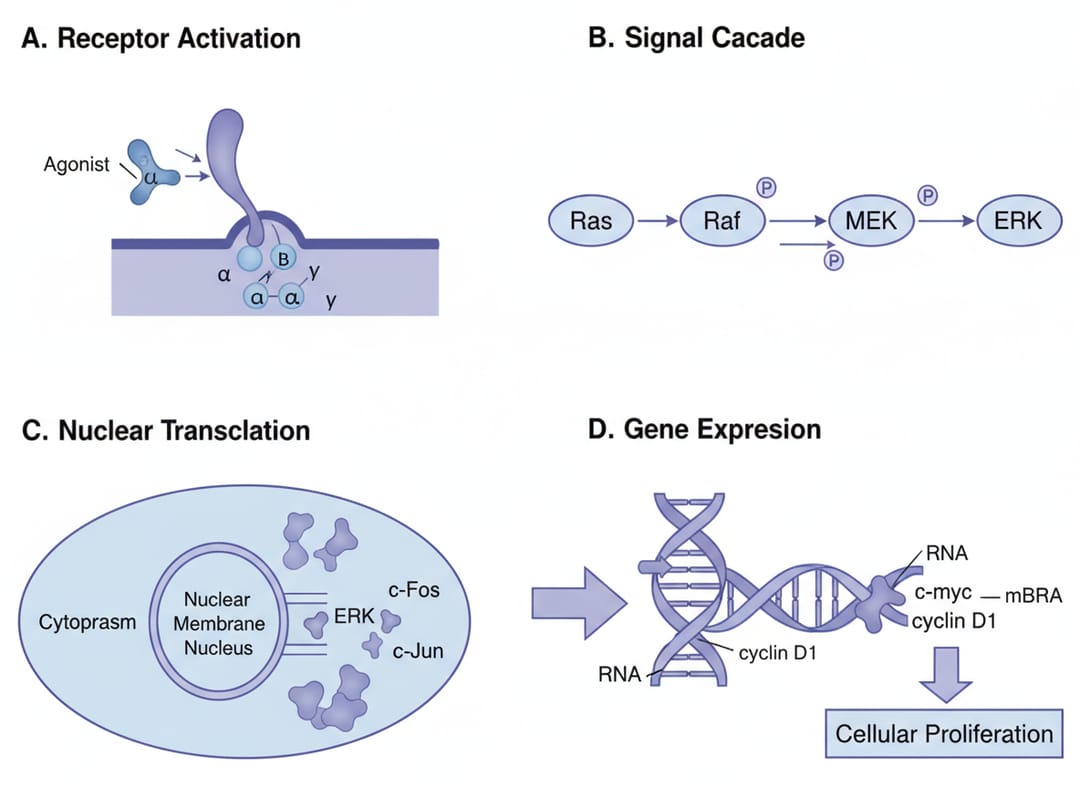 Cell often runs dense multi-panel figures.
Building a compliant figure from scratch
If you're starting fresh rather than fixing an existing file, set the document up correctly from the first click.
1. Plan the layout — single vs multi-column width, panel count, data types, annotations.
2. Set up the canvas. Illustrator: width 180 mm, RGB, 300 PPI. PowerPoint: slide 18 cm wide, export at 300+ DPI.
3. Draft the illustration with AI. Constrain it to journal style in the prompt:
Nature-style scientific figure of [topic],
clean white background, minimal design,
sans-serif labels, publication-ready,
sized for 180 mm double-column width
Turn that prompt into a figure. Generate the draft, then refine labels and export to spec.
4. Assemble multi-panel figures — top-to-bottom, left-to-right; related data grouped; consistent spacing; aligned axes.
5. Final check — resolution, format, dimensions, readable at print size, color mode, file size, panel labels, scale bars.
Figure-type prompts
Statistical plots — Bar graph for Nature, [data], error bars (s.d.), significance markers, clean axis labels, no gridlines, white background. Requirements: labeled axes with units, defined error bars, data points when n < 10, significance shown.
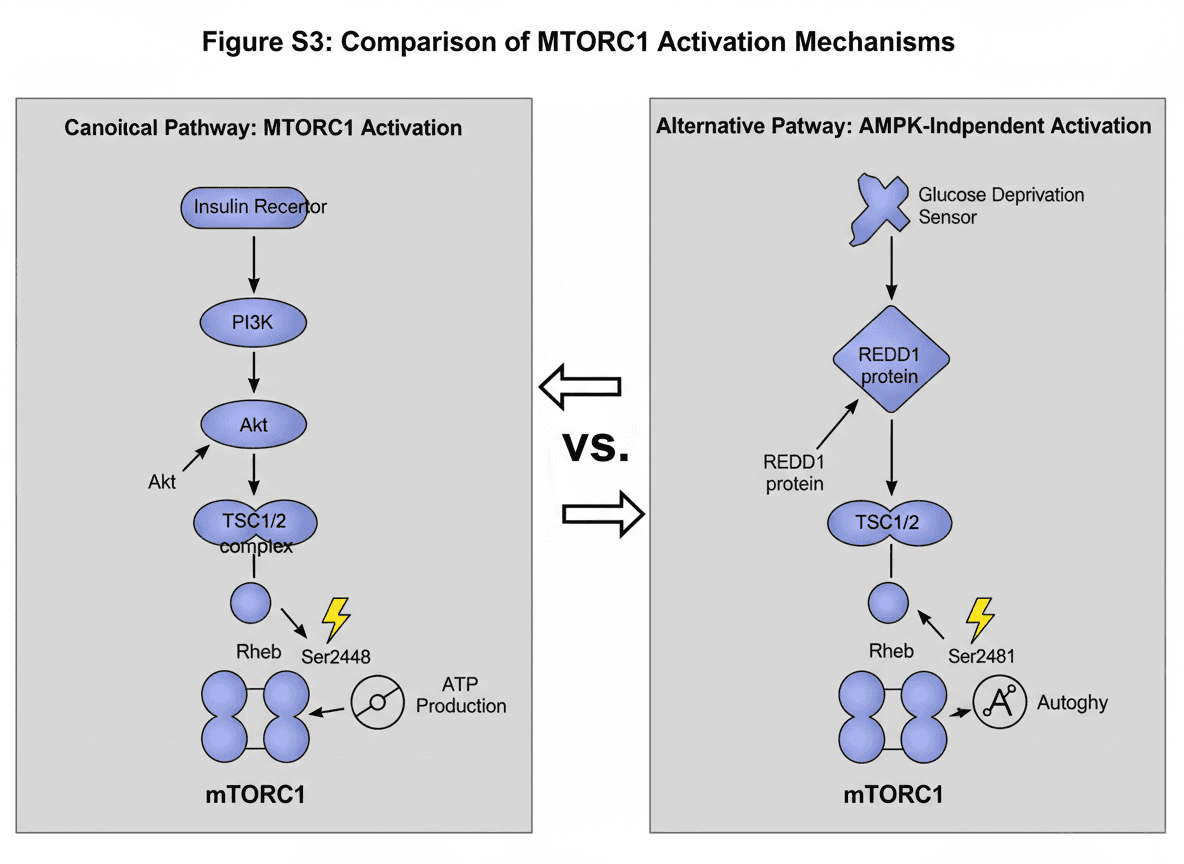
Molecular mechanisms — Molecular mechanism for Cell, [mechanism] with steps, standard protein nomenclature, directional arrows, modification sites marked. Requirements: accurate representations, standard nomenclature, clear directionality. → Mechanism Figure Generator.
Microscopy — scale bars mandatory, magnification stated, acquisition in methods, representative images labeled, all processing disclosed and applied uniformly.
Gels / blots — MW markers visible, loading controls, cropping boundaries indicated, full blots in supplementary.
Color
Mode: submit RGB; the publisher converts to CMYK for print. Colorblind safety: avoid red/green, blue/purple, green/brown; prefer blue/orange, blue/yellow, purple/yellow, or blue/orange/gray.
| Color | Common meaning |
|---|---|
| Red | Inhibition, decrease, heat |
| Green | Activation, increase, growth |
| Blue | Control, water, cold |
| Yellow | Caution, highlight |
| Gray | Background, neutral |
File formats
- TIFF — photos, microscopy, complex raster, final submission (LZW lossless).
- EPS / PDF — line art, graphs, diagrams, scalable illustrations.
- JPEG — review thumbnails only, never final.
- AI / SVG — editable source; keep locally, may be requested.
Figure legends
A complete legend has: a brief title, per-panel descriptions, essential methods, statistics (n, test, thresholds), and defined abbreviations.
Figure 1. CRISPR-Cas9 disrupts tumor-suppressor expression.
(a) CRISPR targeting strategy for TP53.
(b) Western blot of p53 72 h post-transfection in control (Ctrl) and
    CRISPR (KO) HeLa cells; GAPDH loading control.
(c) p53 quantification normalized to GAPDH (n=3, mean ± s.d.,
    ***P<0.001, two-tailed Student's t-test).
(d) Immunofluorescence: p53 (green), DAPI (blue). Scale bar, 20 μm.
Drafting these is its own chore — Figure Legend Generator structures one from your panels.
FAQ
What is the figure size for Nature?
Three widths: 88 mm (single), 120 / 136 mm (1.5), 180 mm (double) — Nature's own artwork guide lists 89 / 183 mm. Up to 50 MB per figure, 247 mm max page depth. 300 DPI photos; line art must stay vector.
What DPI does Science require?
300 DPI for images at initial submission (higher at revision). Science prefers vector formats (Adobe Illustrator) so text stays editable, and does not accept PowerPoint. Widths are 5.7 / 12.1 / 18.4 cm.
Does Cell require scale bars on every microscopy panel?
Yes — mandatory, directly on each panel (not in the legend), plus MW markers on every blot and inline statistical annotations.
Which font should I use for journal figures?
Arial or Helvetica — universal, embed cleanly in EPS/PDF, accepted by Nature, Science, and Cell. Avoid Calibri, Open Sans, and custom fonts. Sizes: 5–7 pt labels, 6–8 pt axes, 8 pt bold panel letters.
Difference between 300 and 600 DPI?
300 is the minimum for continuous-tone images (photos, micrographs, gels). 600 is required for line art, where thin lines and small text alias at 300. Mixed figure? Export at 600.
Can I submit a JPEG to Nature or Science?
Not for final submission — JPEG artifacts around text and lines get flagged. Use TIFF (LZW) or EPS/PDF. JPEG is fine only as a quick review thumbnail.
My figure is 800×600 px — how do I make it 300 DPI?
Not by editing metadata. 800×600 at 300 DPI prints at just 2.67 × 2 in, below the 88 mm minimum. You need more pixels — re-export from source at higher resolution, or AI-upscale. Walkthrough: Convert Figures to 300/600 DPI TIFF.
How do I prepare for both print and online?
Submit RGB at 300/600 DPI; the publisher handles CMYK conversion. Keep the editable SVG/AI source so you can re-export at new sizes during revision — see Edit SVG Scientific Figures.
Sources & verification
Every number above was checked against the publishers' official author pages (last verified July 2026). Journal specs change and vary by journal family — always confirm against your target journal's current page before submitting:
- Nature — Guide to preparing final artwork
- Science (AAAS) — Instructions for preparing an initial manuscript
- Cell Press — Digital image guidelines
For a filterable, downloadable version covering 10 publishers (Nature, Science, Cell, PLOS, Wiley, Elsevier, Springer, IEEE, RSC, JCI), see the Journal Figure Requirements reference.
Next step, by problem
- Figure already exists → Figure Checker
- Not sure if your resolution clears 300/600 DPI at the column width above → Figure DPI Calculator
- DPI or format wrong → Convert
- Needs rebuilding → Scientific Figure Maker
- Missing the caption → Figure Legend Generator
- Unsure which arrow, scale-bar or panel-label convention a journal expects → Scientific Diagram Notation reference
- Checking colour and contrast for accessibility requirements → Figure Accessibility Kit
Related Guides
- Convert Figures to 300/600 DPI TIFF — step-by-step DPI conversion
- How to Check Figures for Submission — pre-submission checklist
- Scientific Figure Types Guide — pick the right figure type
- Publication-Ready Figures in Minutes — prompt-to-figure workflow
- Figure Checker Tool — verify DPI, format, colorblind safety