If you are comparing a Book Illustration Maker or evaluating an AI Scientific Illustration workflow for authors, editors, or educators, this guide shows the practical path from chapter outline to publication-ready figure.
Medical and science books need a different illustration workflow from generic design work. A figure for a textbook chapter or professional handbook has to explain clearly, stay editable through multiple review rounds, and survive reuse across print pages, lecture slides, LMS modules, and translated editions. That is exactly why more teams are adopting AI-assisted illustration instead of treating every figure as a custom one-off project.
This guide walks through the workflow we see most often for medical book illustrations, science book figures, and textbook diagrams. You will also get prompt templates that are specific enough to test directly in SciDraw AI.
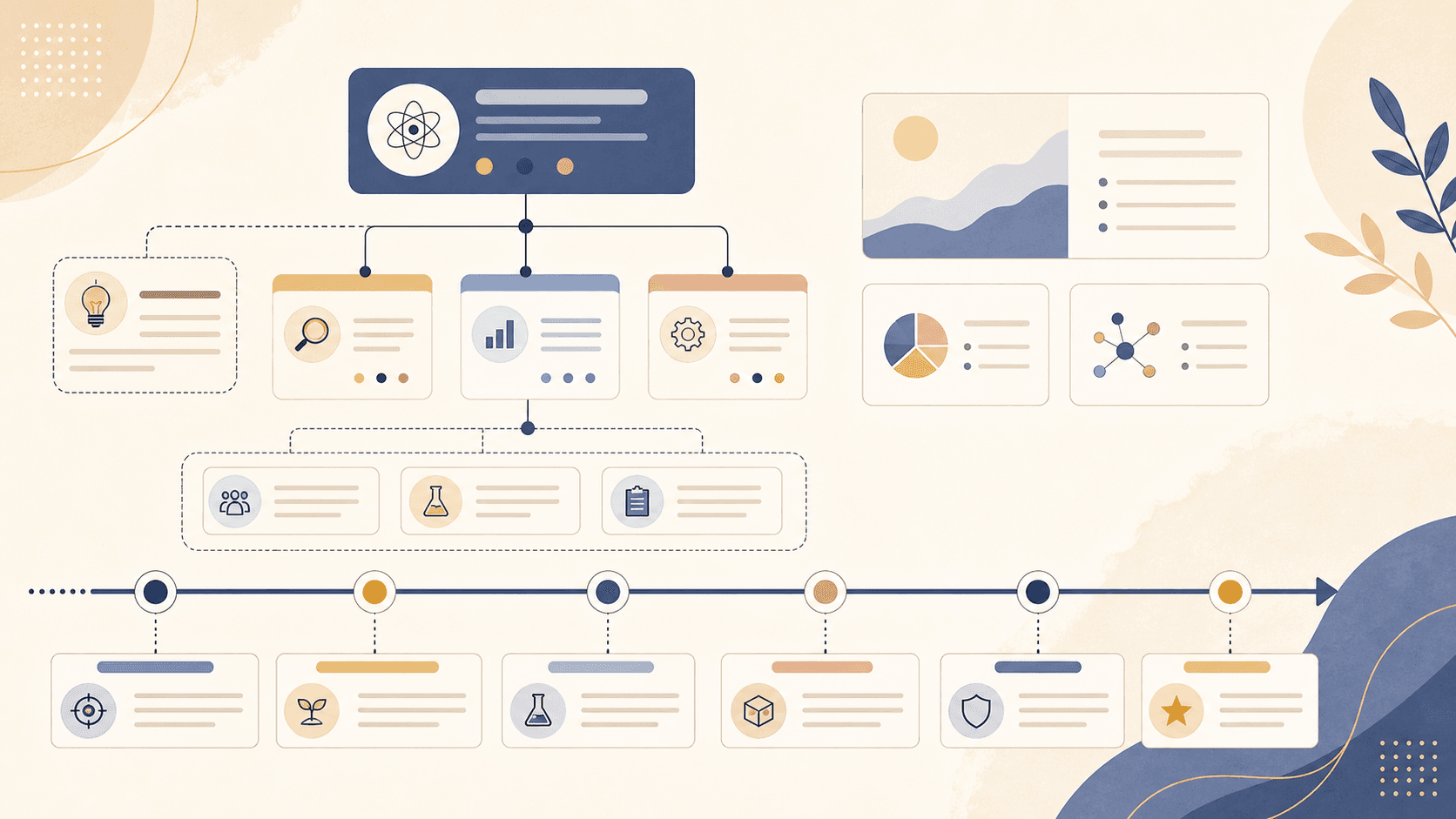
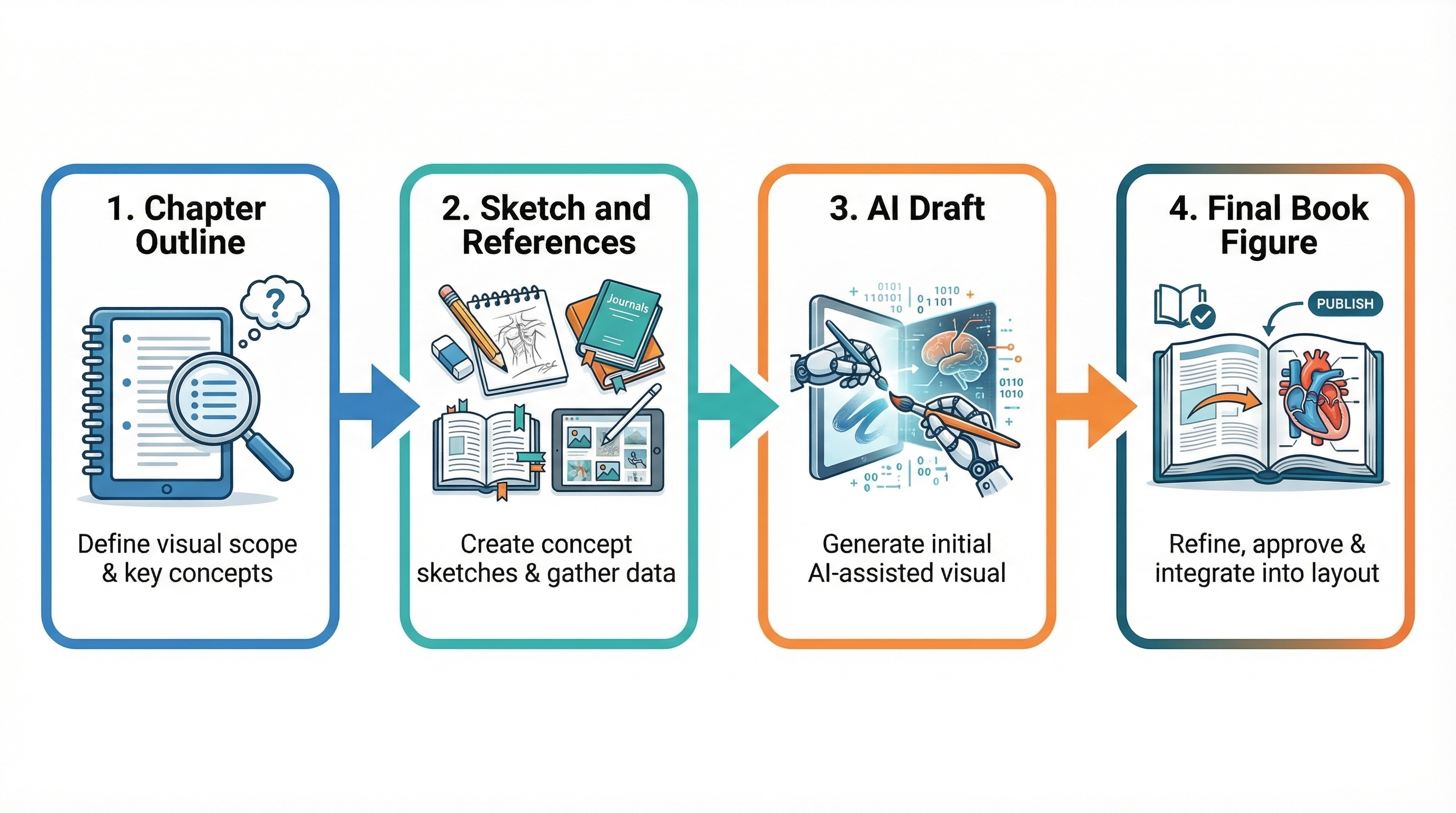 An effective book illustration workflow starts with content structure, not decoration
Why Book Illustration Workflows Need a Different Standard
Book publishing imposes constraints that are easy to underestimate:
- Chapter-level consistency: figures should feel like they belong to the same book, not a random set of assets
- Editability: labels, colors, callouts, and panel order almost always change during author, editor, or reviewer feedback
- Cross-format reuse: the same base figure often appears in print, slides, digital courseware, and instructor materials
- Localization: translated editions require label changes without rebuilding the composition from scratch
- Scientific clarity: especially for medicine and life science, the illustration needs to be explanatory before it is decorative
That means the right goal is not just “generate a pretty image.” The goal is to create a figure system that is accurate, reusable, and cheap to revise.
The 5 Figure Types Most Common in Medical and Science Books
In practice, most book projects repeatedly come back to a small set of illustration patterns:
1. Mechanism Diagrams
These explain how something works:
- immune pathways
- cell signaling steps
- drug mechanisms
- physiological feedback loops
2. Anatomy and Structure Figures
These are used for:
- organ systems
- tissue layers
- clinical landmarks
- labeled structural overviews
3. Process and Workflow Figures
These help readers follow:
- diagnostic pathways
- treatment algorithms
- laboratory procedures
- experimental or clinical workflows
4. Comparison Figures
These are useful when teaching differences:
- normal vs diseased states
- before vs after treatment
- two techniques side by side
- species or model comparisons
5. Summary Figures for Chapters
These compress an entire chapter into one visual:
- key concepts
- sequence of events
- major takeaways
- section map for learners
When you know which of these five types you need, prompting becomes much easier and the review cycle gets shorter.
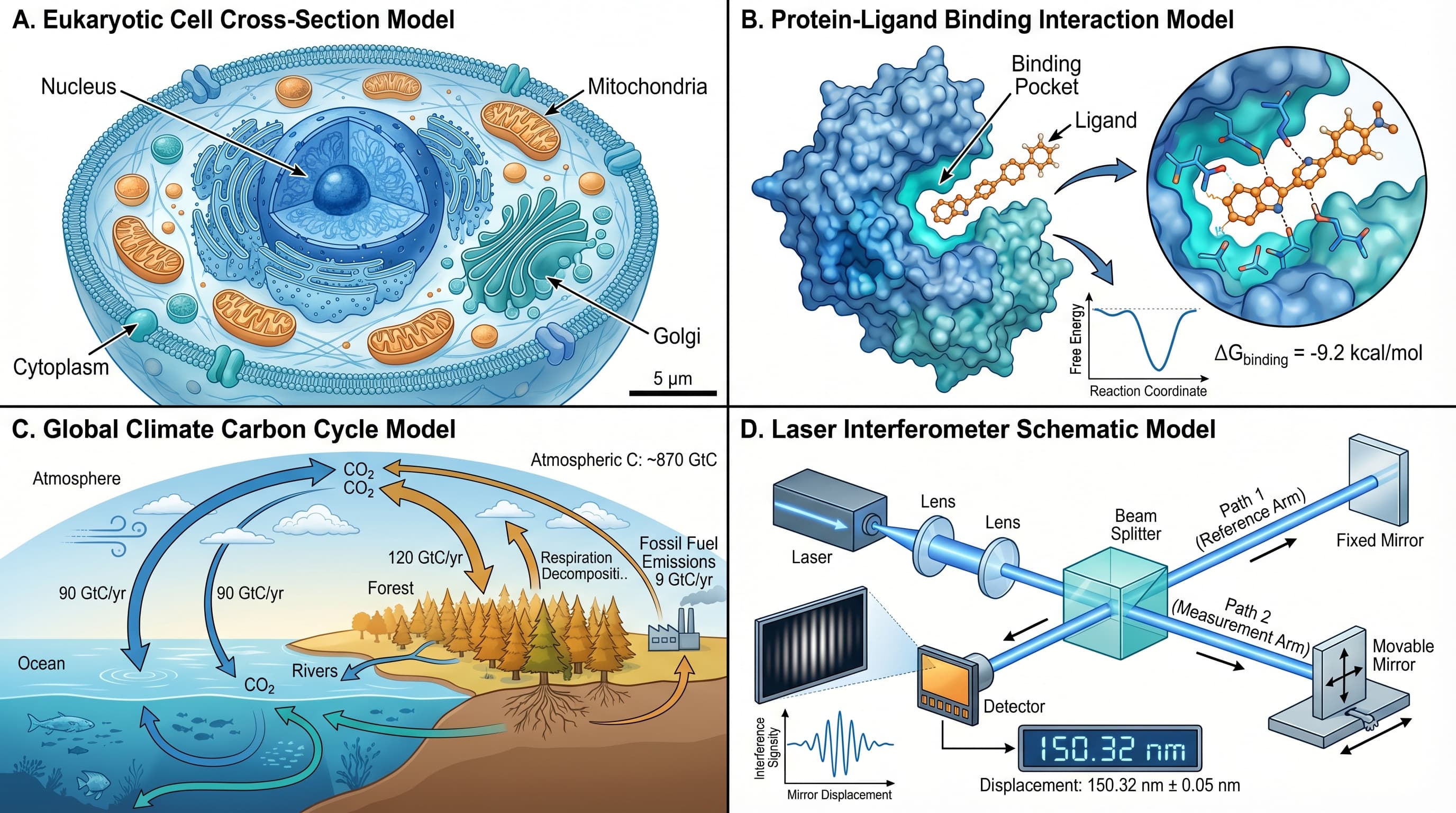
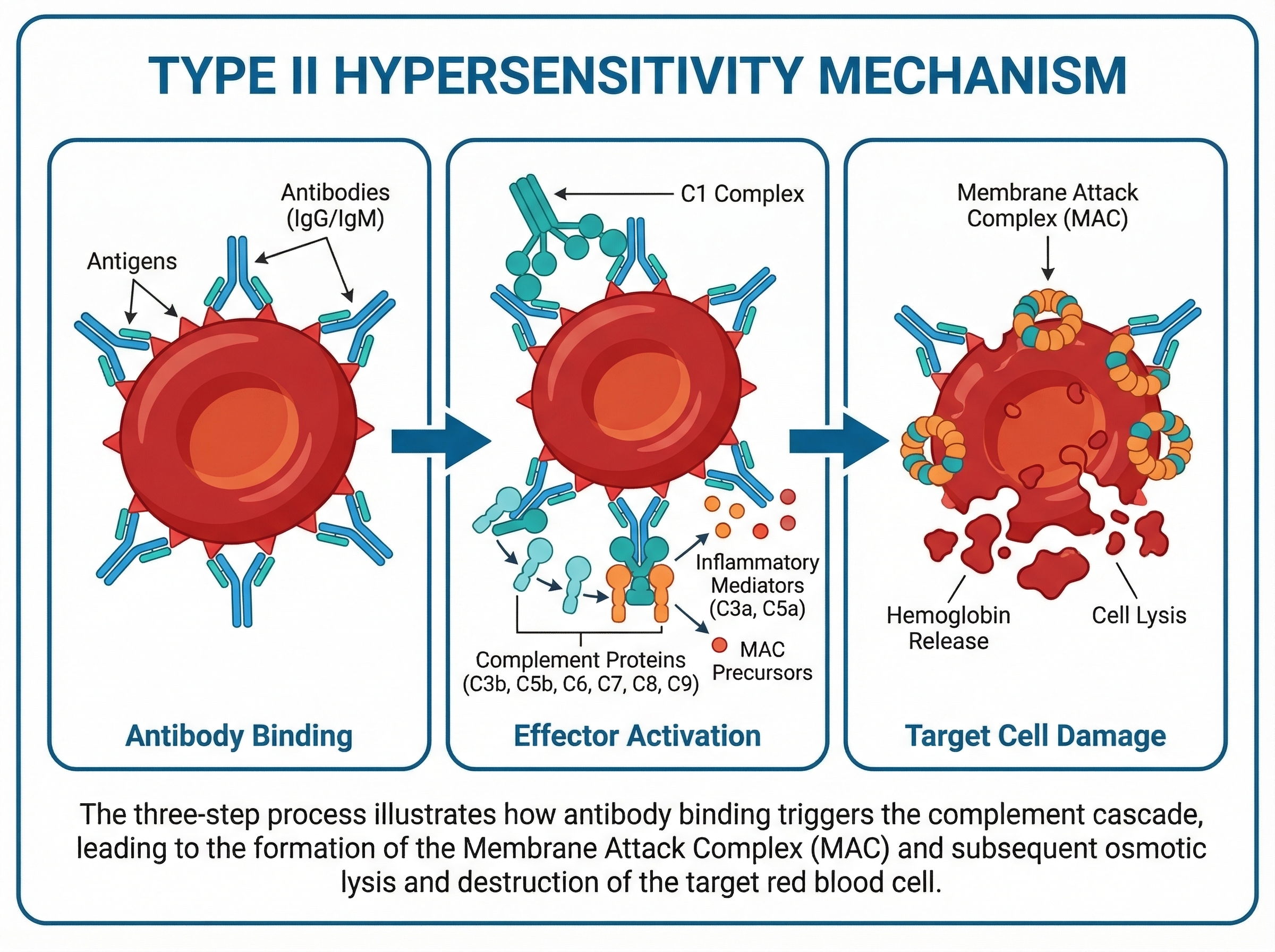 Medical and science book illustrations work best when labels, flow, and hierarchy are planned together
A Practical AI Workflow for Book Illustrations
Here is a workflow that works well for authors, editors, and educators.
Step 1: Start from the teaching objective
Before writing any prompt, define:
- What should the reader understand after looking at the figure?
- Is this figure explaining a mechanism, a structure, a process, or a comparison?
- What must be labeled explicitly?
- What should be simplified or omitted?
If the teaching objective is unclear, the figure will look busy even if it is visually polished.
Step 2: Build the figure from a chapter outline, not from style words
A useful prompt starts with content structure:
Create a medical book illustration explaining type II hypersensitivity.
Use a horizontal educational layout with 3 numbered sections:
1. Antibody binding to cell-surface antigen
2. Effector activation (complement / Fc receptor mediated response)
3. Target cell damage

Use clean textbook styling, white background, blue-teal-red palette,
clear arrows, concise English labels, and publication-ready hierarchy.
Notice what this prompt does:
- defines the learning goal
- defines the layout
- defines the sequence
- defines the labeling style
- leaves room for visual refinement
Step 3: Generate the first draft fast
At this stage, speed matters more than perfection. The first draft is there to answer:
- Is the structure right?
- Are the labels in roughly the right place?
- Does the flow make sense?
- Is the visual density appropriate for the chapter?
Step 4: Edit for publication logic
Now treat the AI output like a draft, not like a finished asset.
Refine:
- terminology
- label order
- arrow directions
- color meaning
- spacing between panels
- caption compatibility
If you need downstream cleanup, it helps to export the figure and send it through an editable vector workflow such as Vectorize Image.
Step 5: Reuse the same base figure everywhere
A good book illustration should not stay trapped in one chapter PDF. It should be easy to adapt for:
- lecture slides
- chapter introductions
- digital learning modules
- instructor guides
- translated editions
That reuse value is where most of the time savings actually comes from.
Prompt Templates You Can Use Right Away
Below are practical prompt patterns for common book illustration tasks.
Prompt Template: Medical Mechanism Figure
Create a medical book illustration for [topic].
Target audience: [undergraduate / graduate / professional training].
Use a [horizontal / vertical] textbook layout with [number] sections.
Show [key actors] and [key events] in logical sequence.
Include concise English labels, arrows for causal flow, and a clean
white background. Use a professional educational style with strong
visual hierarchy and publication-ready clarity.
Prompt Template: Anatomy Overview
Create an anatomy diagram for a medical textbook.
Topic: [organ / system / structure].
Show the major labeled regions only, not every fine detail.
Use a clean educational style, legible English labels, subtle color
coding, and a balanced layout suitable for print and lecture slides.
Prompt Template: Science Book Comparison Figure
Create a comparison illustration for a science book.
Compare [condition A] vs [condition B].
Use a two-column layout with matched scale, mirrored organization,
and clear difference callouts. Keep labels concise and make the
visual contrast obvious without clutter.
Prompt Template: Workflow or Decision Pathway
Create a workflow figure for a medical or science textbook.
Topic: [diagnostic pathway / treatment algorithm / lab process].
Use numbered steps, directional arrows, short labels, and a clear
start-to-end reading path. Make it easy to reuse in both print and
presentation formats.
How to Keep a Whole Book Visually Consistent
The fastest way to lose time on a book project is to make every figure from scratch in a different style. Instead, define a visual system up front:
- one primary color palette
- one label style
- one arrow style
- one panel spacing rule
- one title/callout pattern
Then reuse those constraints in every prompt.
For example:
Use the same visual system as previous chapter figures:
white background, teal primary structures, orange emphasis,
dark gray labels, rounded panel boxes, thin directional arrows,
minimal shadows, publication-ready textbook style.
That one paragraph can save hours of rework across a full book or series.
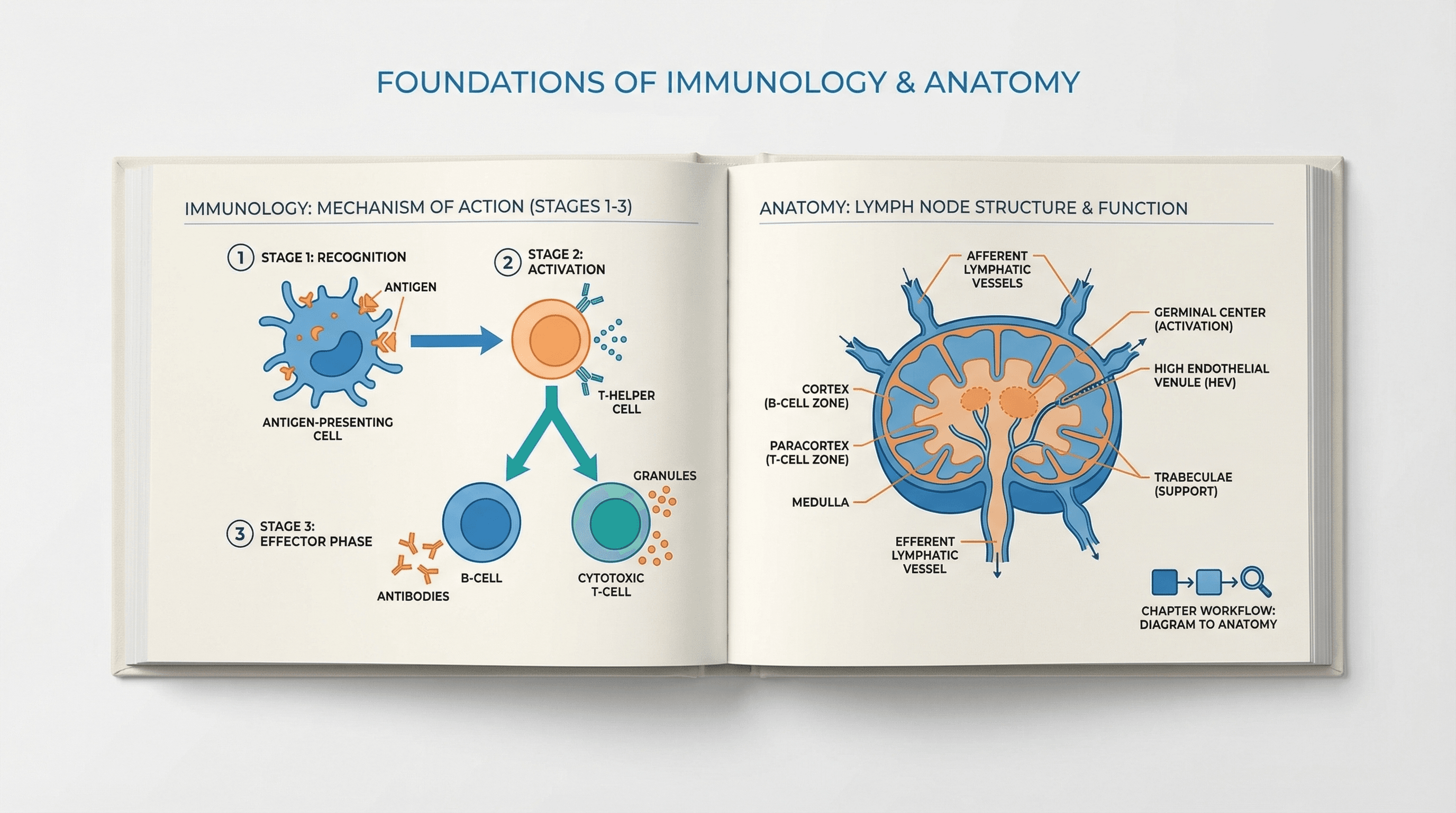
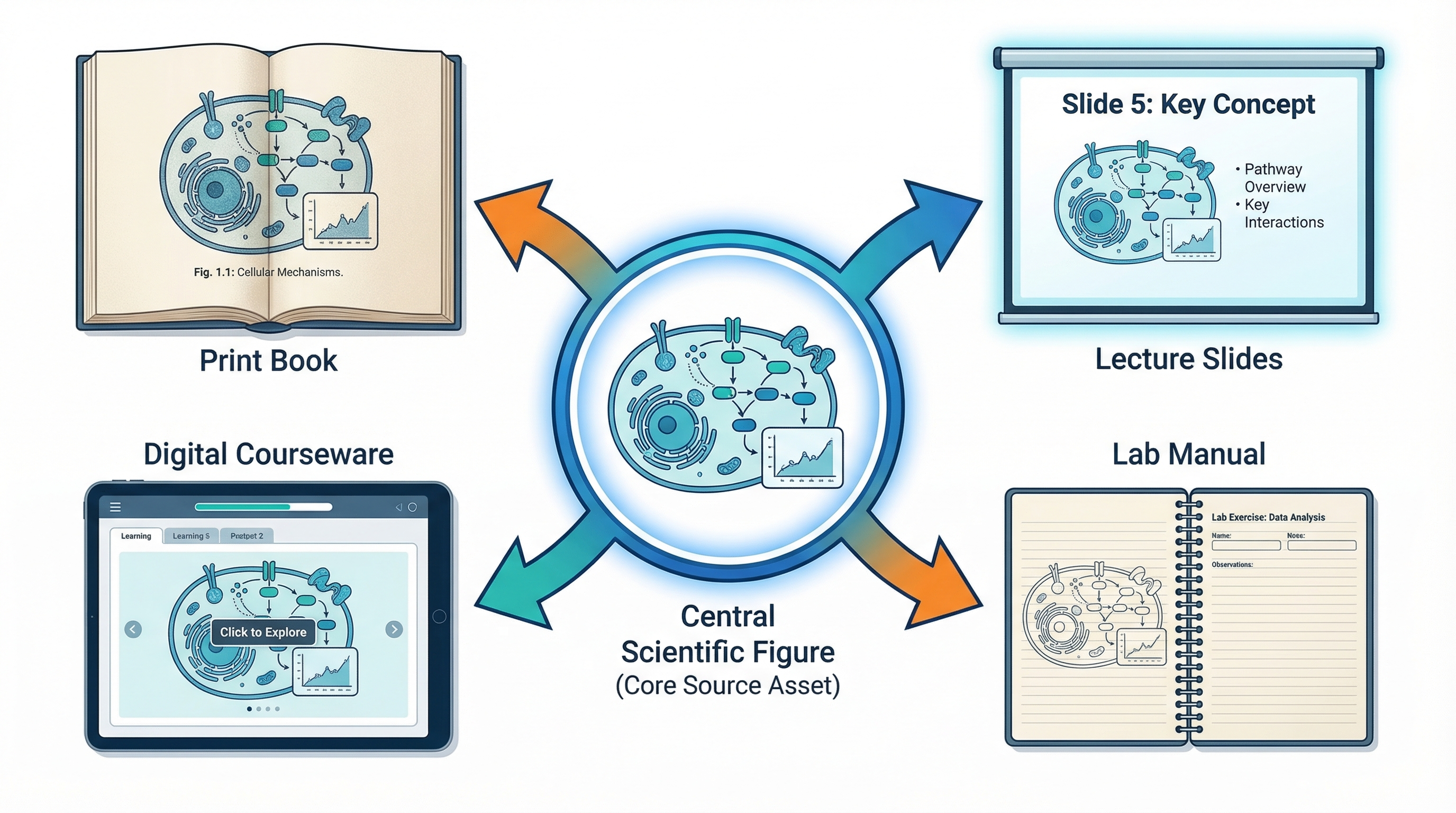 The same base illustration should work in print, presentation, and digital learning formats
Quality Checklist Before You Finalize a Figure
Before publishing or handing off the figure, check:
- Are the labels short enough to fit translated versions later?
- Is the figure readable when reduced on a printed page?
- Can the same layout work in a slide or LMS view?
- Are colors doing real explanatory work, or just decoration?
- Does every panel support one clear teaching point?
- Will an editor or co-author be able to revise it quickly?
If the answer to those questions is yes, the figure is doing real book work, not just looking attractive.
Final Takeaway
The best workflow for medical and science book illustrations is not “AI instead of editing.” It is “AI for the first 80%, then a reusable editorial workflow for the last 20%.” That approach gives authors and educators faster production, easier revision, and a much better chance of keeping the whole book visually consistent.
If your team is producing medical book illustrations, science book figures, or textbook diagrams at scale, the highest leverage move is to build one reusable figure system and keep every new illustration inside that system.
Start Creating
Use SciDraw AI to turn chapter ideas, rough sketches, and reference figures into editable book illustrations for books, slides, and courseware.
Try SciDraw AI for Book Illustrations
Related Guides
- Textbook Illustration Maker — create science and medical textbook diagrams
- Medical Illustration Generator — draft medical diagrams and anatomy visuals
- Clinical Examination Diagram Prompts — teaching figures for clinical skills
- Cell Biology Illustration Tutorial — professional cellular diagrams
- Biomedical Illustration Prompts — 50 AI prompts for biomedical visuals
- Book Illustration Maker Tool — create book illustrations with AI