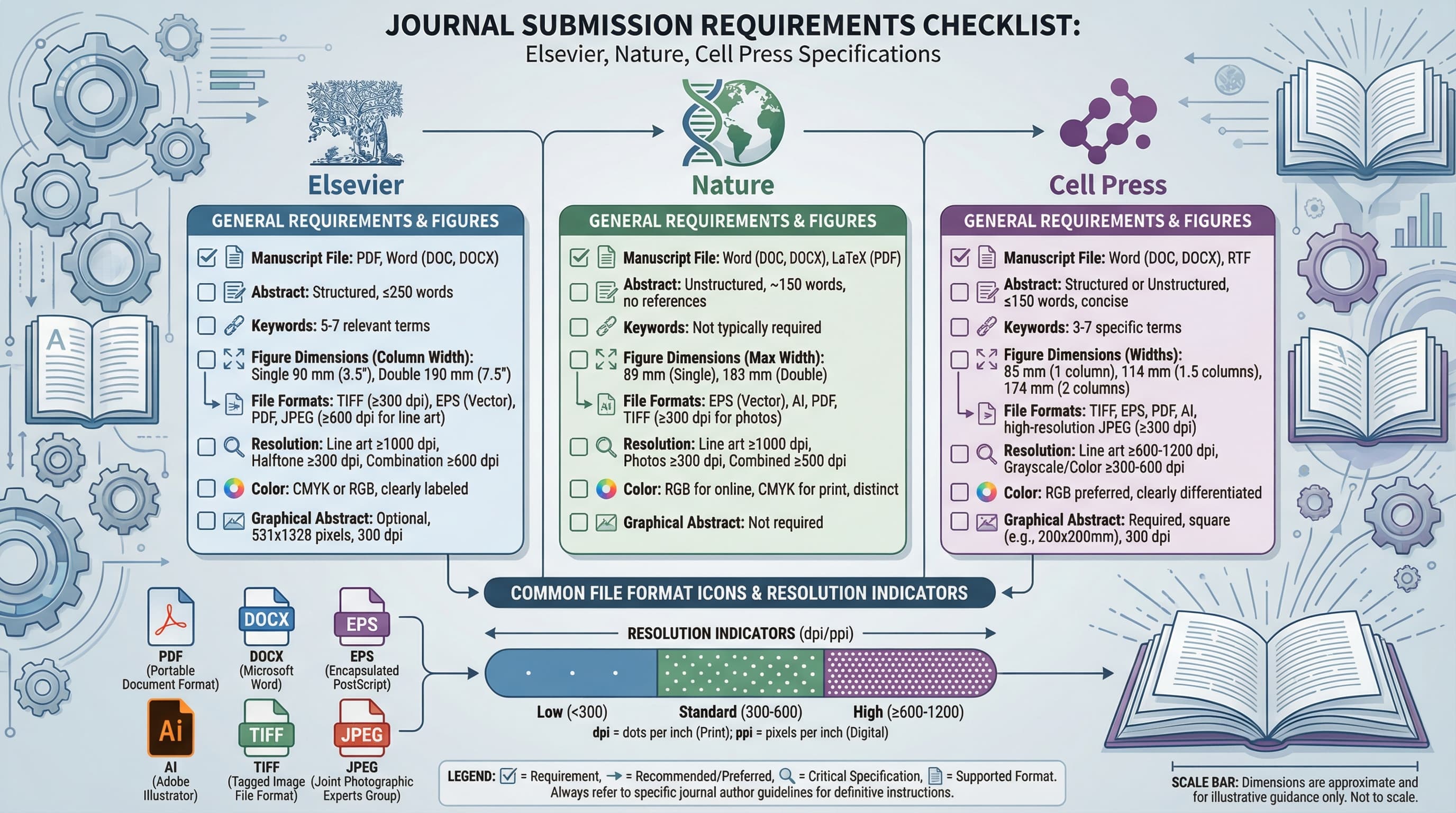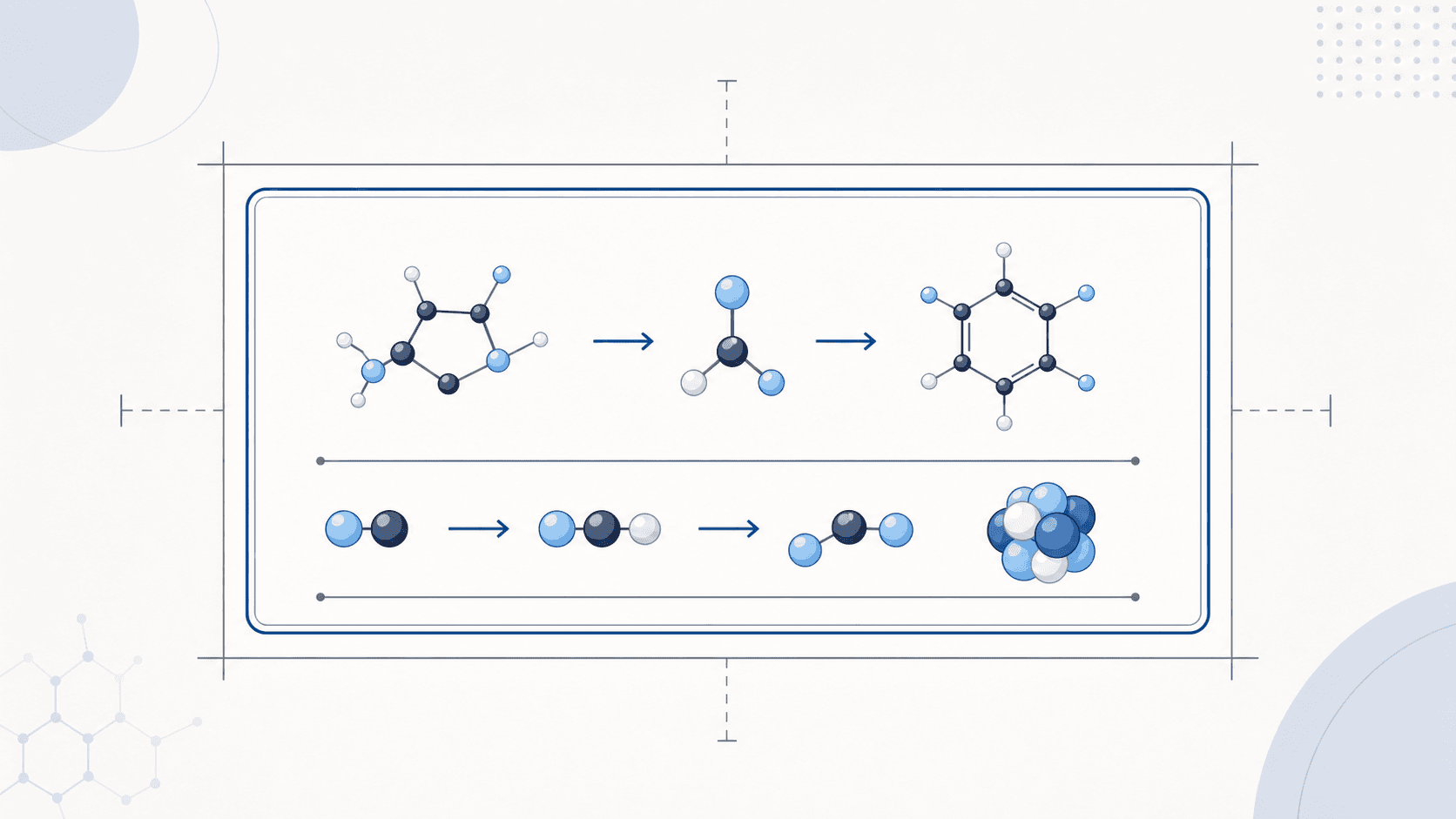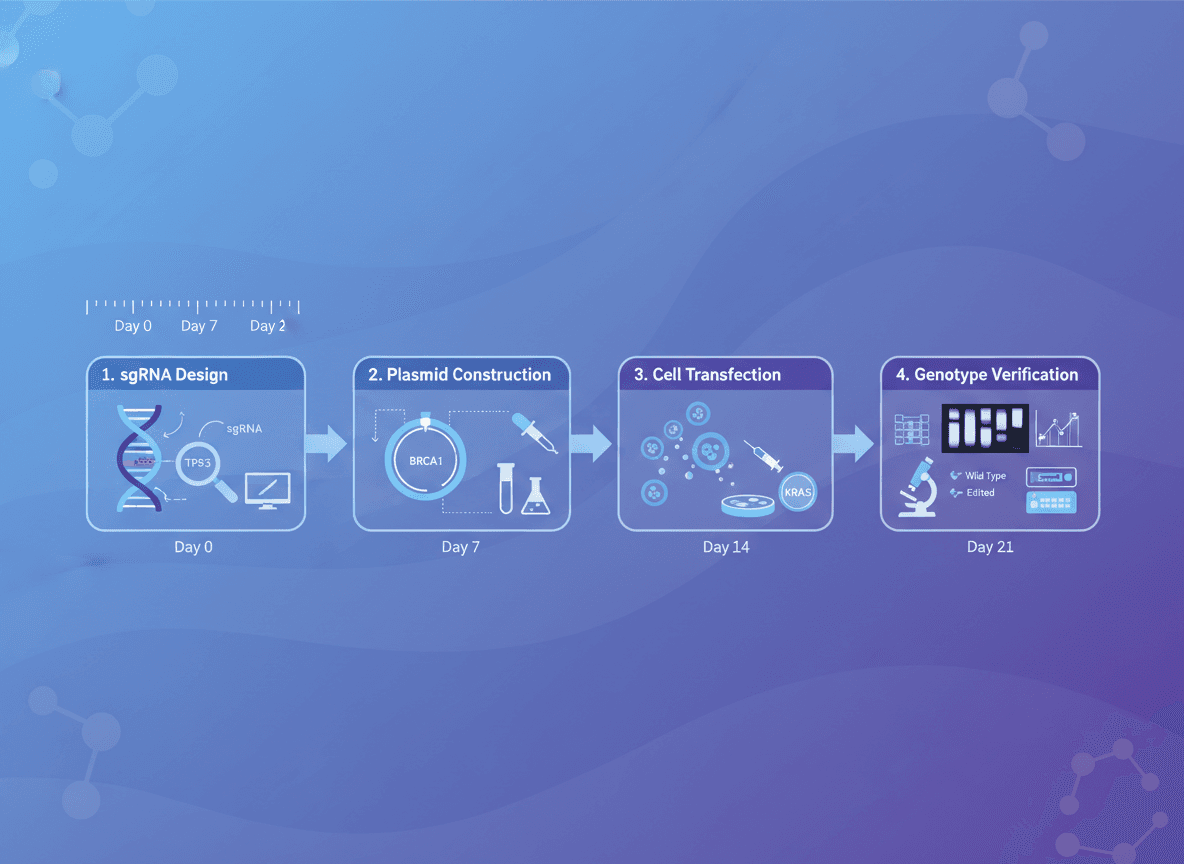
Getting your Table of Contents (TOC) graphic rejected at submission is one of the most frustrating experiences in academic publishing. You have spent weeks on your manuscript, passed peer review, and now your paper is held up because a figure is 50 pixels too wide or saved in the wrong file format. This guide provides the exact specifications you need for the four largest chemistry and science publishers, so you can get it right the first time.
We have compiled the most current TOC graphic requirements for ACS, RSC, Wiley, and Elsevier, including dimensions, resolution, file formats, and practical design tips that address the most common rejection reasons.
What Is a TOC Graphic?
A TOC graphic (Table of Contents graphic) is a small, visually compelling image that summarizes your research paper in a single figure. It appears alongside your article title and abstract in the journal's online table of contents, acting as a visual hook for potential readers browsing through an issue.
TOC graphics serve a similar purpose to graphical abstracts, but they are typically smaller, more constrained in dimensions, and designed to work at thumbnail scale. While graphical abstracts may be displayed at full size on an article landing page, TOC graphics must communicate effectively even when rendered at 100-200 pixels wide in a journal listing.
The distinction matters because the design constraints are different. A graphical abstract can include detailed annotations and multi-step workflows. A TOC graphic must convey the core idea of your paper with minimal text and bold, simple visuals.
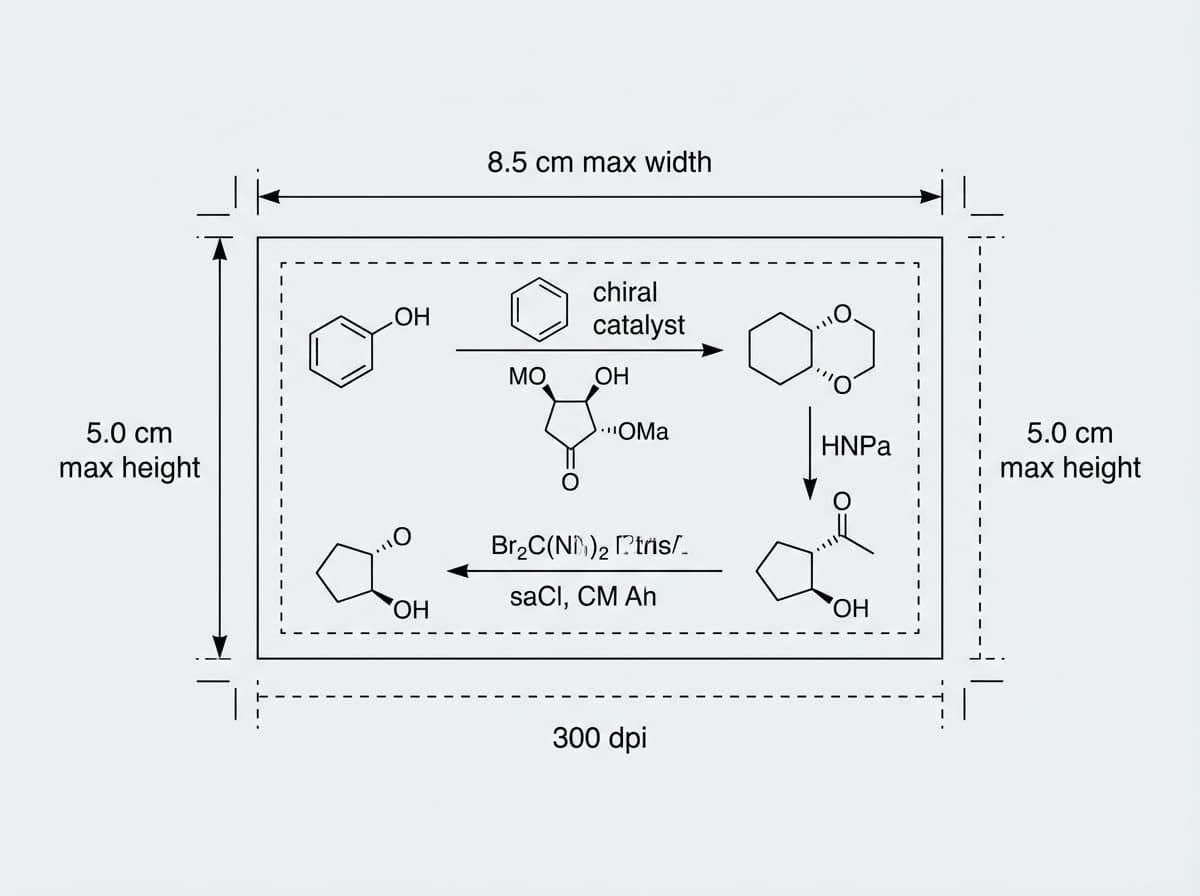
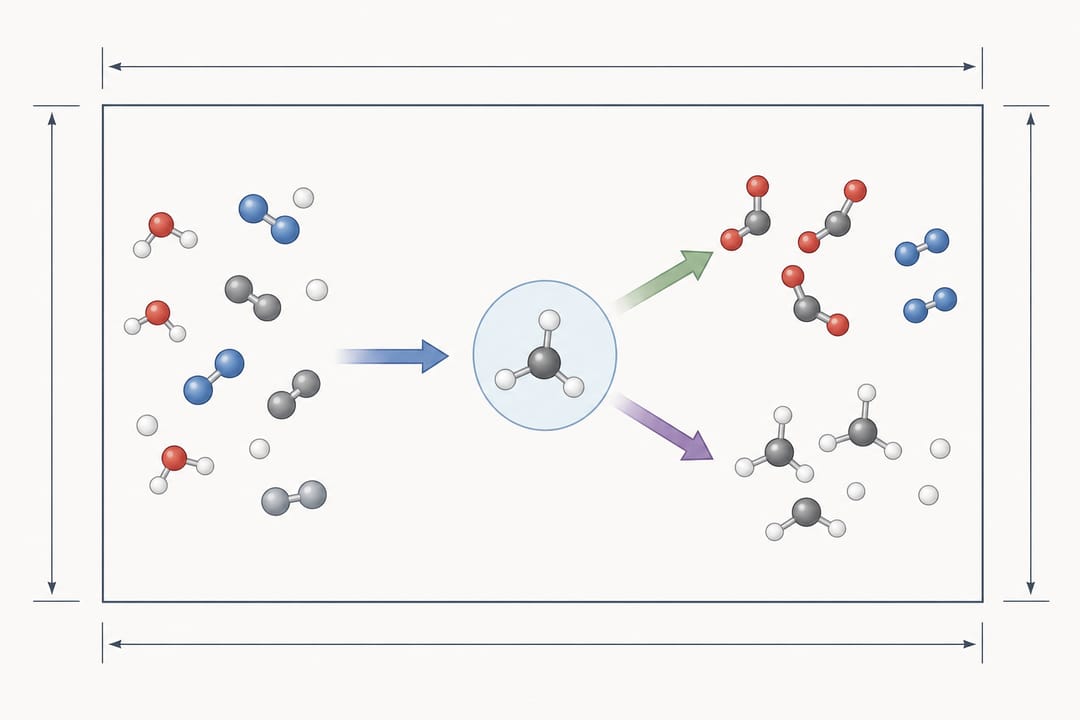 A TOC graphic must fit precise dimensions, so design within the journal's defined frame from the start.
Why TOC Graphics Get Rejected
Before diving into publisher-specific requirements, it is worth understanding the most common reasons TOC graphics fail during submission. Addressing these upfront will save you revision cycles.
Incorrect Dimensions
Every publisher specifies exact pixel or inch dimensions. Submitting a square image when the journal requires a wide rectangle (or vice versa) triggers an automatic rejection from the submission system. This is the single most common issue.
Wrong File Format
Some journals accept only TIFF and EPS for print-quality figures but allow JPEG and PNG for TOC graphics specifically. Others require vector formats. Submitting a JPEG when the system expects TIFF will fail validation.
Insufficient Resolution
Most publishers require 300 DPI minimum for print. If you design your graphic at screen resolution (72 or 96 DPI) and then simply change the DPI metadata without resampling, the image will appear blurry in print and may be rejected during production.
Embedded Text Too Small
TOC graphics are displayed at small sizes. Text that is readable at full size on your monitor becomes illegible when the image is scaled down to thumbnail dimensions. Minimum font sizes of 8-10 pt at final print size are a common requirement.
Color Space Issues
Some journals require CMYK color space for print figures, while others accept RGB. Submitting RGB when CMYK is expected can result in color shifts in the published version.
ACS TOC Graphic Requirements
The American Chemical Society publishes some of the most widely read chemistry journals, including JACS, ACS Nano, and ACS Catalysis. ACS has specific and well-documented TOC graphic guidelines.
Dimensions
- Width: 3.25 inches (8.255 cm)
- Height: 1.75 inches (4.445 cm)
- Aspect ratio: Approximately 1.86:1 (wide rectangle)
- At 300 DPI: 975 x 525 pixels
Resolution
- Minimum: 300 DPI for all image types
- Recommended: 600 DPI for line art and text-heavy graphics
- Maximum file size: 10 MB per figure
Accepted File Formats
- TIFF (preferred for raster images)
- EPS (preferred for vector graphics)
- PDF (vector)
- PNG (acceptable)
- JPEG (acceptable, but lossy compression may reduce quality)
Color Requirements
- RGB color space is acceptable for online-only content
- CMYK is recommended if you want accurate print reproduction
- Avoid using colors that rely on transparency, as some formats flatten transparency poorly
ACS-Specific Tips
ACS TOC graphics appear in a narrow horizontal strip in the journal table of contents. This wide format means vertical compositions do not work well. Design your graphic to read left-to-right, with the key visual element on the left and any outcome or conclusion on the right.
Keep text to an absolute minimum. The ACS style guide recommends no more than a few words, if any. Chemical structures, arrows, and simple icons communicate more effectively at this scale than sentences.
ACS also requires that TOC graphics do not duplicate any figure already in the manuscript. The graphic should be a unique visual summary, not a cropped version of Figure 1.
RSC TOC Graphic Requirements
The Royal Society of Chemistry publishes journals including Chemical Science, Chemical Communications, and Journal of Materials Chemistry. RSC calls their TOC entry a "graphical abstract" but it functions as a TOC graphic.
Dimensions
- Width: 8 cm (3.15 inches) maximum
- Height: 4.0 cm (1.57 inches) maximum
- Aspect ratio: 2:1 (wide rectangle)
- At 600 DPI: Approximately 1890 x 945 pixels
Resolution
- Minimum: 600 DPI or greater
- Recommended: Use the full 8 x 4 cm area for clarity
- Maximum file size: 5 MB
Accepted File Formats
- TIFF (official RSC TOC image format)
- Other formats only if the target journal submission system explicitly allows them
Color Requirements
- RGB is acceptable
- CMYK is preferred for print journals
- Ensure sufficient contrast between elements, as RSC applies some compression to online versions
RSC-Specific Tips
RSC requires that the graphical abstract be submitted as a separate file during manuscript submission, not embedded in the manuscript PDF. This is a common oversight that causes submission errors.
RSC journals display the TOC graphic alongside a brief text snippet. Because the text appears next to (not overlaid on) the graphic, you have the full image area for visual content. Do not include a caption or title within the image itself.
RSC encourages using their graphical abstract guidelines checklist during preparation. The graphic should be self-explanatory without requiring the reader to consult the manuscript text.
Wiley TOC Graphic Requirements
Wiley publishes Angewandte Chemie, Advanced Materials, Chemistry -- A European Journal, and hundreds of other titles. Requirements vary somewhat by journal, but the general TOC graphic specifications are consistent.
Dimensions
- Width: 5.5 cm (2.17 inches)
- Height: 5.0 cm (1.97 inches)
- Aspect ratio: Approximately 1.1:1 (nearly square)
- At 300 DPI: Approximately 650 x 591 pixels
Resolution
- Minimum: 300 DPI
- Recommended: 300-600 DPI
- Maximum file size: 10 MB
Accepted File Formats
- TIFF (preferred)
- EPS
- JPEG
- PNG
Color Requirements
- RGB is acceptable for online publication
- CMYK recommended for print
- Wiley applies color management during production, so test how your colors render in both spaces
Wiley-Specific Tips
The near-square format of Wiley TOC graphics is quite different from the wide rectangles used by ACS and RSC. This changes the composition strategy significantly. Square formats work well for centered compositions, radial layouts, or before/after comparisons arranged vertically.
Wiley's Angewandte Chemie has a particularly competitive TOC graphic culture. High-quality, creative TOC graphics in Angewandte are often shared on social media and can significantly increase the visibility of your paper.
For Wiley journals, the TOC graphic is sometimes called a "Table of Contents Entry" and may include a brief text description below the image. Check the specific journal's author guidelines to confirm whether text accompanies your graphic or whether the image must be entirely self-explanatory.
Elsevier TOC Image Requirements
Elsevier is the largest academic publisher by volume, with journals including Cell, The Lancet, and hundreds of chemistry, materials science, and engineering titles. Elsevier uses the term "graphical abstract" rather than "TOC graphic," but many of their graphical abstracts serve the TOC function.
Dimensions
- Width: 1328 pixels minimum
- Height: 531 pixels minimum
- Aspect ratio: 500:200 (approximately 2.5:1, landscape)
- At 300 DPI: Approximately 11.24 x 4.50 cm
Resolution
- Minimum: 300 DPI
- Recommended: 500 DPI for line art
- Maximum file size: 10 MB
- Final display window: scaled proportionally to about 500 x 200 pixels
Accepted File Formats
- TIFF (preferred)
- EPS
- JPEG (high quality, minimal compression)
- PNG
Color Requirements
- RGB is standard for online display
- CMYK optional for print editions
- Elsevier converts images during production; verify colors after proof stage
Elsevier-Specific Tips
Elsevier's graphical abstract is displayed prominently on the article page and in ScienceDirect search results. Because Elsevier articles appear on ScienceDirect, which has a large user base, a well-designed graphical abstract can significantly increase article engagement.
Elsevier requires that the graphical abstract be a single image file. Do not submit multi-page PDFs or images with separate panels that need to be assembled. Everything must be composited into one file.
Many Elsevier journals recommend including a brief one-sentence description alongside the graphical abstract. This text is entered in a separate field during submission, not embedded in the image.
For guidance on creating effective graphical abstracts that meet Elsevier standards, see our graphical abstract examples guide.
Quick Reference Table: All Publishers Side by Side
The following table summarizes the key requirements across all four publishers for quick reference during preparation.
| Specification | ACS | RSC | Wiley | Elsevier |
|---|---|---|---|---|
| Width | 3.25 in (8.26 cm) | 8 cm max | 5.5 cm | 1328 px min |
| Height | 1.75 in (4.45 cm) | 4.0 cm max | 5.0 cm | 531 px min |
| Aspect Ratio | ~1.86:1 (wide) | 2:1 (wide) | ~1.1:1 (square) | ~2.5:1 (wide) |
| Min Resolution | 300 DPI | 600 DPI | 300 DPI | 300 DPI |
| Preferred Format | TIFF, EPS | TIFF | TIFF, EPS | TIFF, EPS |
| Max File Size | 10 MB | 5 MB | 10 MB | 10 MB |
| Color Space | RGB/CMYK | RGB/CMYK | RGB/CMYK | RGB |
| Text in Image | Minimal | None recommended | Optional | None recommended |
Key Takeaways from the Table
- Most publishers require at least 300 DPI; RSC specifies 600 DPI or greater for TOC images. Designing at 600 DPI gives you a safety margin.
- TIFF and EPS are universally preferred. When in doubt, submit TIFF for raster and EPS for vector.
- ACS, RSC, and Elsevier use wide landscape formats; Wiley is closer to square. Check before you start designing.
- File size limits range from 5-10 MB. If your TIFF exceeds the limit, use LZW compression (lossless) rather than switching to JPEG.
Design Tips for Effective TOC Graphics
Meeting the technical specifications is necessary but not sufficient. A TOC graphic that passes validation but fails to attract reader attention has not served its purpose. Here are design principles that apply regardless of publisher.
Design for Thumbnail Scale
Your TOC graphic will most often be seen at 100-200 pixels wide in a journal listing or search result. Open your finished graphic and scale it down to that size on screen. If you cannot immediately understand the main message, simplify the design.
Remove any element that does not directly communicate your key finding. TOC graphics are not the place for comprehensive methodology diagrams or detailed data plots.
Use Bold, High-Contrast Colors
Thin lines, subtle gradients, and pastel colors disappear at small sizes. Use strong, saturated colors with clear contrast between adjacent elements. A dark blue protein on a light gray background reads much better than a medium blue protein on a light blue background.
For chemistry TOC graphics specifically, standard chemical structure colors (black bonds, colored heteroatoms) work well because they are familiar to the audience. See our chemistry TOC graphics examples for effective color strategies.
Limit Text to Essential Labels
If you must include text, use a clean sans-serif font (Arial, Helvetica, or similar) at a minimum of 8 pt at final print size. Bold weight improves readability at small sizes. Avoid italics for small text, as they reduce legibility.
Better yet, replace text labels with visual cues: arrows for direction, color coding for different components, and simple icons for common concepts.
Maintain Visual Flow
Guide the viewer's eye through the graphic using arrows, alignment, and spatial arrangement. For wide-format TOC graphics (ACS, RSC, Elsevier), a left-to-right flow mirrors natural reading direction. For more square formats (Wiley), a top-to-bottom or center-outward flow can work well.
Test in Context
Before submitting, place your TOC graphic in a mock journal table of contents layout. Surround it with text at approximately the same scale it will appear in the real journal. This reveals readability issues that are invisible when viewing the graphic in isolation.
Use Consistent Style with Your Manuscript Figures
While the TOC graphic should be a unique image (not a duplicate of a manuscript figure), it should use the same color scheme, visual language, and labeling conventions as your other figures. This creates a cohesive visual identity for your paper. Our TOC graphics generator guide covers workflows for maintaining this consistency.
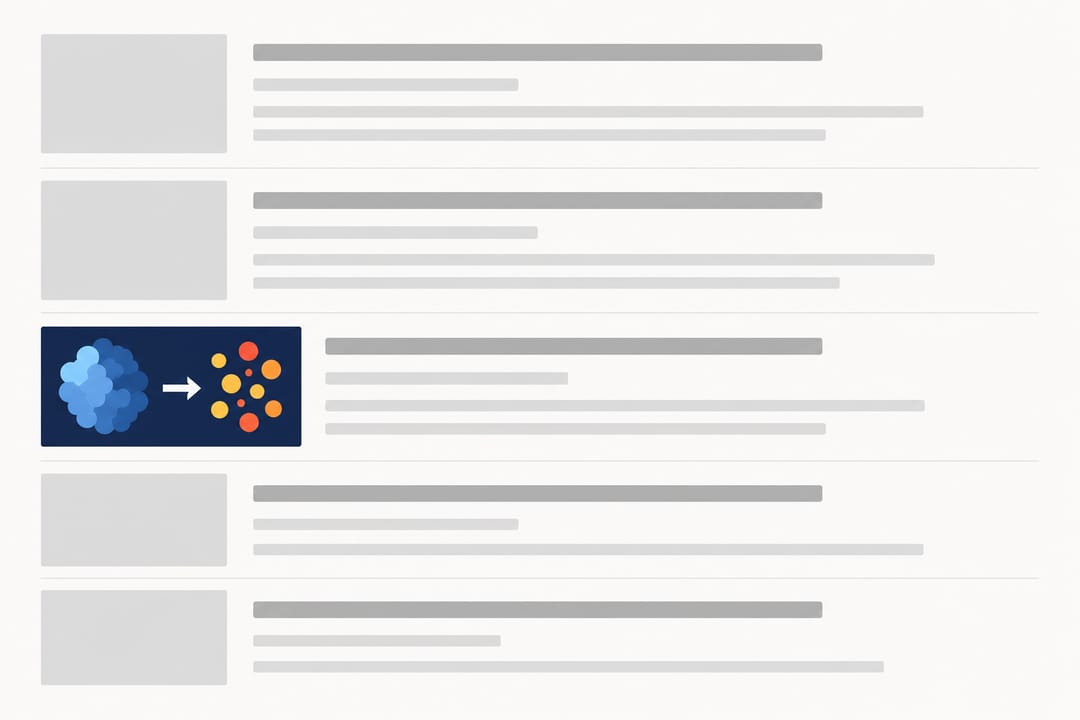 Test your TOC graphic at thumbnail scale in a mock listing to confirm it reads clearly next to article text.
Submission Checklist
Before uploading your TOC graphic, verify each of the following:
- Dimensions match the target journal's exact requirements
- Resolution is 300 DPI or higher
- File format is one accepted by the journal (TIFF preferred)
- File size is under the journal's limit
- Text is readable at thumbnail scale (100-200 px wide)
- Colors have sufficient contrast
- The image is a single file (not multi-page)
- The graphic does not duplicate a manuscript figure
- Color space matches the journal's preference (RGB or CMYK)
- The graphic communicates your key finding without requiring caption text
Create Publication-Ready TOC Graphics with AI
Designing TOC graphics that meet exact journal specifications while remaining visually compelling is time-consuming, especially when different journals require different dimensions and formats. SciDraw AI's AI-powered drawing tool lets you generate TOC graphics tailored to specific publisher requirements in minutes. Describe your research visually, select the target journal format, and get a publication-ready graphic without needing design software expertise.
Whether you are preparing a submission for ACS, RSC, Wiley, or Elsevier, the tool handles dimension setup, resolution, and export format so you can focus on the scientific content.
Related Guides
- TOC Graphics Generator: Complete Workflow Guide
- Chemistry TOC Graphics: Examples and Design Strategies
- Graphical Abstract Requirements by Journal
- Nature and Science Figure Requirements
- Graphical Abstract Maker
- Journal Figure Requirements Reference — filterable, sourced specs for 10 publishers (CSV/JSON download)