LogoLogoSciDraw AI
  • Start Creating
  • Tools
  • Blog
  • Pricing
  • API
  • Education Discount
TemplatesPresentationsLab meeting

Lab meeting

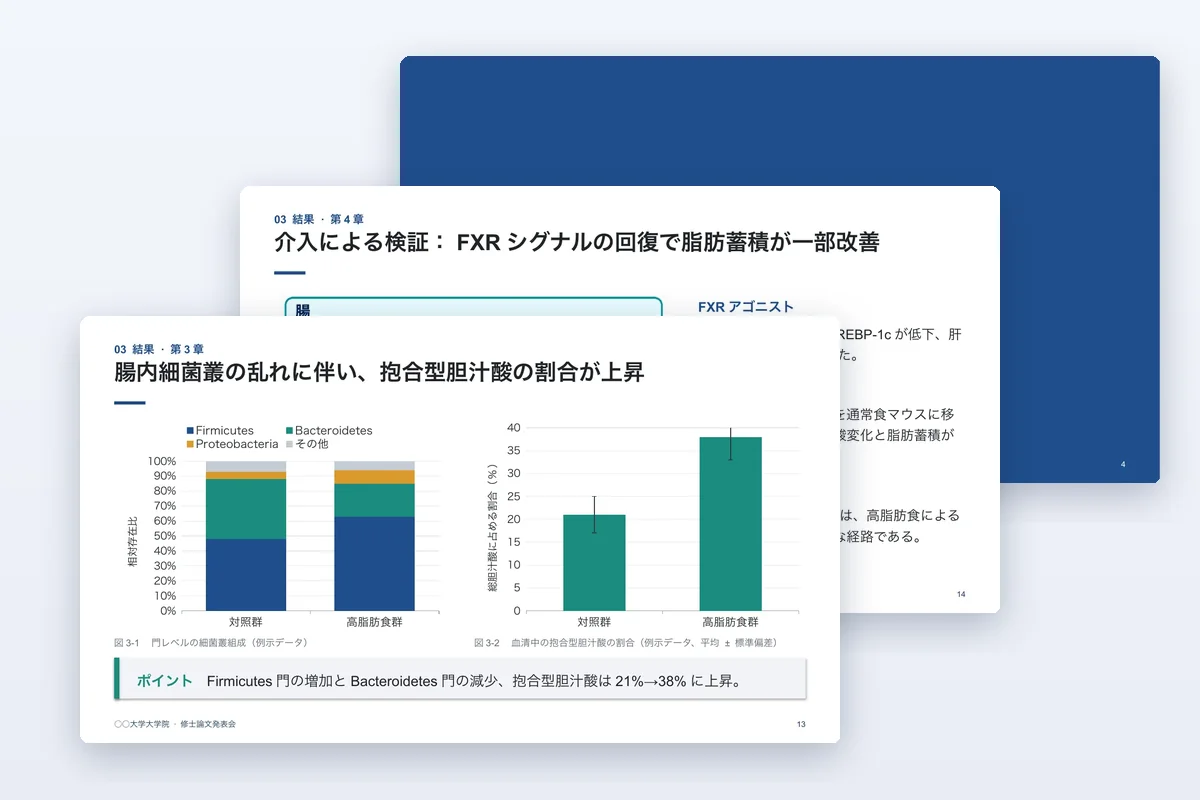
Starts from what you planned last time, shows this period's key result, lays out the problem you hit and what you already tried, and asks for specific help before the plan for next time.

Previews are rendered from the downloadable file.

Download

File language
Download PPTX

9 slides · 68 KB

Free, no account needed.

Free for your own research, teaching and presentations. Please don't resell or redistribute the template.

SHA-2565afae541050f272cc4074cb0aa321f35dd8e1179d172a1d9e66f8c8591707c55

Tools for the figures in this template

  • Scientific Data VisualizationUpload your data and get publication-ready bar, line, box and violin plots.
  • Workflow Diagram GeneratorGenerate experimental flowcharts and research methodology diagrams

What's inside

  1. 1Overview: three numbers and one sentence
  2. 2Last plan: done, in progress, not started
  3. 3Key result with a native chart
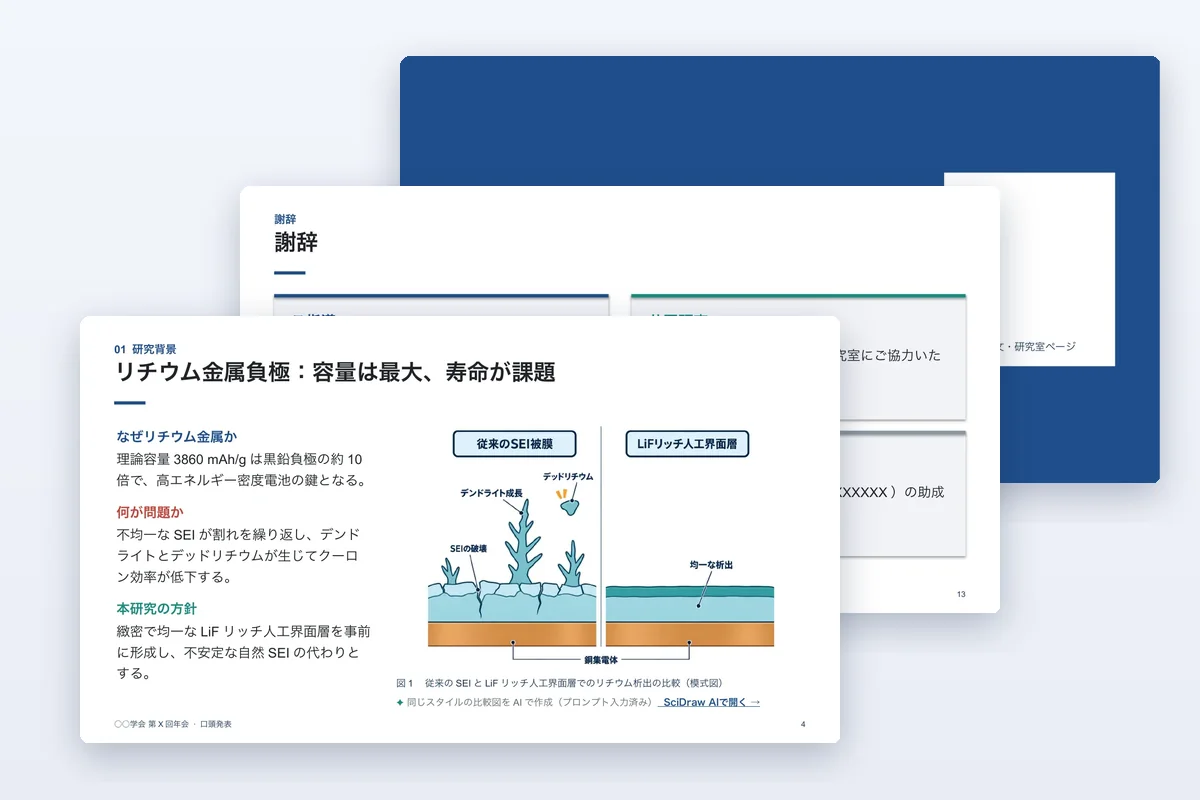
  4. 4Representative images
  5. 5Problem: what happened and what you tried
  6. 6Where you need input
  7. 7Plan until the next meeting

How to use it

  1. 1

    Download the file in your language and open it in PowerPoint.

  2. 2

    Read the hidden instruction slide first: it explains timing, colours and figures.

  3. 3

    Replace the example study slide by slide. Right-click a chart → Edit Data to use your numbers.

  4. 4

    Need a figure? Use the link under any figure slot to open SciDraw AI with a matching prompt.

Guides to read alongside

  • Lab Figures: The Complete Guide (For Papers, Theses, and Lab Meetings)What lab figures are, the 5 categories you'll need, how to make them fast, and what reviewers actually look for when they scan your figure set.
  • Convert Scientific Images to Editable PPTX and SVGLearn how to turn PNG, JPG, WebP, and AI-generated scientific figures into editable PowerPoint PPTX and SVG files, with practical workflow tips for slides, Illustrator, Figma, and journal submission.

Other templates

  • Thesis defense

    A PhD or master's defense talk with committee Q&A backup slides.

    • PPTX
    • 11 languages
    View template
  • Conference presentation

    A 12–15 minute talk that leads with one take-home message.

    • PPTX
    • 11 languages
    View template
  • Research poster · Standard

    Classic IMRaD poster in three or four columns.

    • PPTX
    • 11 languages
    View template
LogoLogoSciDraw AI

AI-powered scientific figure platform for researchers, students, educators, and science communicators. Create publication- and classroom-ready figures, graphical abstracts, TOC graphics, posters, and teaching illustrations in minutes. No design skills required.

EmailYouTubeXGitHubLinkedInInstagramStripe ClimateStripe Climate Contribution

Ask AI about SciDraw AI

Tools
  • AI Drawing
  • Scientific Data Visualization
  • Graphical Abstract Maker
  • Scientific Figure Maker
  • Image Converter
  • Vectorize Image
  • All Tools
Popular tools
  • Scientific Diagram Maker
  • Scientific Poster Maker
  • Research Poster Template
  • Plant Cell Diagram
  • Lewis Dot Structure Generator
  • Molecular Orbital Diagram Generator
  • PRISMA Flow Diagram Generator
  • Conceptual Framework Maker
Use Cases
  • For PhD Students
  • For Educators
  • For Journal Submission
  • BioRender Alternative
Resources
  • Blog
  • Research templates
  • Scientific Chart Guide
  • Gallery
  • Published references
  • Media Kit
  • Developers
Company
  • About
  • Pricing
  • Affiliate
  • Academic Support Program
  • Institutional invoicing
  • Privacy Policy
  • Terms of Service
© 2026 SciDraw AI All Rights Reserved.