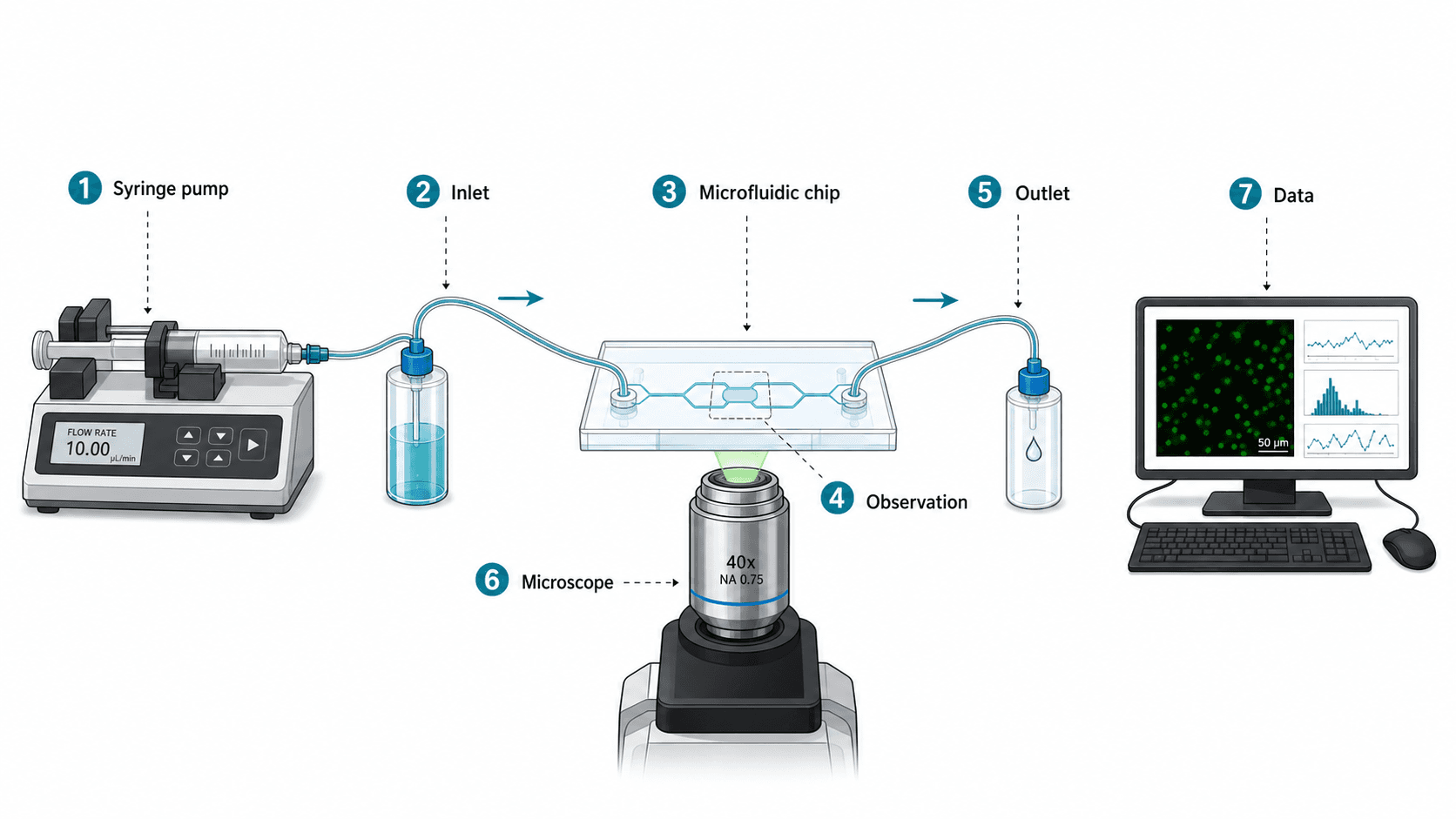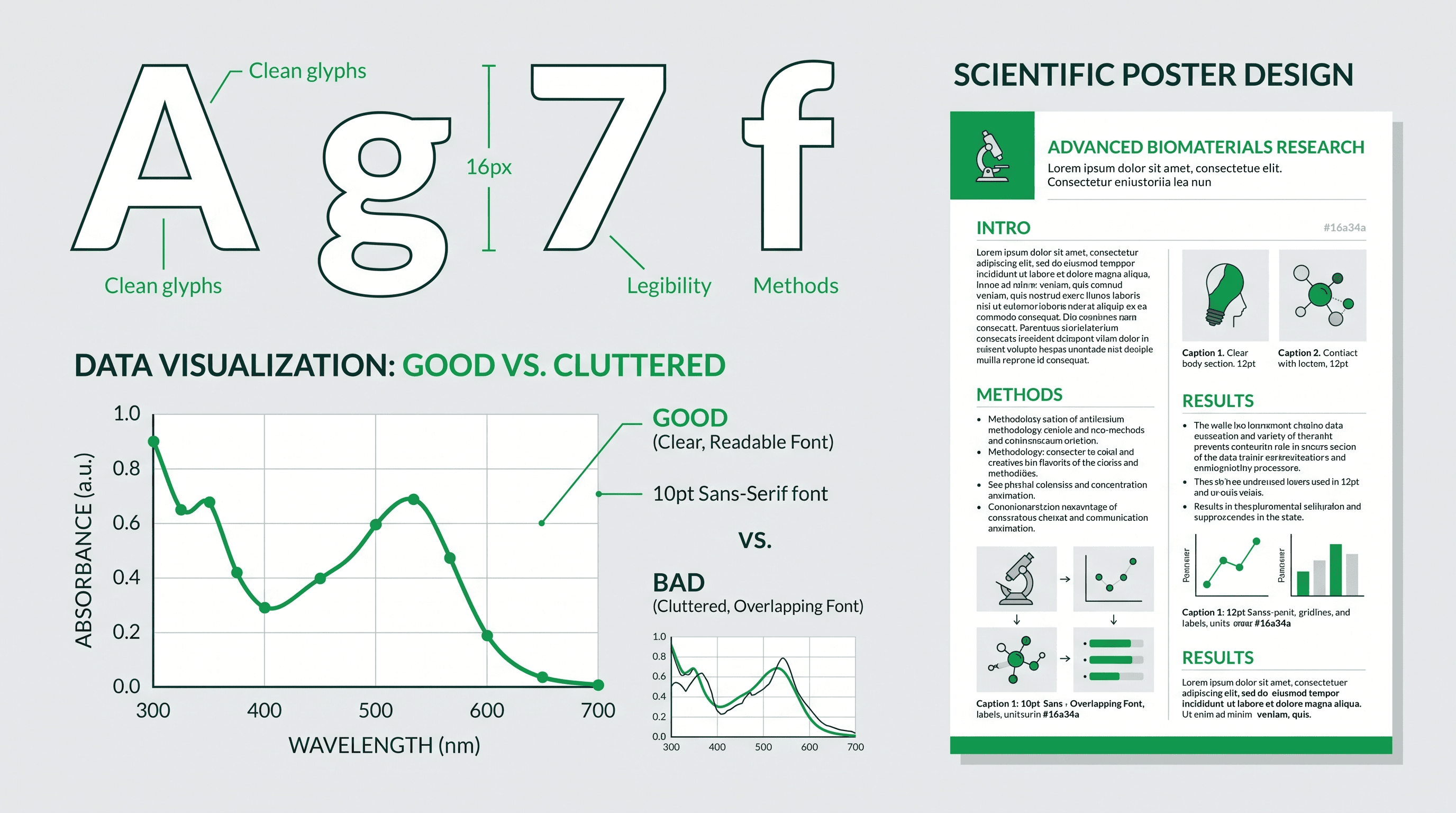
The wrong font choice can undermine even the most rigorous scientific figure. A graph with illegible axis labels, a poster with mismatched typefaces, or a figure submitted with fonts not embedded correctly — all of these erode the credibility of your research before a single data point is read.
This reference guide covers everything you need to choose, size, and apply fonts in scientific figures and conference posters with confidence.
What you'll learn:
- Which sans-serif fonts work best for scientific figures and why
- Recommended font sizes for axis labels, titles, captions, and poster headings
- Journal-specific font requirements from major publishers
- Accessibility considerations for colorblind and low-vision readers
- A complete font recommendation table you can bookmark and share
Why Font Choice Matters in Scientific Communication
Scientific figures serve a dual purpose: they must be visually clear at journal print resolution (typically 300–600 dpi) and remain legible when projected at a conference or displayed on a poster board. Most scientific journals publish at column widths of 85–170 mm, meaning a figure intended to fill one column will be reproduced very small. Fonts that look fine on screen at full size may become unreadable when scaled down.
Conference posters face the opposite challenge. A 90 × 120 cm poster is read from 1–2 meters away, and the hierarchy of information — headline, section headings, body text, figure captions — must be immediately obvious to a passing researcher.
Font consistency also signals professionalism. Using three or four typefaces across panels in a single figure creates visual noise. Sticking to one typeface family (with weight and size variations for hierarchy) is almost always the correct approach.
Sans-Serif vs. Serif: Which Is Better for Figures?
Serif fonts (Times New Roman, Georgia) are preferred for body text in long-form reading because the serifs guide the eye along lines of text. For figures, however, sans-serif fonts are almost universally recommended by style guides and journal editors for three reasons:
- Clarity at small sizes: Sans-serif letterforms retain legibility when reproduced at 8–10 pt in a printed figure.
- Screen readability: Clean strokes render sharply on digital displays and projectors.
- Neutral aesthetics: Sans-serif fonts do not compete visually with the data; they serve it.
The only common exception is figure titles that appear outside the figure box in a manuscript — these often inherit the manuscript's serif body font (e.g., Times New Roman) to match journal style. Within the figure itself, stick to sans-serif.
The 5 Best Sans-Serif Fonts for Scientific Figures
1. Arial
Arial is the single most widely used font in scientific figures. It ships with every version of Windows and macOS, is embedded safely in PDF exports, and is explicitly permitted (or specified) by journals including Nature, Cell, and most Elsevier titles. Nature asks for Helvetica or Arial (minimum 5 pt); Cell is stricter still — it says to "use only Arial fonts."
Pros: Universal availability, no licensing issues, proven readability at small sizes, supported by every figure-creation tool.
Cons: Slightly condensed at small sizes, distinguished from Helvetica mainly by a few letterforms (the tail of the lowercase 'a', for instance) — choose deliberately rather than by default.
Best for: General figures, multi-panel plates, journal submissions.
2. Helvetica
Helvetica is the design community's favorite sans-serif and is commonly cited as the gold standard for scientific illustration. It is marginally more readable than Arial at very small sizes due to slightly wider letterforms.
Pros: Excellent readability, clean geometry, professional appearance.
Cons: Not free — macOS includes it, but Windows users need a license for commercial use. Substitution issues can occur when collaborators open files on different systems.
Best for: High-profile journal submissions, poster design on macOS.
3. Calibri
Calibri is Microsoft's default body font since Office 2007. It is a humanist sans-serif with slightly rounded letterforms, making it warmer and more readable at body-text sizes.
Pros: Available on all Windows systems, excellent for PowerPoint-based posters, slightly warmer than Arial.
Cons: Less common in publication figures (some reviewers associate it with draft documents), slightly informal.
Best for: Poster headings and body text, supplementary figures, conference slide decks.
4. Open Sans
Open Sans is a free, open-licensed humanist sans-serif released by Google. It is widely used in web and digital contexts but increasingly appears in scientific posters and figures where licensing-free fonts are valued.
Pros: Free to use commercially, legible at small sizes, wide range of weights (Light to ExtraBold), available via Google Fonts.
Cons: Not pre-installed on most systems (must be embedded or installed), less common in traditional journals.
Best for: Digital posters, web-published figures, open-access publications.
5. Roboto
Roboto is Google's interface typeface, designed to be mechanically friendly with geometric forms and natural letter widths. It performs very well on screens and data visualizations.
Pros: Free and open-source, excellent on-screen clarity, widely available via Google Fonts, great for digital figures.
Cons: Can feel slightly technical/minimal in poster contexts, requires embedding.
Best for: Data visualizations, infographics, digital scientific content.
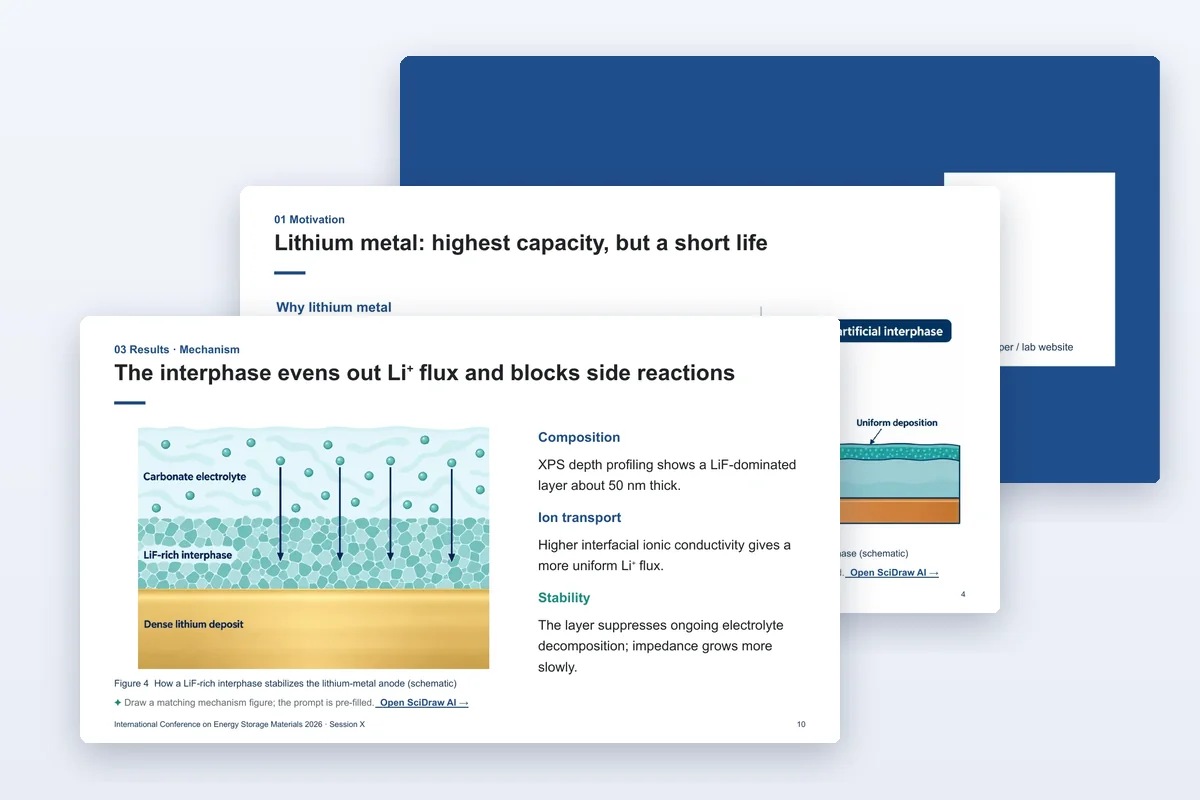
 Clean sans-serif letterforms keep figure labels legible at small print sizes — a core principle in SciDraw AI typography.
Font Recommendation Table
| Font | License | Pre-installed | Best context | Small-size legibility | Poster suitability |
|---|---|---|---|---|---|
| Arial | Free (bundled) | Windows, macOS | Journal figures | Excellent | Good |
| Helvetica | Commercial | macOS only | Premium submissions | Excellent | Excellent |
| Calibri | Free (bundled) | Windows | Posters, slides | Good | Very good |
| Open Sans | Open source | Must install | Digital/open access | Very good | Very good |
| Roboto | Open source | Must install | Data viz, digital | Very good | Good |
| Myriad Pro | Commercial | Adobe suite | Adobe-workflow figures | Excellent | Excellent |
| Fira Sans | Open source | Must install | Technical reports | Good | Very good |
Recommended Font Sizes for Scientific Figures
Getting font sizes right is as important as getting the typeface right. The sizes below are calibrated to the final printed size of the figure, not the size in your editing software.
Journal Figures (Final Print Size)
| Element | Recommended size | Notes |
|---|---|---|
| Axis tick labels | 7–8 pt | Minimum legible size in print |
| Axis titles | 8–9 pt | Slightly larger than tick labels |
| Panel labels (A, B, C…) | 10–12 pt, bold | Must be clearly distinct |
| Figure title (in figure) | 9–10 pt, bold | Often placed as a text element |
| Legend text | 7–8 pt | Match axis label size |
| Statistical annotations (*, p values) | 7–8 pt |
Important: If you are working at 2× resolution (e.g., a 300 dpi file designed at double column width for later scaling), multiply these sizes by 2 during design.
Conference Posters (A0 / 36×48 inch)
| Element | Recommended size | Viewing distance |
|---|---|---|
| Poster title | 72–96 pt (2.5–3.5 cm) | Readable at 3–5 m |
| Author names / affiliation | 36–48 pt | Readable at 2–3 m |
| Section headings | 36–48 pt, bold | |
| Body text | 24–28 pt | Comfortable at 1.5 m |
| Figure axis labels | 18–24 pt | |
| Figure captions | 18–20 pt | |
| References (if included) | 16–18 pt |
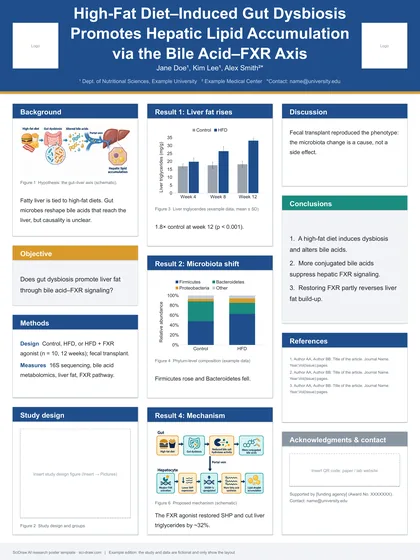
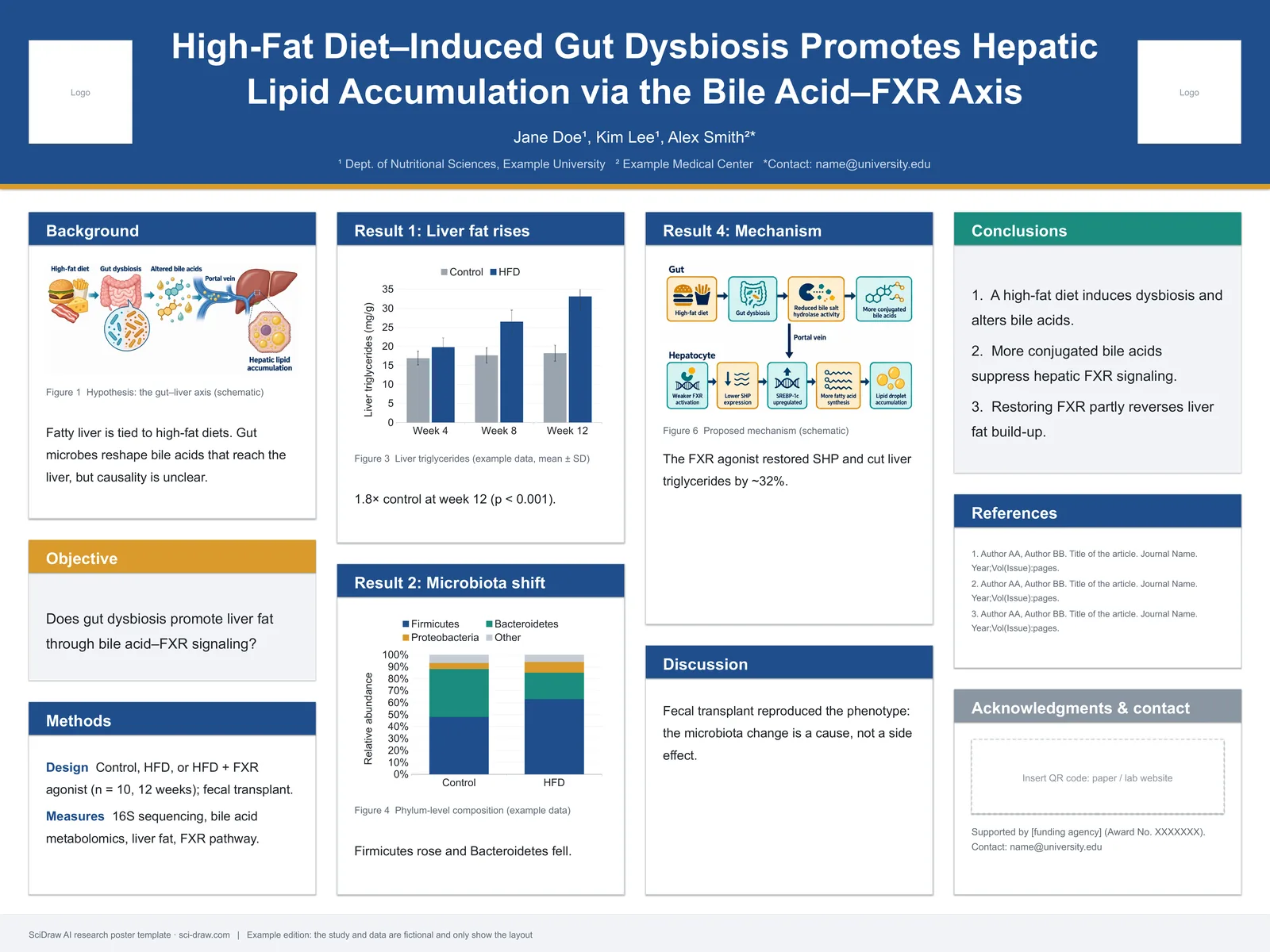
A common mistake is to design the poster in a small preview window and only discover the font is too small when standing in front of the printed board. Print a small test section at scale, or use the SciDraw AI scientific poster maker to generate properly sized poster layouts from the start.
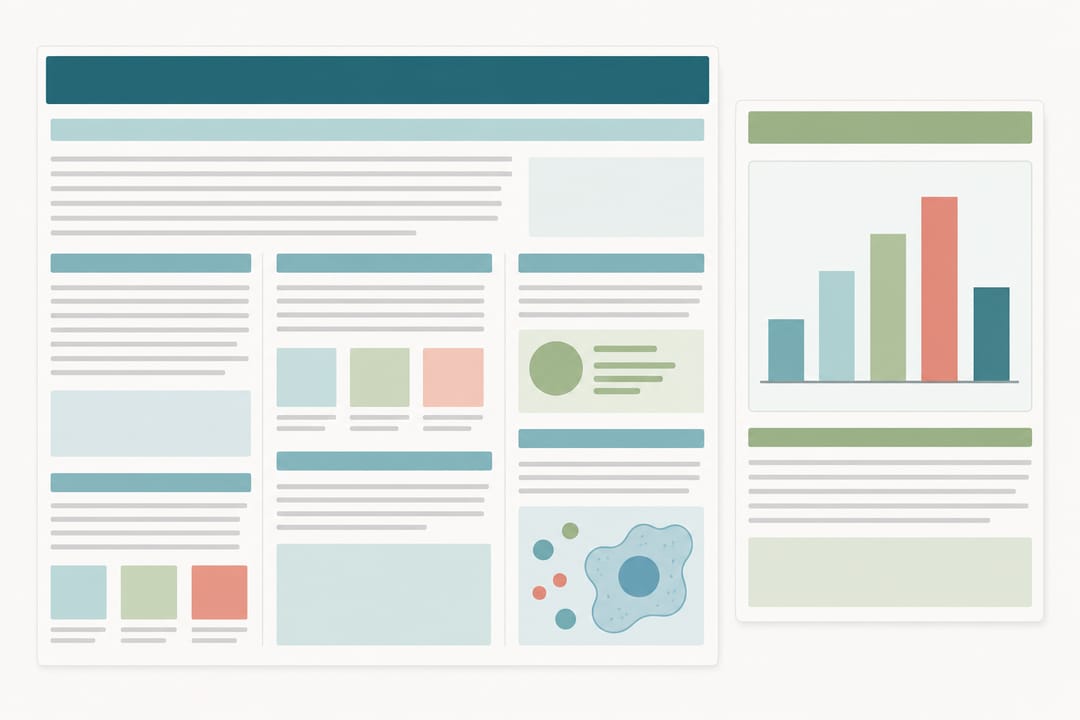 A clear type-size hierarchy — title, headings, body, captions — guides the reader through a poster or figure at the right viewing distance.
Journal Font Requirements
Different journals have different requirements. Always check the author guidelines before final figure preparation.
Nature Portfolio (Nature, Nature Methods, etc.)
- Required font: Arial (or Helvetica as alternative)
- Minimum size in final figure: 5 pt (though 7 pt is strongly recommended)
- Bold type acceptable for panel labels
- No decorative or script fonts
Cell Press (Cell, Neuron, etc.)
- Recommended: Arial or Helvetica
- Minimum size: 6 pt in final printed form
- Consistent font use across all panels required
PLOS journals
- No specific font requirement, but advises against fonts that may not embed correctly in PDF
- Recommends embedding all fonts before submission
American Chemical Society (ACS)
- Recommends Arial for figures
- Minimum 4.5 pt in final form (though editorial guidance suggests 6–7 pt minimum for legibility)
Elsevier journals
- No single mandated font, but Arial is explicitly listed as acceptable across most journals
- Minimum 8 pt for text within figures
Springer Nature (non-Nature titles)
- Arial or other sans-serif
- Minimum 8 pt at final size
- Fonts must be embedded in submitted PDF
When using the scientific figure maker on SciDraw AI, you can specify font and size preferences in your prompt or settings to align with target journal requirements.
Accessibility Considerations
Font choice intersects with accessibility in ways that are often overlooked in scientific publishing.
Font weight and contrast
Thin or light-weight fonts (100–300 weight) can be very difficult to read for people with low vision or dyslexia. Use Regular (400) or Medium (500) weight as a minimum for body text and labels. Bold (700) for headings.
Ensure sufficient contrast between your font color and background. The WCAG standard recommends a contrast ratio of at least 4.5:1 for text. For figures, black or very dark gray (#1a1a1a) text on white (#ffffff) is the safest choice.
Colorblind-friendly figure annotations
Approximately 8% of men and 0.5% of women have some form of color vision deficiency. When annotating figures with colored text or labels:
- Do not rely on color alone to distinguish elements
- Use different line styles, symbols, or shapes in addition to color
- If you must use color in labels, avoid red/green combinations
- Use the figure checker on SciDraw AI to audit your figures for accessibility issues before submission
Letter spacing and line height
Generous letter spacing (tracking) improves readability for readers with dyslexia. For poster body text, aim for 0.02–0.05 em of extra letter spacing. Line height (leading) should be at least 1.4× the font size for body text on posters.
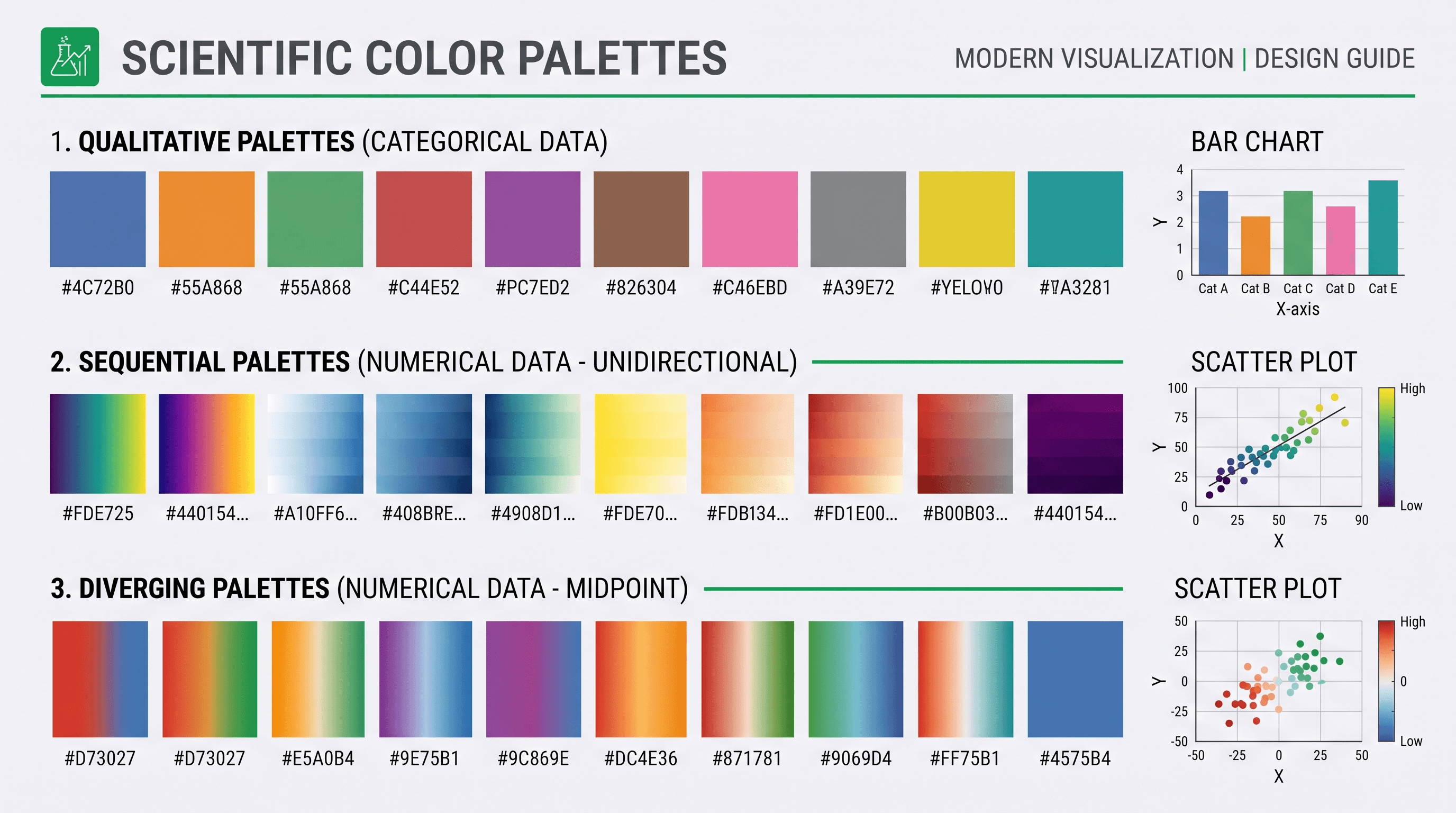
 Adequate font weight, high contrast, and generous spacing make figure text accessible to low-vision and dyslexic readers.
Common Font Mistakes in Scientific Figures
1. Using Times New Roman within figures
Times New Roman is fine for manuscript body text, but its serif strokes reproduce poorly at small sizes in figures and look old-fashioned in modern scientific posters.
2. Mixing too many typefaces
One typeface, two weights (regular + bold), and two sizes is almost always sufficient for a figure. More variety than this creates visual confusion.
3. Not embedding fonts in PDF submissions
This is a surprisingly common cause of figure rejection. When exporting to PDF from Illustrator, Inkscape, or PowerPoint, always check "embed fonts" or "embed all fonts." Journals that receive figures with missing fonts see character substitution that can change the meaning of axis labels.
4. Ignoring minimum size requirements
Many researchers create figures that look fine at full screen size in their software, then fail review because the figure is too small at the required journal column width. Always calculate your final print size before choosing font sizes.
5. Using decorative or display fonts
Script fonts, display fonts, or novelty typefaces have no place in scientific figures. They sacrifice legibility for aesthetic interest that most journals will reject.
Workflow: Choosing Fonts for a New Figure or Poster
Follow this checklist before you start building your figure:
- Identify your target journal or venue — check author guidelines for any mandated fonts.
- Determine your final output size — journal column width (85 mm or 170 mm) vs. poster dimensions.
- Choose your base font — Arial for journal figures; Open Sans or Calibri for digital posters.
- Set your minimum text size — 7 pt minimum for journal figures; 24 pt minimum for poster body text.
- Confirm font embedding — ensure your export settings embed all fonts in PDF or EPS output.
- Run an accessibility check — verify contrast ratios and avoid color-only information encoding.
For AI-generated figures, SciDraw AI applies publication-standard font choices automatically. You can review and adjust typography through the scientific figure maker before downloading your final file.
FAQ
Q: Is Arial the same as Helvetica?
A: They look very similar but are different typefaces. Arial was designed in 1982 to be metrically compatible with Helvetica, meaning the same text set in either font takes up the same space. Helvetica has slightly different letterforms (particularly the 'a', 'G', and 'R') and is generally considered marginally more refined. For scientific figures, both are equally acceptable.
Q: Can I use a Google Font in a journal figure?
A: Yes, as long as you embed the font in your submitted PDF or export file. Open Sans, Roboto, and Lato are all used successfully in published figures. The key requirement is that the font is embedded correctly, not which specific font is used (unless the journal specifies otherwise).
Q: What font size should I use for axis labels in a Nature paper?
A: Nature recommends Arial at a minimum of 5 pt in the final printed figure, but 7–8 pt is strongly preferred for legibility. Since Nature figures are typically printed at 8.9 cm (one-column) or 18 cm (two-column) width, calculate your final size accordingly.
Q: Should poster fonts be the same as figure fonts?
A: Not necessarily. Journal figure fonts are optimized for small-size print reproduction; poster fonts need to scale to large text (72+ pt for titles). Calibri, Open Sans, or Roboto can work well for both. The important thing is consistency within the poster: use one typeface family throughout.
Q: How do I check if my fonts are embedded in a PDF?
A: In Adobe Acrobat, go to File → Properties → Fonts. Each font should show "Embedded Subset" or "Embedded." In macOS Preview, check Tools → Show Inspector → Fonts. If any font shows as not embedded, return to your source application and re-export with font embedding enabled.
Q: Does SciDraw AI apply publication-standard fonts automatically?
A: Yes. SciDraw AI generates figures with vetted font choices appropriate for scientific publication. You can also use the scientific poster maker to create conference posters with correct font hierarchies built in, and run your finished work through the figure checker to verify font sizing and contrast before submission.