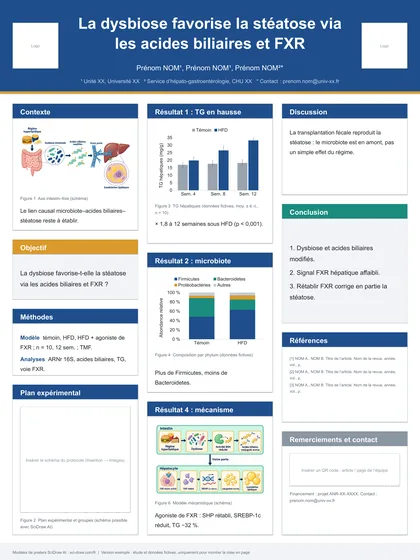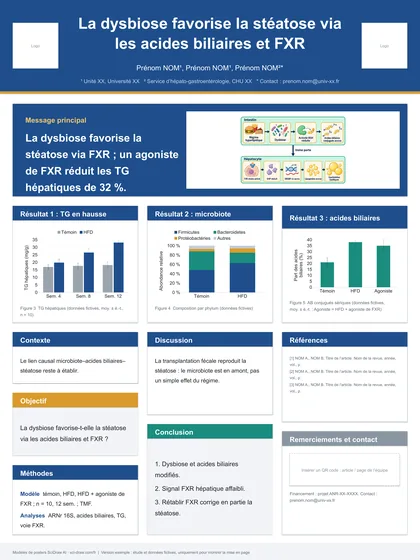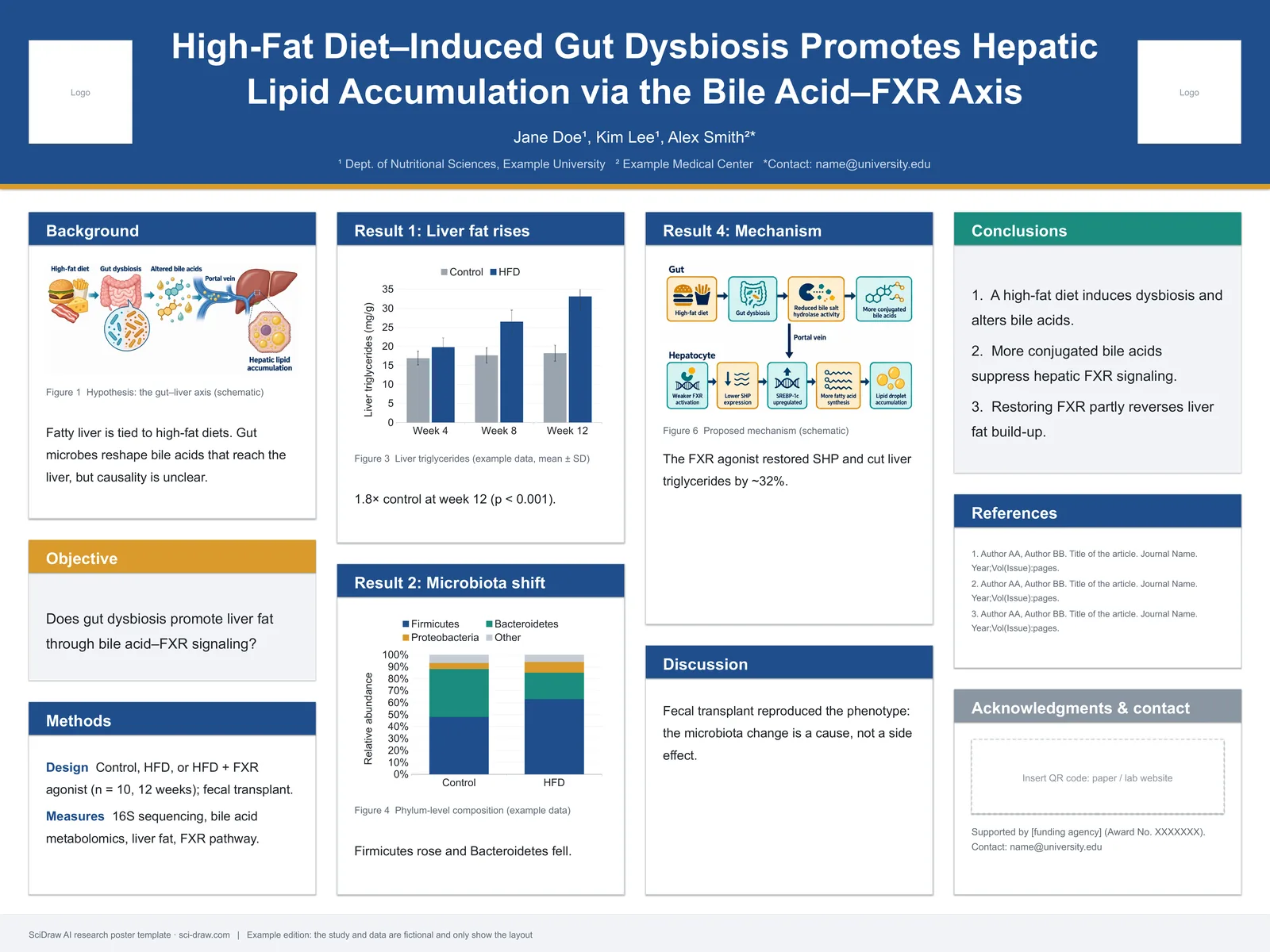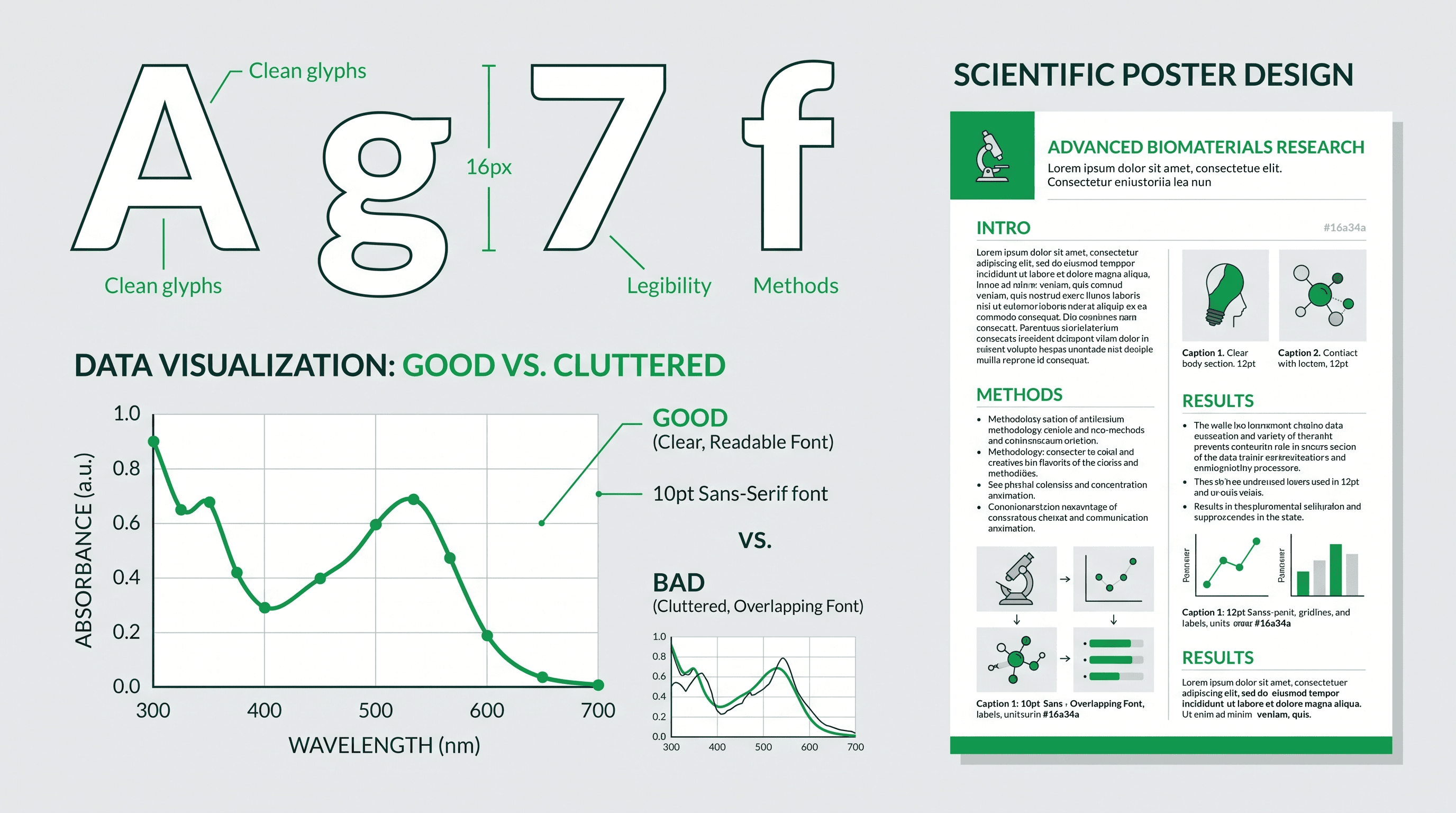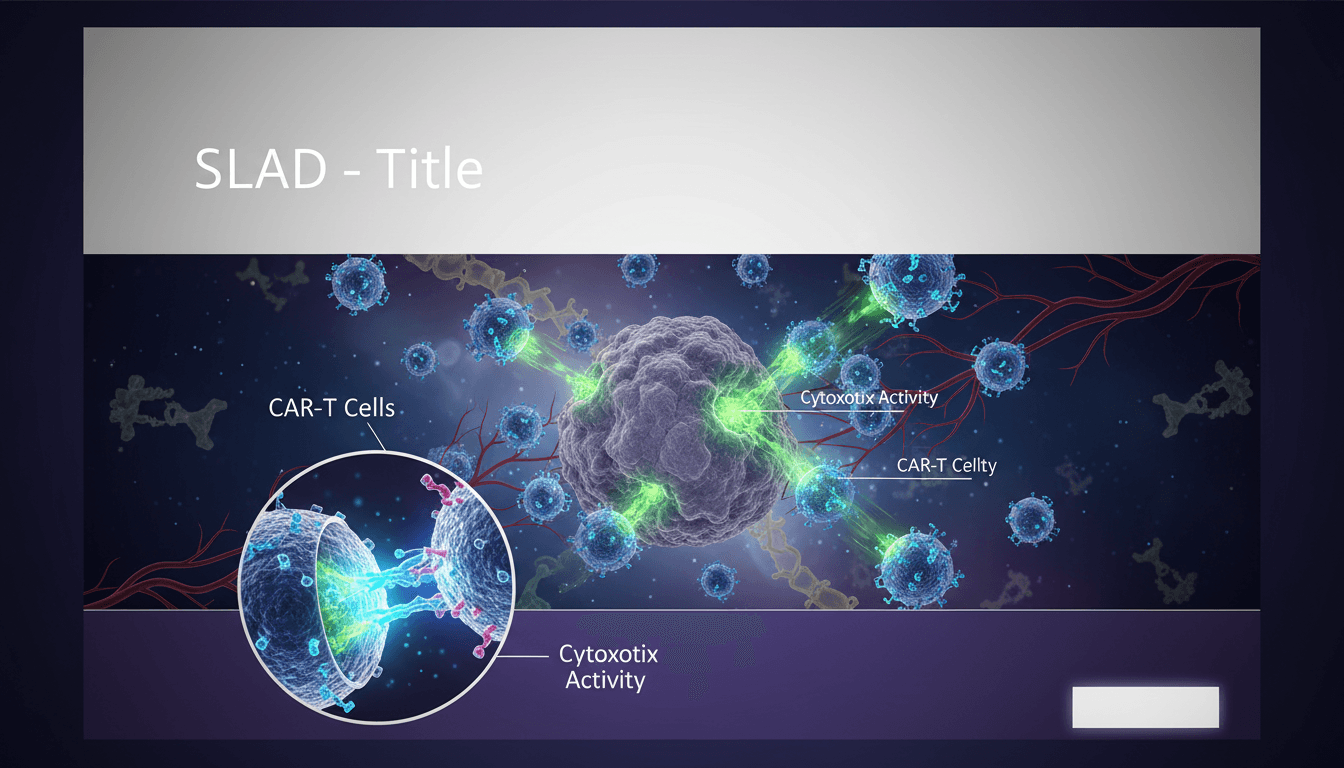
Les posters de recherche sont une pierre angulaire de la communication scientifique lors des conférences. Un poster bien conçu peut attirer les visiteurs, susciter des collaborations et faire progresser votre carrière. Pourtant, de nombreux chercheurs ont du mal avec la conception de posters, ce qui donne des présentations encombrées et difficiles à lire.
Ce guide vous apprendra à créer des posters de recherche qui communiquent efficacement vos résultats et se démarquent lors de toute conférence.
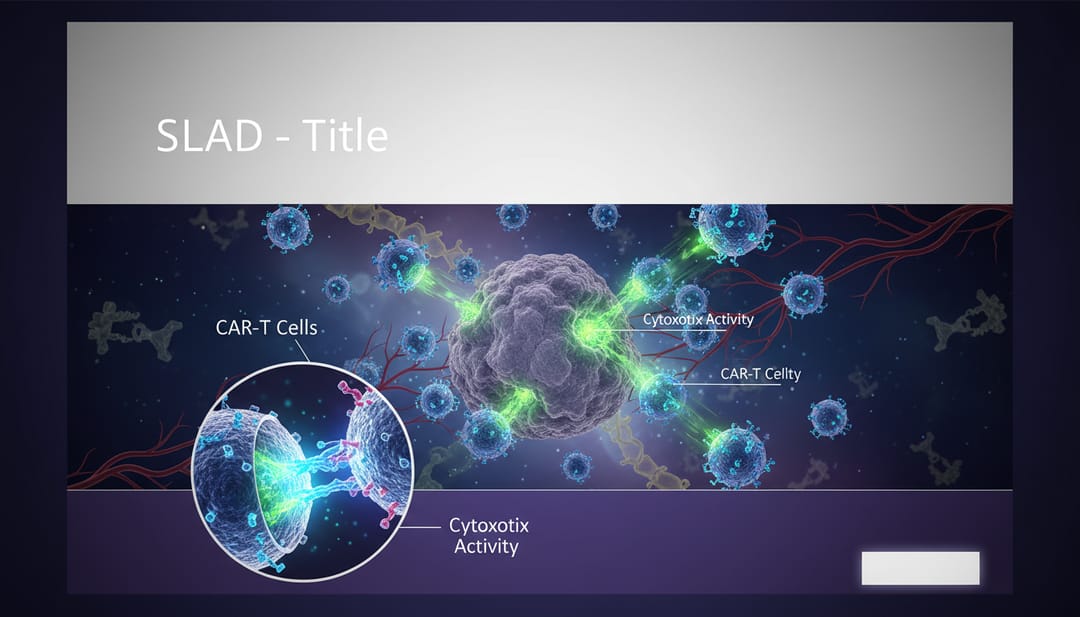 Des posters efficaces combinent impact visuel et communication claire
Pourquoi la conception de posters est importante
Lors d'une conférence scientifique typique :
- Les participants passent 11 secondes à décider de s'arrêter à un poster
- Ils ne passent que 1 à 2 minutes à lire s'ils s'arrêtent
- 90 % des posters ne sont jamais lus complètement
- Les posters bien conçus reçoivent 3 fois plus de visiteurs
Une bonne conception n'est pas qu'une question d'esthétique, elle est essentielle pour la communication.
Principes fondamentaux de la conception de posters
Tailles de poster standard
| Taille | Dimensions | Utilisation courante |
|---|---|---|
| A0 | 841 × 1189 mm | Conférence standard |
| 36×48 in | 914 × 1219 mm | Conférences aux États-Unis |
| 42×60 in | 1067 × 1524 mm | Grand format |
| 48×36 in | 1219 × 914 mm | Option paysage |
Vérifiez toujours les exigences de la conférence avant de commencer.
La plupart de ces formats, ainsi que 72 × 48 pouces, 72 × 36 pouces et 90 × 120 cm, sont disponibles en fichiers PowerPoint modifiables et gratuits dans nos modèles de poster scientifique. Pour les exigences d’un congrès précis comme SfN, NeurIPS ou EGU, consultez le guide des formats de poster par congrès.
La structure IMRAD
La plupart des posters de recherche suivent IMRAD :
- Introduction / Contexte
- Méthodes
- Résultats
- And (Et)
- Discussion / Conclusions
Mais la façon dont vous présentez cette structure compte plus que la structure elle-même.
Hiérarchie visuelle
L'approche "Journal"
Organisez le contenu du plus important au moins important :
- Titre : Grand, lisible à 4-6 mètres
- Principale découverte : Le principal point à retenir
- Figures : Preuves visuelles
- Méthodes/Détails : Informations complémentaires
- Contact/Références : Petits caractères
Le motif en F
Des études de suivi oculaire montrent que les spectateurs scannent selon un motif en "F" :
- Lire en travers le haut (titre)
- Balayer vers le bas le côté gauche
- Lire à nouveau en travers aux points d'intérêt
Concevez votre poster pour qu'il fonctionne avec ce motif naturel.
Création de graphiques de poster efficaces
Figures principales
Vos figures sont les éléments les plus importants. Elles doivent :
- Être lisibles à 1-2 mètres
- Raconter l'histoire sans légende
- Utiliser un style cohérent
- Avoir des étiquettes claires
Invite IA pour la figure du poster :
Research poster figure showing [your main result],
high contrast for large format printing,
clear axis labels with large fonts,
minimal background noise,
publication-quality data visualization,
suitable for 36x48 inch poster
Section Résumé graphique
Incluez un résumé visuel de l'ensemble de votre projet :
Graphical abstract for research poster,
[research topic] workflow overview,
input → process → output layout,
icons representing key steps,
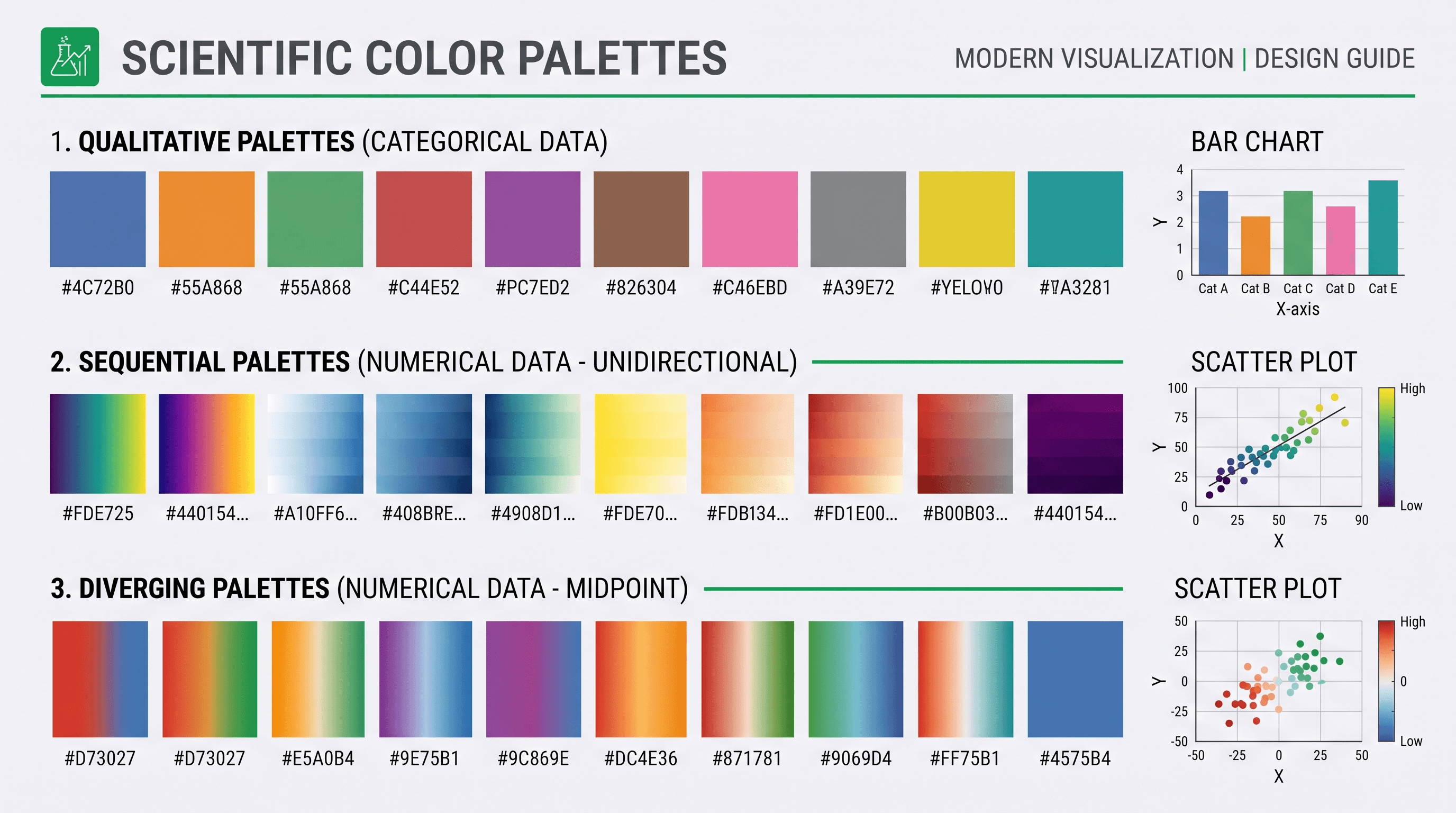
clean design suitable for poster printing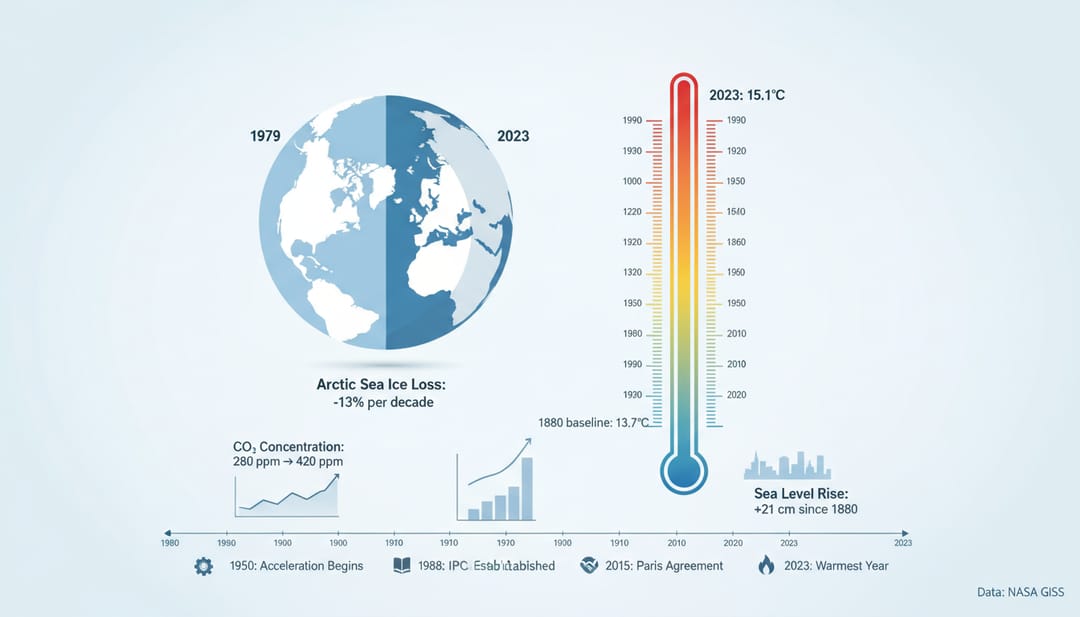 Une visualisation efficace des données raconte l'histoire de votre recherche
Illustrations de soutien
Créez des graphiques de soutien cohérents :
Research poster illustration showing [specific aspect],
matching style to main figures,
[color scheme] color palette,
simple, clear design,
large format print quality
Couleur et typographie
Directives relatives aux couleurs
À FAIRE :
- Utilisez 2 à 3 couleurs principales
- Faites correspondre la marque institutionnelle ou de la revue
- Assurez-vous d'un contraste suffisant
- Tenez compte de l'accessibilité aux daltoniens
À NE PAS FAIRE :
- N'utilisez pas le rouge et le vert ensemble pour signifier quelque chose
- N'utilisez pas de combinaisons à faible contraste
- N'utilisez pas plus de 4 couleurs
- Ne laissez pas l'arrière-plan concurrencer le contenu
Schémas de couleurs recommandés
Bleu académique :
- Primaire : #1E40AF
- Secondaire : #3B82F6
- Accent : #F59E0B
Vert des sciences de la vie :
- Primaire : #166534
- Secondaire : #22C55E
- Accent : #8B5CF6
Rouge médical :
- Primaire : #991B1B
- Secondaire : #EF4444
- Accent : #0EA5E9
Règles de typographie
| Élément | Taille | Graisse |
|---|---|---|
| Titre | 72-96 pt | Gras |
| Noms des auteurs | 36-48 pt | Normal |
| En-têtes de section | 36-48 pt | Gras |
| Corps du texte | 24-32 pt | Normal |
| Légendes | 20-24 pt | Normal |
| Références | 16-20 pt | Normal |
Recommandations de polices :
- Sans-serif pour les titres : Helvetica, Arial, Calibri
- Sans-serif pour le corps du texte : Open Sans, Source Sans Pro
- Évitez complètement les polices décoratives
Modèles de mise en page
Mise en page à trois colonnes (la plus courante)
┌────────────────────────────────────────┐
│              TITLE                      │
│         Authors • Affiliations          │
├──────────┬───────────┬──────────────────┤
│          │           │                  │
│ INTRO    │ RESULTS   │ DISCUSSION       │
│          │           │                  │
│          │ [FIGURE]  │                  │
│ METHODS  │           │ CONCLUSIONS      │
│          │ [FIGURE]  │                  │
│          │           │ REFERENCES       │
├──────────┴───────────┴──────────────────┤
│           Contact Information           │
└────────────────────────────────────────┘
Notre modèle « Poster scientifique · Classique » reprend exactement cette mise en page : il s’ouvre dans PowerPoint avec les sections, les tailles de texte et les emplacements de figures déjà en place. Pour composer un poster directement à partir de votre résumé ou de votre PDF, utilisez le générateur de posters scientifiques.
Mise en page à deux colonnes
┌────────────────────────────────────────┐
│              TITLE                      │
│         Authors • Affiliations          │
├───────────────────┬────────────────────┤
│ INTRODUCTION      │ RESULTS            │
│                   │                    │
│ METHODS           │ [MAIN FIGURE]      │
│                   │                    │
│ [METHOD FIG]      │ DISCUSSION         │
│                   │                    │
│                   │ CONCLUSIONS        │
├───────────────────┴────────────────────┤
│  QR Code    References    Contact      │
└────────────────────────────────────────┘
Mise en page à forte composante visuelle
┌────────────────────────────────────────┐
│              TITLE                      │
├────────────────────────────────────────┤
│         [LARGE CENTRAL FIGURE]         │
│                                        │
├──────────┬───────────┬─────────────────┤
│ KEY      │ KEY       │ KEY             │
│ POINT 1  │ POINT 2   │ POINT 3         │
├──────────┴───────────┴─────────────────┤
│ Methods Summary │ Contact │ QR Code    │
└────────────────────────────────────────┘
Conseils de rédaction de contenu
Titre
- Longueur : 1 à 2 lignes maximum
- Style : Énoncé de la découverte, pas du sujet
- Mauvais : "Une étude de l'expression des gènes dans les cellules cancéreuses"
- Bon : "Une nouvelle thérapie génique réduit la croissance tumorale de 80 %"
Introduction
- Maximum 150 mots
- Énoncez le problème
- Pourquoi c'est important
- Votre approche (une phrase)
Méthodes
- Puces, pas de paragraphes
- Incluez uniquement les détails essentiels
- Utilisez des diagrammes de flux de travail lorsque cela est possible
- Référencez les méthodes détaillées dans l'article
Résultats
- Commencez par les figures principales
- Mettez en évidence les chiffres clés
- Utilisez des zones de texte pour les découvertes importantes
- Laissez les visuels faire le gros du travail
Conclusions
- 3 à 5 puces maximum
- Commencez par la principale découverte
- Incluez les implications
- Mentionnez les orientations futures
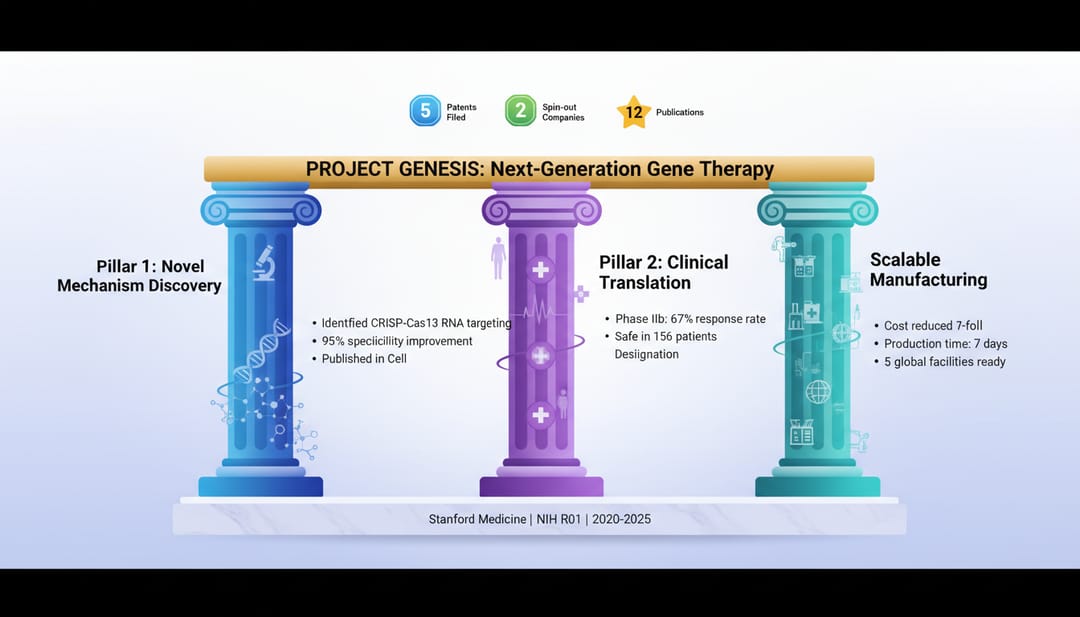 Des conclusions efficaces sont concises et percutantes
Création de graphiques de poster avec l'IA
Image d'arrière-plan/d'en-tête
Research poster header background,
abstract scientific pattern,
[your field] themed,
subtle, non-distracting design,
[color scheme] colors,
wide format suitable for poster header
Séparateurs de section
Scientific section divider graphic,
[topic] themed icon or illustration,
minimal design,
[primary color] color,
horizontal format
Arrière-plan de la zone du code QR
Decorative frame for QR code on research poster,
scientific theme,
space for square QR code in center,
[institution colors] color scheme,
clean modern design
Erreurs courantes dans les posters
1. Trop de texte
Problème : Des murs de texte que personne ne lit Solution : Réduisez le texte de 50 %, utilisez plutôt des visuels
2. Polices minuscules
Problème : Illisible à une distance de visualisation normale Solution : Rien de plus petit que 24pt pour le corps du texte
3. Mauvaise qualité des figures
Problème : Images pixellisées ou floues Solution : Utilisez des graphiques haute résolution (300+ DPI)
4. Conception encombrée
Problème : Pas d'espace blanc, accablant Solution : Laissez 30 à 40 % d'espace blanc
5. Pas de hiérarchie visuelle
Problème : Tout semble également important Solution : Variez les tailles, utilisez le gras de manière stratégique
6. Style incohérent
Problème : Différentes polices, couleurs, styles de figures Solution : Créez un guide de style, respectez-le
Impression et préparation
Préparation des fichiers
- Résolution : 150-300 DPI à la taille finale
- Mode couleur : CMYK pour l'impression
- Format de fichier : PDF (préféré), TIFF ou PNG
- Fond perdu : Ajoutez un fond perdu de 3 mm si nécessaire
Options d'impression
| Option | Coût | Qualité | Délai d'exécution |
|---|---|---|---|
| Imprimerie universitaire | $ | Bon | 2-5 jours |
| Impression de posters en ligne | $$ | Très bon | 3-7 jours |
| Imprimerie professionnelle | $$$ | Excellent | 1-3 jours |
| Poster en tissu | $$ | Bon | 3-5 jours |
Tissu ou papier
Posters en tissu :
- Facile à transporter (pliable)
- Résistant aux plis
- Qualité d'image légèrement inférieure
- Bon pour les voyageurs fréquents
Posters en papier :
- Qualité d'image supérieure
- Aspect plus traditionnel
- Nécessite un tube à poster
- Peut être facilement endommagé
Présentation de votre poster
Le pitch éclair
Préparez un résumé d'une minute :
- Problème que vous avez abordé (15 sec)
- Votre approche (15 sec)
- Principales découvertes (20 sec)
- Implications (10 sec)
Attirer les visiteurs
- Tenez-vous à côté, pas devant, de votre poster
- Demandez s'ils souhaitent un aperçu
- Évaluez leur niveau d'expertise
- Ayez des cartes de visite à portée de main
- Assurez un suivi auprès des contacts après
Outils pour la création de posters
Outils de conception
- PowerPoint/Keynote : Facile, familier
- Canva : Modèles, facile à utiliser
- Illustrator/Inkscape : Contrôle total
- LaTeX (beamerposter) : Pour la reproductibilité
Outils d'IA pour les graphiques
- SciDraw AI : Figures et illustrations scientifiques
- Midjourney : Arrière-plans conceptuels
- DALL-E : Graphiques supplémentaires
Commencez à créer votre poster
Prêt à créer un poster de conférence qui se fasse remarquer ?
- Utilisez l'IA pour générer des figures convaincantes avec SciDraw AI
- Choisissez un modèle de mise en page propre
- Rédigez un texte concis et percutant
- Imprimez avec un délai suffisant
- Entraînez-vous à votre présentation
Votre recherche mérite d'être vue. Faites en sorte que votre poster travaille pour vous.
Articles connexes :