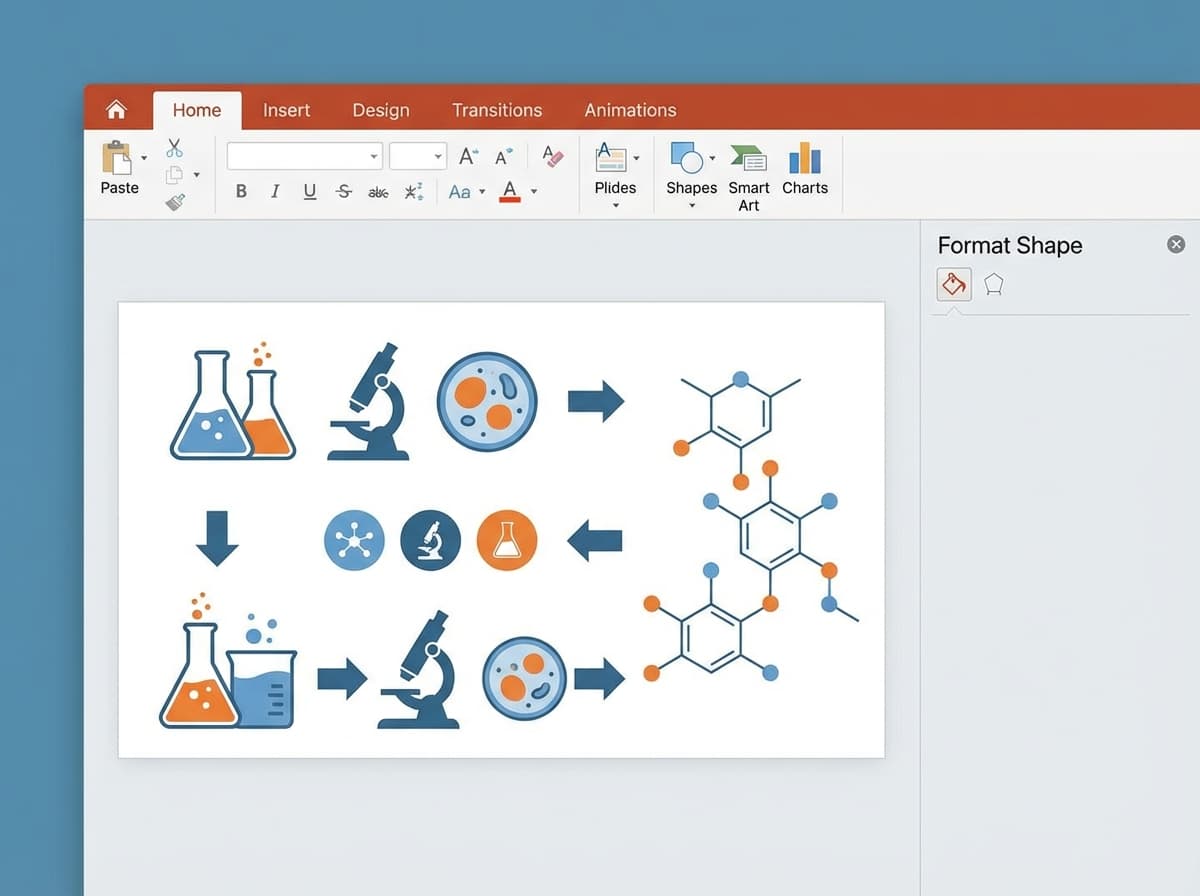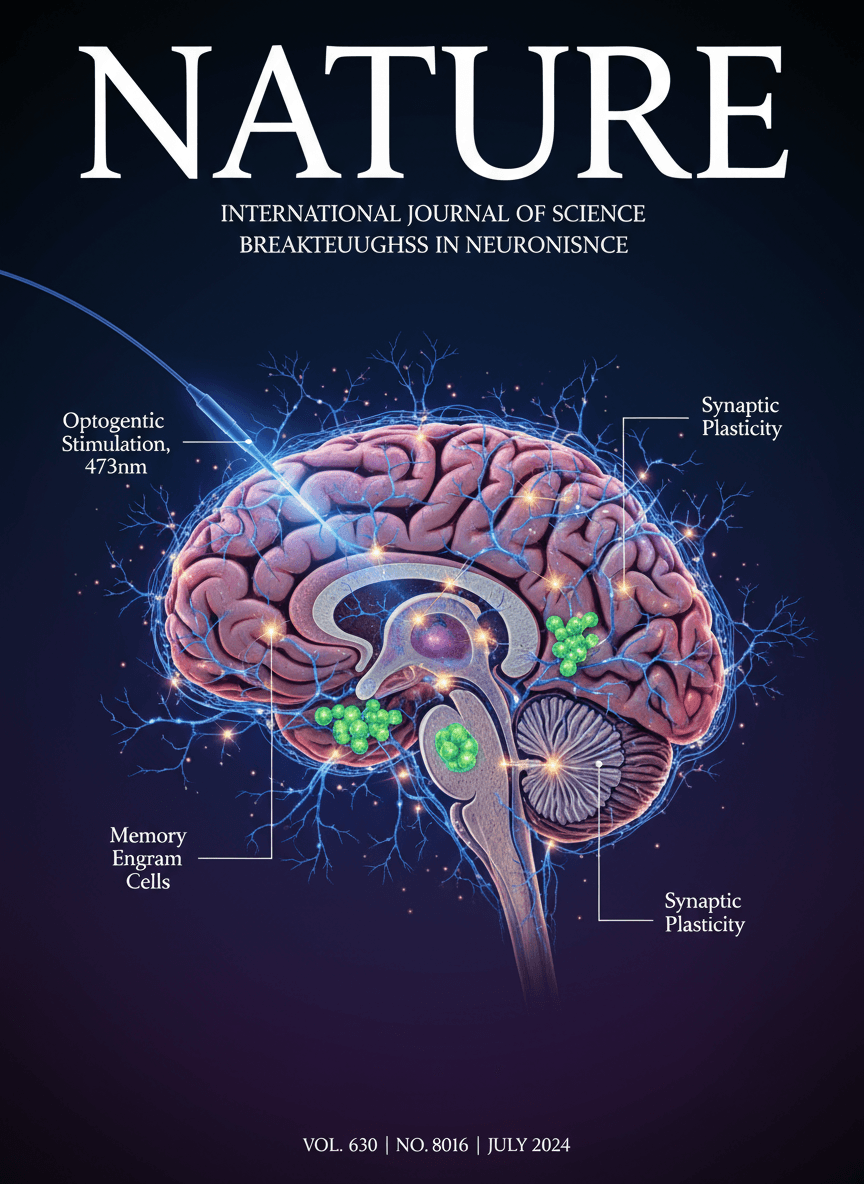
Graphical abstracts have become a requirement for many scientific journals. These visual summaries help readers quickly understand your research and can significantly boost your paper's impact. But creating them traditionally requires design software expertise that most researchers don't have.
This guide introduces you to AI-powered graphical abstract makers that can help you create publication-quality visuals in minutes, not hours.
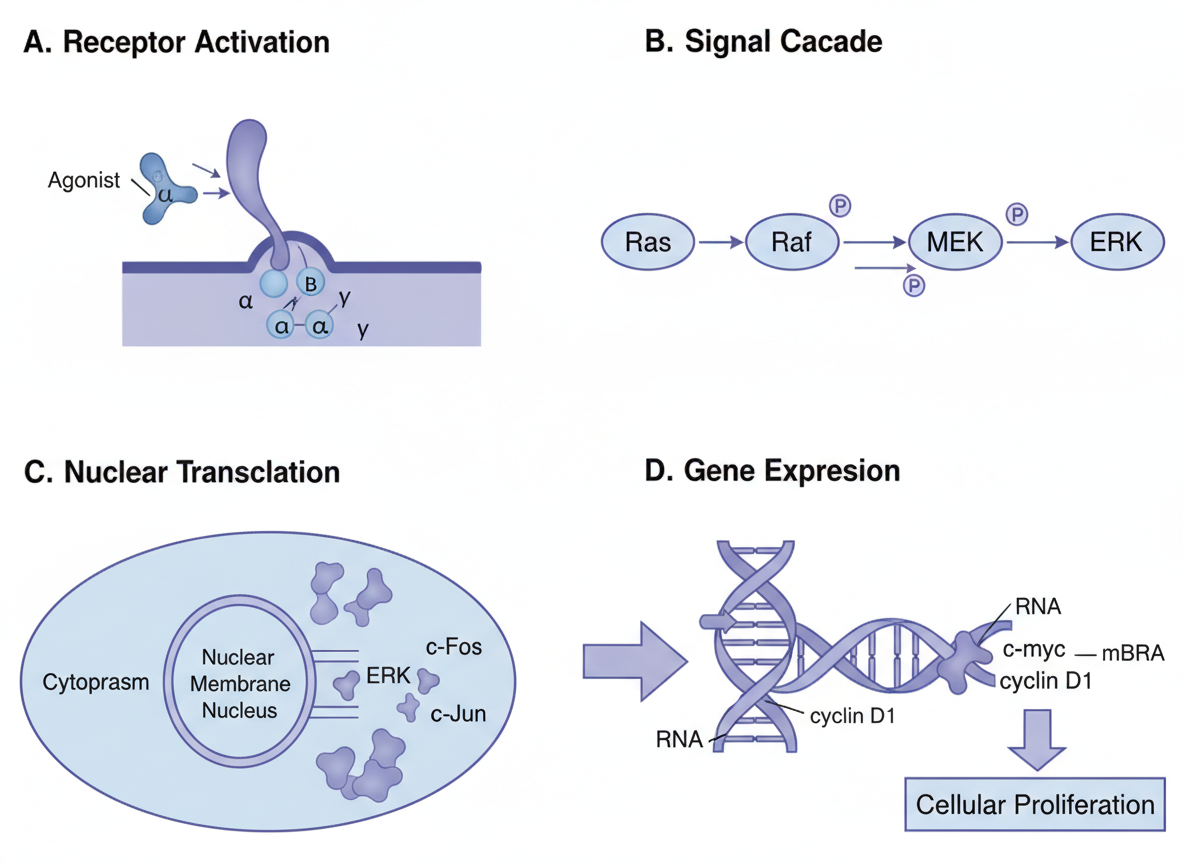
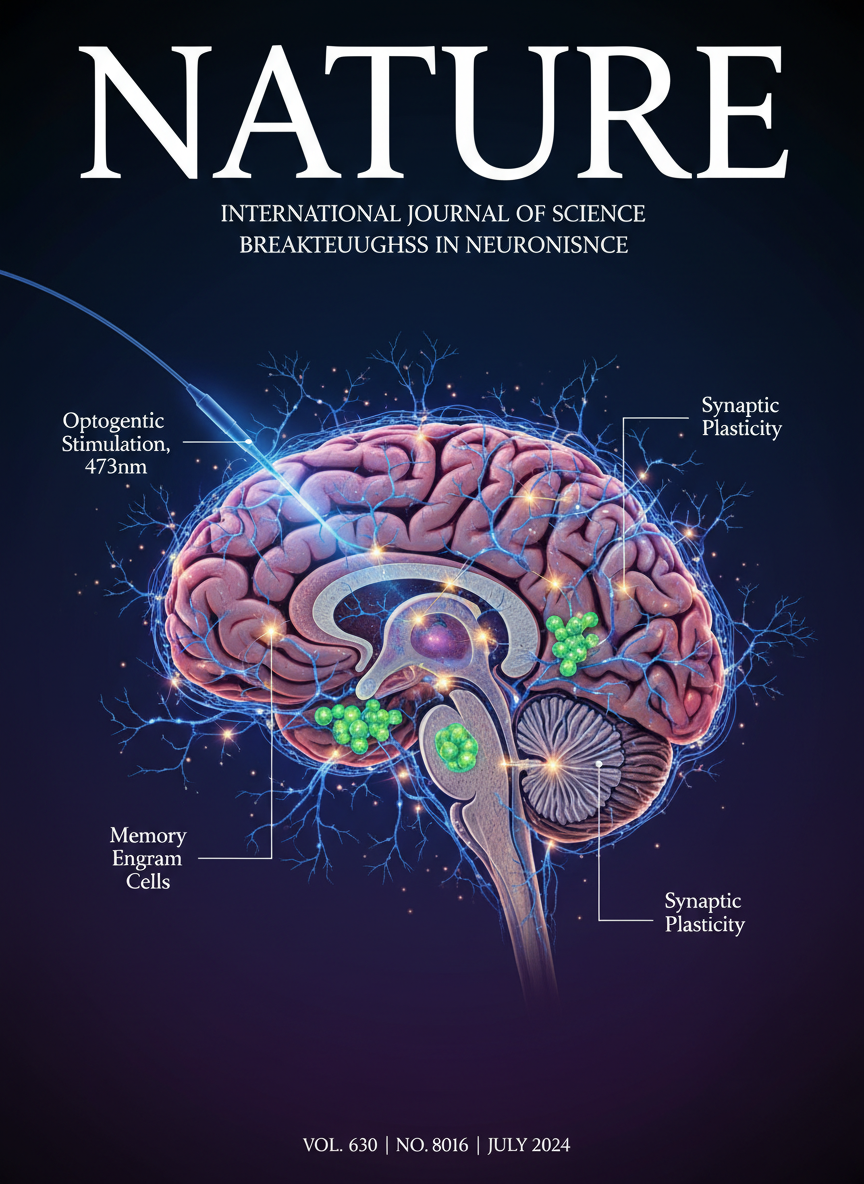 Professional graphical abstract created with AI assistance
What is a Graphical Abstract?
A graphical abstract is a single, concise image that summarizes your research paper. It serves as a visual gateway to your work, appearing:
- On journal websites alongside your paper
- In email alerts sent to journal subscribers
- In social media posts promoting your research
- In database search results
The Impact of Graphical Abstracts
Studies show that papers with graphical abstracts receive:
| Metric | Improvement |
|---|---|
| Article views | +30-50% |
| Social shares | +200-300% |
| Citation rates | +15-25% |
| Download rates | +40% |
These numbers make a compelling case for investing time in creating effective graphical abstracts.
Why Use an AI Graphical Abstract Maker?
Traditional graphical abstract creation presents several challenges:
Without AI tools:
- Learning design software (Adobe Illustrator, Inkscape)
- 3-6 hours per graphic for beginners
- Inconsistent quality across papers
- High cost for professional designers
With AI tools like SciDraw AI:
- No design experience needed
- 5-15 minutes per graphic
- Consistent professional quality
- Cost-effective for multiple papers
How to Create a Graphical Abstract with AI
Step 1: Identify Your Core Message
Ask yourself:
- What is the single most important finding?
- What makes your research unique or significant?
- What visual elements best represent your work?
Example: For a paper on a new drug delivery system, your core message might be: "Nanoparticles deliver drugs directly to cancer cells, reducing side effects by 80%."
Step 2: Structure Your Visual
Most effective graphical abstracts follow one of these structures:
Before/After
[Problem State] → [Your Solution] → [Improved Outcome]Process Flow
[Input] → [Method/Process] → [Output/Result]Comparison
[Traditional Approach] vs [Your Approach] with metricsMechanism
[Molecular/Cellular Detail] showing how something worksStep 3: Write Your AI Prompt
Effective prompts include these elements:
1. Subject: What is being shown
2. Structure: How elements are arranged
3. Labels: Specific text and annotations
4. Style: Visual aesthetic
5. Format: Dimensions and technical specs
Complete example:
Graphical abstract for drug delivery research,
split composition with diseased cell left and healthy cell right,
nanoparticle carrier in center delivering payload,
arrows showing targeted delivery pathway,
text labels "Drug-loaded NP", "Cancer cell", "Healthy tissue spared",
efficacy data "80% tumor reduction" highlighted,
clean medical illustration style,
white background, 4:3 landscape format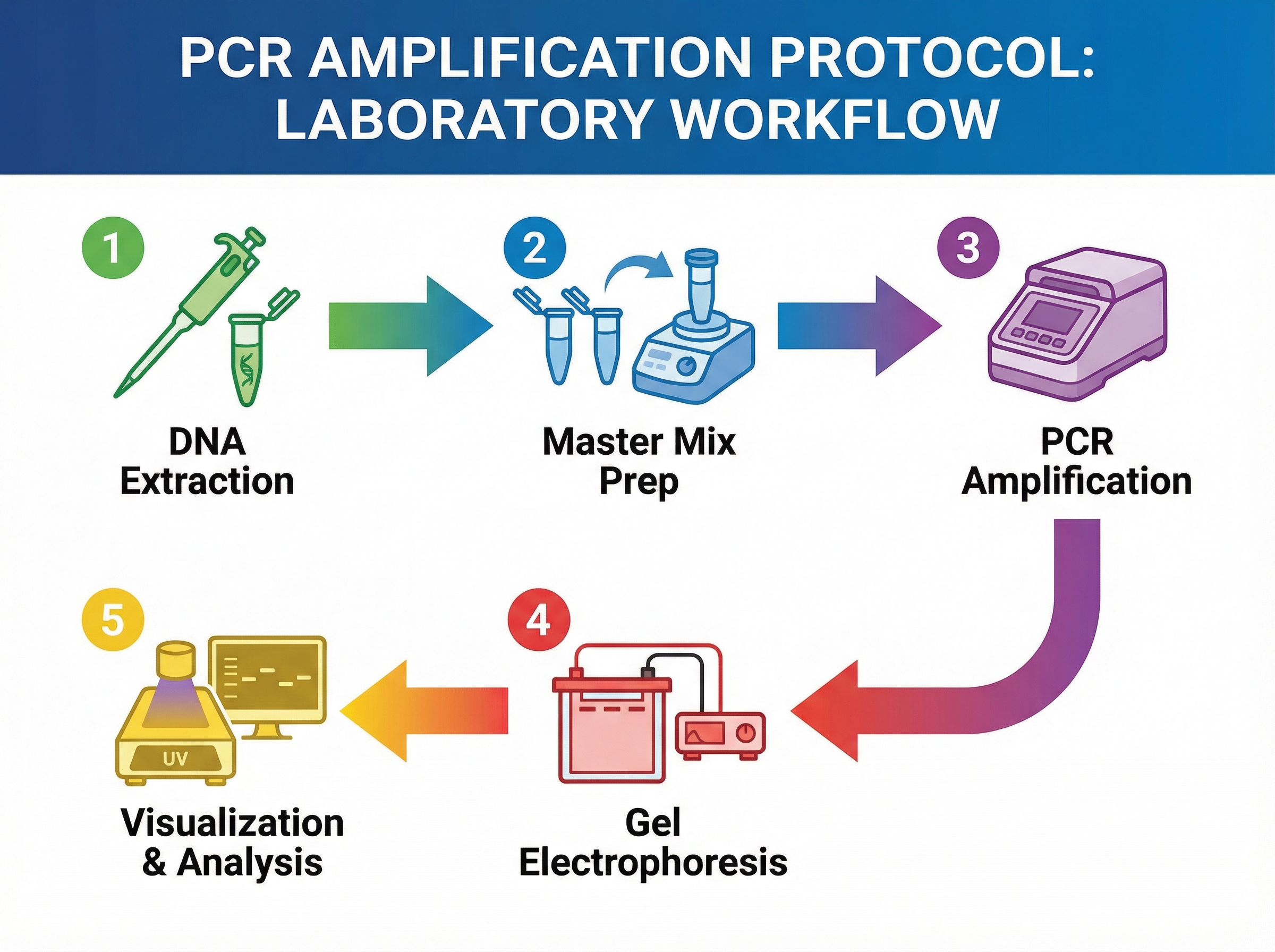 AI-generated scientific figures maintain consistent quality
Step 4: Refine and Iterate
AI tools allow rapid iteration:
- Generate initial image
- Review for accuracy and clarity
- Refine prompt with specific changes
- Regenerate until satisfied
- Download in required format
Templates for Different Research Fields
Life Sciences
Cell Biology Template
Cellular mechanism graphical abstract,
cell cross-section showing [your process],
organelles labeled: nucleus, mitochondria, ER,
signaling pathway highlighted with arrows,
key proteins marked with molecular names,
scale bar included, biology journal style
Molecular Biology Template
Gene expression graphical abstract,
DNA to RNA to Protein flow,
your intervention point highlighted,
fold-change data shown numerically,
molecular biology journal format
Chemistry
Organic Chemistry Template
Reaction mechanism graphical abstract,
starting materials left, products right,
transition states shown,
reaction conditions above arrow,
yield and selectivity data included,
ACS journal format
Materials Chemistry Template
Materials synthesis graphical abstract,
precursors → synthesis → characterization → application,
key properties highlighted with numbers,
microscopy image style for structures,
materials journal format
Engineering
Biomedical Engineering Template
Medical device graphical abstract,
device schematic with labeled components,
application context showing patient benefit,
performance metrics highlighted,
engineering journal format
Environmental Science
Environmental Research Template
Environmental impact graphical abstract,
ecosystem representation,
your intervention/study highlighted,
before/after or comparison data,
environmental science journal format
Journal-Specific Requirements
Elsevier Journals
- Recommended size: 1328 × 531 pixels (w × h; 500:200 ratio)
- Format: JPEG, PNG, or TIFF
- Resolution: 300 DPI minimum
- Orientation: Horizontal preferred
ACS Publications
- Size: 3.25 × 1.75 inches
- Format: TIFF or EPS
- Must be readable at journal column width
Wiley Journals
- Size varies by journal
- High-resolution required (300+ DPI)
- TIFF format preferred
Springer Nature
- Size: Minimum 300 DPI
- Format: TIFF, EPS, or PDF
- Clear, uncluttered design expected
Common Mistakes and How to Avoid Them
Mistake 1: Too Much Information
Problem: Cramming entire paper into one image Solution: Focus on ONE key message
Mistake 2: Illegible Text
Problem: Text too small when image is reduced Solution: Use large, bold fonts; test at actual display size
Mistake 3: Poor Color Choices
Problem: Colors that don't print well or lack contrast Solution: Use high-contrast combinations; avoid pure red/green together
Mistake 4: Missing Context
Problem: Image requires reading paper to understand Solution: Include enough labels and annotations for standalone comprehension
Mistake 5: Wrong Dimensions
Problem: Submitting incorrect aspect ratio Solution: Check journal guidelines before starting
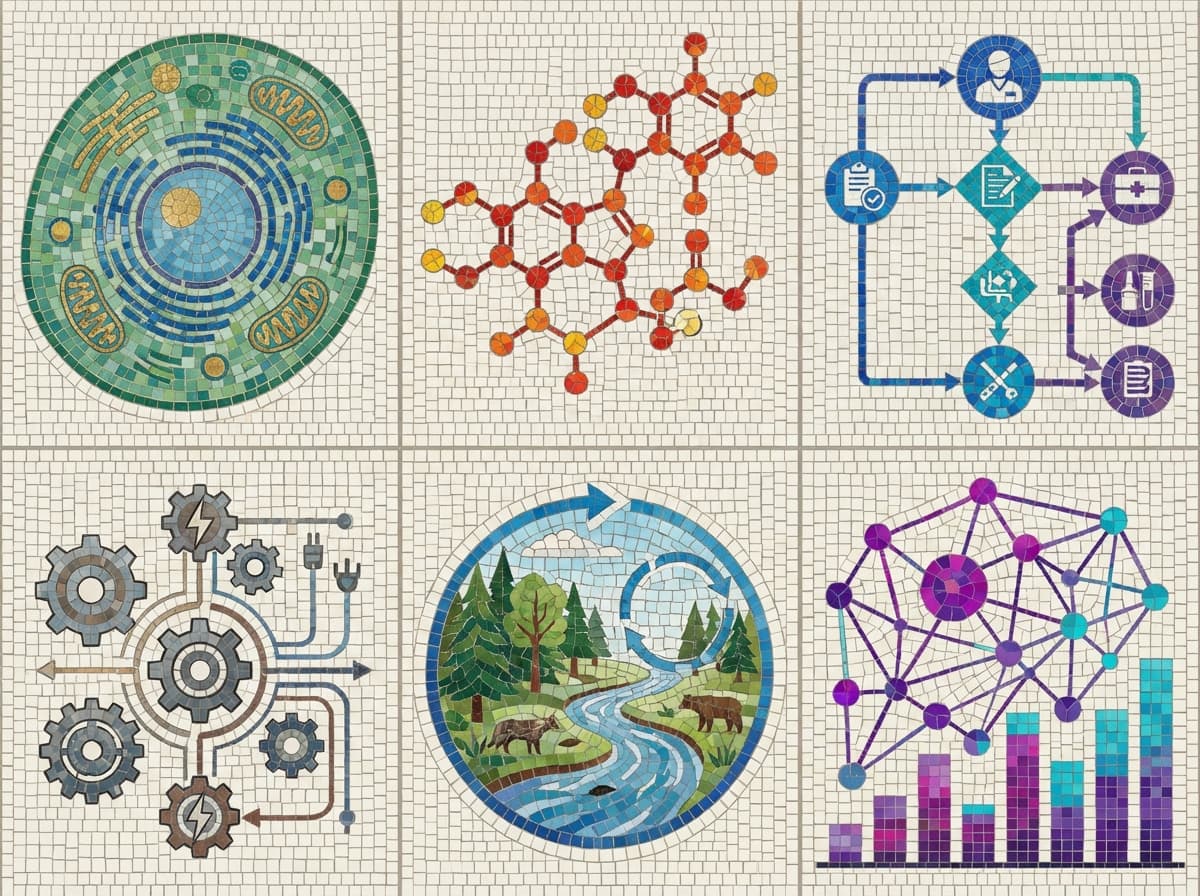
 Complex data can be visualized clearly with proper structure
Tips for Maximum Impact
- Test at actual size: View your graphic at the size it will appear online
- Get feedback: Show colleagues before submission
- Match paper style: Use consistent colors and fonts with your manuscript figures
- Highlight numbers: Key data points should be immediately visible
- Consider colorblind viewers: Test with colorblind simulators
Start Creating Your Graphical Abstract
Ready to create a professional graphical abstract for your next paper? SciDraw AI offers:
- Free credits to try the platform
- Scientific templates optimized for journals
- Multiple styles to match your research field
- Easy export in publication formats
Visit SciDraw AI Drawing to create your first graphical abstract in minutes.
Related Guides
- How to Create a Graphical Abstract: Complete Guide — step-by-step process from layout to submission
- Graphical Abstract Requirements by Journal — exact specs for Elsevier, Nature, Cell Press, Wiley
- TOC Graphics Generator Guide — create table of contents graphics for chemistry journals
- Chemistry TOC Graphics Examples — templates for ACS, RSC, and Wiley TOC images
- Scientific Infographics for Papers — turn complex data into visual summaries
- Graphical Abstract Maker Tool — free online graphical abstract creator

![Visual Abstract Maker: Free Online Tool for Research Papers [2026]](/_next/image?url=https%3A%2F%2Fpub-8c0ddfa5c0454d40822bc9944fe6f303.r2.dev%2Fimages%2Fblog%2Fvisual-abstract-maker-cover.png&w=3840&q=75 "Visual Abstract Maker: Free Online Tool for Research Papers [2026]")