Scientific infographics have become essential for communicating research beyond academic circles. A well-designed infographic can summarize your paper for social media, press releases, or general audiences, dramatically expanding your research's reach.
This guide teaches you how to create professional scientific infographics that effectively communicate complex research to diverse audiences.
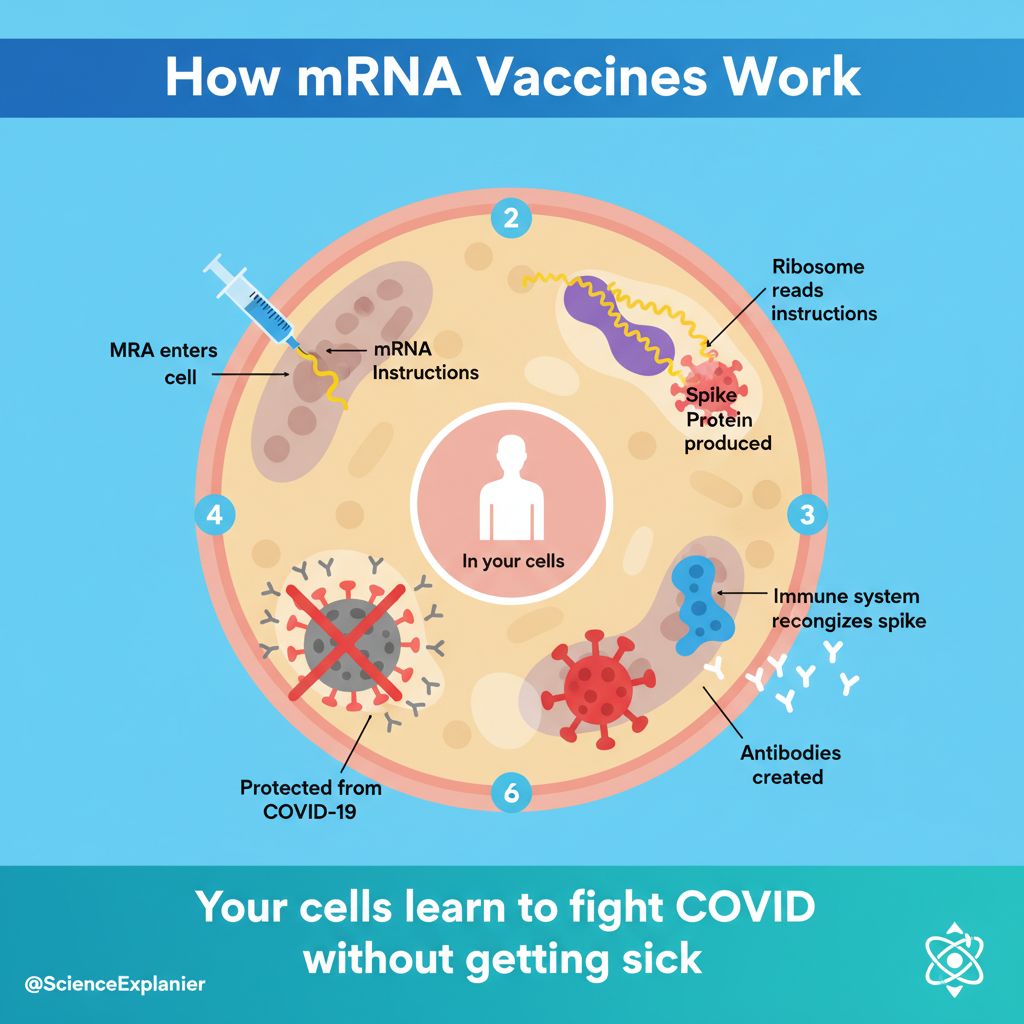 Effective infographics make research accessible to broader audiences
Why Scientific Infographics Matter
Infographics extend your research impact by:
- Increasing social media engagement: Visual content gets 3x more shares
- Supporting press coverage: Journalists need accessible visuals
- Reaching general audiences: Non-specialists can understand your work
- Boosting citation potential: More visibility = more citations
- Building your profile: Memorable visuals establish expertise
Types of Scientific Infographics
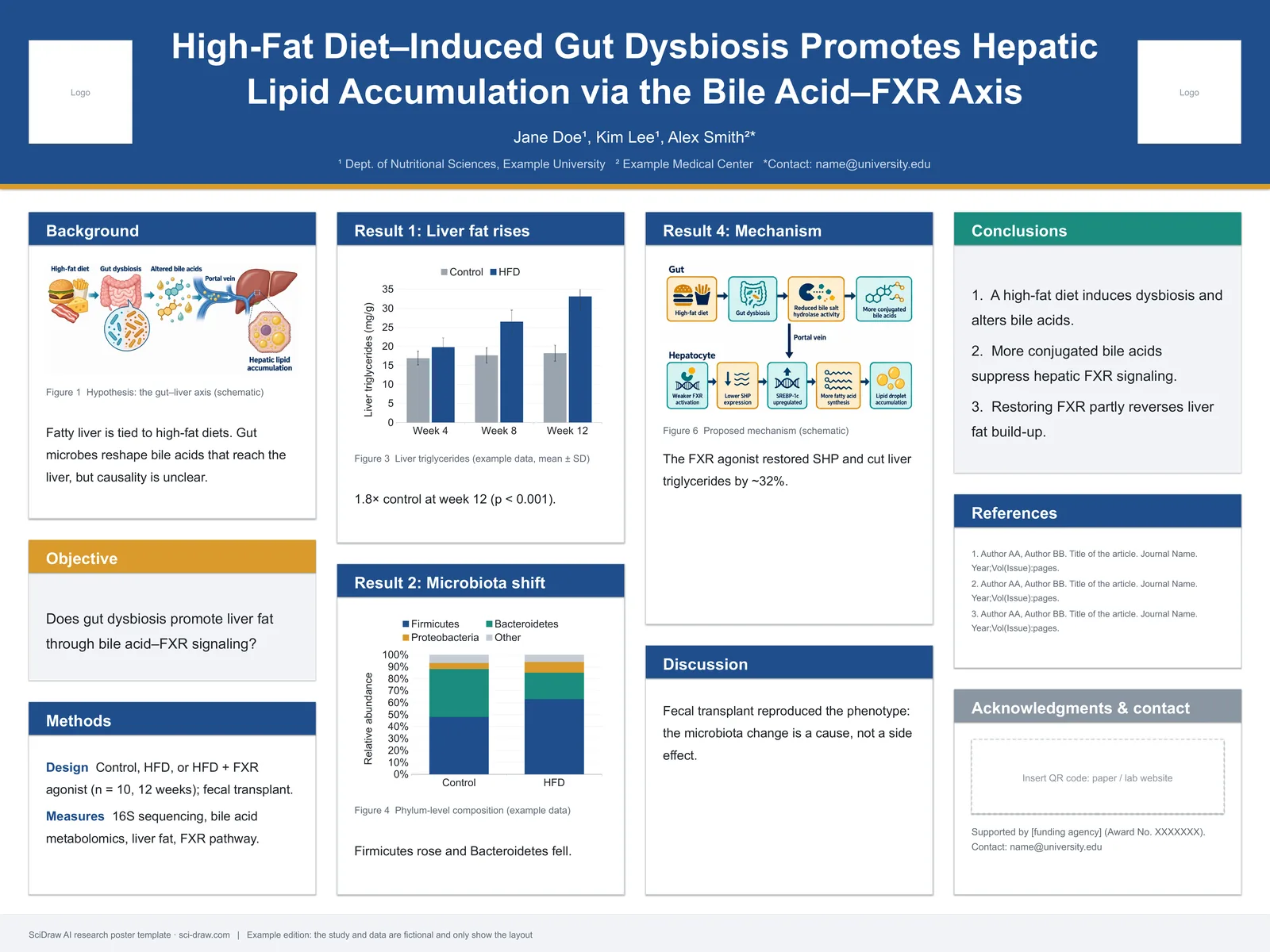
1. Research Summary Infographics
Complete visual abstract of a paper:
- Problem/question
- Methods
- Key findings
- Implications
2. Data Visualization Infographics
Focus on presenting data accessibly:
- Statistics translated to visuals
- Comparisons made clear
- Trends highlighted
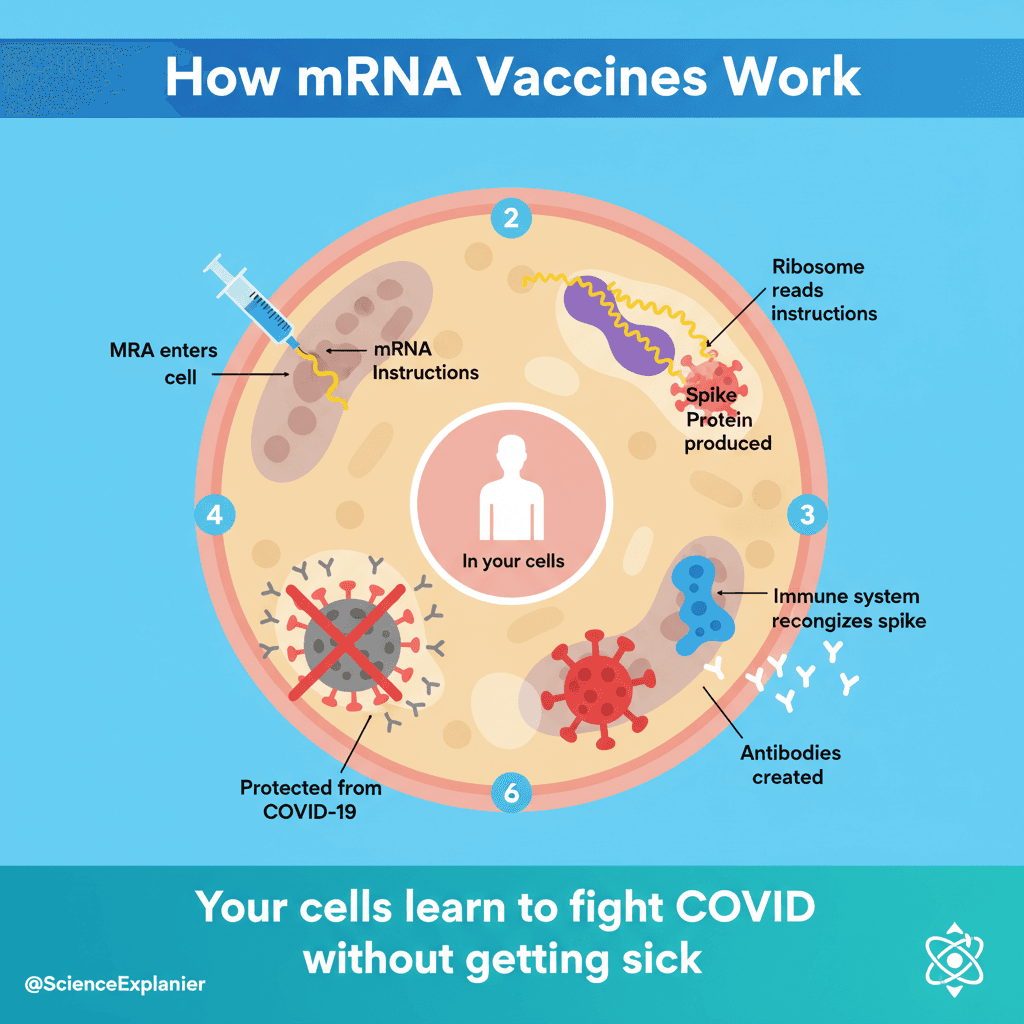
3. Process/Mechanism Infographics
Explain how something works:
- Step-by-step breakdowns
- Simplified mechanisms
- Cause-effect relationships
4. Comparison Infographics
Show differences/similarities:
- Before/after
- Control vs treatment
- Old vs new approach
Design Principles for Scientific Infographics
1. Visual Hierarchy
Layer information:
- Headline: Main finding (largest text)
- Key visuals: Central attention-grabbing elements
- Supporting data: Statistics and evidence
- Details: Methods, credits, sources
2. Simplification Without Oversimplification
DO simplify:
- Complex jargon → Plain language
- Dense data → Key takeaways
- Technical methods → General approach
DON'T oversimplify:
- Remove uncertainty
- Overstate conclusions
- Ignore limitations
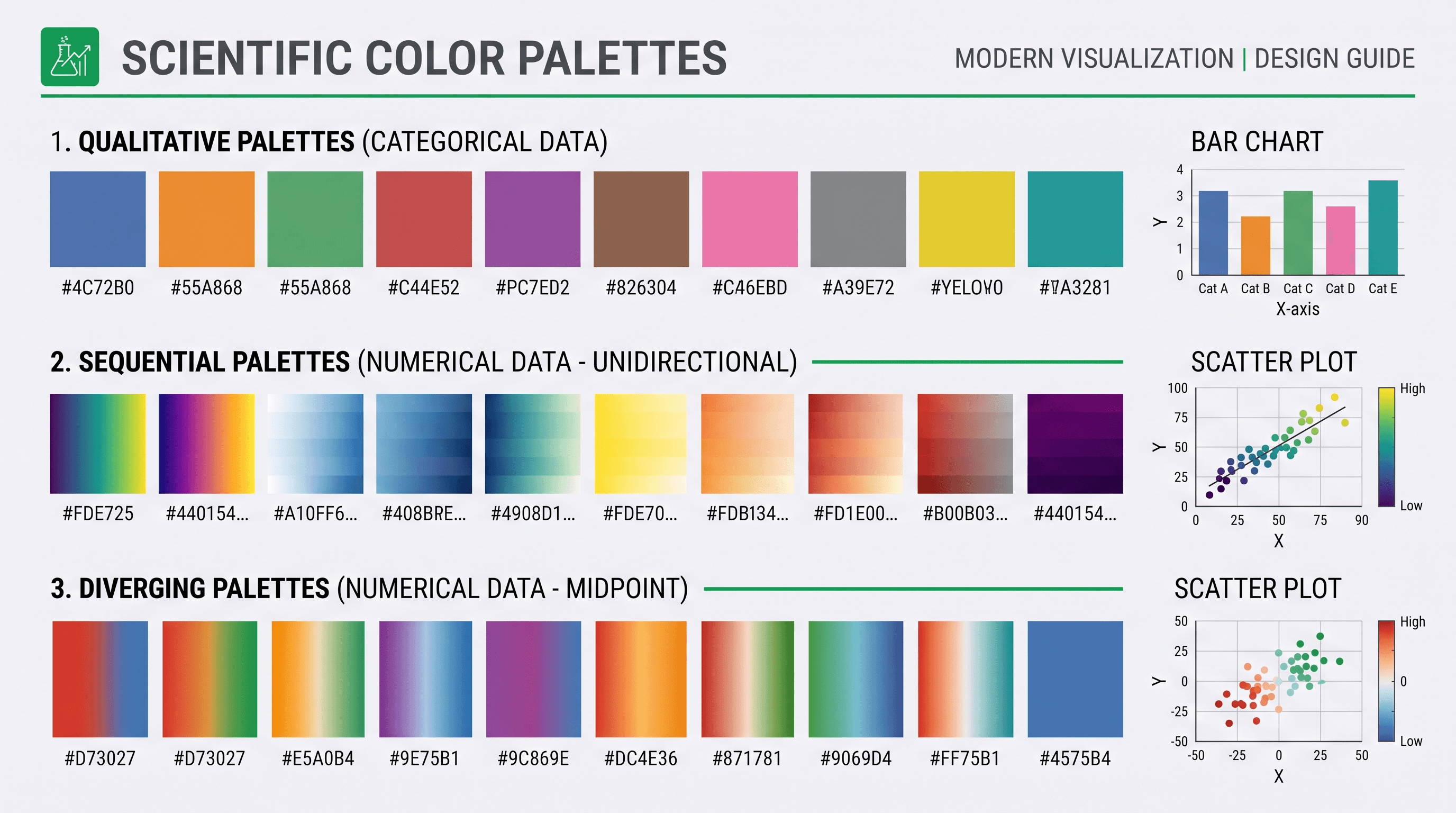
3. Color Psychology
| Color | Association | Use For |
|---|---|---|
| Blue | Trust, science | Data, facts |
| Green | Growth, health | Biology, environment |
| Red | Urgency, alert | Warnings, key points |
| Orange | Energy, attention | Calls to action |
| Purple | Innovation | New discoveries |
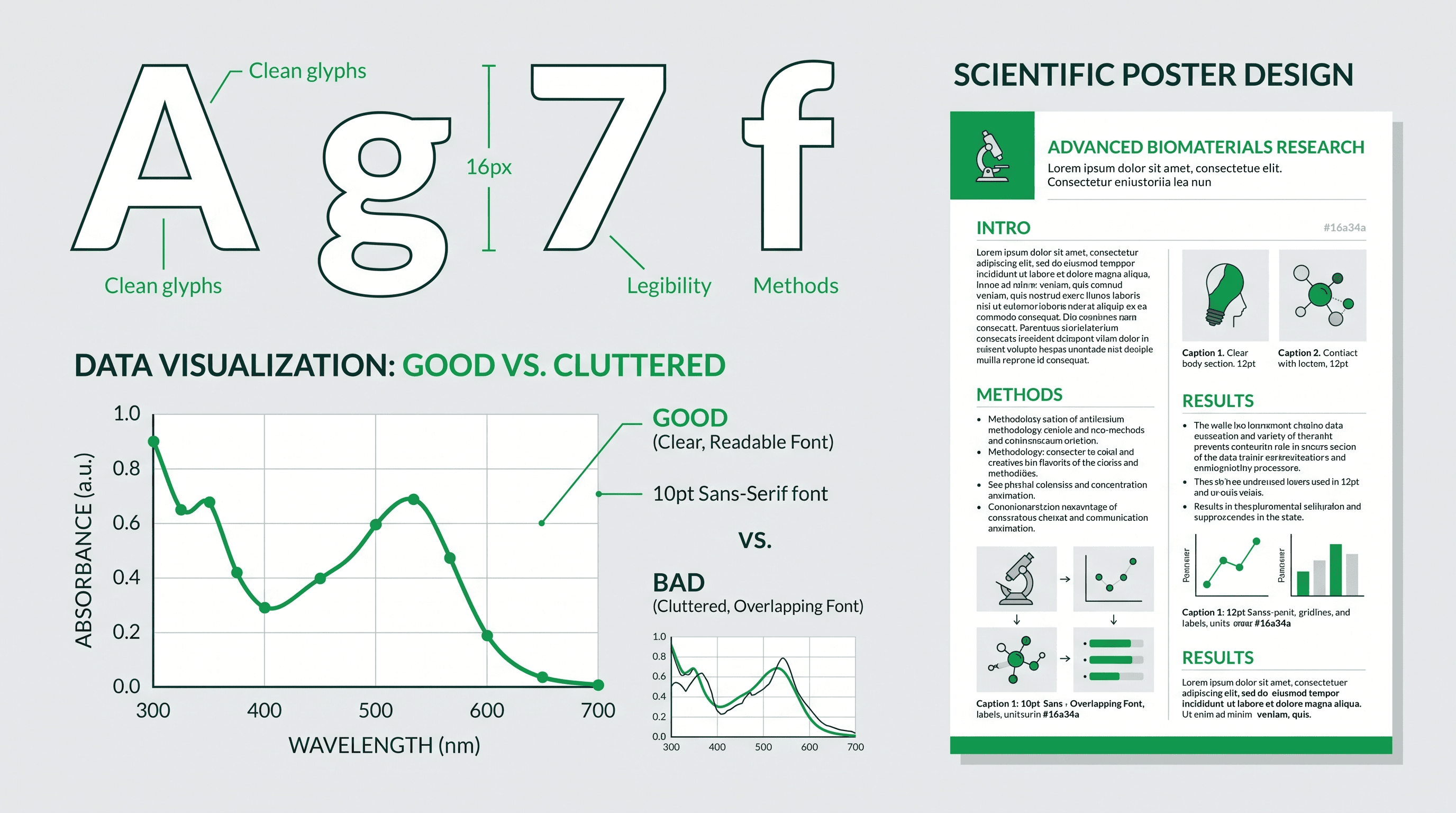
4. Typography
Headlines: Bold, sans-serif, 2-3 times body size Body text: Clean, readable, minimum 14pt for print Data labels: Consistent, aligned, clear
Creating Infographics by Purpose
For Social Media
Twitter/X format:
Research infographic for Twitter,
single key finding as headline,
one striking visual/icon,
3 supporting data points,
clear institutional branding,
1200×675 pixels (16:9),
high contrast for mobile viewing
Instagram format:
Research infographic for Instagram,
square format 1080×1080,
bold visual in center,
key finding as overlay text,
swipeable series potential,
brand colors and logo,
engaging, accessible design
LinkedIn format:
Professional research infographic,
full study summary,
4-6 key points with icons,
data visualization section,
implications for industry,
1200×627 pixels,
business-professional aesthetic
For Press Releases
Press release infographic,
attention-grabbing headline,
"NEW STUDY FINDS..." format,
key statistic prominently displayed,
simple mechanism illustration,
researcher quote highlighted,
institutional logo and contact,
print-ready 300 DPI
For Grant Applications
Research summary infographic for grant,
problem statement visual,
proposed approach diagram,
expected outcomes illustrated,
team expertise shown,
timeline visualization,
professional academic style
For Public Outreach
Public science infographic,
"What we discovered" headline,
everyday analogies used,
relatable visual metaphors,
"Why it matters" section,
action items for public,
accessible language throughout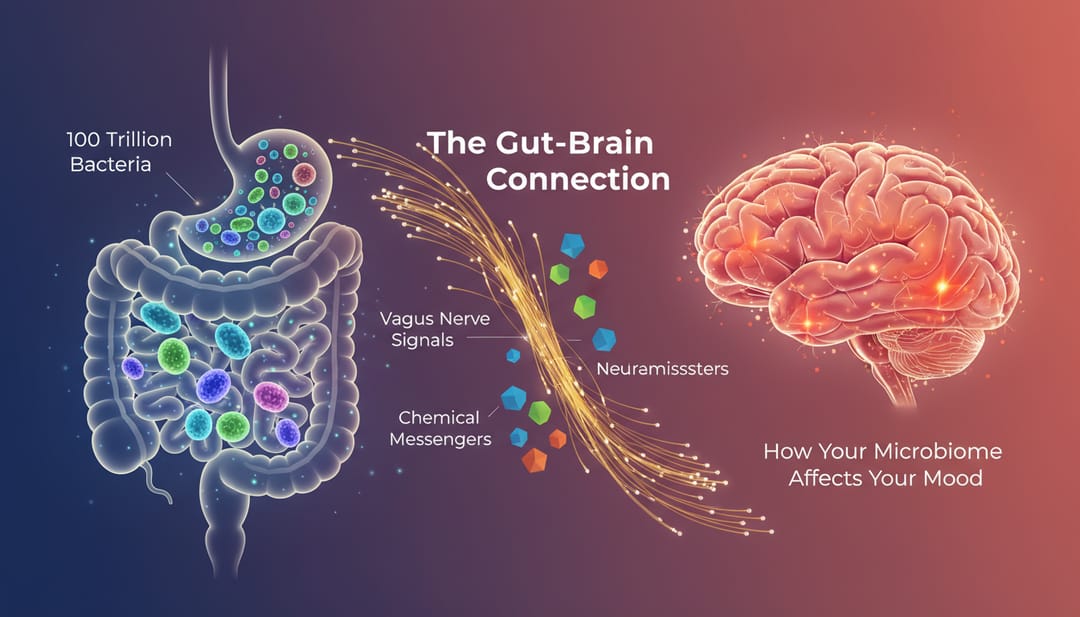 Public outreach infographics use relatable imagery and simple language
Step-by-Step Creation Process
Step 1: Identify Your Core Message
Ask yourself:
- What's the ONE thing viewers should remember?
- Why should non-experts care?
- What's the most surprising finding?
Step 2: Choose Your Format
Based on purpose and platform:
| Platform | Dimensions | Content |
|---|---|---|
| 1200×675 | 1-3 key points | |
| 1080×1080 | Visual-heavy | |
| 1200×627 | Professional detail | |
| Press | 8.5×11 in | Comprehensive |
| Poster | A0/36×48 | Maximum detail |
Step 3: Structure Your Content
Standard structure:
- Hook (attention-grabbing headline)
- Context (why this matters)
- Method (how we found this)
- Finding (what we discovered)
- Impact (what this means)
Step 4: Create with AI Assistance
Prompt template:
Scientific infographic about [topic],
main finding: [key result],
target audience: [specify],
format: [dimensions],
include: headline, [number] key points,
data visualization of [data type],
icons for [concepts],
color scheme: [colors],
style: [modern/academic/playful]
Step 5: Refine and Polish
- Check all data accuracy
- Verify simplified statements are still true
- Get feedback from non-experts
- Add branding elements
- Export at correct resolution
AI Prompts for Scientific Infographics
Research Summary Infographic
Research paper infographic summarizing study,
headline: "Study reveals [main finding]",
3-panel layout: Problem → Method → Result,
key statistic "X% improvement" highlighted,
simple icons for complex concepts,
citations indicated,
professional academic style,
4:3 landscape format
Data-Focused Infographic
Data visualization infographic,
main chart/graph as centerpiece,
supporting statistics around edges,
comparison clearly shown,
scale and context provided,
source data credited,
accessible to general audience,
clean modern design
Process Explanation Infographic
Mechanism explanation infographic,
[process name] explained simply,
5 numbered steps with icons,
arrows showing flow/direction,
analogies to everyday concepts,
"What this means for you" section,
public science communication style
Before/After Infographic
Comparison infographic showing improvement,
"Before" state on left (problem),
"After" state on right (solution),
key metrics compared,
visual transformation illustrated,
timeline/process in middle,
impact statement at bottom
Field-Specific Examples
Medical Research
Medical research infographic,
patient-friendly language,
anatomical illustration (simplified),
treatment outcomes visualized,
"1 in X people affected" statistics,
hope/progress messaging,
healthcare color palette (blue/green),
accessible health communication style
Environmental Science
Environmental research infographic,
climate/ecology visual elements,
before/after environmental images,
impact statistics prominently displayed,
actionable "what you can do" section,
earth tones color palette,
public awareness campaign style
Technology Research
Technology innovation infographic,
futuristic but accessible design,
technical concept simplified,
real-world applications shown,
performance improvements quantified,
comparison to current technology,
tech-forward modern aesthetic
Distribution Strategies
Social Media Best Practices
Twitter/X:
- Post with engaging question
- Tag relevant accounts
- Use 3-5 hashtags
- Pin to profile
Instagram:
- Use carousel for multiple panels
- Write detailed caption
- Use Stories for behind-the-scenes
- Engage with comments
LinkedIn:
- Write professional summary
- Tag collaborators
- Post during business hours
- Engage in comments
Press Release Integration
- Create infographic with press release
- Provide high-res download link
- Offer multiple formats
- Include usage permissions
Website/Blog Usage
- Embed in research summary posts
- Create dedicated landing pages
- Include social share buttons
- Track engagement metrics
Tools for Scientific Infographics
AI-Powered
- SciDraw AI: Scientific-specific generation
- Best for technical accuracy
Design Platforms
- Canva: Easy templates
- Piktochart: Infographic focus
- Venngage: Data visualization
Professional Software
- Illustrator: Full control
- Affinity Designer: One-time purchase
- Figma: Collaborative design
Common Mistakes
1. Too Much Information
Problem: Cramming everything in Solution: Focus on 3-5 key points maximum
2. Jargon Overload
Problem: Technical terms without explanation Solution: Use plain language; define necessary terms
3. Misleading Visualizations
Problem: Distorted graphs or cherry-picked data Solution: Accurate representations; show context
4. Poor Accessibility
Problem: Low contrast, small text Solution: Test readability; use accessible colors
5. No Clear Takeaway
Problem: Viewer doesn't know main point Solution: Bold headline stating conclusion
Start Creating Scientific Infographics
Ready to expand your research impact with visual communication?
- Visit SciDraw AI Drawing
- Choose your target platform
- Use prompts from this guide
- Create and share your infographic
Make your research accessible to everyone.
Related Guides
- Free AI Graphical Abstract Maker — create visual abstracts quickly
- How to Create a Graphical Abstract — complete design guide
- Scientific Figure Types Guide — choose the right visual type
- Science Communication with AI — visual communication strategies