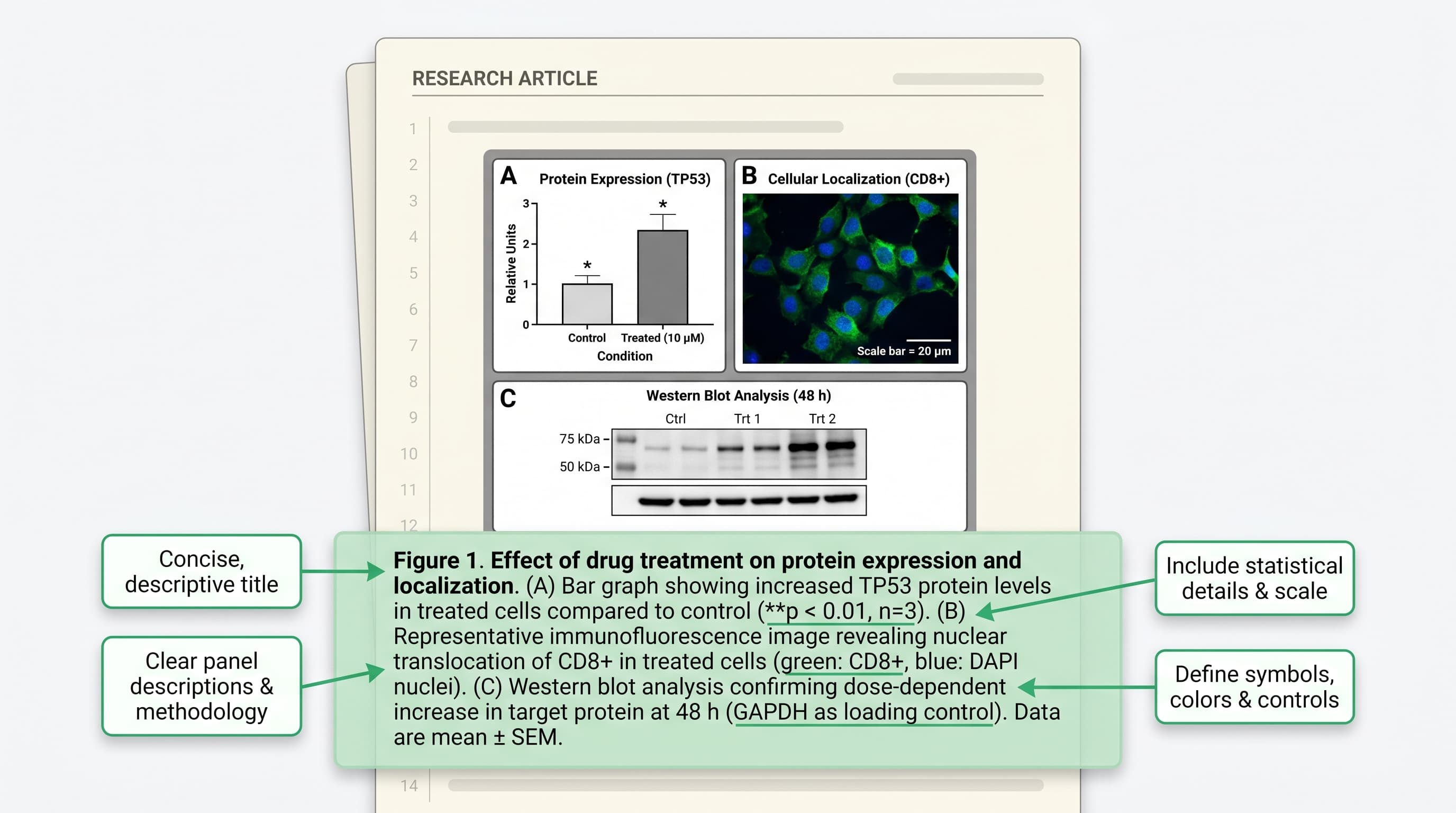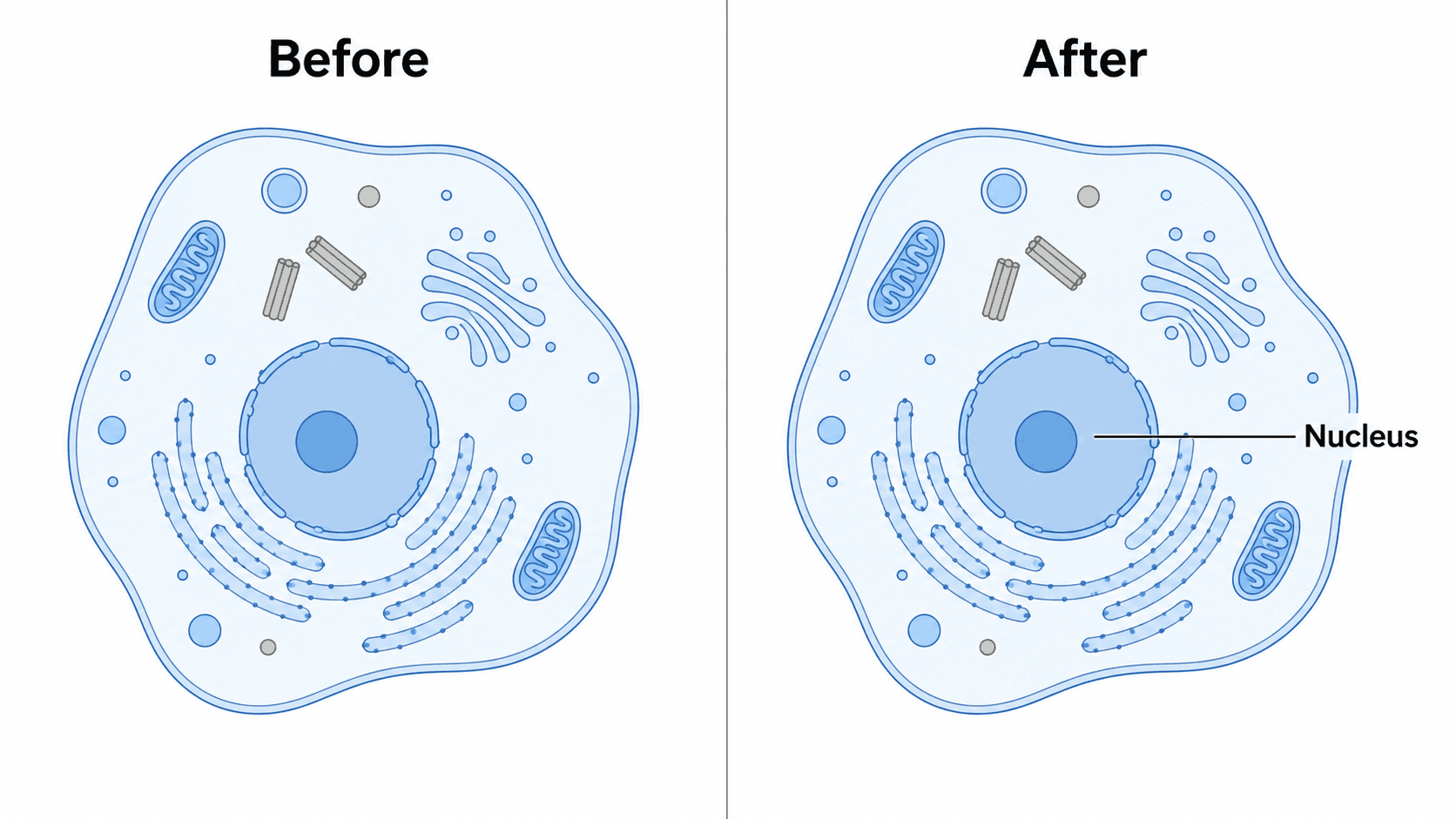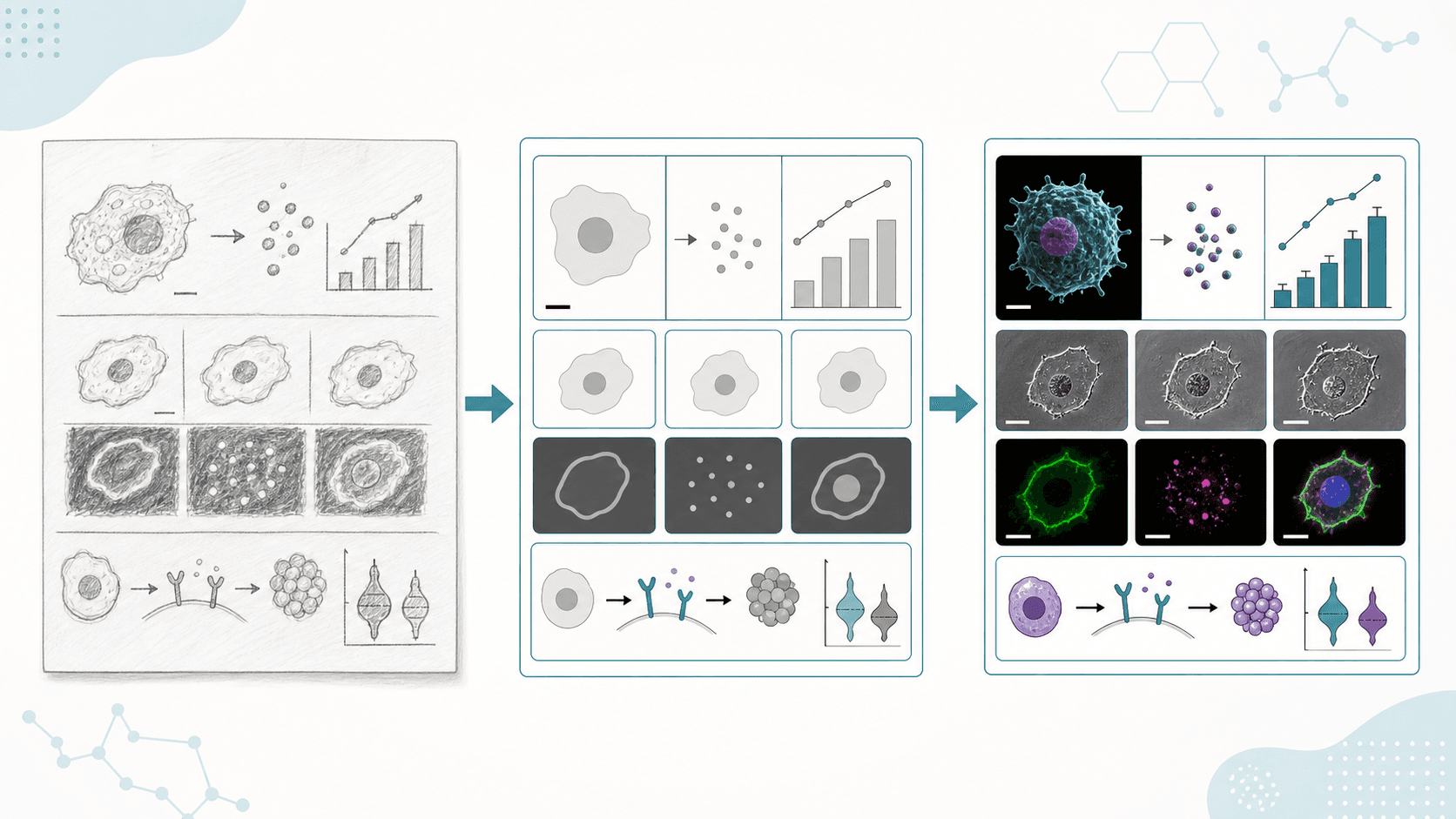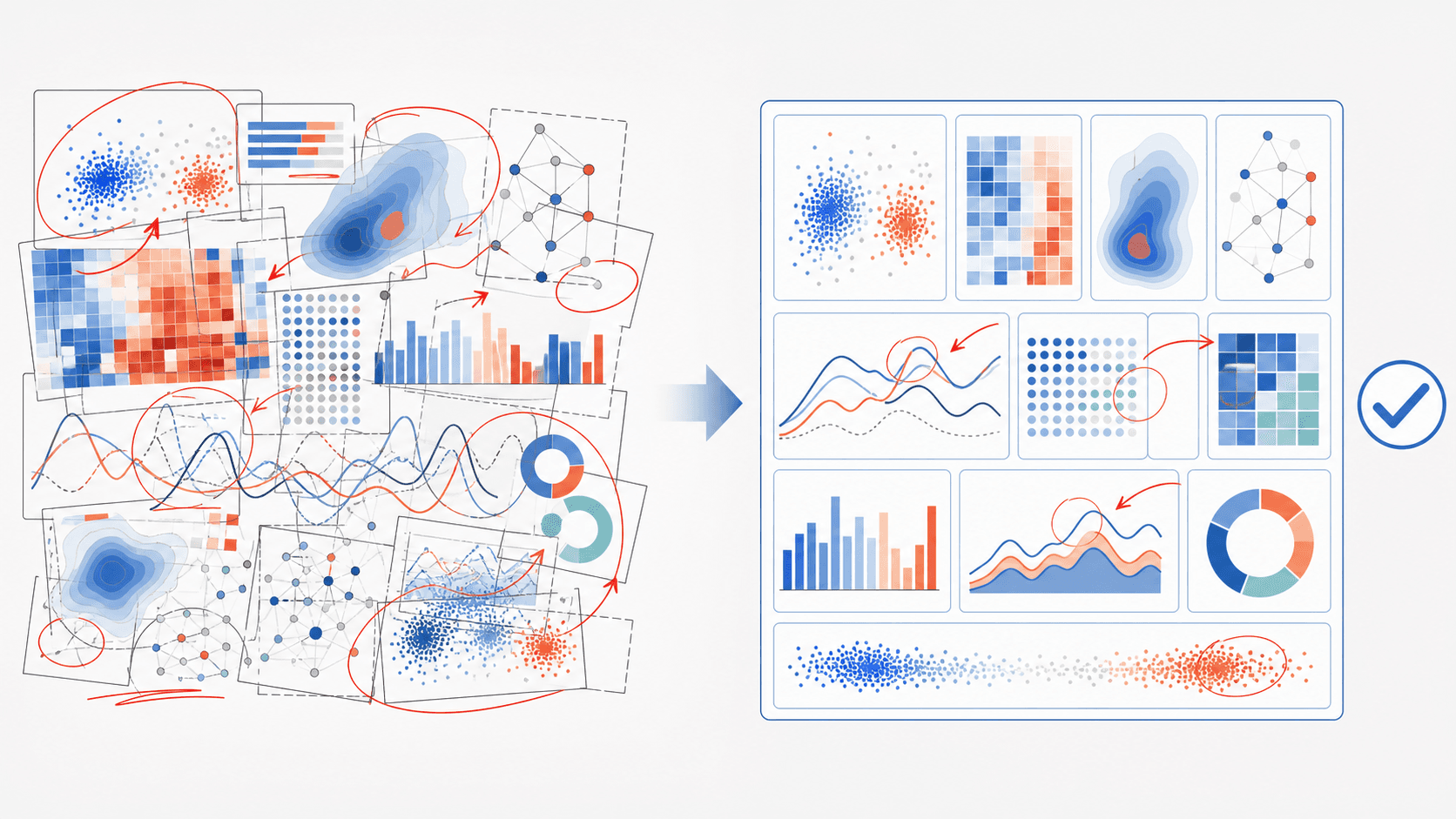
One of the most frustrating kinds of revision comments is: Figure is unclear, The schematic is confusing, Please improve the graphical representation. It doesn't tell you exactly what to change, but you know the figure has to be redone.
When this happens, don't rush to draw a more complex figure. When a reviewer says it's unclear, it's usually not because the figure isn't fancy enough — it's a problem with information hierarchy, reading order, labels, arrows, or panel logic.
This article walks through a checklist for revising a figure, and you can use SciDraw AI to help generate a clearer version.
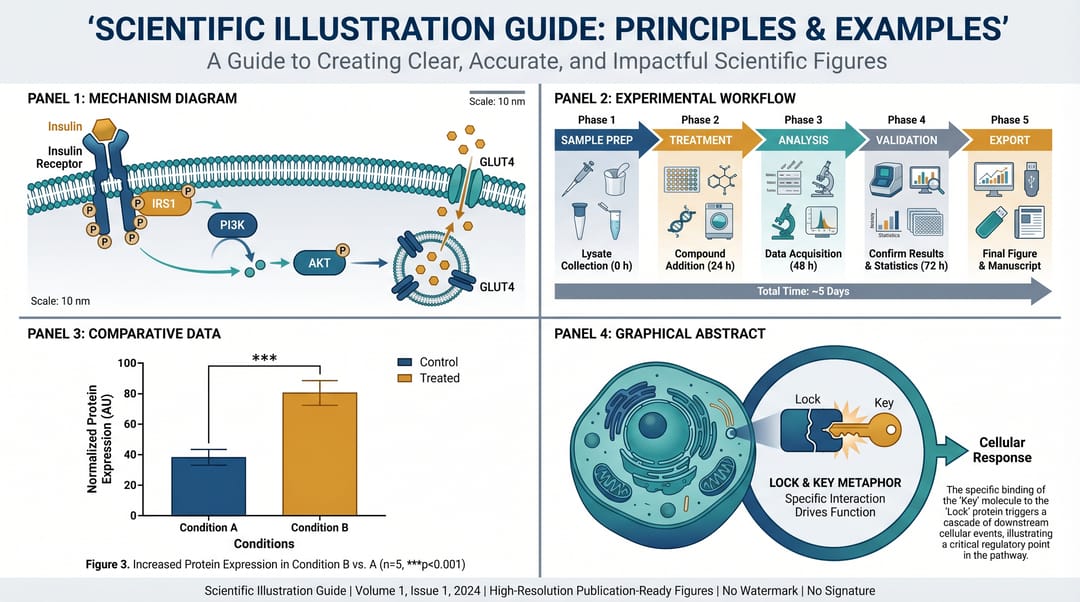
First, diagnose: which kind of problem is "unclear"?
1. Too much information
If a mechanism figure has 20 molecules, 8 branches, and 5 kinds of arrows, the reader can't tell what the main thread is.
2. The reading order isn't obvious
A paper figure should read naturally left-to-right or top-to-bottom. If the reader doesn't know where to start, that's a structural problem.
3. Arrow meanings are tangled
Within one figure, normal arrows, inhibition arrows, transport arrows, and causal arrows must be clearly distinguished.
4. Labels are too long
Labels in a figure are not the caption. Full sentences inside the figure make it cramped.
5. No logical relationship between panels
Panels A, B, and C can't just sit next to each other. There should be a clear progression, comparison, or causal relationship between them.
Checkpoint 1: Can you explain the figure in one sentence?
Before revising, write a single sentence:
This figure shows that Drug X suppresses NF-kB activation and reduces inflammatory cytokine expression in macrophages.If you can't explain the figure in one sentence yourself, the reader has even less chance.
Checkpoint 2: Is only one main path kept?
When revising a mechanism figure, the most effective move is often to delete branches.
Not recommended direction
Add more molecular details and make the pathway more comprehensive.Recommended direction
Simplify the mechanism figure.
Keep only the main pathway:
LPS -> TLR4 -> MyD88 -> NF-kB -> cytokines.
Move secondary molecules to the caption or supplementary figure.
Highlight Drug X inhibition between MyD88 and NF-kB.
Reviewers want clarity, not necessarily completeness.
Checkpoint 3: Can labels be cut by 30%?
A practical method: cut the text in the figure by 30% first.
Anything that can go in the caption shouldn't be in the figure.
Anything that can be a short label shouldn't be a full sentence.
For example:
Inflammatory cytokine expression is significantly reduced→Reduced cytokinesDrug X treatment group→Drug XNuclear translocation of NF-kB→NF-kB translocation
Checkpoint 4: Do the colors have clear meaning?
Color isn't decoration; it should carry meaning.
You can fix the rules:
- Blue: main pathway
- Orange: drug or intervention
- Gray: background structures
- Red: risk, injury, or enhancement
Don't let the same color mean activation in Figure 1 and inhibition in Figure 3.
Checkpoint 5: Is it still readable when shrunk?
At submission, many figures get compressed to single- or double-column width. Check:
- Are fonts still readable?
- Do thin arrows disappear?
- Do icons blur into a blob?
- Are panel letters clear?
- Is it still distinguishable in grayscale?
If it's unreadable when shrunk, the figure isn't "submission-ready" — it just "looks good on a big screen."
Checkpoint 6: When redrawing with AI, don't just say "clearer"
Not recommended
Make this figure clearer and more professional.Recommended
Revise this scientific mechanism figure for journal peer review.
Keep a left-to-right reading order.
Reduce label density by 30%.
Remove minor pathway branches.
Use one main activation arrow style and one inhibition arrow style.
Make the intervention point visually prominent.
Keep all labels horizontal.
White background, clean vector style.
These instructions can go directly into SciDraw AI's regeneration or editing workflow.
Pre-submission figure self-check checklist
Before submitting, go through these one by one:
- Is there one clear main message?
- Does the panel order match the body text description?
- Are labels consistently in English?
- Are fonts, line widths, and arrow styles unified?
- Is the color still readable in grayscale?
- Does it meet the journal's resolution and format requirements?
- Are abbreviations in the figure explained in the caption?
FAQ: common search questions
A reviewer said my figure is unclear — what do I do?
Don't add detail first. First check the main message, reading order, arrow meanings, label density, and panel logic.
How do I simplify an overly complex mechanism figure?
Keep only the main path directly relevant to your paper's new finding, and move secondary molecules to the caption, supplementary figure, or body text.
Can AI help me revise a figure for revision?
Yes. It's best to give specific revision requirements — reduce labels, keep the main path, unify arrows, emphasize the intervention point — rather than just "make it more professional."
What formats should I check before submission?
At minimum: resolution, font size, line width, image format, grayscale readability, single/double-column width, and caption correspondence.
Is SciDraw AI suitable for the revision stage?
Yes, for quickly generating a clearer rebuilt version — especially mechanism diagrams, workflows, graphical abstracts, and multi-panel schematics.
The goal of revising a figure isn't to make it more complex — it's to let the reader understand your finding with less effort.
You can use SciDraw AI to rebuild a mechanism diagram or workflow first, then do a final check against the journal format.