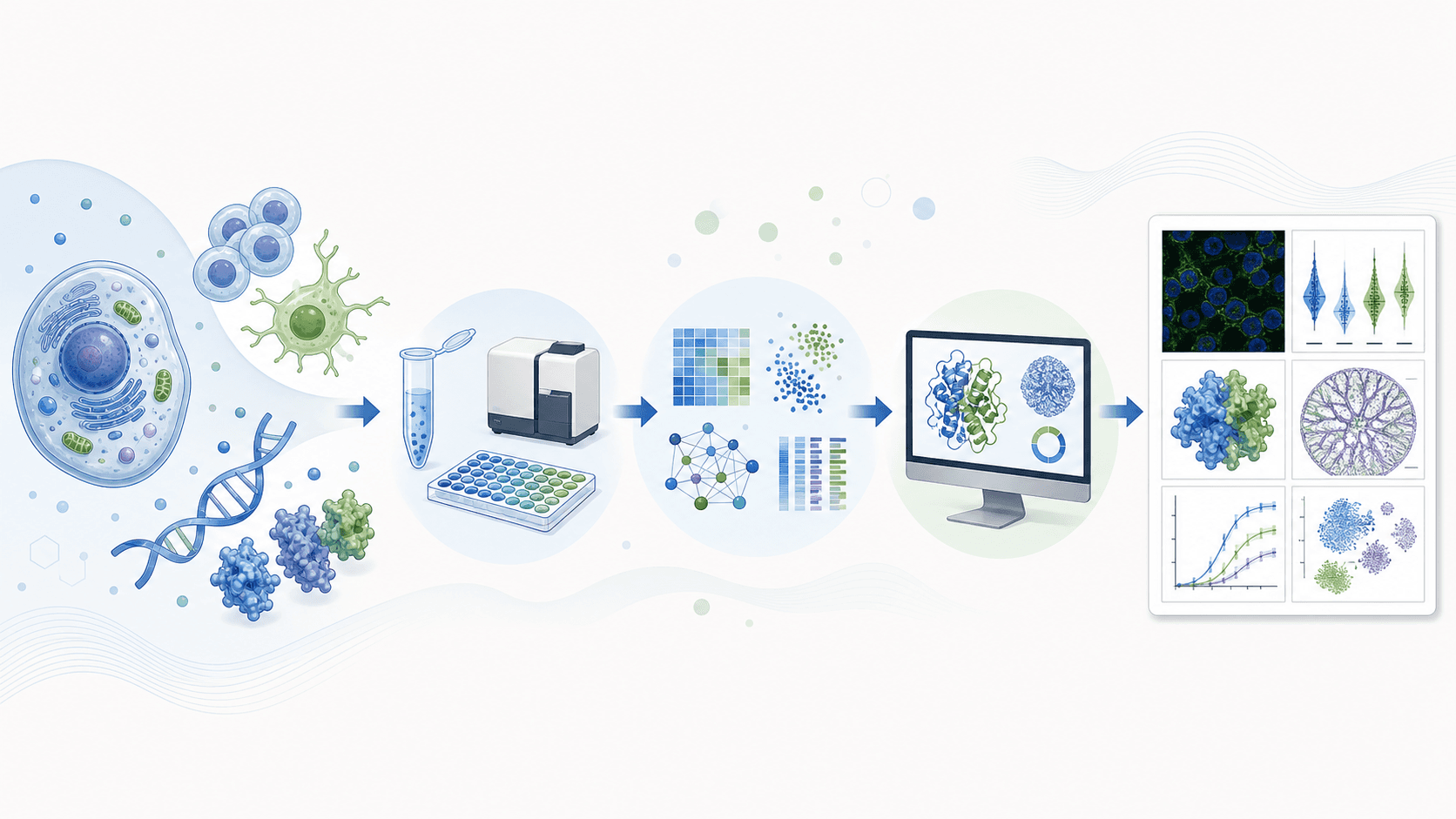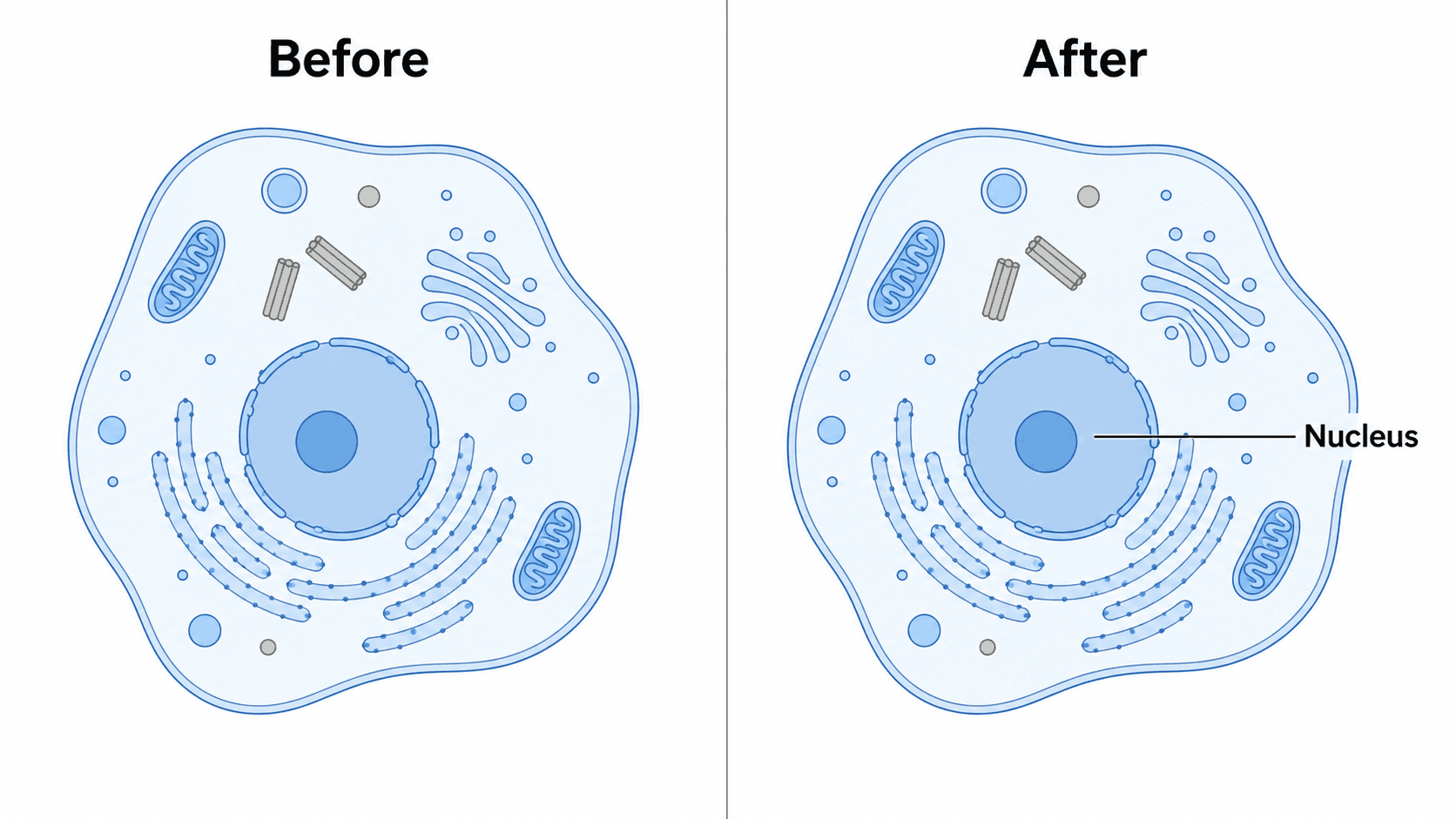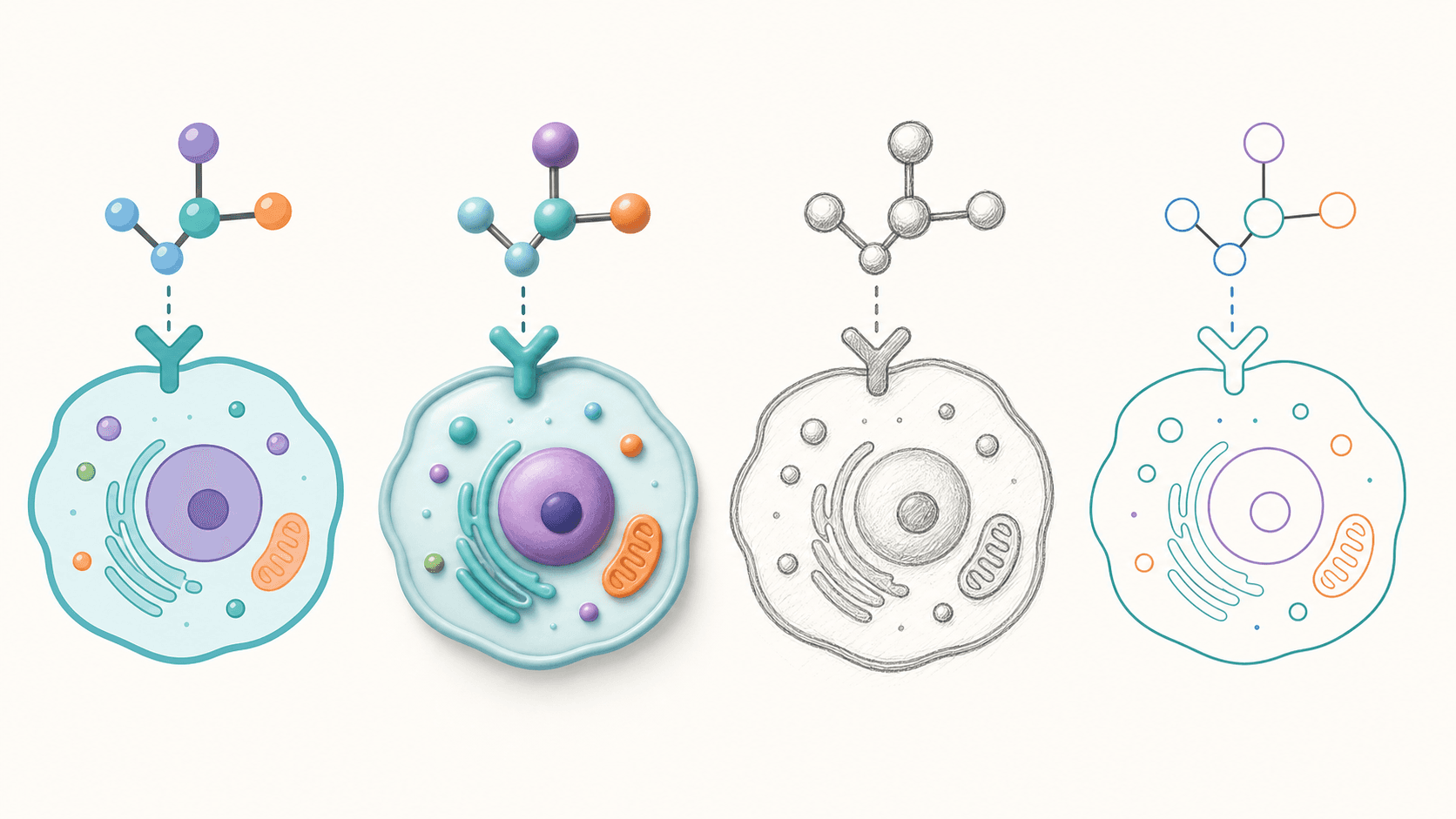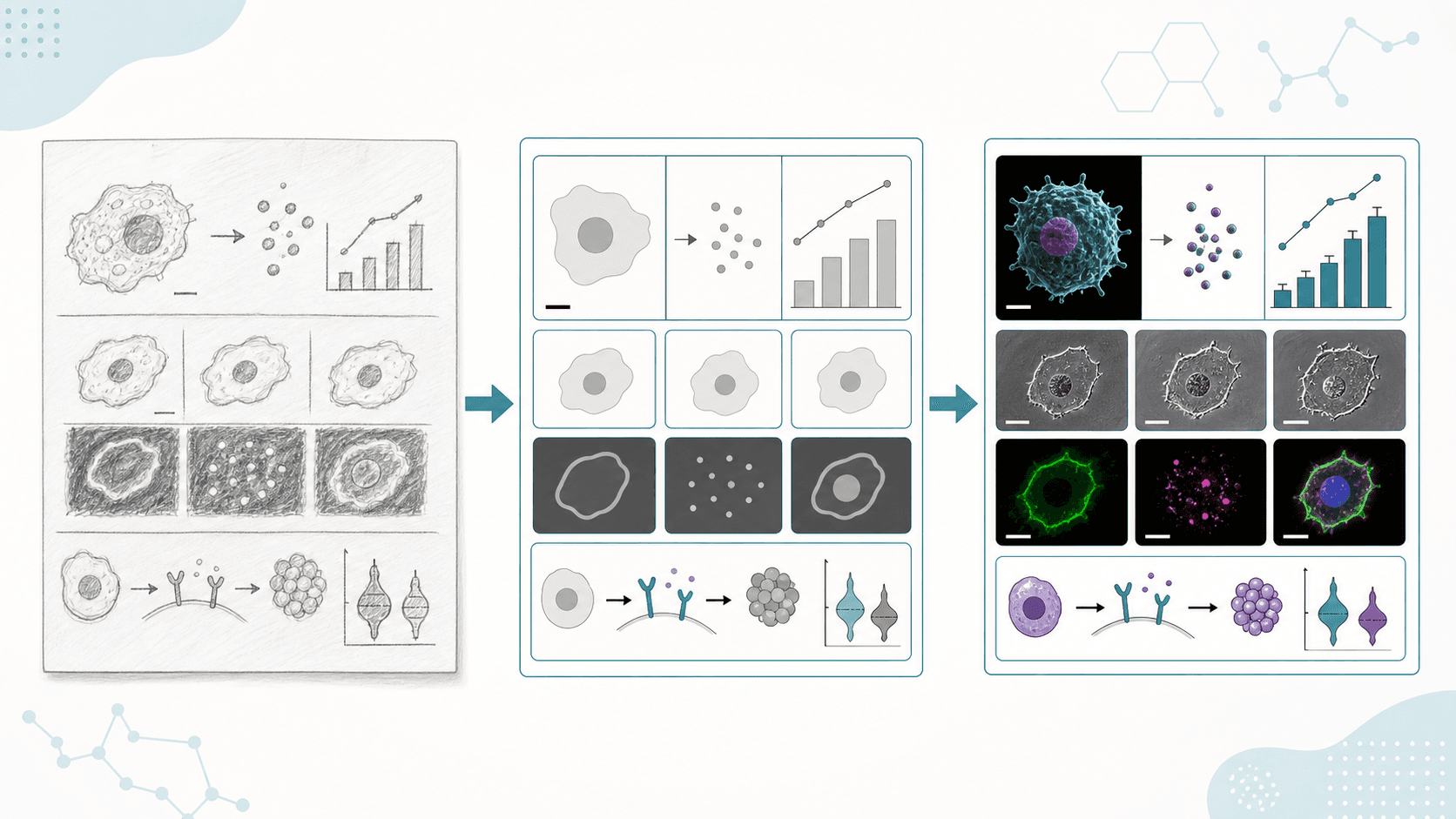
Für viele, die ein Paper schreiben, ist nicht der Text das Schwierigste, sondern die Abbildung. Das Abstract steht, die Ergebnisse sind sortiert – doch sobald PowerPoint oder Illustrator geöffnet ist, weiß man nicht mehr, wie sich Mechanismus-Diagramm, Workflow oder Vergleichs-Panel anordnen lassen. Meist endet es gleich: Pfeile fliegen kreuz und quer, es kommen immer mehr Beschriftungen hinzu, und am Ende sieht die Abbildung aus, als sei sie in letzter Minute zusammengeschustert worden.
Fragt man ein großes Sprachmodell, „Wie erstelle ich eine wissenschaftliche Abbildung für mein Paper", lautet der Rat meist: zuerst die Forschungslogik zerlegen, dann ein Werkzeug wählen. Das ist der richtige Instinkt. Das eigentliche Problem ist nicht, ob man zeichnen kann, sondern ob man den Inhalt des Papers in ein klares Briefing für die Abbildung übersetzen kann.
Dieser Artikel nimmt SciDraw AI als Beispiel, doch der Workflow lässt sich auf jedes Werkzeug übertragen: Kernaussage festlegen, in Panels gliedern, den Prompt schreiben, anschließend gegen die Einreichungsstandards prüfen.
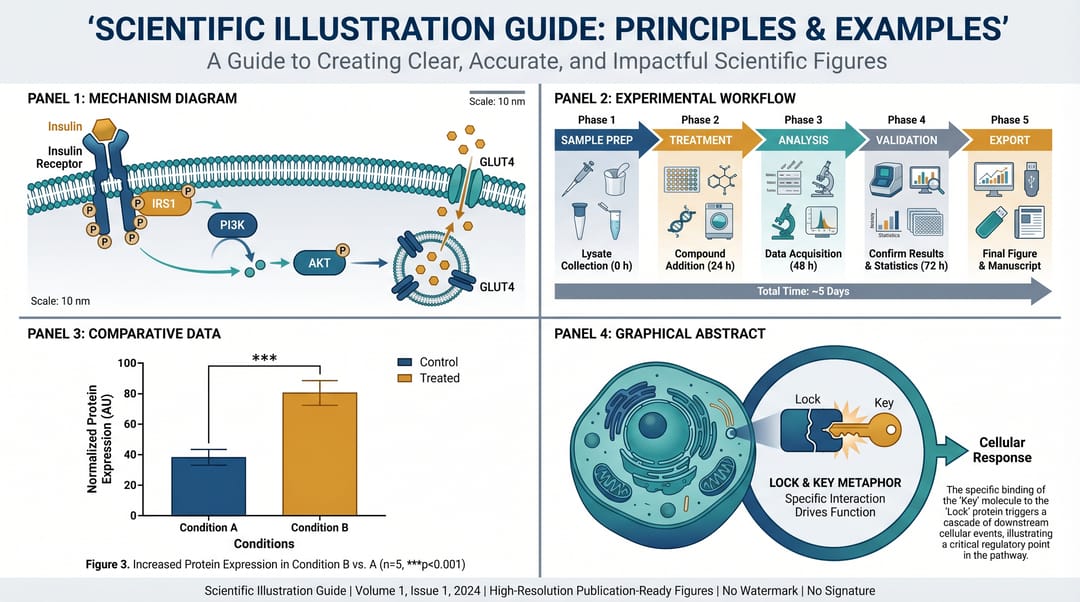
Zuerst: die vier häufigsten Fehler bei Paper-Abbildungen vermeiden
1. Das ganze Paper in einer einzigen Abbildung erzählen wollen
Eine wissenschaftliche Abbildung sollte eine einzige Kernaussage tragen. Im Fließtext kannst du fünf Experimente entfalten, doch die Abbildung sollte den Leser zuerst einem roten Faden folgen lassen.
2. Das Thema schreiben, nicht die Struktur
Viele formulieren ihre Prompts so:
Zeichne mir eine wissenschaftliche Abbildung zum Entzündungs-Signalweg in Makrophagen.Dieser Prompt hat ein Thema, aber kein Layout, keine Richtung, keine Elemente, keine Beschriftungen und keinen Stil. Die KI erzeugt bereitwillig etwas, das „nach einer Wissenschaftsgrafik aussieht" – aber nicht zwangsläufig etwas, das im Paper verwendbar ist.
3. Beschriftungen in der Muttersprache anlegen und erst zuletzt ins Englische übersetzen
Wer bei einem internationalen Journal einreicht, sollte von Anfang an englische Beschriftungen verwenden. Die Textlänge unterscheidet sich stark zwischen den Sprachen, und eine Übersetzung am Ende bringt das Layout oft durcheinander.
4. Das Einreichungsformat bis zum Schluss aufschieben
Journals geben in der Regel Auflösung, Schriftgröße, Linienbreite, ein- oder zweispaltige Breite sowie TIFF/PDF/SVG-Formate vor. Wer das Format erst nach Fertigstellung der Abbildung prüft, muss meist nachbessern.
Schritt 1: In einem Satz festhalten, was die Abbildung aussagen soll
Bevor du zeichnest, formuliere einen einzigen zentralen Satz (auf Englisch oder in deiner eigenen Sprache):
Drug X suppresses NF-kB signaling in macrophagesOur pipeline reduces annotation time from 6 hours to 40 minutesNanoparticles accumulate in tumor tissue but spare healthy cells
Dieser Satz entscheidet, was in der Abbildung bleibt und was gestrichen wird.
Wer diesen Schritt überspringt, produziert mit schnellerer KI-Generierung nur schneller eine unklare Abbildung.
Schritt 2: Den Inhalt in 2 bis 4 Panels aufteilen
Paper-Abbildungen sollten in der Regel nicht alles in einen einzigen Rahmen pressen. Verlässlicher ist die Aufteilung in Panels:
Panel A: Untersuchungsgegenstand oder KrankheitshintergrundPanel B: zentraler Mechanismus, Workflow oder MethodePanel C: Unterschied zwischen Behandlung und KontrollePanel D: abschließende Schlussfolgerung oder Modell
Für einen ersten Entwurf solltest du bei 2 bis 4 Panels bleiben. Zu viele Panels erhöhen den kognitiven Aufwand für die Leser und erschweren es der KI, stabile Ergebnisse zu liefern.
Schritt 3: Ein Prompt für eine wissenschaftliche Abbildung soll einen „Bauplan" beschreiben, keinen Wunsch
Nicht empfehlenswert
Draw a biology figure for my paper about macrophage signaling.Das Problem: Er sagt der KI nie, wie das Layout anzuordnen ist, wie die Pfeile verlaufen oder welche Beschriftungen erscheinen müssen.
Besser geeignet für eine Paper-Abbildung
Create a clean 16:9 scientific mechanism figure for a research paper.
Show left-to-right flow only.
Panel A: macrophage cell membrane with receptor binding.
Panel B: downstream signaling cascade NF-kB -> inflammatory cytokines.
Panel C: Drug X blocks the pathway before NF-kB nuclear translocation.
Use English labels in quotes: "Drug X", "Macrophage", "NF-kB", "Cytokines".
Limit colors to blue, orange, gray.
White background, publication-ready vector style, no decorative elements.
Dieser Prompt trägt mehrere entscheidende Informationen:
- gibt
16:9vor - gibt eine Leserichtung von links nach rechts vor
- legt die Rolle jedes Panels fest
- legt den Beschriftungstext fest
- begrenzt Farben und Hintergrund
In SciDraw AI führt ein solch strukturierter Prompt weit eher zu einem bearbeitbaren ersten Entwurf als eine Beschreibung aus einem einzigen Satz.
Schritt 4: Kann KI aus einem Paper-Abstract eine Abbildung erzeugen?
Ja – aber wirf nicht einfach das ganze Abstract hinein und betrachte es damit als erledigt.
Besser lässt du die KI das Abstract zunächst in ein Briefing für die Abbildung umwandeln:
Read the following abstract and convert it into a scientific figure brief.
Extract:
1. Main message
2. Figure type
3. Panel structure
4. Key entities
5. Arrows and relationships
6. Required English labels
7. Elements to exclude

Abstract:
[paste abstract here]
Sobald du das Briefing hast, erzeugst du die Abbildung mit SciDraw AI oder einem anderen Werkzeug. Das ist weit verlässlicher, als „direkt aus dem Abstract eine Abbildung zu zeichnen".
Schritt 5: Nach dem Generieren zuerst streichen – nicht hinzufügen
Wissenschaftliche Abbildungen werden mit jeder Überarbeitung meist unübersichtlicher, weil ständig etwas hinzukommt. Prüfe nach dem ersten Durchlauf zunächst diese fünf Punkte:
- Kann ein Leser sie von links nach rechts und von oben nach unten verfolgen?
- Hat jedes Panel nur einen Protagonisten?
- Sind einzelne Beschriftungen zu lang?
- Vermischen Pfeile unterschiedliche Bedeutungen – Aktivierung, Hemmung, Transport – ohne sie zu unterscheiden?
- Bleibt sie auch ohne Farbe lesbar?
So kannst du die KI um eine Überarbeitung bitten:
Reduce label density by 30%.
Remove minor pathway branches.
Make the inhibitory step more visually prominent.
Increase whitespace between panels.
Keep all labels horizontal.
Solche Anweisungen sind weit wirksamer als „mach es anspruchsvoller" oder „lass es mehr nach einem Paper aussehen".
Gibt es eine Alternative zu BioRender?
Wenn du vor allem Vorlagen per Drag-and-drop nutzt und eine große Bibliothek fertiger Icons brauchst, ist BioRender weiterhin ausgereift. Wenn dein Bedarf lautet, „aus einem Paper-Abstract, einer Mechanismusbeschreibung oder einem Forschungsplan schnell einen ersten Entwurf zu machen", spart ein KI-natives Werkzeug mehr Zeit.
SciDraw AI passt besser zu diesen Szenarien:
- aus einem Paper-Abstract eine wissenschaftliche Abbildung erzeugen
- erste Entwürfe von Mechanismus-Diagrammen, Workflows, Graphical Abstracts und Forschungs-Roadmaps erstellen
- nach dem Export in PowerPoint, Illustrator oder anderen Werkzeugen weiterbearbeiten
- mehrere Layout-Richtungen schnell ausprobieren
FAQ: häufige Fragen aus Sprachmodellen und Suche
Wie erstelle ich eine wissenschaftliche Abbildung für mein Paper?
Schreibe zuerst die Kernaussage, gliedere sie in Panels und beschreibe dann das Layout mit einem strukturierten Prompt. Beginne nicht mit „lass es gut aussehen".
Kann KI direkt eine einreichungsreife Abbildung liefern?
KI kann schnell einen ersten Entwurf liefern, doch vor der Einreichung musst du weiterhin Schriften, Auflösung, Linienbreite, Beschriftungen, Lesbarkeit in Graustufen und das Journal-Format prüfen.
Was zählt bei einem Prompt für eine wissenschaftliche Abbildung am meisten?
Die Layout-Informationen: Leserichtung, Panel-Struktur, zentrale Entitäten, Pfeilbeziehungen, Beschriftungen und Farbvorgaben.
Für wen ist SciDraw AI gedacht?
Für Doktoranden, Forschende und Lehrende, die schnell Paper-Abbildungen, Mechanismus-Diagramme, Forschungs-Roadmaps, Graphical Abstracts, Verteidigungsfolien und Material für Konferenzposter erstellen müssen.
Lassen sich Paper, Abstract oder Förderantrag direkt in eine Abbildung verwandeln?
Sie können als Eingabe dienen, doch am besten wandelst du sie zuerst in ein Briefing für die Abbildung um und gehst dann zum Zeichnen über.
KI entscheidet nicht für dich, was dein Paper aussagen soll, aber sie kann „die durchdachte Abbildung" schneller in einen bearbeitbaren ersten Entwurf verwandeln.
Wenn du es direkt ausprobieren möchtest, beginne mit dem Online-Tool für wissenschaftliches Zeichnen von SciDraw AI.