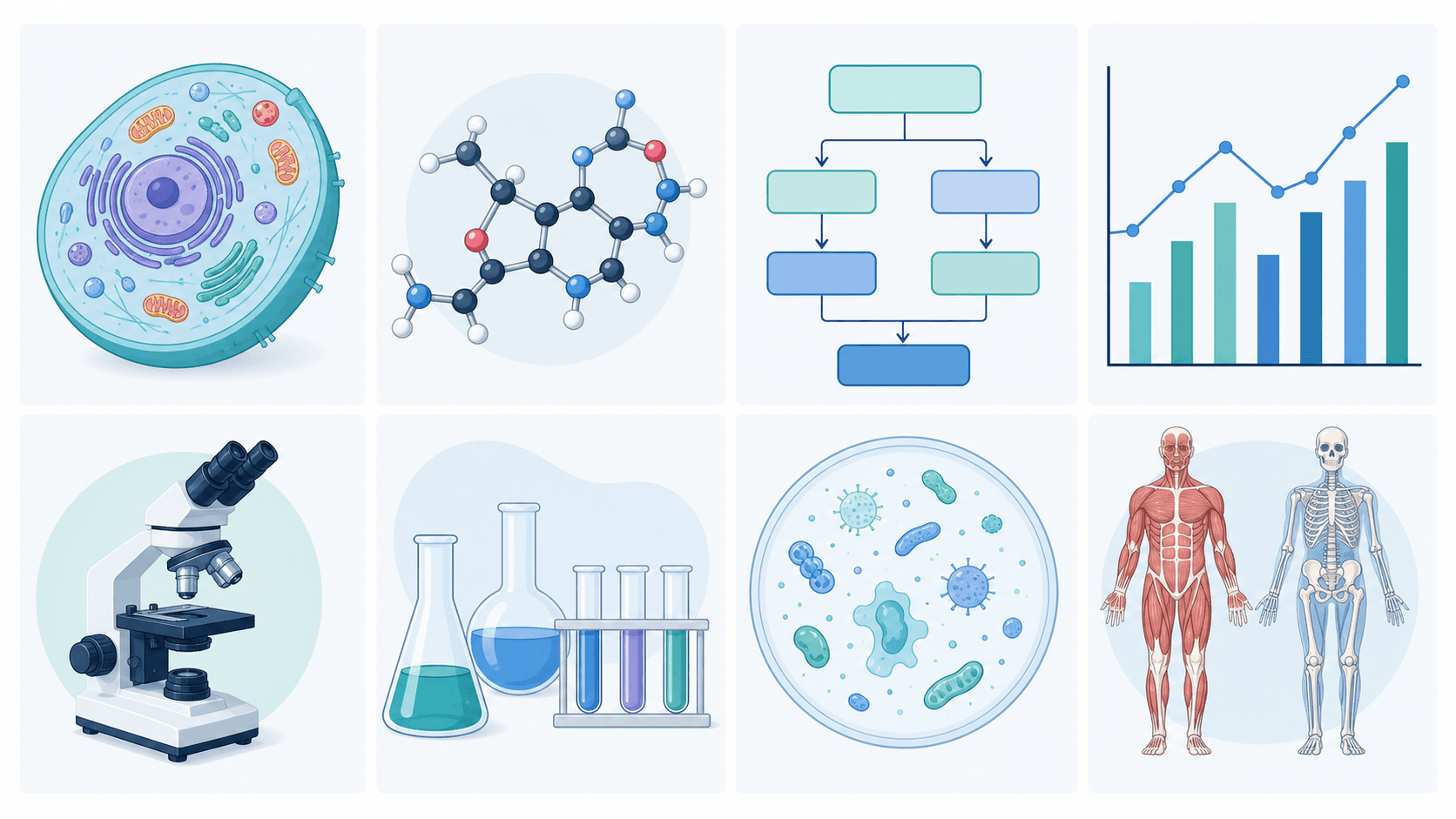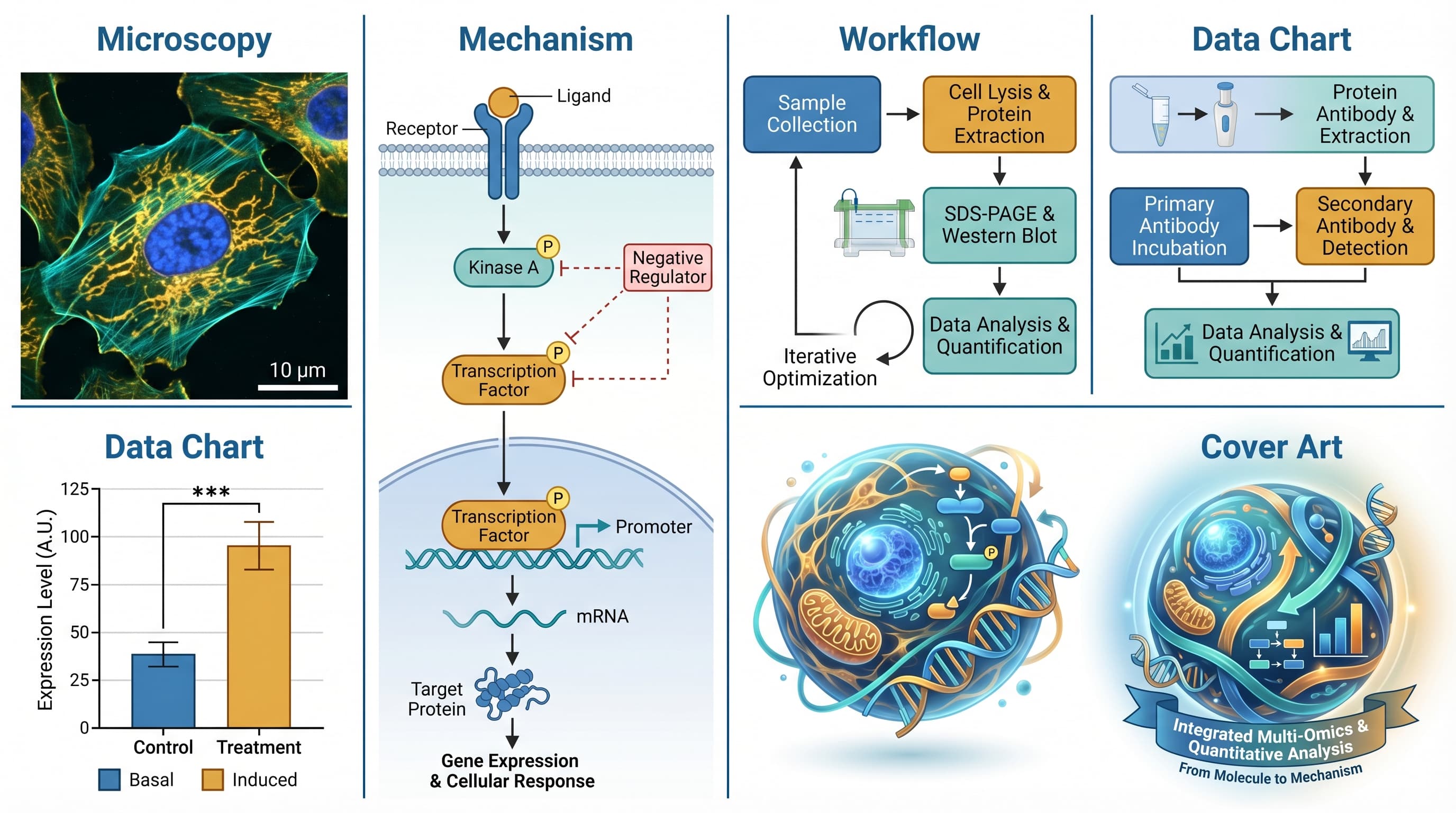
💡 SciDraw AI advantage: lab-ready figures in minutes — mechanism diagrams, workflow charts, and cover art, all with SVG export. Try it free →
It's Thursday afternoon. You have a lab meeting at 10 a.m. tomorrow and your advisor just asked you to "walk us through the new data with proper lab figures." You scramble. You have Excel charts. You have a whiteboard photo of the proposed mechanism. You have the microscopy images saved as PNGs. None of this is a "proper figure."
Welcome to the lab figures problem. Every bench scientist runs into it — the gap between the raw outputs your instruments and software produce, and the polished, labeled, publication-quality figures your lab meeting (or your paper, or your thesis) actually needs.
This guide covers what lab figures are, the 5 categories you'll need to build, and a practical workflow for producing them fast. It's based on advising 50+ grad students through their first paper figure sets and watching where they got stuck.
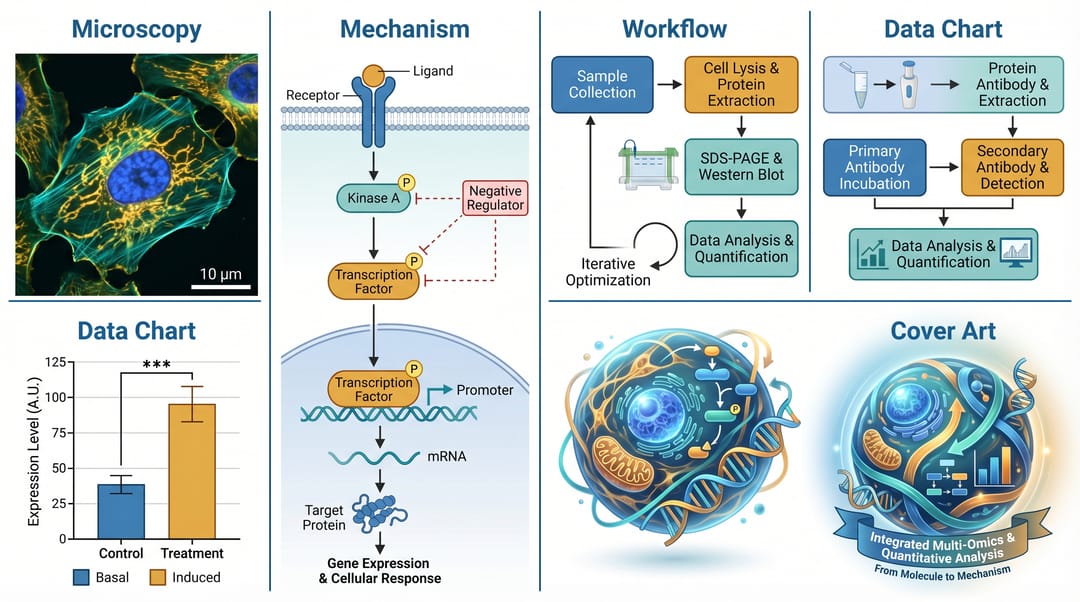 Five categories of lab figures, all built from the same experiment data.
What counts as a "lab figure"?
A lab figure is any prepared visual that communicates research to someone who wasn't in the lab with you. That's broader than "figures for a paper." It includes:
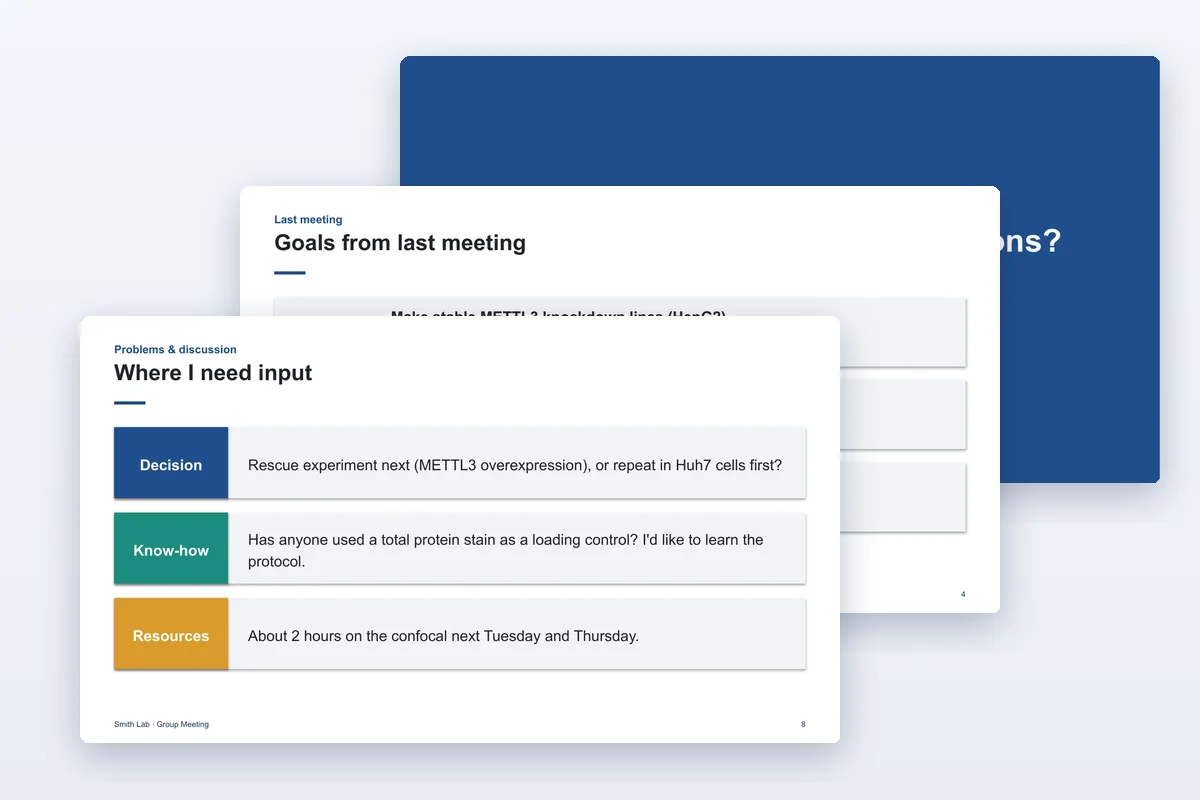
- Lab meeting slides — figures you show colleagues to get feedback
- Thesis figures — figures in your dissertation
- Paper figures — figures in journal submissions
- Grant proposal figures — figures in funding applications
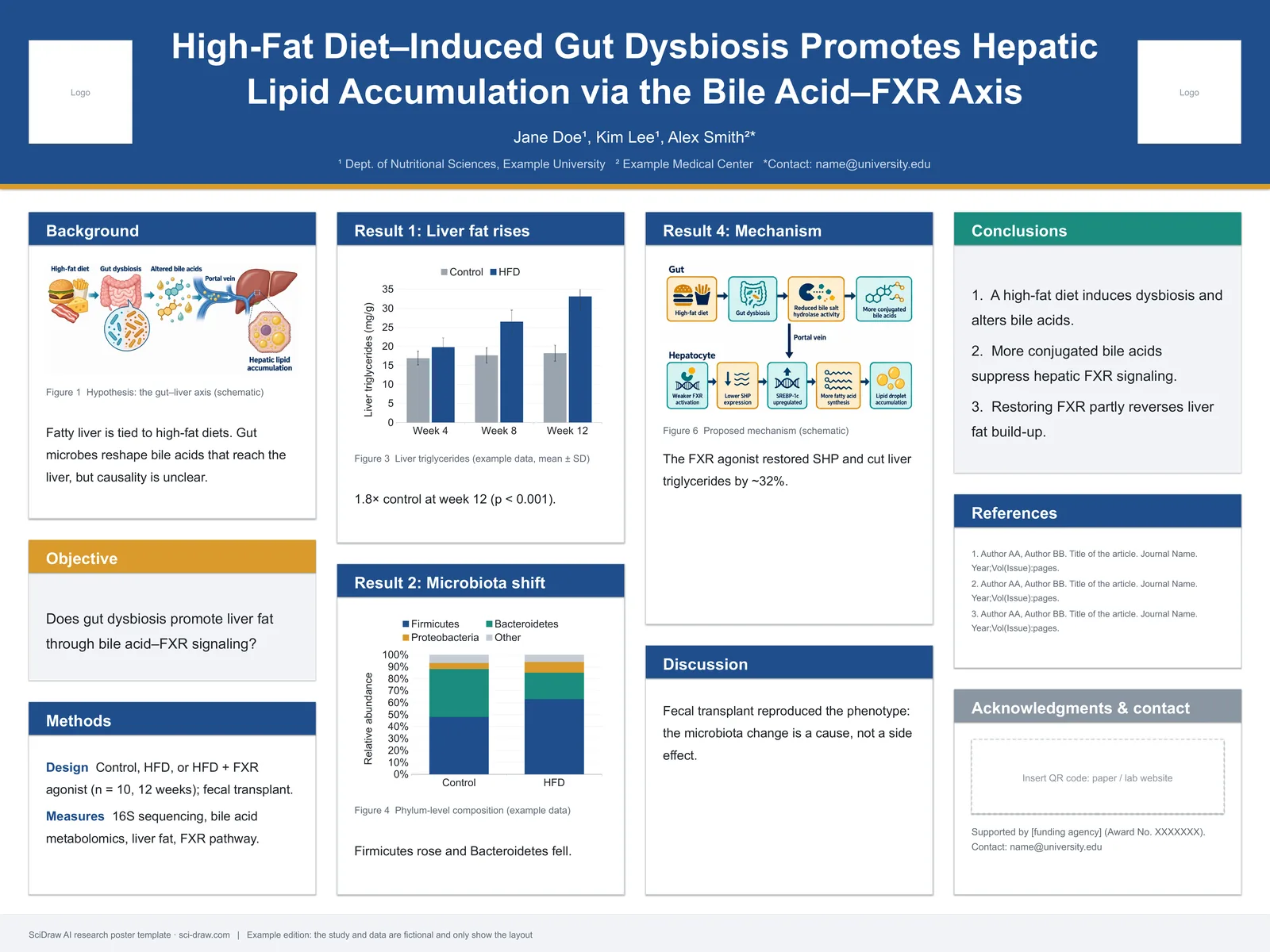
- Poster figures — figures on conference posters
- Cover art / graphical abstracts — the one-image summary
The quality bar is different for each. A whiteboard photo is fine for lab meeting. It is not fine for a Nature submission. Knowing which tier you need is the first decision.
| Use | Expected polish | Vector? | Typography consistency? |
|---|---|---|---|
| Lab meeting | Rough but legible | No | Not required |
| Thesis | Journal-level | Preferred | Required |
| Paper submission | Publication-grade | Required | Required |
| Grant proposal | Publication-grade | Required | Required |
| Poster | High-contrast, large fonts | Preferred | Required |
| Cover art | Artistic + clean | Preferred | Required |
❌ Four lab figure mistakes reviewers hate
Before we get into how to build good figures, here are four errors that show up constantly in first drafts and constantly get flagged.
1. Screenshots of software windows. Taking a screenshot of your flow cytometry software or your R plot output, and putting it in a paper with the menu bar still visible. This tells reviewers "I didn't bother to export cleanly." Always use the software's export function to get a clean image; never screen-grab.
2. Raster microscopy images saved at 72 DPI. Your microscope exports at 300+ DPI by default. If you re-saved to 72 DPI to shrink the file, you threw away half the information. Journals require 300 DPI minimum for publication. Keep the original, high-resolution file and shrink only at final export.
3. Captions that describe the figure caption, not the figure. "Figure 3 shows the results of our experiment." This is a caption-of-a-caption. Better: "Figure 3. GFP-tagged kinesin-1 binds to microtubules in vitro. (A) Schematic of the binding assay. (B) Representative TIRF image showing binding. Scale bar: 5 μm. (C) Quantification of binding events (n = 127, mean ± SEM)."
4. Arrows pointing at nothing. Someone added an arrow to highlight a feature, then moved the feature in a later revision and forgot to move the arrow. Now it points at blank space. Always do a final sweep zoomed out at the full figure before export.
The 5 lab figure categories
Category 1: Microscopy and imaging figures
What they are: fluorescence images, brightfield micrographs, confocal stacks, electron micrographs, MRI/CT slices.
How to prepare them for a figure:
- Export from the acquisition software (Fiji, Imaris, Zeiss ZEN) at the highest available resolution
- Adjust brightness/contrast only in an image tool, not the instrument software — keep the raw file untouched
- Add scale bars directly in the image tool (Fiji has a plugin for this) — never add them in a drawing tool afterwards
- Crop to the region of interest, leaving ≥10% padding on each side
- Save as TIFF (lossless) for submission; PNG for drafts
Common pitfalls:
- Adjusting contrast so aggressively that signal is clipped (check histograms)
- Missing scale bars
- Different panel sizes within the same figure
- Forgetting to note the channel colors in the caption
Tool recommendations: Fiji/ImageJ for the primary work, Illustrator or Affinity for multi-panel layout.
Category 2: Mechanism and model figures
What they are: schematic diagrams showing how something works at the molecular, cellular, or systems level.
How to prepare them:
- Write the mechanism as a bulleted sentence list
- Decide aspect ratio (16:9 for wide, 4:3 for compact)
- Draw (or prompt for) the primary pathway as a left-to-right flow
- Label each element with its full name in quotes
- Keep arrow types minimal — one style for activation, one for inhibition, no more
Time cost, traditional: 3-6 hours per figure in Illustrator/BioRender. Time cost, AI-assisted: 10-20 minutes with SciDraw AI + 10 minutes Illustrator polish.
Category 3: Workflow and protocol figures
What they are: step-by-step diagrams of experimental procedures.
How to prepare them:
- List every step including washes, incubations, and controls
- Group into 3-5 phases
- Use a single horizontal or vertical arrow flow
- Color-code by phase (limit 4 colors)
- Add time annotations under each step ("15 min", "O/N 4°C")
Reviewer-favored detail: sample size and replicates annotated on the figure itself, not just in the caption. ("n = 3 biological replicates, 2 technical per condition")
Tool recommendations: SciDraw AI for speed, PowerPoint for lab meeting drafts, Illustrator for final polish. Our scientific diagram maker is tuned for workflows specifically.
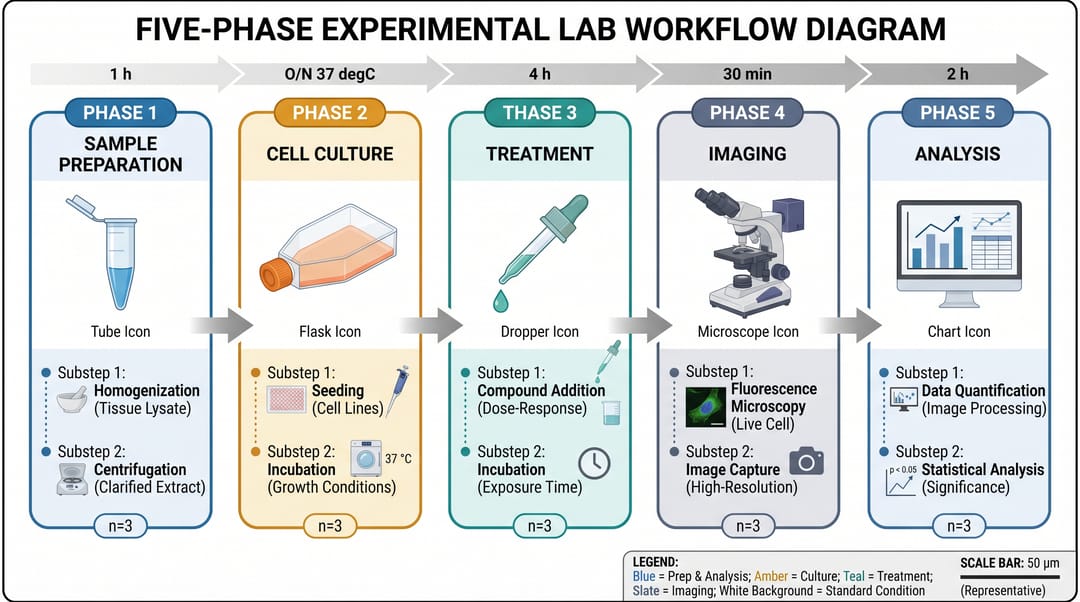 A five-phase lab workflow diagram. Notice the time annotations and sample sizes on each step.
Category 4: Data visualization figures
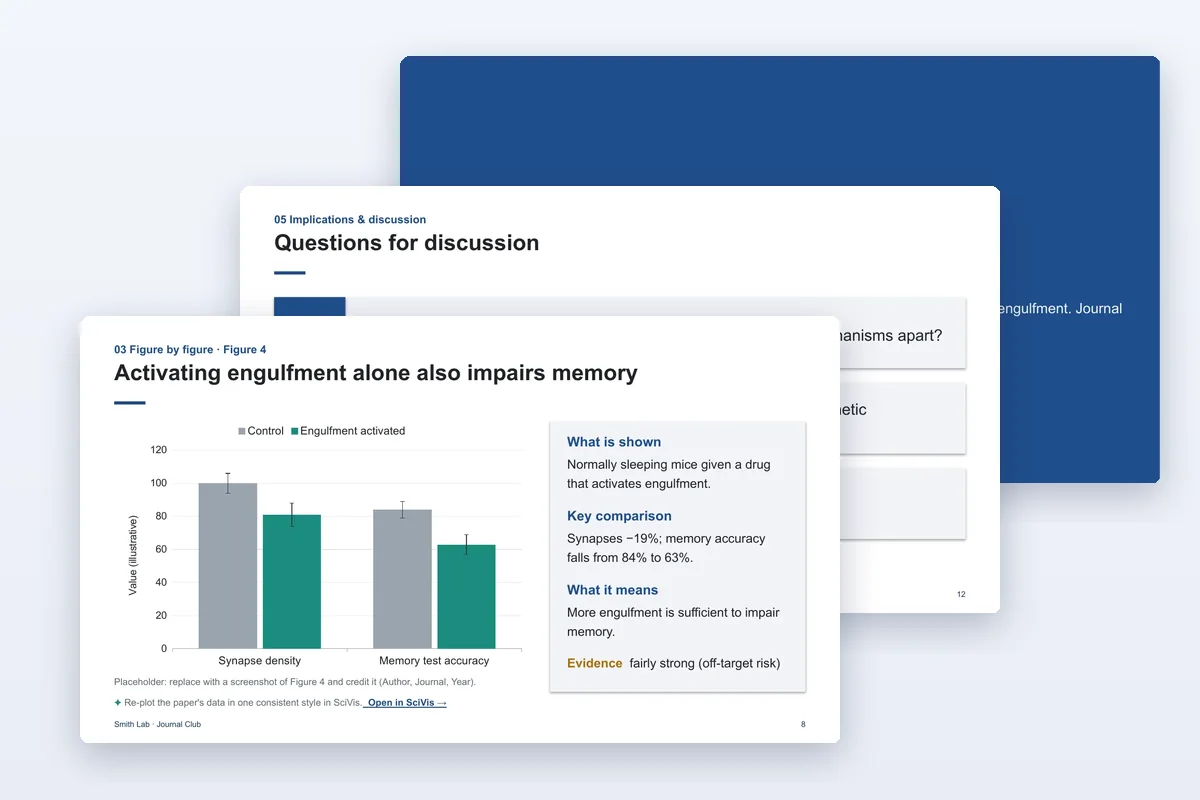
What they are: the charts in your Results section — bar graphs, line charts, box plots, heatmaps, volcano plots, Kaplan-Meier curves.
How to prepare them:
- Generate in your stats tool (R, Python, Prism, Origin) — never draw data charts in a drawing app
- Export as SVG (vector) or 300 DPI PNG (raster)
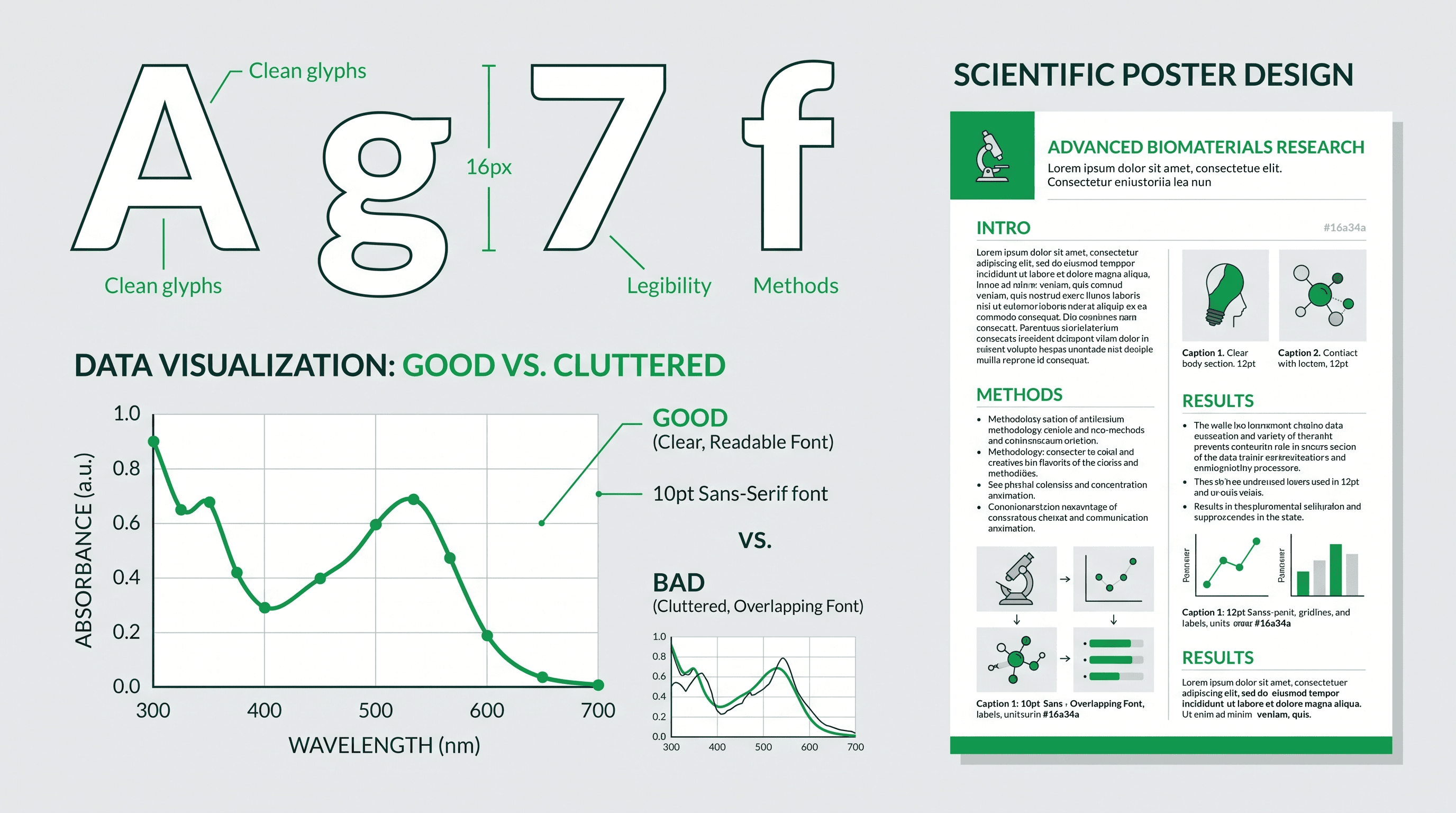
- Import into your drawing tool only to unify typography and add significance markers
- Use colorblind-safe palettes (check on colorbrewer2.org)
- Annotate significance directly on the chart, not in the caption
Common pitfalls:
- Error bars without specifying SD vs SEM
- Significance stars unclear on which comparison
- Inconsistent axis scales across related panels
- Three decimal places on p-values (reviewers prefer "p < 0.001")
Category 5: Cover art and graphical abstracts
What they are: the one-image summary submitted alongside a manuscript — for the journal cover, the TOC graphic, or social media.
How to prepare them:
- Choose one visual metaphor that captures the key finding
- Use square (1:1) or portrait (3:4) aspect ratio — check journal spec
- Minimal text — title + one insight, maximum
- Test at thumbnail size (200x200 px) to make sure it still reads
- Style can be more illustrative than body figures
Tool recommendations: SciDraw AI's graphical abstract maker for labeled schematic covers, Midjourney for art-forward covers, Photoshop for final compositing.
See our TOC graphics requirements by journal for per-journal specifications.
A practical workflow: from bench to figure set
Here's the end-to-end workflow we recommend for a typical 5-figure paper:
- Plan the figure set first (before the paper). Write one sentence per figure: "Figure 1 introduces the system. Figure 2 shows binding. Figure 3 shows function. Figure 4 shows mechanism. Figure 5 is the model."
- Export raw data cleanly from every instrument. Keep the original files.
- Generate data charts in R/Python/Prism. Save as SVG.
- Draft schematic figures (Figures 1 and 5) in SciDraw AI or Illustrator. Save as SVG.
- Assemble multi-panel figures in Illustrator or Affinity. Align every panel.
- Unify typography across all figures (same font, same size, same weight).
- Export final versions at journal-required specs (usually TIFF or PDF at 300+ DPI).
- Test at print size by printing one page in black-and-white to catch color issues.
- Write captions last, after the final figure is locked.
- Sanity-check the full set by opening all figures side by side — do they look like they belong in the same paper?
Lab meeting figures vs. paper figures
A quick note: the bar for lab meeting figures is much lower than for paper figures. For a Thursday lab meeting, a quick AI-generated schematic is fine, even if the labels are slightly off. Your goal is to communicate the idea to colleagues, not to pass peer review.
For paper figures, everything tightens up: vector export, precise labels, consistent typography, 300 DPI, journal-specific format.
Don't over-invest in lab meeting figures. A rough SciDraw AI figure + your raw data charts is usually enough.
Tools we actually use
| Task | Primary tool | Secondary |
|---|---|---|
| Microscopy processing | Fiji / ImageJ | Imaris, Zeiss ZEN |
| Data charts | R + ggplot2 | Python matplotlib, GraphPad Prism |
| Schematic figures (draft) | SciDraw AI | BioRender, Figurelabs |
| Schematic figures (final polish) | Illustrator | Inkscape, Affinity |
| Multi-panel assembly | Illustrator | Affinity Designer |
| Cover art | SciDraw AI + Midjourney | Photoshop for composite |
| Lab meeting slides | PowerPoint / Keynote | Google Slides |
The key takeaway: most labs use 3-4 tools together, not a single magic tool. SciDraw AI fits into the "schematic figures (draft)" slot and exports cleanly to Illustrator for the final 10% of polish.
How to use this guide, by role
- You're a first-year PhD student making your first lab meeting figures: start with Category 2 (mechanism) and Category 4 (data viz). Skip the rest until you're writing a paper.
- You're preparing your first journal submission: apply all 5 categories systematically. Use the 10-step workflow above.
- You're a postdoc training a new lab member: share this guide and make them map each of their figures to one of the 5 categories before they start drawing.
- You're a PI choosing a tool suite for your lab: R + Fiji + Illustrator + SciDraw AI covers 95% of the figure work for a typical wet lab. Budget ~$40/month for the lab (Illustrator seat + SciDraw AI Pro).
Lab figures aren't art. They're compressed arguments. Get the compression right — one message per figure, minimal colors, clear labels — and the figures practically draw themselves.
👉 Start building your next lab figure on SciDraw AI — free
Related guides
- How to Draw Scientific Figures — Complete Guide — the 7-principle playbook
- How to Make Figures for Research Papers — shorter methods-section focus
- Scientific Figure Generator — product deep dive
- What Are Scientific Graphics — the six graphic categories
- Scientific Figure Checker for Journal Submission — pre-submission compliance
- Scientific Figure Maker — template-based builder
- Scientific Diagram Maker — mechanism/workflow builder