7 Free BioRender Alternatives with SVG Export
Quick answer: if you want a truly free BioRender alternative that exports publication-ready figures (no watermark, vector / SVG, 300+ DPI), the working options in 2026 are:
| Tool | Free? | SVG export on free tier | AI generation | Best for |
|---|---|---|---|---|
| SciDraw AI | ✅ 10 signup credits + 5 daily | ✅ Yes, no watermark | ✅ Yes (text-to-figure) | Multi-field, fastest path to journal output |
| Inkscape | ✅ Fully free | ✅ Yes | ❌ Manual | Vector editing, full control, willing to learn |
| BioIcons | ✅ CC-licensed | ✅ Icons only | ❌ | Free biology icons to drop into any tool |
| Servier Medical Art | ✅ CC BY 4.0 | ✅ Icons only | ❌ | Medical / clinical / anatomical illustrations |
| draw.io | ✅ Fully free | ✅ Yes | ❌ Manual | Workflow / process / schematic diagrams |
| Canva | ✅ Free tier | ⚠️ SVG on paid tier | ⚠️ Generic AI | Conference posters, talks, outreach graphics |
| PowerPoint | ✅ Usually already licensed | ⚠️ Via EMF/SVG save | ❌ Manual | Quick block diagrams and lecture slides |
The shortest path to a free, no-watermark, journal-ready figure: SciDraw AI free tier → text-to-figure generation with SVG export. If you want an AI-first workflow before the full comparison, open the dedicated BioRender alternative guide. The rest of this guide is the detail on each option.
Who this is for
- You're using BioRender's free tier and the watermark + low-res export is blocking journal submission.
- Your institution doesn't pay, and $45–75/month isn't justified for occasional figures.
- You work in chemistry, materials, physics, engineering, environmental science — outside BioRender's biology stronghold.
- You'd rather describe a figure in natural language than drag pre-drawn icons.
When BioRender is still the right call
If you're a biology PhD with an institutional BioRender seat and your figures are canonical biology workflows — stay. The icon library is unmatched. Read this guide if any of those conditions don't hold.
When NOT to pick a "free" tool
- Your time is the constraint, not the dollars — Inkscape is free but takes 40+ hours to learn vector editing. SciDraw AI paid subscriptions start at $20/mo, and Lifetime is $3,999 one-time, which may still be cheaper than your billable hours.
- You need real-time co-editing with co-authors — only draw.io and BioRender offer that natively. SciDraw AI and Inkscape don't.
- You need 50,000+ pre-drawn biology icons — only BioRender has that depth. The free alternatives won't match it.
BioRender has become one of the most widely used tools for scientific illustration, particularly in the life sciences. Its drag-and-drop interface and extensive library of pre-drawn biological components have made it a go-to choice for researchers creating figures, graphical abstracts, and presentation slides.
However, many researchers find themselves looking for alternatives. Whether it is the pricing structure, export limitations on the free tier, or a need for AI-powered generation rather than manual assembly, there are legitimate reasons to explore other options. This guide compares seven free alternatives to BioRender, each with distinct strengths for different use cases.
Why Researchers Look for BioRender Alternatives
Before comparing tools, it helps to understand the specific pain points that drive researchers to explore alternatives.
Pricing Concerns
BioRender's individual plan starts at $39/month (billed annually at $468/year) or $59/month on a monthly basis. While institutional licenses reduce per-user costs, many graduate students, postdocs, and researchers at smaller institutions do not have access to institutional subscriptions. For researchers who create scientific figures intermittently rather than daily, the monthly cost is difficult to justify.
Free Tier Limitations
BioRender's free tier allows you to create illustrations, but exports are watermarked and limited to low resolution. This makes the free version useful for drafting and practice but unsuitable for publication-quality figures or conference presentations. Researchers who only need a few figures per year often find this restriction particularly frustrating.
Workflow Preferences
Some researchers prefer AI-powered generation over manual assembly. Rather than dragging pre-drawn icons into position, they want to describe a figure in natural language and receive a generated illustration. This represents a fundamentally different approach to figure creation -- one that BioRender does not currently offer.
Field-Specific Needs
BioRender's library is heavily weighted toward life sciences and biomedical research. Researchers in engineering, physics, chemistry, environmental science, and social sciences often find the available icons and templates less relevant to their work.
What to Look for in a BioRender Alternative
When evaluating alternatives, consider these criteria:
- Export quality: Can you export at publication resolution (300 DPI minimum, ideally vector/SVG)?
- Cost: Is the free tier sufficient for your needs, or will you need a paid plan?
- Learning curve: How quickly can you produce your first usable figure?
- Domain coverage: Does the tool support your specific research field?
- AI capabilities: Can the tool generate illustrations from text descriptions?
- Format support: Does it export in formats your journal requires (TIFF, EPS, SVG, PDF)?
- Collaboration: Can you share and co-edit with co-authors?
- Licensing: Are generated images cleared for commercial and academic publication?
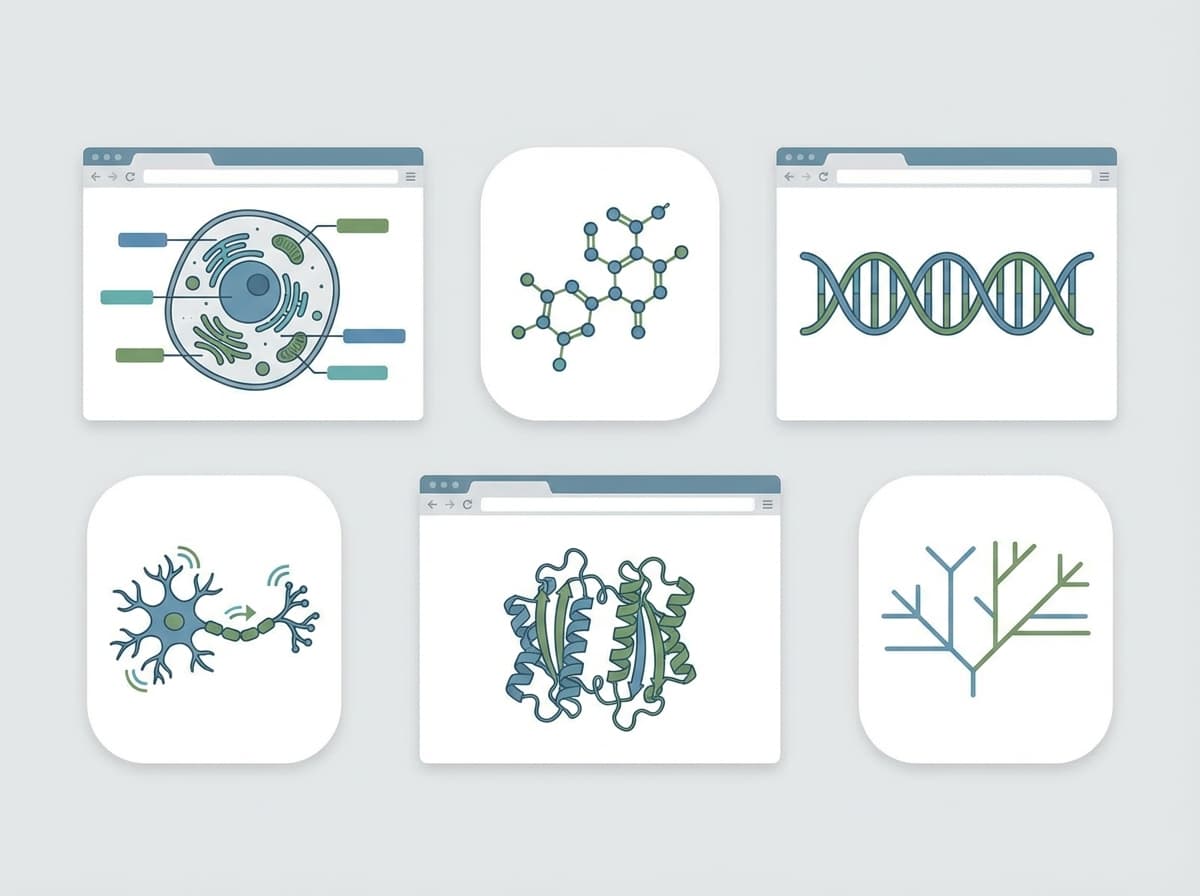
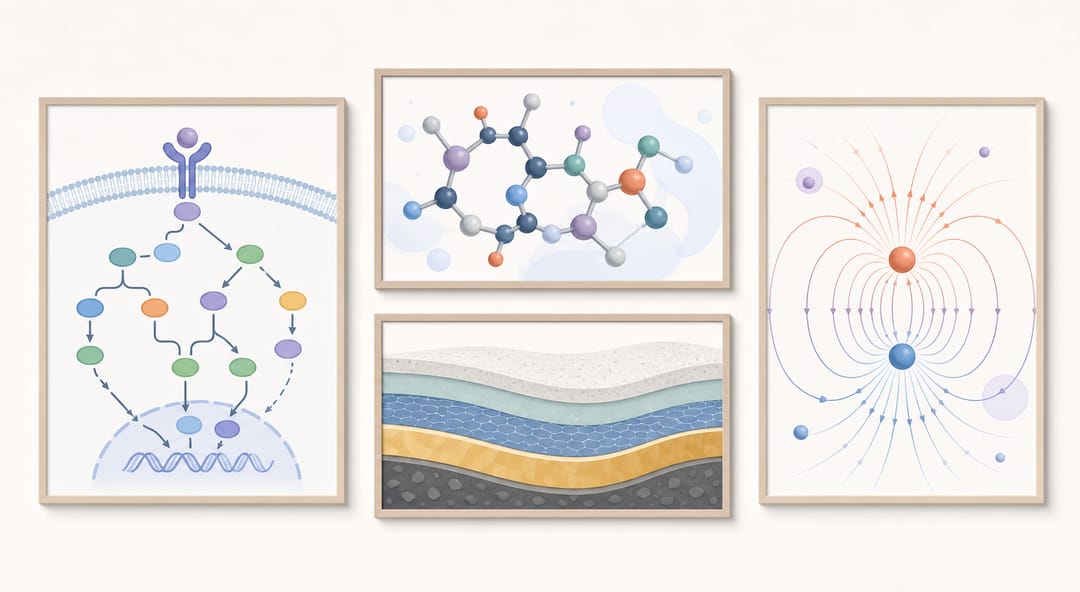 Free tools can deliver publication-ready figures across biology, chemistry, and the physical sciences.
7 Free BioRender Alternatives Compared
1. SciDraw AI -- AI-Powered Scientific Illustration
SciDraw AI takes a fundamentally different approach to scientific illustration. Instead of providing a library of pre-drawn components, SciDraw AI uses AI to generate scientific figures from text descriptions. You describe the illustration you need -- a cell signaling pathway, a experimental workflow, a molecular interaction -- and the AI produces a publication-quality image.
Key Strengths:
- AI generation from text prompts: Describe your figure in natural language and receive a generated illustration in seconds
- Multiple generation modes: Prompt mode (text-to-image), sketch mode (sketch-to-image), replicate mode (image-to-image), and custom mode for advanced users
- Cross-disciplinary coverage: Works equally well for biology, chemistry, engineering, physics, and social sciences
- Free trial with real utility: 10 credits on registration plus 5 daily credits, with each generation costing 5 credits
- SVG and high-resolution export: Publication-quality output without watermarks on the free tier
- Scientific templates and styles: Pre-built configurations optimized for different figure types and journals
Best For: Researchers who want to create figures quickly without manual design work, especially those outside the life sciences where BioRender's icon library is less relevant.
Pricing: Free trial with 10 signup credits plus 5 daily credits. Paid subscriptions start at $20/month for 300 credits; Premium is $40/month for 800 credits. Lifetime is $3,999 one-time.
For a deeper look at how AI compares to traditional illustration approaches, see our analysis of AI vs traditional scientific illustration.
2. Inkscape -- Open-Source Vector Editor
Inkscape is a free, open-source vector graphics editor that runs on Windows, macOS, and Linux. It provides professional-grade vector editing capabilities comparable to Adobe Illustrator, without any cost.
Key Strengths:
- Completely free: No tiers, no limitations, no watermarks
- Full vector editing: Create and edit SVG files with precise control over every element
- Extensive plugin ecosystem: Community-created extensions add scientific functionality
- Publication-quality export: Export to SVG, PDF, EPS, PNG at any resolution
- Cross-platform: Works on all major operating systems
Limitations:
- Steep learning curve: Requires significant time investment to become proficient
- No scientific icon library: You must create or import all scientific elements
- No templates: Every figure starts from a blank canvas
- No AI assistance: All work is manual
- No collaboration features: Single-user desktop application
Best For: Researchers who already have vector editing experience or are willing to invest time in learning, and who need maximum control over every visual element.
Pricing: Completely free (open source, GPL licensed).
3. BioIcons -- Free Scientific Icon Library
BioIcons is not a figure-creation tool but rather a free, open-access library of scientific illustrations. It provides hundreds of high-quality SVG icons covering biology, chemistry, medicine, and related fields that can be used in any design application.
Key Strengths:
- High-quality SVG icons: Professionally designed, consistent style
- Creative Commons licensed: Free for academic and commercial use with attribution
- Growing library: Community-contributed icons expand coverage regularly
- Easy search and download: Browse by category or search by keyword
- Consistent visual style: Icons look cohesive when combined in a single figure
Limitations:
- Not a standalone tool: You need another application (Inkscape, PowerPoint, Canva) to assemble figures
- Limited to biology and medicine: Coverage of engineering, physics, and social sciences is minimal
- No layout or design features: Provides components only, not finished figures
- No AI generation: Icons are pre-drawn, not generated on demand
Best For: Life science researchers who use PowerPoint, Inkscape, or another layout tool and need free, high-quality biological icons.
Pricing: Completely free (Creative Commons CC0 and CC BY licenses).
4. Servier Medical Art -- Medical Illustration Library
Servier Medical Art is a comprehensive library of medical illustrations provided by the pharmaceutical company Servier. It includes thousands of illustrations covering anatomy, cellular biology, medical devices, and clinical scenarios.
Key Strengths:
- Extensive medical coverage: Thousands of illustrations spanning anatomy, pathology, and clinical medicine
- High-quality vector graphics: Available in PowerPoint, SVG, and other vector formats
- Creative Commons licensed: Free for academic use with attribution (CC BY 4.0)
- Organized by medical specialty: Easy to find relevant illustrations by body system or clinical area
- Editable format: Illustrations can be recolored and modified in PowerPoint or vector editors
Limitations:
- Medical focus only: Very limited coverage of non-medical scientific fields
- Not a design tool: Requires assembly in a separate application
- Fixed illustration style: All illustrations share a specific visual style that may not match your preferences
- No AI generation: All illustrations are pre-created
- No collaboration or sharing features
Best For: Medical researchers, clinical scientists, and healthcare professionals who need anatomical and medical illustrations for publications and presentations.
Pricing: Completely free (CC BY 4.0 license, attribution required).
5. draw.io (diagrams.net) -- Free Diagramming Tool
draw.io (now branded as diagrams.net) is a free, browser-based diagramming tool. While primarily designed for flowcharts, network diagrams, and software architecture, it can be adapted for scientific figure creation, particularly for workflow diagrams, process flows, and schematic representations.
Key Strengths:
- Completely free: No account required, no feature limitations
- Browser-based: Works on any device with a web browser
- Extensive shape libraries: Thousands of shapes for diagrams and flowcharts
- Real-time collaboration: Share and co-edit with collaborators
- Multiple export formats: PNG, SVG, PDF, and more
- Cloud storage integration: Save to Google Drive, OneDrive, or local storage
- Offline support: Works without internet connection
Limitations:
- Not designed for science: Limited scientific icons and illustration components
- Basic styling: Visual output tends to look diagrammatic rather than illustrative
- No AI generation: All diagrams are assembled manually
- Limited image handling: Not well-suited for incorporating photos or complex illustrations
- No scientific templates: Templates focus on software, business, and engineering diagrams
Best For: Researchers who primarily need workflow diagrams, process flows, or schematic representations rather than detailed scientific illustrations.
Pricing: Completely free (proprietary but free for all uses).
6. Canva -- Posters, Slides, and Outreach Graphics
Canva is a general-purpose design editor with a generous free tier and strong templates. It is not a scientific illustration tool, but many researchers already use it for conference posters, talk slides, and outreach graphics, where layout and typography matter more than scientific precision.
Key Strengths:
- Very easy to learn: Polished results within minutes, no design background needed
- Strong template library: Poster and presentation layouts that save hours
- Browser-based with collaboration: Share drafts with co-authors easily
Limitations:
- Not built for science: No mechanism, pathway, or anatomy assets; no journal export presets
- Vector export is paid: SVG export requires a paid plan; the free tier is raster-first
- Limited control over DPI/CMYK: Risky for print-spec journal or poster requirements
Best For: Conference posters, presentation graphics, and science communication — not manuscript figures.
Pricing: Free tier; Canva Pro at ~$13/month unlocks SVG export and premium assets.
7. PowerPoint -- Quick Diagrams You Already Have
PowerPoint is already installed on most lab machines, which makes it the zero-setup option for simple block diagrams, timelines, and lecture visuals. With careful export settings it can even produce usable vector graphics, though it will never match a dedicated tool.
Key Strengths:
- Zero setup cost: Most institutions already license Office
- Familiar alignment and grouping tools: Fast for boxes-and-arrows diagrams
- Editable sharing: Co-authors can edit without learning a new tool
Limitations:
- Raster-first output: Default exports are low-resolution; vector export (EMF/SVG) is fiddly
- No scientific assets: Everything is drawn from generic shapes
- Not journal-grade: Fine for slides and lab meetings, weak for submission figures
Best For: Lecture slides, internal lab meetings, and quick drafts you will later rebuild in a dedicated tool.
Pricing: Included with Microsoft 365 (personal plans from ~$7/month); free browser version available.
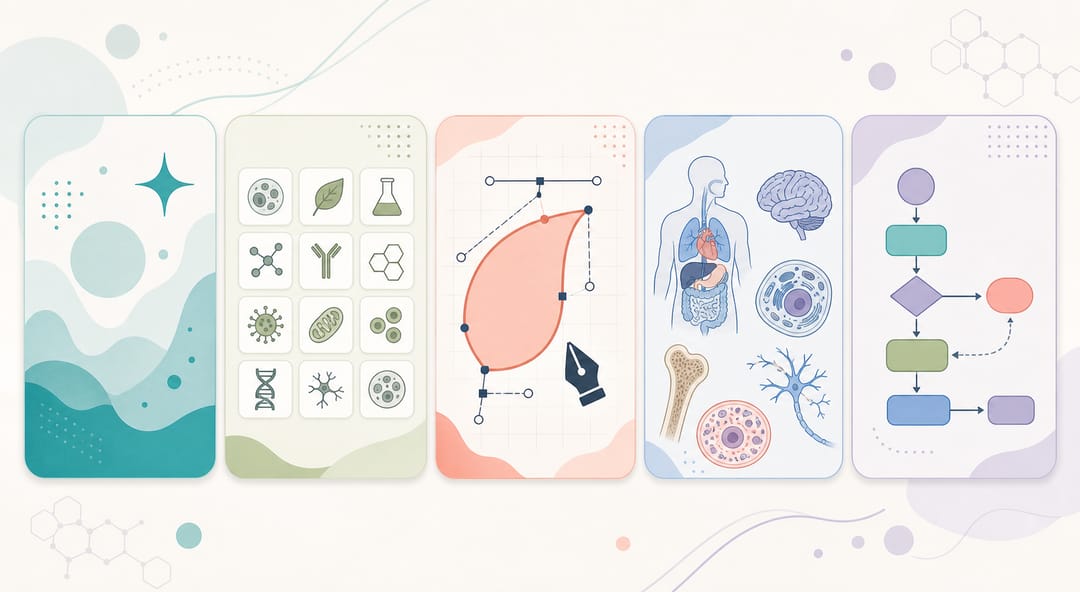 From AI text-to-figure generation to icon libraries and vector editors, each option covers a different need.
Feature Comparison Table
| Feature | SciDraw AI | BioRender | Inkscape | BioIcons | Servier Medical Art | draw.io |
|---|---|---|---|---|---|---|
| AI generation | Yes | No | No | No | No | No |
| Free tier usable for publication | Yes | No (watermark) | Yes | Yes (icons only) | Yes (icons only) | Yes |
| Scientific icon library | AI-generated | 50,000+ | No | 500+ | 3,000+ | Limited |
| Vector export (SVG/EPS) | Yes | Paid only | Yes | Yes | Yes | Yes |
| High-res PNG export | Yes | Paid only | Yes | N/A | N/A | Yes |
| Collaboration | No | Yes | No | N/A | N/A | Yes |
| Cross-discipline coverage | Broad | Life sciences | Any (manual) | Biology | Medicine | General |
| Learning curve | Low | Low | High | Low | Low | Low |
| Templates | Yes | Yes | No | No | No | Yes (non-scientific) |
| Browser-based | Yes | Yes | No (desktop) | Yes | Yes | Yes |
| Monthly cost (individual) | $0-20+ | $39-59 | $0 | $0 | $0 | $0 |
When to Choose Each Tool
Choosing the right tool depends on your specific situation. Use this decision matrix to guide your selection.
Choose SciDraw AI if:
- You want to generate figures from text descriptions rather than assembling them manually
- You work outside the life sciences and BioRender's library is not relevant
- You need publication-quality exports on a free tier
- You value speed over pixel-perfect manual control
- You create figures occasionally rather than daily
Choose Inkscape if:
- You need absolute control over every visual element
- You already have vector editing experience
- You create complex, highly customized figures regularly
- You need to edit and combine illustrations from multiple sources
- Budget is a hard constraint and you can invest time in learning
Choose BioIcons if:
- You work in biology or a related life science
- You already use PowerPoint, Canva, or Inkscape for figure assembly
- You need consistent, professional biological icons
- You want a free icon source to complement another tool
Choose Servier Medical Art if:
- Your work is specifically in medicine or clinical research
- You need anatomical or pathological illustrations
- You assemble figures in PowerPoint or a vector editor
- You want a comprehensive free medical illustration library
Choose draw.io if:
- Your figures are primarily flowcharts, workflows, or process diagrams
- You need real-time collaboration with co-authors
- You want a completely free tool with no account required
- Diagrammatic accuracy matters more than illustrative beauty
Combining Tools for Best Results
Many researchers find that the most effective workflow combines multiple tools. Some common combinations:
SciDraw AI + Inkscape: Use SciDraw AI to generate the core scientific illustrations via AI, then refine and assemble them in Inkscape for maximum control over the final layout. This balances speed with precision.
BioIcons + PowerPoint: Download icons from BioIcons and assemble them in PowerPoint. This is the lowest learning curve option for life science researchers who need quick figures for presentations and papers.
Servier Medical Art + draw.io: Use medical illustrations from Servier as background elements in draw.io flowcharts and pathway diagrams. This works well for clinical workflow figures.
For a broader comparison that includes paid tools like Adobe Illustrator and Affinity Designer, see our complete guide to scientific illustration software in 2026.
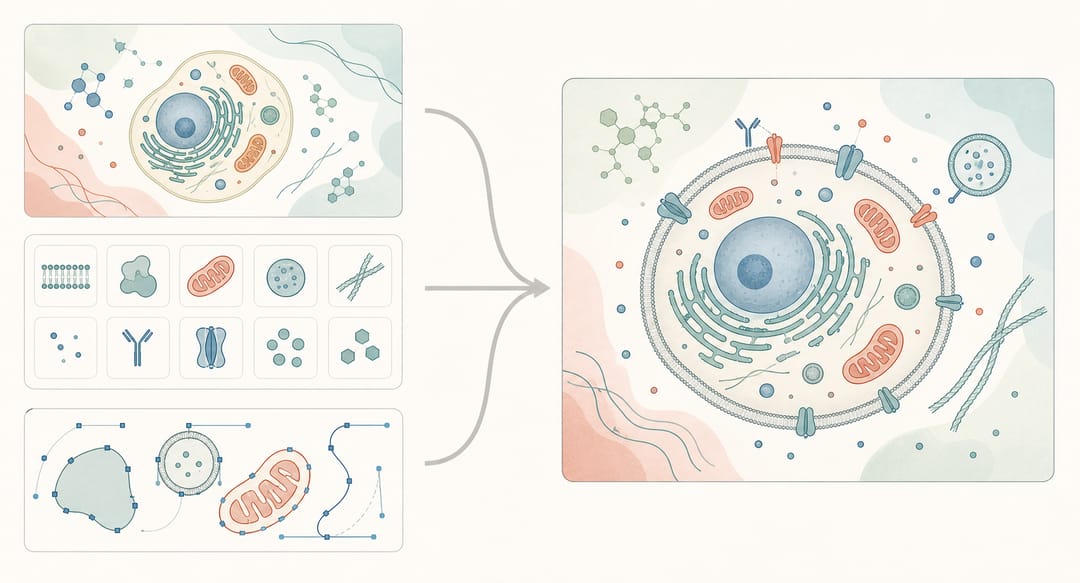 Pairing AI generation with a vector editor or icon library often produces the best final figure.
Migrating from BioRender
If you are currently using BioRender and considering a switch, here are practical steps:
- Export your existing work: Download all figures from BioRender in the highest resolution your plan allows before canceling
- Identify your figure types: Catalog whether you primarily create pathway diagrams, workflow figures, graphical abstracts, or other types
- Match your needs to a tool: Use the decision matrix above to identify the best fit
- Start with your next project: Rather than recreating old figures, try the new tool on your next publication or presentation
- Keep a free BioRender account: Even if you switch primary tools, maintaining a free account gives you access to their library for reference and drafting
For more on the BioRender alternative landscape, visit our dedicated comparison page.
Try SciDraw AI Free
Ready to explore an AI-powered approach to scientific illustration? SciDraw AI offers:
- 10 signup credits plus 5 daily credits -- enough to test real figure workflows before paying
- No watermarks on free tier exports
- AI generation from text descriptions -- no design skills needed
- Scientific templates and styles for every research field
- Publication-quality export in multiple formats
Visit SciDraw AI Drawing to create your first figure in minutes.
FAQ
What is the best free BioRender alternative in 2026?
For most researchers, SciDraw AI — it's the only free option that combines AI text-to-figure generation, SVG vector export, and no watermarks on the free tier. If you only need biology icons, BioIcons + PowerPoint is the lowest-effort free combination. If you have time to learn vector editing, Inkscape gives you the most control.
Can I use BioRender for free without a watermark?
No. BioRender's free tier exports watermarked low-resolution PNG. To remove the watermark and get high-resolution / SVG output, you need a Premium plan ($45–75/month). For watermark-free output on a free tier, switch to SciDraw AI, Inkscape, or BioIcons.
Does the SciDraw AI free tier really export SVG?
Yes. Every plan — including the signup and daily free-credit workflow — includes SVG export with no watermark. We made this an explicit policy because vector export is too important for journal submission to gate.
What's the best BioRender alternative for chemistry or materials science?
SciDraw AI. BioRender's library is heavily biology-weighted; it scored ⭐ on materials science in our benchmark vs SciDraw AI's ⭐⭐⭐⭐. For molecular structures specifically, ChemDraw is the field standard (paid). See SciDraw AI vs Figurelabs vs BioRender for the field-by-field breakdown.
Is Inkscape really a BioRender replacement?
Functionally yes, in workflow no. Inkscape can produce anything BioRender can, but it's a blank canvas — you have to draw or import every element. Realistic only if you already have vector editing experience. For most researchers, Inkscape pairs better with BioIcons (free icon library) than as a standalone BioRender replacement.
Can I use AI to generate a figure for free?
Yes — SciDraw AI offers 10 credits on signup plus 5 daily credits. DALL-E via ChatGPT Free has limited daily use but isn't science-tuned. Midjourney has no free tier. For research figures specifically, SciDraw AI is the only fit at this writing.
How do I migrate from BioRender to a free alternative?
- Export everything from BioRender at the highest resolution your current plan allows (cancel later, not first). 2) Identify your primary figure types (mechanism, workflow, graphical abstract). 3) Pick a tool from the table above based on those types. 4) Try the tool on your next paper, not by recreating old figures. 5) Keep a free BioRender account for icon-library reference.
Are the free alternatives accepted by Nature, Science, and Cell?
The journals don't care which tool you use — they care about output specs (300/600 DPI, TIFF/EPS, Arial/Helvetica). Any of the tools above can produce compliant output if you configure them correctly. SciDraw AI, Inkscape, and draw.io all export to journal specs natively. See Nature, Science & Cell Figure Requirements for the full spec sheet.
What about Servier Medical Art licensing for journal submission?
Servier Medical Art is CC BY 4.0 — free for commercial and academic use with attribution. Add "Adapted from Servier Medical Art (smart.servier.com), licensed under CC BY 4.0" in your figure legend or paper acknowledgments and you're cleared.
Related Guides
- Best Scientific Illustration Software 2026 -- comprehensive comparison of paid and free tools
- AI vs Traditional Scientific Illustration -- when AI generation outperforms manual design
- Graphical Abstract Maker -- create journal-ready graphical abstracts with AI
- BioRender Alternative Tool -- dedicated comparison and migration page
- AI Scientific Illustration Tool -- SciDraw AI's AI-powered illustration platform