There is no single "best" scientific illustration tool — there's a best tool for the figure in front of you. A package that's perfect for chemical structures is weak for graphical abstracts; one that's fast for a poster is wrong for final journal export. So this guide is organized by task, not by a leaderboard.
The short answer for most researchers: if you mainly make graphical abstracts, mechanism figures, and workflow diagrams — and you don't have a designer on call — start with an AI-first tool like SciDraw AI, then drop into Illustrator or Inkscape only for final polish. Here's the by-task breakdown.
| Your task | Best pick | Why |
|---|---|---|
| Graphical abstract / TOC image from a written summary | SciDraw AI | Prompt-to-figure, editable SVG export, any field |
| Mechanism or pathway figure | SciDraw AI | Fast first draft you refine, not a blank canvas |
| Drag-and-drop biology icons, lab already on it | BioRender | Large biology icon library, team consistency |
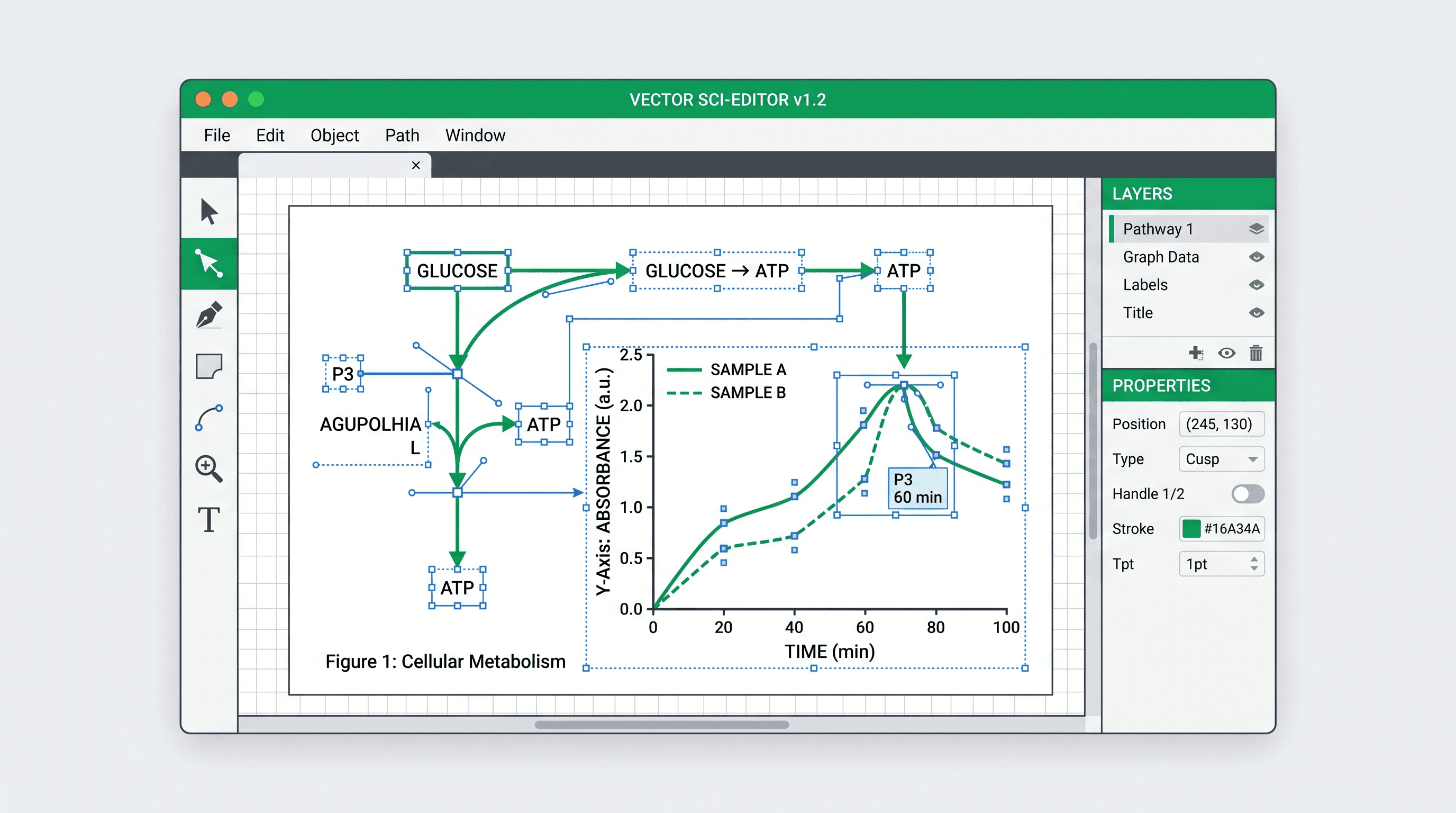
| Maximum manual control, you know vector tools | Adobe Illustrator | Full control, broad export |
| Free manual vector editor | Inkscape | Open source, full SVG/EPS |
| Chemistry structures and reactions | ChemDraw | Field standard for molecules |
| Quick poster / slides | Canva | Easiest learning curve |
| Free icon supplement for any tool | Bioicons | CC-licensed SVG library |
| Artistic cover concept | Midjourney | Strong aesthetic, not scientifically precise |
Make graphical abstracts, mechanisms, or workflows often? Start from a prompt instead of a blank canvas — free daily credits, editable SVG export, no design skills needed.
Who this guide is for
PhD students, postdocs, PIs, lab managers, and medical illustrators choosing — or replacing — their main figure tool. It's most useful if you're:
- outgrowing BioRender's pricing or its biology-only library,
- unwilling to sink 100 hours into Illustrator,
- wanting an AI-first workflow but worried about journal compatibility,
- working across fields (biology + chemistry + materials).
When this guide isn't what you need
- One-off figure for a class assignment → just open Canva or PowerPoint.
- You only want a BioRender alternative → go straight to BioRender Alternative or 5 Free BioRender Alternatives.
- You're comparing AI-only tools → SciDraw AI vs Figurelabs vs BioRender.
Start from the figure you need
| Figure task | Where to start |
|---|---|
| Graphical abstract or TOC image | Graphical Abstract Maker |
| Mechanism or pathway figure | Mechanism Figure Generator |
| Experimental workflow / technical route | Workflow Diagram Generator or Research Roadmap Maker |
| Existing figure needs vector editing | Vectorize Image or Edit SVG Figures |
| Journal format check | Figure Checker and Convert |
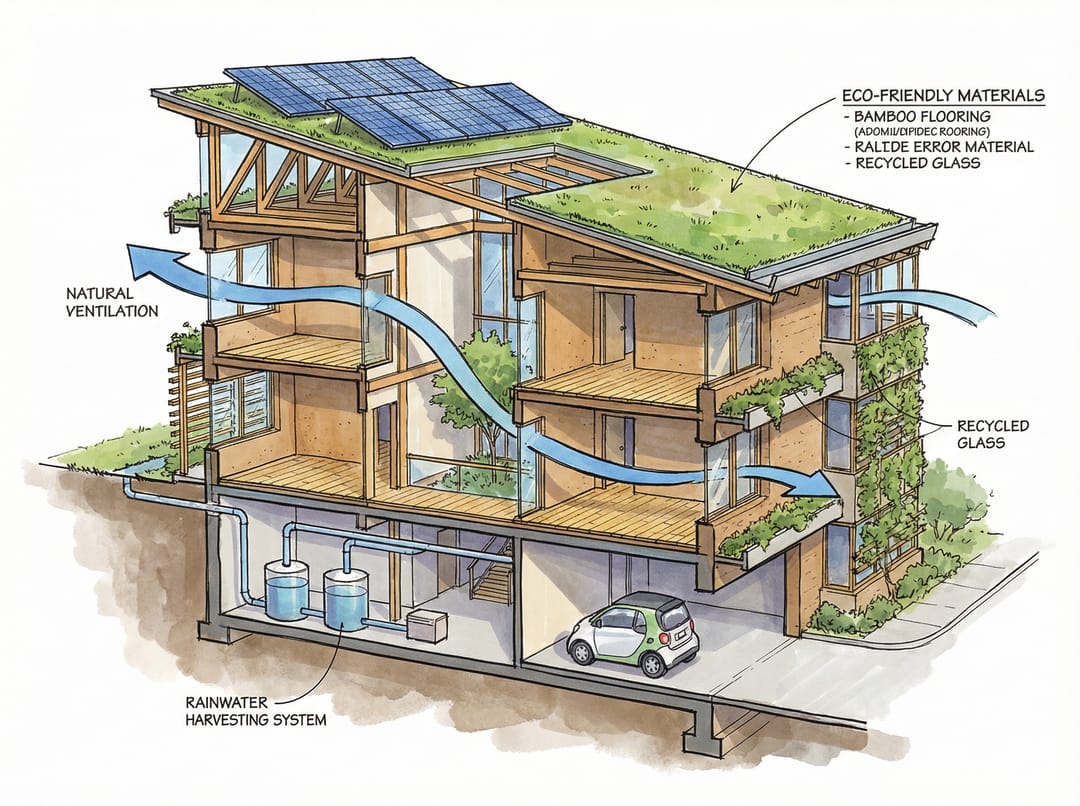 The right tool depends on the figure, not the brand.
How scientific illustration changed
- 2010s — Adobe Illustrator was the painful standard; figures took hours.
- 2020 — BioRender made biology figures easy, but template-driven and biology-only.
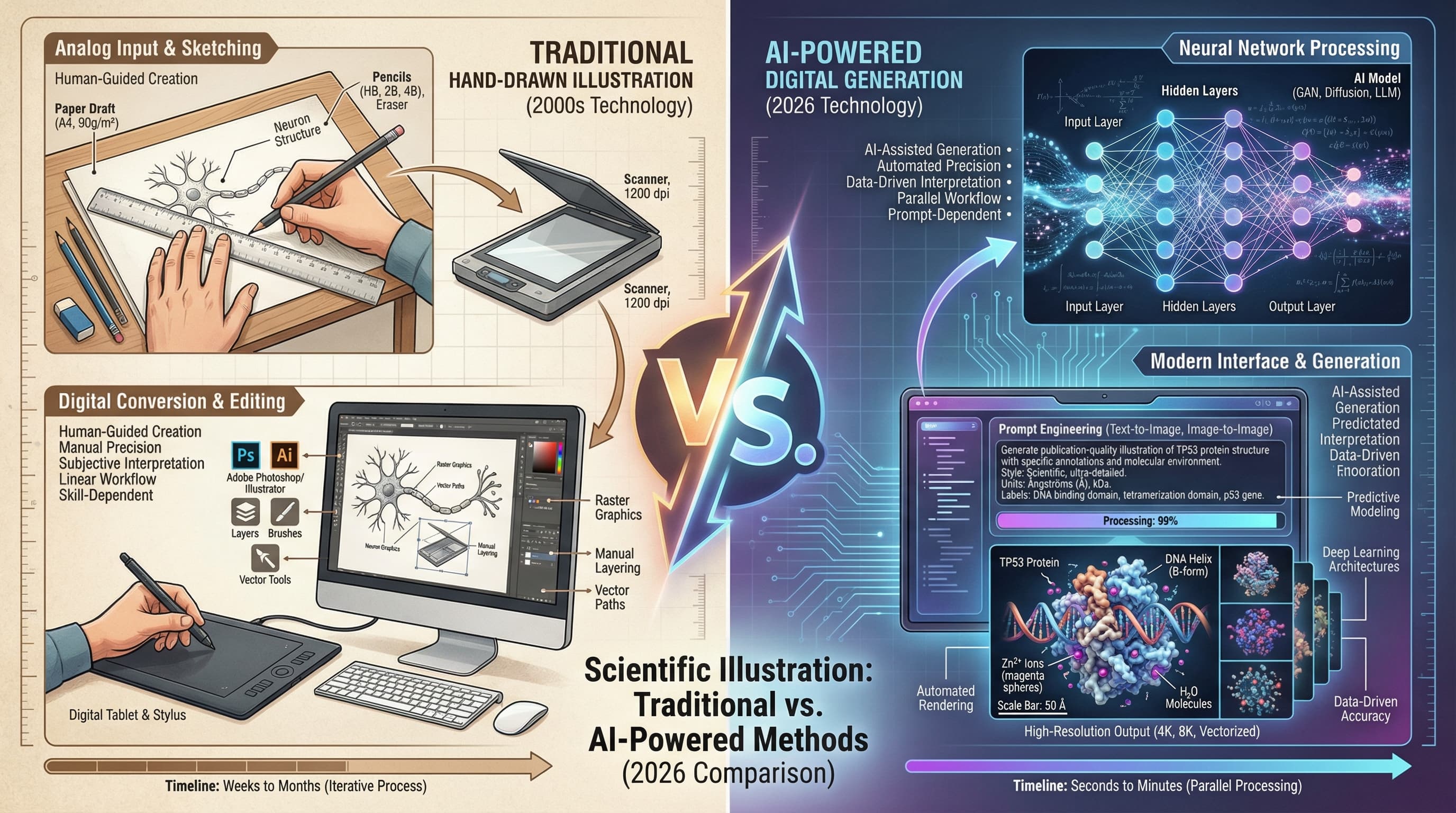
- 2026 — AI tools are genuinely good for drafts: graphical abstracts, mechanisms, workflows, roadmaps. Vector editors still matter for the final 10% of polish. The winning workflow is AI for the draft, manual tools for the finish.
The tools, by what they're actually good at
SciDraw AI — best when you start from words, not a canvas
Type: AI scientific illustration & figure generator.
Best for: graphical abstracts, mechanism figures, workflow diagrams, research roadmaps, proposal figures, and first drafts of journal figures.
Strengths
- Prompt-to-figure: describe the result, get a draft in seconds.
- Works across fields, not just biology.
- Editable SVG / vector export, so the draft feeds straight into your downstream edits.
- Low learning curve for researchers without design training.
Limits
- Final scientific accuracy still needs your review.
- Pixel-exact icon placement may need a manual pass.
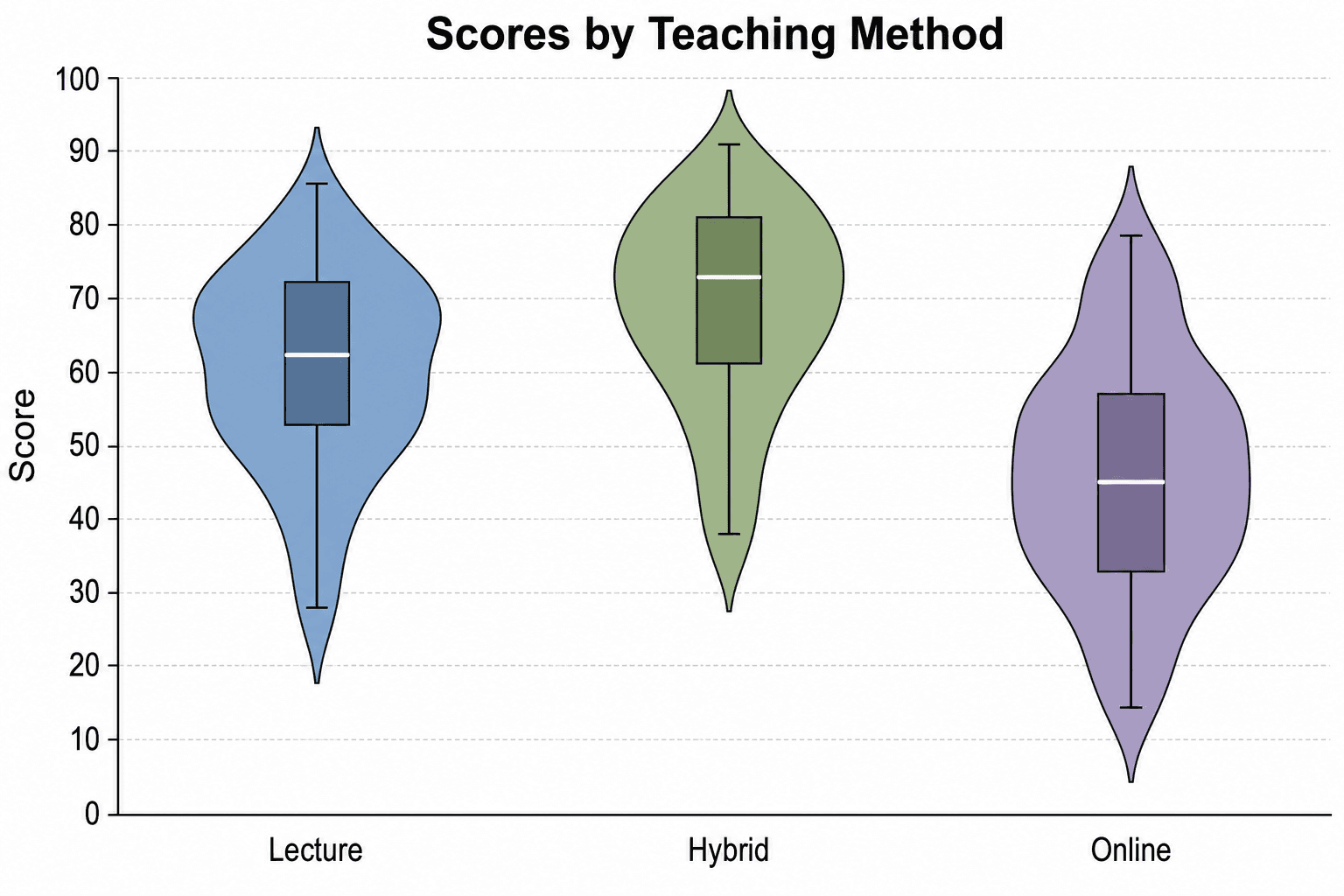
- Data plots should still come from your data tool (or Sci-Vis).
See it on your own figure idea. Free daily credits, editable export.
BioRender — best when your lab is already on it
Type: template / icon-assembly.
Strong for life-science icon assembly, especially when an institution has seats and wants one house style. Watch: pricing and export rights matter for students and small labs; it's biology-centric; heavy icon reuse can make figures look templated. Best for: standard biology schematics and lab-wide consistency.
Adobe Illustrator — best when you need total manual control
Industry-standard vector control and the broadest export support. Watch: a real learning curve (100+ hours), no scientific templates, ~$22.99/month. Best for: researchers with design experience and many figures needing pixel-level art direction.
Inkscape — the free manual editor
Open source, full SVG/EPS editing, cross-platform, $0. Watch: steep learning curve, no scientific templates, less polished UI. Best for: budget-conscious researchers with time to learn vector editing.
ChemDraw — the chemistry standard
The field standard for chemical structures and reaction schemes, with database integration. Watch: chemistry-only, expensive, dated interface. Best for: structures, reaction schemes, organic chemistry. Pair it with SciDraw AI for the surrounding biological/clinical context.
Canva — easiest for slides and posters
Very easy, lots of templates, free tier. Watch: not science-specific, limited scientific elements, can look generic, weak for journal export. Best for: presentations, posters, social graphics.
Bioicons — free icon supplement
A CC-licensed SVG icon library. Icons only — no generation, you assemble elsewhere. Best for: topping up any tool with free scientific icons.
Midjourney — artistic concepts only
Striking aesthetic output for cover concepts. Watch: not science-specific and prone to inaccuracies, so never use it for figures that must be precise. Best for: journal-cover concept exploration.
Head-to-head, by task
Graphical abstracts and TOC images
| Tool | Best when | Watch for |
|---|---|---|
| SciDraw AI | You want a first draft from a written summary | Verify labels, order, final dimensions |
| BioRender | Your field matches its icons and your lab uses it | Licensing, repeated icon style |
| Illustrator | You need exact art direction and have the skills | Long learning curve, slow first draft |
| Canva | You need a presentation-friendly visual fast | Weak for detailed labels / journal export |
Mechanism and pathway figures
| Tool | Best when | Watch for |
|---|---|---|
| SciDraw AI | You need a mechanism/pathway/proposal schematic from a prompt | Validate the science before submitting |
| BioRender | You want standard biology icons with manual control | Slow for non-template mechanisms |
| Illustrator | You already have a precise sketch | Manual drawing time |
| ChemDraw | The core is chemical structure / reaction | Limited for broader biology or clinical context |
Journal submission and revisions
| Task | Best tool |
|---|---|
| Check DPI, size, format | Figure Checker |
| Convert PNG/JPG to TIFF or PDF | Convert |
| Edit SVG labels and colors | PowerPoint, Illustrator, Inkscape, or Vectorize Image |
| Rebuild a figure too blurry to fix | Scientific Figure Maker |
Recommendations by role
- PhD students — SciDraw AI for figures, Canva/PowerPoint for slides. Time and budget are tight; AI drafts plus a free editor cover most needs.
- Postdocs — SciDraw AI + Illustrator for final polish on flagship papers.
- PIs — SciDraw AI for fast figures; delegate detailed Illustrator work.
- Lab managers — BioRender for standardized house style; SciDraw AI for quick one-offs.
Recommendations by field
- Life sciences — SciDraw AI (generation) → BioRender (icons) → Illustrator (custom).
- Chemistry — ChemDraw (structures) → SciDraw AI (surrounding figure) → Illustrator.
- Physics / engineering — SciDraw AI (schematics) → Illustrator (technical) → Python/R (data).
- Medicine — SciDraw AI (illustrations) → BioRender (anatomy) → medical-illustration databases.
Cost, honestly
| Tool | Cost pattern | What to check |
|---|---|---|
| SciDraw AI | Free daily credits + paid plans | Monthly figure volume and export needs |
| BioRender | Subscription / institutional | Export rights, seats, publication use |
| Illustrator | Creative Cloud subscription | Whether the learning curve pays off |
| ChemDraw | Academic / institutional license | Chemistry-specific need, seats |
| Canva Pro | General design subscription | Whether limited scientific export is OK |
| Inkscape | Free | Time for manual editing |
Pick by the figure you need
- Graphical abstract / TOC → Graphical Abstract Maker
- Mechanism figure → Mechanism Figure Generator
- Workflow / technical route → Workflow Diagram Generator or Research Roadmap Maker
- Fix a finished figure → Figure Checker, then Convert
- Full manual control → Illustrator or Inkscape, once the structure is clear
Not sure where to start? Start with the draft. Generate a graphical abstract, mechanism, or workflow from a prompt and polish from there.
FAQ
What's the best scientific illustration software in 2026?
It depends on field and budget. SciDraw AI is the strong AI-first pick for prompt-driven figures across fields. BioRender suits biology icon assembly. Illustrator is the manual-control option if you already know vector tools. ChemDraw owns chemistry structures. Inkscape is the free manual editor. Most researchers end up using two — an AI/draft tool and one editor.
Is there free AI scientific illustration software?
Yes. SciDraw AI gives free daily credits to try AI figures, and general tools like ChatGPT image generation exist too. The difference is workflow: SciDraw AI is built around scientific figures, editable SVG, journal export, and task-specific figure types.
Can I use BioRender for free?
Technically, but the free tier exports watermarked low-resolution PNG only — fine for drafting, not publication. For publication-grade free output, see 5 Free BioRender Alternatives.
What software do journals actually require?
None specifically — they require output: 300/600 DPI, TIFF/EPS/PDF, Arial/Helvetica, exact column widths. Any tool that exports to spec is accepted. Full sheet: Nature, Science & Cell Figure Requirements.
Best tool for PhD students?
A practical stack: one fast generation tool (SciDraw AI for abstracts, mechanisms, workflows), one slide tool (Canva/PowerPoint), one manual editor (Inkscape/Illustrator) for final tweaks.
Is Illustrator worth it for scientific figures?
Worth it if you already know it or need precise manual control over many figures. If you mostly need drafts, mechanisms, workflows, or abstracts, start AI-first and use Illustrator only for final polish.
Can SciDraw AI replace BioRender entirely?
Often, but not always. SciDraw AI is stronger for prompt-driven figures across fields; BioRender still wins when your lab depends on a standardized biology icon library. Breakdown: SciDraw AI vs Figurelabs vs BioRender.
Related Guides
- 8 AI Prompt Rules for Scientific Figures — write better prompts for research visuals
- AI vs Traditional Scientific Illustration — comparison and decision guide
- AI Tools for PhD Students — essential tools for doctoral research
- Free AI Graphical Abstract Maker — create visual abstracts in minutes
- BioRender Alternative — compare SciDraw AI with BioRender