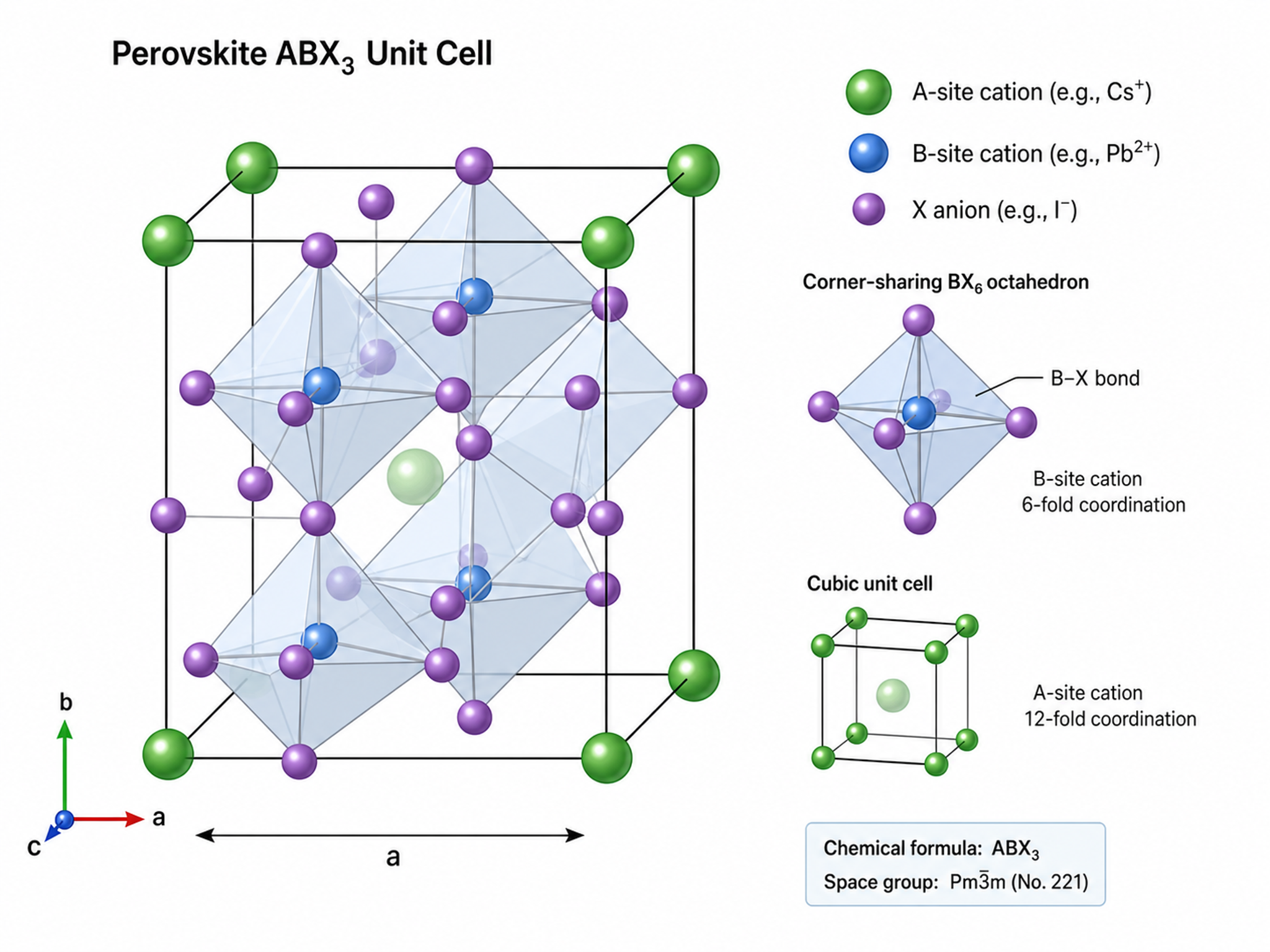
Free AI Materials Science Figure Generator
From crystal structures to publication-ready illustrations
SciDraw AI generates professional materials science figures — crystal lattice diagrams, synthesis workflows, characterization schematics, and microstructure illustrations — tailored for journals like Advanced Materials, ACS Nano, and Nature Materials.
Materials Science Figure Examples
Browse examples across crystals, nanomaterials, energy, and devices, or generate your own above.
What can this AI materials science figure generator do?
This free AI materials science figure generator turns a plain-text description of your material, structure, or process into a clean, publication-ready figure. Describe a crystal lattice, a synthesis route, a characterization panel, or a device cross-section, and it produces a labeled illustration ready for journals such as Advanced Materials, ACS Nano, Acta Materialia, and Nature Materials.
Why materials science papers need clear figures
- Show crystal structures and microstructures that text alone cannot convey
- Communicate multi-step synthesis and fabrication routes at a glance
- Integrate characterization results (XRD, SEM, TEM, EDS) into coherent panels
- Help reviewers quickly grasp device architecture and working mechanisms
- Meet the figure standards of ACS, RSC, Elsevier, and Wiley journals
How to create an effective materials science figure
An effective materials figure makes structure, process, and properties readable at a glance. Start with the single idea the figure must convey, name the key components and their relationships, and add scale bars, labels, and directional arrows where they aid understanding. Keep colors consistent and text minimal. SciDraw AI generates journal-ready materials science figures that follow these conventions automatically.
Common elements in materials science figures
- Crystal structures or unit cells with labeled atoms and lattice axes
- Synthesis or fabrication steps connected by directional arrows
- Characterization panels (XRD, SEM, TEM, AFM, EDS) with annotations
- Device or thin-film cross-sections with labeled functional layers
- Scale bars, dimensions, and reaction-condition annotations
- Consistent color coding and minimal text labels
Frequently Asked Questions
What types of materials science figures can I create?
You can create crystal structure diagrams (unit cells, lattice models), synthesis process flowcharts, characterization instrument schematics (XRD, SEM, TEM, AFM), thin film deposition diagrams, phase diagrams, microstructure illustrations, nanostructure visualizations, and multi-step fabrication process figures.
Can SciDraw AI illustrate crystal structures accurately?
SciDraw AI generates schematic crystal structure representations suitable for publication figures. For precise crystallographic models with exact atomic coordinates, we recommend dedicated crystallography software — but for schematic illustrations showing crystal symmetry, unit cell geometry, and defect structures in paper figures, SciDraw AI produces professional results.
Does it support characterization technique schematics?
Yes. Describe your characterization setup — XRD diffractometer configuration, SEM column optics, TEM imaging mode, AFM tip-sample interaction — and SciDraw AI will generate a clear instrument schematic with labeled components, beam paths, and detection systems.
Can I create multi-panel figures for materials papers?
Absolutely. Generate synthesis-characterization-property correlation figures, comparative material performance panels, or sequential processing step illustrations. The output supports the multi-panel figure format common in Advanced Materials and ACS Nano.
Are figures suitable for ACS and RSC journal submission?
Yes. All exports meet the figure requirements of ACS (JACS, ACS Nano, Chemistry of Materials), RSC (Journal of Materials Chemistry), Elsevier (Acta Materialia), and Wiley (Advanced Materials) journals. High-resolution output with proper color models (CMYK-compatible) is supported.
Can I visualize nanomaterials and nanostructures?
Yes. Describe nanoparticle morphologies (core-shell, Janus, rod, wire, sheet), self-assembled structures, quantum dots, carbon nanotubes, or graphene-based architectures. SciDraw AI generates accurate schematic representations with scale bars and dimensional annotations.
What is the best AI tool to draw materials science figures?
BioRender's library is biology-weighted and produces poor materials science output. SciDraw AI's Materials Science Figure Generator is tuned across XRD, SEM, TEM, AFM, EDS, XPS, Raman, and standard characterization conventions, and produces figures that meet ACS Nano, JACS, Chemistry of Materials, Advanced Materials, Acta Materialia, and Nature Materials submission specs. Free tier with SVG export included.
Can the tool generate a TOC graphic for an ACS journal?
Yes. Describe your central finding in one sentence and pick the journal target (e.g., JACS = 1.75 × 3.25 inches; ACS Nano = 1.75 × 3.5 inches). The AI generates a TOC-format graphic with labeled materials, mechanisms, or instrument schematics that fits the exact dimensions and DPI required by ACS, RSC, and Elsevier portals.
Can I generate a synthesis route diagram for an inorganic materials paper?
Yes. List the precursors, solvents, temperature/pressure conditions, processing steps (sol-gel, hydrothermal, CVD, PLD, spray pyrolysis), and target material. The AI assembles a synthesis route diagram with arrows, condition annotations, and intermediate products. Supports the ACS-style synthesis route conventions used in Inorganic Chemistry, Chem. Mater., and Adv. Mater.
Explore More Tools
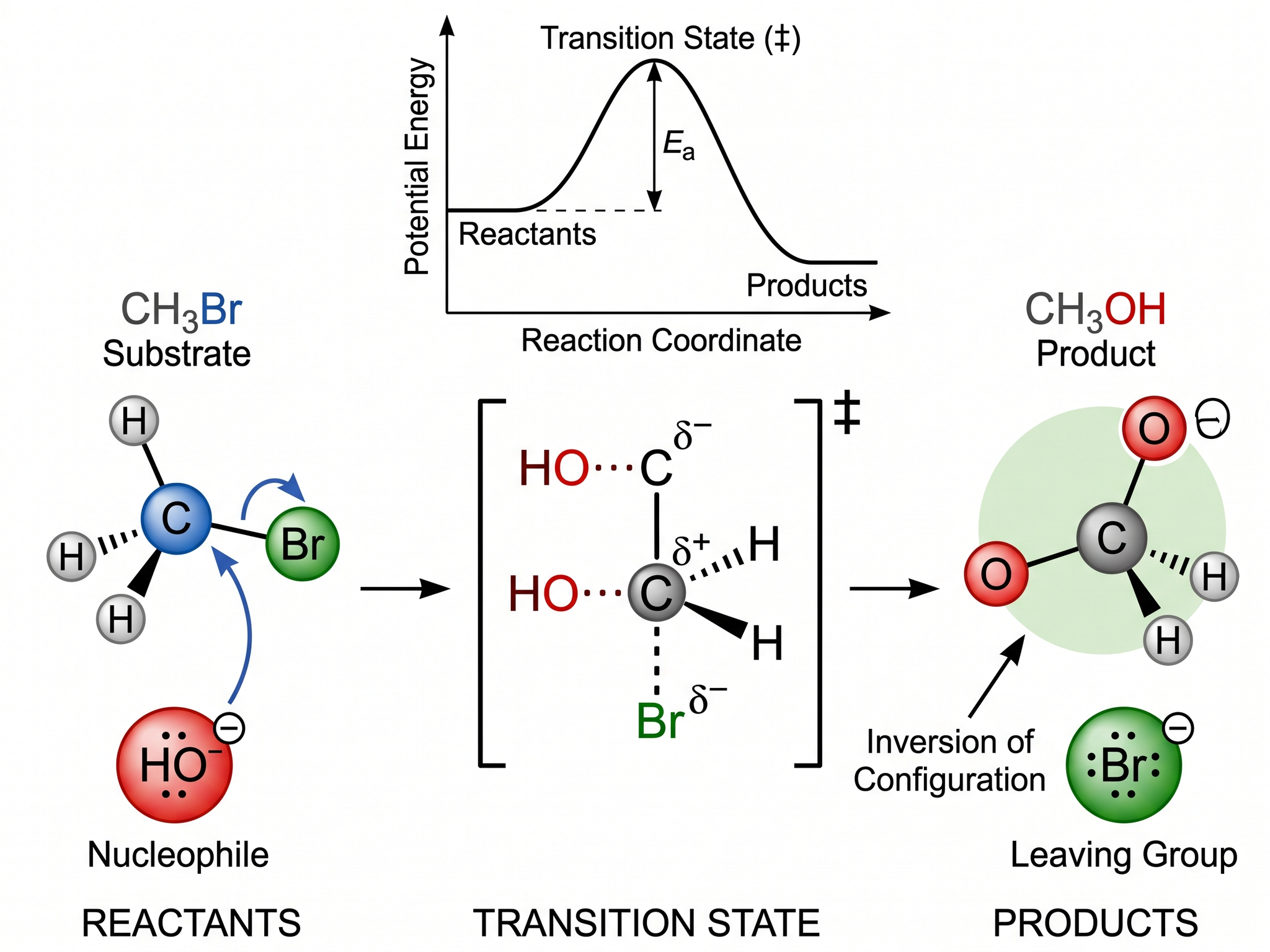
Chemistry Diagram Generator
Create chemistry figures, TOC graphics, and molecular visuals
Try it free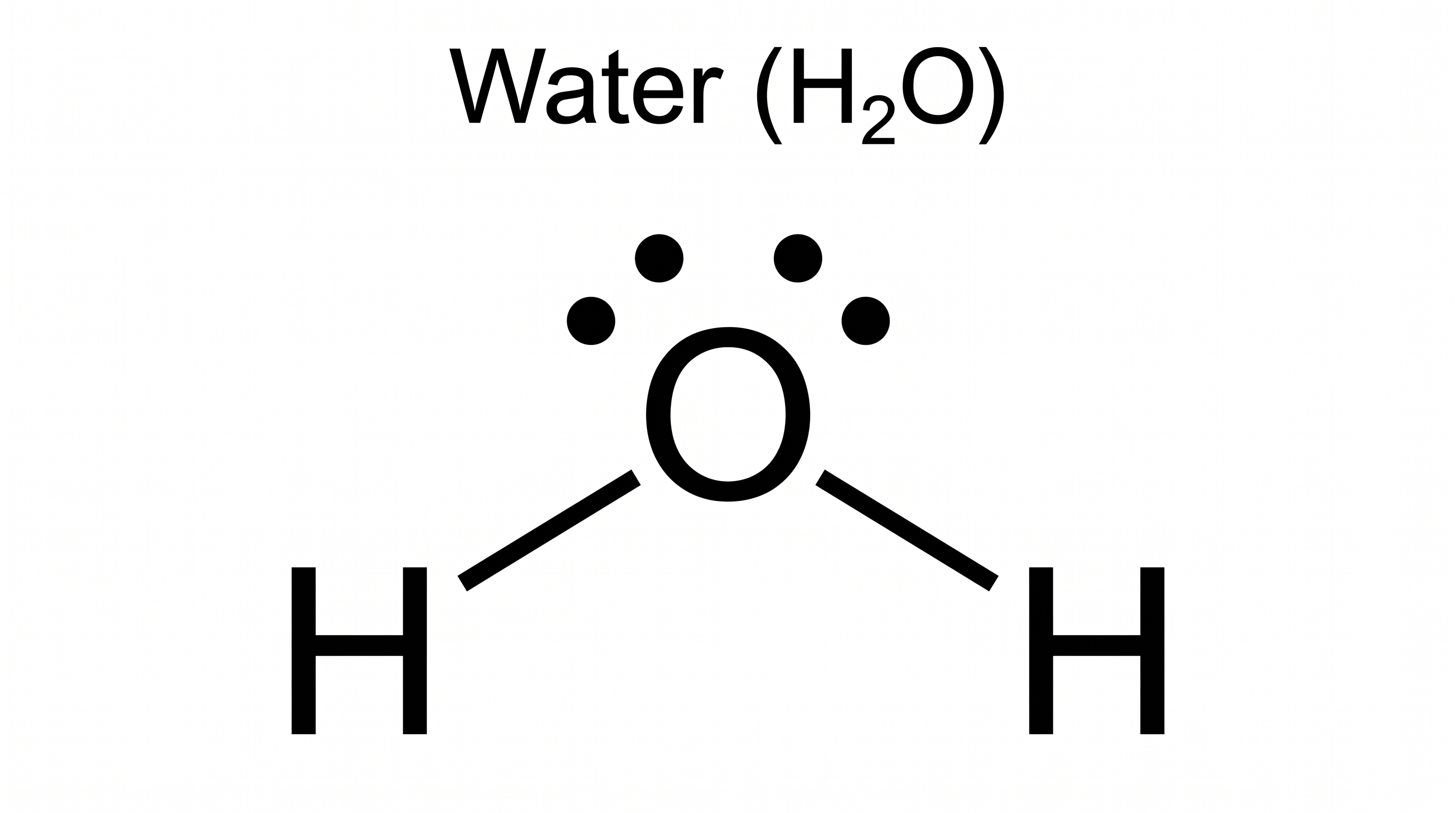
Lewis Dot Structure Generator
Draw electron dot diagrams for any molecule or ion instantly.
Try it free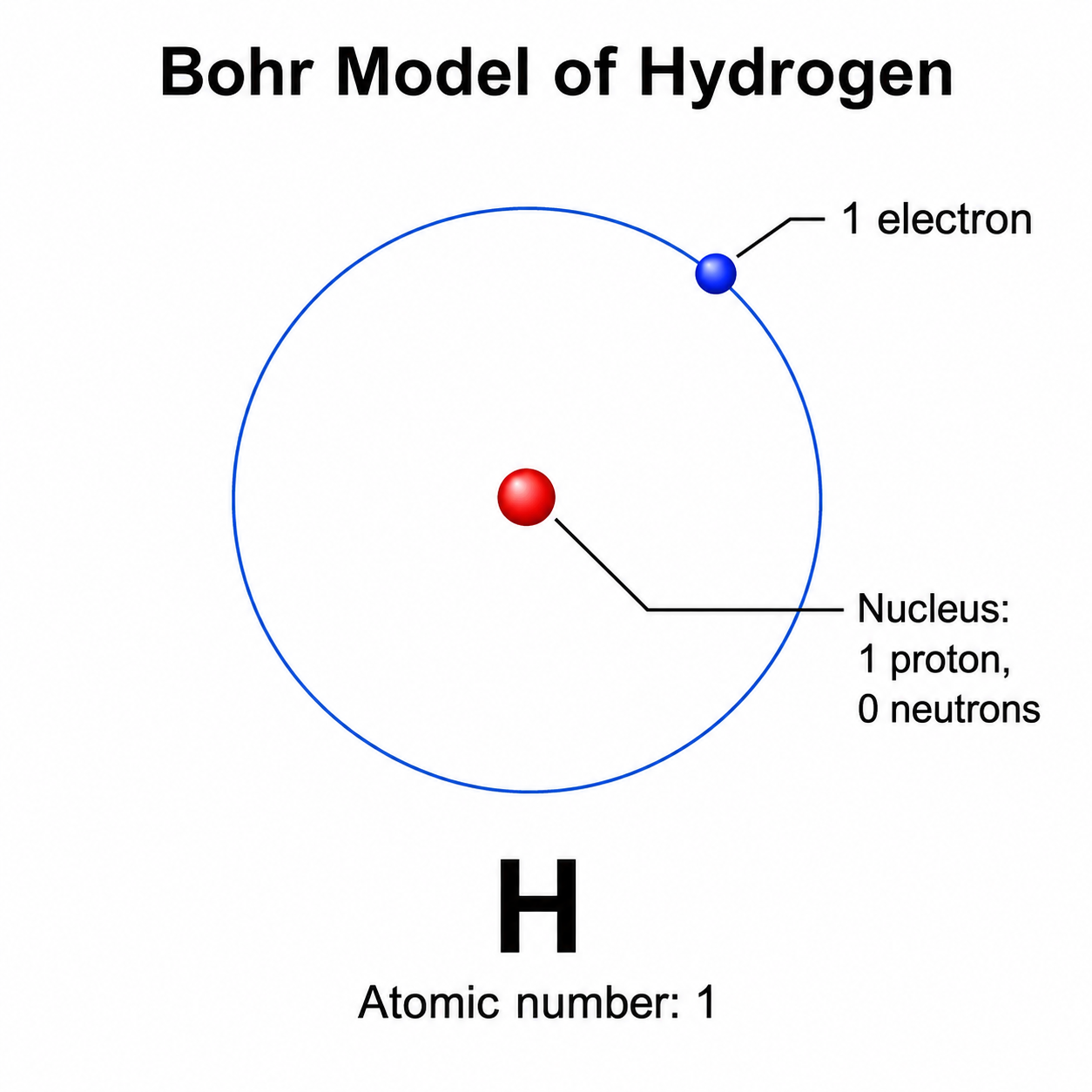
Bohr Model Maker
Draw clean, labeled Bohr diagrams with a nucleus and electron shells from a text prompt.
Try it freeCreate your materials science figure now
Join thousands of materials researchers who use SciDraw AI to visualize crystal structures, synthesis processes, and characterization results.