Free Bohr Model Maker
Draw a Bohr diagram of any atom from plain text
Name an element or give the number of electrons, and AI draws a clean Bohr model with a central nucleus and correctly filled electron shells — ready for chemistry homework, slides, and revision notes.
Bohr model examples
Click any example to load its prompt, or use it as a starting point for your own Bohr diagram.
What is a Bohr model?
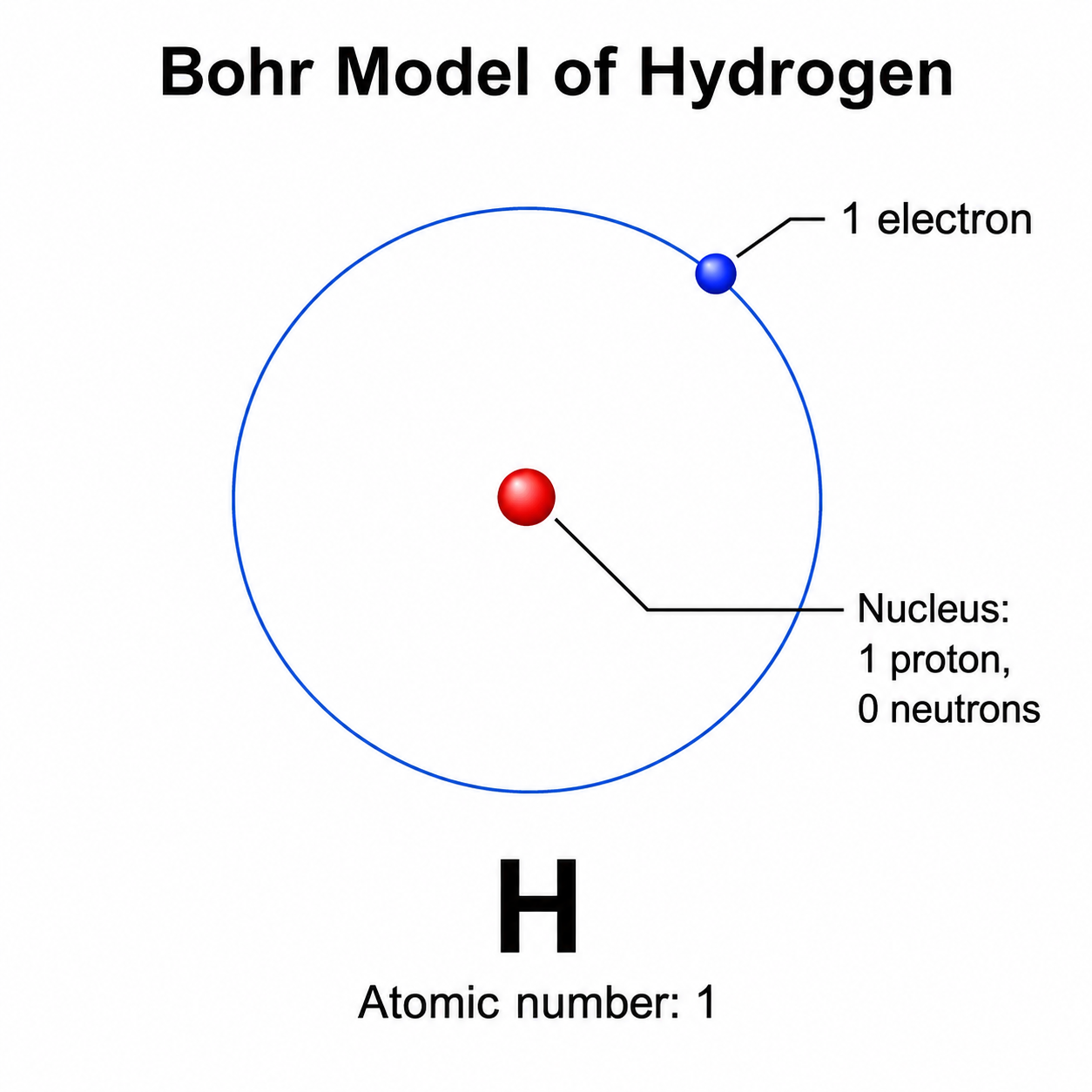
A Bohr model (also called a Bohr diagram or Bohr atomic model) is a simple picture of an atom that shows a central nucleus surrounded by electrons travelling in fixed circular shells, or energy levels. The nucleus holds the protons and neutrons, and each shell can hold only a certain number of electrons — 2 in the first shell, then up to 8 in the next ones for the common elements. This Bohr model maker turns a plain-text description into a clean, labeled diagram: you name the element or give the proton, neutron, and electron counts, and the AI draws the nucleus, the correct electron shells as concentric circles, and the electrons as dots, with the element symbol and valence electrons labeled — no drawing skills needed. It is a drawing and labeling tool, so you supply the element or electron count and check the chemistry yourself.
Why use a Bohr model maker
- Bohr models are one of the first ways students learn to picture atomic structure, electron shells, and valence electrons in chemistry.
- Drawing neat concentric shells with the right number of evenly spaced electron dots by hand is fiddly and easy to get wrong.
- A clearly labeled Bohr diagram makes the link between an element's atomic number and its electron arrangement obvious.
- Teachers need quick, presentable atom diagrams for worksheets, slides, and exam questions across many different elements.
- Switching elements or changing the labels and regenerating is far faster than redrawing every shell and electron by hand.
How to draw a Bohr model
Here is how to draw the Bohr model step by step. Start with the element — either name it (for example, oxygen) or give its atomic number, which equals the number of protons and, in a neutral atom, the number of electrons. Add the neutron count if you want the nucleus fully labeled. Decide how the electrons fill the shells: 2 in the first shell, then up to 8 in each of the next shells for common elements, until all the electrons are placed. Say which labels you want — element symbol, atomic number, valence electrons, shell names — then generate the Bohr diagram. Check that the nucleus, shell counts, and electron arrangement match the element, and refine the description if anything looks off. Because this is a drawing tool, confirm the electron configuration yourself.
Parts of a Bohr model
- Nucleus — the dense center of the atom, holding the protons and neutrons, usually labeled with their counts.
- Electron shells / energy levels — the concentric circles around the nucleus where electrons travel, often named K, L, M, N.
- Electrons — small dots placed on the shells, one for each electron in the atom, evenly spaced around each circle.
- Shell capacity — how many electrons each shell can hold (2, then 8, 8, …), which controls how the shells fill up.
- Element symbol — the one- or two-letter symbol (H, C, O, Na) naming the element, usually placed in or near the nucleus.
- Labels — the atomic number, neutron count, and the highlighted valence (outermost) electrons that drive bonding.
Bohr Model Maker FAQ
What is a Bohr model?
A Bohr model is a simple diagram of an atom that shows a central nucleus, containing protons and neutrons, surrounded by electrons moving in fixed circular shells called energy levels. Each shell holds a set number of electrons, so the model makes an element's atomic structure and valence electrons easy to picture. It is also called a Bohr diagram or Bohr atomic model.
How do I draw a Bohr model online?
Name the element or give the number of protons, neutrons, and electrons, and say how you want it labeled. This online Bohr model maker then draws a clean diagram with the nucleus in the center, the electron shells as concentric circles, and the electrons as dots — no drawing skills or software needed. You provide the element or electron count, and it does the drawing.
Can it make a Bohr model of a specific element?
Yes. Just name the element — such as hydrogen, carbon, oxygen, sodium, or any other — or give its atomic number, and describe the electron arrangement you want. The Bohr model maker draws that atom's nucleus and electron shells. Because it is a drawing tool, double-check that the proton, neutron, and electron counts and the shell filling are correct for the element you chose.
Does it fill the electron shells automatically, and is it always correct?
SciDraw AI draws and labels the Bohr model from what you describe — the nucleus, the shells, and the electrons. It is a drawing and labeling tool, not a chemistry calculator, so it does not guarantee a perfect electron configuration. For the most reliable result, state the number of electrons on each shell yourself and verify the diagram against a periodic table.
Is it free?
Each generation uses a small number of credits. New accounts receive free credits, so you can draw a Bohr model without any subscription.
Can I use it for chemistry class or homework?
Yes. The Bohr model generator produces clean, labeled atom diagrams that are well suited to chemistry homework, worksheets, slides, and revision notes. Because it draws rather than calculates, confirm the nucleus and electron-shell counts are correct for the element before relying on it for a formal assignment.
Writing a paper, thesis or grant?
SciDraw AI also makes publication-ready research figures: graphical abstracts, mechanism figures, workflows and conceptual frameworks.
Explore More Tools

Chemistry Diagram Generator
Create chemistry figures, TOC graphics, and molecular visuals
Try it free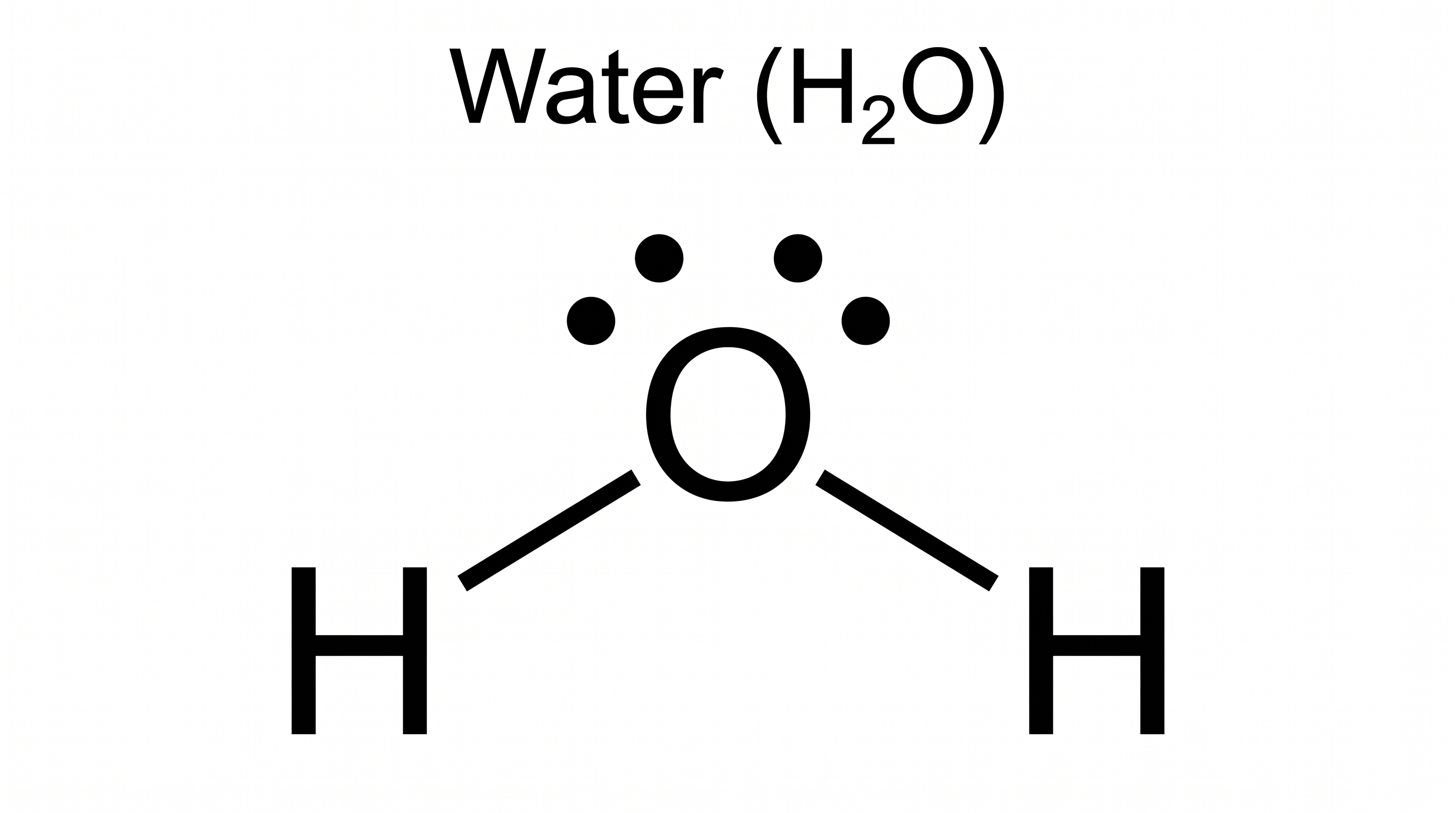
Lewis Dot Structure Generator
Draw electron dot diagrams for any molecule or ion instantly.
Try it free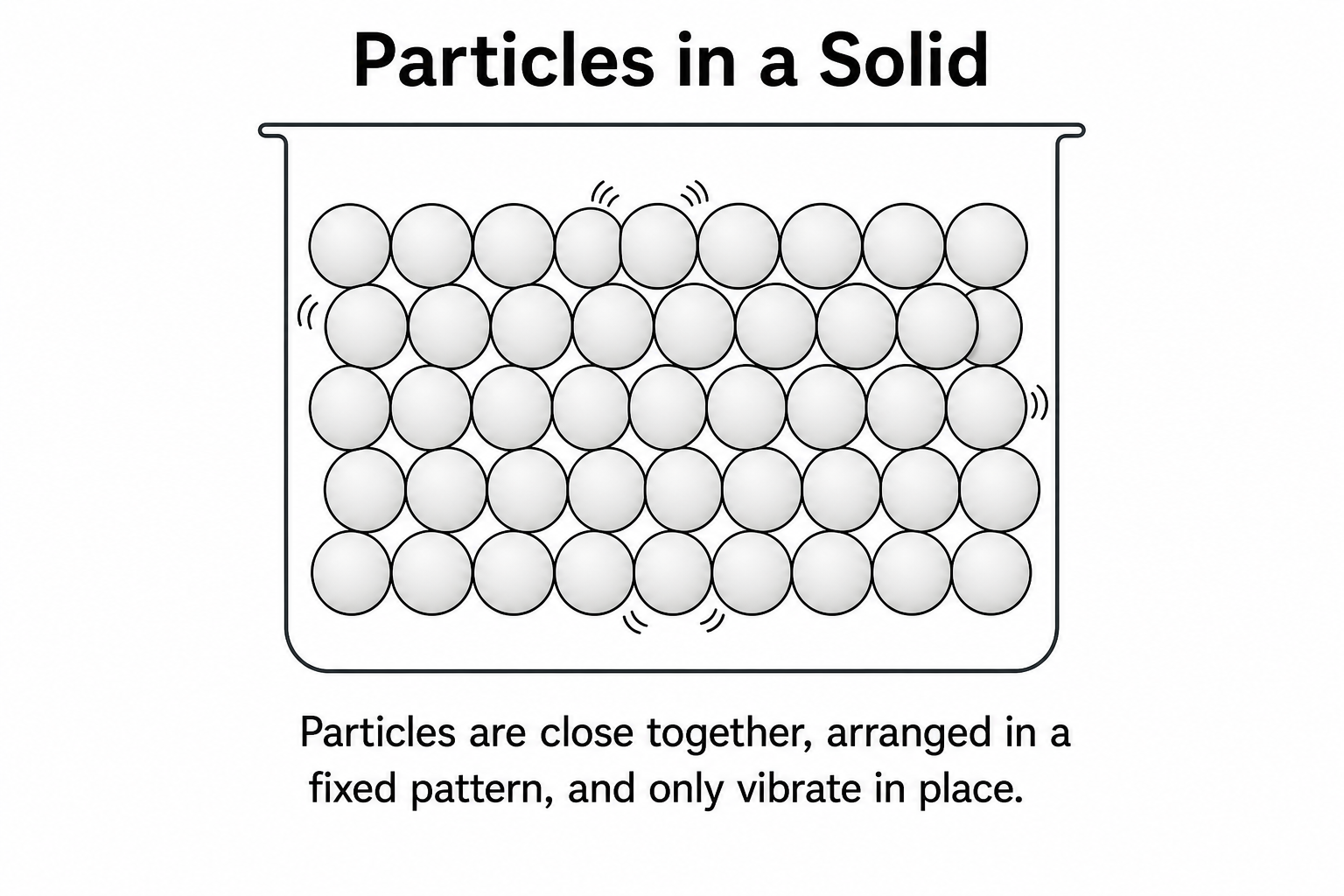
Particle Diagram Generator
Draw labeled solid, liquid, and gas particle diagrams with correct arrangement.
Try it freeNeed other chemistry or science figures?
Draw atomic structure diagrams, scientific figures, and more chemistry visuals with SciDraw AI.