AI Cheat Sheet Maker
Topic or notes in — one-page visual study sheet out
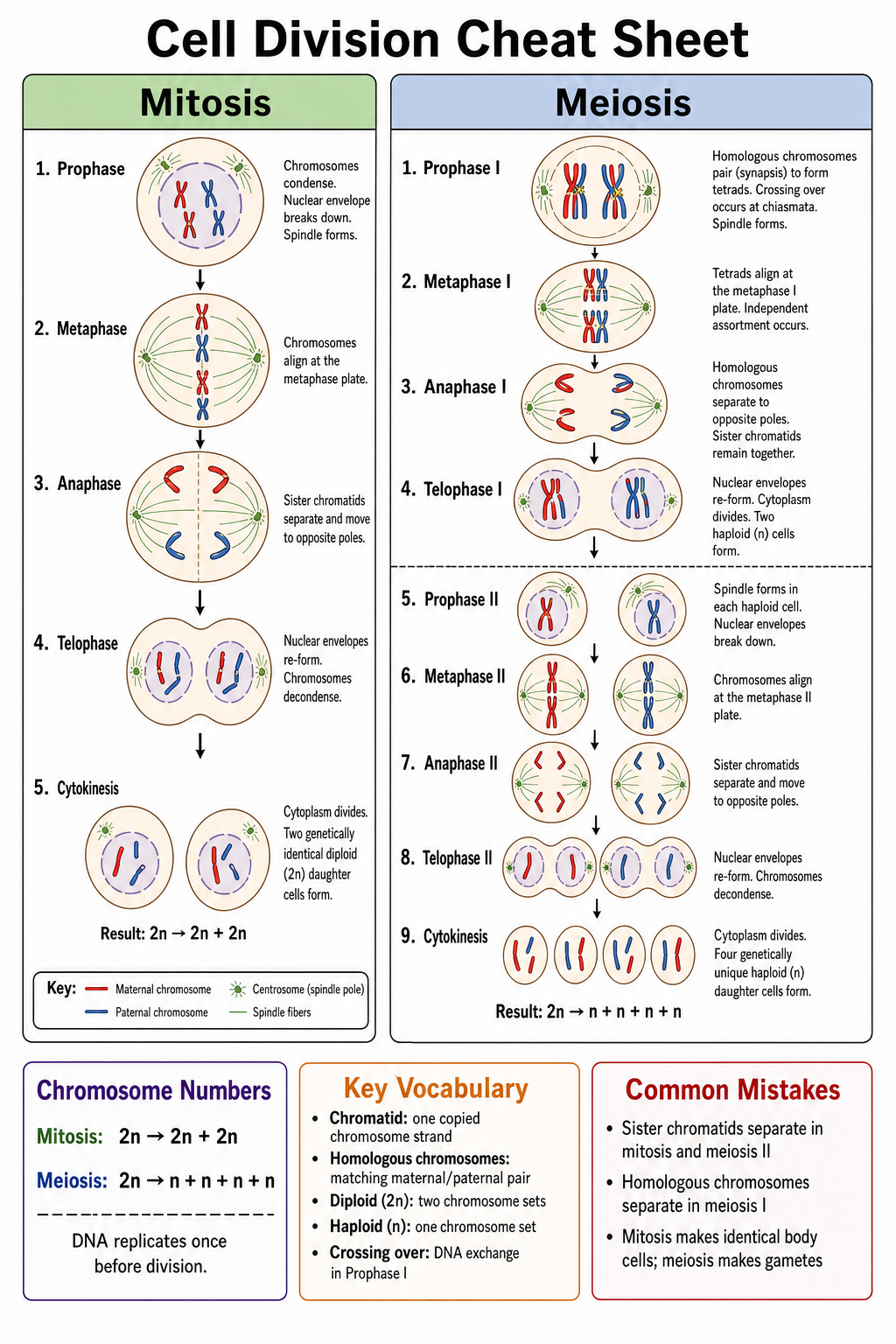
Describe a topic or paste your study notes, and SciDraw AI lays out a dense, readable one-page cheat sheet — boxed sections, key facts, formulas, and small labeled diagrams — ready for revision, exams, and lab prep.
Cheat Sheet Examples
Browse one-page study sheets across science subjects, or generate your own above.
What can this AI cheat sheet maker do?
This free AI cheat sheet maker turns a topic name or your own study notes into a one-page visual summary built for fast revision. Instead of a wall of text, it organizes the material into boxed sections with short headings, compact bullet points, highlighted formulas and definitions, and small labeled diagrams where a picture explains faster than words. You generate the sheet, refine it in the editor, and download it as a high-resolution image for printing or on-screen study. It is designed for science subjects — biology, chemistry, physics, statistics, anatomy, and earth science — where accurate diagrams and correct terminology matter.
Why one-page cheat sheets work
- Condensing a topic onto one page forces you to identify what actually matters
- Visual grouping and boxed sections make facts easier to recall than linear notes
- A single page is fast to review right before an exam or lab session
- Consistent formatting across subjects builds a reusable revision system
- Printable one-page sheets work anywhere — binder, wall, or phone screen
How to make a cheat sheet with AI
Start with a clear scope — one topic per sheet works best, like 'cell division' rather than 'all of biology'. Enter the topic or paste your notes, and mention what must be included: key formulas, definitions, diagrams, or common mistakes. Generate, then check the result against your course material and regenerate or edit any section that needs adjusting. Keep text short and let the layout do the work: boxed sections, bullet points, and small diagrams beat long paragraphs. Finally, download the sheet as a high-resolution image and print it or keep it on your device for quick review.
What a good cheat sheet includes
- A clear title and topic scope so you know exactly what the sheet covers
- Boxed sections with short headings that group related facts together
- Key formulas or definitions in highlighted boxes that stand out at a glance
- Small labeled diagrams where a visual explains faster than text
- Compact bullet points instead of full sentences
- A common-mistakes or exam-tips callout for the tricky parts
AI Cheat Sheet Maker FAQ
What is a cheat sheet?
A cheat sheet is a one-page reference that condenses a topic into its essential facts, formulas, and diagrams for fast review. Students use them for exam revision, teachers hand them out as study aids, and lab courses use them as quick-reference guides. The value comes from the condensing itself — a good cheat sheet contains only what you actually need to remember.
How does the AI cheat sheet maker work?
You enter a topic or paste your study notes, and the AI organizes the material into a structured one-page layout with boxed sections, bullet points, highlighted formulas, and small labeled diagrams. You can then refine the result in the editor and download it as a high-resolution image.
Is the cheat sheet maker free?
Yes — you can sign up and generate for free with daily free credits, no credit card required. Paid plans add a larger monthly credit allowance for heavier use.
Can I make cheat sheets for any subject?
The tool is built for science subjects — biology, chemistry, physics, statistics, anatomy, and earth science — where it keeps diagrams accurate and terminology correct. It also handles adjacent topics like math formulas and lab procedures well.
Can I edit the cheat sheet after generating it?
Yes. You can regenerate with an adjusted prompt to change the content or emphasis, refine the result in the editor, and download the final version as a high-resolution PNG image.
What is the difference between a cheat sheet and a concept map?
A cheat sheet is a dense one-page summary of facts, formulas, and diagrams organized in sections — built for quick reference. A concept map shows concepts as connected nodes with labeled relationships — built for understanding how ideas relate. If you want to see the structure of a topic, use the Concept Map Generator; if you want everything you need on one page, use a cheat sheet.
Writing a paper, thesis or grant?
SciDraw AI also makes publication-ready research figures: graphical abstracts, mechanism figures, workflows and conceptual frameworks.
Explore More Tools
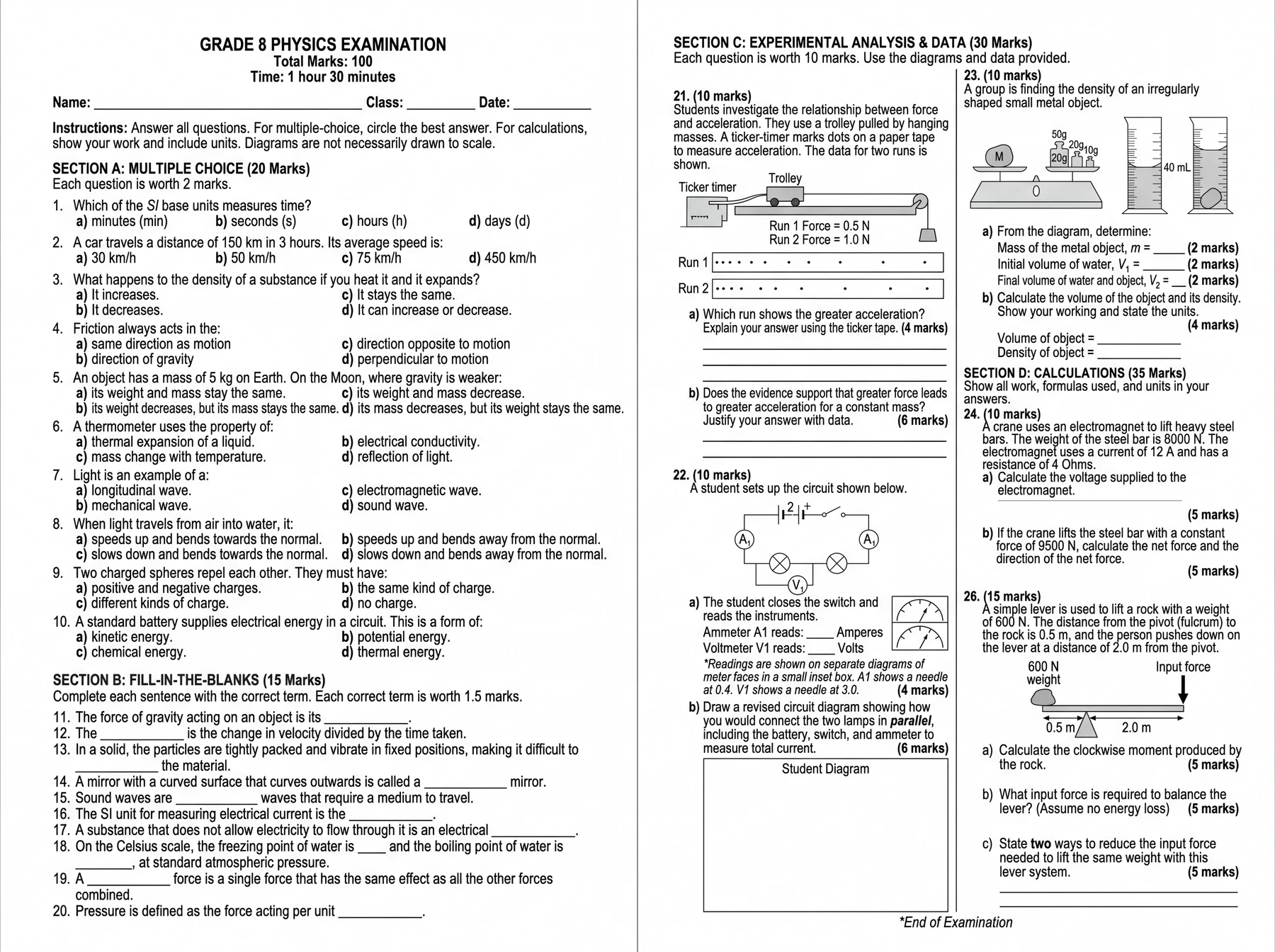
AI Exam & Worksheet Generator
Describe an exam and generate a complete A3 or A4 paper.
Try it free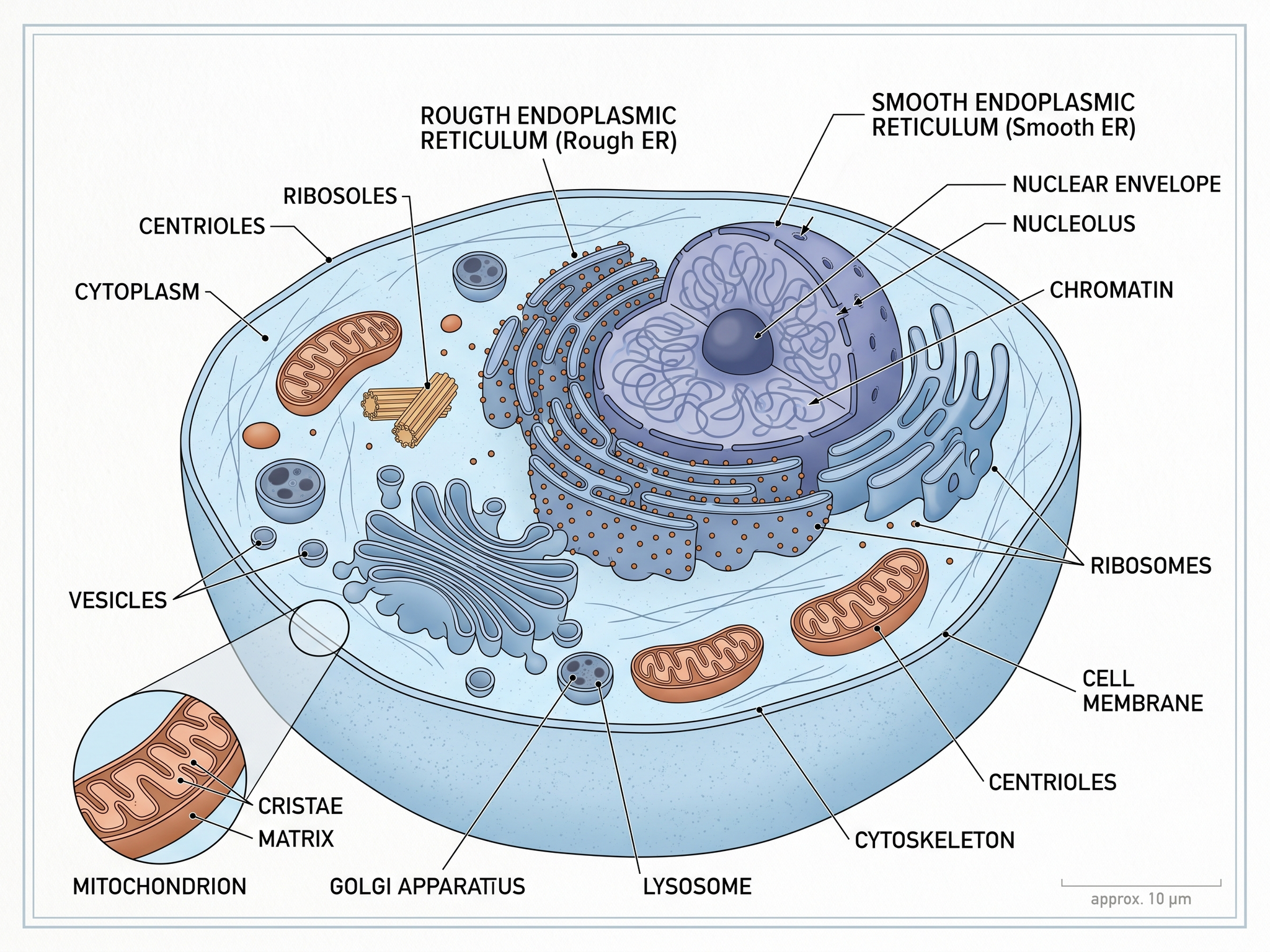
Textbook Illustration Maker
Illustrations tailored for textbooks and learning materials
Try it free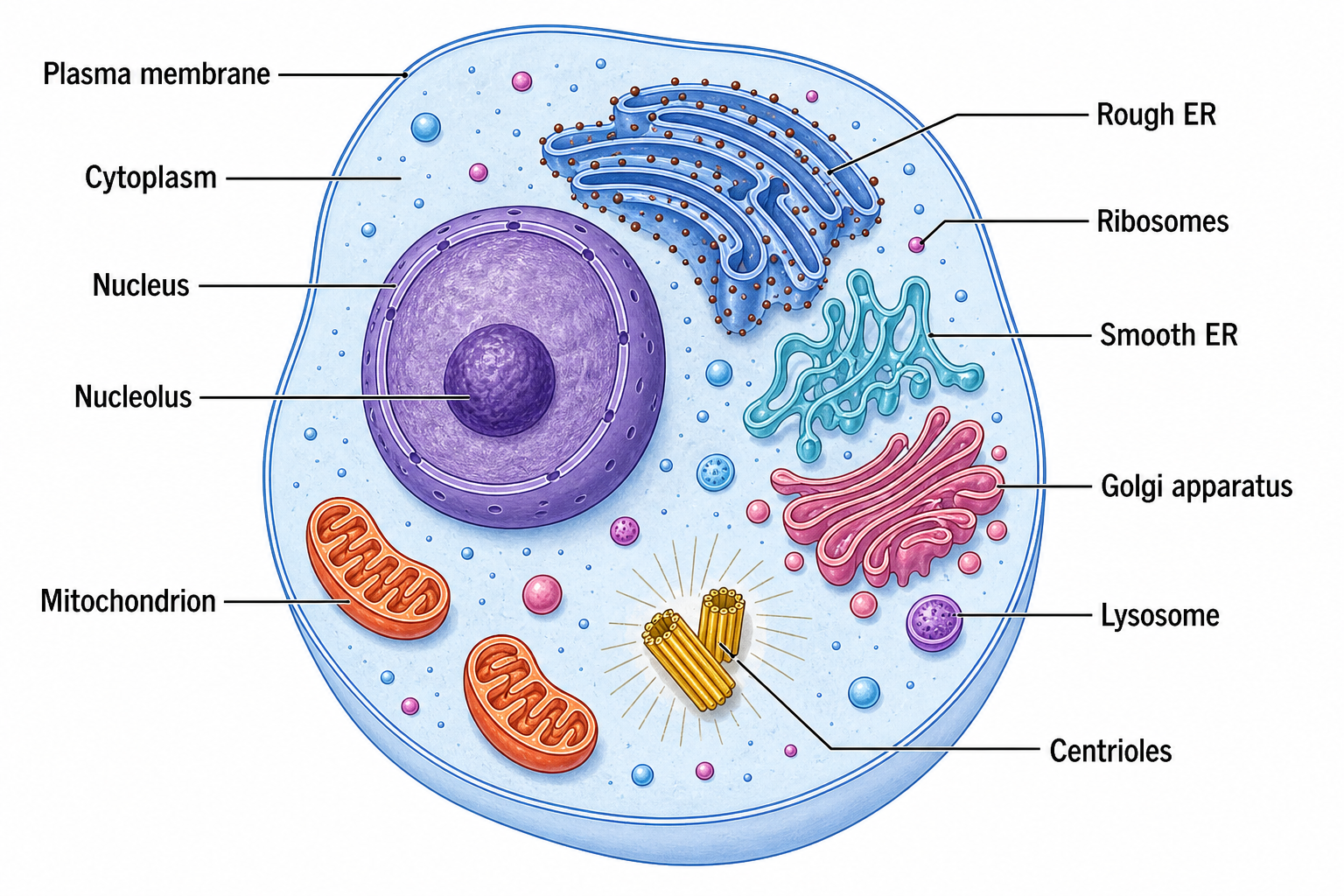
Cell Diagram Generator
Draw labeled animal, plant, eukaryote, and prokaryote cells with correct organelles.
Try it freeReady to Make Your First Cheat Sheet?
Turn any science topic into a one-page study sheet in seconds.