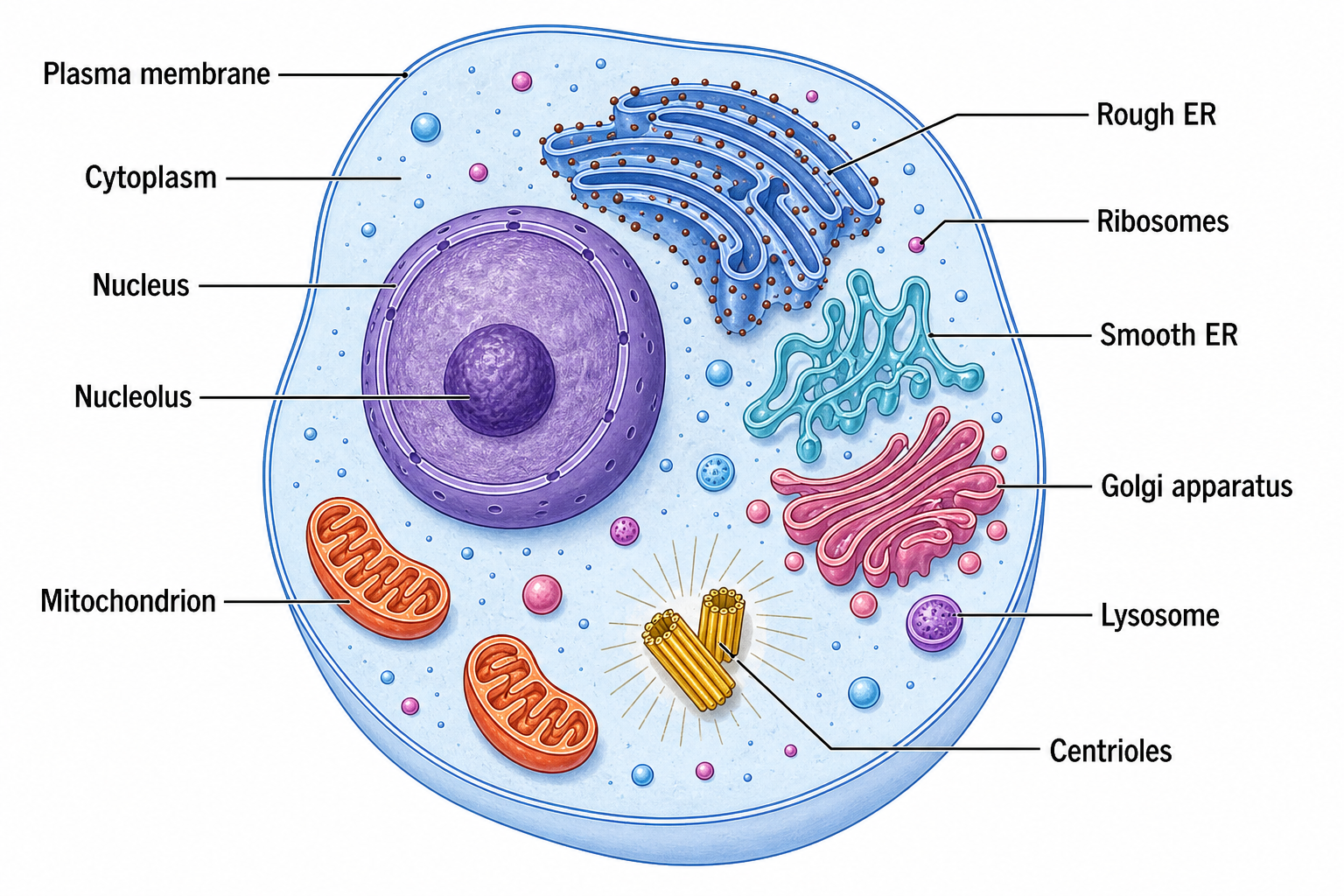
Générateur de diagrammes de cellules : cellules animales, végétales et bactériennes
Créez des structures cellulaires légendées pour les cours de biologie et l'étude
Choisissez une cellule animale, végétale, bactérienne, eucaryote ou procaryote et nommez les organites à afficher. Générez un diagramme de cellule net avec des structures distinctes et des étiquettes lisibles.
Exemples de schémas cellulaires
Cliquez sur un exemple pour charger son prompt, ou utilisez-le comme point de départ pour votre propre schéma cellulaire.
Que fait ce générateur de schéma cellulaire ?
Il transforme la description d'une cellule en un schéma de structure cellulaire net et annoté — le type de figure qui montre chaque organite à sa place avec son nom. Vous indiquez le type de cellule souhaité (animale, végétale, eucaryote, procaryote ou bactérienne) et les éléments à annoter, et l'IA dessine le contour de la cellule, les organites correctement placés, des couleurs distinctes et des étiquettes à lignes de rappel soignées. Elle n'inclut que les structures propres à ce type cellulaire : une cellule bactérienne reçoit ainsi un nucléoïde plutôt qu'un noyau, et une cellule végétale reçoit une paroi cellulaire et des chloroplastes, sans aucun logiciel de dessin ni annotation manuelle.
Pourquoi utiliser un générateur de schéma cellulaire
- Un schéma cellulaire annoté est la façon standard d'enseigner et de présenter la structure cellulaire.
- Dessiner chaque organite au bon endroit à la main est lent et source d'erreurs.
- Des types de cellules différents nécessitent des éléments différents — les eucaryotes ont un noyau, pas les procaryotes.
- Enseignants et élèves ont besoin de figures claires et exactes pour les fiches, les rapports et les diapositives, rapidement.
- Régénérer à partir d'une description est plus rapide que de redessiner à chaque changement de type cellulaire ou d'annotations.
Comment réaliser un schéma cellulaire
Indiquez la cellule que vous voulez dessiner — par exemple une cellule animale, végétale ou bactérienne — et énumérez les organites à annoter, comme le noyau, les mitochondries, le réticulum endoplasmique et la membrane plasmique. Précisez les particularités du type cellulaire (une cellule végétale possède une paroi, des chloroplastes et une grande vacuole ; un procaryote possède un nucléoïde et pas de noyau) ainsi que les couleurs souhaitées. Générez la figure, puis vérifiez que chaque organite est correct et annoté, et affinez jusqu'à ce qu'elle corresponde à ce que vous enseignez ou étudiez.
Types et parties d'un diagramme de cellule
- Cellules animales avec un noyau, des mitochondries, un réticulum endoplasmique, un appareil de Golgi, des lysosomes et une membrane plasmique.
- Cellules végétales avec une paroi cellulaire, des chloroplastes et une grande vacuole centrale, en plus des organites eucaryotes communs.
- Cellules bactériennes et procaryotes avec nucléoïde, plasmides, ribosomes, paroi cellulaire, capsule, pili et flagelle.
- Comparaisons entre eucaryotes et procaryotes qui rendent explicite la présence ou l'absence d'un noyau.
- Étiquettes avec lignes de rappel, légendes de couleurs et mises en page simplifiées pour les fiches d'exercices, les diapositives et les guides d'étude.
- Structures spécifiques à chaque type de cellule sans mélanger les caractéristiques végétales, animales et bactériennes dans un seul diagramme.
FAQ du générateur de schéma cellulaire
Qu'est-ce qu'un schéma cellulaire ?
Un schéma cellulaire est un dessin annoté d'une cellule qui montre chaque organite à sa place avec son nom. Il sert à enseigner et à présenter la structure cellulaire, et il peut représenter une cellule animale, végétale, eucaryote, procaryote ou bactérienne selon les éléments dessinés.
Peut-il dessiner des cellules eucaryotes et procaryotes ?
Oui. Indiquez simplement le type voulu. Une cellule eucaryote (animale ou végétale) est dessinée avec un noyau et des organites entourés d'une membrane, tandis qu'une cellule procaryote ou bactérienne est dessinée sans noyau — elle montre à la place un nucléoïde, et souvent une capsule, un flagelle et un plasmide.
Quelle est la différence entre un schéma de cellule animale et de cellule végétale ?
Les deux sont eucaryotes et partagent un noyau, des mitochondries, un RE, un appareil de Golgi et des ribosomes. Un schéma de cellule végétale comprend en plus une paroi cellulaire rigide à l'extérieur de la membrane, des chloroplastes et une grande vacuole centrale, que les cellules animales ne possèdent pas.
Puis-je annoter des organites précis ?
Oui. Énumérez les organites à nommer dans votre description et le générateur les annote avec des lignes de rappel. Vous pouvez aussi demander des bulles de légende, une légende, ou seulement une partie des structures pour une figure plus simple.
Est-il fiable pour les devoirs de biologie et l'enseignement ?
Il place les organites propres au type cellulaire demandé, ce qui le rend adapté aux fiches d'exercices, aux rapports et aux diapositives. Comme pour toute figure, vérifiez les annotations et les structures par rapport à votre manuel avant de remettre ou de présenter le travail.
Puis-je exporter une figure modifiable ?
SciDraw AI peut exporter vers des formats vectoriels afin que vous puissiez ajuster ensuite les annotations, les couleurs et les organites. Vérifiez toujours le schéma par rapport à une source fiable avant de l'utiliser dans un travail scolaire ou une publication.
Vous rédigez un article, une thèse ou une demande de financement ?
SciDraw AI crée aussi des figures de recherche prêtes à publier : résumés graphiques, schémas de mécanisme, workflows et cadres conceptuels.
Découvrir plus d'outils
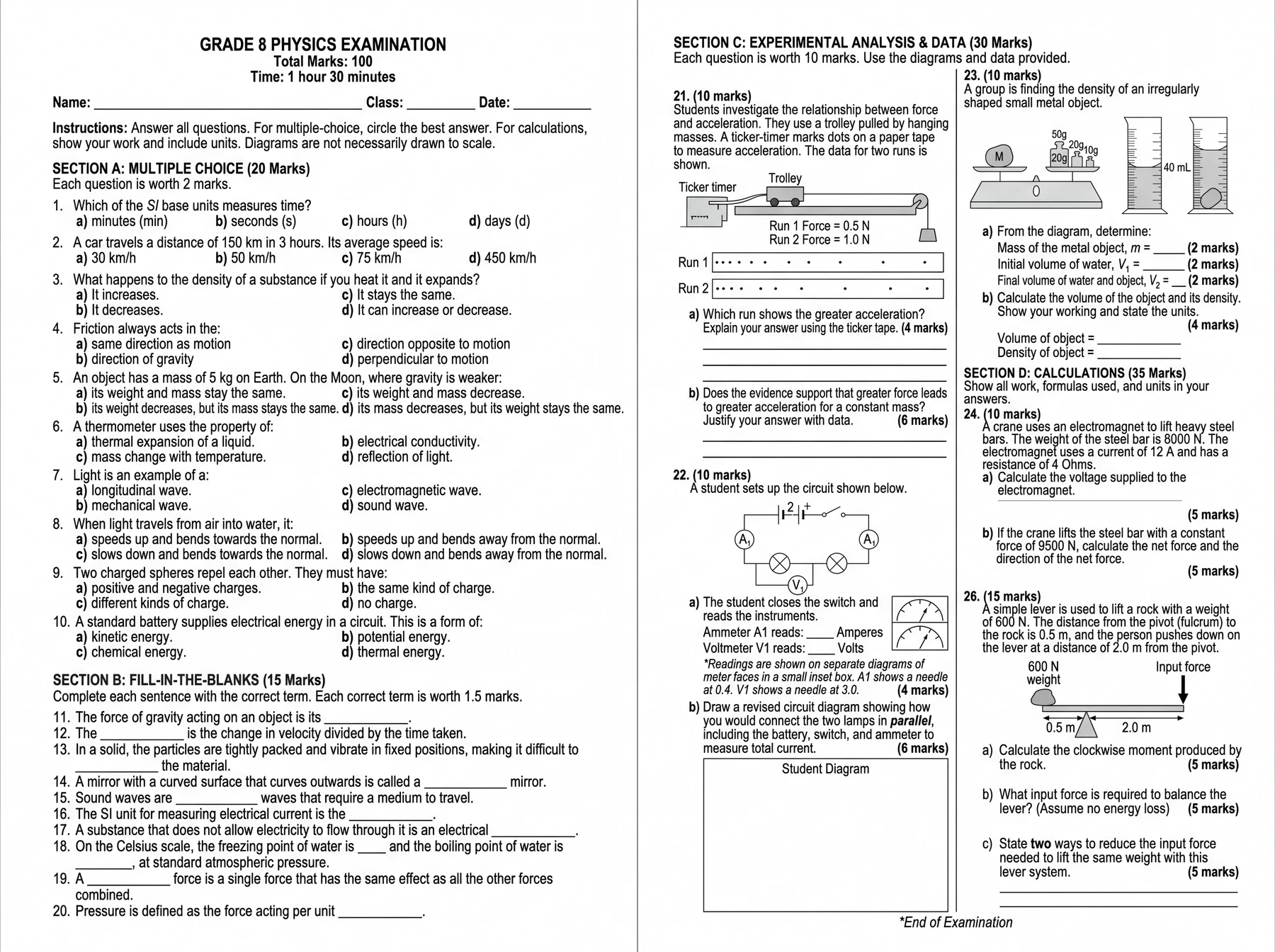
Générateur d'examens et de fiches d'exercices par IA
Une seule consigne. Un sujet d'examen complet.
Essayer gratuitement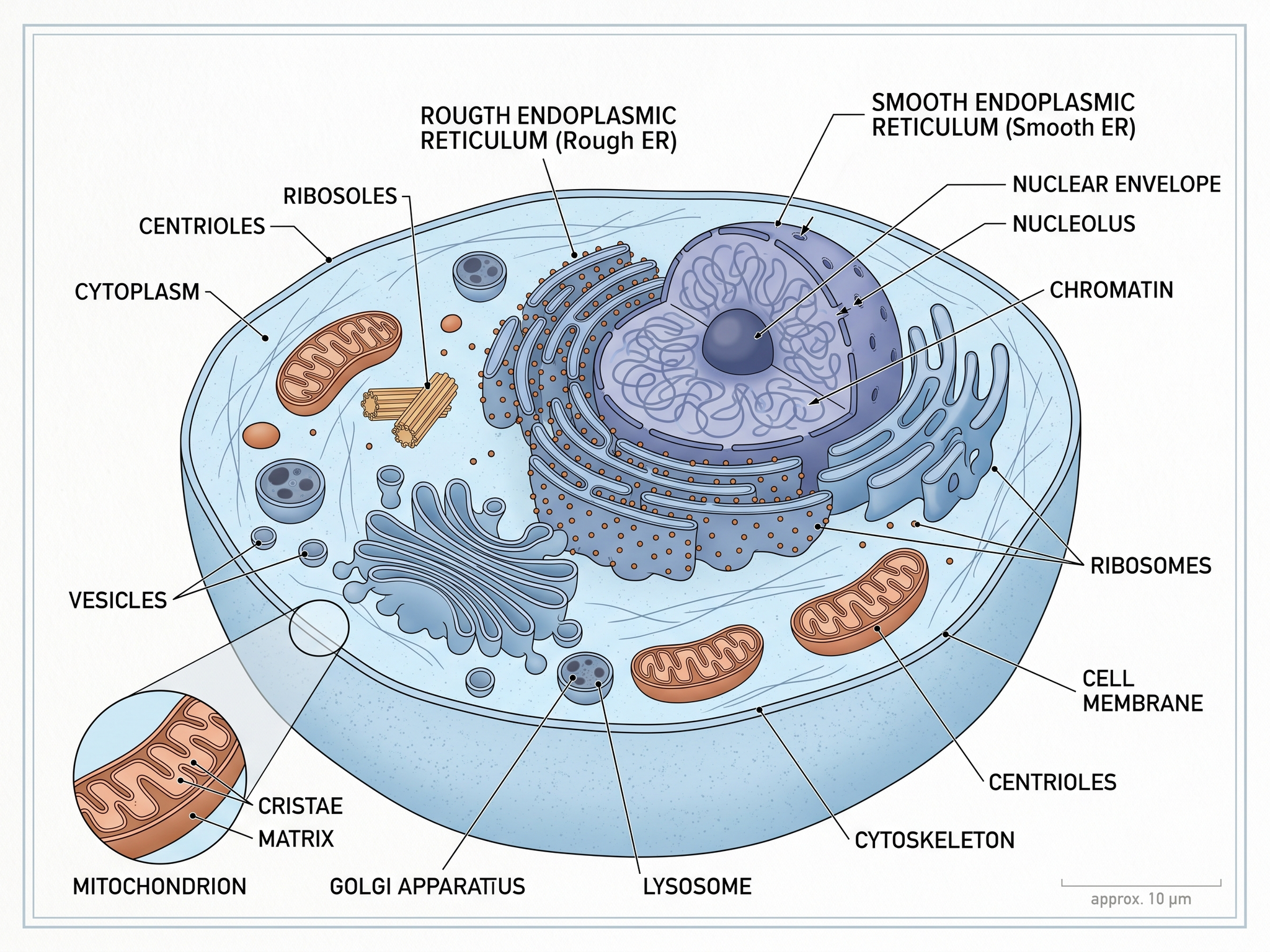
Illustrations pour manuels scolaires
Des illustrations adaptées aux manuels et aux supports pédagogiques
Essayer gratuitement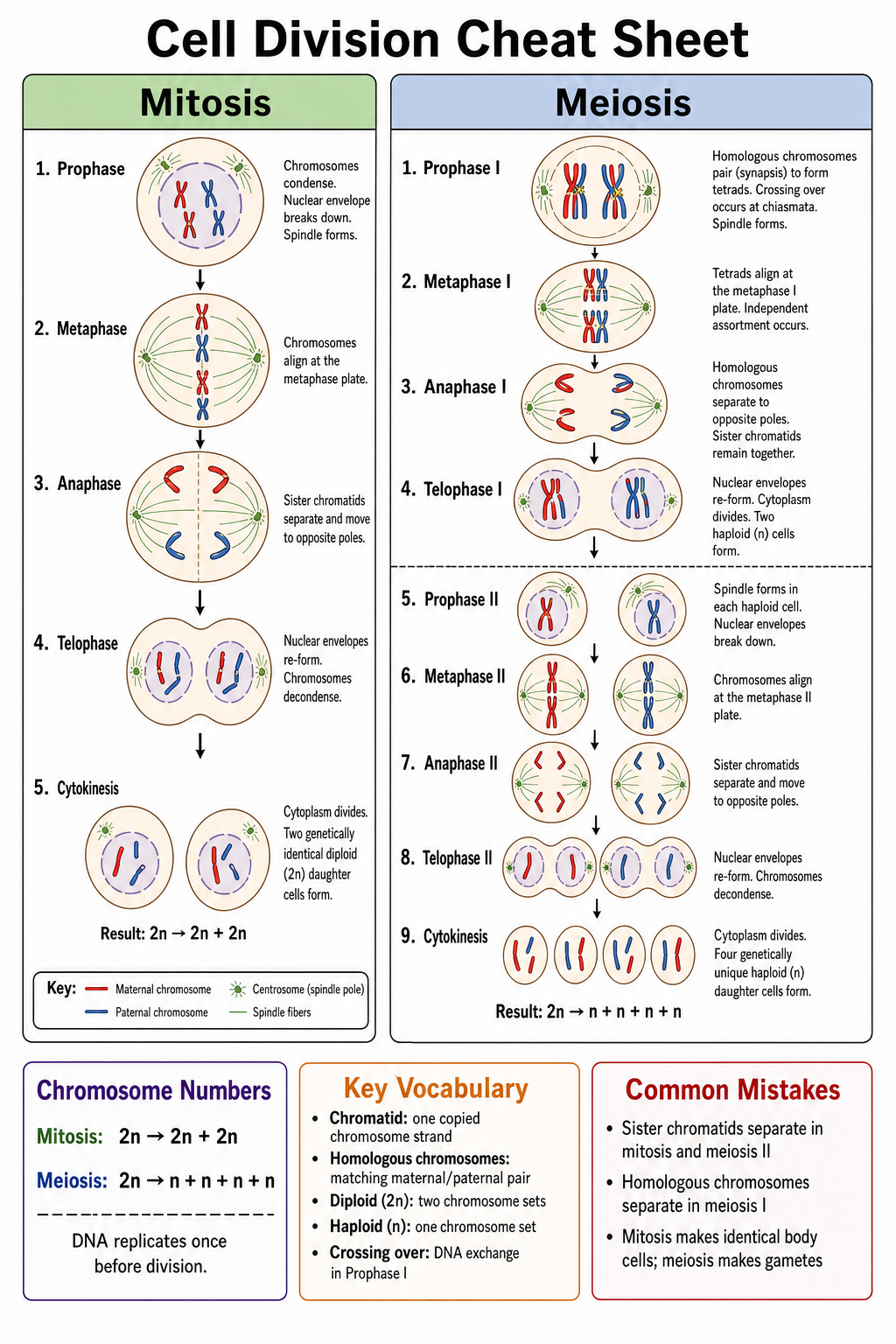
Créateur de fiches de révision par IA
Transformez un sujet ou vos notes en fiche de révision visuelle d'une page pour les examens.
Essayer gratuitementBesoin d'autres figures de biologie ?
Générez des schémas de cellule végétale, de cellule animale, des illustrations d'organites et d'autres figures de biologie avec SciDraw AI.