AI Textbook & Educational Illustration Maker
Clear, consistent educational figures for chapters, slides, handouts, lab manuals, and courseware
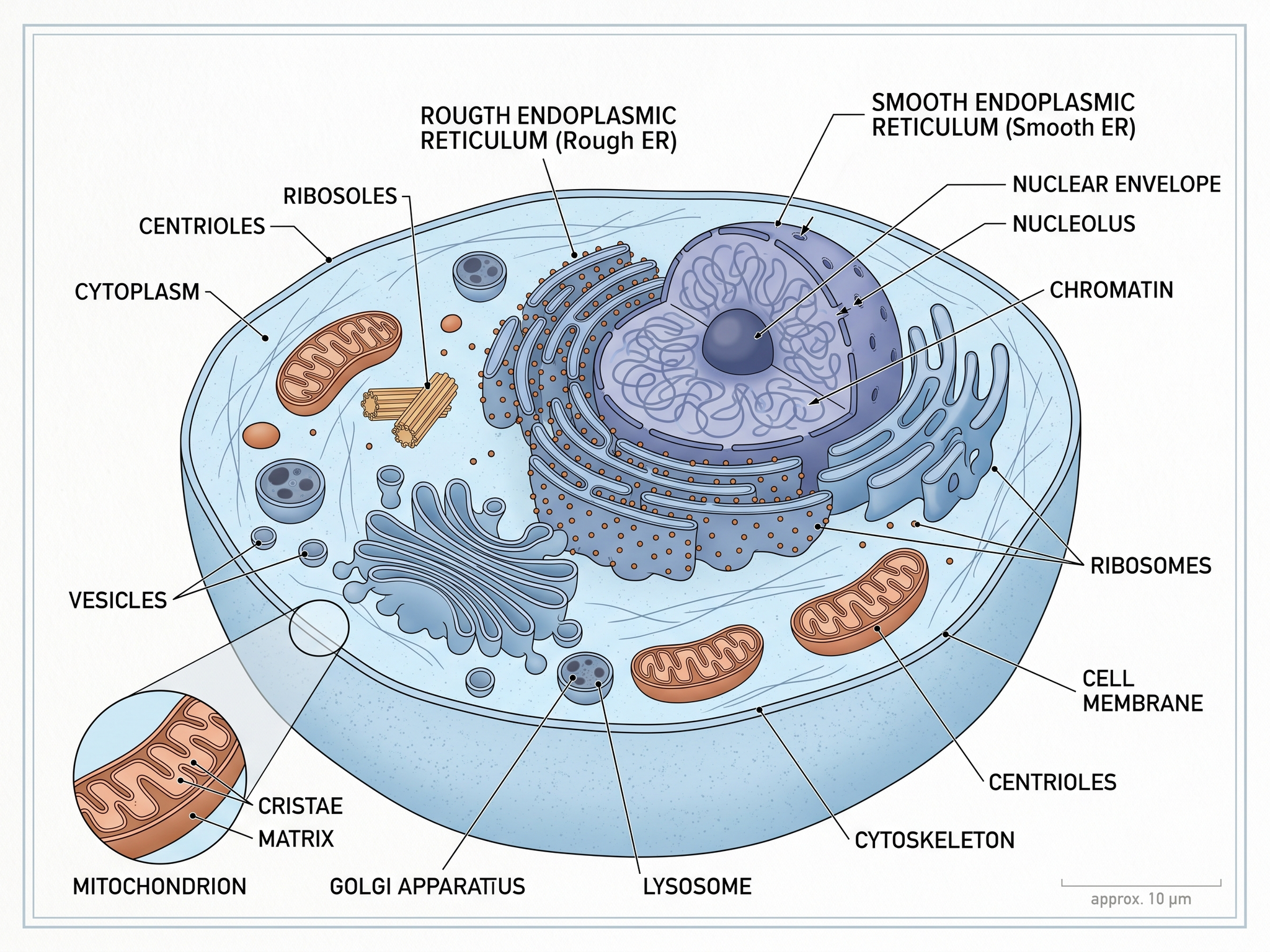
Turn any lesson concept into a clean, labeled textbook illustration. SciDraw AI helps teachers, authors, and publishers create biology, physics, chemistry, earth science, math, and history figures - built for learning clarity and ready for print or digital use, no design skills required.
Textbook Illustration Examples
Browse examples across different subjects, or generate your own above.
What can this AI textbook illustration maker do?
This free AI textbook illustration maker turns a lesson concept, chapter topic, or plain-text description into a clear, labeled educational figure. It produces clean diagrams for biology, physics, chemistry, earth science, math, and history - the kind of explanatory visuals you find in textbooks, slide decks, and student handouts, built for learning clarity rather than decorative stock art.
Why textbook illustrations matter
- Help students understand abstract concepts faster through visuals
- Improve retention by pairing labeled diagrams with text
- Make complex processes and structures easy to follow step by step
- Give every chapter, slide, and handout a consistent visual language
- Support diverse learners, including visual and language learners
How to create an effective textbook illustration
An effective textbook illustration starts from a clear learning goal. Define the concept, the learner level, and what the reader should understand after seeing the figure, then keep labels concise and the layout uncluttered. Use consistent line weight, color, and label density across chapters so figures feel like one system. SciDraw AI generates clean, labeled textbook illustrations that follow these best practices automatically, and lets you export editable files to revise labels or localize terminology.
Common elements in textbook illustrations
- A clear central structure, process, or concept
- Concise labels connected with neat leader lines
- Directional arrows showing flow, sequence, or cause and effect
- Consistent color palette and line weight across figures
- Cross-sections, panels, or comparisons to break down complexity
- Minimal supporting text suited to the learner's level
Frequently Asked Questions
What is a textbook illustration maker?
A textbook illustration maker is a tool that turns a lesson concept or text description into a clear, labeled educational figure. SciDraw AI generates diagrams for biology, physics, chemistry, earth science, math, and history that are designed for classroom and publishing use, so you can illustrate a chapter without drawing it by hand.
Do I need design skills to create textbook illustrations?
No. SciDraw AI generates a complete, labeled figure from your description. You can refine the labels, colors, and layout, but the AI handles the initial composition and the educational iconography, so teachers and authors can create figures without any design background.
Which subjects does it cover?
SciDraw AI can illustrate concepts across science and beyond, including biology, anatomy, chemistry, physics, earth science, environmental science, mathematics, geometry, and history. Just describe the concept and learner level, and it produces a figure suited to that subject.
Can I keep a consistent style across an entire textbook?
Yes. Use a consistent prompt style, color palette, and label rules, and export editable files so you can revise labels while preserving visual consistency. This makes it easy to give every chapter, slide, and handout the same look and feel.
Can I use these illustrations in textbooks and course materials?
Yes. The output is a standard image file that you create and own, suitable for print books, slide decks, LMS modules, handouts, and translated editions. For medical or highly technical content, have a subject expert review the figure for accuracy before publication.
How long does it take to create a textbook illustration?
Most users generate a first draft in under 60 seconds. Refining labels, colors, and layout typically takes a few more minutes, far faster than drawing a figure from scratch in traditional design software.
Writing a paper, thesis or grant?
SciDraw AI also makes publication-ready research figures: graphical abstracts, mechanism figures, workflows and conceptual frameworks.
Explore More Tools
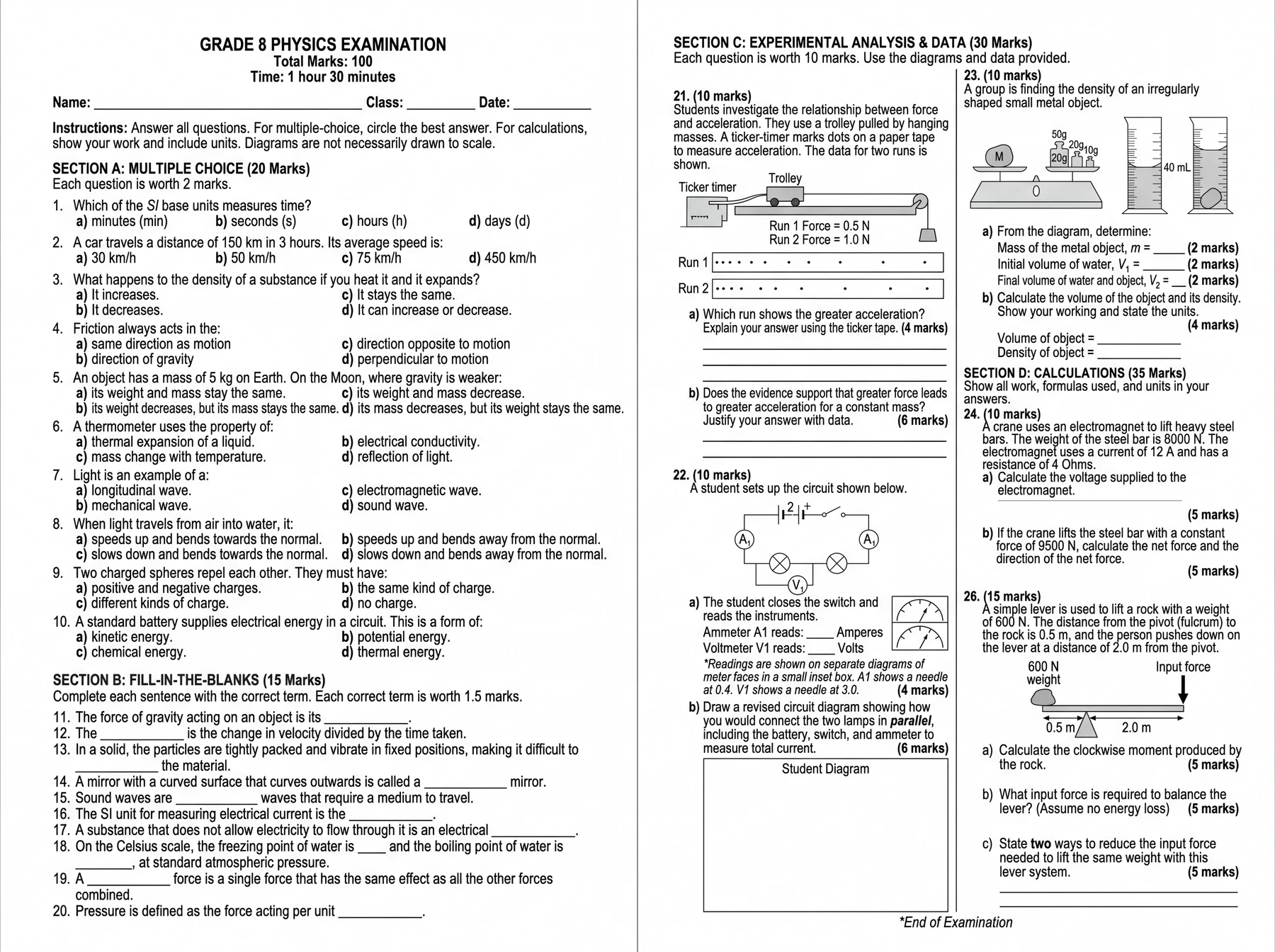
AI Exam & Worksheet Generator
Describe an exam and generate a complete A3 or A4 paper.
Try it free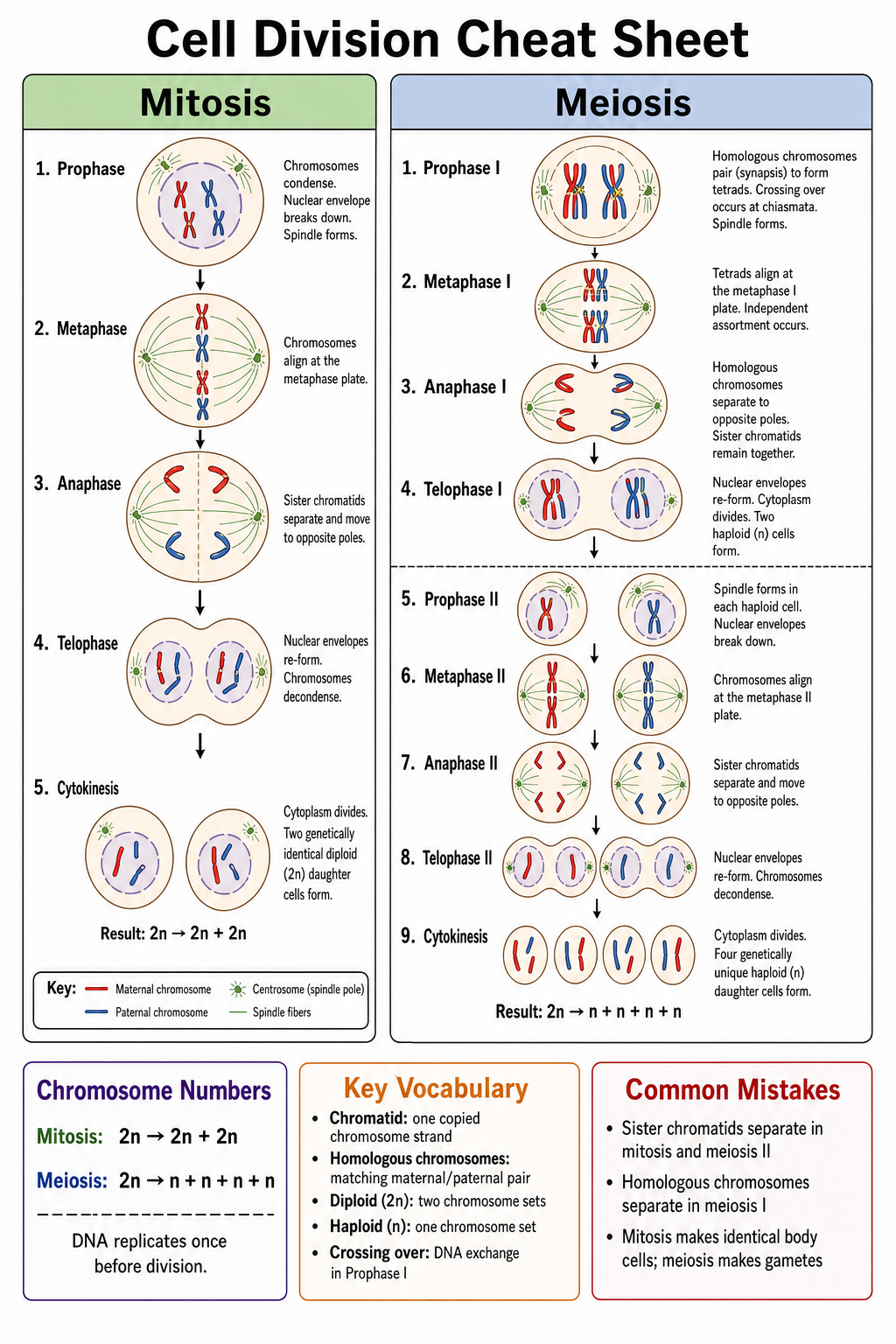
AI Cheat Sheet Maker
Turn a topic or your notes into a one-page visual study sheet for revision and exams.
Try it free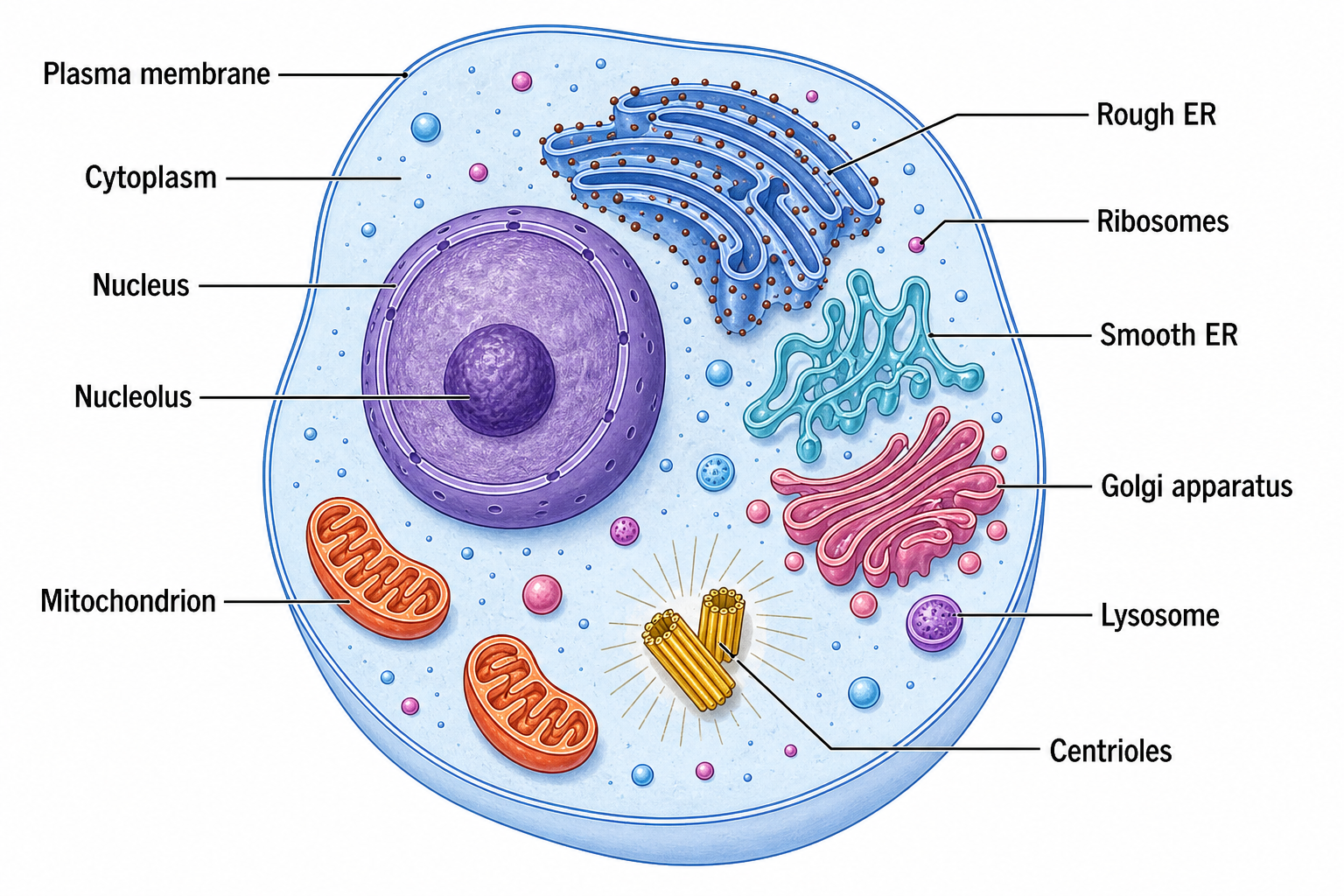
Cell Diagram Generator
Draw labeled animal, plant, eukaryote, and prokaryote cells with correct organelles.
Try it freeReady to Illustrate Your Next Chapter?
Join the teachers, authors, and publishers who create clear textbook illustrations in minutes with SciDraw AI.