Scientific Icon Generator
Science, biology, medical and lab icons, generated on demand
Describe one element — a T cell, a lab mouse, an exosome, a Western blot tank — and SciDraw AI draws it as a single, isolated icon on a plain white background, in a clean flat or soft-3D publication style, ready to drop into figures, slides and posters.
What you can make
Eight families of scientific icons cover most of what goes into a biomedical figure. Name the element, choose flat or soft 3D, and generate.
Cells & immune cells
Single cells drawn as recognizable icons, from a generic eukaryotic cell to specific immune and tissue cell types.
T cell, B cell, macrophage, neutrophil, neuron, red blood cell, stem cell, cancer cell
Organelles & cell parts
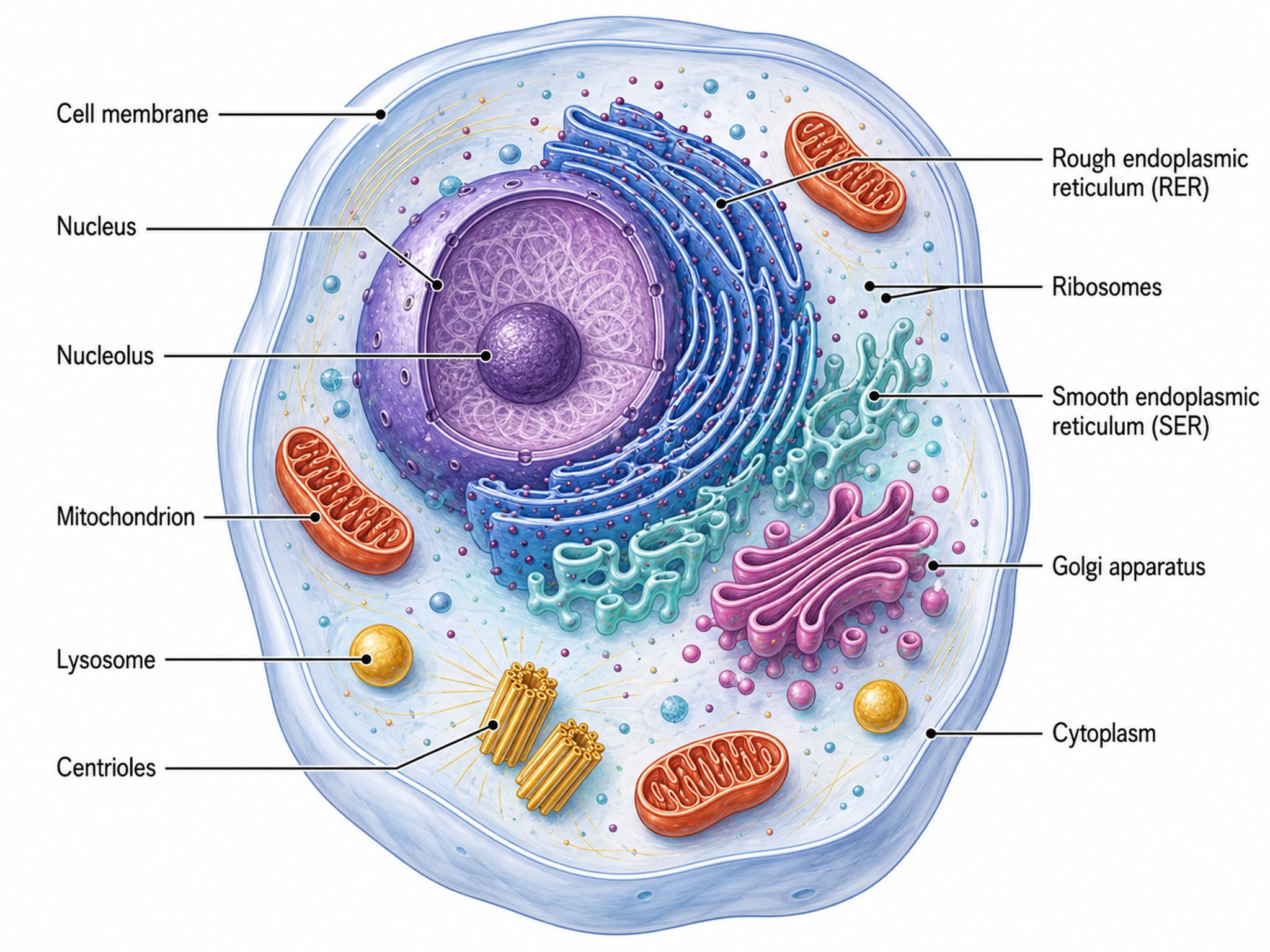
Cutaway or whole-view organelles for mechanism figures and cell schematics.
Mitochondrion, nucleus, ribosome, Golgi apparatus, endoplasmic reticulum, lysosome, exosome, lipid droplet
Organs & tissues
Human and animal organs in clean front or side views for graphical abstracts and study-design figures.
Heart, liver, kidney, lung, brain, intestine, pancreas, skin cross-section, tumor
Lab animals & model organisms
The animals and organisms behind your experiments, drawn consistently for study-design schematics.
Lab mouse, rat, zebrafish, fruit fly, C. elegans, rabbit, Arabidopsis, yeast
Antibodies, receptors & proteins
Molecular players at the scale of a mechanism diagram, with recognizable domains and shapes.
IgG antibody, GPCR, receptor tyrosine kinase, ion channel, enzyme, CAR construct, cytokine, MHC molecule
Viruses & bacteria
Pathogens and microbes for infection, immunology and microbiome figures.
Coronavirus, influenza virus, bacteriophage, AAV vector, E. coli, Staphylococcus, fungal spore
Lab equipment
Benchtop tools and instruments for methods panels and workflow figures.
Pipette, centrifuge, PCR machine, Western blot tank, microscope, flow cytometer, Petri dish, 96-well plate
Molecules & nanomaterials
Molecular and nanoscale elements for chemistry, drug-delivery and materials figures.
DNA double helix, mRNA, small-molecule drug, lipid nanoparticle, liposome, gold nanoparticle, polymer chain
Start from a ready prompt
Pick a card to load its prompt into the generator above, then change the subject, colors or style before you generate.
T cell icon
Immune cell for immunology and immunotherapy figures
A T cell icon: a round lymphocyte with a large nucleus and T-cell receptors on its surface, soft 3D style in blue tones.
Mouse model
Lab mouse for animal-study and in vivo schematics
A laboratory mouse icon for an animal-model figure: a white lab mouse in side view, whole body with tail, flat vector style.
Exosome
Extracellular vesicle for EV and drug-delivery figures
An exosome icon: a small extracellular vesicle with a lipid bilayer membrane, surface tetraspanins and cargo inside, soft 3D style.
Western blot apparatus
Electrophoresis and transfer tank for methods panels
A Western blot apparatus icon: a vertical electrophoresis and transfer tank with lid and red and black electrode leads, flat vector style.
IgG antibody
Y-shaped antibody for assay and mechanism diagrams
An IgG antibody icon: a Y-shaped molecule with two heavy chains and two light chains in two distinct colors, flat vector style.
Mitochondrion
Cutaway organelle for metabolism and apoptosis figures
A mitochondrion icon: a cutaway view showing the outer membrane, folded inner-membrane cristae and the matrix, soft 3D style in warm orange tones.
Coronavirus particle
Virion with spike proteins for infection figures
A coronavirus particle icon: a spherical virion with spike proteins evenly spaced around the envelope, soft 3D style in red and grey.
Human liver
Organ icon for graphical abstracts and disease models
A human liver icon: the whole organ in anterior view with the right and left lobes and the gallbladder, flat vector style in reddish-brown tones.
How to use the icons in figures and PPT
From one generated element to a finished panel or slide in four steps.
- 1
Describe one element
Name a single subject and the look you want, for example “a neutrophil icon, flat vector, blue tones”. Reuse the same style words for every icon in a figure so the set looks like it belongs together.
- 2
Generate and refine
Generate, then regenerate or adjust the prompt until the shape and colors are right. Ask for labels only if you want text inside the image; it is usually easier to add labels later in your figure software.
- 3
Export as PNG or SVG
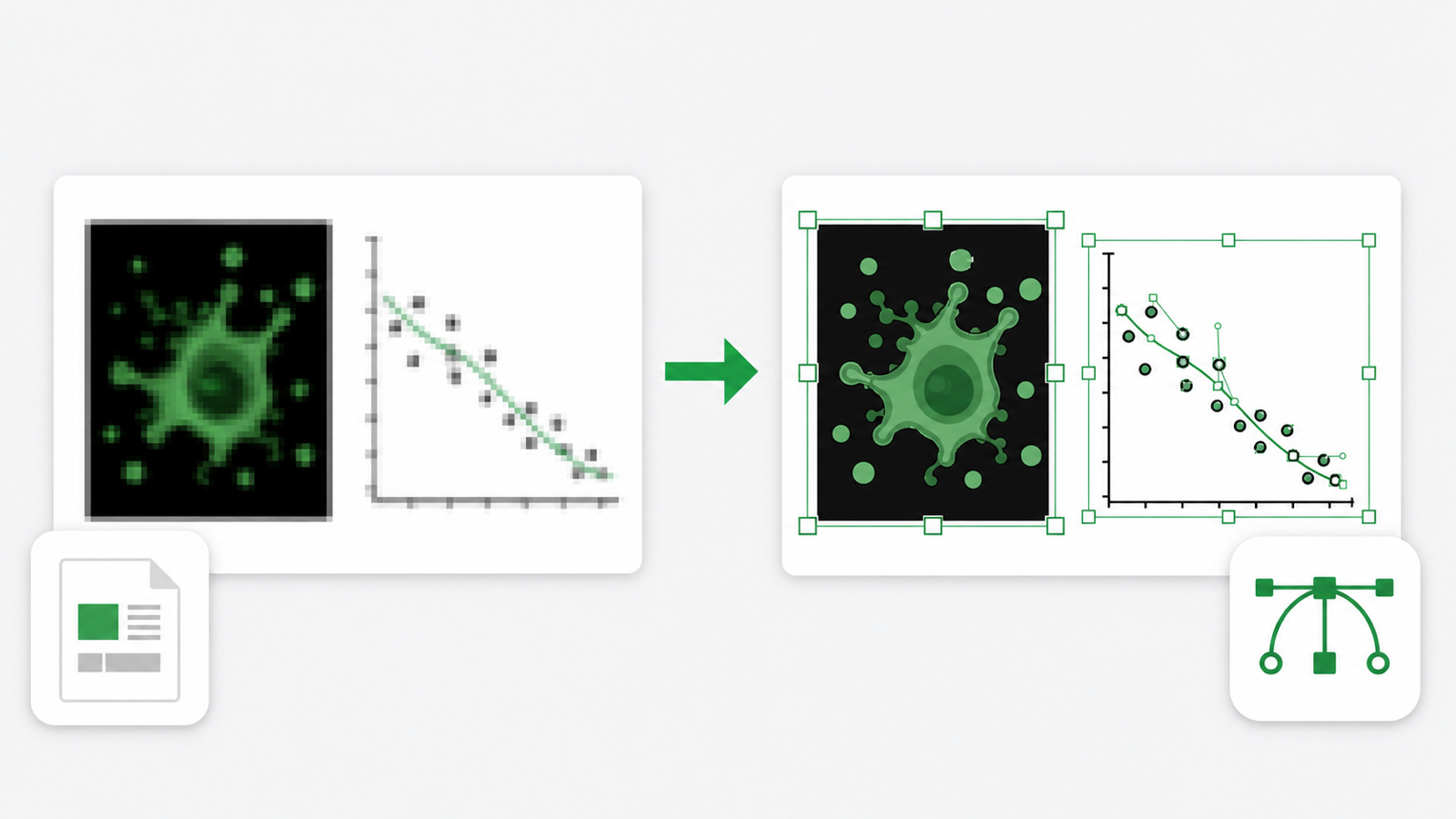
Download the result as a PNG on a plain white background. When you need a scalable, editable SVG, run it through Vectorize Image: SciDraw AI traces the icon into vector paths you can recolor in Illustrator, Inkscape or Figma. Flat-style icons convert most cleanly.
- 4
Place it in your figure or slides
Drop the PNG or SVG into PowerPoint, Keynote, Illustrator or Figma. On a white slide it blends in; on a colored background, use Remove Background or Set Transparent Color in PowerPoint, or use the SVG. Then add arrows and labels around it.
Using icons in papers and posters
Every image you generate with SciDraw AI can carry a Publication License Certificate, available with any paid plan or credit pack, covering journals, theses, presentations and posters. Also check your journal’s policy on AI-generated images and disclose the tool where it asks you to.
Frequently Asked Questions
What kinds of scientific icons can I generate?
Any single element you can describe: cells and immune cells, organelles, organs and tissues, lab animals and model organisms, antibodies, receptors and other proteins, viruses and bacteria, lab equipment, and molecules or nanoparticles. The generator is set up to return one isolated element on a plain white background, so describe one subject per generation.
How is this different from an icon library like BioRender?
An icon library such as BioRender offers a large set of pre-drawn, curated icons that you search for and place. SciDraw AI generates each icon on demand from your description, so you can get elements a library may not have — a specific cell state, a custom construct, a less common organism — in the colors and style you choose. Because every icon is generated, check its structure for scientific accuracy before you publish it.
Can I get an SVG or a transparent background?
Icons are generated as PNG images on a plain white background with empty margin, which makes the background easy to remove. For a vector file, open the Vectorize Image tool on SciDraw AI and convert the PNG to an editable SVG. For a transparent PNG, Remove Background or Set Transparent Color in PowerPoint works well on a plain white background, as do most image editors.
How do I keep a consistent style across a set of icons?
Use the same style words in every prompt — for example “flat vector, thin dark outline, blue and grey palette” or “soft 3D, pastel colors” — keep the same aspect ratio, and change only the subject between generations. If one icon drifts, regenerate it with the style description repeated.
Can I use the icons in papers, posters and slides?
Each image you generate can carry a Publication License Certificate, available with any paid plan or credit pack, which covers journals, theses, presentations, posters and related materials; the Publication License page explains how the certificate works. Journals set their own rules for AI-generated images, so check the author guidelines and disclose the tool where required.
How many credits does an icon cost?
One icon uses 5 credits, the same as other images on SciDraw AI, and the generator shows the cost before you start. A free account gets 10 credits at sign-up and 5 more every day; for more, any paid plan or credit pack adds credits. See the pricing page for current plans.
Generate your first scientific icon
Describe one element and get a clean, isolated icon for your next figure, slide or poster.