AI Academic Book Cover Maker
Create complete covers with artwork, book titles, and author typography
Provide the exact book title, author or editor, academic subject, key concept, and visual direction. The AI combines them into a finished front cover with an integrated publishing-style hierarchy. Selected fiction concepts are also supported, while scholarly and educational publishing stays at the center.
Academic and Book Cover Examples
Explore four scholarly and educational covers plus two selected fiction concepts, all with integrated book-title typography. Open any example to reuse its prompt.
What this academic book cover maker creates
This page generates a complete flat front cover from a text prompt, with academic and educational publishing as the primary use case. Provide the exact title, subtitle, author or editor wording alongside the discipline, research topic, central concept, visual metaphor, palette, and illustration style. SciDraw AI combines the artwork and typography into a portrait raster image suitable for an academic monograph, university textbook, research handbook, science communication book, or selected novel and ebook concept. It does not automatically build a spine, back cover, barcode, bleed, or editable type system.
Why use AI for academic book cover concepts
- Translate an abstract research topic or scholarly argument into a clear visual metaphor.
- Explore several cover directions before an academic press, laboratory, course team, or author commits to production.
- Create field-appropriate artwork for monographs, textbooks, handbooks, edited volumes, and science communication.
- Explore readable type hierarchies for long academic titles, subtitles, author or editor names, and edition information.
- Use a high-resolution PNG as a concept draft or as artwork in a separate professional publishing layout workflow.
How to make a strong academic book cover
Start with the discipline, audience, and one central concept rather than trying to illustrate every chapter. Put the exact title, subtitle, author or editor name, and edition line in quotation marks, then describe a scientifically or conceptually credible visual metaphor, level of abstraction, palette, and medium. Ask for clear hierarchy and strong contrast, choose a portrait ratio such as 2:3, and review every word at full size as well as the overall cover at catalog-thumbnail size. Add the publisher mark, spine, barcode, bleed, and back-cover details during professional layout.
Elements of an effective academic book cover
- A clear visual idea connected to the discipline or central scholarly argument.
- A portrait composition sized for a front cover, commonly 2:3 or 3:4.
- A clear typographic hierarchy for the title, subtitle, author or editor names, and edition information.
- An academically appropriate palette and visual language that remain legible at catalog-thumbnail size.
- Original imagery without fabricated labels, accidental pseudo-text, third-party logos, or protected characters.
- A separate production check for trim size, bleed, spine width, barcode, color profile, and publisher requirements.
AI Academic Book Cover Maker FAQ
What can this AI book cover maker generate?
It primarily generates complete flat front covers with integrated artwork and typography for academic monographs, textbooks, research handbooks, edited volumes, science communication books, and educational publishing. It can also support selected literary fiction, fantasy novel, and ebook cover concepts.
Is this a complete book cover layout and template editor?
It creates a complete flat front-cover raster with the requested title and author text embedded in the image. It does not create separately editable type layers, a spine, back cover, barcode, print bleed, or a reusable layout template. Add those production elements afterward in a dedicated publishing layout application.
Can I still make novel and ebook covers?
Yes. The page is centered on academic and educational books, but it still covers important general book-cover keywords and includes selected literary and fantasy examples. For fiction, state the genre, core scene, mood, palette, and preferred illustration style.
Can the AI put the book title and author name on the cover?
Yes. Put the exact title, subtitle, author, editor, or edition wording in quotation marks. The default prompt instructs the model to reproduce every supplied word exactly and integrate it into the cover hierarchy. Review the rendered wording at full size before publishing and regenerate if any character needs correction.
What book cover size and format does it use?
The page starts with a 2:3 portrait ratio and also lets you choose other supported aspect ratios, including 3:4. It downloads the generated artwork as a high-resolution PNG. Before print production, match the final trim, bleed, spine width, color profile, and resolution to your printer or publishing platform.
Can I use the generated artwork commercially?
Check SciDraw's current terms and the rules of your publisher, retailer, or client before commercial use. Your prompt and final cover should avoid protected characters, brands, logos, and artwork you do not have permission to use, and the finished image should be reviewed for accidental similarities or artifacts.
Explore More Tools
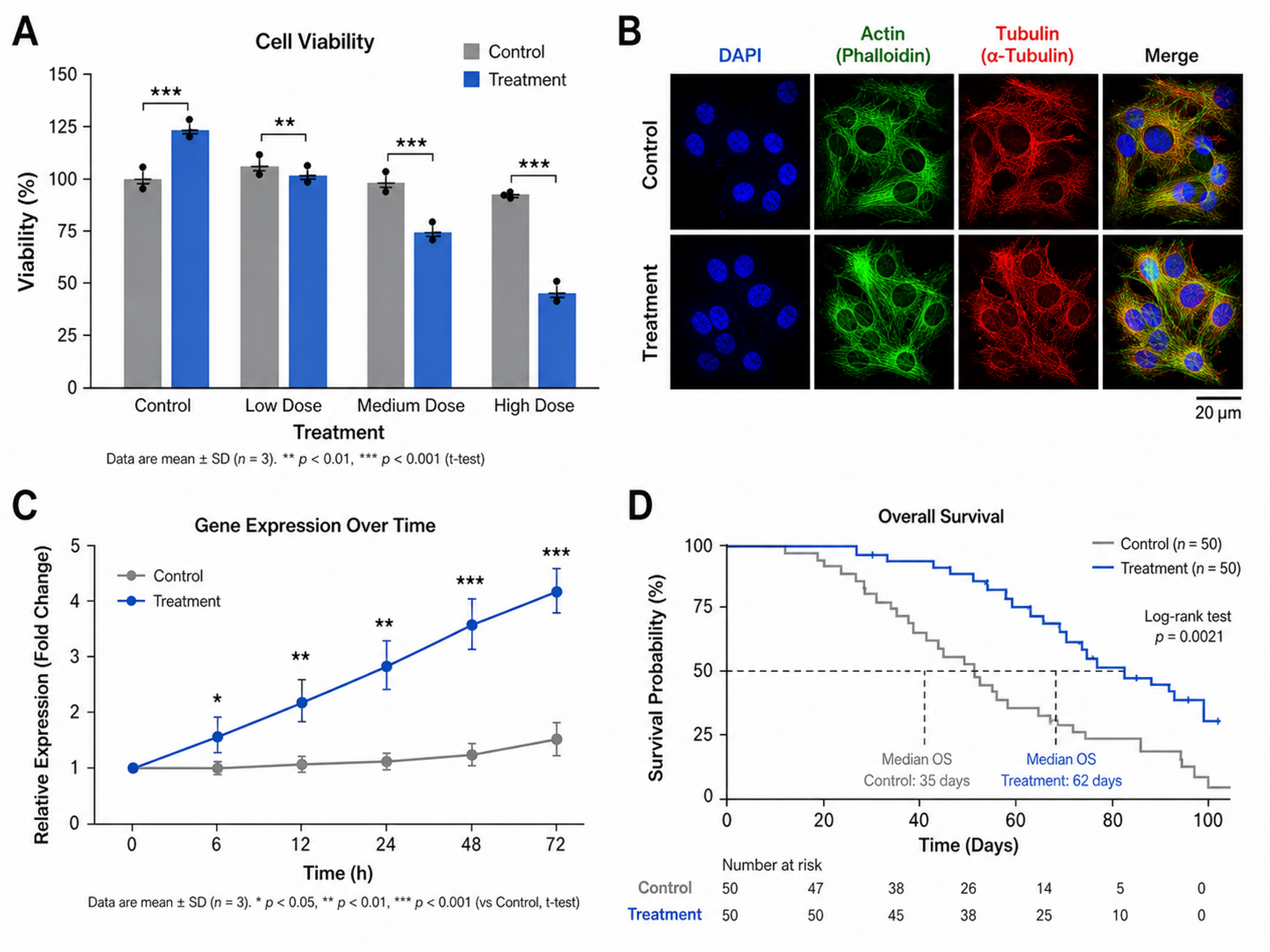
Scientific Figure Maker
Create publication-ready figures for research papers
Try it free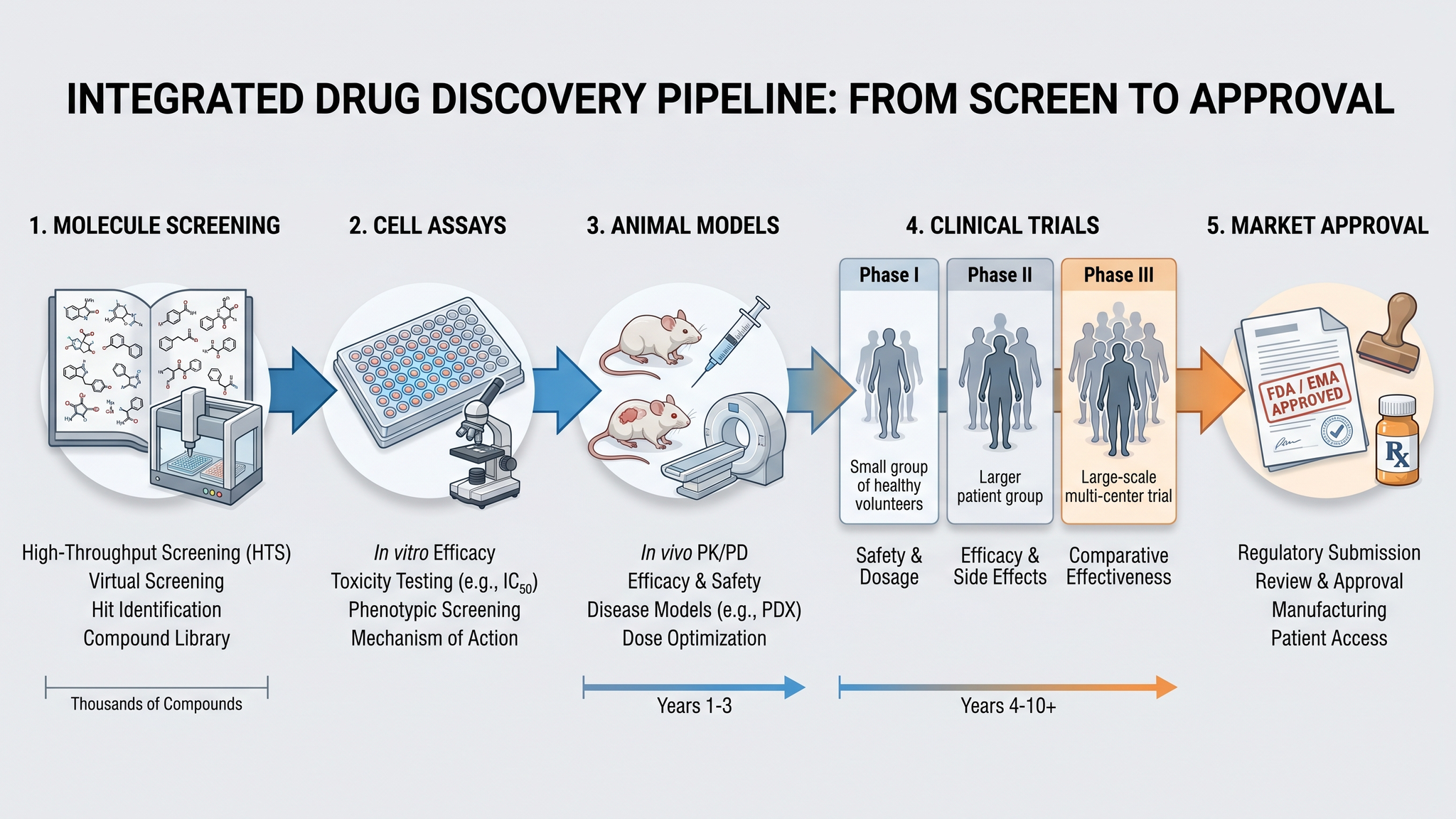
Graphical Abstract Maker
Create stunning graphical abstracts for journal submissions
Try it free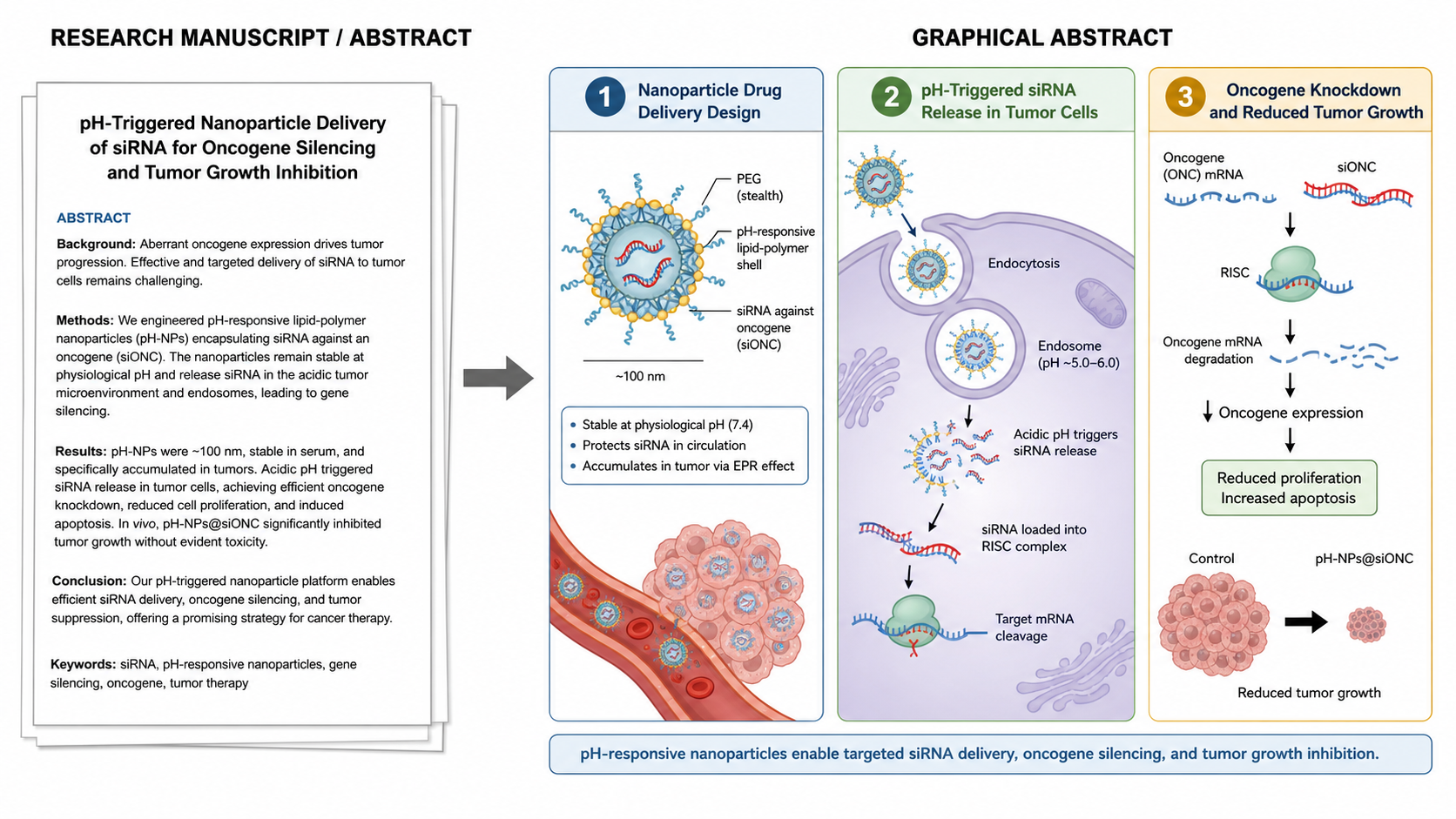
Manuscript to Figure Generator
Create manuscript to figure visuals for abstracts, methods, results, study workflows, graphical abstracts, and multi-panel paper figures.
Try it freeCreate Your Academic Book Cover
Turn a scholarly subject and exact book details into a finished front cover with integrated typography.