Molecular structure visualization is essential for communicating research in chemistry, biochemistry, and structural biology. Whether you're illustrating a drug binding site, protein complex, or novel compound, effective molecular graphics can transform your paper's impact.
This guide covers everything from basic concepts to advanced techniques for creating publication-quality molecular visualizations.
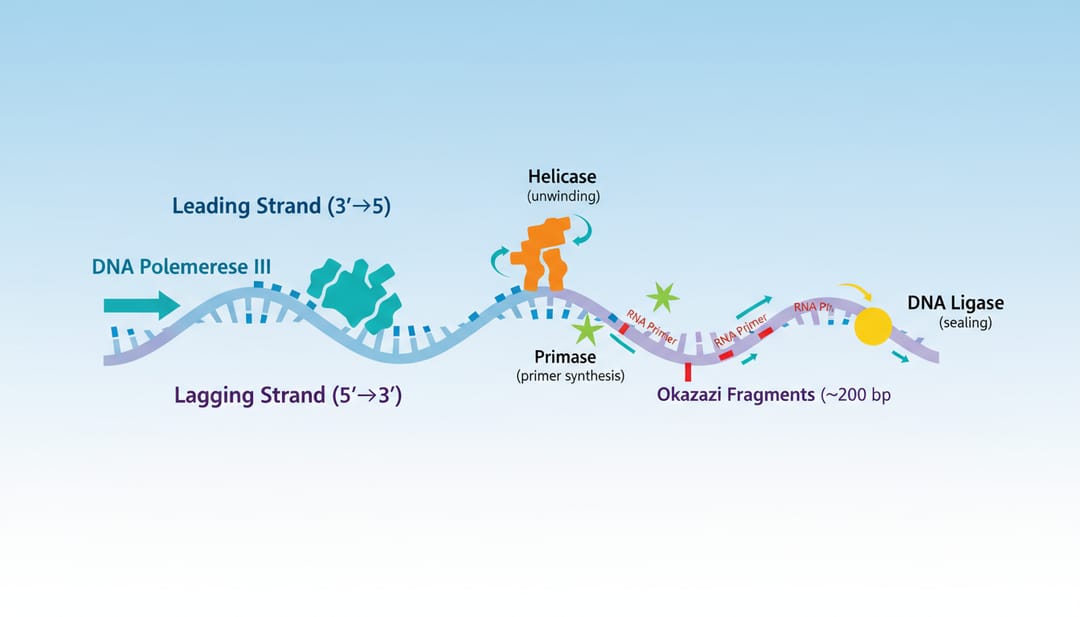 Effective molecular visualization brings structures to life
Why Molecular Visualization Matters
Clear molecular visualizations help:
- Explain mechanisms: Show how molecules interact
- Present structures: Display 3D arrangements clearly
- Support hypotheses: Provide visual evidence
- Engage readers: Make complex data accessible
Types of Molecular Visualization
1. Small Molecule Representations
2D Structural Formulas
- Skeletal (line-bond) structures
- Wedge-dash stereochemistry
- Highlighted functional groups
3D Molecular Models
- Ball-and-stick models
- Space-filling (CPK) models
- Wire-frame representations
2. Macromolecular Structures
Protein Visualizations
- Ribbon/cartoon representations
- Surface representations
- Domain highlighting
- Active site focus
Nucleic Acid Visualizations
- Double helix representations
- Base pair details
- Protein-DNA complexes
3. Complex Assemblies
Multi-component systems
- Protein complexes
- Virus structures
- Membrane-embedded proteins
- Supramolecular assemblies
Representation Styles
Cartoon/Ribbon Representation
Best for showing protein secondary structure:
- Alpha helices as coils/ribbons
- Beta sheets as arrows
- Loops as tubes
AI prompt:
Protein ribbon diagram showing [protein name],
alpha helices in red, beta sheets in blue,
loop regions in gray,
N-terminus and C-terminus labeled,
key domains highlighted,
publication-quality structural biology style
Surface Representation
Best for showing:
- Binding pockets
- Electrostatic potential
- Hydrophobicity patterns
- Molecular shape
AI prompt:
Protein surface representation,
electrostatic potential coloring (red negative, blue positive),
ligand binding pocket clearly visible,
bound small molecule in stick representation,
structural biology journal style
Ball-and-Stick
Best for showing:
- Atomic arrangements
- Bond geometries
- Coordination environments
- Active site details
AI prompt:
Ball-and-stick model of [molecule/active site],
atoms colored by element (C gray, O red, N blue, S yellow),
bonds as cylindrical sticks,
hydrogen bonds shown as dashed lines,
key interactions labeled
Space-Filling (CPK)
Best for showing:
- Molecular shape
- Surface complementarity
- Steric clashes
- Size comparisons
AI prompt:
Space-filling model of [molecule],
van der Waals radii representation,
standard CPK coloring,
showing molecular surface and shape,
chemistry publication style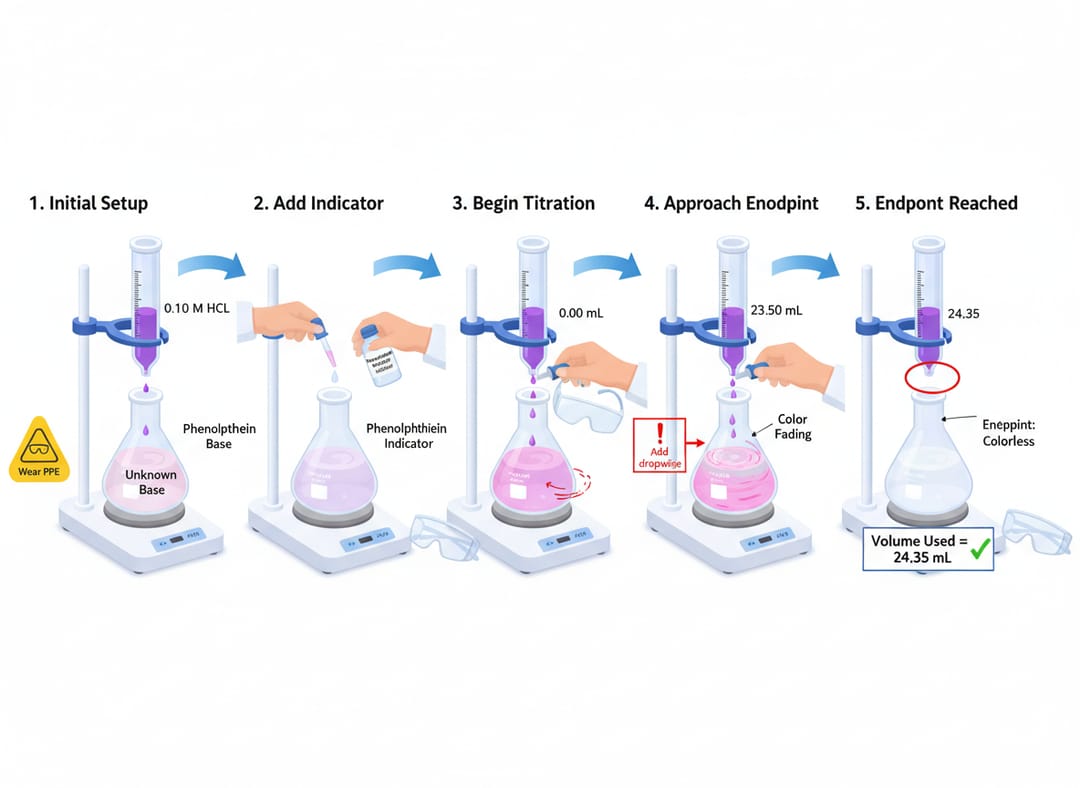 Different visualization styles serve different purposes
Creating Molecular Visualizations
For Small Molecules
Chemical structure with context:
Small molecule drug structure visualization,
2D structure with stereochemistry clearly shown,
key pharmacophore features highlighted,
3D conformer alongside,
binding mode indicated if relevant,
medicinal chemistry publication style
Reaction mechanism visualization:
Organic reaction mechanism illustration,
starting material → transition state → product,
electron flow arrows,
orbital interactions shown for key steps,
energy diagram alongside,
organic chemistry education style
For Proteins and Macromolecules
Single protein structure:
Protein structure illustration for journal,
[protein name/PDB ID] ribbon representation,
catalytic residues highlighted in stick form,
substrate/ligand in binding pocket,
key structural features labeled,
Nature/Science publication style
Protein-protein interaction:
Protein complex visualization,
two interacting proteins in different colors,
interface residues highlighted,
key contacts shown as dashed lines,
rotation showing binding interface,
structural biology journal style
Enzyme mechanism:
Enzyme active site visualization,
catalytic residues in stick representation,
substrate positioned in active site,
proposed mechanism with arrows,
stabilizing interactions shown,
biochemistry journal publication style
For Nucleic Acids
DNA structure:
DNA double helix visualization,
B-form DNA structure,
base pairs visible in center,
major and minor grooves labeled,
sugar-phosphate backbone highlighted,
molecular biology textbook style
DNA-protein complex:
Transcription factor bound to DNA,
protein in cartoon/surface hybrid,
DNA in stick/cartoon hybrid,
specific base contacts highlighted,
recognition sequence labeled,
structural biology publication style
Software Tools for Molecular Visualization
Dedicated Molecular Graphics
| Software | Best For | Cost |
|---|---|---|
| PyMOL | Publication figures | Free/$) |
| ChimeraX | Complex assemblies | Free |
| VMD | MD simulations | Free |
| Maestro | Drug design | Commercial |
For 2D Chemical Structures
| Software | Best For | Cost |
|---|---|---|
| ChemDraw | Publication quality | Commercial |
| MarvinSketch | Free alternative | Free |
| RDKit | Programmatic | Free |
AI-Assisted Tools
SciDraw AI for:
- Conceptual molecular illustrations
- Mechanism diagrams
- TOC graphics with molecules
- Educational visualizations
Color Schemes and Conventions
Standard Element Colors (CPK)
| Element | Color |
|---|---|
| Carbon | Gray/Black |
| Oxygen | Red |
| Nitrogen | Blue |
| Sulfur | Yellow |
| Phosphorus | Orange |
| Hydrogen | White |
Secondary Structure Colors
Convention 1 (common):
- Helices: Red/Pink
- Sheets: Yellow/Blue
- Loops: Green/Gray
Convention 2 (rainbow by sequence):
- N-terminus: Blue
- C-terminus: Red
- Gradient through sequence
Functional Coloring
- Electrostatic: Red (negative) → White (neutral) → Blue (positive)
- Hydrophobicity: Green (hydrophobic) → White → Purple (hydrophilic)
- B-factor: Blue (low) → Red (high)
Publication Requirements
Resolution and Format
For journals:
- Minimum 300 DPI
- TIFF or EPS preferred
- Vector when possible
- CMYK for print
For presentations:
- 150 DPI sufficient
- PNG with transparency useful
- RGB color mode
Figure Composition
- Choose appropriate representation for your message
- Use consistent coloring throughout paper
- Include scale information when relevant
- Label key features clearly
- Provide multiple views if necessary
Stereo Images
Some journals accept stereo pairs:
- Cross-eyed or wall-eyed viewing
- Include instructions for viewing
- Ensure proper separation
Advanced Techniques
Highlighting Regions of Interest
Protein structure with highlighted binding site,
overall structure in transparent surface,
binding site residues in solid surface,
bound ligand in stick representation,
key interactions labeled,
publication-ready molecular graphics
Showing Motion and Dynamics
Protein conformational change visualization,
two states superimposed,
mobile regions highlighted,
arrows indicating direction of movement,
RMSD values noted,
structural biology dynamics figure
Cut-Away Views
Protein channel cut-away visualization,
surface representation cut to show interior,
channel lining residues visible,
ion/substrate path indicated,
selectivity filter highlighted,
membrane protein visualization style
Common Mistakes to Avoid
1. Wrong Representation Choice
Problem: Using surface when bonds matter Solution: Match representation to message
2. Cluttered Views
Problem: Too much detail obscures key features Solution: Simplify; use transparency; focus on important elements
3. Poor Color Choices
Problem: Colors that clash or lack contrast Solution: Use established conventions; test on different displays
4. Missing Context
Problem: Structure without biological context Solution: Include labels, annotations, and explanatory elements
5. Low Resolution
Problem: Pixelated images in publication Solution: Render at high resolution; use ray-tracing
Creating Molecular Graphics with AI
When to Use AI
AI tools like SciDraw AI excel at:
- Conceptual molecular illustrations
- Mechanism diagrams
- Educational visualizations
- TOC graphics combining molecules with other elements
AI Prompt Examples
Drug discovery concept:
Drug discovery process illustration,
target protein structure (stylized),
small molecule library screening concept,
lead compound binding visualization,
optimization cycle depicted,
pharmaceutical research style
Biochemical pathway:
Metabolic pathway with molecular detail,
key enzymes as simplified structures,
substrate/product transformations,
cofactors indicated,
energy/electron flow shown,
biochemistry textbook illustration
Structural biology research:
Cryo-EM structure determination illustration,
sample preparation → grid → microscope → data,
2D class averages → 3D reconstruction,
final atomic model,
structural biology methods figure
Workflow for Publication Figures
Step 1: Obtain/Generate Structure
- Download from PDB (proteins)
- Generate with ChemDraw (small molecules)
- Create with modeling software (hypothetical)
Step 2: Choose Visualization Software
- PyMOL/ChimeraX for macromolecules
- ChemDraw for 2D structures
- SciDraw AI for conceptual illustrations
Step 3: Select Representation
- Match representation to message
- Consider audience expertise level
- Think about final figure size
Step 4: Apply Styling
- Color scheme
- Lighting and background
- Labels and annotations
Step 5: Render and Export
- High resolution (300+ DPI)
- Appropriate format
- Multiple versions if needed
Start Creating Molecular Visualizations
Transform your molecular structures into compelling figures:
- Use SciDraw AI for conceptual molecular illustrations
- Combine with dedicated structure software for precise models
- Follow journal-specific requirements
- Create consistent, publication-ready graphics
Your structural data deserves visualization that communicates its significance clearly.
Related Guides
- Chemistry Diagram Generator — create chemistry figures and molecular visuals
- Cell Biology Illustration Tutorial — professional cellular diagrams
- Chemistry Diagram Prompts — 40 prompts for molecular visualization
- Biomedical Illustration Prompts — 50 AI prompts for biomedical visuals
- Scientific Figure Maker Tool — create molecular figures online