ChemDraw has been the gold standard for chemical structure drawing for decades, but at $1,000+ per license it puts a serious dent in a lab budget — or a personal one. Whether you're a student sketching a synthesis route, a medicinal chemist iterating on lead compounds, or an educator preparing lecture slides, there are now excellent ChemDraw alternatives that cover every budget and workflow.
In this guide, you'll learn:
- What the most capable ChemDraw alternatives actually offer
- Honest pros, cons, and ideal use cases for each tool
- A side-by-side comparison table covering price, platform, and key features
- When a next-generation AI drawing tool like SciDraw AI makes more sense than traditional structure editors
Let's dive in.
Why Look Beyond ChemDraw?
ChemDraw (PerkinElmer) remains best-in-class for precision structure editing, NMR prediction, and integration with Mnova or Scifinder. But it has real pain points:
- Cost — individual perpetual licenses exceed $1,000; institutional site licenses are negotiated but never cheap
- Platform lock-in — the desktop app is Windows/macOS only; ChemDraw for iPad exists but is limited
- Steep learning curve — new users spend significant time with menus and shortcut keys before becoming productive
- Overkill for many tasks — for straightforward publication figures, reaction schemes, or class materials, you don't need every feature ChemDraw ships with
The alternatives below address one or more of these pain points while staying genuinely useful for chemistry work.
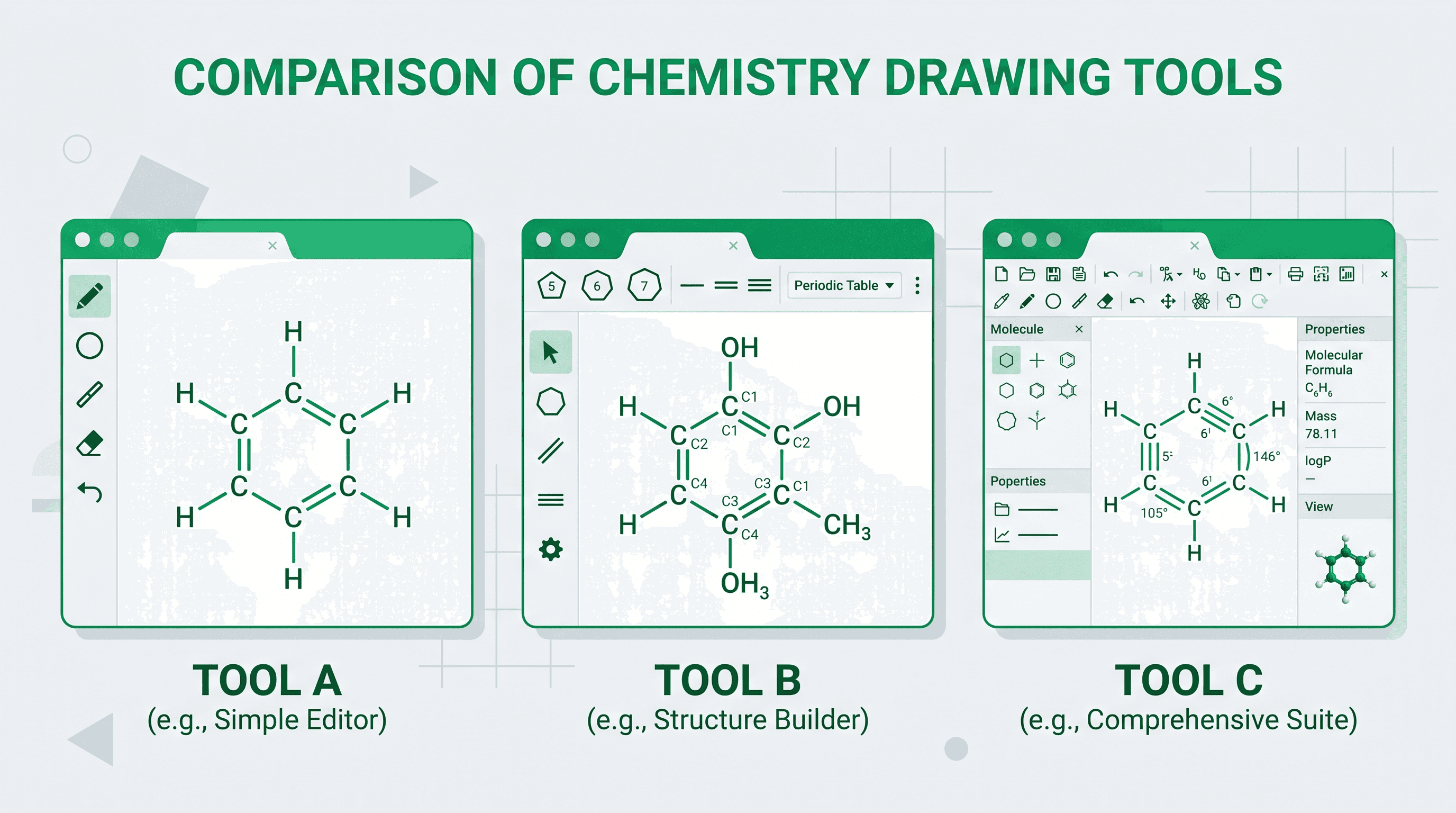
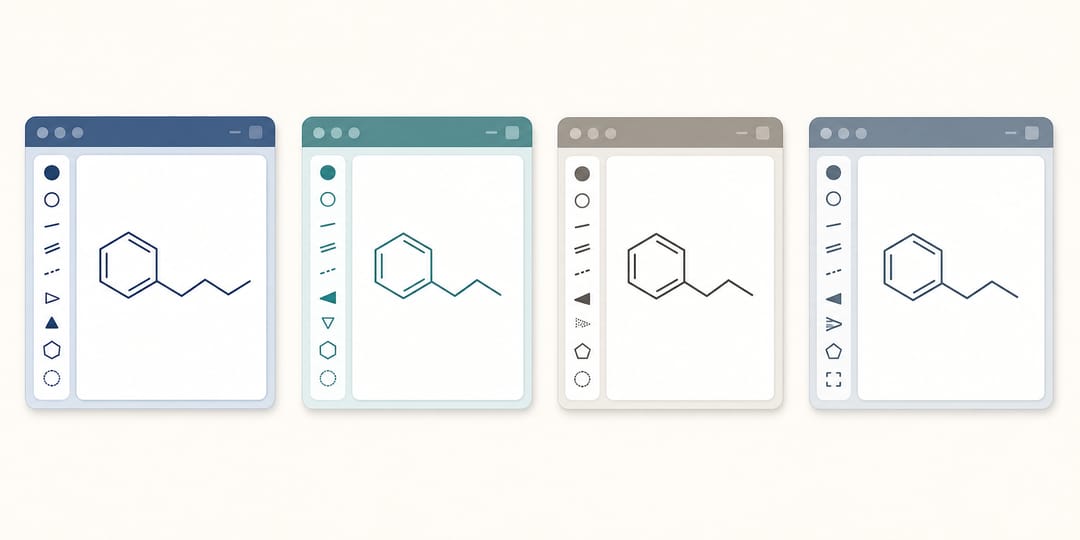 Traditional structure editors share a similar canvas-and-toolbar layout but differ in cost and platform.
The 7 Best ChemDraw Alternatives
1. MarvinJS / Marvin Suite (ChemAxon)
What it is: A browser-based chemical structure editor with a rich JavaScript API, backed by ChemAxon's cheminformatics engine.
Best for: Web developers integrating a structure editor into a LIMS, ELN, or database; academic sites that need an embeddable sketcher.
Pros
- Runs entirely in the browser — no installation required
- Excellent stereo chemistry handling and IUPAC naming
- Good 3D viewer integration (Marvin 3D)
- Free academic license available
Cons
- Commercial licensing is not cheap
- The JavaScript API has a learning curve for non-developers
- Less polished for pure desktop use compared to ChemDraw
Pricing: Free for non-commercial use; commercial licensing varies by organization size.
2. ChemDoodle (iChemLabs)
What it is: A cross-platform desktop application (Windows, macOS, Linux) and a companion web component (ChemDoodle Web Components — open source).
Best for: Researchers who need a ChemDraw-like desktop experience without the price tag; developers who want an open-source web sketcher.
Pros
- ChemDoodle Web Components are completely open source (MIT/GPL)
- Full 2D/3D visualization including crystal structures and spectra
- Desktop app has a clean, modern interface
- Good ChemDraw file (.cdxml/.cdx) import/export
Cons
- Desktop app is $15 (one-time) but lacks some advanced ChemDraw prediction features
- Web component documentation is dense for beginners
- Smaller community than ChemDraw or Ketcher
Pricing: ChemDoodle desktop ~$15 one-time; web components free and open source.
3. Ketcher (EPAM / GGA Software)
What it is: An open-source, browser-based chemical structure editor originally developed by GGA Software, now maintained under the MIT license by the open-source community and EPAM Life Sciences.
Best for: Organizations building open-source cheminformatics pipelines; anyone who wants a capable free online ChemDraw alternative.
Pros
- Completely free and open source (MIT)
- Modern, clean UI that's approachable for students
- R-group query support and reaction drawing
- Can be self-hosted or used through platforms like ChemDraw's own cloud or RCSB PDB tools
- Active development community
Cons
- No built-in property prediction (logP, pKa, NMR)
- Slightly basic for complex stereo chemistry workflows
- Self-hosting requires some DevOps effort
Pricing: Free (open source).
4. Avogadro
What it is: An open-source 3D molecular editor primarily aimed at computational chemistry, education, and materials science.
Best for: Computational chemists setting up DFT/MD input files; educators teaching 3D molecular geometry; crystallography visualization.
Pros
- Outstanding 3D building and manipulation tools
- Connects to OpenBabel for format conversion (100+ formats)
- Excellent for visualizing optimized geometries from Gaussian, ORCA, or VASP
- Completely free and cross-platform
Cons
- Not designed for 2D publication-quality structure drawing
- No reaction scheme functionality
- 2D depiction is basic compared to ChemDraw or Ketcher
Pricing: Free (open source).
5. KingDraw (powered by RDKit)
What it is: A mobile-first chemical structure drawing app for iOS and Android, with desktop sync, leveraging the RDKit cheminformatics library.
Best for: Students who want to draw structures and look up properties on the go; quick sketches from a smartphone or tablet.
Pros
- Free and intuitive on mobile
- Structure recognition from hand-drawn sketches (camera input)
- Property calculation (MW, formula, logP, TPSA)
- Export to MOL, SDF, SMILES, InChI
Cons
- Mobile interface can be fiddly for complex molecules
- Desktop version is less polished than dedicated desktop editors
- Limited for multi-step reaction scheme drawing
Pricing: Free (basic); premium features available.
6. BKChem / JSME (legacy & lightweight options)
What it is: BKChem is a Python-based open-source 2D structure editor; JSME is an extremely lightweight JavaScript structure editor.
Best for: Embedding a minimal sketcher in a web form; legacy pipeline compatibility; pure offline, no-dependency environments.
Pros
- Very small footprint (JSME is kilobytes)
- Simple to embed in any web page
- No external dependencies
Cons
- Limited functionality compared to modern tools
- Not actively developed (BKChem)
- Not suitable for publication-quality figures
Pricing: Free (open source).
7. SciDraw AI
What it is: An AI-powered scientific figure generator that creates chemistry diagrams, molecular structures, reaction schemes, and educational figures from natural-language text prompts.
Best for: Researchers and educators who need publication-ready chemistry figures quickly — especially when combining structural chemistry with biology, pathways, or conceptual diagrams; anyone who wants to generate a Lewis dot structure or a full reaction mechanism figure from a text description rather than manually clicking atoms.
Pros
- No drawing skill required — describe what you need in plain English or Chinese
- Ideal for generating chemistry diagrams that would otherwise require both ChemDraw and an illustration tool
- Covers a wide range of figure types beyond organic chemistry (cell biology, physics, educational figures)
- Fast iteration: regenerate with a modified prompt in seconds
- Web-based, no installation
Cons
- Not a traditional structure editor — you cannot click to place bonds or atoms
- Not suitable for submitting a .mol file to a synthesis platform
- Output is an image, not an editable structure file (.cdx, .mol, .sdf)
- Requires a clear prompt to get precise stereochemistry
Pricing: Free tier (50 credits/month); Pro at $9.90/month (1,000 credits/month).
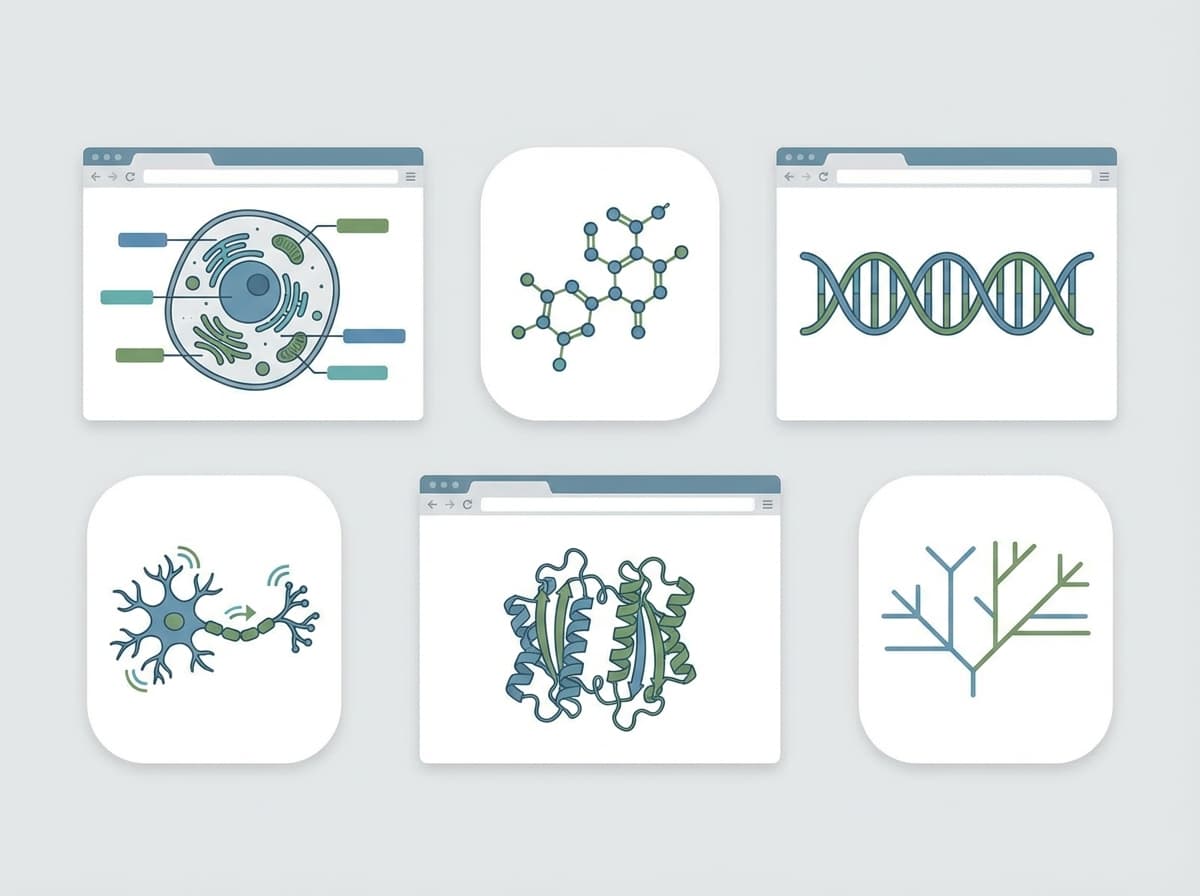
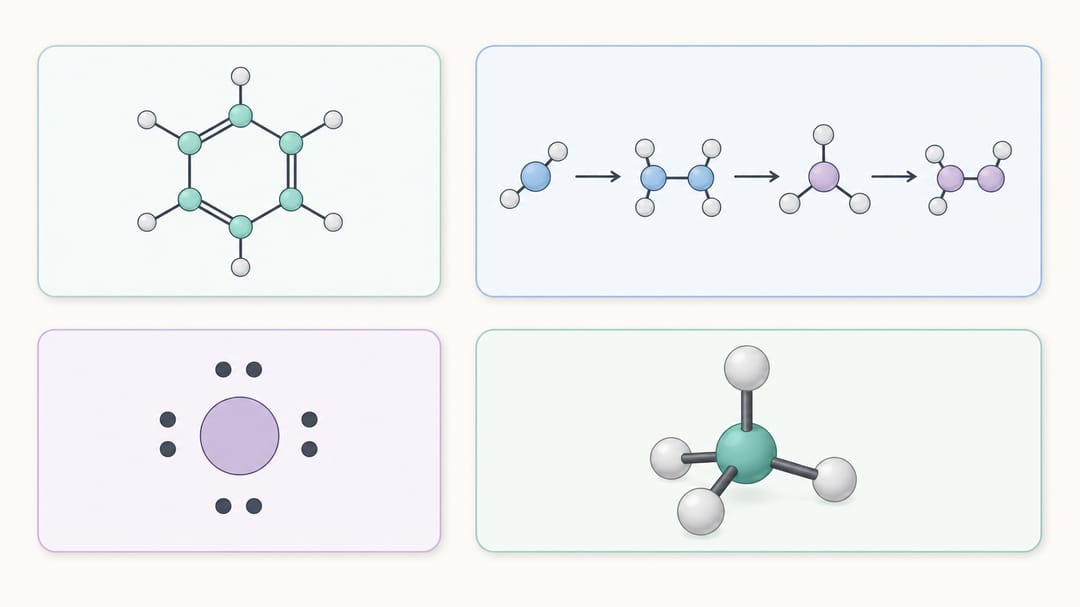 The range of chemistry figures these tools can produce, from structures to full reaction schemes.
Side-by-Side Comparison Table
| Tool | Platform | Price | 2D Drawing | Reaction Schemes | 3D | AI-Powered | Best For |
|---|---|---|---|---|---|---|---|
| ChemDraw | Win/macOS | ~$1,000+ | Excellent | Yes | Limited | No | Professional structure drawing |
| MarvinJS | Browser | Free (academic) | Excellent | Yes | Yes | No | Web integration, ELN |
| ChemDoodle | Cross-platform | $15 (desktop) / Free (web) | Very Good | Yes | Yes | No | Affordable desktop alternative |
| Ketcher | Browser | Free | Good | Yes | No | No | Open-source pipelines |
| Avogadro | Cross-platform | Free | Basic | No | Excellent | No | Computational chemistry, 3D |
| KingDraw | Mobile/Desktop | Free | Good | Limited | No | Partial | Mobile sketching |
| SciDraw AI | Browser | Free / $9.90/mo | AI-generated | AI-generated | No | Yes | Quick, publication-ready figures |
How to Choose the Right Tool
Choose ChemDraw if you need the absolute best precision structure editor with property prediction, IUPAC naming, and NMR prediction — and your institution covers the cost.
Choose MarvinJS or Ketcher if you are building or using a web-based ELN, database, or LIMS and need an embeddable, API-friendly sketcher.
Choose ChemDoodle if you want the closest desktop ChemDraw experience for ~$15, or need free open-source web components.
Choose Avogadro if your work is primarily computational chemistry or you need 3D geometry editing and visualization.
Choose KingDraw if you primarily work on a smartphone or tablet and need quick structure lookups and sketches on the go.
Choose SciDraw AI if you need fast, publication-quality chemistry figures — reaction mechanisms, Lewis structures, labeled pathway diagrams — without manually placing every atom. It is especially powerful when your figure needs to blend chemistry with biology, education, or conceptual illustration. Try generating a reaction mechanism figure from a single prompt to see how much time it saves versus building the same figure from scratch in a traditional editor.
Using SciDraw AI for Chemistry Figures: Practical Examples
SciDraw AI shines for the kinds of chemistry figures that live between pure structure drawing and scientific illustration:
- Lewis dot structures: Prompt "Draw the Lewis dot structure of SO₃ with formal charges labeled" and get a clean, labeled diagram suitable for an exam handout or paper supplement. See more at the Lewis dot structure generator.
- Reaction mechanisms: Describe the arrow-pushing mechanism for an SN2 reaction and receive a multi-step diagram with curved arrows. Explore the reaction mechanism figure generator.
- General chemistry diagrams: Generate orbital overlap diagrams, electronegativity trend charts, or VSEPR geometry illustrations from text. The chemistry diagram generator covers a wide variety of diagram types.
For structure files that need to integrate with a synthesis planning tool or database query, you still want a traditional editor like Ketcher or ChemDoodle. But for visual communication — talks, papers, grants, lecture slides — SciDraw AI dramatically accelerates the workflow.
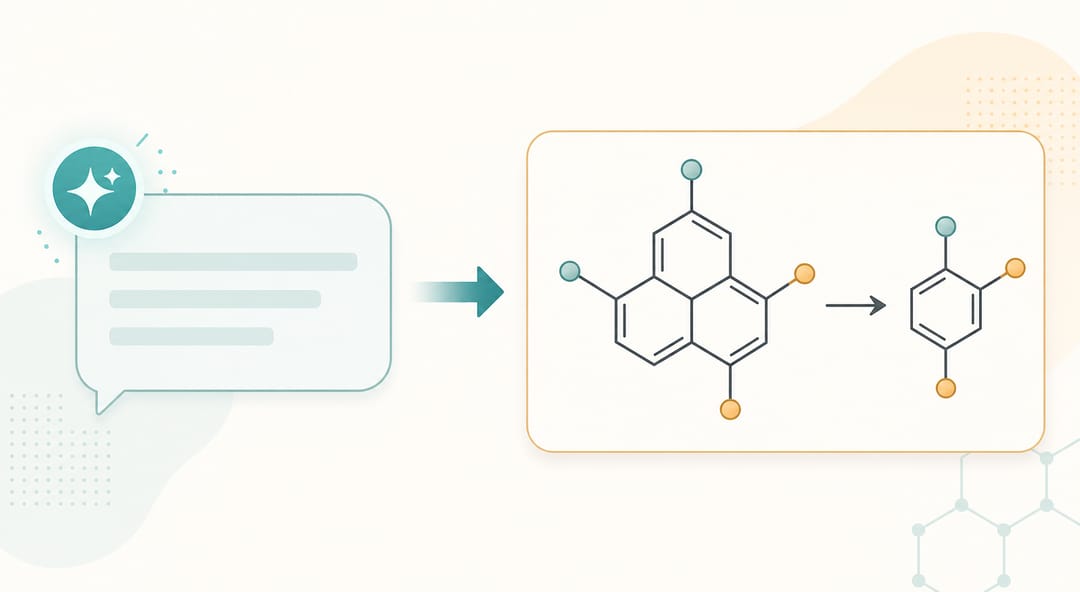 With SciDraw AI you describe the figure in words and the diagram is generated in seconds.
Frequently Asked Questions
Q: Is there a completely free ChemDraw alternative that matches its feature set? A: No single free tool matches ChemDraw's full suite (structure editor + property prediction + NMR prediction + database connectivity). Ketcher + open-source cheminformatics libraries (RDKit, OpenBabel) comes closest for open-source pipelines, but requires developer setup. For pure structure drawing, ChemDoodle Web Components and Ketcher cover most needs at no cost.
Q: Can I open ChemDraw files (.cdx, .cdxml) in these alternatives? A: ChemDoodle and MarvinJS have the best ChemDraw file compatibility. Ketcher can import CDX/CDXML files in some configurations. SciDraw AI does not import structure files — it generates images from text.
Q: Which tool is best for drawing Lewis dot structures quickly? A: For a point-and-click editor, Ketcher or ChemDoodle. For generating a clean, labeled Lewis structure figure without manually placing dots, SciDraw AI's Lewis dot structure generator is significantly faster.
Q: Are any of these tools approved for use in thesis or journal submissions? A: Journals care about figure quality, not the tool used. MarvinJS, ChemDoodle, Ketcher, and ChemDraw all produce publication-quality vector or high-resolution output. SciDraw AI produces high-resolution PNG/SVG images suitable for publications; check your journal's figure resolution requirements (typically 300 dpi minimum for raster figures).
Q: Which ChemDraw alternative is best for students on a budget? A: Ketcher (free, browser-based) or ChemDoodle ($15 one-time) for traditional structure drawing. SciDraw AI's free tier (50 credits/month) covers light use and is excellent for generating study materials and chemistry diagrams without any software installation.
Q: Does SciDraw AI support Chinese-language prompts for chemistry figures? A: Yes. SciDraw AI accepts prompts in both English and Chinese, making it practical for researchers and students working in Chinese academic environments.