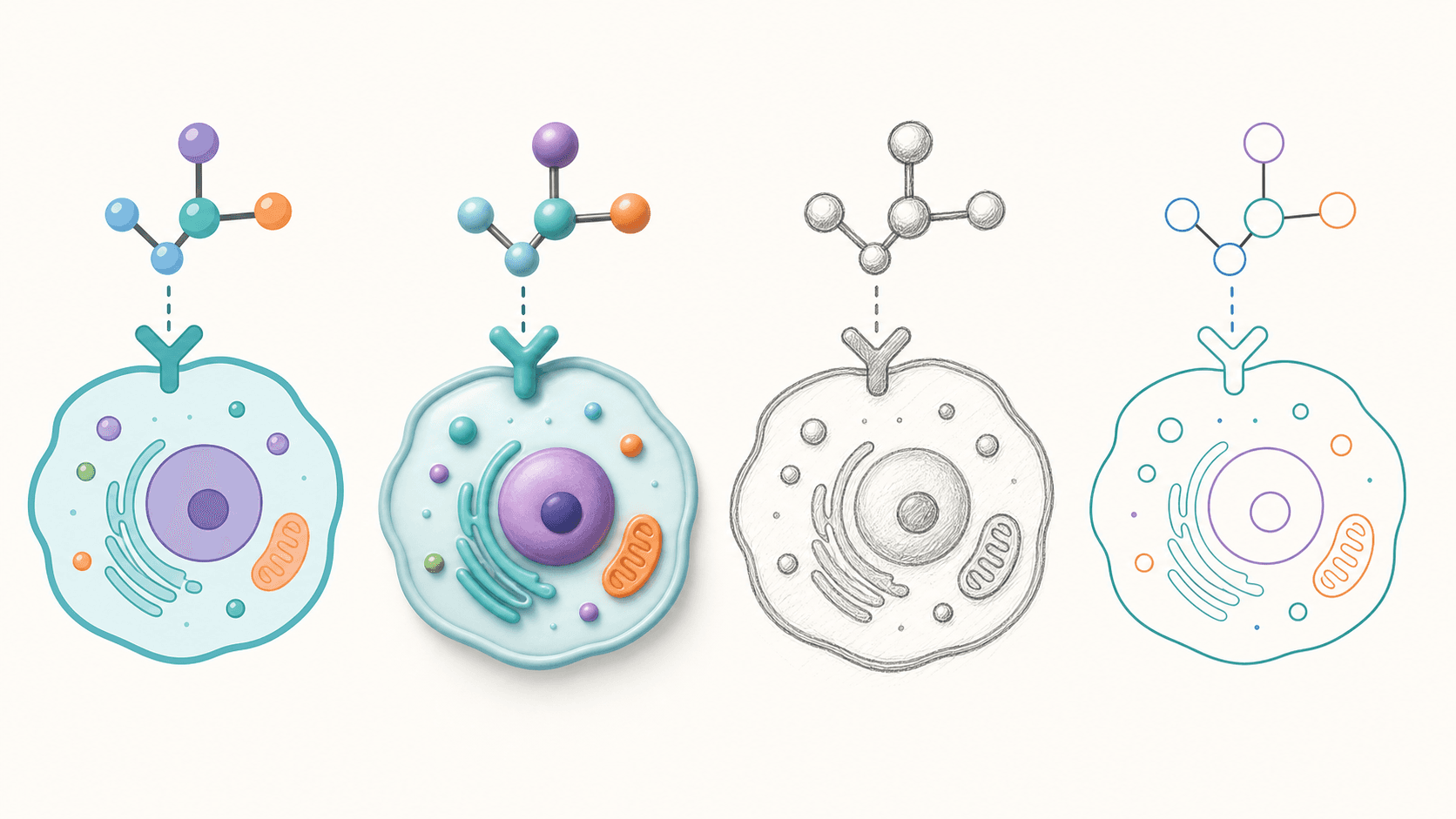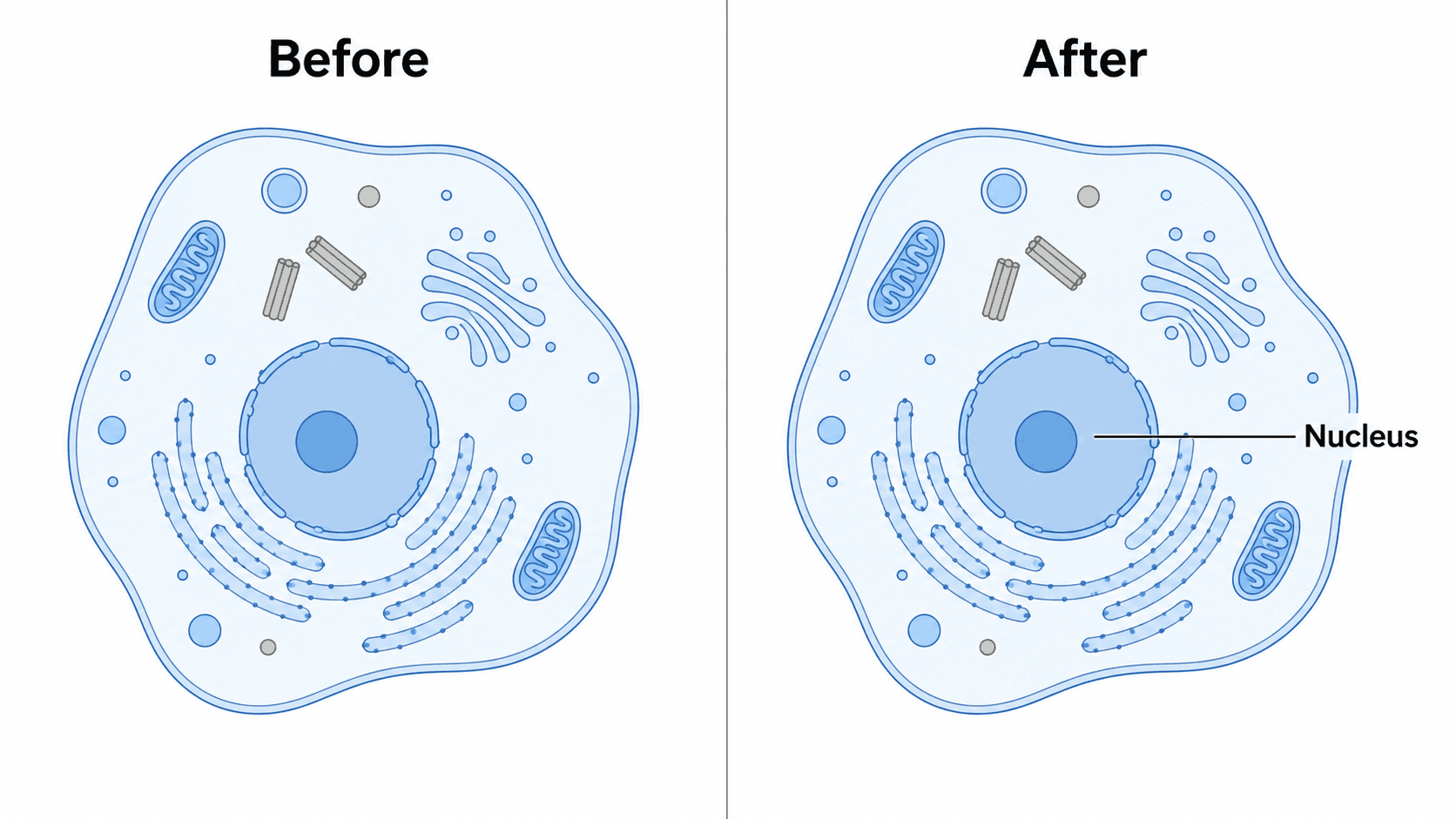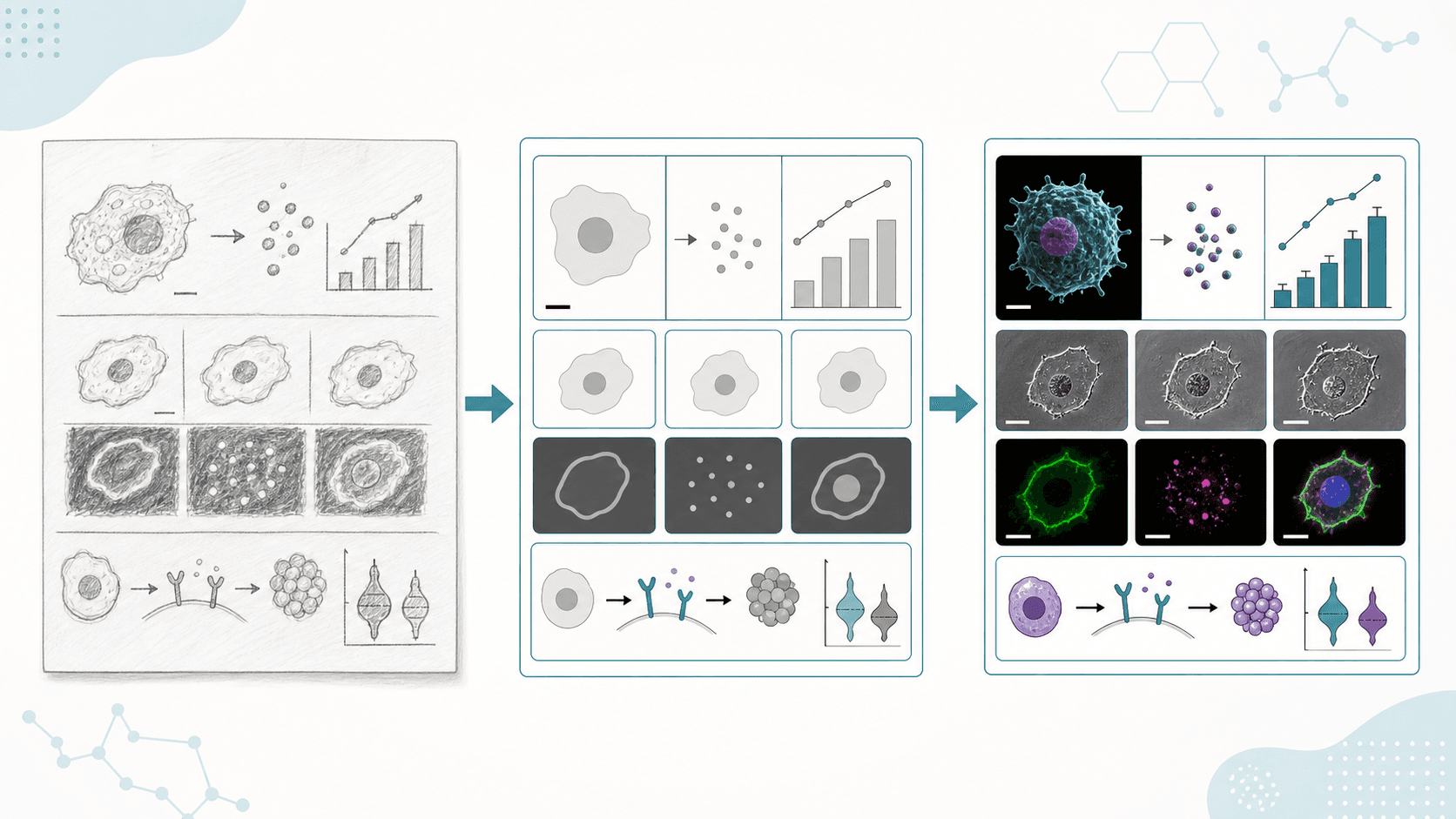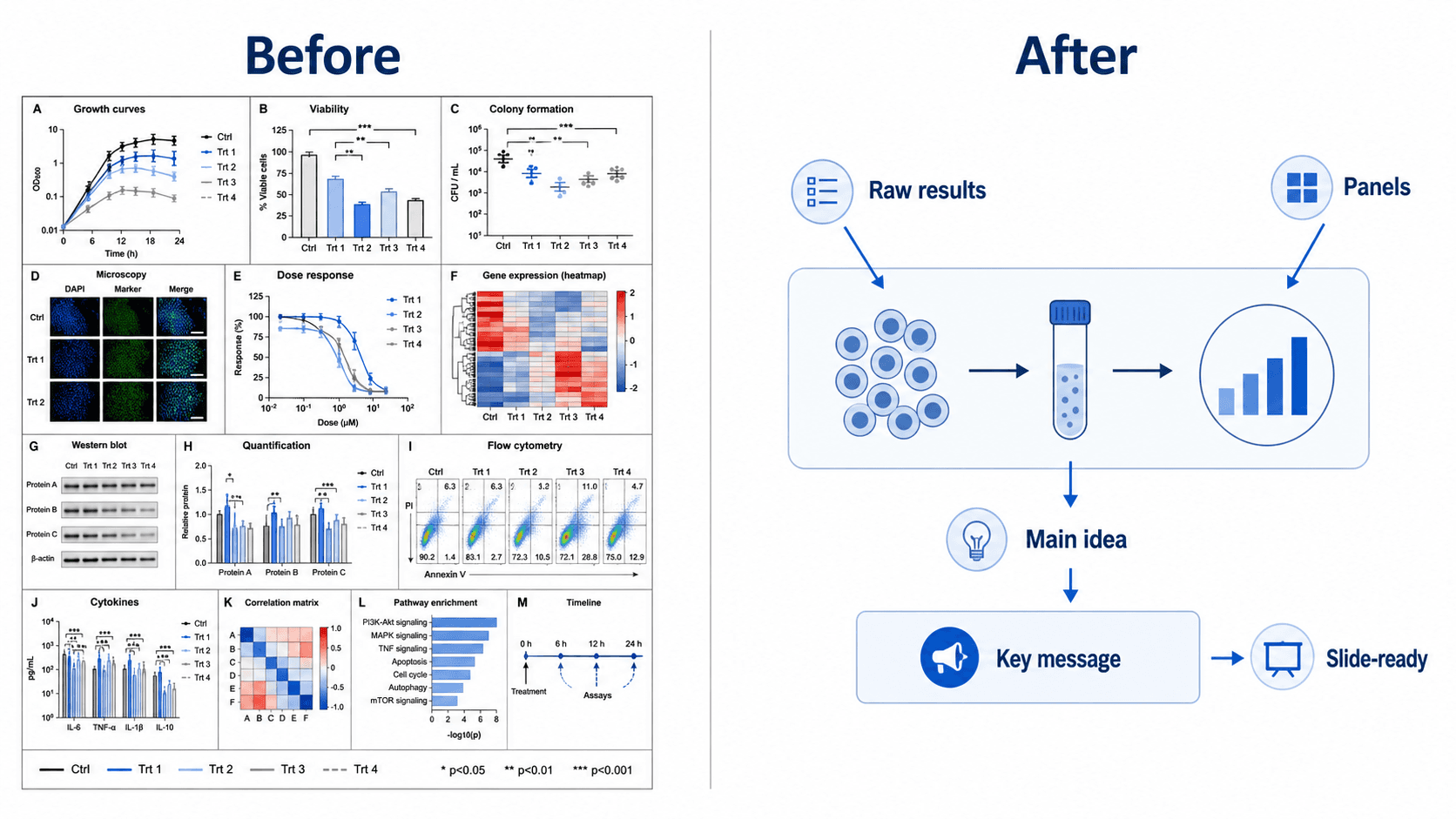
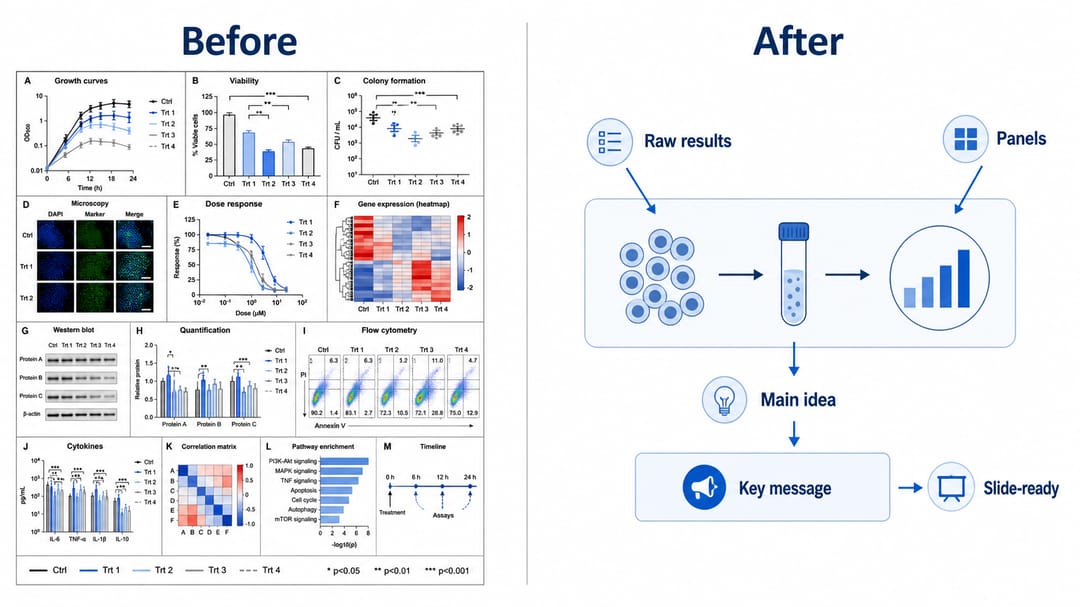
Du hast eine großartige Abbildung für dein Paper erstellt — und jetzt brauchst du sie erneut für eine breite Konferenzfolie, eine hohe Posterspalte und einen quadratischen Social-Media-Post. Jeder Bestimmungsort will eine andere Form, und das Strecken des Originals verzerrt einfach alles. Du musst sie nicht für jedes Format neu zeichnen. Mit einem KI-nativen Abbildungswerkzeug nennst du der KI einfach das benötigte Seitenverhältnis oder den Bestimmungsort, und sie lässt die vorhandene Abbildung passend umfließen — wobei Elemente, Beschriftungen und Bedeutung intakt bleiben, statt zusammengequetscht zu werden. Diese Anleitung zeigt dir, wie du eine Abbildung skalierst und ihr Seitenverhältnis änderst für ein Journal, ein Poster oder eine Folie — ohne Designsoftware, ohne Verzerrung, ohne von vorne anzufangen.
Am Ende dieser Anleitung kannst du:
- das Seitenverhältnis einer Abbildung ändern auf einspaltige, zweispaltige, 16:9-, quadratische oder hohe Posterformen.
- eine Abbildung für ein Journal skalieren, ohne Elemente zu verzerren oder Beschriftungen in die Unleserlichkeit zu schrumpfen.
- ein Diagramm für eine Folie umformatieren, sodass es einen Breitbildrahmen füllt und von hinten im Raum lesbar ist.
- eine Abbildung für ein Poster-Panel anpassen, das hoch und schmal ist.
- ohne Neuzeichnen skalieren, sodass die Wissenschaft gleich bleibt und sich nur die Form ändert.
Jede Skalierung unten entsteht durch das Eintippen eines Satzes in den SciDraw AI Editor — den KI-Abbildungseditor, in dem dein Bild die Leinwand und Sprache das Werkzeug ist.
Warum "skalieren" Umfließen heißen sollte, nicht Strecken
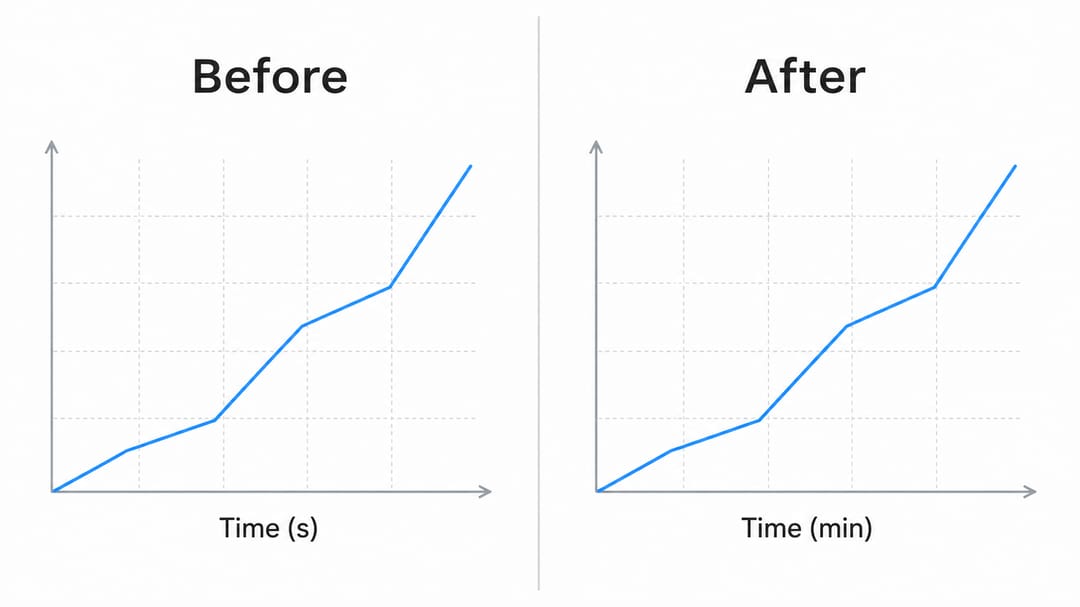
Das Ziehen eines Eckgriffs skaliert jeden Pixel gleichmäßig: Text wird gestaucht, Kreise werden zu Ovalen, und ein sorgfältiges Layout zerbricht. Echtes Skalieren für die Wissenschaft bedeutet, den Inhalt in eine neue Form umfließen zu lassen — Panels neu anordnen, Beschriftungen umpositionieren und Abstände anpassen, damit die Abbildung in ihren neuen Proportionen weiterhin sauber lesbar ist. Genau das macht ein KI-Abbildungswerkzeug, wenn du um ein neues Seitenverhältnis bittest: Es streckt das Bild nicht, sondern legt die Abbildung passend neu an. Die Fertigkeit besteht darin, die Zielform (oder den Bestimmungsort) zu benennen und der KI zu sagen, sie soll den Inhalt intakt halten, während sie ihn neu anordnet.
Die Kerntechnik: die Form benennen, den Inhalt behalten
Gib das Seitenverhältnis oder den Bestimmungsort an und sag der KI, sie soll alles andere bewahren.
- ❌ Vage: "mach das breiter"
- ✅ Gezielt: "Lass diese Abbildung in ein 16:9-Breitbild-Layout für eine Folie umfließen. Ordne die Panels von links nach rechts an, behalte alle Elemente und Beschriftungen und strecke nichts."
Vorlage: "Lass diese Abbildung in ein [Seitenverhältnis / Bestimmungsort]-Layout umfließen und ordne [Panels/Elemente] passend an. Behalte alle Elemente und Beschriftungen und verzerre nichts."
Öffne deine Abbildung im Editor, tippe die Anweisung ein, und die KI komponiert das Bild in den neuen Proportionen neu. "Strecke oder verzerre nicht" zu sagen ist das, was dir ein sauberes Umfließen statt eines verzerrten Bildes beschert.
Abbildung für ein Journal skalieren (eine oder zwei Spalten)
Journals geben Abbildungsbreiten vor — typischerweise eine einzelne Spalte (~85 mm) oder eine volle zweispaltige Seite (~180 mm). Das Seitenverhältnis zählt ebenso wie die Auflösung: Eine breit angelegte Abbildung muss eventuell hoch und kompakt werden, um in eine Spalte zu passen, ohne die Beschriftungen unter die Lesbarkeit zu schrumpfen.
- "Formatiere diese Abbildung auf eine einspaltige Journal-Breite um, stapele die Panels vertikal und halte alle Beschriftungen lesbar."
- "Lass das in ein zweispaltiges (volle Breite) Querformat-Layout für eine Journal-Abbildung umfließen."
- "Mach das zu einer hohen, schmalen einspaltigen Abbildung; verschiebe die Legende unter das Diagramm statt daneben."
- "Skaliere für den Druck auf ein 1:1,3-Hochformat-Verhältnis und halte den Beschriftungstext groß genug, um bei Spaltenbreite lesbar zu sein."
- "Verdichte diese Abbildung, damit sie in eine Spalte passt, ohne dass sich Beschriftungen überlappen."
Diagramm für eine Folie umformatieren (16:9 und 4:3)
Präsentationsfolien sind breit. Eine Paper-Abbildung, die auf eine Folie gesetzt wird, lässt meist große leere Seitenränder und winzigen Text. Lass sie auf ein Breitbildverhältnis umfließen, sodass sie den Rahmen füllt und von hinten im Raum lesbar ist.
- "Lass diese Abbildung in ein 16:9-Breitbild-Layout umfließen und ordne die Schritte von links nach rechts über die Folie an."
- "Mach das zu einer 4:3-folientauglichen Version mit größeren Beschriftungen und mehr Abstand zwischen den Elementen."
- "Verteile die Panels horizontal, um eine Breitbildfolie zu füllen, und vergrößere den Beschriftungstext."
- "Wandle diese hohe Abbildung in ein breites Layout um, das für eine Präsentation geeignet ist, und behalte die Flussreihenfolge."
- "Vergrößere Schriftgröße und Abstände, damit diese Abbildung hinten in einem Hörsaal lesbar ist."
Abbildung für ein Poster anpassen (hohe Panels und Großformat)
Poster verwenden hohe Spalten und werden aus der Nähe betrachtet, sodass Abbildungen größer und detaillierter sein können — doch sie müssen weiterhin in eine definierte Panel-Form passen und auf Stehdistanz lesbar sein.
- "Formatiere diese Abbildung in ein hohes, schmales Layout um, das in eine einzelne Posterspalte passt."
- "Skaliere für ein Poster auf ein 2:3-Hochformat-Verhältnis mit fetten, großen Beschriftungen für die Betrachtung auf Stehdistanz."
- "Stapele diese Panels vertikal, damit sie in eine Posterspalte passen, und vergrößere die Beschriftungsgröße."
- "Erstelle eine Großformat-Version mit dickeren Linien und größerem Text, die für ein A0-Poster geeignet ist."
- "Lass das in eine quadratische (1:1) Version für einen Poster-Highlight-Kasten umfließen."
Tipps für saubere Skalierungs-Ergebnisse
- Benenne das exakte Verhältnis oder den Bestimmungsort. "16:9 für eine Folie" oder "einspaltige Journal-Breite" schlägt "mach es größer".
- Sag immer 'strecke oder verzerre nicht'. Das erzwingt ein Umfließen statt einer gleichmäßigen Skalierung.
- Bitte die KI, neu anzuordnen, nicht nur zu reskalieren. "Stapele die Panels vertikal" oder "verteile die Schritte von links nach rechts" ergibt ein Layout, das zur neuen Form passt.
- Schütze die Lesbarkeit. Füge für Folien und Poster "vergrößere die Beschriftungen" hinzu, damit der Text nicht mit der Abbildung schrumpft.
- Verschiebe die Legende bei Bedarf. Eine seitliche Legende funktioniert in einem hohen Format oft besser unter der Abbildung.
- Behalte eine Quellabbildung. Generiere skalierte Kopien je Bestimmungsort, statt jede einzeln neu zu zeichnen.
- Iteriere. Wenn eine Beschriftung nach dem Umfließen kollidiert, hak nach: "gib dem unteren Panel mehr vertikalen Platz, damit sich die Beschriftungen nicht überlappen."
Häufige Fehler (und wie du sie behebst)
- Strecken verzerrt die Abbildung. Lösung: Bitte um ein Umfließen — "ordne passend zu einem 16:9-Layout an, strecke nichts".
- Beschriftungen werden unleserlich, wenn sie für eine Spalte geschrumpft werden. Lösung: Füge "halte Beschriftungen bei Spaltenbreite lesbar" oder "vergrößere die Beschriftungen" hinzu und erwäge, Panels zu stapeln.
- Leere Ränder auf einer Folie. Lösung: Sag der KI, sie soll "die Panels verteilen, um den Breitbildrahmen zu füllen".
- Eine breite Abbildung, die in eine hohe Posterspalte gequetscht wird. Lösung: Bitte sie, "die Panels vertikal zu stapeln", statt sie nebeneinander zu quetschen.
- Inhalt ändert sich während des Umfließens. Lösung: Füge "behalte alle Elemente und Beschriftungen bei" hinzu und vergleiche mit dem Original.
- Verstümmelter Text nach dem Skalieren (typisch für generische Bild-KI). Lösung: SciDraw AI rendert saubere, lesbare Beschriftungen neu — prompte den exakten Wortlaut erneut, falls eine Beschriftung abdriftet.
Exportiere und nutze deine skalierte Abbildung
Sobald die Form zu ihrem Bestimmungsort passt, exportiere die Abbildung als bearbeitbare SVG oder PowerPoint (PPTX) oder lade ein hochauflösendes Bild in der Größe herunter, die dein Journal, dein Posterdrucker oder dein Foliensatz benötigt. SVG und PPTX erlauben dir, das umgeflossene Layout später feinzujustieren, während der KI-Editor die schnelle Skalierung jetzt übernimmt.
Musst du eine Beschriftung nach dem Skalieren vergrößern oder korrigieren? Siehe wie du Text und Beschriftungen in einer KI-Abbildung bearbeitest. Bereitest du dieselbe Abbildung in einer drucksicheren Palette vor? Siehe wie du ein wissenschaftliches Diagramm umfärbst (inklusive farbenblindsicherer Paletten).
Häufig gestellte Fragen
Wie ändere ich das Seitenverhältnis einer Abbildung mit KI? Öffne die Abbildung im SciDraw AI Editor und tippe eine kurze Anweisung wie "lass diese Abbildung in ein 16:9-Layout für eine Folie umfließen, behalte alle Beschriftungen und strecke nichts". Die KI komponiert das vorhandene Bild in den neuen Proportionen neu, statt es zu verzerren.
Wie skaliere ich eine Abbildung für eine Journal-Spalte? Nenne der KI die Zielbreite und -form: "formatiere das auf eine einspaltige Journal-Breite um, stapele die Panels vertikal und halte alle Beschriftungen lesbar." Die KI lässt das Layout passend zur Spalte umfließen, ohne den Text in die Unleserlichkeit zu schrumpfen.
Wie bringe ich eine Paper-Abbildung auf eine Präsentationsfolie? Bitte um ein Breitbild-Umfließen: "verteile die Panels von links nach rechts, um eine 16:9-Folie zu füllen, und vergrößere die Beschriftungen." Die Abbildung füllt den Rahmen und ist von hinten im Raum lesbar.
Kann ich skalieren, ohne die Abbildung zu verzerren oder zu strecken? Ja. Füge immer "strecke oder verzerre nicht — ordne passend an" hinzu. Die KI lässt den Inhalt in die neue Form umfließen, statt jeden Pixel gleichmäßig zu skalieren, sodass Kreise rund und Text lesbar bleiben.
Kann ich eine Abbildung kostenlos skalieren? Du kannst Abbildungen im KI-Abbildungseditor kostenlos skalieren und umformatieren und dann für mehr Credits und bearbeitbaren SVG/PPTX-Export upgraden. Jede Skalierung entsteht durch das Eintippen einer Anweisung — keine Designsoftware zu installieren.
Jetzt loslegen
Öffne eine beliebige Abbildung im SciDraw AI Editor und tippe deine erste Skalierung ein — eine Spalte für ein Journal, 16:9 für eine Folie oder ein hohes Panel für ein Poster. Die KI lässt sie umfließen, sodass du nicht neu zeichnen musst, und deine passgenaue Abbildung ist nur einen Satz entfernt.