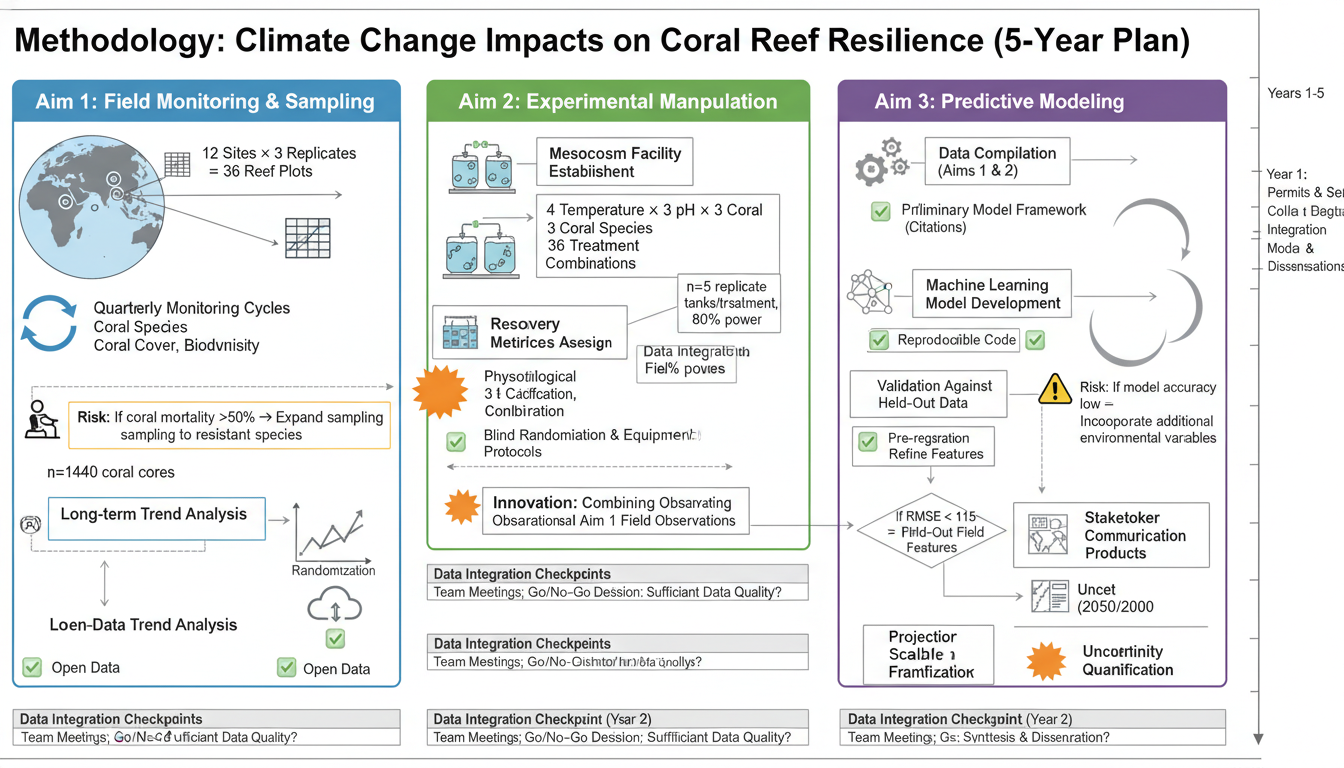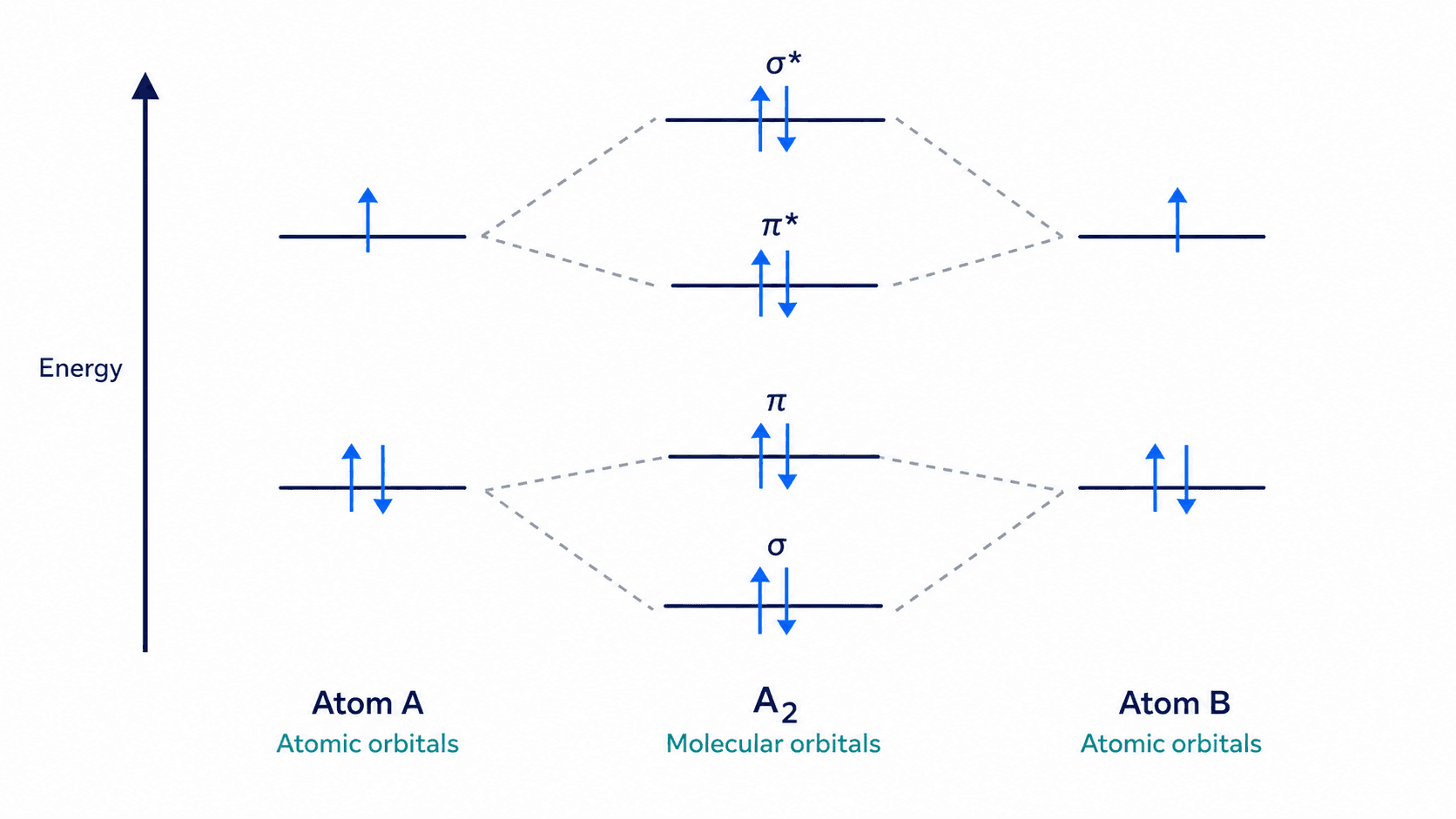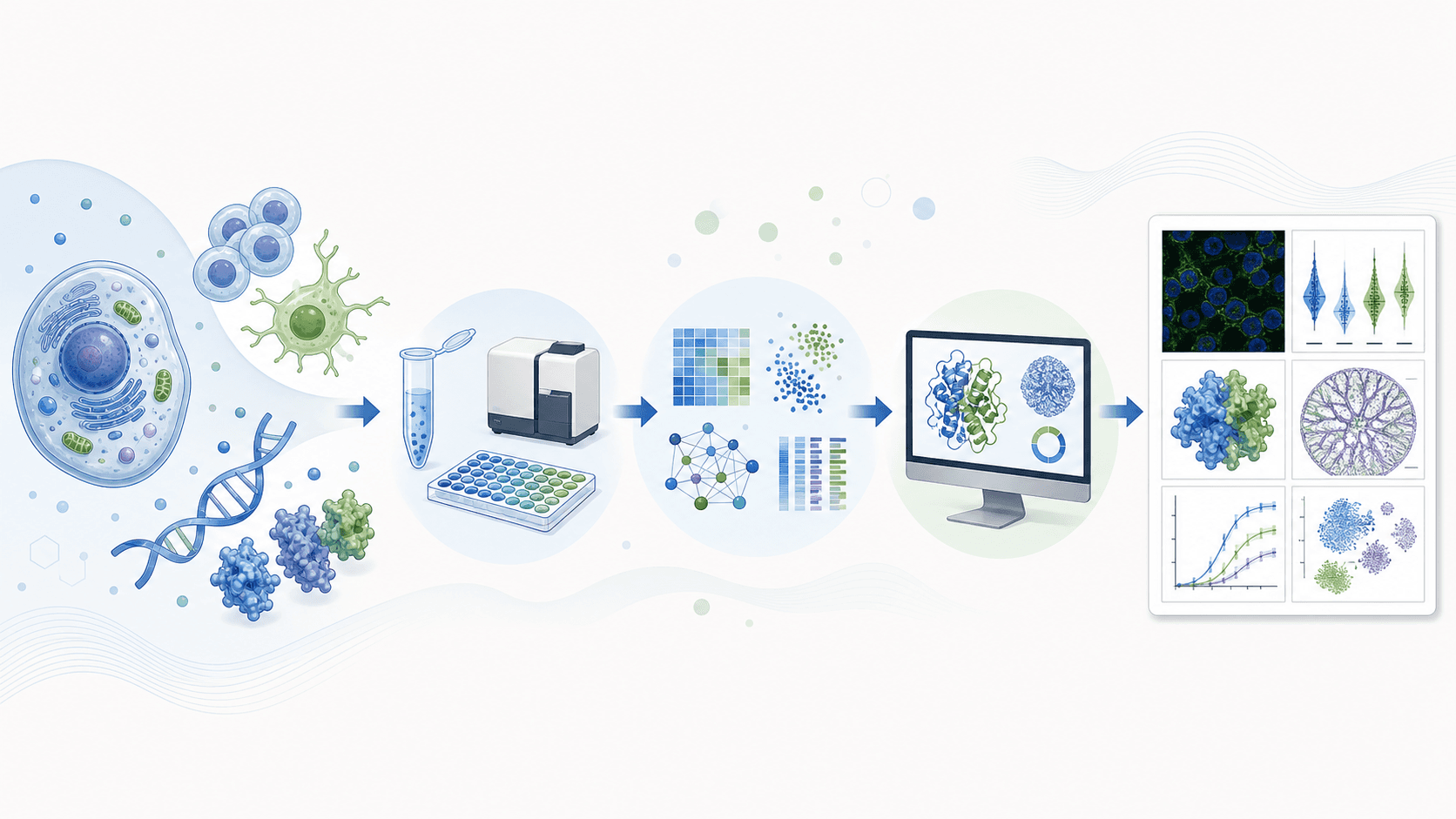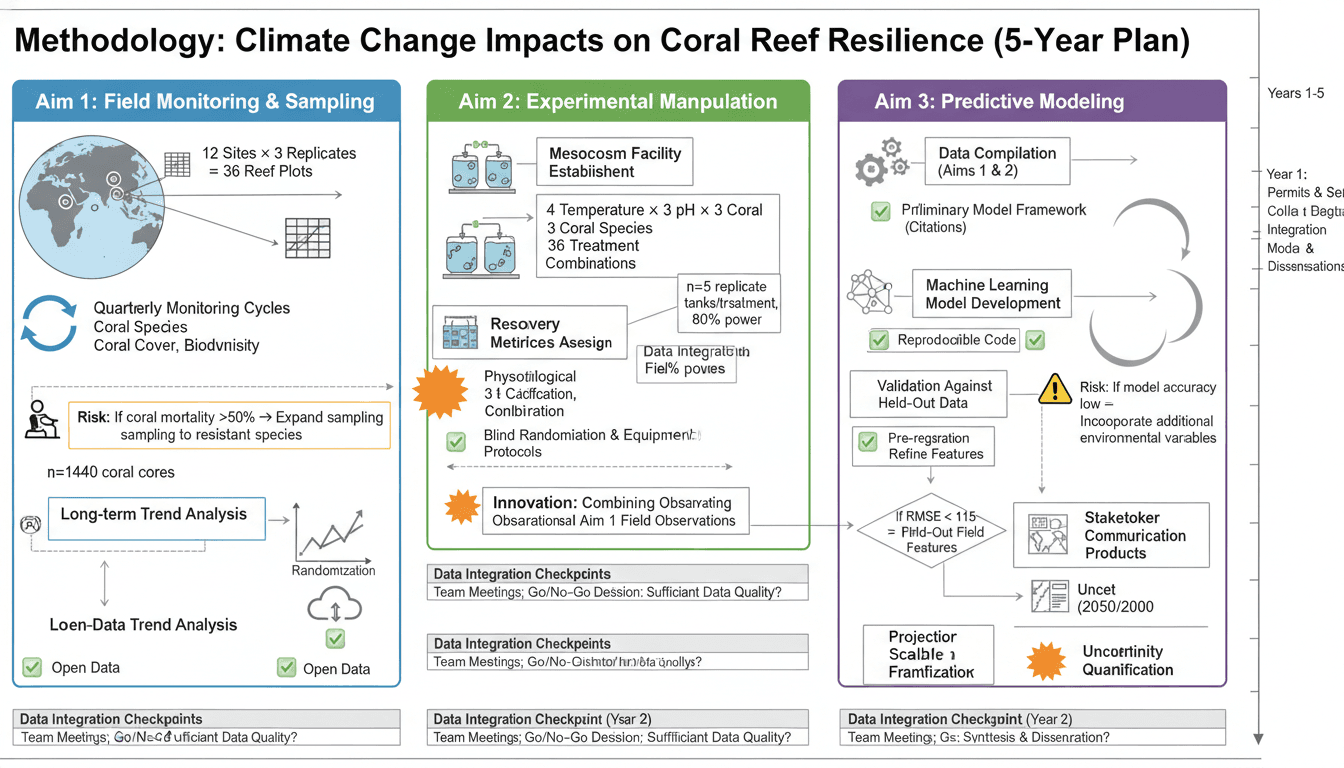
실험 워크플로우 다이어그램은 연구 방법을 명확하게 전달하는 데 필수적입니다. 잘 디자인된 워크플로우 그림은 여러 단락의 텍스트를 대체하여 독자가 실험적 접근 방식을 빠르게 이해하도록 돕습니다.
이 가이드는 방법 섹션을 개선하고 논문 가독성을 향상시키는 전문적인 워크플로우 다이어그램을 만드는 방법을 알려줍니다.
명확한 워크플로우 다이어그램은 방법을 즉시 이해할 수 있도록 합니다.
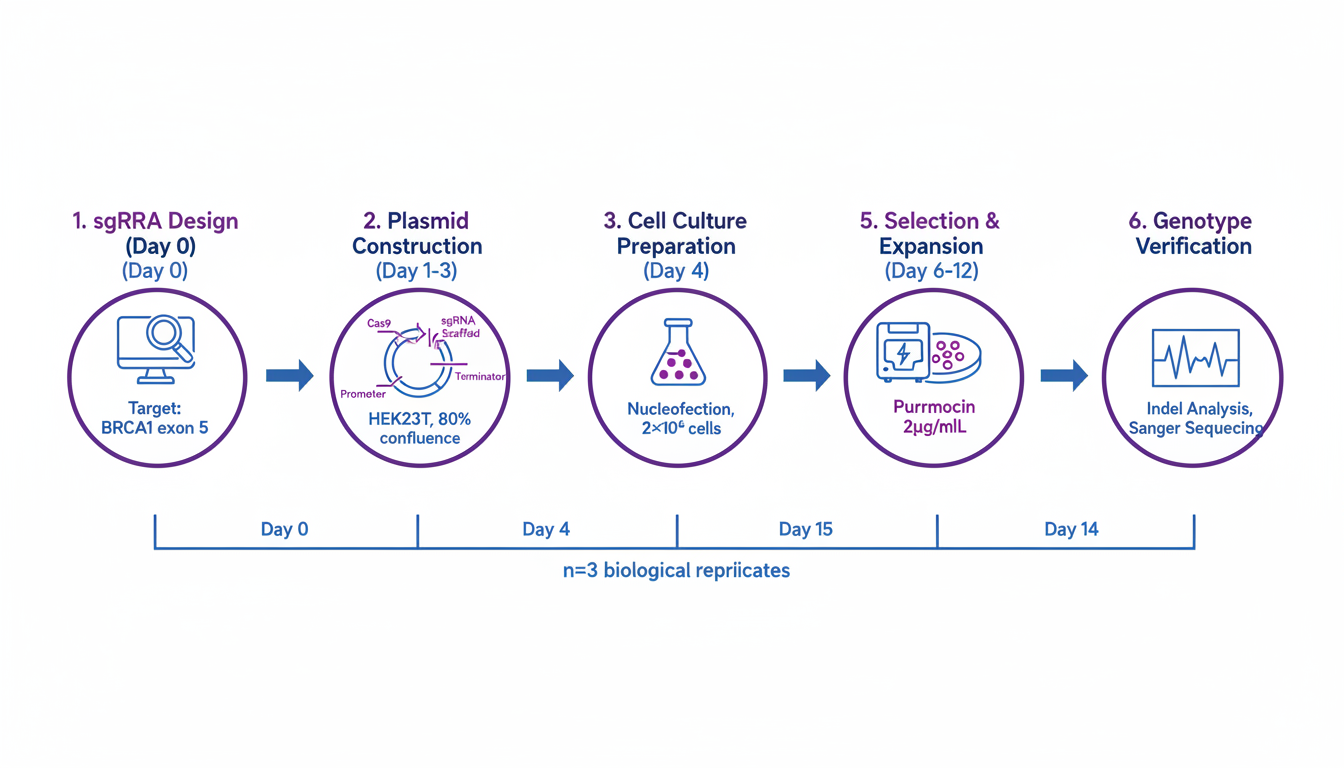
워크플로우 다이어그램이 중요한 이유
효과적인 워크플로우 다이어그램:
- 복잡한 방법 단순화: 시각적 표현이 긴 텍스트보다 낫습니다.
- 재현성 향상: 명확한 단계는 다른 사람들이 당신의 연구를 복제하는 데 도움이 됩니다.
- 심사위원 이해도 향상: 더 빠른 이해 = 더 원활한 검토
- 인용 횟수 증가: 명확한 방법이 있는 논문은 더 자주 인용됩니다.
실험 워크플로우 다이어그램의 유형
1. 선형 순차적 워크플로우
간단한 단계별 프로세스:
Step 1 → Step 2 → Step 3 → Step 4 → Result최적: 명확한 진행이 있는 간단한 프로토콜
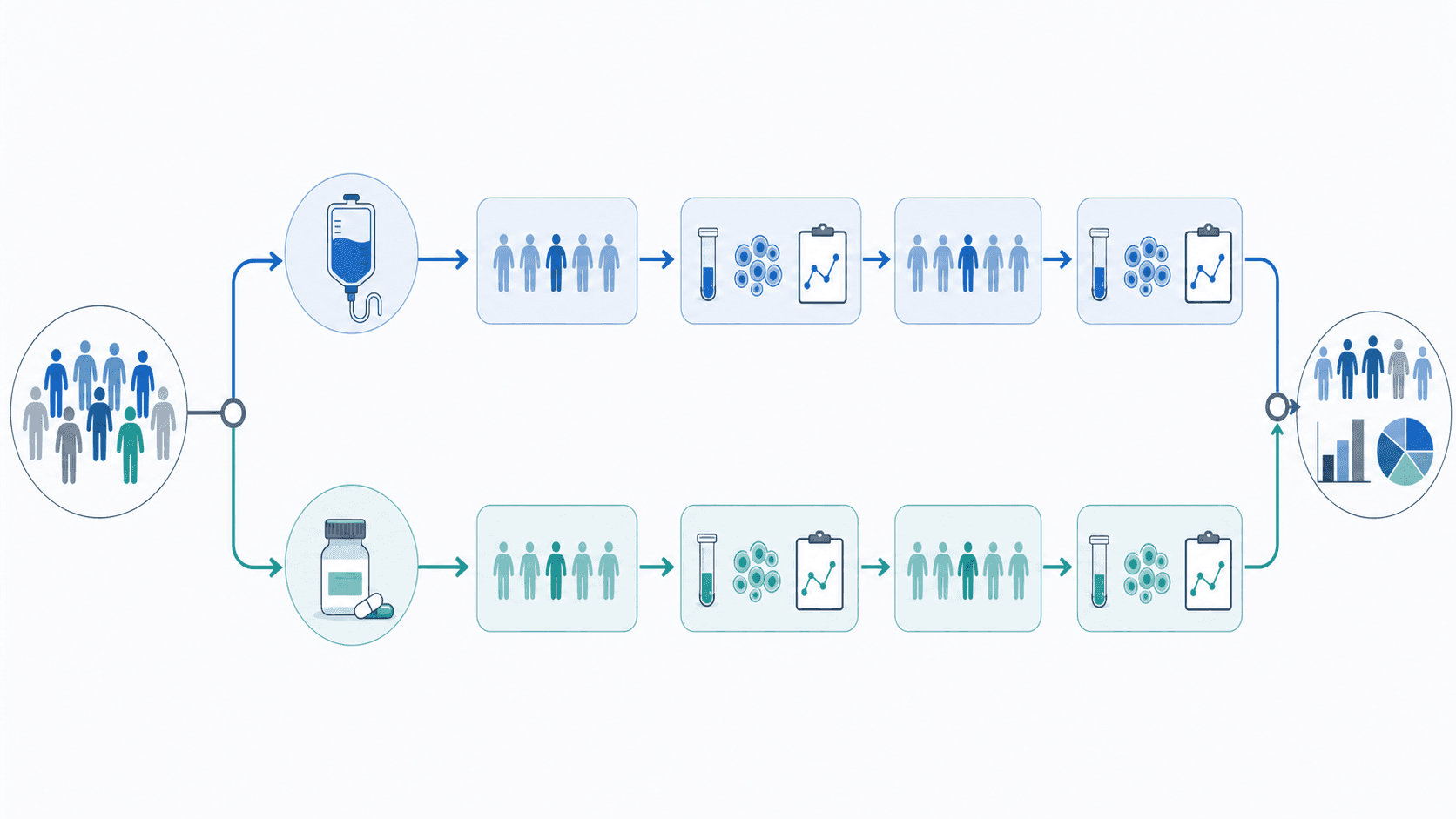
2. 분기형 워크플로우
의사 결정 지점 또는 병렬 경로가 있는 프로세스:
→ Path A →
Start → → Result
→ Path B →최적: 조건 또는 여러 샘플 유형이 있는 방법
3. 순환형 워크플로우
반복적 또는 피드백 프로세스:
Step 1 → Step 2 → Step 3
↑ ↓
←←←← Repeat ←←←←←최적: 최적화 절차, 반복 분석
4. 다단계 워크플로우
뚜렷한 단계를 가진 복잡한 프로세스:
[Sample Prep] → [Treatment] → [Analysis] → [Data Processing]최적: 여러 날에 걸친 프로토콜, 복잡한 실험 설계
디자인 원칙
시각적 계층 구조
- 주요 흐름: 눈에 띄는 중앙 위치
- 주요 단계: 아이콘 또는 색상으로 강조 표시
- 세부 사항: 더 작은 텍스트, 보조 요소
- 타임라인: 관련될 때 표시
방향 흐름
권장 패턴:
- 왼쪽에서 오른쪽으로 (가장 일반적)
- 위에서 아래로 (대안)
- 전체적으로 일관된 방향
피해야 할 것:
- 방향 혼합
- 불분명한 화살표 방향
- 순환적인 혼란
정보 밀도
포함:
- 필수 단계만
- 주요 매개변수 (시간, 온도)
- 중요한 시약
- 의사 결정 지점
제외:
- 사소한 세부 사항 (텍스트 대신)
- 명백한 단계
- 과도한 기술 전문 용어
분야별 워크플로우 다이어그램 만들기
생물학 및 생명 과학
세포 배양 실험:
Experimental workflow for cell biology,
cell seeding → treatment (24h) → harvest → analysis,
specific cell line "HeLa" indicated,
treatment conditions "Drug X, 10 μM" labeled,
timeline bar below showing days,
analysis methods: "Western blot, qPCR, Flow cytometry",
life sciences publication style동물 연구 워크플로우:
In vivo experiment workflow diagram,
animal model → treatment groups → intervention → endpoints,
"C57BL/6 mice, n=10/group" indicated,
treatment arms shown in parallel,
sacrifice time points marked,
tissue collection and analysis specified,
preclinical research style분자 생물학 프로토콜:
Molecular cloning workflow,
PCR amplification → gel extraction → ligation → transformation,
vector and insert icons,
colony screening step,
sequence verification endpoint,
molecular biology methods figure style
분자 생물학 워크플로우는 상징적인 표현의 이점을 얻습니다.
화학
합성 워크플로우:
Multi-step synthesis workflow diagram,
starting material → intermediate 1 → intermediate 2 → product,
reaction conditions above each arrow,
purification methods noted (column, recrystallization),
yield percentages at each step,
organic chemistry methods style분석 프로토콜:
Analytical chemistry workflow,
sample collection → preparation → measurement → data analysis,
specific techniques labeled,
quality control steps included,
instrument parameters noted,
analytical methods figure format재료 과학
재료 합성:
Nanomaterial synthesis workflow,
precursor preparation → reaction → purification → characterization,
reaction conditions (temperature, time, atmosphere),
characterization techniques listed,
scale indicated,
materials science methods style장치 제작:
Device fabrication workflow diagram,
substrate preparation → deposition → patterning → testing,
layer-by-layer steps shown,
equipment/techniques at each step,
cleanroom requirements noted,
engineering methods figure format임상 및 의학 연구
임상 시험 워크플로우:
Clinical study workflow diagram,
patient screening → enrollment → randomization → intervention → follow-up,
inclusion/exclusion criteria summarized,
treatment arms in parallel,
assessment time points marked,
CONSORT-style diagram elements샘플 처리:
Biospecimen processing workflow,
collection → transport → processing → storage → analysis,
sample types indicated,
time constraints noted,
temperature requirements shown,
biobank protocols style워크플로우 다이어그램을 위한 AI 프롬프트
기본 워크플로우 템플릿
Experimental workflow diagram for [field] research,
[number] main steps: [list steps],
left to right flow with arrows,
icons representing each major step,
key parameters labeled,
timeline indicated below,
publication-ready methods figure style상세 프로토콜 워크플로우
Detailed experimental protocol workflow,
[your experiment type] methodology,
Step 1: [description with parameters],
Step 2: [description with parameters],
[continue for all steps],
critical steps highlighted,
QC checkpoints marked,
reproducibility-focused design비교 워크플로우
Comparative experimental workflow showing two methods,
Method A (left/top) vs Method B (right/bottom),
shared steps in center,
differences highlighted with color,
time/cost comparison indicated,
methods comparison figure style고처리량 워크플로우
High-throughput screening workflow diagram,
library/sample input → primary screen → hit identification,
secondary validation → lead selection,
numbers at each stage (e.g., "10,000 → 500 → 50 → 5"),
funnel visualization style,
drug discovery/screening format디자인 요소
아이콘 및 기호
일반적인 워크플로우 아이콘:
- 🧪 시험관 (반응)
- 📊 그래프 (분석)
- 🔬 현미경 (이미징)
- 💻 컴퓨터 (데이터 처리)
- ⏱️ 시계 (시간 지점)
- 🌡️ 온도계 (온도)
아이콘 사용 목적:
- 단계 유형을 빠르게 식별
- 시각적 흥미 더하기
- 텍스트가 많은 영역 분할
- 일관된 스타일 만들기
색상 코딩
기능적 색상:
- 파란색: 샘플/재료 흐름
- 녹색: 생물학적 프로세스
- 주황색: 화학 반응
- 보라색: 분석/측정
- 회색: 품질 관리
단계 색상:
- 밝은 색상: 초기 단계
- 어두운 색상: 후기 단계
- 일관된 진행
커넥터 및 화살표
화살표 유형:
- 실선: 주요 프로세스 흐름
- 점선: 선택적/조건부 단계
- 이중선: 가역적 프로세스
- 분기형: 의사 결정 지점
모범 사례:
- 일관된 화살표 스타일
- 명확한 방향성
- 가능하면 교차 피하기
- 시간/조건으로 레이블 지정
레이아웃 템플릿
선형 템플릿
┌────────┐ ┌────────┐ ┌────────┐ ┌────────┐
│ Step 1 │───→│ Step 2 │───→│ Step 3 │───→│ Step 4 │
└────────┘ └────────┘ └────────┘ └────────┘
Day 0 Day 1 Day 3 Day 7분기형 템플릿
┌────────┐
────→│ Path A │────┐
┌────────┐ │ └────────┘ │ ┌────────┐
│ Start │────┤ ├───→│ Result │
└────────┘ │ ┌────────┐ │ └────────┘
────→│ Path B │────┘
└────────┘다단계 템플릿
┌─────────────────────────────────────────────────────┐
│ Phase 1: Setup │
│ ┌──────┐ ┌──────┐ ┌──────┐ │
│ │ Prep │──→│ Treat│──→│ Check│ │
│ └──────┘ └──────┘ └──────┘ │
└─────────────────────────────────────────────────────┘
↓
┌─────────────────────────────────────────────────────┐
│ Phase 2: Analysis │
│ ┌──────┐ ┌──────┐ ┌──────┐ │
│ │Collect│──→│Analyze│──→│Report│ │
│ └──────┘ └──────┘ └──────┘ │
└─────────────────────────────────────────────────────┘흔한 실수
1. 너무 많은 세부 사항
문제: 모든 사소한 단계 포함 해결책: 일상적인 단계를 요약하고 중요한 지점만 자세히 설명합니다.
2. 불분명한 흐름
문제: 독자가 프로세스를 따라갈 수 없음 해결책: 명확한 화살표를 사용하고 일관된 방향을 유지합니다.
3. 누락된 주요 정보
문제: 중요한 매개변수 생략 해결책: 시간, 온도, 농도를 포함합니다.
4. 일관성 없는 스타일
문제: 혼합된 아이콘, 글꼴, 색상 해결책: 스타일 가이드를 만들고 일관되게 적용합니다.
5. 잘못된 복잡성 수준
문제: 청중에게 너무 단순하거나 너무 복잡함 해결책: 독자의 전문 지식에 맞춰 세부 수준을 조정합니다.
워크플로우 다이어그램 제작 도구
AI 기반
- SciDraw: 설명에서 완전한 워크플로우 생성
- 빠른 프로토타입 제작 및 아이디어 구상에 최적
기존 소프트웨어
- Illustrator/Inkscape: 디자인에 대한 완전한 제어
- PowerPoint: 빠르고 친숙함
- Lucidchart/draw.io: 다이어그램 전문
- BioRender: 생명 과학에 중점
권장 워크플로우
- AI로 초안 작성: SciDraw로 개념 생성
- 구조 개선: 실제 프로토콜에 따라 조정
- 다듬기: 특정 레이블 및 매개변수 추가
- 내보내기: 저널 요구 사항에 맞게 형식 지정
워크플로우 다이어그램 제작 시작
명확한 워크플로우 다이어그램으로 방법 섹션을 변환하십시오.
- SciDraw AI Drawing 방문
- 실험 워크플로우 설명
- 생성 및 사용자 정의
- 출판 준비가 완료된 그림 내보내기
당신의 방법은 즉시 이해할 수 있도록 시각화할 가치가 있습니다.
관련 기사: