블로그
저희 팀의 최신 소식과 업데이트
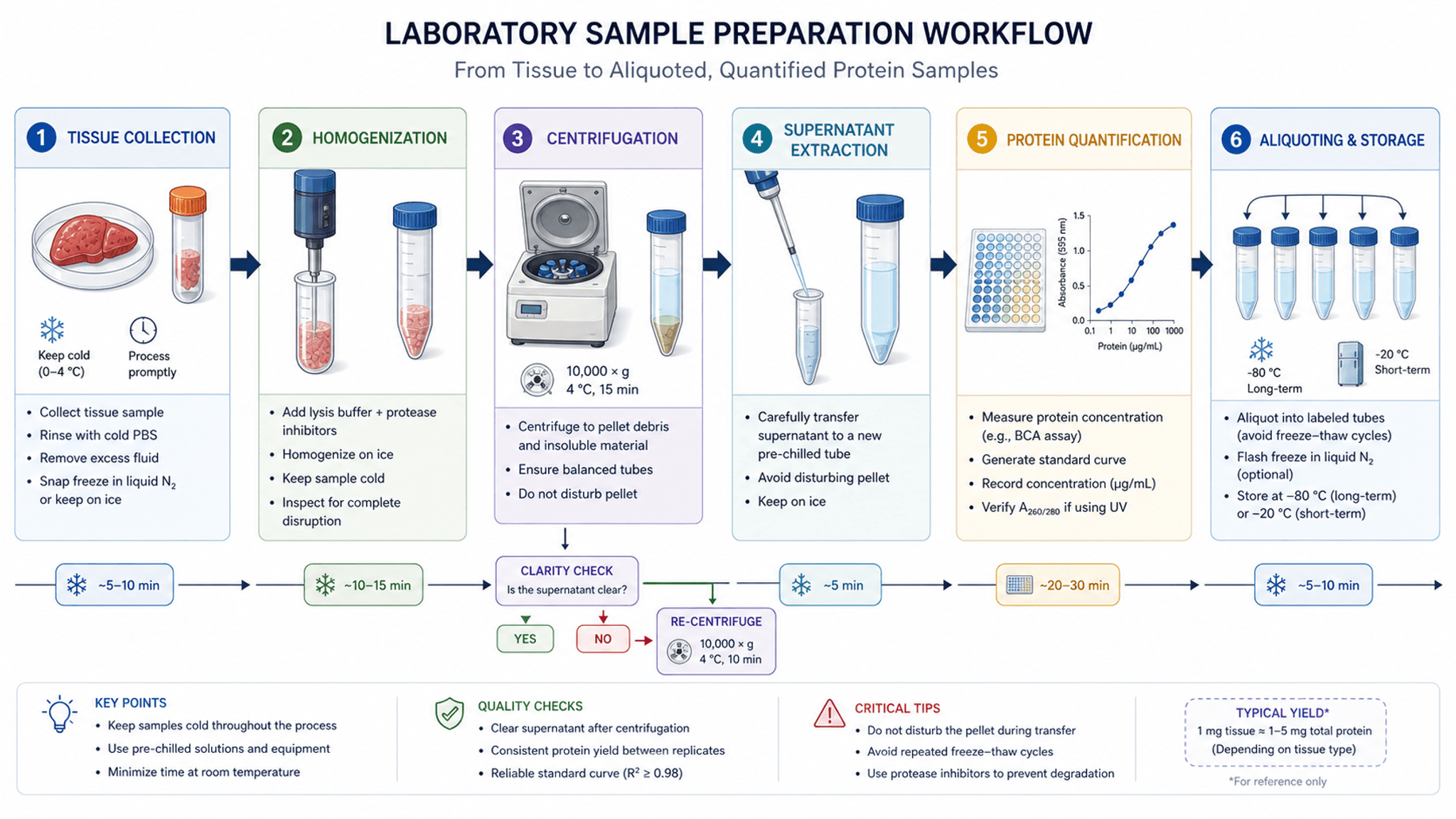
실험 순서도·연구 흐름도 어떤 프로그램으로 그릴까? draw.io, Visio, BioRender, AI 도구 7종 비교 (2026)
논문 Methods와 실험 프로토콜에 넣는 실험 순서도(연구 워크플로 다이어그램)는 어떤 프로그램으로 그릴까? draw.io, Visio, ProcessOn, PowerPoint, BioRender, Mermaid, SciDraw AI의 가격, 한국어 UI, 내보내기 형식과 한계를 비교하고 2가지 생성 사례를 소개합니다.

인공신경망 구조도 무엇으로 그릴까? NN-SVG, PlotNeuralNet, draw.io 및 AI 도구 비교 (2026)
논문과 학위논문에 들어가는 딥러닝·신경망 아키텍처 다이어그램 제작 도구 6종(NN-SVG, PlotNeuralNet, Netron, draw.io, PowerPoint, SciDraw AI) 비교. 커스텀 모듈 지원 여부, 난이도, 가격, 한국어 UI, 내보내기 형식과 모델 유형별 추천 조합을 정리했습니다.
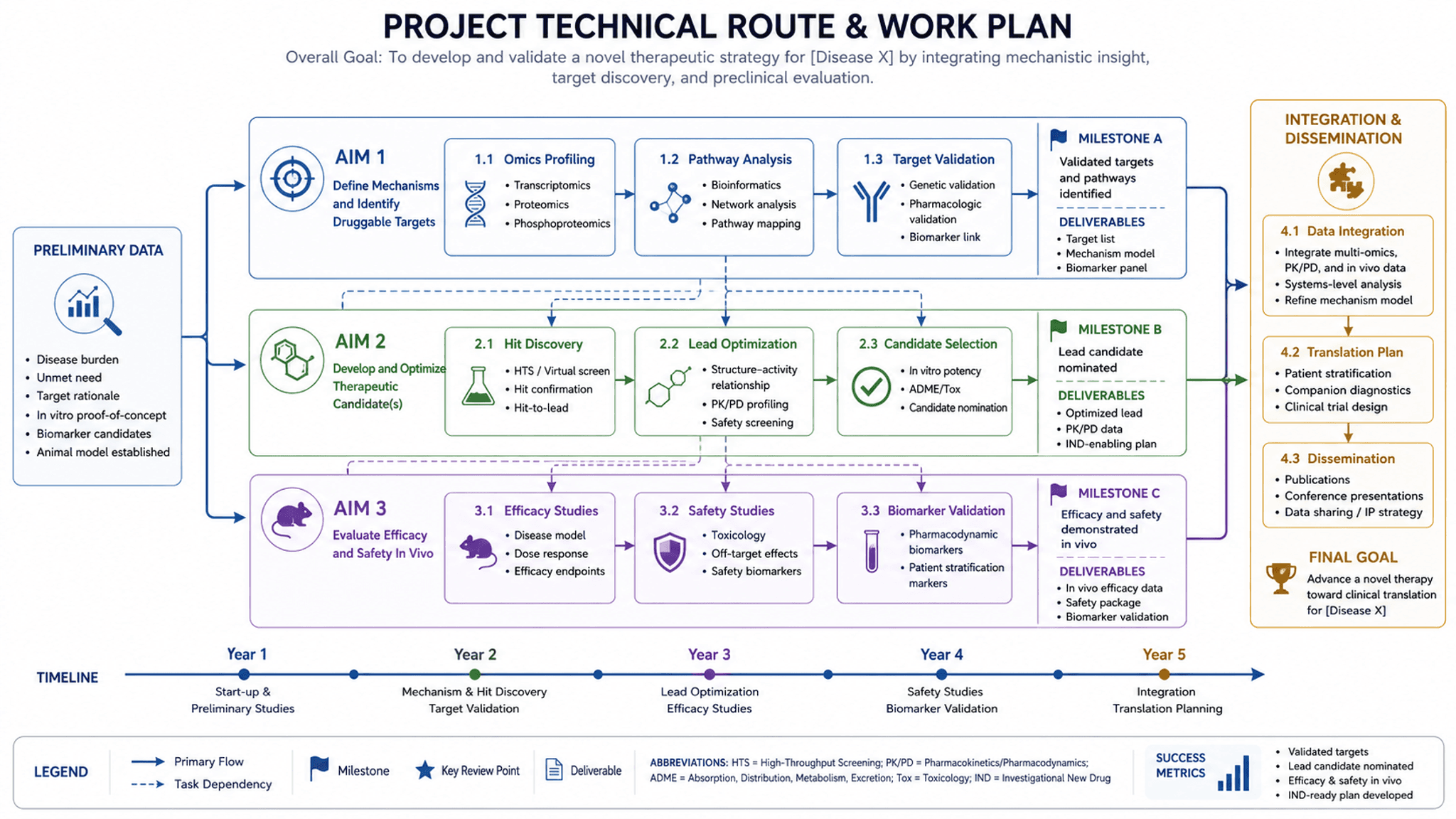
연구 로드맵(추진체계도) 어떤 프로그램으로 그릴까? 학위논문·연구과제용 6가지 도구 비교 (2026)
석·박사 학위논문 연구계획서와 국가연구개발사업(NRF 등) 제안서의 연구 로드맵·기술 추진체계도를 그리는 도구 6종 비교. Visio, draw.io, ProcessOn, PowerPoint, Illustrator, SciDraw AI의 난이도, 가격, 한국어 지원, 내보내기 형식과 텍스트 기반 생성 사례를 정리했습니다.
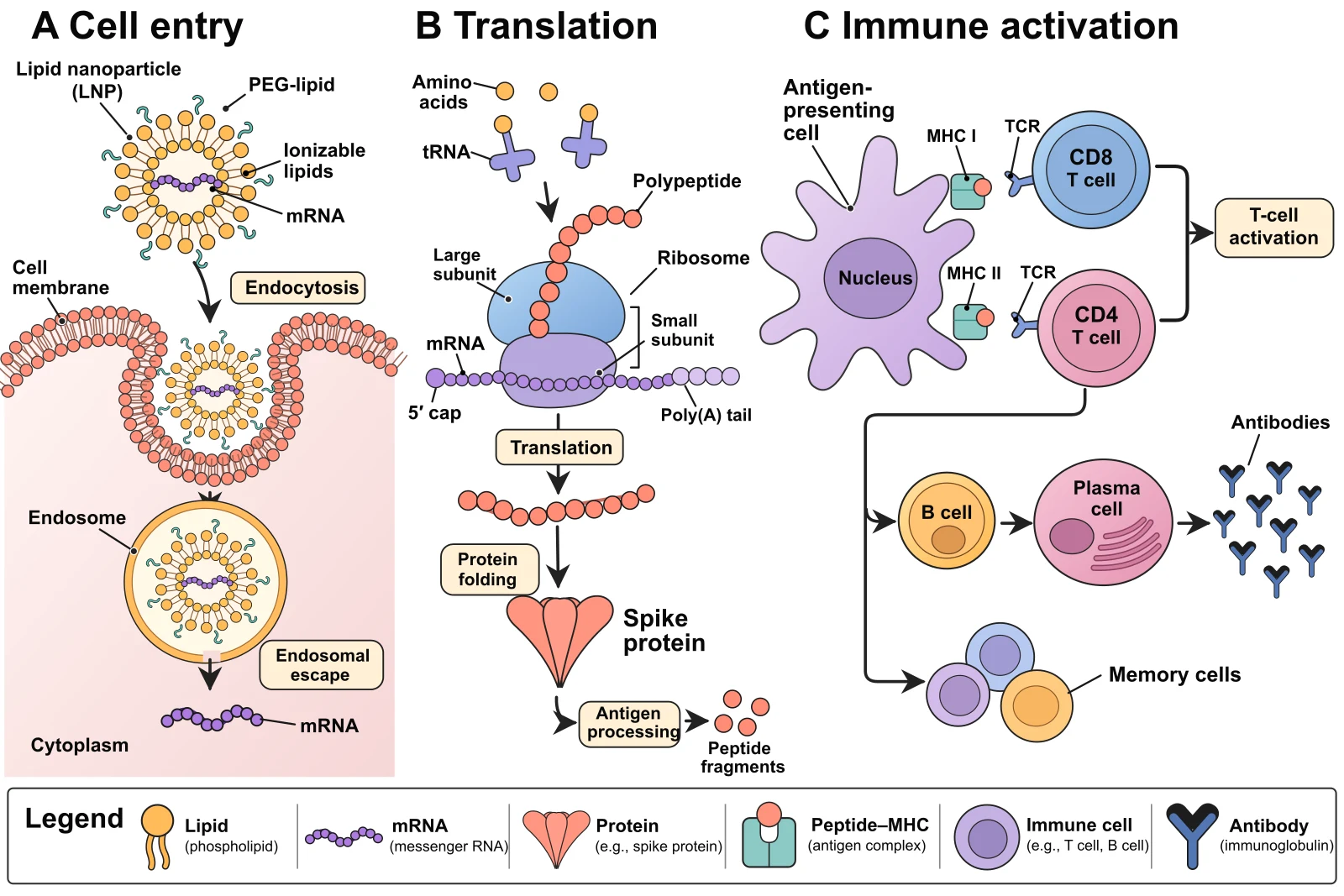
과학 그림 속 글자를 글꼴 그대로 고치고, 순수 벡터 SVG로 편집하기
AI로 만든 그림에 오타가 있어도 다시 생성할 필요가 없습니다. '텍스트 수정'으로 그림 위에서 바로 고치면 크기·굵기·색을 원본에 맞추고 나머지 픽셀은 그대로 둡니다. 벡터 파일이 필요하면 순수 벡터 SVG로 변환해 그려지는 과정을 실시간으로 보고, 브라우저에서 글자·색·도형을 편집하세요.

Research Proposal Example: Full Samples, Template & Diagrams
Explore two complete research proposal examples, a copy-paste template, and visual diagram guides for your research framework, method roadmap, and timeline.
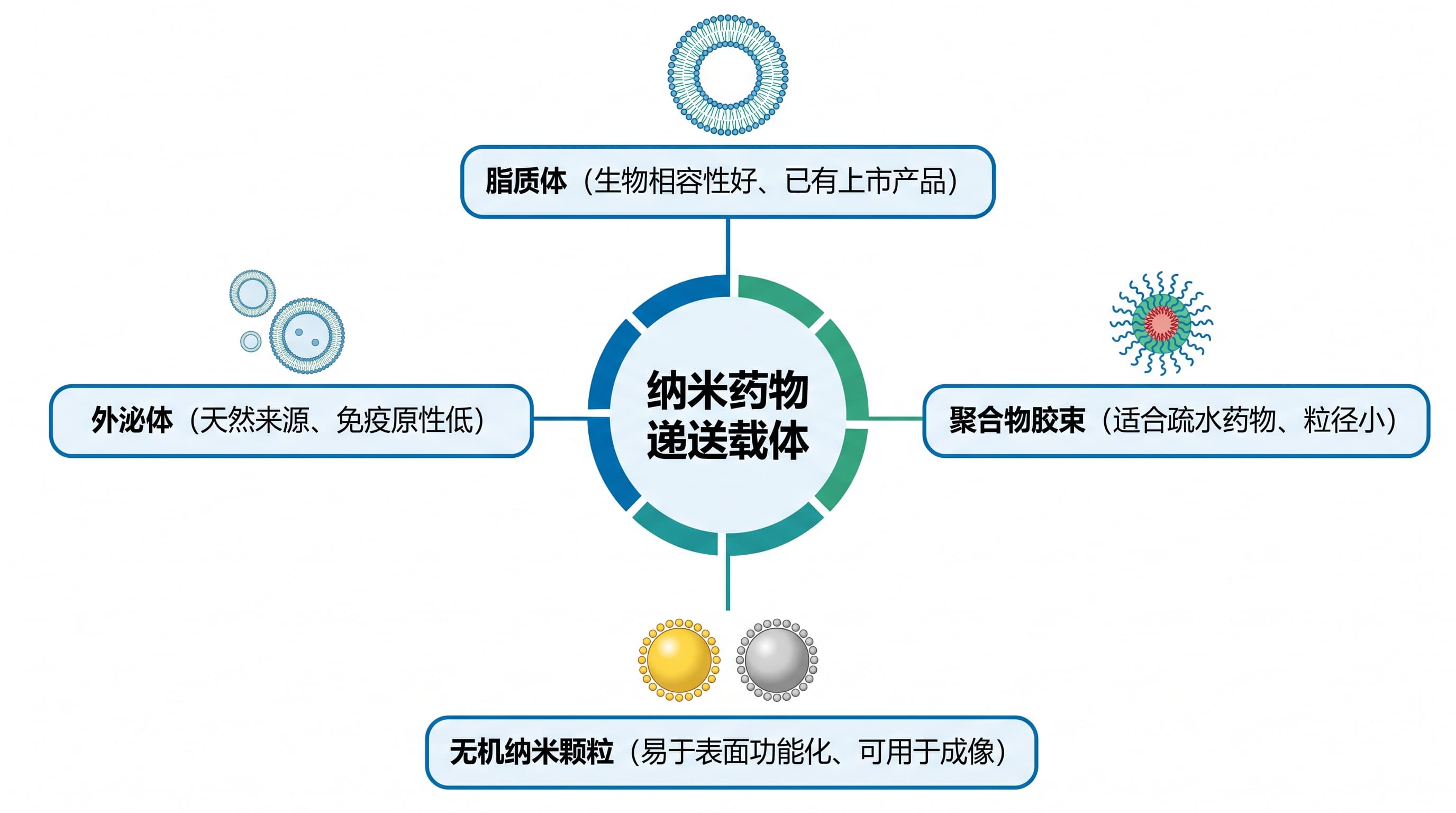
Figures for a Review Article: What to Draw and How
A practical guide to the figures a review article usually needs: the classification overview, the timeline, the mechanism summary, the comparison table, the challenges-and-outlook figure and the graphical abstract. Covers where each one goes, a structure that works, common mistakes, copy-and-edit prompts, and what to check about permissions and accuracy.