21 Patient Education Infographic Prompts for Clear Handouts (2026)
Copy-paste AI prompts for patient education infographics — diabetes self-care, stroke FAST signs, post-op wound care, medication guides, blood-pressure monitoring, and inhaler technique — plus a reusable prompt template, real examples, and tips for plain-language, accessible handouts.
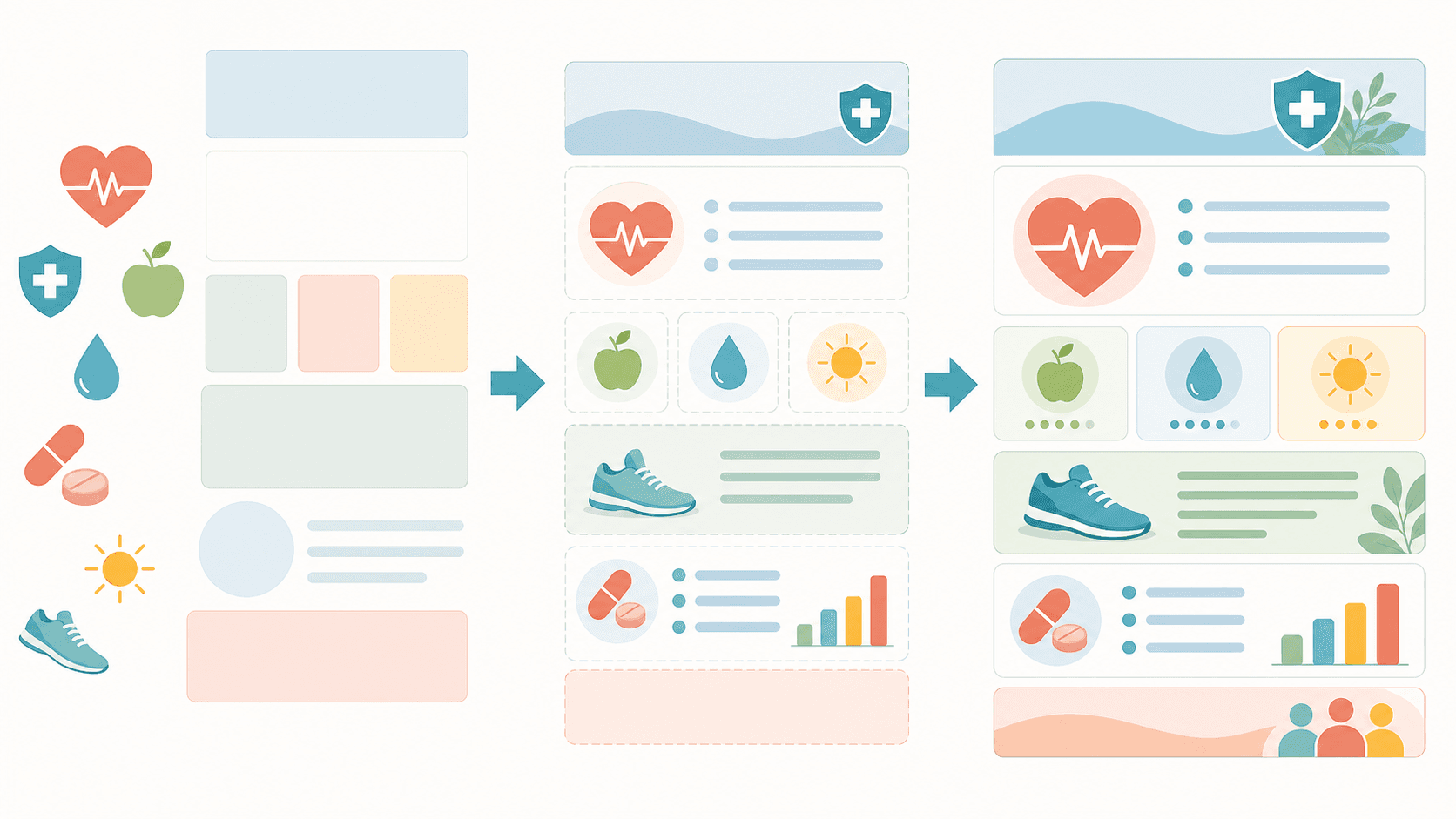
Good patient education materials turn complex clinical advice into something a worried patient can actually follow at home: plain words, one action per tile, and a calm, reassuring look. The hard part is design — squeezing discharge instructions or a medication guide into a clean, readable handout usually means wrestling with layout tools. This guide gives you 21 ready-to-use patient education infographic prompts, a reusable template, and real generated examples, so you can use AI as a patient education infographic maker and produce clear, plain-language handouts in minutes — no design software and no drawing skills required.
A note up front: these prompts help you design educational materials only. They are not medical advice, and the generated content is not a substitute for professional clinical judgment. Every handout should be reviewed, corrected, and approved by a qualified clinician before you share it with patients.
By the end of this guide you'll be able to:
Generate a diabetes self-care infographic, stroke FAST warning-signs handout, post-op wound-care guide, medication side-effects sheet, home blood-pressure monitoring card, and inhaler technique guide from a single sentence.
Adapt any prompt to your own clinic or condition using a simple four-part template.
Avoid the common mistakes that make AI patient education materials hard to read or read as alarming.
Paste any prompt into the Patient Education Infographic Maker, then refine the result by asking to simplify wording, reorder tiles, recolor, or translate — or open it in the SciDraw AI editor to keep iterating.
Davie Chen is a researcher at the Faculty of Animation and Intermedia, University of Arts in Poznan, studying generative AI for scientific figure creation, patent illustration, and manuscript drafting. SciDraw AI is one of the research-to-product tools built from this work.
Thousands of researchers use SciDraw AI to make publication-ready figures for papers, grants, and journal submissions — in minutes, with no design skills.
Template: "Create a patient education infographic on [topic] covering [key actions], one simple action per tile with a friendly icon. Use plain language at a 6th-grade reading level and a calm, reassuring vertical (3:4) layout."
Keep this template handy — every prompt below follows it, and you can swap in your own topic to use AI as a medical handout generator for any condition.
Self-care handouts are the workhorse of patient education materials — they help people manage long-term conditions between visits. Keep them encouraging and action-focused.
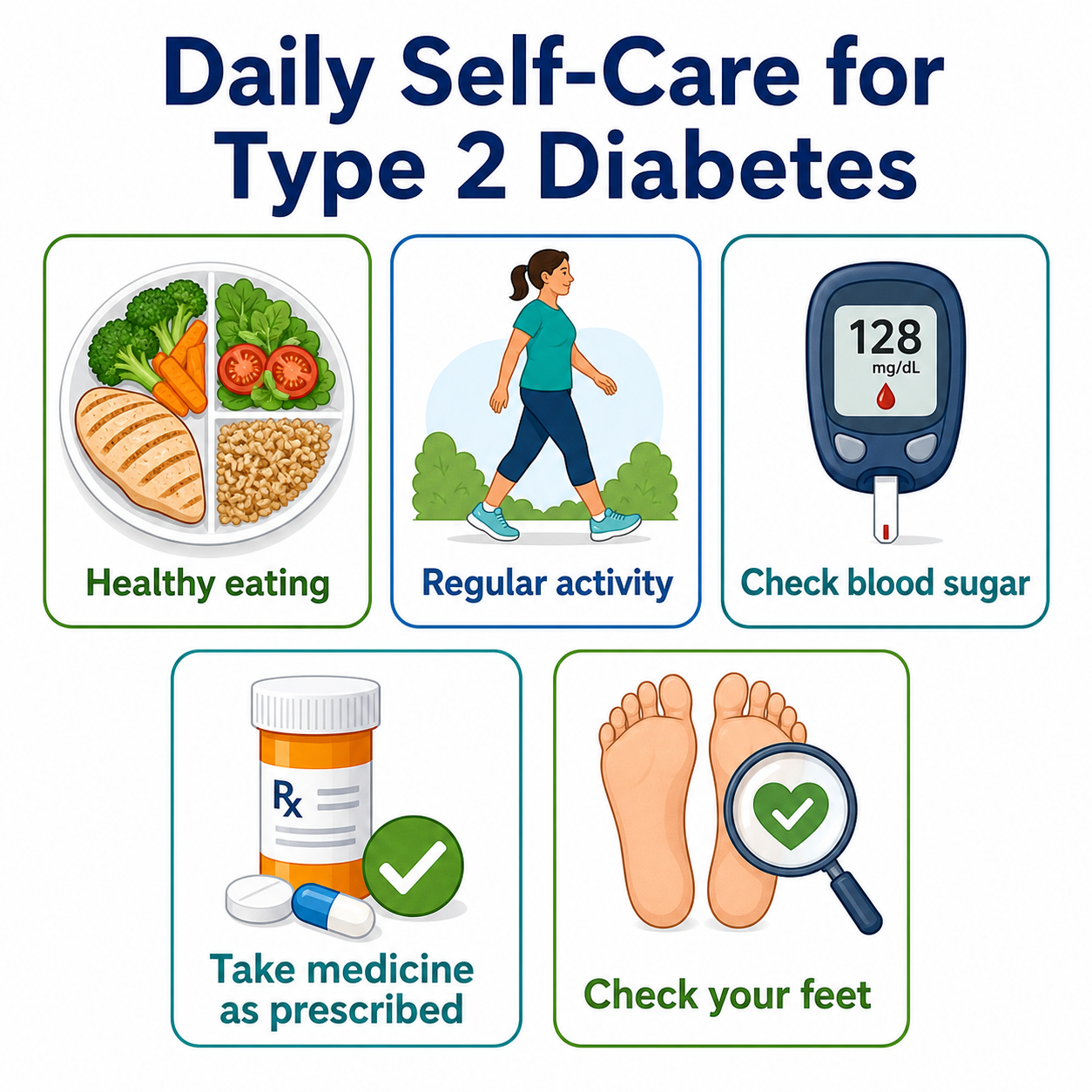
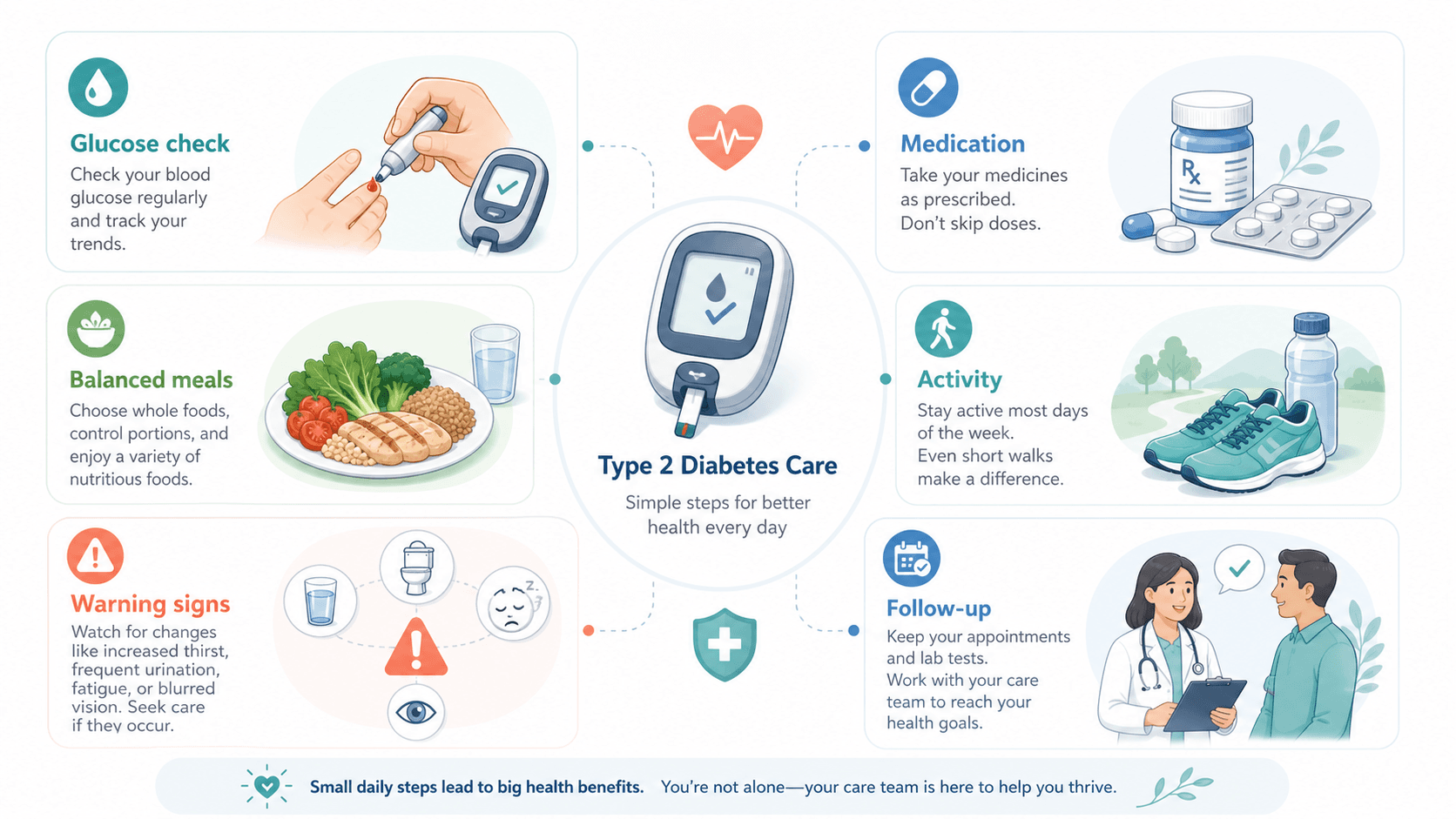
Create a patient education infographic on daily self-care for type 2 diabetes: healthy eating, regular activity, blood-sugar monitoring, taking medication as prescribed, and foot care — one simple action per tile with a friendly icon, plain language, calm vertical layout.
Create a self-care infographic on managing high blood pressure: balanced diet, regular exercise, taking medication as prescribed, limiting salt, and routine monitoring.
Create a patient education infographic on living well with asthma: triggers to avoid, daily controller use, and a simple action plan tile.
Create a patient handout on heart-healthy habits after a cardiac event: medication adherence, gentle activity, diet, smoking cessation, and follow-up appointments.
Create a self-care infographic on daily routines for living with COPD: pacing activity, breathing techniques, inhaler use, and avoiding triggers.
Warning-signs handouts are the highest-stakes patient education materials, so clarity matters most: one symptom per tile, an unmistakable "call for help now" step, and a calm-but-serious tone. Keep these visually distinct from routine self-care sheets.
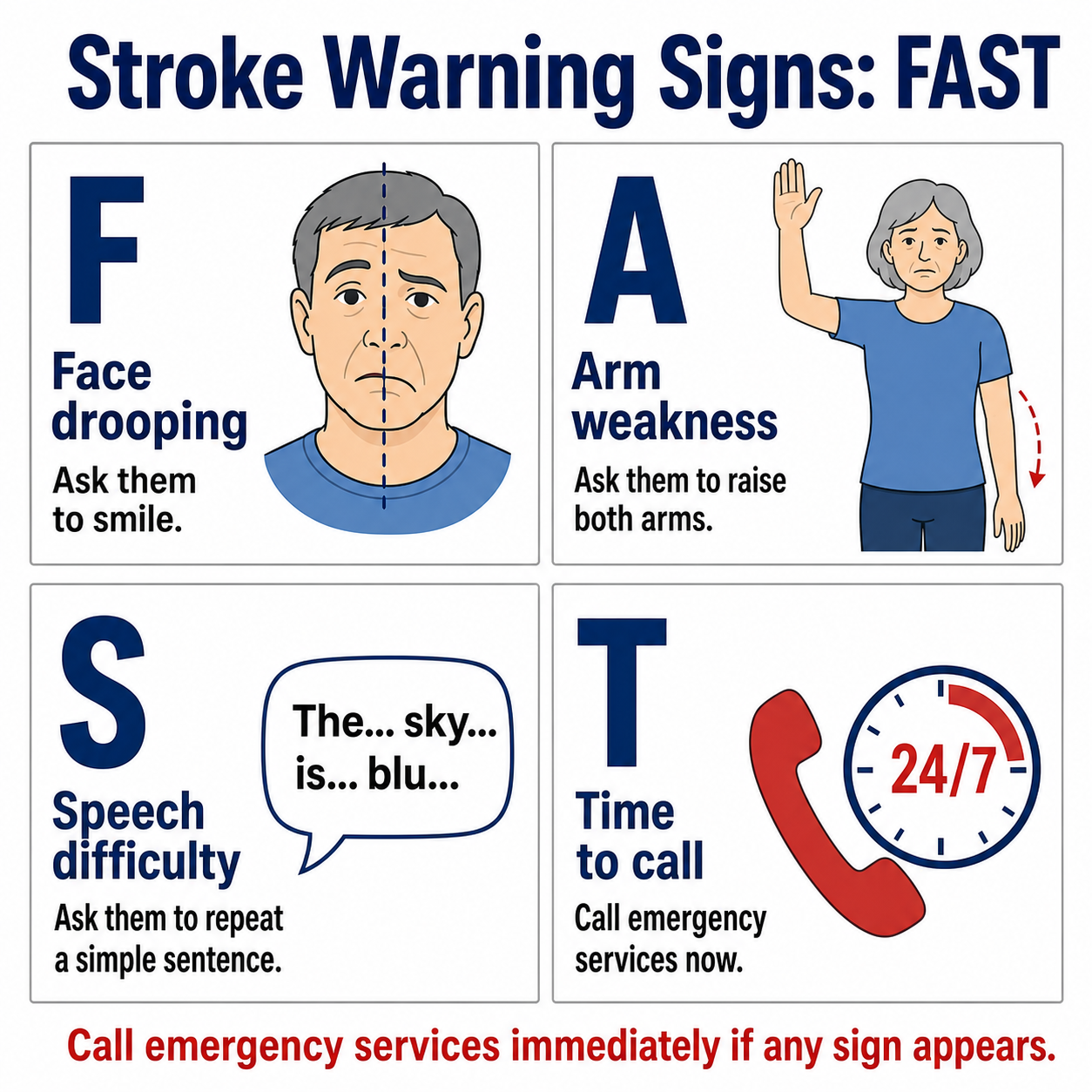
Create a patient education infographic on stroke warning signs using FAST: Face drooping, Arm weakness, Speech difficulty, Time to call emergency services — one clear tile per letter, plain language, calm but urgent tone.
Create a patient handout on heart-attack warning signs and when to call emergency services, separating common symptoms from the "call now" action.
Create a patient education infographic on signs of wound infection — redness, swelling, warmth, pus, fever — and when to contact a clinician.
Create a patient education infographic on recognizing a severe allergic reaction (anaphylaxis) and using an epinephrine auto-injector, step by step.
Create a patient handout on warning signs after childbirth that need urgent care, with a clear "call your provider now" tile.
Create a patient education infographic on recognizing dangerously low or high blood sugar and what to do for each.
Discharge and recovery handouts reduce readmissions when they are clear and specific. A discharge instructions infographic works best when it separates "do this every day" from "watch for these problems," and a medication guide infographic should make dosing and timing impossible to misread.
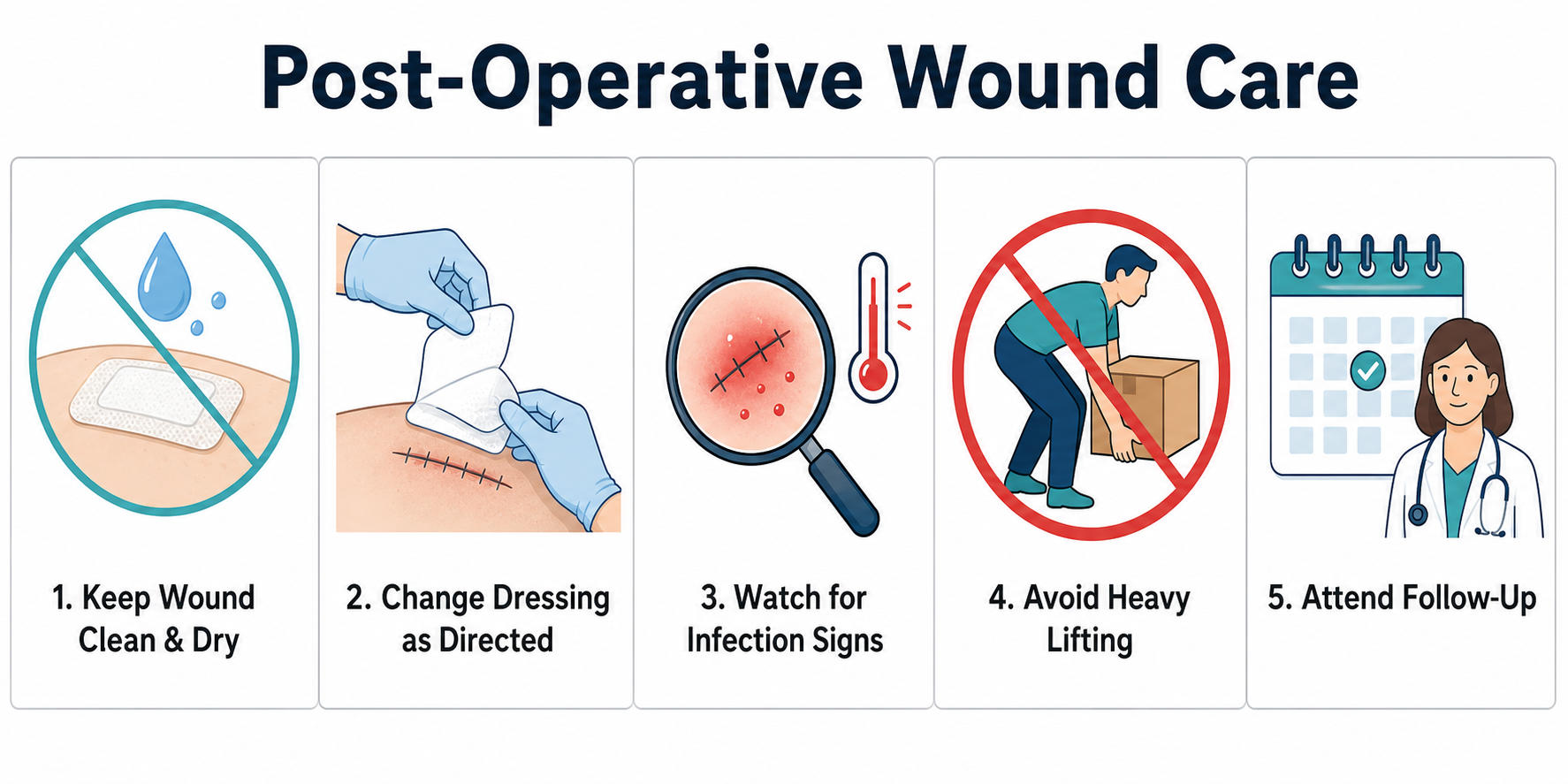
Create a discharge instructions infographic on post-operative wound care: keep it clean and dry, change dressings as directed, watch for signs of infection, avoid heavy lifting, and attend follow-up — separating daily care from warning signs.
Create a patient education infographic on what to expect before, during, and after a common procedure such as a colonoscopy, as a simple timeline.
Create a medication guide infographic on taking antibiotics correctly: take with or without food as directed, space doses evenly, and finish the full course.
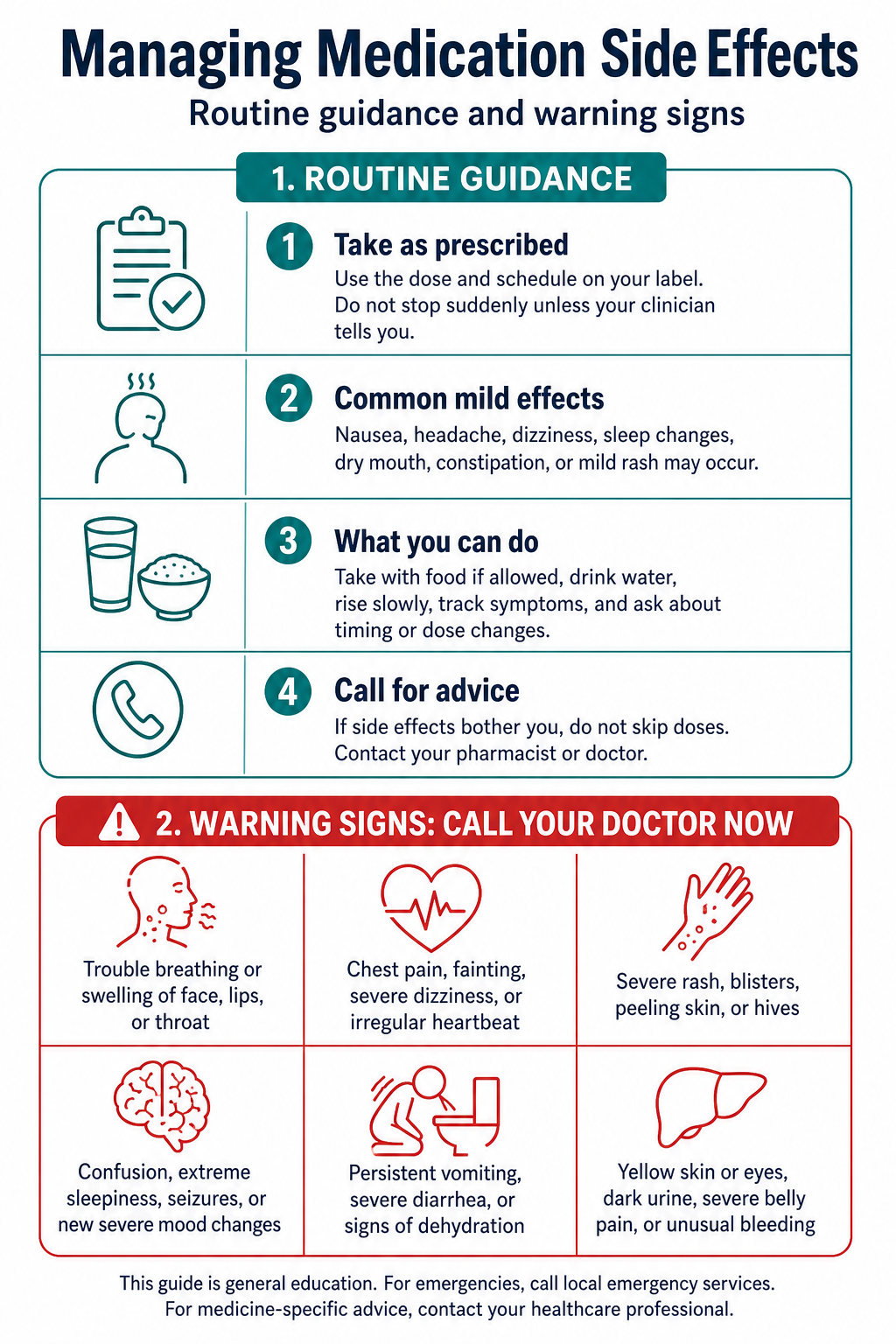
Create a patient education infographic on managing medication side effects, clearly separating routine guidance from warning signs that need a clinician.
Create a discharge instructions infographic for recovery at home after a hip or knee replacement: activity limits, pain management, exercises, and follow-up.
Create a medication guide infographic on safe use of blood thinners: timing, foods and medicines to watch, and bleeding warning signs.
Technique and prevention handouts teach a skill, so they benefit most from numbered, sequential tiles. These make excellent self-care infographic sheets for the waiting room, the pharmacy counter, or a follow-up call.
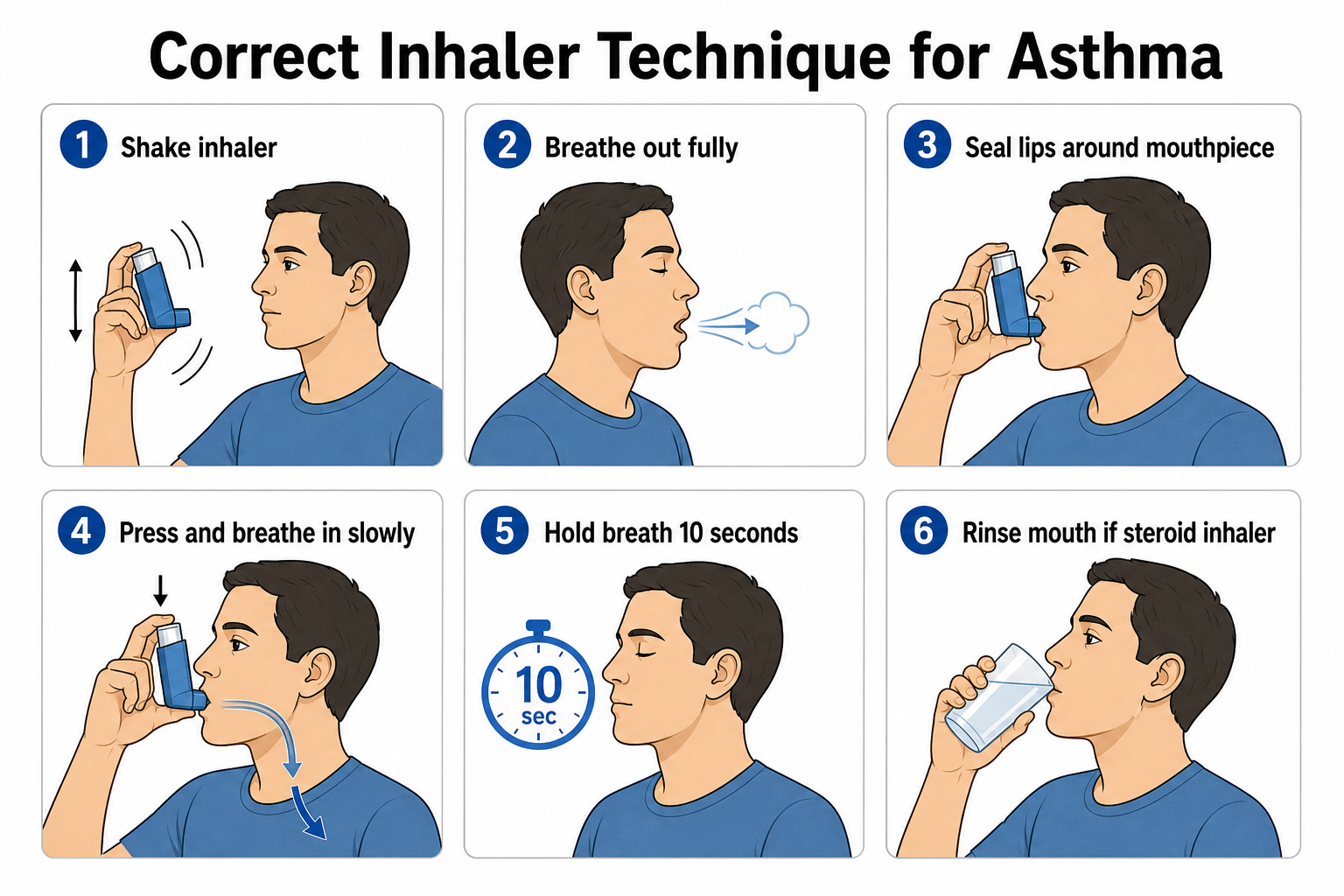
Create a patient education infographic on correct inhaler technique for asthma as a numbered, step-by-step guide with friendly icons and plain language.
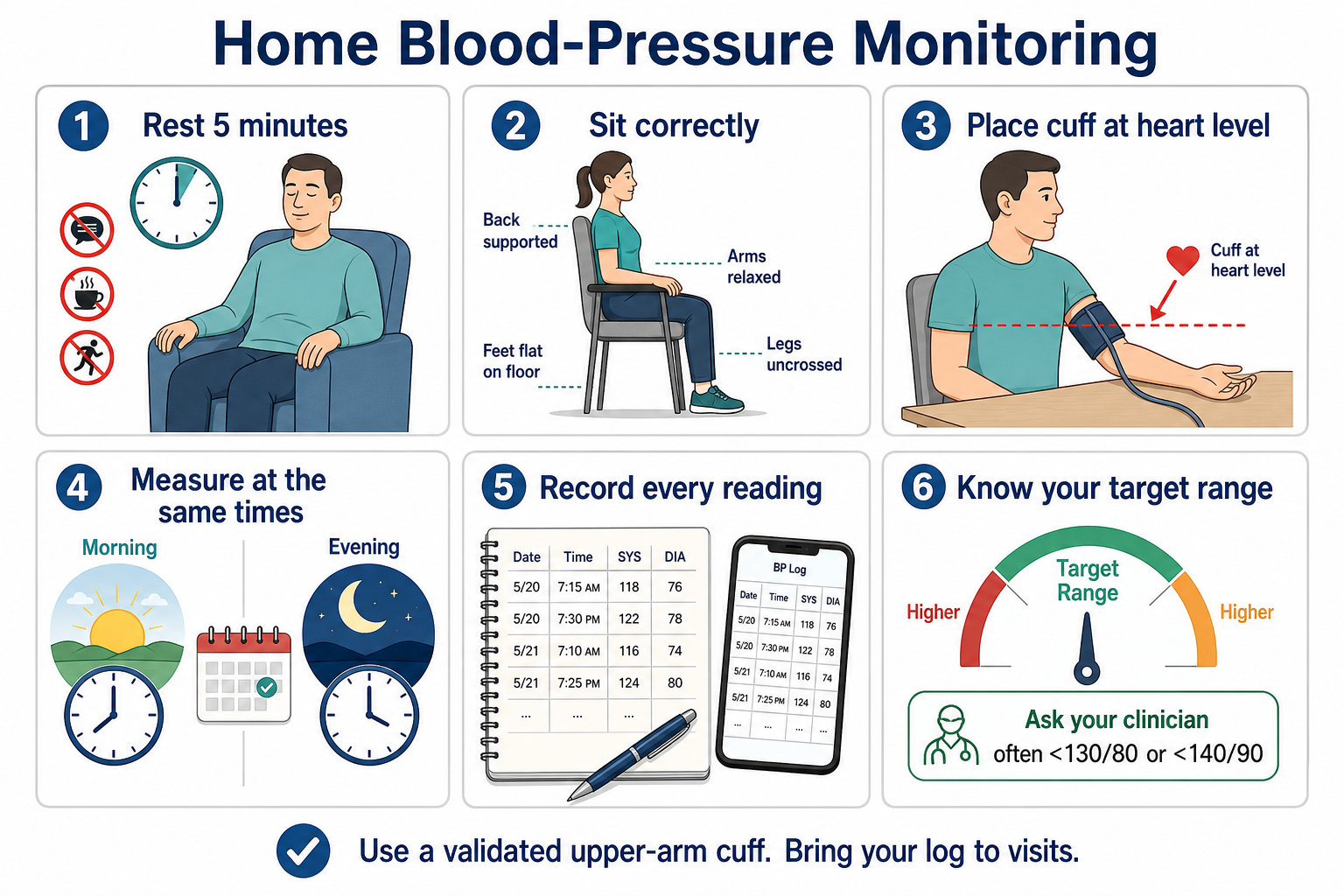
Create a self-care infographic on home blood-pressure monitoring: rest first, sit with the correct cuff position, measure at consistent times, and record your readings.
Create a patient education infographic on proper hand-washing steps for infection prevention, as a simple numbered sequence.
Create a patient education infographic on safe medication storage and disposal at home, with one clear tip per tile.
Reading level too high. Fix: add "plain language at a 6th-grade reading level" and re-prompt with "simplify the wording, remove jargon."
Walls of text. Fix: ask for "one action per tile" and split long instructions into separate tiles.
Routine and urgent advice blended together. Fix: request "a separate warning-signs section" and "make the warning-signs box stand out."
Alarming or clinical imagery. Fix: say "friendly icons, calm reassuring style, no graphic or alarming imagery."
Garbled label text (typical of generic image AI). Fix: SciDraw AI renders clean, readable text — re-prompt the exact wording if a label needs fixing.
Unreviewed clinical content. Fix: treat every draft as a starting point and have a qualified clinician verify the medical accuracy before it reaches a patient.
Once a handout looks right, export it to PowerPoint (PPTX) for a slide deck, save it as a PDF, or download a high-resolution image to print on a single page. Need to fix a dose, a phone number, or a clinic name? See how to edit text and labels in an AI figure. Serving a multilingual community? You can translate the figure labels to produce the same handout in your patients' preferred languages — a fast way to make accessible patient education materials for everyone you care for.
What is the best AI tool to make a patient handout online?
SciDraw AI's Patient Education Infographic Maker is built for clear, plain-language handouts — discharge instructions, chronic-condition self-care, warning signs, and medication guides — with readable text, friendly icons, and editable export to PPTX, PDF, or print-ready image.
How do I make a patient handout for free?
Start by pasting one of the prompts above into the maker and generating a draft — you can create patient education infographics for free, then upgrade for more credits and editable export. Use the four-part template to adapt any prompt to your own clinic or condition.
Is the content medical advice?
No. These prompts and the generated handouts are design tools for educational materials, not medical advice and not a substitute for professional clinical judgment. Always have a qualified clinician review and approve the content for accuracy before sharing it with patients.
Can I make handouts in other languages?
Yes. Generate the handout in English first, then ask the maker to translate the labels, or follow how to translate figure labels to produce multilingual versions — useful for reaching patients whose first language isn't English.
How do I make sure the handout is easy to read?
Ask for "plain language at a 6th-grade reading level," use "one action per tile," choose a vertical 3:4 layout, and keep a calm, reassuring style. These are the core principles of health literacy design, and you can refine any draft by re-prompting "simplify the wording."
Pick any prompt above, paste it into the Patient Education Infographic Maker, and refine it in the SciDraw AI editor until it fits your clinic and your patients. From diabetes self-care to stroke warning signs, your next clear, plain-language patient handout is one sentence away — just remember to have a clinician review it before you share it.