LogoLogoSciDraw AI
  • 開始創作
  • 工具
  • 部落格
  • 價格
  • API
  • 教育優惠
LogoLogoSciDraw AI

為研究人員、研究生、教師與科普創作者打造的 AI 驅動科研繪圖平台。幾分鐘內即可製作符合發表或課堂標準的配圖、圖形摘要、TOC 圖、海報與教學插圖。無需任何設計技能。

EmailYouTubeXGitHubLinkedInInstagramStripe ClimateStripe Climate Contribution
工具
  • AI 繪圖
  • 圖形摘要製作工具
  • 科學圖表製作工具
  • 圖片轉換
  • 圖片向量化
  • 全部工具
熱門工具
  • 科學示意圖製作工具
  • 科學海報製作
  • 研究海報範本
  • 植物細胞圖
  • 路易士電子點式產生器
  • 分子軌域圖(MO 圖)產生器
  • PRISMA 流程圖產生器
  • 概念框架製作工具
應用情境
  • 博士生工具
  • 教育工作者工具
  • 期刊投稿用圖
  • BioRender 替代方案
資源
  • 部落格
  • 圖庫
  • 論文引用
  • 媒體素材
  • 開發者
公司
  • 關於我們
  • 價格
  • 聯盟計畫
  • 隱私權政策
  • 服務條款
© 2026 SciDraw AI All Rights Reserved.
New: Convert Diagram Images to Editable Visio (VSDX) Files
2026/08/09

New: Convert Diagram Images to Editable Visio (VSDX) Files

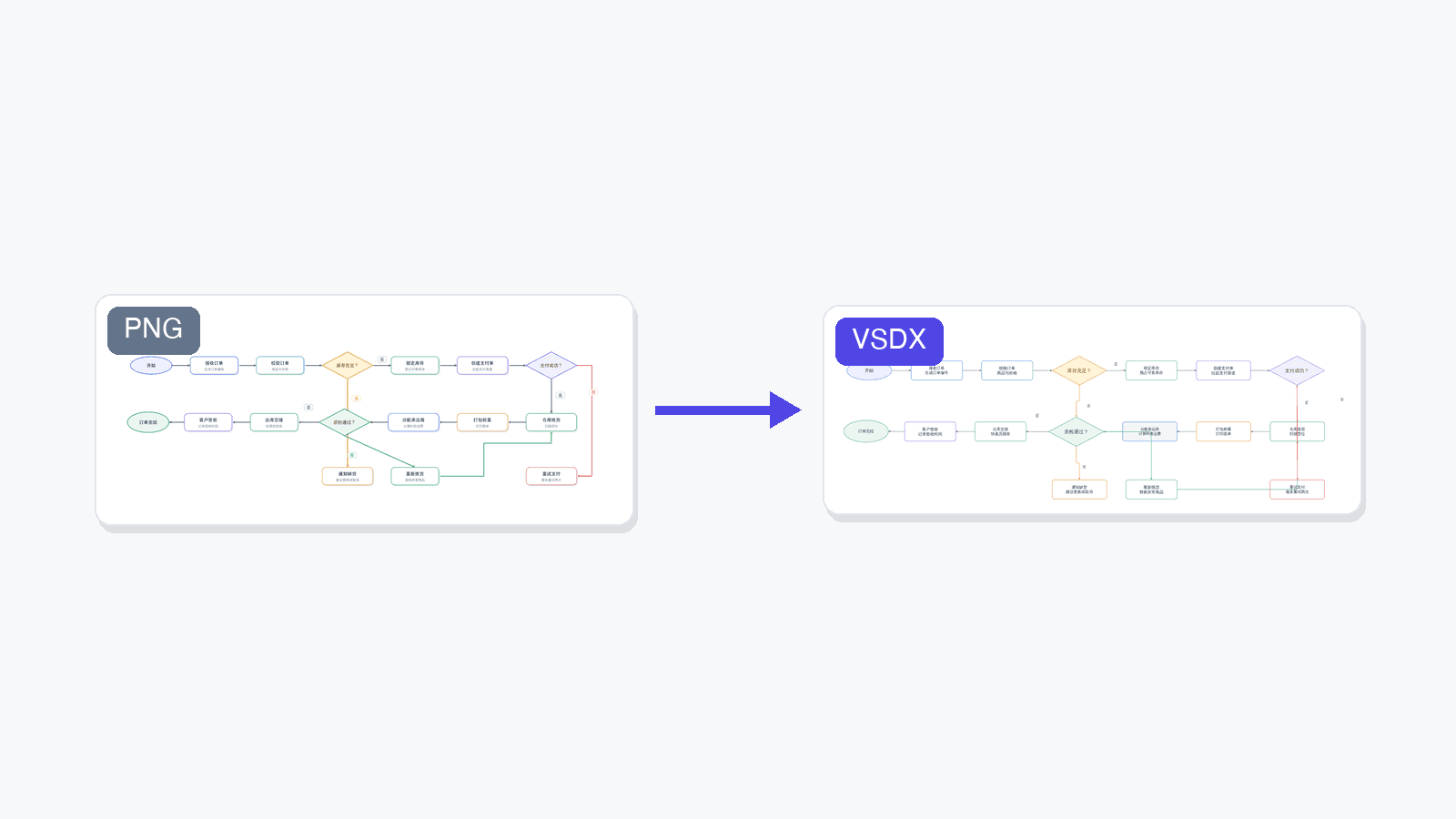
SciDraw AI can now rebuild flowcharts and architecture diagrams as fully editable Microsoft Visio files — every shape, connector, and label becomes a native object you can move and edit. Powered by LayerBack.

💡 Try it now: upload a flowchart to the Image Converter, pick VSDX, and get an editable Visio file back in about a minute.

We just shipped a new conversion target in SciDraw AI: VSDX, the native format of Microsoft Visio. It joins SVG and PPTX as the third way to turn a static diagram image into something you can actually keep working on.

Why VSDX?

Our SVG and PPTX conversions solve a specific problem: they make the text in an image editable again, so you can fix a label or translate a caption without regenerating the whole figure.

But for one large family of images — flowcharts, system architecture diagrams, block diagrams, experimental workflows — text is only half the story. The structure is the point: boxes that should move as objects, connectors that should stay attached when you drag a node, decision diamonds you may want to add a branch to.

That is exactly what VSDX conversion does. Instead of layering editable text over the original pixels, it rebuilds the whole diagram as native diagram objects:

  • Every box, ellipse, and diamond becomes a real, movable shape
  • Arrows become connectors that stay glued to their shapes
  • Every label becomes editable text — including fixing garbled AI-generated spellings
  • The result opens in Microsoft Visio, and also in the free draw.io editor

When to use it

VSDX conversion is a Beta feature, and it has a clear sweet spot:

Great fitNot a fit
Flowcharts and process diagramsPhotos and photographic figures
System / software architecture diagramsCharts with data curves (line plots, spectra)
Block diagrams and org chartsArtistic or highly illustrated figures
Experimental workflow and SOP diagramsDense freeform artwork

Typical scenarios our users asked for:

  • You generated a workflow diagram with AI and now need to maintain it as a living document in Visio
  • A collaborator sent you a diagram as a PNG screenshot and the source file is long gone
  • A figure from an old paper or slide deck needs updating — one renamed step, one added branch
  • Your organization standardizes on Visio and everything eventually has to land there

For photos, data plots, and artistic illustrations, stick with our SVG conversion — rebuilding those as diagram objects doesn't make sense.

Powered by LayerBack

Rebuilding a diagram from pixels into structured, editable objects is a hard problem, and it's not one we solved alone. VSDX conversion in SciDraw AI is powered by LayerBack, a service dedicated to converting diagram images into editable Visio, PowerPoint, and draw.io files.

If you need diagram-to-VSDX conversion in your own product or pipeline, use LayerBack directly — it offers a full REST API for exactly that.

How to use it

Two places, same result:

  1. Image Converter — open the converter, upload a JPG/PNG/WebP, choose the VSDX tab, and click convert.
  2. AI Drawing editor — on any generated image, click Convert and choose Convert to Visio (the last option in the menu).

A conversion takes about 1 minute and costs 20 credits — you're only charged when it succeeds. The result is a .vsdx file plus a preview so you can see what you got before downloading.

As a Beta feature we'd love your feedback: if a diagram converts poorly — or surprisingly well — tell us about it.

所有文章

作者

avatar for Davie Chen / SciDraw AI
Davie Chen / SciDraw AI

Researcher

Davie Chen is a researcher at the Faculty of Animation and Intermedia, University of Arts in Poznan, studying generative AI for scientific figure creation, patent illustration, and manuscript drafting. SciDraw AI is one of the research-to-product tools built from this work.

Author profile
分類

Why VSDX?When to use itPowered by LayerBackHow to use it

更多文章

用 AI 製作你的科研配圖

數千名研究人員使用 SciDraw AI 為論文、研究計畫與期刊投稿製作專業配圖,幾分鐘完成,無需設計經驗。

免費開始使用
產品
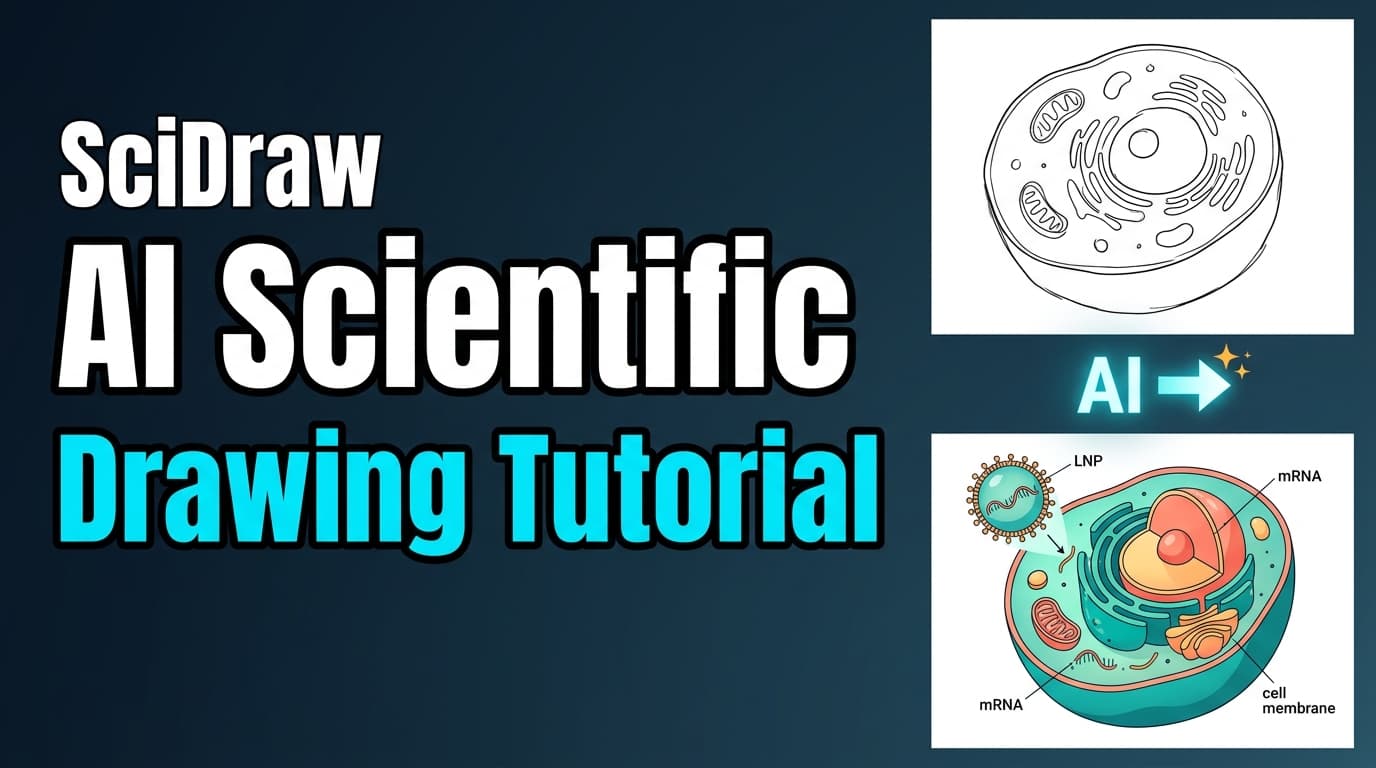
教學01:AI繪圖影片教學 - 幾分鐘建立科研插圖
產品

教學01:AI繪圖影片教學 - 幾分鐘建立科研插圖

觀看2分鐘影片教學,了解SciDraw AI的AI繪圖功能如何透過提示詞模式、草圖模式和複製模式三種方式,輕鬆生成專業科研插圖。

avatar for Davie Chen / SciDraw AI
Davie Chen / SciDraw AI
2026/04/03
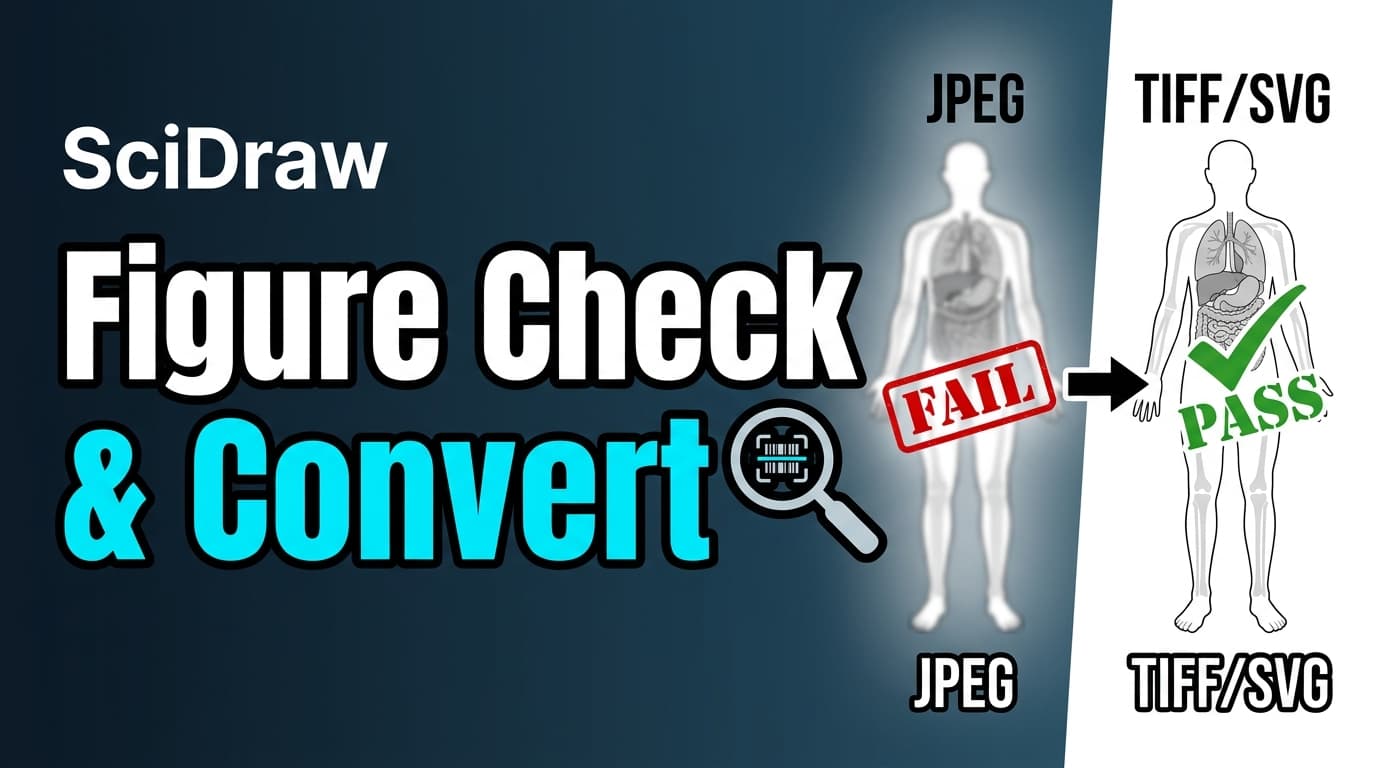
教學:2分鐘學會圖片檢查器與格式轉換器
產品

教學:2分鐘學會圖片檢查器與格式轉換器

觀看影片教學,了解如何使用SciDraw AI的圖片檢查器驗證論文插圖是否符合期刊要求,並使用格式轉換器一鍵修復DPI、格式等問題。支援灰階和色盲模擬檢測。

avatar for Davie Chen / SciDraw AI
Davie Chen / SciDraw AI
2026/04/03
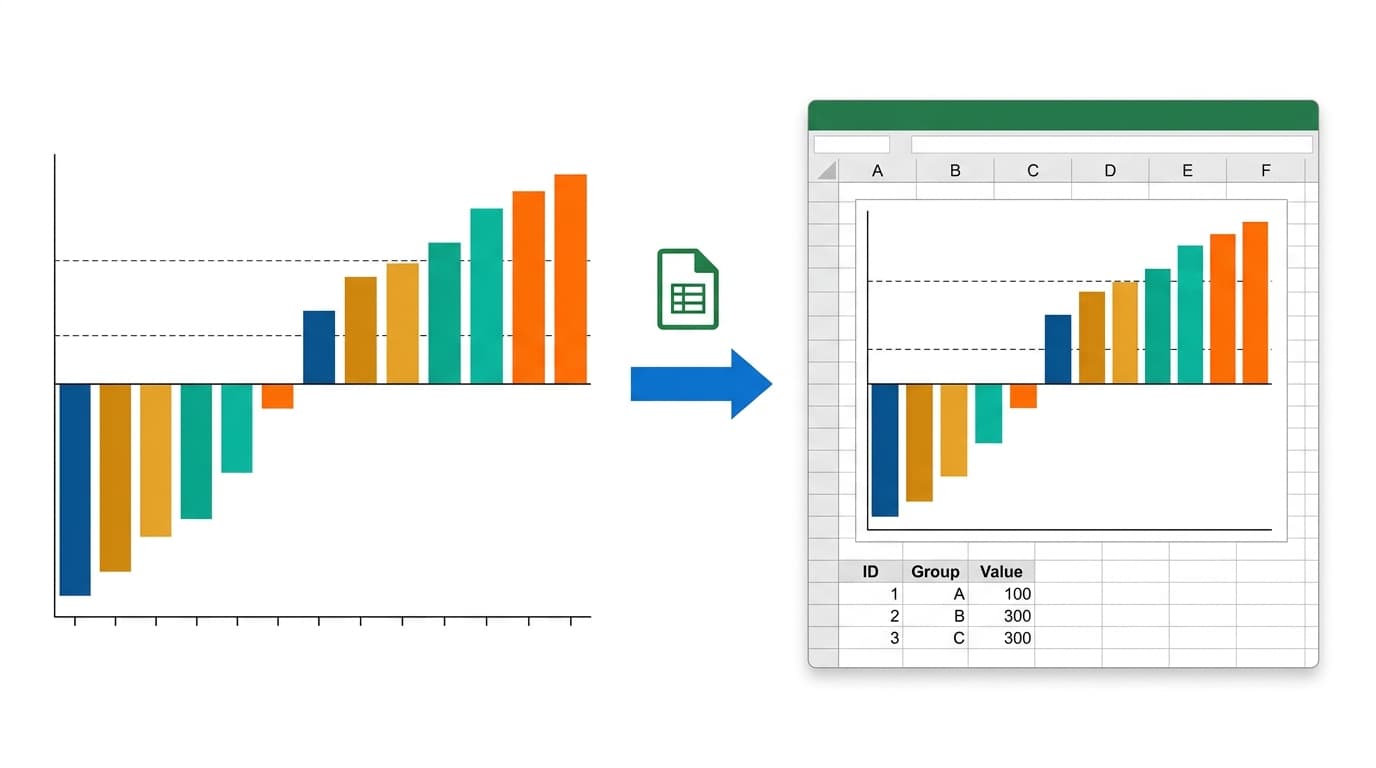
教學 02:科學視覺化影片教學 -- 從 CSV 到可發表圖表
產品

教學 02:科學視覺化影片教學 -- 從 CSV 到可發表圖表

觀看這段 2 分鐘影片教學,了解 SciDraw AI 的科學視覺化工具如何透過 AI 驅動的 Python 程式碼生成、多格式匯出和迭代編輯,將 CSV 資料轉化為期刊級圖表。

avatar for Davie Chen / SciDraw AI
Davie Chen / SciDraw AI
2026/04/03
探索我們的工具
圖片格式轉換·科學圖表製作工具·圖形摘要製作工具·AI 科學插圖