科學資訊圖表已成為在學術圈之外傳播研究成果的重要工具。一個設計良好的資訊圖表可以為社交媒體、新聞稿或一般大眾總結您的論文,從而顯著擴大您研究的影響範圍。
本指南將教您如何建立專業的科學資訊圖表,有效地向不同的受眾傳達複雜的研究成果。
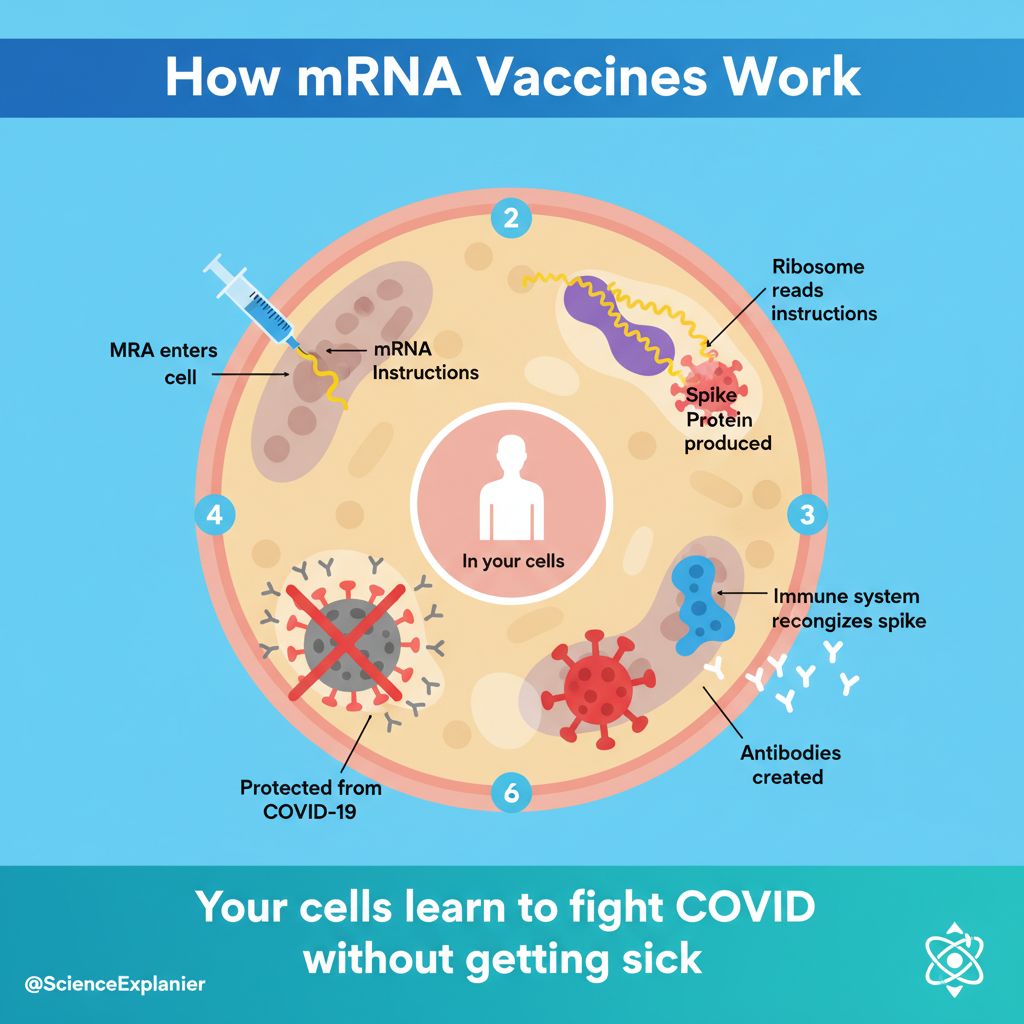 有效的資訊圖表使研究成果更容易被廣大受眾理解
為什麼科學資訊圖表很重要
資訊圖表通過以下方式擴大您的研究影響:
- 提高社交媒體參與度:視覺內容獲得的分享次數是文字內容的 3 倍
- 支持新聞報導:記者需要易於理解的視覺資料
- 接觸一般大眾:非專業人士可以理解您的工作
- 提高引用潛力:更高的可見度 = 更多的引用
- 建立您的個人形象:令人難忘的視覺效果可以確立專業知識
科學資訊圖表的類型
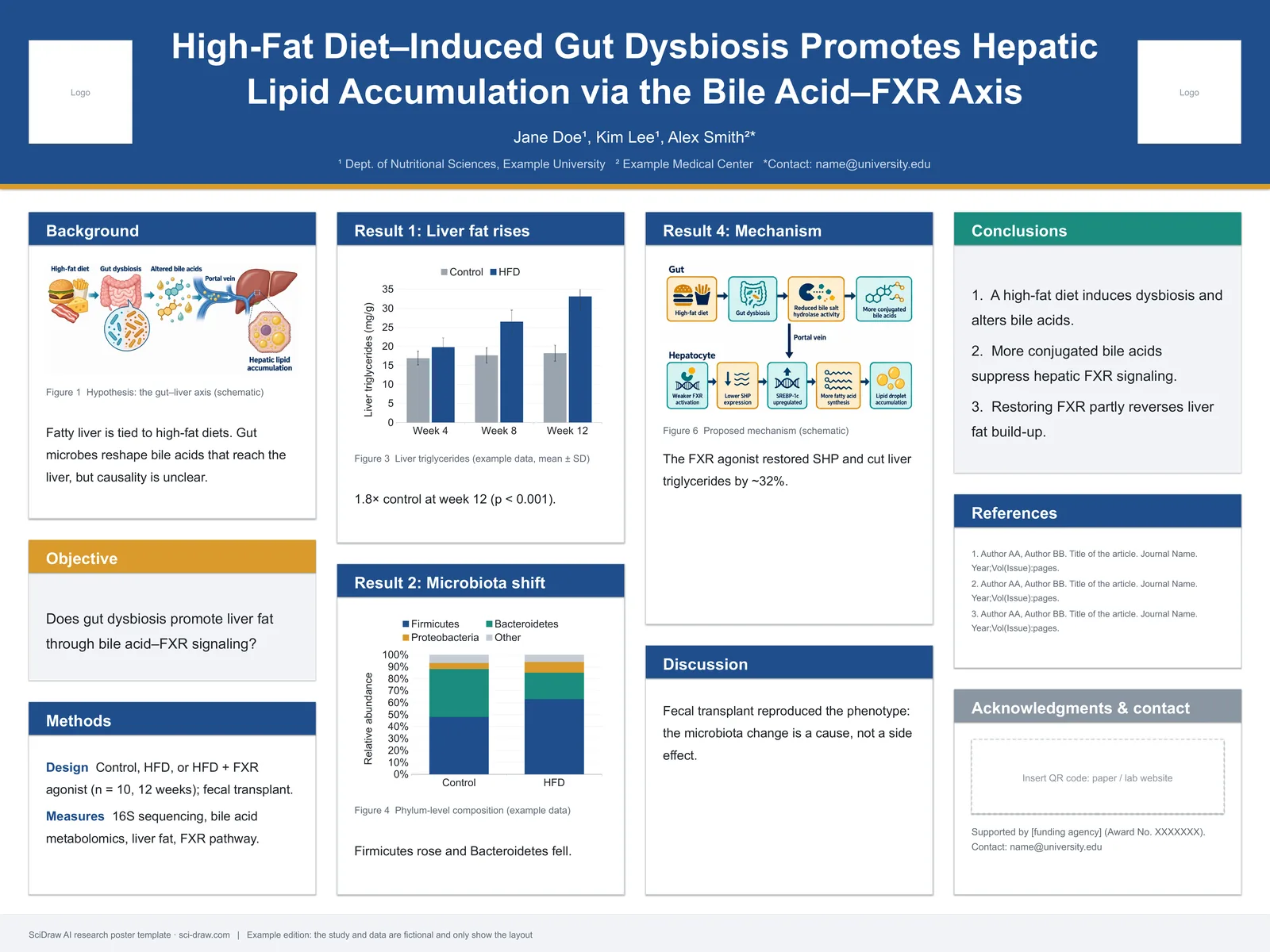
1. 研究摘要資訊圖表
論文的完整視覺摘要:
- 問題/疑問
- 方法
- 主要發現
- 意義
2. 數據可視化資訊圖表
專注於以易於理解的方式呈現數據:
- 將統計數據轉化為視覺效果
- 明確的比較
- 突出趨勢
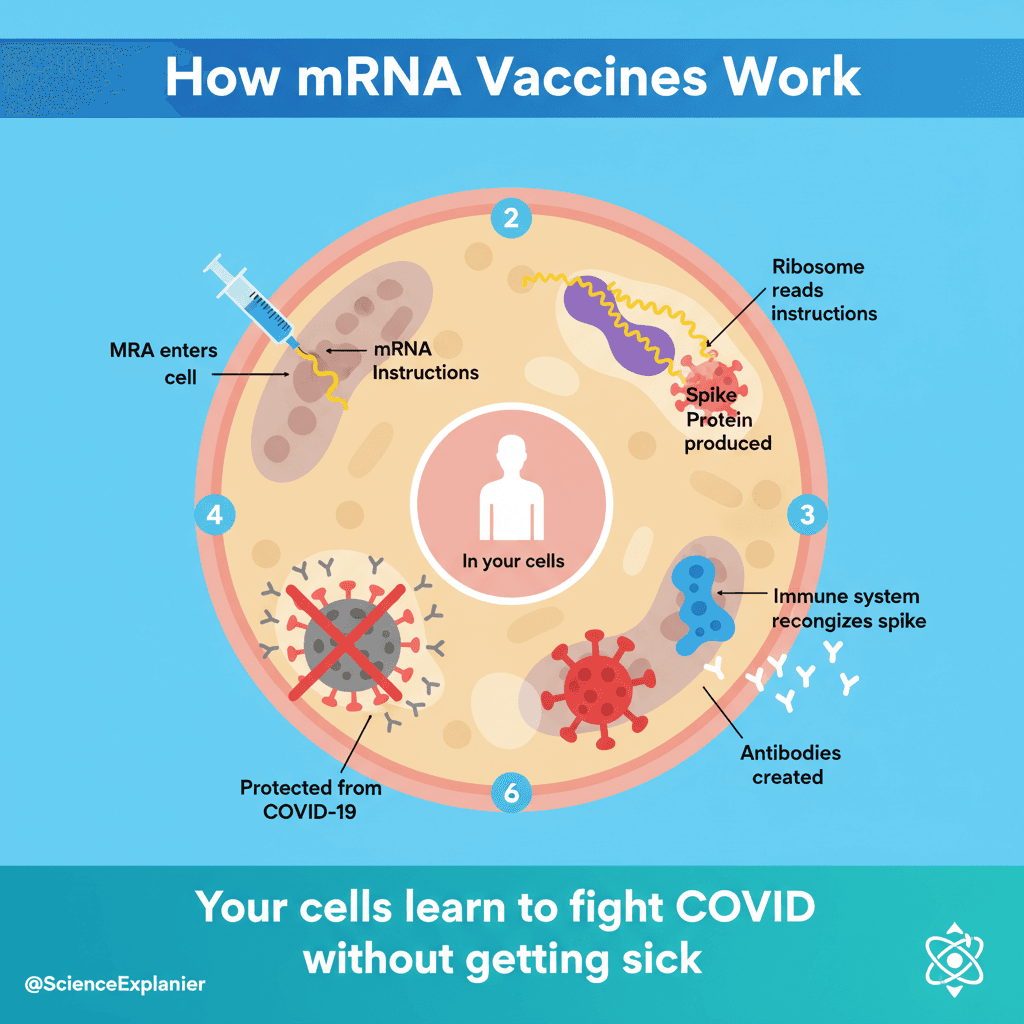
3. 過程/機制資訊圖表
解釋事物如何運作:
- 逐步分解
- 簡化的機制
- 因果關係
4. 比較資訊圖表
顯示差異/相似之處:
- 之前/之後
- 對照組 vs 治療組
- 舊方法 vs 新方法
科學資訊圖表的設計原則
1. 視覺層級
分層資訊:
- 標題:主要發現(最大文字)
- 關鍵視覺元素:吸引注意力的中心元素
- 支持數據:統計數據和證據
- 細節:方法、貢獻者、來源
2. 簡化而不過度簡化
務必簡化:
- 複雜的術語 → 簡單的語言
- 密集的數據 → 主要結論
- 技術方法 → 一般方法
切勿過度簡化:
- 消除不確定性
- 誇大結論
- 忽略局限性
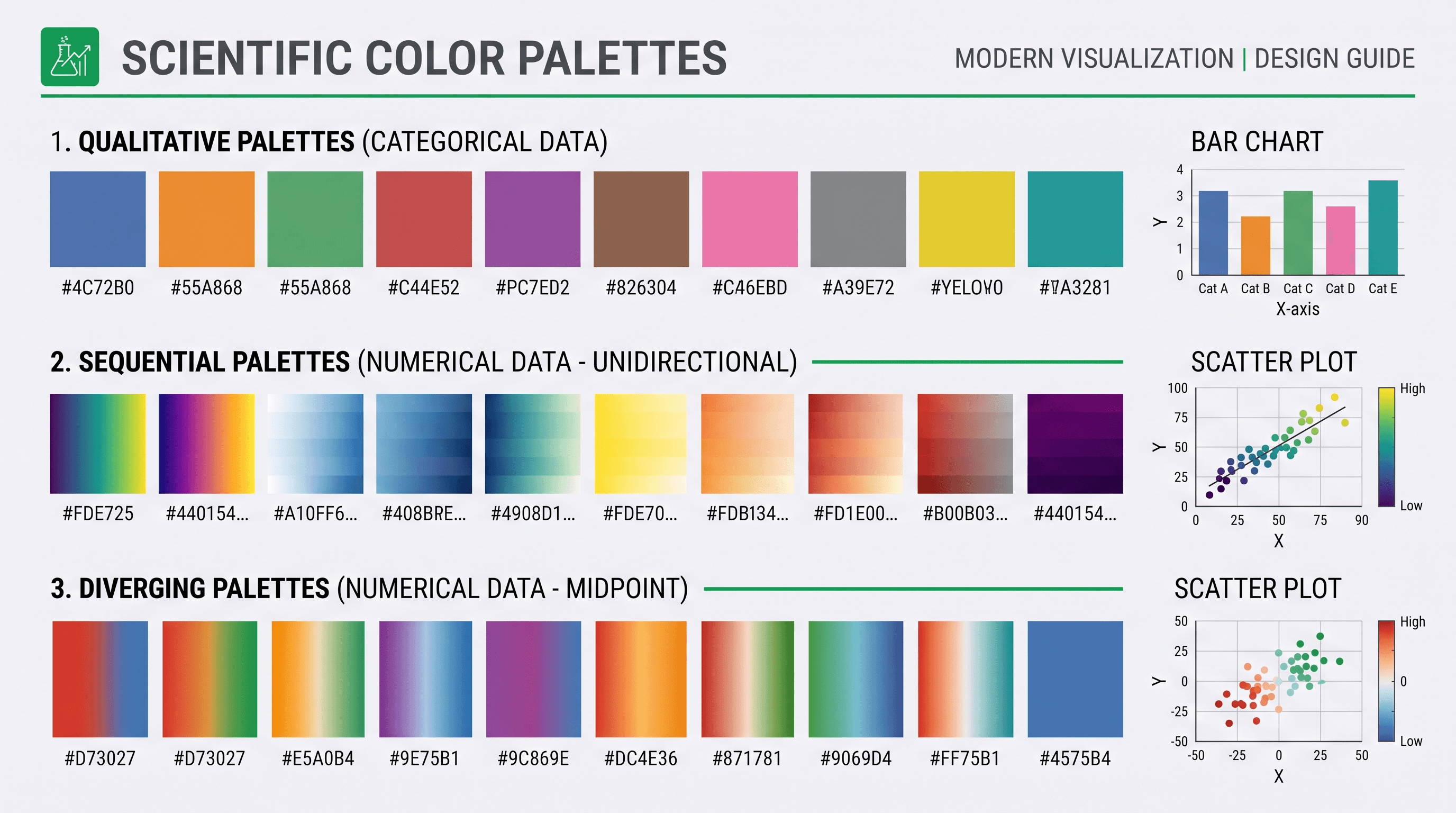
3. 色彩心理學
| 顏色 | 聯想 | 用途 |
|---|---|---|
| 藍色 | 信任、科學 | 數據、事實 |
| 綠色 | 成長、健康 | 生物學、環境 |
| 紅色 | 緊急、警報 | 警告、要點 |
| 橙色 | 能量、注意力 | 行動呼籲 |
| 紫色 | 創新 | 新發現 |
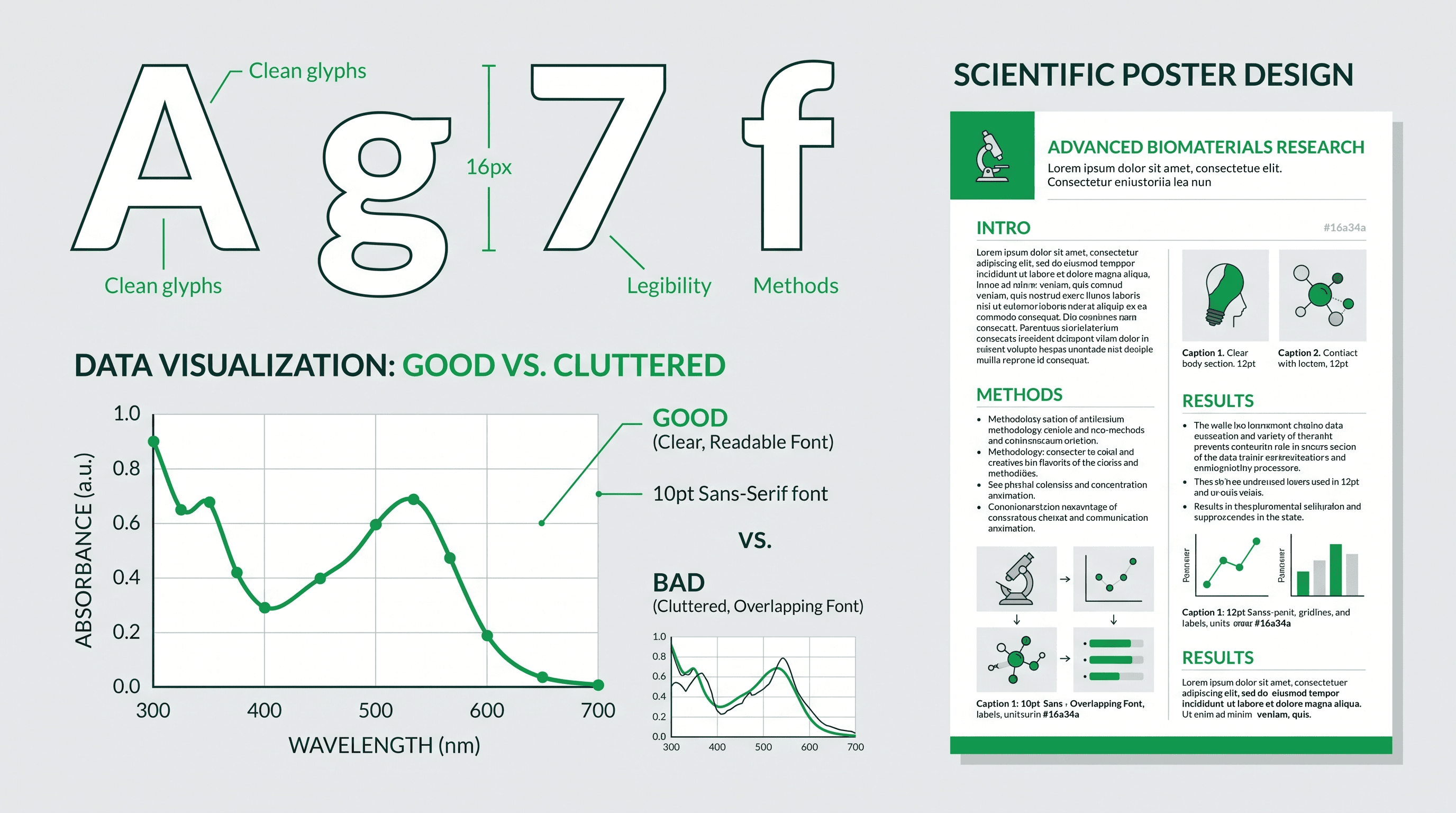
4. 排版
標題:粗體、無襯線字體,是正文大小的 2-3 倍 正文:清晰、易讀,印刷時最小 14pt 數據標籤:一致、對齊、清晰
根據目的建立資訊圖表
用於社交媒體
Twitter/X 格式:
Research infographic for Twitter,
single key finding as headline,
one striking visual/icon,
3 supporting data points,
clear institutional branding,
1200×675 pixels (16:9),
high contrast for mobile viewing
Instagram 格式:
Research infographic for Instagram,
square format 1080×1080,
bold visual in center,
key finding as overlay text,
swipeable series potential,
brand colors and logo,
engaging, accessible design
LinkedIn 格式:
Professional research infographic,
full study summary,
4-6 key points with icons,
data visualization section,
implications for industry,
1200×627 pixels,
business-professional aesthetic
用於新聞稿
Press release infographic,
attention-grabbing headline,
"NEW STUDY FINDS..." format,
key statistic prominently displayed,
simple mechanism illustration,
researcher quote highlighted,
institutional logo and contact,
print-ready 300 DPI
用於研究經費申請
Research summary infographic for grant,
problem statement visual,
proposed approach diagram,
expected outcomes illustrated,
team expertise shown,
timeline visualization,
professional academic style
用於公共宣傳
Public science infographic,
"What we discovered" headline,
everyday analogies used,
relatable visual metaphors,
"Why it matters" section,
action items for public,
accessible language throughout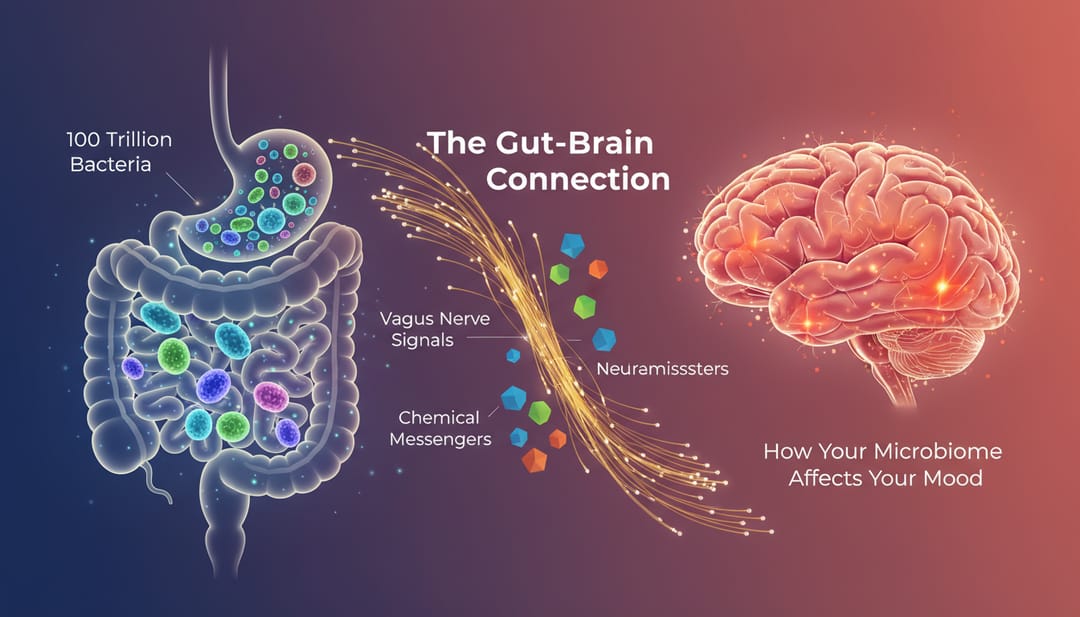 公共宣傳資訊圖表使用相關的圖像和簡單的語言
逐步建立過程
步驟 1:確定您的核心訊息
問問自己:
- 觀眾應該記住的唯一一件事是什麼?
- 為什麼非專業人士應該關心?
- 最令人驚訝的發現是什麼?
步驟 2:選擇您的格式
基於目的和平台:
| 平台 | 尺寸 | 內容 |
|---|---|---|
| 1200×675 | 1-3 個要點 | |
| 1080×1080 | 視覺為主 | |
| 1200×627 | 專業細節 | |
| 新聞稿 | 8.5×11 英寸 | 全面 |
| 海報 | A0/36×48 | 最大細節 |
步驟 3:組織您的內容
標準結構:
- 鉤子(吸引注意力的標題)
- 背景(為什麼這很重要)
- 方法(我們如何發現的)
- 發現(我們發現了什麼)
- 影響(這意味著什麼)
步驟 4:使用 AI 輔助建立
提示模板:
Scientific infographic about [topic],
main finding: [key result],
target audience: [specify],
format: [dimensions],
include: headline, [number] key points,
data visualization of [data type],
icons for [concepts],
color scheme: [colors],
style: [modern/academic/playful]
步驟 5:完善和潤色
- 檢查所有數據的準確性
- 驗證簡化的陳述是否仍然正確
- 獲得非專業人士的回饋
- 添加品牌元素
- 以正確的解析度導出
用於科學資訊圖表的 AI 提示
研究摘要資訊圖表
Research paper infographic summarizing study,
headline: "Study reveals [main finding]",
3-panel layout: Problem → Method → Result,
key statistic "X% improvement" highlighted,
simple icons for complex concepts,
citations indicated,
professional academic style,
4:3 landscape format
以數據為中心的資訊圖表
Data visualization infographic,
main chart/graph as centerpiece,
supporting statistics around edges,
comparison clearly shown,
scale and context provided,
source data credited,
accessible to general audience,
clean modern design
過程解釋資訊圖表
Mechanism explanation infographic,
[process name] explained simply,
5 numbered steps with icons,
arrows showing flow/direction,
analogies to everyday concepts,
"What this means for you" section,
public science communication style
之前/之後資訊圖表
Comparison infographic showing improvement,
"Before" state on left (problem),
"After" state on right (solution),
key metrics compared,
visual transformation illustrated,
timeline/process in middle,
impact statement at bottom
特定領域的範例
醫學研究
Medical research infographic,
patient-friendly language,
anatomical illustration (simplified),
treatment outcomes visualized,
"1 in X people affected" statistics,
hope/progress messaging,
healthcare color palette (blue/green),
accessible health communication style
環境科學
Environmental research infographic,
climate/ecology visual elements,
before/after environmental images,
impact statistics prominently displayed,
actionable "what you can do" section,
earth tones color palette,
public awareness campaign style
技術研究
Technology innovation infographic,
futuristic but accessible design,
technical concept simplified,
real-world applications shown,
performance improvements quantified,
comparison to current technology,
tech-forward modern aesthetic
分發策略
社交媒體最佳實踐
Twitter/X:
- 發布引人入勝的問題
- 標記相關帳戶
- 使用 3-5 個主題標籤
- 釘選到個人資料
Instagram:
- 使用輪播展示多個面板
- 撰寫詳細的說明文字
- 使用 Stories 展示幕後花絮
- 與評論互動
LinkedIn:
- 撰寫專業摘要
- 標記合作者
- 在工作時間發布
- 參與評論
新聞稿整合
- 建立帶有新聞稿的資訊圖表
- 提供高解析度下載連結
- 提供多種格式
- 包括使用權限
網站/部落格使用
- 嵌入到研究摘要文章中
- 建立專用的登陸頁面
- 包括社交分享按鈕
- 追蹤參與度指標
科學資訊圖表的工具
AI 驅動
- SciDraw AI:科學特定生成
- 最適合技術準確性
設計平台
- Canva:簡單的模板
- Piktochart:專注於資訊圖表
- Venngage:數據可視化
專業軟體
- Illustrator:完全控制
- Affinity Designer:一次性購買
- Figma:協作設計
常見錯誤
1. 資訊過多
問題:塞入所有內容 解決方案:最多關注 3-5 個要點
2. 術語超載
問題:沒有解釋的技術術語 解決方案:使用簡單的語言;定義必要的術語
3. 誤導性可視化
問題:扭曲的圖表或精心挑選的數據 解決方案:準確的表示;顯示背景
4. 可訪問性差
問題:低對比度,小文字 解決方案:測試可讀性;使用可訪問的顏色
5. 沒有明確的結論
問題:觀眾不知道主要觀點 解決方案:用粗體標題說明結論
開始建立科學資訊圖表
準備好通過視覺傳達擴大您的研究影響了嗎?
- 訪問 SciDraw AI Drawing
- 選擇您的目標平台
- 使用本指南中的提示
- 建立並分享您的資訊圖表
讓您的研究成果更容易被所有人理解。
相關文章:
- Scientific Figure Generator for Research Papers (研究論文的科學圖表生成器)
- Research Poster Design Guide (研究海報設計指南)
- AI Tools for PhD Students (博士生的 AI 工具)