AI Logic Model Generator
Turn a program description into a clean logic model diagram
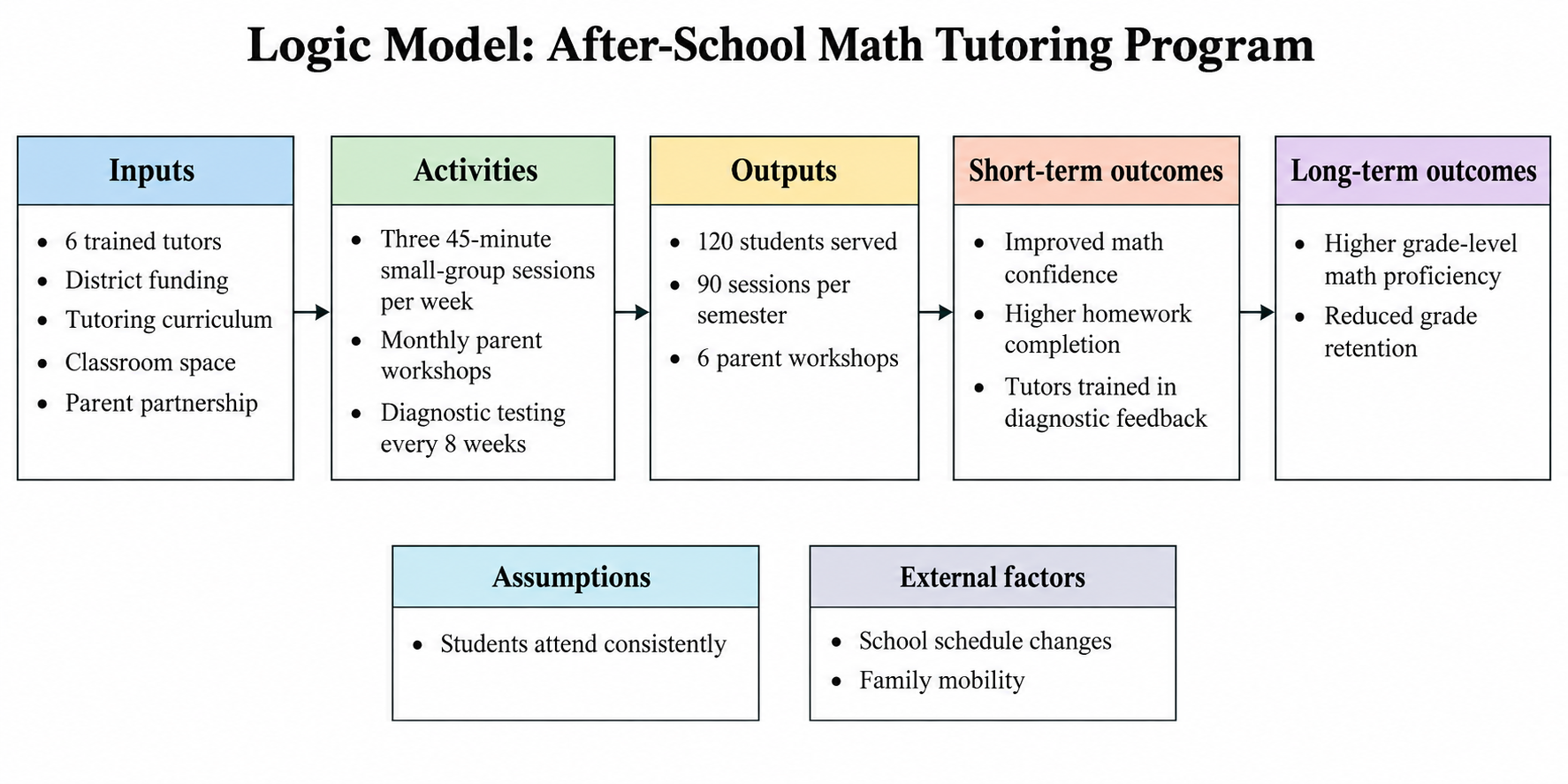
Describe your program's inputs, activities, outputs, and short- and long-term outcomes in plain text, and SciDraw AI draws a left-to-right logic model diagram. Use it for program evaluation reports, thesis chapters, and the logic model for a grant proposal.
AI Logic Model Generator
Preview
ExampleThis is a sample result. Describe yours to generate your own.
Logic Model Examples
Six program logic models from education, public health, international development and nonprofit work. Use any of them as a logic model template for your own program.
What does this AI logic model generator do?
This AI logic model generator turns a plain-text program description into a clean logic model diagram. You list your inputs, activities, outputs, short-term outcomes and long-term outcomes, plus any assumptions and external factors, and SciDraw AI arranges them into labeled columns that read from left to right with arrows between each stage. The result is a program logic model figure you can drop into an evaluation plan, a thesis methodology chapter, or the logic model section of a grant proposal. The tool draws only what you describe: it does not fill empty columns, add target numbers or rewrite your outcomes, and it never merges outputs with outcomes. It is not a program evaluation engine; it is a diagramming tool that saves you from redrawing boxes and arrows in PowerPoint every time a reviewer asks for a change. Modes for education, public health and nonprofit programs adjust the column labels to what those fields expect.
Why program evaluators and grant writers need a logic model
- Most funders, from federal agencies to private foundations, ask for a logic model in the proposal narrative
- Thesis committees in education, public health and social work expect a program logic model in the methodology chapter
- A logic model makes the difference between outputs and outcomes visible, which is where most evaluation plans go wrong
- Evaluators use it to decide which indicators to measure at each stage before data collection starts
- One shared diagram keeps program staff, partners and funders aligned on what the program is supposed to change
How to write a program description that generates a clean logic model
Start with inputs: the staff, funding, materials, partners and facilities the program actually has. Next list activities, the things the program does with those inputs, such as sessions, trainings or screenings. Outputs are the direct, countable products of activities: people served, sessions held, materials produced. Keep outputs separate from outcomes. Short-term outcomes are changes in knowledge, skills, attitudes or behavior among participants; long-term outcomes are the lasting changes in conditions or systems the program is meant to produce. Add assumptions (what must hold true for the logic to work) and external factors (conditions outside your control) as a separate line. Write each item as a short phrase, keep the order left to right, and include numbers only where you really have them. Paste the description into the generator, pick a mode, and refine the diagram in the editor if needed.
Common elements of a program logic model
- Inputs or resources: staff, funding, curriculum, equipment, partners
- Activities: what the program delivers, such as sessions, trainings or screenings
- Outputs: countable products of activities, such as participants served or sessions held
- Short-term outcomes: changes in knowledge, skills, attitudes or behavior
- Long-term outcomes or impact: lasting changes in conditions, achievement or systems
- Assumptions and external factors: what the logic depends on, and what lies outside the program's control
Frequently Asked Questions
What is a logic model, and how is it different from a theory of change?
A logic model is a one-page diagram that lines up a program's inputs, activities, outputs and outcomes in columns from left to right, showing what the program does and what it expects to change. A theory of change goes further and explains why each step should lead to the next, often with evidence and preconditions. SciDraw AI draws the logic model diagram; it does not build the causal explanation for you.
Can I use the diagram in a thesis or grant proposal?
Yes. The generated logic model is a clean, labeled diagram meant for evaluation plans, methodology chapters and the logic model section of a grant proposal. Check the content against your funder's template or your committee's expectations, since column names and the number of outcome levels vary between institutions. The nonprofit mode uses the column labels most foundation templates expect.
What should I prepare before generating?
Write a short list for each column: inputs, activities, outputs, short-term outcomes and long-term outcomes, plus assumptions and external factors if your template asks for them. Use short phrases, one item per line, and include counts only where you have real figures. A description of a few hundred words is usually enough; the generator accepts up to 5,000 characters.
What does the logic model generator not do?
It does not evaluate your program, score it, or judge whether the logic is sound. It does not invent numbers, indicators, partners or outcomes that you did not write, and it leaves a column empty rather than filling it in. It does not analyze data or connect to any database. It draws the diagram you describe; the content and the reasoning remain yours.
How do I change the diagram after it is generated?
Edit the text and generate again: add a missing output, split a long-term outcome into two, or remove a column you do not need, then regenerate. If the layout needs adjustment, open the result in the editor to move boxes and correct labels. Small, specific text changes give more predictable results than rewriting the whole description at once.
How do I export the logic model, and in what format?
Download the finished logic model as a PNG image, ready to place in a Word document, a slide deck or a PDF proposal. You can also open the diagram in the editor to refine boxes, arrows and labels before downloading. Generate at 16:9 for slides and reports, or choose another aspect ratio if your template needs a different shape.
Explore More Tools

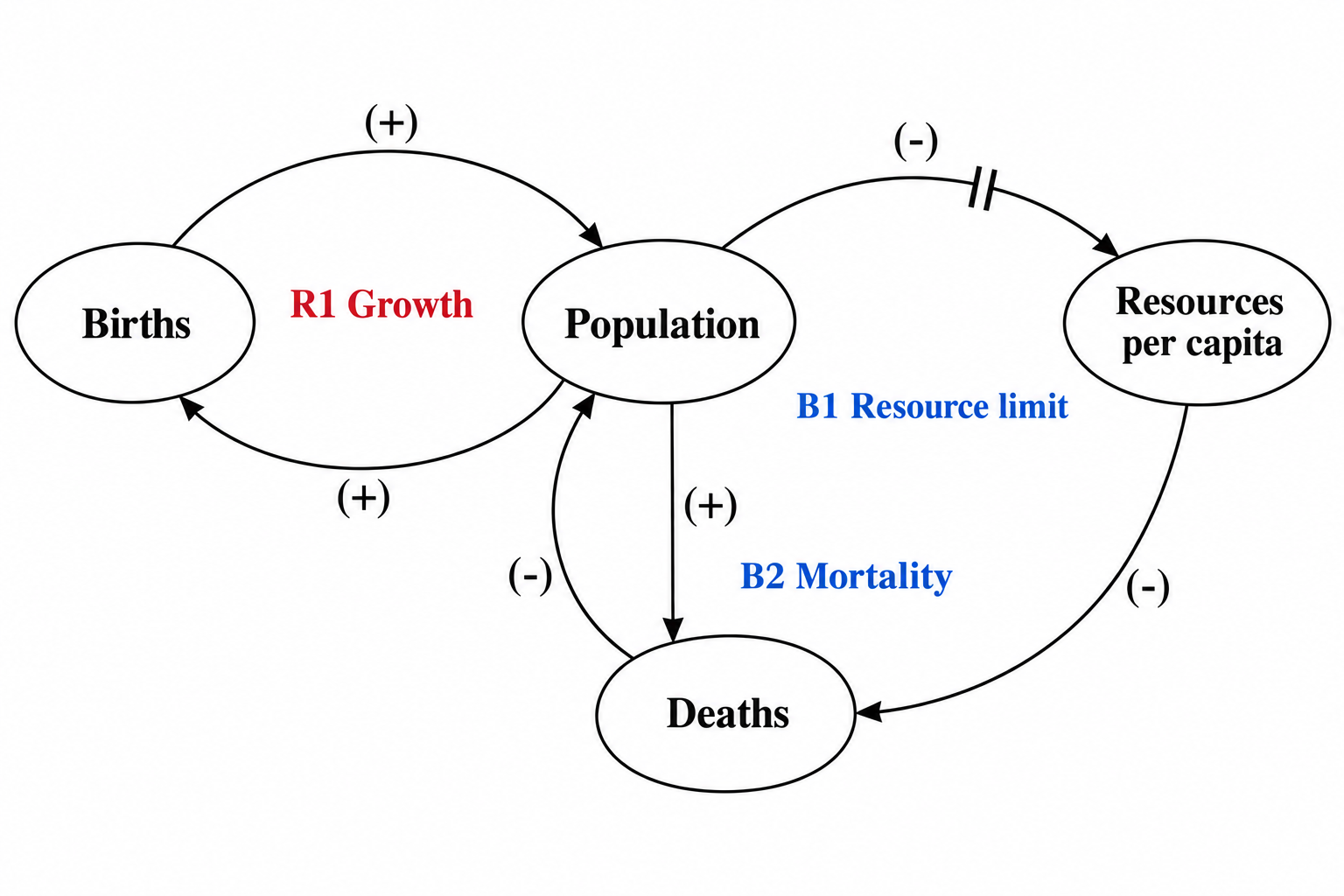
Causal Loop Diagram Generator
Turn variables and signed causal links into a CLD with R/B loops and delay marks.
Try it free
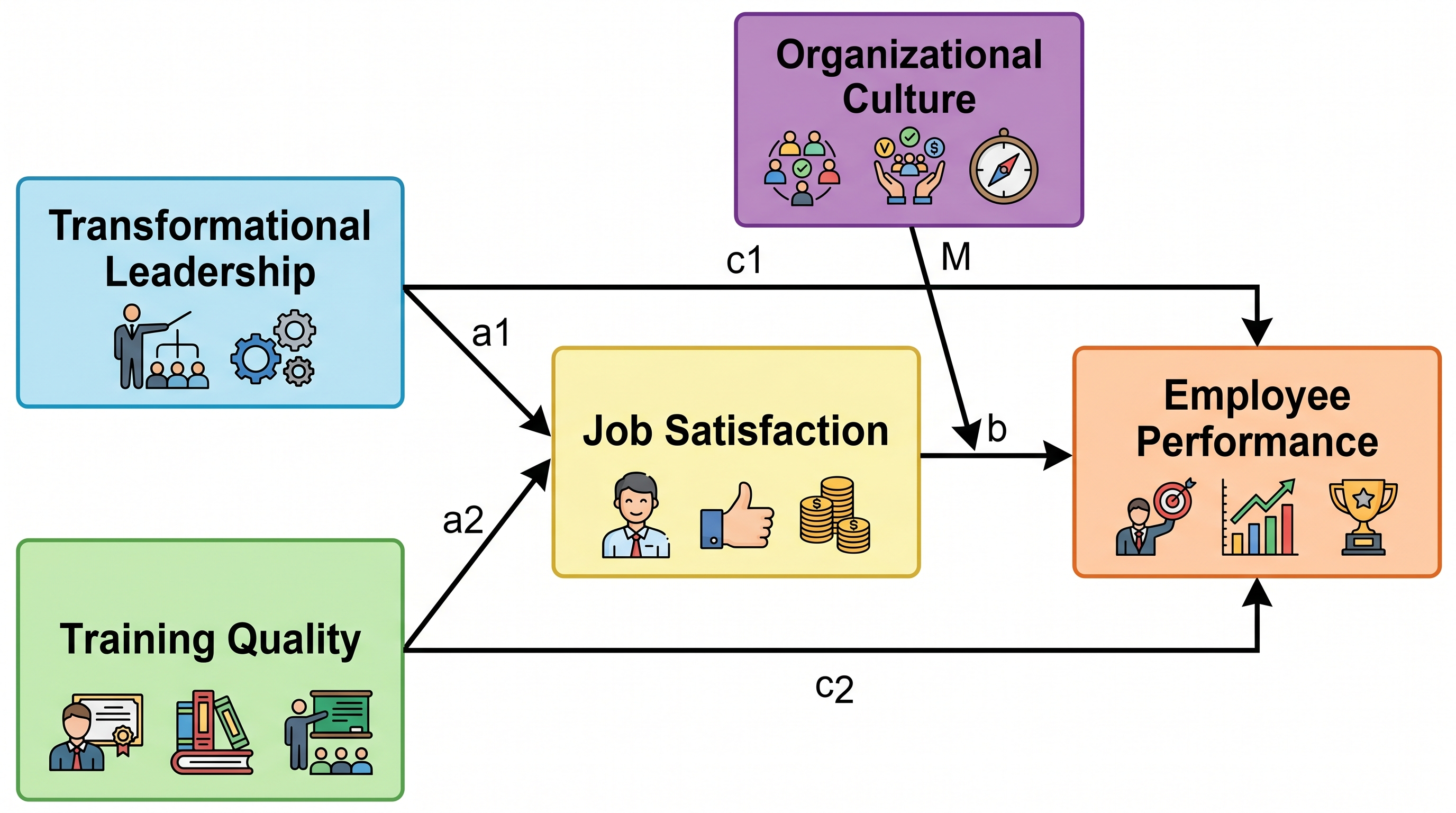
Conceptual Framework Maker
Generate labeled research framework diagrams with variables and relationships
Try it free
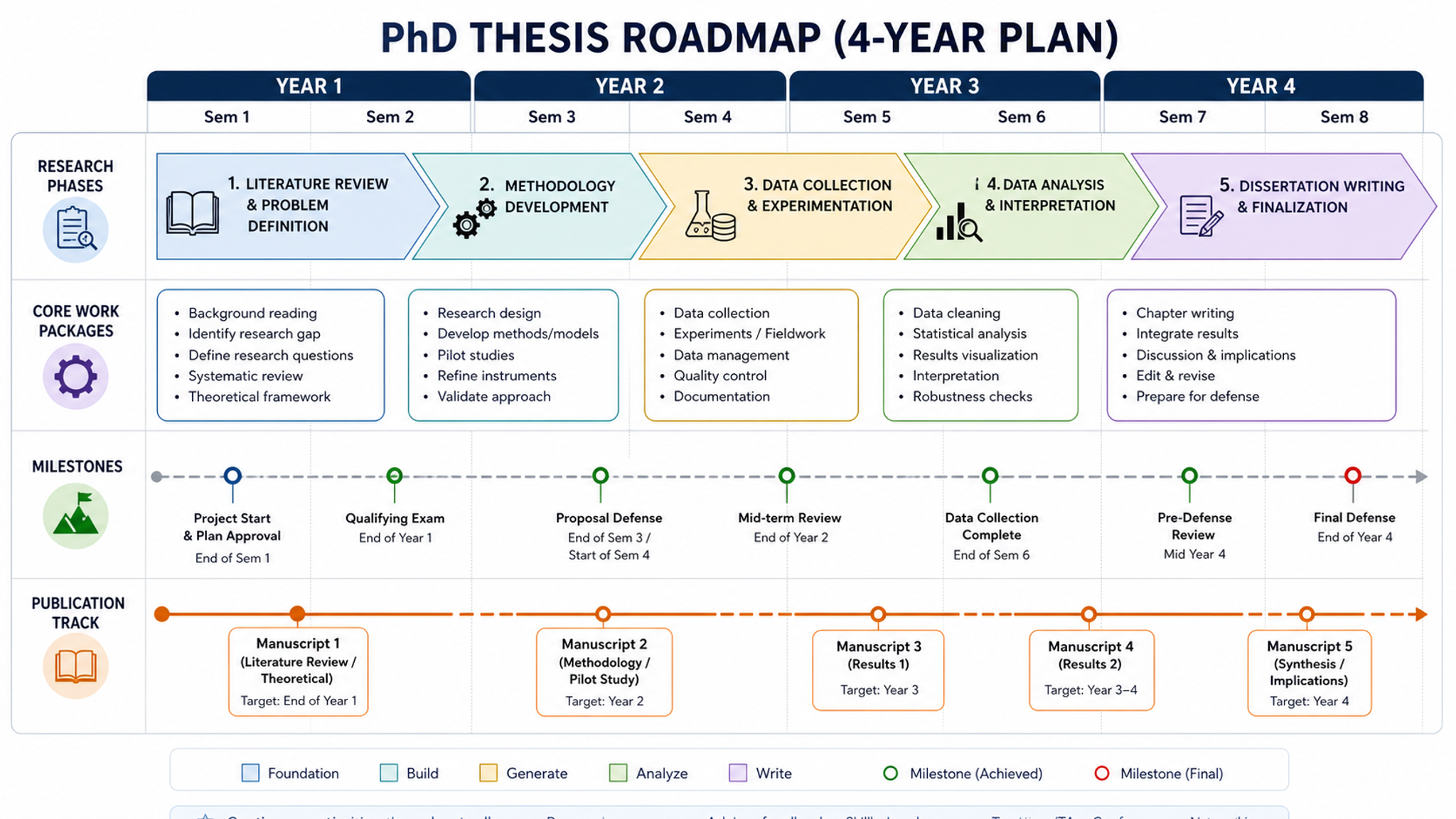
Research Roadmap Maker
Create technical route diagrams for grant proposals
Try it freeDraw your program logic model now
Describe your inputs, activities, outputs and outcomes, and let SciDraw AI turn them into a clean logic model diagram for your evaluation, thesis or grant proposal.