Submitting a manuscript to a scientific journal often means meeting strict image requirements: minimum DPI thresholds, specific file formats, grayscale readability, and colorblind accessibility. Failing any of these checks can delay your review or trigger a desk rejection. Manually verifying every figure against each journal's guidelines is tedious and error-prone.
SciDraw AI's Figure Checker and Image Format Converter solve this problem with a simple three-step workflow: check your figure, identify issues, and convert to a submission-ready format. This 2-minute video tutorial walks you through the entire process.
What You'll Learn in This Video
- How to open Figure Checker from the Image Tools navbar menu
- How to upload a research figure and configure check parameters
- How to interpret the four automated quality checks
- How to preview grayscale and colorblind simulations of your figure
- How to use Image Format Converter to fix DPI and format issues
- How to export submission-ready TIFF and SVG files
Figure Checker: Validate Your Images
The video begins by opening Figure Checker from the Image Tools menu in the navigation bar. A low-DPI JPEG research figure is uploaded as a test case.
Configure Your Check
Before running the analysis, you set two parameters:
- Figure Type: Select "Mixed Figure" to account for both photographic and line-art elements in the same image.
- Target Width: Choose "Double Column (180mm)" to match common two-column journal layouts.
Four Automated Checks
Once configured, the checker runs four independent validations:
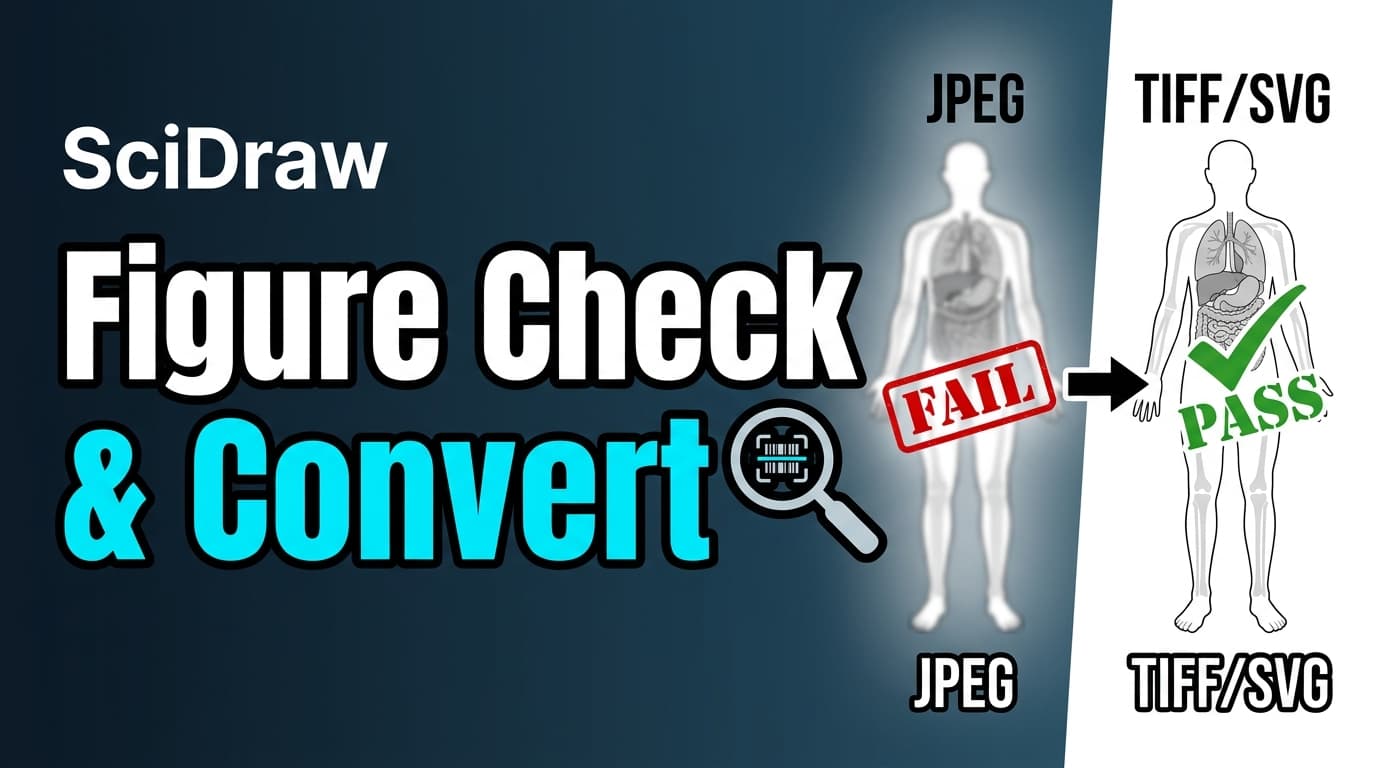
- DPI Check -- Compares your image resolution against the journal requirement. The demo figure fails this check, showing the actual DPI is well below the recommended 300 DPI minimum.
- Format Check -- Evaluates whether the file format is suitable for submission. The JPEG format triggers a warning, since lossless formats like TIFF or PNG are preferred for scientific figures.
- Grayscale Readability -- Simulates how the figure looks when printed in black and white, ensuring all elements remain distinguishable without color.
- Colorblind Safety -- Tests the figure against deuteranopia and protanopia color vision profiles to verify accessibility.
Visual Simulations
The results panel includes side-by-side previews: the original image alongside grayscale, deuteranopia, and protanopia simulations. These previews let you spot potential problems before submission without installing any additional software.
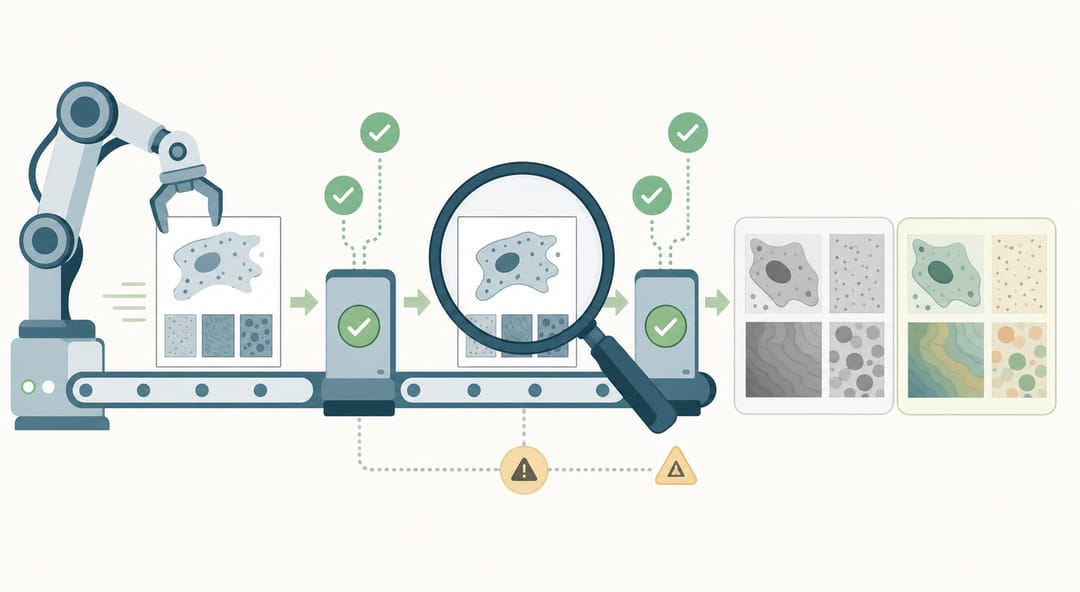 The Figure Checker runs four automated validations and shows side-by-side simulations so you can catch issues before submission.
Image Format Converter: Fix Issues Instantly
After the Figure Checker identifies a DPI failure and format warning, the video follows the system recommendation to fix both issues using the Image Format Converter.
Four Output Formats
The converter supports four output formats, each suited to different submission requirements:
- SVG -- Scalable vector graphics, ideal for diagrams and line art
- PNG -- Lossless raster format with transparency support
- PDF -- Universal document format accepted by most journals
- TIFF -- The gold standard for journal figure submissions
DPI Upscaling with AI Enhancement
In the video, the figure is converted to TIFF at 600 DPI, exceeding the minimum requirement and ensuring the image holds up at full print resolution. The AI enhancement engine intelligently upscales the image while preserving detail and sharpness.
SVG Vectorization
The tutorial also demonstrates SVG Full Vectorization, which converts a raster image into a fully editable vector file. This is particularly useful when you need to adjust labels, colors, or individual elements after conversion.
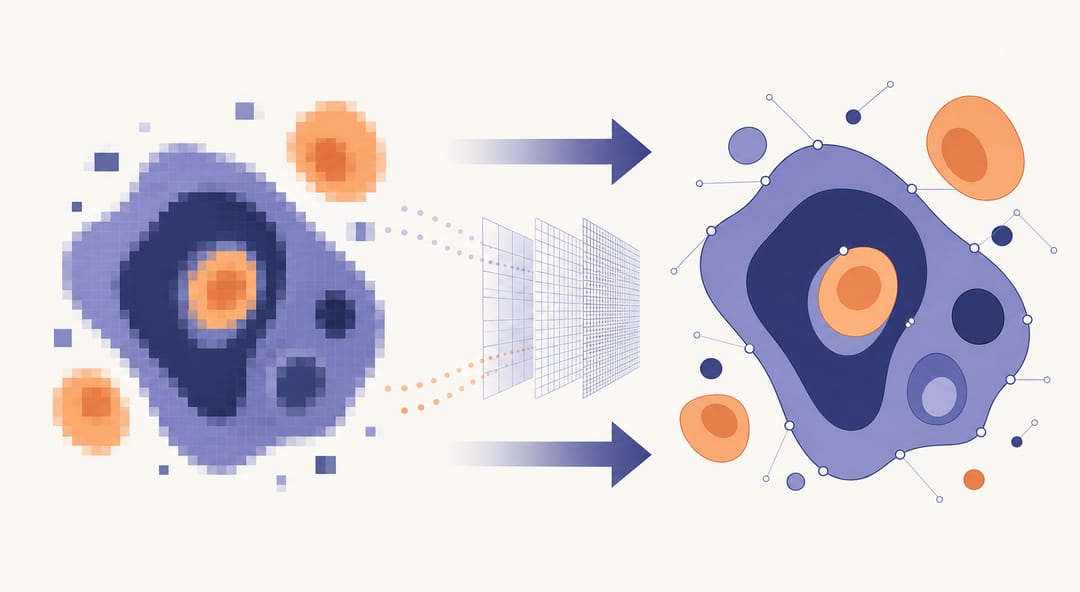 SVG Full Vectorization turns a raster image into crisp, fully editable vector shapes you can refine after conversion.
The Complete Workflow
The entire process follows three straightforward steps:
- Check -- Upload your figure, select the figure type and target width, and run the automated checks.
- Convert -- Follow the recommendations to fix any issues. Choose the target format and DPI setting.
- Download -- Save your submission-ready figure and attach it to your manuscript.
From upload to download, the entire workflow takes under a minute. No external software required, no manual DPI calculations, and no guesswork about journal compliance.
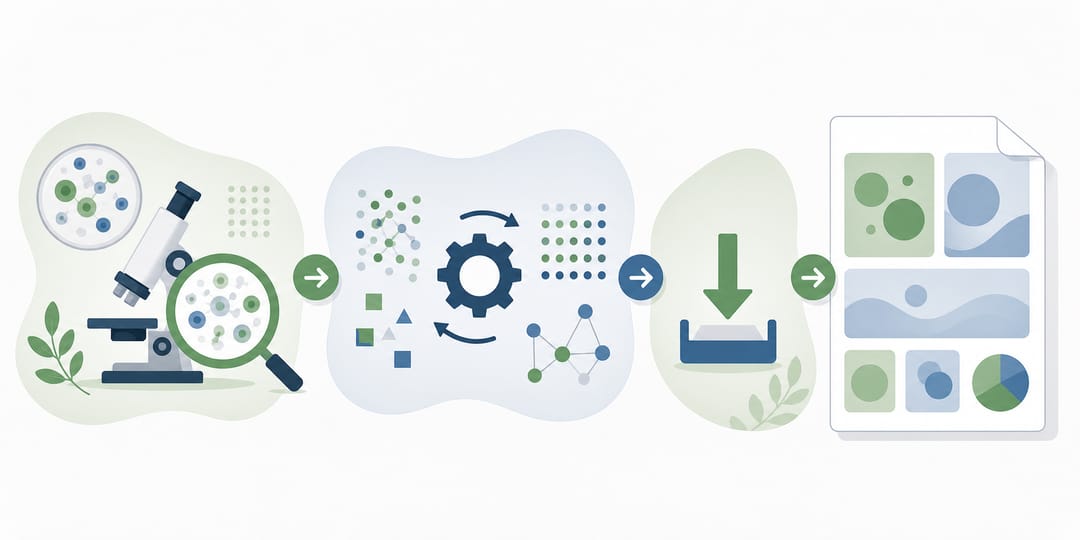 Check, convert, and download: the complete SciDraw AI workflow delivers a submission-ready figure in under a minute.
Get Started
Ready to validate your research figures? Open SciDraw AI's Image Tools and try the Figure Checker on your next manuscript submission. Upload any figure to get instant feedback on DPI, format, grayscale readability, and colorblind safety -- then convert and download in one seamless workflow.
Related Guides
- AI Drawing Video Tutorial — create illustrations in minutes
- Getting Started: 3 AI Drawing Modes — learn all drawing modes
- How to Check Figures for Submission — pre-submission quality checklist
- Figure Checker Tool — verify DPI, format, and colorblind safety