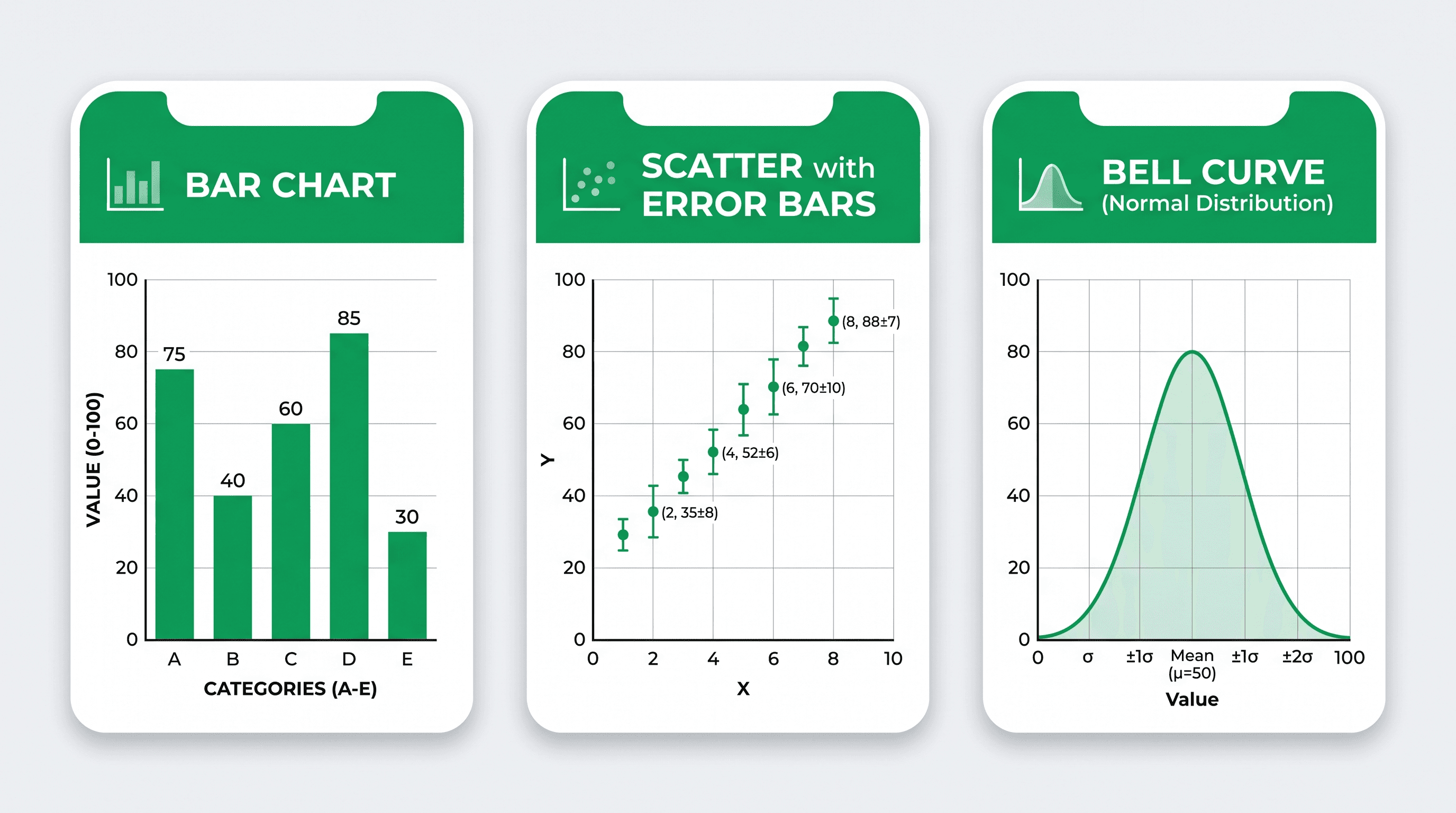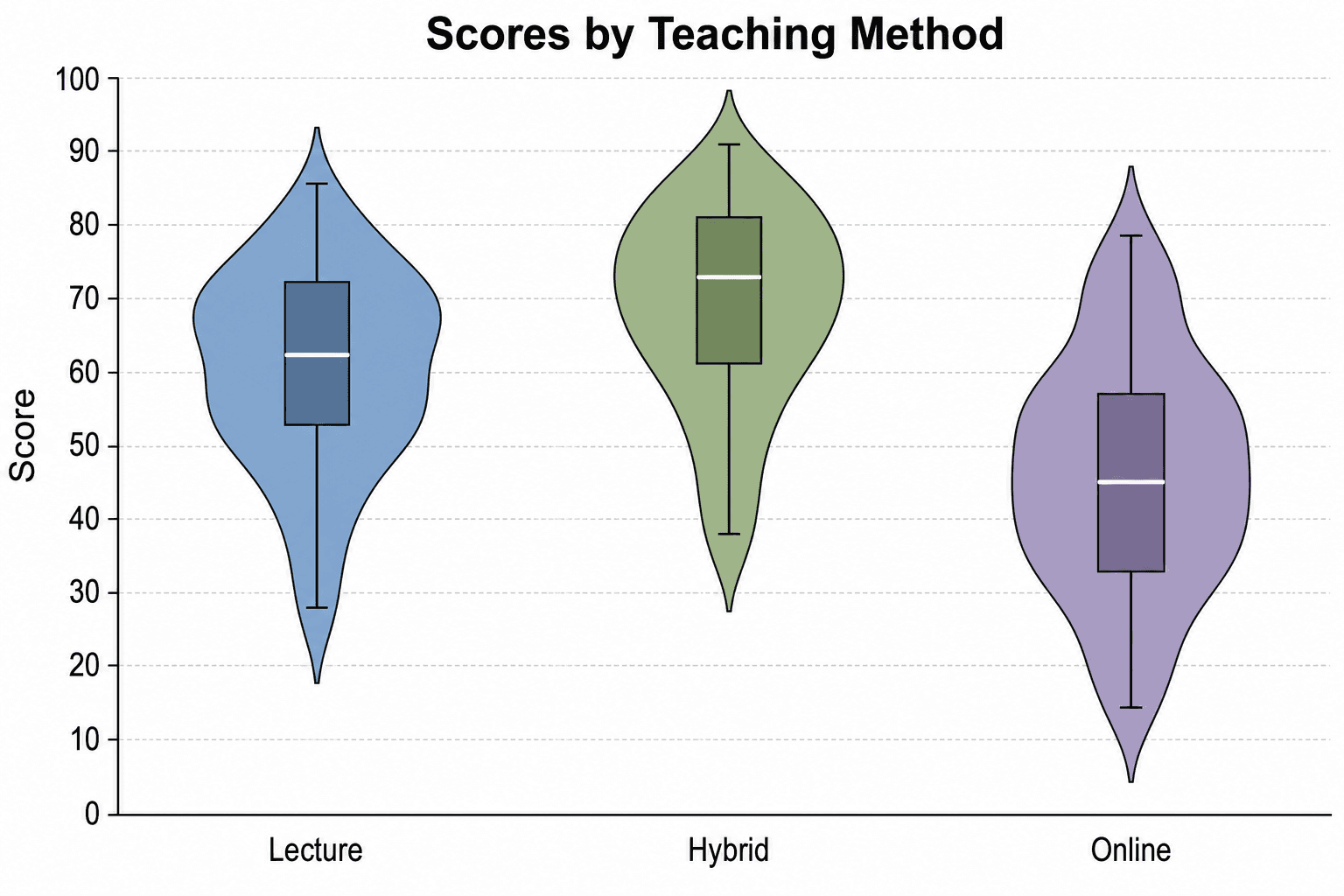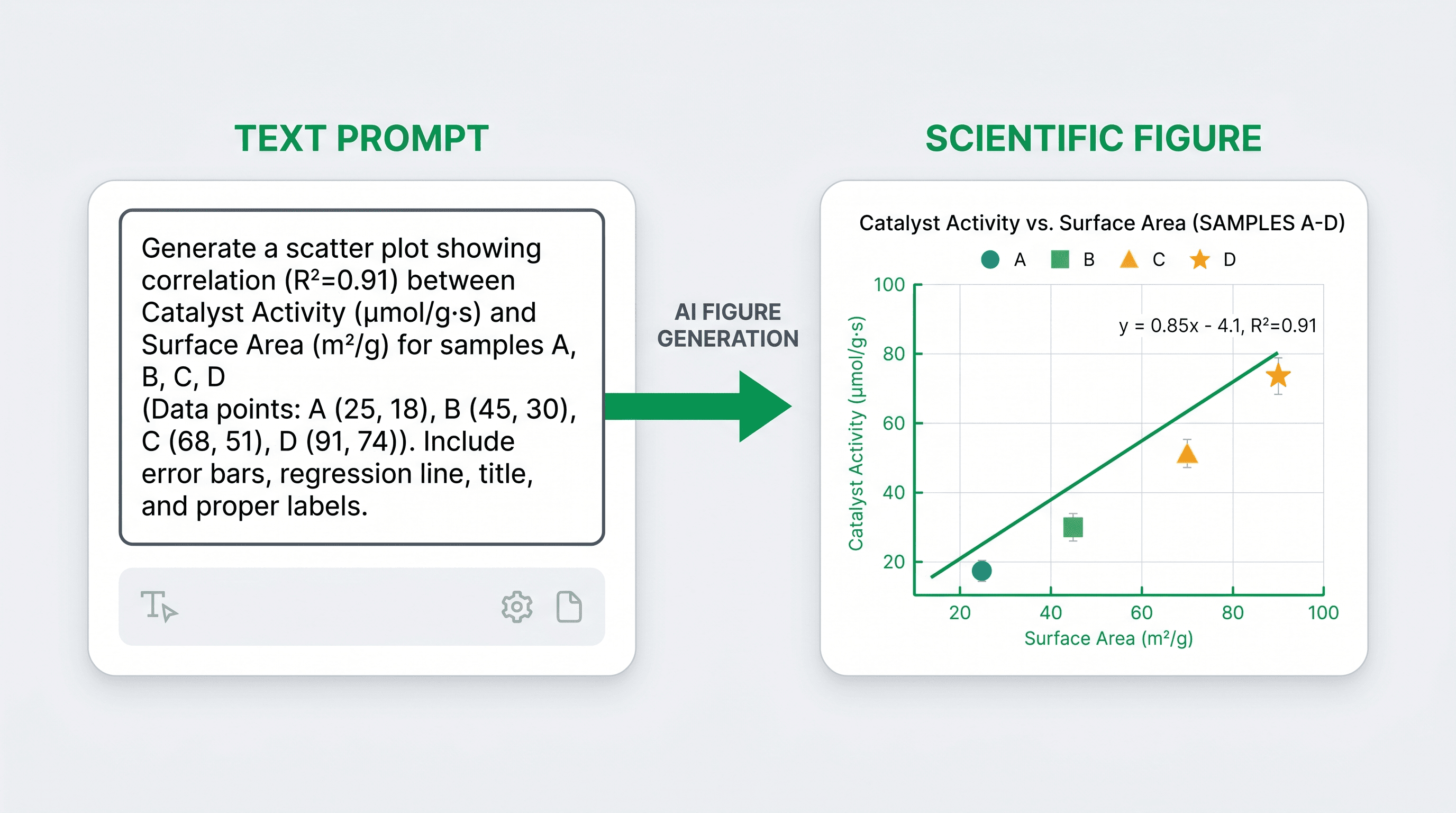
Verdict in 30 seconds — FigureLabs (also written Figure Labs or FigureLab) is a solid AI figure generator if you work in cell or molecular biology and rarely edit figures after generation. If you work outside core life sciences, need editable SVG output, or share a tool across a lab, SciDraw AI or BioRender will fit better — the comparison table below has the details. Pricing last checked: August 2026.
Scientific figures are the backbone of every research paper, grant proposal, and conference poster. Yet finding the right tool to create them — quickly, affordably, and without a graphic design degree — remains one of the most common frustrations for researchers. FigureLabs has attracted attention as an AI-assisted figure tool, but it is not the only option, and depending on your discipline and workflow, it may not even be the best one.
This guide gives you an honest, side-by-side comparison of four leading tools for AI scientific figure generation: FigureLabs, BioRender, ConceptViz, and SciDraw AI. We cover real strengths and weaknesses, pricing, and which researcher profile each tool serves best.
What you'll learn:
- What FigureLabs does well and where it falls short
- How BioRender compares as an established standard in biology
- What ConceptViz brings to conceptual and systems-level figures
- Why SciDraw AI is emerging as the strongest multi-discipline option
- A full comparison table for quick reference
- Pricing breakdown for each platform
- FAQ on switching tools and publication licensing
Why Researchers Are Looking for FigureLabs Alternatives
FigureLabs entered the market with a compelling promise: let researchers describe a figure in natural language and get a publication-ready graphic back in seconds. For many users, that promise holds up well for simple diagrams. But common complaints include limited customization after generation, a biology-centric asset library that leaves chemists, physicists, and engineers underserved, and a pricing model that can become expensive for lab groups needing multiple seats.
None of that makes FigureLabs a bad tool — it means it is a tool built for a specific audience. If you fall outside that audience, the alternatives below may serve you better.
 Researchers often outgrow a single-discipline figure tool and start weighing alternatives.
Tool-by-Tool Breakdown
1. FigureLabs
FigureLabs is a browser-based AI figure generator aimed primarily at cell biology, molecular biology, and biochemistry researchers. You type a description of the experiment or process you want to illustrate, and the system generates a vector-style schematic using its curated biological asset library.
Pros
- Fast generation for standard cell/molecular biology diagrams
- Clean, publication-style vector output
- Intuitive prompt interface — minimal learning curve
- Asset library covers common organelles, pathways, and cell types
Cons
- Library is narrow outside core life sciences; physics, materials science, and engineering are poorly supported
- Post-generation editing is limited without exporting to Illustrator
- Team/lab pricing jumps sharply after the first seat
- Less control over color schemes and layout grids
Best for: Cell biologists, molecular biologists, and biochemists who need quick, standard pathway or process diagrams with minimal customization.
Pricing (approximate, 2026): Free tier with watermark; individual plans around $15–25/month; lab plans vary by seat count.
2. BioRender
BioRender is the incumbent standard in life-science figure creation. It predates the AI generation wave, offering a large, curated drag-and-drop library of over 50,000 scientifically accurate icons covering biology, chemistry, and medicine.
Pros
- Enormous, rigorously accurate life-science icon library
- Trusted by thousands of journals — no licensing disputes when publishing
- Templates for graphical abstracts, experimental workflows, and poster layouts
- Strong collaboration features for multi-author labs
- AI-assisted layout suggestions added in recent updates
Cons
- Not a true text-to-figure generator — you still build figures manually
- Expensive for individual researchers ($35+/month for publication license)
- Asset library is still heavily biology-centric; not useful for computational, materials, or physics figures
- Interface can feel cluttered for simple diagrams
Best for: Life-science labs that need a reliable, journal-accepted tool for complex multi-panel figures and graphical abstracts. Creating a graphical abstract for a high-impact biology paper is where BioRender genuinely shines.
Pricing: Individual publication plans around $35/month; institutional licenses negotiated separately.
3. ConceptViz
ConceptViz is a newer entrant focused on conceptual and systems-level diagrams — think research frameworks, theoretical models, and multi-component system architectures. It uses AI to generate flowcharts, block diagrams, and conceptual schematics from text descriptions.
Pros
- Excellent for abstract, framework-style diagrams that don't require biological icons
- Clean, minimalist output that works well in slides and proposals
- Good at multi-step workflows and decision trees
- Relatively affordable for individual researchers
Cons
- Not designed for scientific illustration in the biological or chemical sense
- Limited support for domain-specific icons (cells, molecules, circuits)
- Output often needs significant polish for journal submission
- Smaller user community and fewer templates
Best for: Social scientists, systems researchers, computer scientists, and anyone building conceptual framework diagrams for grants or conference presentations.
Pricing: Free tier available; paid plans around $10–18/month.
4. SciDraw AI
SciDraw AI is built as a multi-discipline AI figure generation platform. Rather than locking you into a single domain's asset library, it uses large multimodal AI models to generate figures from text descriptions across life sciences, physical sciences, engineering, and data visualization. The tool supports multiple generation modes — text-to-figure, sketch-to-figure, and image transformation — giving researchers flexibility in how they start a project.
Pros
- Genuinely cross-disciplinary: works well for biology, chemistry, physics, engineering, and computational science
- Multiple generation modes (prompt, sketch, image transformation) for different starting points
- AI scientific figure maker handles everything from molecular diagrams to data flow charts
- Competitive credit-based pricing — no forced annual commitment
- Outputs suitable for journal submission, posters, and grant figures
- Regularly updated models that improve output quality over time
Cons
- Credit system requires planning for high-volume labs
- AI generation can occasionally need iteration to nail domain-specific accuracy
- Newer platform — smaller template library than BioRender for some life-science niches
Best for: Researchers in any discipline who want a fast, AI-powered path from idea to publication-ready figure. Particularly strong for multi-discipline teams, computational researchers, and anyone who finds BioRender's biology focus too narrow.
Pricing: Free credits on signup; paid plans with monthly credit allocations starting at accessible rates for individual researchers.
 Each tool serves a different research profile, from biology-only libraries to multi-discipline AI generation.
Head-to-Head Comparison Table
| Feature | FigureLabs | BioRender | ConceptViz | SciDraw AI |
|---|---|---|---|---|
| Generation method | AI text-to-figure | Drag-and-drop + AI assist | AI text-to-diagram | AI text / sketch / image |
| Disciplines covered | Life sciences | Life sciences | Conceptual/systems | All disciplines |
| Icon/asset library | Medium (bio-focused) | Very large (bio-focused) | Small (generic) | AI-generated (broad) |
| Publication licensing | Yes | Yes (paid tier) | Limited | Yes |
| Collaboration | Limited | Strong | Basic | Yes |
| Free tier | Yes (watermark) | Limited | Yes | Yes |
| Starting price | ~$15/month | ~$35/month | ~$10/month | Credit-based, low entry |
| Best discipline fit | Cell/molecular bio | Life sciences broadly | Conceptual research | All STEM disciplines |
| Sketch/image input | No | No | No | Yes |
| Output formats | SVG, PNG | SVG, PNG, PDF | PNG, PDF | PNG, SVG |
Which Tool Should You Choose?
Choose FigureLabs if you are a cell or molecular biologist who wants very fast, good-enough diagram generation with minimal setup, and standard pathway figures cover most of your needs.
Choose BioRender if your lab is biology-focused, you need the most comprehensive life-science icon library available, and you can justify the higher price for its reliability and journal acceptance track record. It remains the safest choice for complex biology figures destined for top-tier journals.
Choose ConceptViz if your figures are primarily conceptual — frameworks, systems diagrams, flowcharts — and you don't need domain-specific scientific icons. It is a good value for social scientists and computational researchers who need clean, professional-looking structural diagrams.
Choose SciDraw AI if you work across disciplines, need more generation flexibility (including sketch and image inputs), or find that other tools don't serve your specific field well. The AI scientific figure maker and graphical abstract maker cover a wider range of research contexts than any of the biology-first tools. It is also the natural upgrade path for anyone currently using FigureLabs who needs more versatility.
Migrating from FigureLabs: What to Expect
Switching figure tools mid-project is less painful than most researchers expect. Here is a practical checklist:
- Export your existing figures from FigureLabs as SVGs before canceling your subscription — SVGs are editable in most tools.
- Identify your most common figure types. If you primarily make pathway diagrams, test SciDraw AI or BioRender with one of your recent figures as a benchmark.
- Run a parallel trial. Most platforms offer free tiers or trial credits. Generate the same figure in your candidate replacement and compare quality and iteration time.
- Check journal requirements before committing. Confirm the new tool's output resolution and file format meet your target journal's specifications (typically 300+ DPI for print).
- Update your lab's template library. Save your preferred color schemes and styles in the new platform so future figures stay consistent.
For labs that produce figures across multiple sub-disciplines, the SciDraw AI scientific figure maker offers the broadest starting point and avoids the "wrong tool for this figure" problem that often crops up with domain-specific platforms.
If you regularly create graphical abstracts for journal submission, also check the dedicated graphical abstract maker — it handles journal format requirements (aspect ratios, margins, typography conventions) that generic AI tools often miss.
And if you are specifically evaluating whether SciDraw AI covers what BioRender does for life sciences, the BioRender alternative page breaks that down in detail.
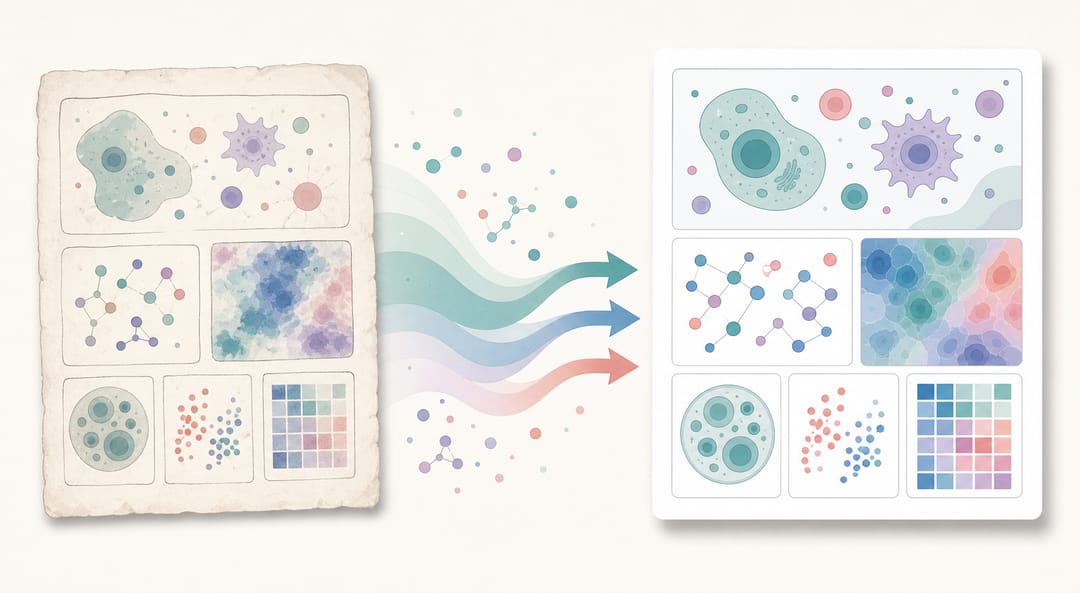 A smooth migration keeps your existing figures usable while you test a new tool in parallel.
Pricing Reality Check
Published prices shift frequently, so treat all figures in this guide as directional rather than exact. That said, a few patterns are worth noting:
- BioRender is the most expensive for individual researchers but often the most cost-effective at institutional scale because the licensing model is designed for large labs.
- FigureLabs sits in the mid-range for individuals but can become expensive for teams because seat-based pricing scales quickly.
- ConceptViz is the cheapest for simple conceptual figures, but its limited domain specificity means it often cannot replace a dedicated scientific illustration tool.
- SciDraw AI uses a credit model, which benefits researchers who generate figures in bursts (before deadlines, during manuscript prep) rather than continuously throughout the year. The free credit allocation on signup lets you run a meaningful test before committing.
The true cost of any figure tool also includes time. A cheaper tool that requires 3× more iteration to get a publishable figure is not actually cheaper. Factor in the time you spend post-generation editing when comparing options.
FAQ
Is FigureLabs free? FigureLabs offers a free tier, but figures generated on the free plan include a watermark that makes them unsuitable for publication. A paid subscription is required for publication-ready exports.
Can I use AI-generated scientific figures in journal submissions? Most journals now accept AI-assisted figures, provided the tool used holds appropriate licensing for the output and you disclose AI assistance in your methods section (check your target journal's specific policy). BioRender and SciDraw AI both provide publication licensing on paid tiers.
Does SciDraw AI work for non-biology disciplines? Yes — this is one of SciDraw AI's primary differentiators. It handles chemistry, physics, engineering, computational science, and interdisciplinary figures that tools like FigureLabs and BioRender handle poorly due to their biology-centric asset libraries.
How many credits does SciDraw AI require per figure? Standard figure generation costs 5 credits per image. Free accounts receive a starting credit allocation sufficient to test the platform with several real figures before upgrading.
Can I import my FigureLabs figures into SciDraw AI? SciDraw AI supports image input modes — you can upload an existing figure as a starting point and use the AI to refine or transform it. Export your FigureLabs figures as PNG or SVG first, then use SciDraw AI's image transformation mode to iterate.
What is the best tool for graphical abstracts specifically? For life-science graphical abstracts, BioRender remains the most established option. For cross-disciplinary or AI-generated graphical abstracts, the SciDraw AI graphical abstract maker offers more flexibility and a lower barrier to entry.