AI Scientific Drawing Software
Research drawings for papers, theses, presentations, and lab communication
Describe a mechanism, workflow, structure, or experimental concept and turn it into a clear scientific drawing. Refine the result for publication, teaching, or collaboration.
Scientific Drawing Examples
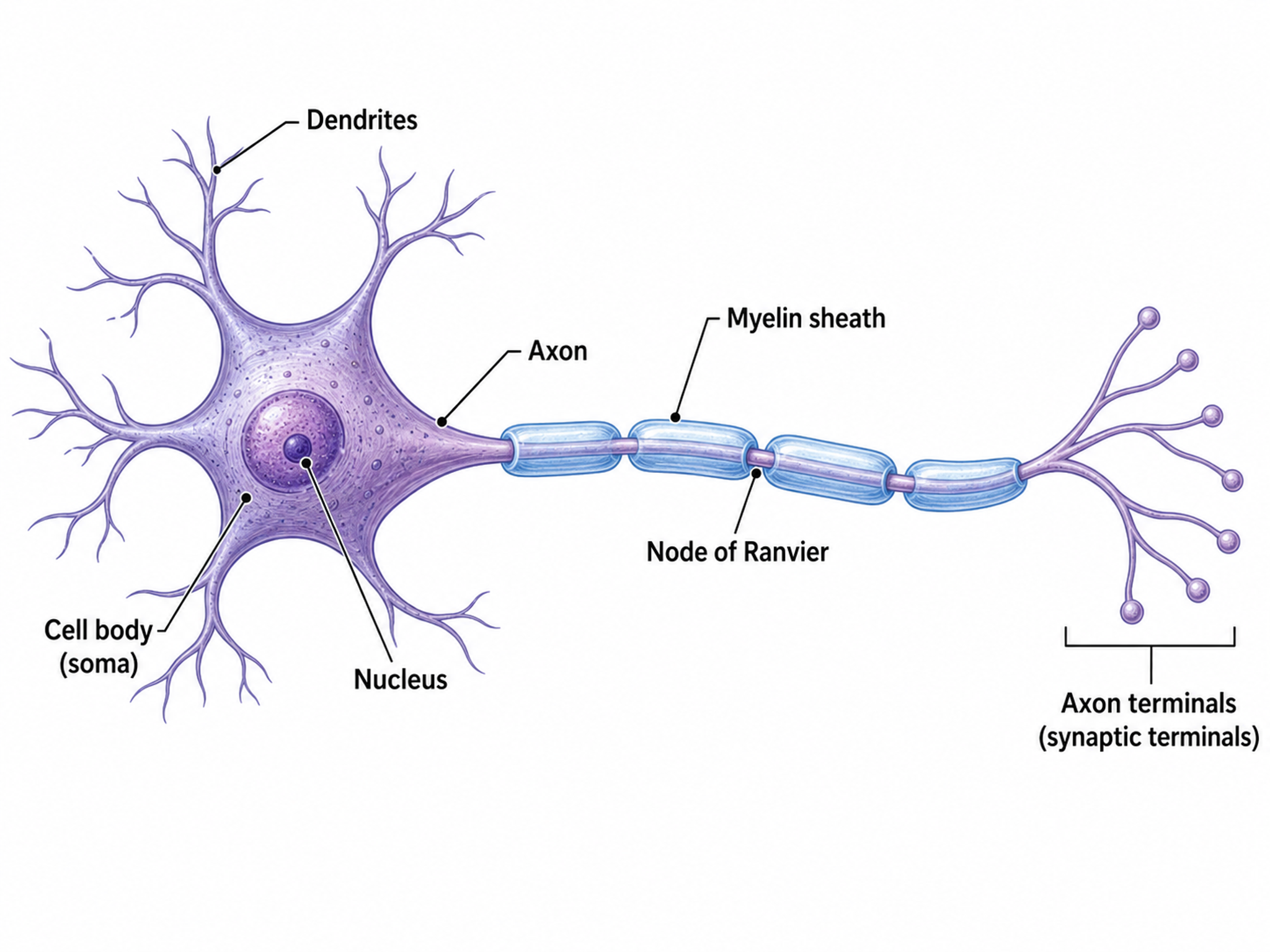
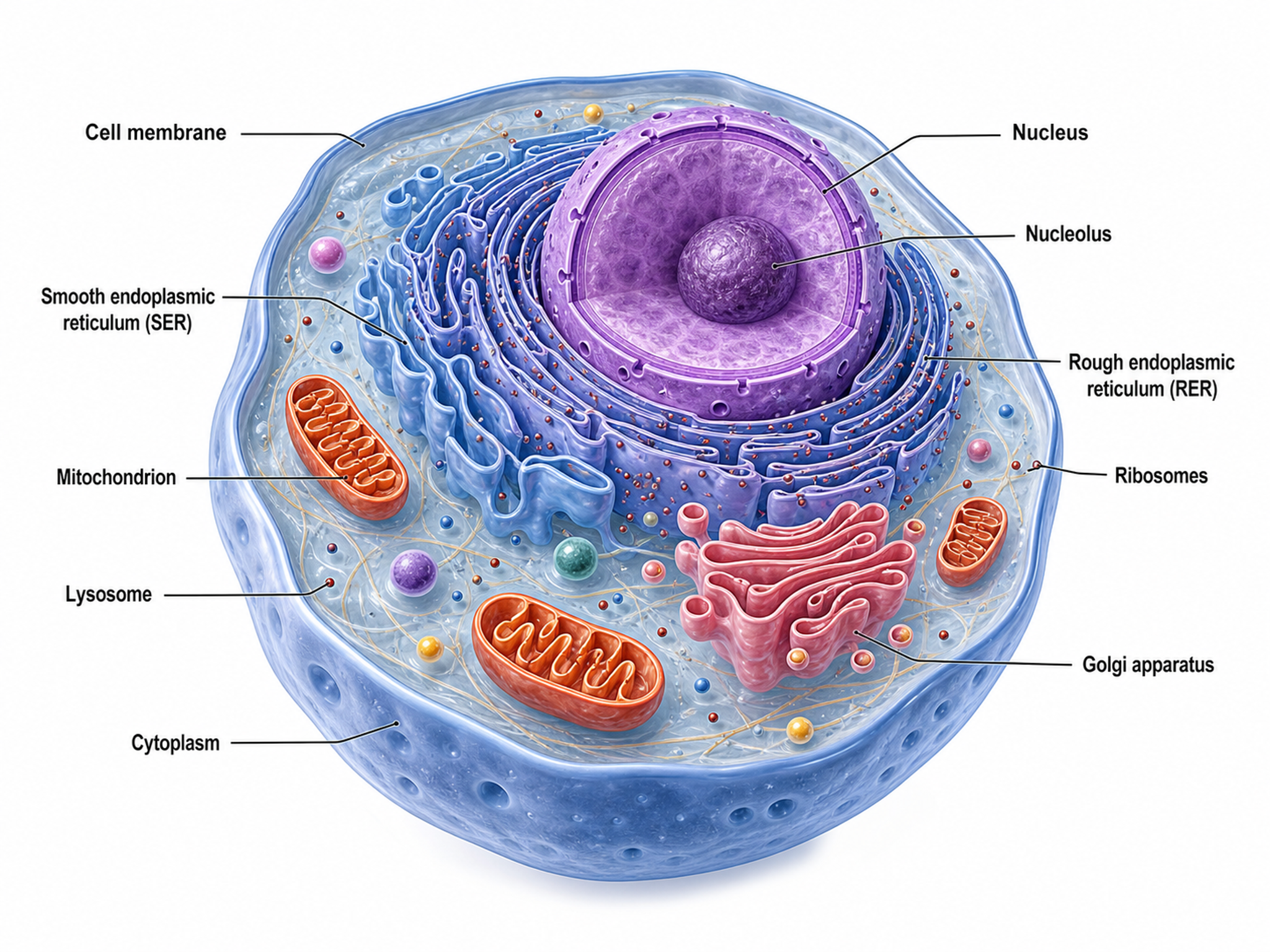
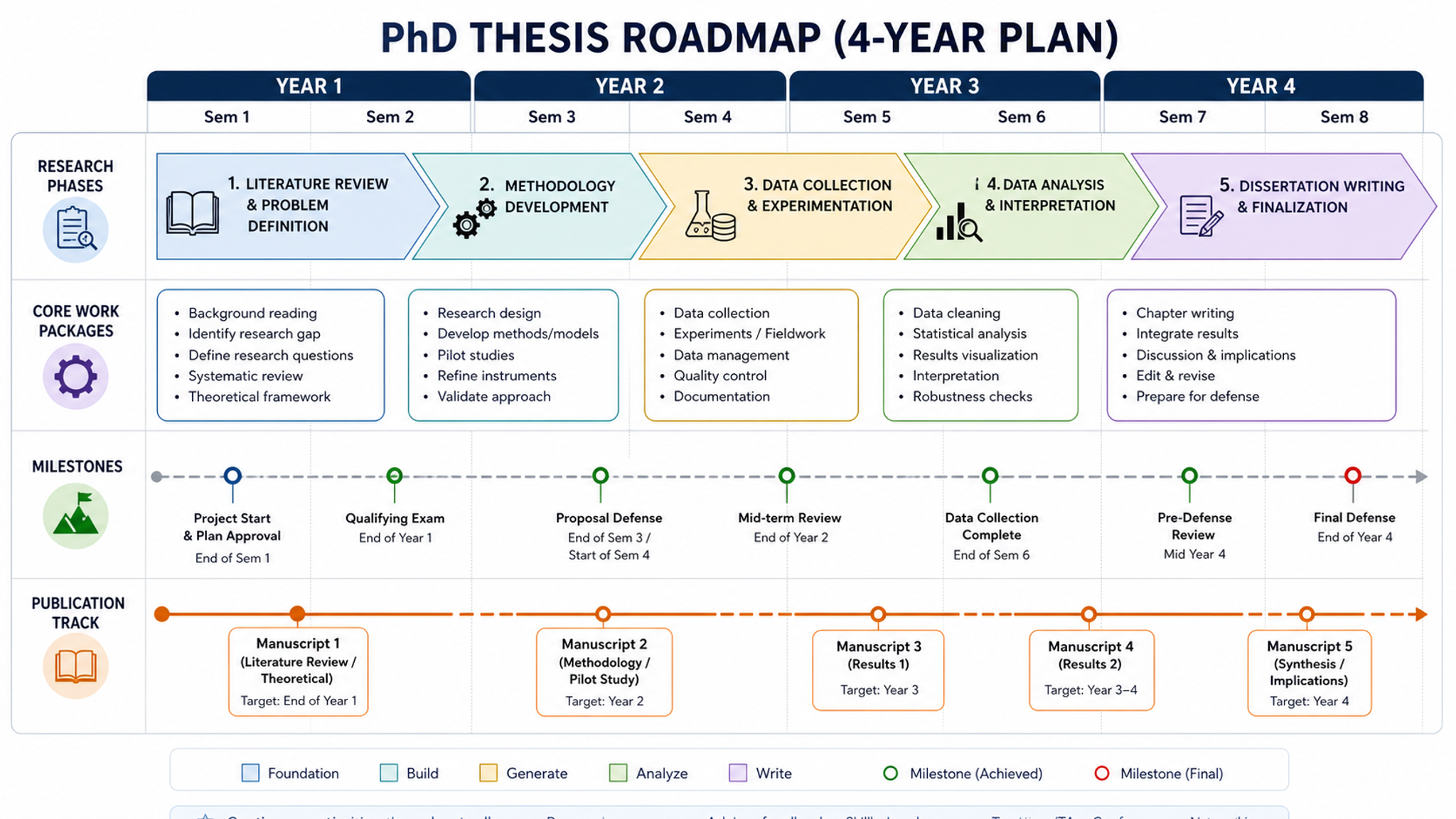
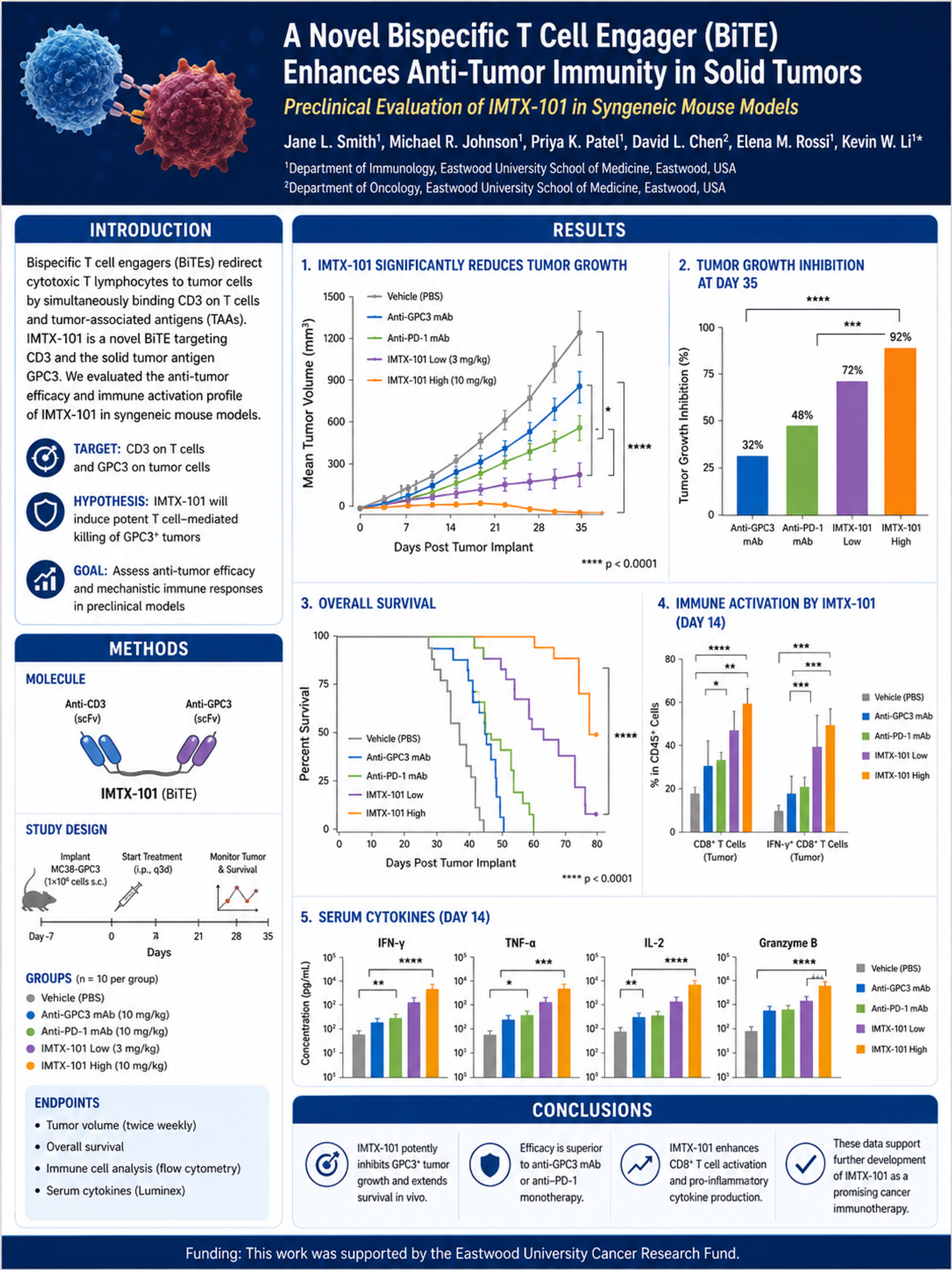
Explore scientific drawings across biology, chemistry, physics, and anatomy, or generate your own above.
What can this AI scientific drawing generator do?
This AI scientific drawing generator turns a plain-text description or rough sketch into a clean, labeled scientific drawing. It handles biological structures, lab apparatus, physics concepts, anatomical cross-sections, botanical diagrams, and molecular scenes — drawing accurate proportions, correct part labels, and leader lines so the figure reads like a textbook or journal illustration rather than generic clip art.
Why researchers need scientific drawings
- Explain mechanisms and structures that photographs cannot show clearly
- Highlight the exact parts readers should notice by removing visual noise
- Keep a consistent visual style across papers, slides, and textbook chapters
- Communicate concepts to non-specialist audiences and students
- Produce labeled figures sized for journal columns and posters
How to create a clear scientific drawing
Start by naming the subject and the specific parts you want labeled, then describe the viewpoint — cross-section, top-down, or schematic. Keep labels minimal and use leader lines to connect them to the right parts. SciDraw AI applies these conventions automatically, generating a labeled scientific drawing in seconds and exporting editable SVG so you can rename a part or adjust a label without redrawing the whole figure.
Common elements in scientific drawings
- Accurate proportions and recognizable subject shape
- Clear part labels connected by leader lines
- Cross-section or cutaway views to reveal internal structure
- Arrows showing direction of flow, force, or process
- Scale bars or dimension markers where relevant
- Neutral background that keeps focus on the subject
Scientific Drawing FAQ
What is scientific drawing used for?
Scientific drawing is used to explain mechanisms, workflows, structures, and data relationships in research papers, textbooks, posters, theses, and grants. Unlike photography, a scientific drawing can abstract away noise and highlight the exact features the author wants readers to notice.
How do I draw scientific figures without design training?
The fastest path for most researchers is to describe what you want in one sentence, let an AI scientific drawing tool generate a first pass, then adjust labels and layout. SciDraw AI supports prompt-based, sketch-based, and reference-image workflows, so you can pick whichever matches how you think about the figure.
Is SciDraw AI a real scientific drawing tool or just an image generator?
SciDraw AI is built specifically for scientific drawings. That means correct use of arrows, mechanism orientation, scale bars, and journal-friendly labeling — not generic stock illustration. It also exports editable SVG, which general image generators do not.
Can I use SciDraw AI for my thesis or dissertation drawings?
Yes. Many graduate students use SciDraw AI to produce consistent scientific drawings across thesis chapters, qualifier exams, and defense slides. Editable SVG export makes it easy to revise drawings after advisor feedback without starting over.
What file formats does SciDraw AI export?
Every scientific drawing can be downloaded as editable SVG, high-resolution PNG, and PDF. SVG is preferred for journal submissions that require vector figures and for workflows where you want to edit labels in Illustrator or Inkscape.
How does SciDraw AI compare to hand-drawing in Illustrator?
Hand-drawing in Illustrator gives maximum control but costs hours per figure. SciDraw AI gets you 80 to 90 percent of the way to a publication-quality scientific drawing in minutes, and because exports are editable SVG you can still polish the last 10 percent in Illustrator if needed.
Start Your First Scientific Drawing Today
No design background required. Describe the idea and export publication-ready SVG.