Journal Cover Maker
Turn your research concept into striking scientific cover art
Use SciDraw AI to generate journal cover images from an abstract, mechanism, sketch, or visual prompt. Pick a realistic, 3D, schematic, or minimal style, export in high resolution, and keep editable layers — bold and eye-catching, yet faithful to your science.
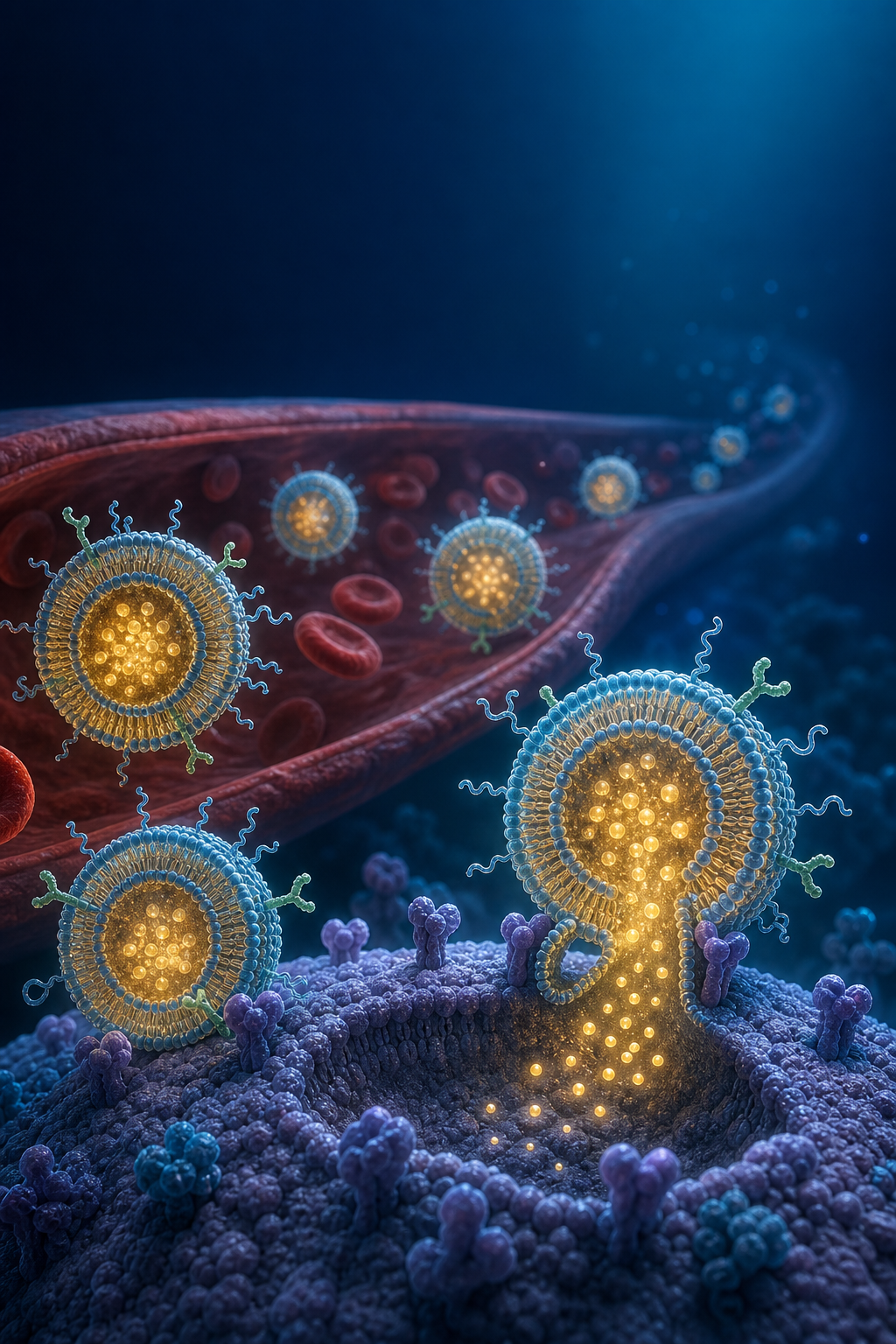
Journal cover art examples
Click any example to load its prompt, or use it as a starting point for your own scientific cover image.
What does this journal cover maker do?
It turns the core idea of your research — a concept, mechanism, material, or sketch — into a striking scientific journal cover image. You describe the central concept and the look you want, and the AI composes a bold, high-resolution illustration in a realistic, 3D, schematic, or minimal style, with clean space for the journal title. The result is visually arresting yet scientifically faithful to the idea, so you can propose cover art for a submission without commissioning an illustrator. Cover art is more artistic than a data figure, so review every detail and confirm it represents your science accurately.
Why use a journal cover maker
- A strong cover image gives accepted papers and lab work far more visual impact.
- Commissioning custom cover art is slow and expensive; AI lets you explore concepts in minutes.
- You can iterate on the concept, style, and composition until it captures the paper's core idea.
- Editable layers let you adjust elements and add the journal title and issue text afterwards.
- High-resolution export helps you meet the large print sizes journals require for covers.
How to make a scientific journal cover
Start from your paper's central concept — the mechanism, material, or finding you want to convey — and describe it as a scene. You can paste a key sentence from your abstract, describe a mechanism or pathway, or build on a rough sketch. Choose a style (realistic, 3D, schematic, or minimal), note the mood and palette, and leave clean space for the journal title. Generate the cover, then refine the concept and composition. Before submitting, check the target journal's cover specifications — size, aspect ratio, resolution, copyright, and submission rules — and confirm the art stays scientifically faithful.
Parts of a journal cover
- Central concept — the mechanism, material, or finding the cover is built around.
- Style — realistic, 3D, schematic, or minimal rendering of the idea.
- Composition — a bold focal subject with balanced negative space.
- Title space — a clean area reserved for the journal masthead and title.
- Palette & mood — colors and lighting that make the cover stand out on a shelf or screen.
- High-resolution output — large, print-ready dimensions for cover submission.
Journal Cover Maker FAQ
What is a scientific journal cover?
A journal cover is a striking, conceptually driven illustration derived from a paper's core concept, mechanism, or material. It is more artistic than a data figure — designed to be visually bold and memorable — while still staying faithful to the science it represents.
What can I generate a cover from?
You can generate cover art from an abstract, a mechanism or pathway, a material or structure, a rough sketch, or a written visual prompt. Describe the central idea and the look you want, and the AI composes the illustration.
What styles can I choose?
You can request realistic, 3D, schematic, minimal, or general cover-art styles. Note the mood, palette, and composition you want, and regenerate until the cover matches the idea behind your paper.
Can I export a high-resolution cover?
Yes. SciDraw AI exports high-resolution images so you can meet the large print sizes journals typically require for covers. Always confirm the exact dimensions and resolution in the journal's cover guidelines.
Can I edit the cover after generating it?
Yes. You can work with editable layers to adjust elements and add the journal title, issue number, and other text afterwards, so the cover fits the journal's layout.
What about journal specs and copyright?
Cover art is artistic, but it must stay scientifically faithful to your work, and each journal sets its own rules. Before submitting, check the journal's cover size, aspect ratio, resolution, copyright, and submission requirements, and make sure you have the rights to every element used.
Explore More Tools

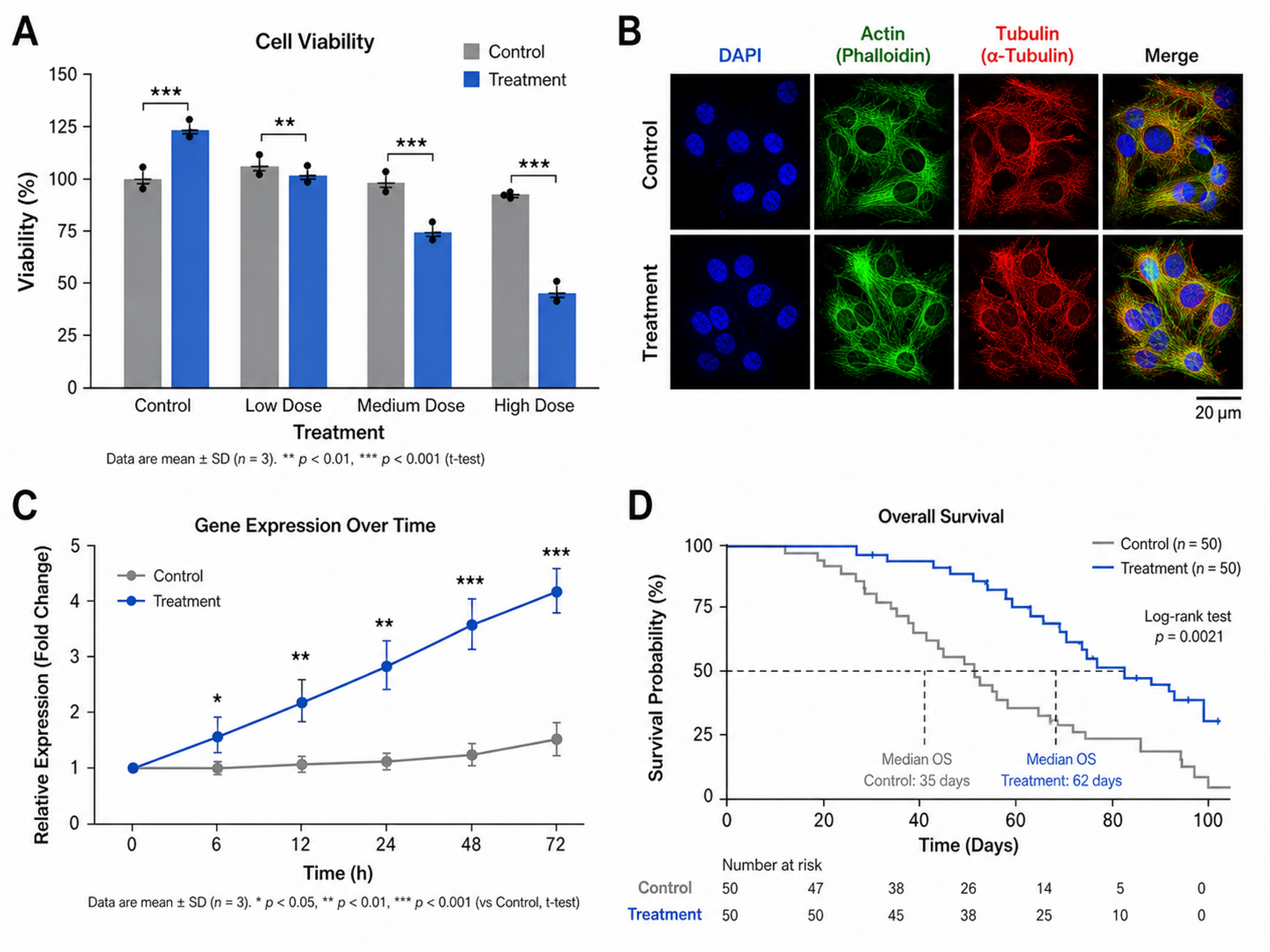
Scientific Figure Maker
Create publication-ready figures for research papers
Try it free
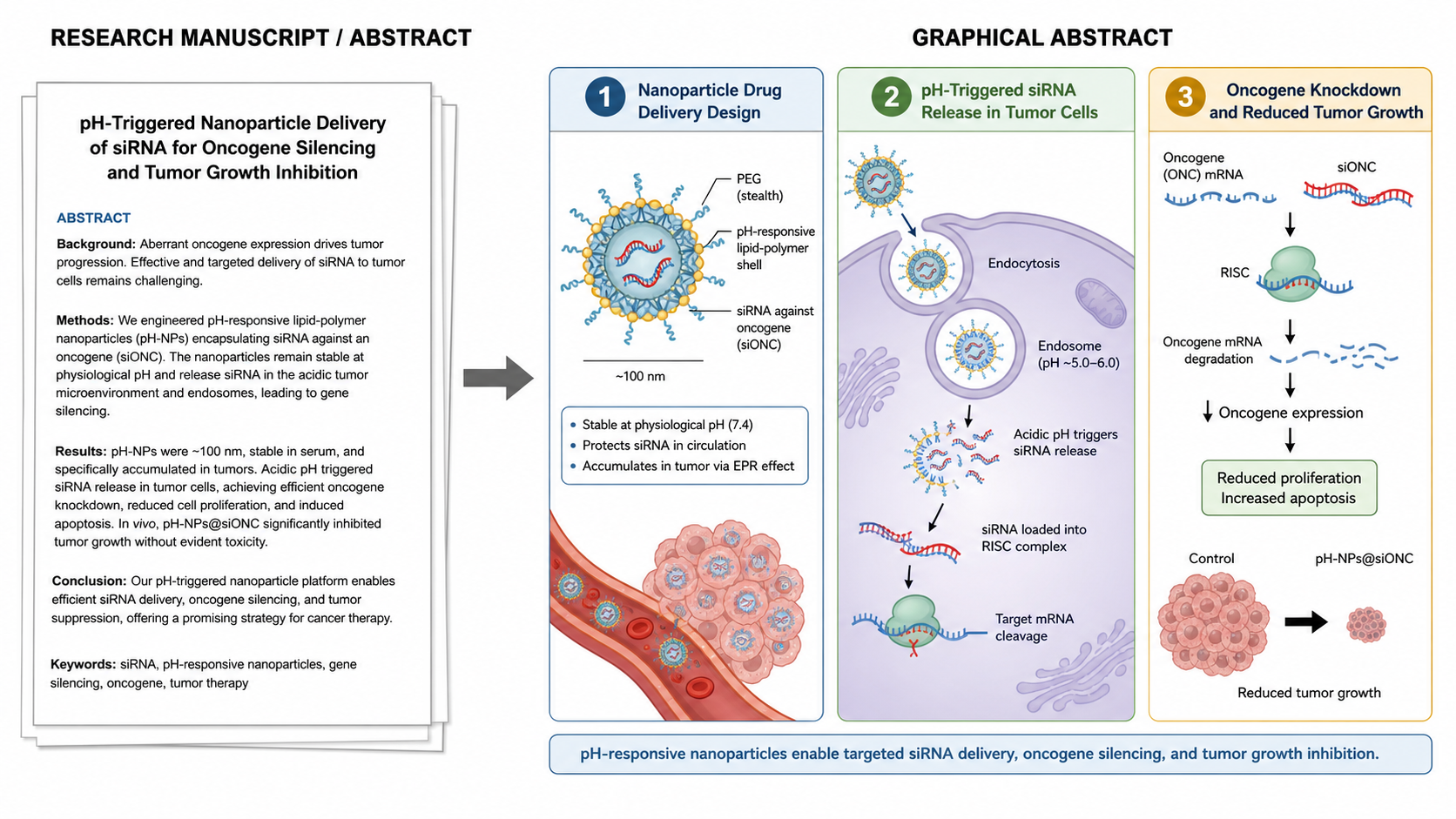
Graphical Abstract Maker
Create stunning graphical abstracts for journal submissions
Try it free
Manuscript to Figure Generator
Create manuscript to figure visuals for abstracts, methods, results, study workflows, graphical abstracts, and multi-panel paper figures.
Try it freeNeed other research figures?
Generate graphical abstracts, mechanism diagrams, pathway figures, and other research visuals with SciDraw AI.