💡 Try it now: upload a flowchart to the Image Converter, pick VSDX, and get an editable Visio file back in about a minute.
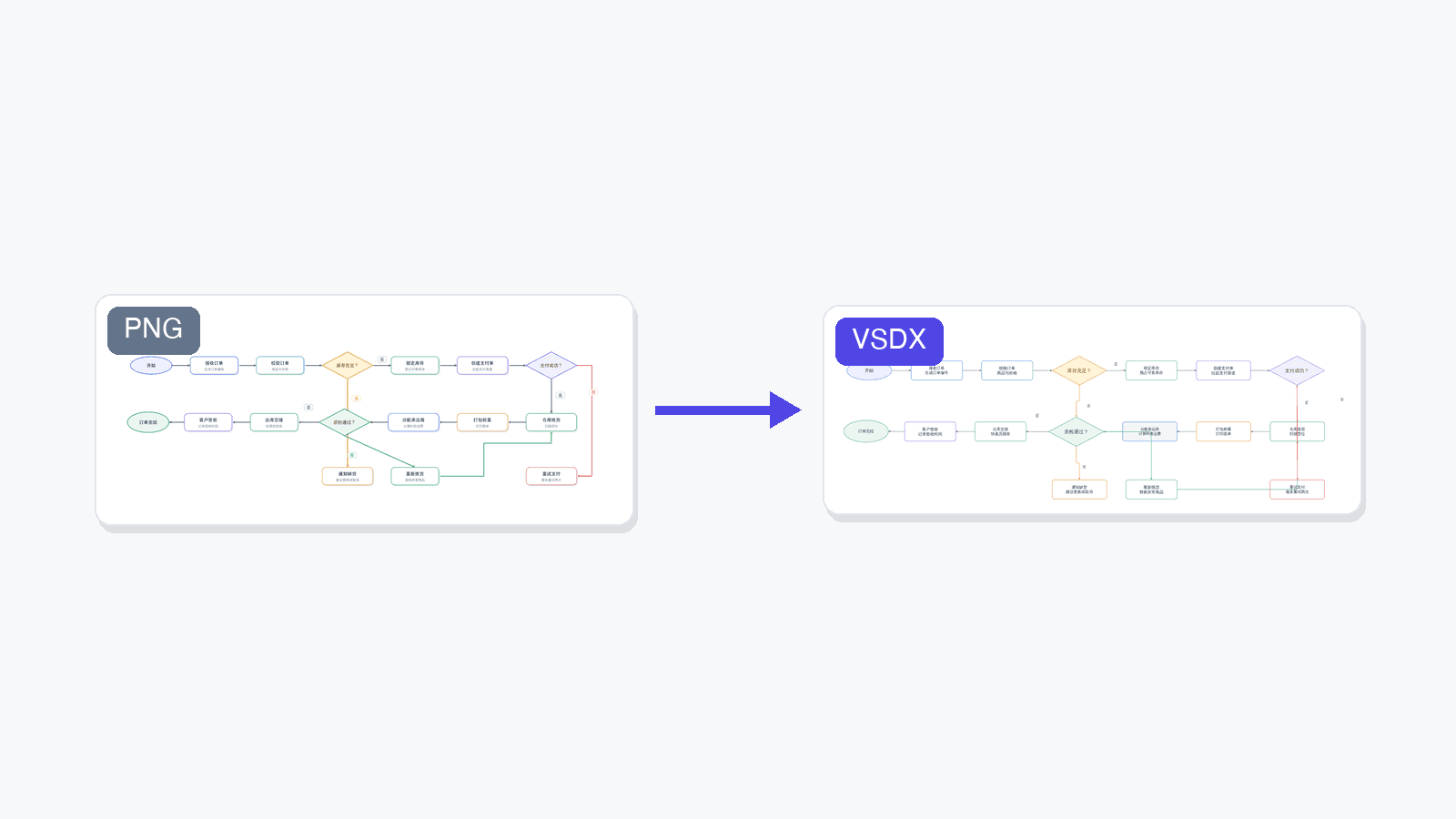
We just shipped a new conversion target in SciDraw AI: VSDX, the native format of Microsoft Visio. It joins SVG and PPTX as the third way to turn a static diagram image into something you can actually keep working on.
Why VSDX?
Our SVG and PPTX conversions solve a specific problem: they make the text in an image editable again, so you can fix a label or translate a caption without regenerating the whole figure.
But for one large family of images — flowcharts, system architecture diagrams, block diagrams, experimental workflows — text is only half the story. The structure is the point: boxes that should move as objects, connectors that should stay attached when you drag a node, decision diamonds you may want to add a branch to.
That is exactly what VSDX conversion does. Instead of layering editable text over the original pixels, it rebuilds the whole diagram as native diagram objects:
- Every box, ellipse, and diamond becomes a real, movable shape
- Arrows become connectors that stay glued to their shapes
- Every label becomes editable text — including fixing garbled AI-generated spellings
- The result opens in Microsoft Visio, and also in the free draw.io editor
When to use it
VSDX conversion is a Beta feature, and it has a clear sweet spot:
| Great fit | Not a fit |
|---|---|
| Flowcharts and process diagrams | Photos and photographic figures |
| System / software architecture diagrams | Charts with data curves (line plots, spectra) |
| Block diagrams and org charts | Artistic or highly illustrated figures |
| Experimental workflow and SOP diagrams | Dense freeform artwork |
Typical scenarios our users asked for:
- You generated a workflow diagram with AI and now need to maintain it as a living document in Visio
- A collaborator sent you a diagram as a PNG screenshot and the source file is long gone
- A figure from an old paper or slide deck needs updating — one renamed step, one added branch
- Your organization standardizes on Visio and everything eventually has to land there
For photos, data plots, and artistic illustrations, stick with our SVG conversion — rebuilding those as diagram objects doesn't make sense.
Powered by LayerBack
Rebuilding a diagram from pixels into structured, editable objects is a hard problem, and it's not one we solved alone. VSDX conversion in SciDraw AI is powered by LayerBack, a service dedicated to converting diagram images into editable Visio, PowerPoint, and draw.io files.
If you need diagram-to-VSDX conversion in your own product or pipeline, use LayerBack directly — it offers a full REST API for exactly that.
How to use it
Two places, same result:
- Image Converter — open the converter, upload a JPG/PNG/WebP, choose the VSDX tab, and click convert.
- AI Drawing editor — on any generated image, click Convert and choose Convert to Visio (the last option in the menu).
A conversion takes about 1 minute and costs 20 credits — you're only charged when it succeeds. The result is a .vsdx file plus a preview so you can see what you got before downloading.
As a Beta feature we'd love your feedback: if a diagram converts poorly — or surprisingly well — tell us about it.