Редактор изображений по промпту для научных фигур
Загрузите изображение и опишите, что нужно изменить.
Редактируйте научные изображения естественным языком: добавляйте стрелки, упрощайте pathway, меняйте цвета и очищайте композицию.
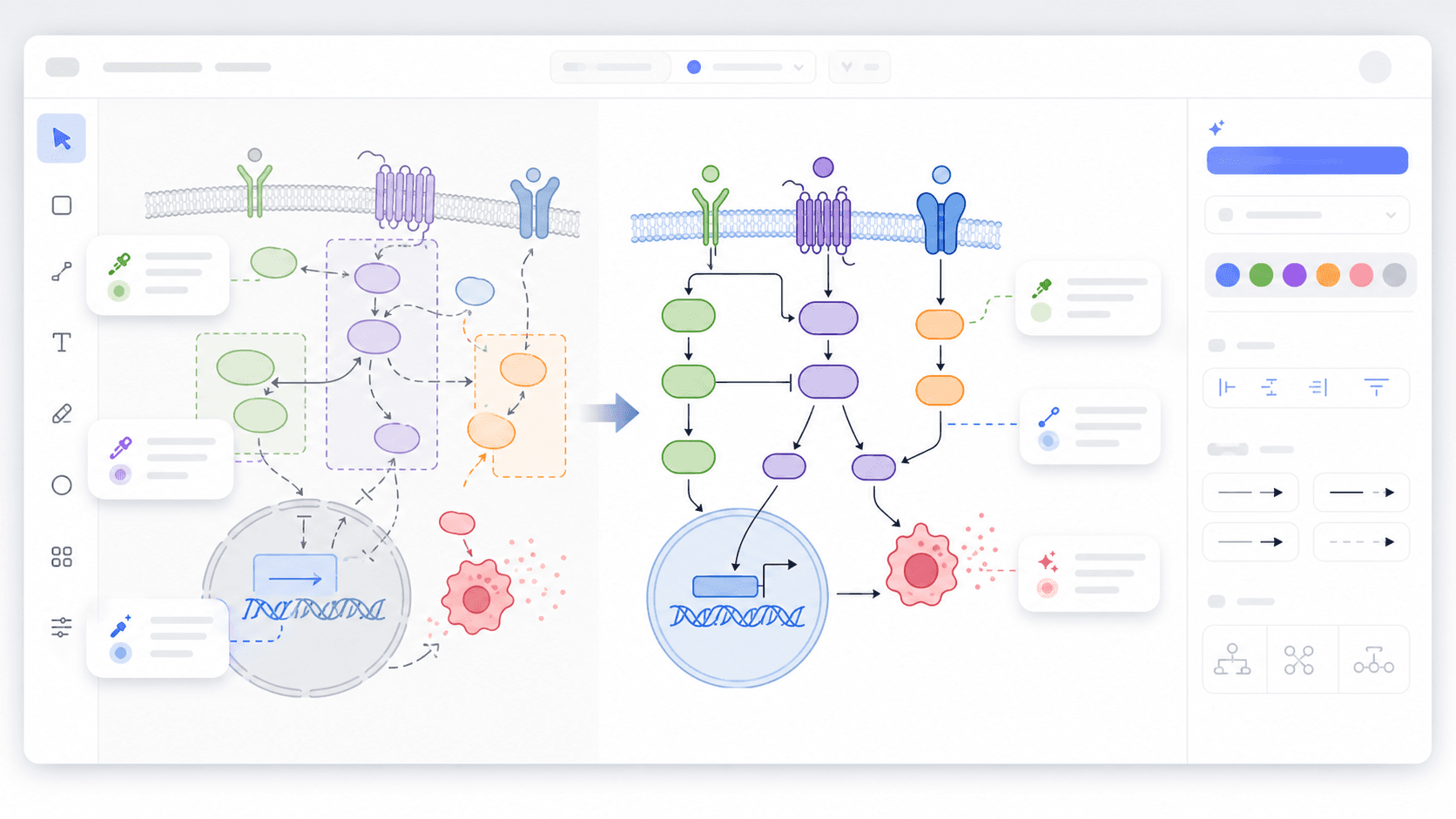
Подходит для
Точные правки существующих фигур
Ввод
Изображение плюс инструкция на естественном языке
Режим
SciDraw AI replicate
Цель
Редактировать изображение по промпту
Для научных иллюстраций, которые начинаются с загруженного изображения
Редактирование по промпту работает лучше всего с конкретными указаниями: стрелки, цвет, интервалы, зоны подписей и элементы, которые должны остаться без изменений.
Загрузите фигуру
Начните с исследовательской схемы, сгенерированного изображения, экспорта из слайда или черновика.
Напишите точную инструкцию
Например: добавить пунктирную стрелку ингибирования, очистить блок митохондрий или упростить области подписей.
Проверьте новую версию
Сгенерируйте вариант и продолжайте уточнять, пока изображение не передаст нужную научную историю.
Оцените разницу между исходником и итоговым вариантом
Каждый сценарий начинается с вашего изображения и точной инструкции, а затем создает черновик, который можно доработать в SciDraw AI.
Без ручной работы со слоями
Опишите нужное изменение вместо ручной перестройки каждого элемента.
Работает с научным контекстом
В промпт можно включать термины биологии, медицины, химии, материаловедения и инженерии.
Быстрое сравнение вариантов
Проверьте несколько направлений до финальной дизайнерской правки.
Задачи научной визуализации
Добавить стрелки и выноски
Подчеркнуть механизм, направление реакции, ветвь pathway или область интереса.
Очистить компоновку
Улучшить выравнивание, интервалы, цветовую согласованность и иерархию.
Изменить стиль
Преобразовать грубую иллюстрацию в чистую схему или journal-friendly стиль.
Частые вопросы перед началом
Можно редактировать изображение текстовым промптом?
Да. Загрузите изображение в replicate mode и опишите конкретное изменение.
Какие промпты лучше для научных фигур?
Укажите компонент, изменение, стиль и части, которые нельзя менять.
Можно добавлять подписи?
Можно попросить простые labels или области для подписей, но перед публикацией текст нужно проверить вручную.
Можно сохранить композицию исходника?
Да. Попросите сохранить layout, основные компоненты и научные связи, изменив только указанные части.
Похожие сценарии SciDraw AI
ИИ «изображение в изображение»
Редактировать с ИИ, когда исходное изображение должно направлять результат.
Открыть страницуПроверка рисунков
Проверять читаемость, ясность и типичные проблемы перед подачей.
Открыть страницуСоздание научных рисунков
Создавать новую научную иллюстрацию, если нужна не правка, а новый вариант.
Открыть страницуНачните с этого сценария и продолжайте в редакторе
AI Drawing откроется с заранее выбранным режимом. Загрузите изображение и продолжайте доработку результата.