Punnett Square Maker
Blank and completed Punnett squares in seconds
Describe the cross you need and generate a completed Punnett square with ratios worked out, or a blank grid for students to fill in as a genetics worksheet.
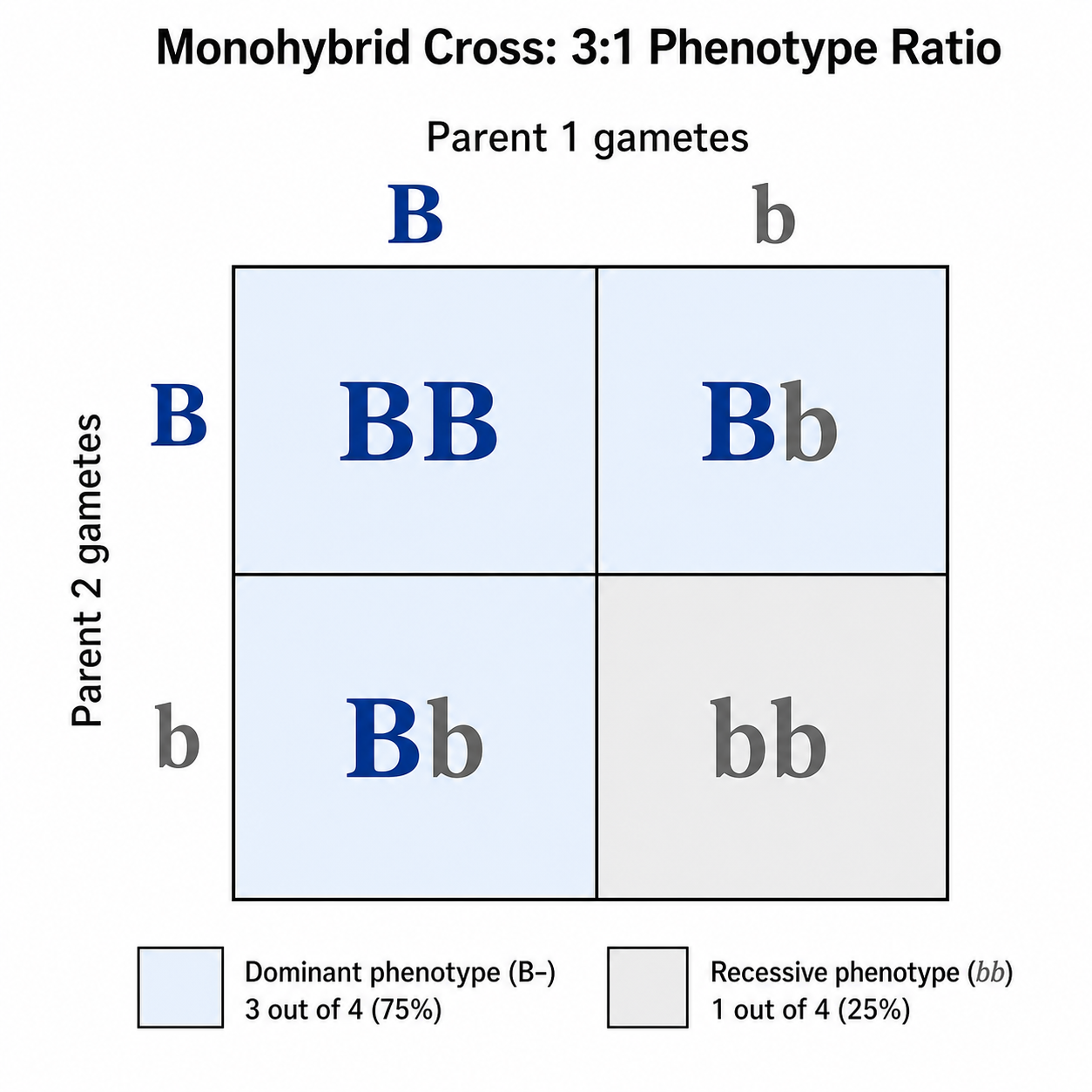
Blank and Completed Punnett Square Examples
Start from a ready-made example or describe your own — from a completed cross with ratios to a blank grid students can work through.
What is a Punnett square?
A Punnett square is a grid diagram used in genetics to predict the possible genotypes of offspring from a cross between two parents. Each parent's gametes are placed along the top and side axes, and the alleles are combined in every inner cell to show the resulting offspring genotypes. It is a standard teaching tool for visualizing inheritance patterns and the expected ratios of dominant and recessive traits. The same description also gives you the classroom version: ask for an empty grid with blank allele slots and you get a printable genetics worksheet, then generate the completed cross with its genotype and phenotype ratios to hand out as the answer key.
What you can use it for
- Solving genetics homework and worksheet problems
- Teaching Mendelian inheritance in the classroom
- Visualizing monohybrid and dihybrid crosses
- Explaining sex-linked, codominant and incomplete-dominance traits
- Making clean diagrams for lab reports, slides and study notes
How to make a Punnett square
Describe the cross you want in plain language, including the parent genotypes (for example Bb x Bb), the trait, and whether you need a 2x2 or 4x4 grid. SciDraw AI then draws a clearly labeled Punnett square diagram, placing the parent gametes on the axes and filling each cell with the offspring genotypes. You can refine your prompt to change the alleles, add phenotype labels or switch to a dihybrid layout, then download the diagram. Say whether you want the cross solved or an empty grid for students to complete, and add "clean white background, print-friendly" when the square is going onto a worksheet.
Parts of a Punnett square
- Parent alleles and gametes that go into the cross
- Top and left grid axes holding each parent's gametes
- Inner cells filled with the offspring genotypes
- Allele letters showing dominant and recessive forms
- Optional phenotype labels or blood-group annotations
- A title and legend describing the cross and ratios
Frequently asked questions
What is a Punnett square?
A Punnett square is a grid diagram that predicts the possible genotype combinations of offspring from two parents. Parent gametes go on the axes and the inner cells show each offspring genotype, making it easy to see inheritance patterns and trait ratios.
How do I make a Punnett square online?
Type a description of your cross into SciDraw AI, including the parent genotypes and the trait, and the tool draws a labeled Punnett square diagram with gametes on the axes and offspring genotypes in each cell. You can refine the prompt and then download the result.
Can I make a dihybrid (4x4) cross?
Yes. Just ask for a dihybrid cross and SciDraw AI will lay out a 4x4 grid with each parent's four gamete combinations on the axes and all sixteen offspring genotypes filled in, ready for the classic 9:3:3:1 layout.
What is the difference between a monohybrid and a dihybrid cross?
A monohybrid cross follows a single gene and uses a 2x2 grid with four offspring cells, while a dihybrid cross follows two genes at once and uses a 4x4 grid with sixteen cells. SciDraw AI can draw both as clearly labeled diagrams.
Is the Punnett square maker free?
You can start generating Punnett square diagrams for free. New accounts get 10 credits on signup and 5 more each day, and a standard 2K diagram costs 5 credits. Paid plans add a monthly credit allowance if you need to make a large number of diagrams.
Can I use it for a genetics worksheet?
Absolutely. SciDraw AI is ideal for genetics worksheets, homework and lecture slides. You can generate filled-in cross diagrams for answer keys or blank 2x2 templates for students to complete by hand. Note that SciDraw AI draws and labels the grid rather than computing probability math for you.
Can I generate a blank Punnett square for students to fill in?
Yes. Ask for an empty 2x2 or 4x4 grid with the parental allele slots left blank and no letters inside the cells. You can also ask for ruled lines underneath so students can write out the genotype ratio, the phenotype ratio and their conclusion.
Can I use the generated Punnett square as a worksheet and answer key?
Yes. Generate the blank grid first and print it as the genetics worksheet, then generate the completed cross with the alleles filled in and the ratios stated as the answer key. Describe the same cross in both prompts so the answer matches the question.
Explore More Tools

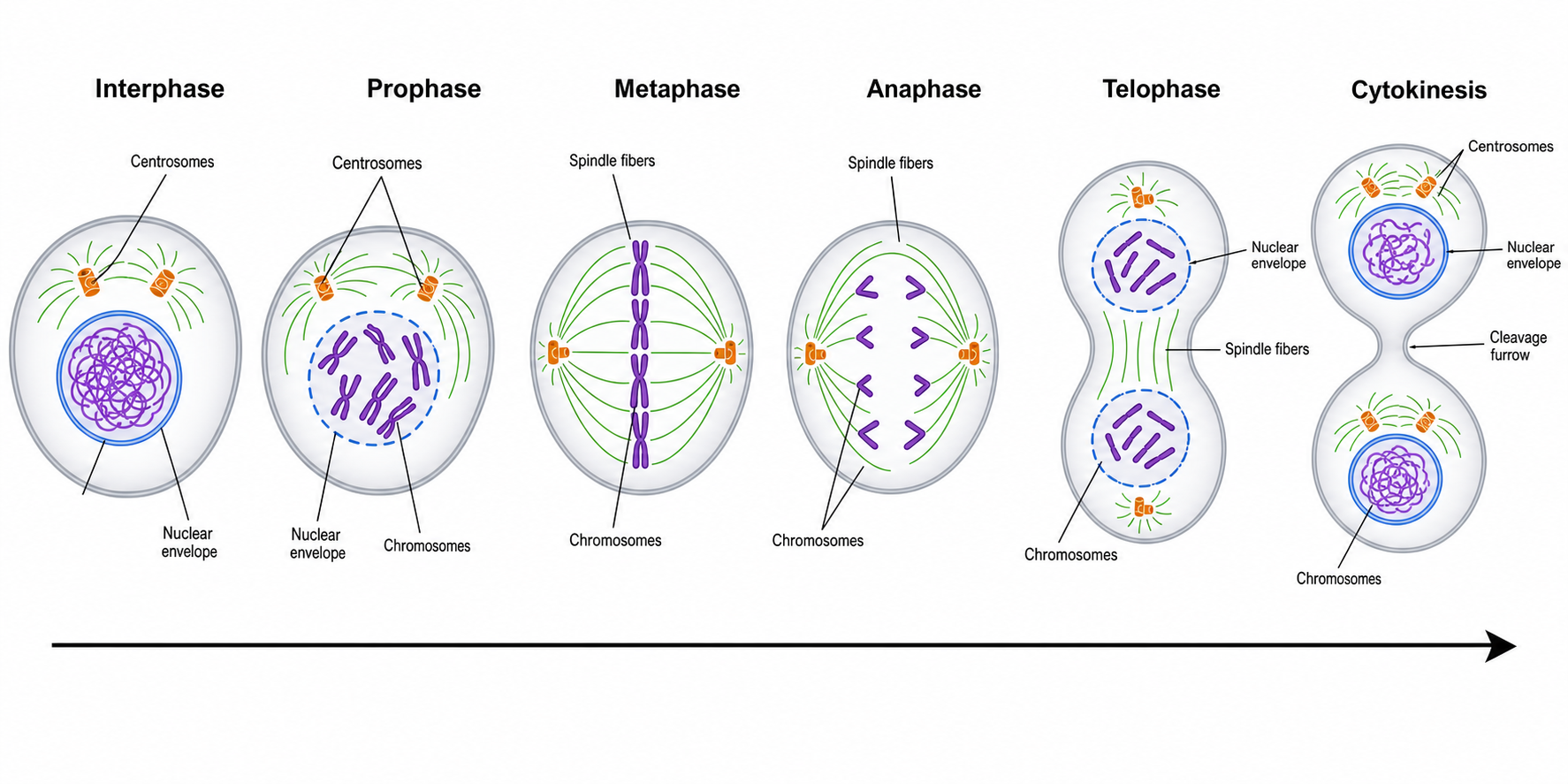
Mitosis Diagram Generator
Draw labeled phases of mitosis — prophase, metaphase, anaphase, telophase — in order.
Try it free
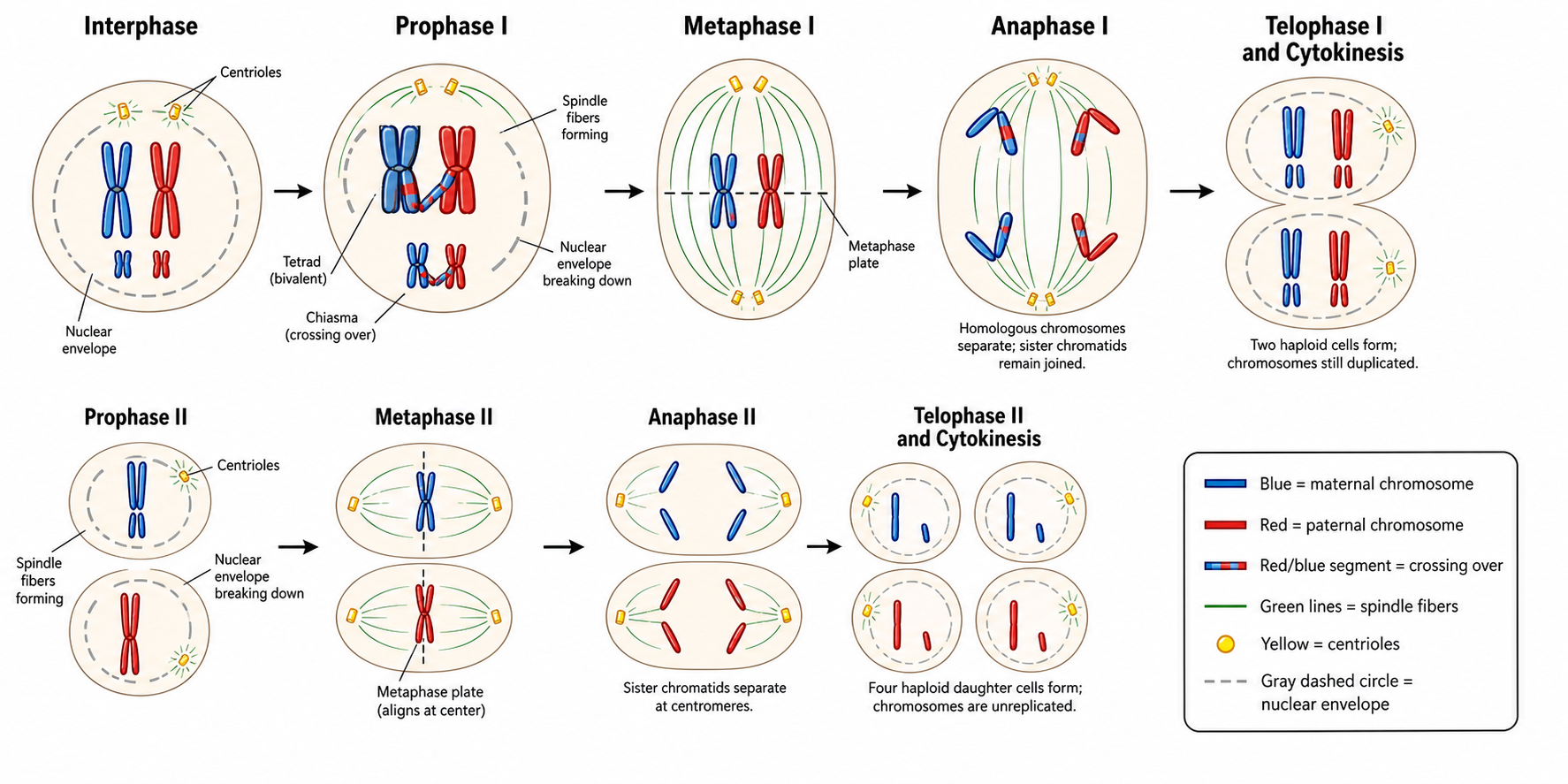
Meiosis Diagram Generator
Create labeled meiosis diagrams, the phases of meiosis I and II, and crossing over.
Try it free
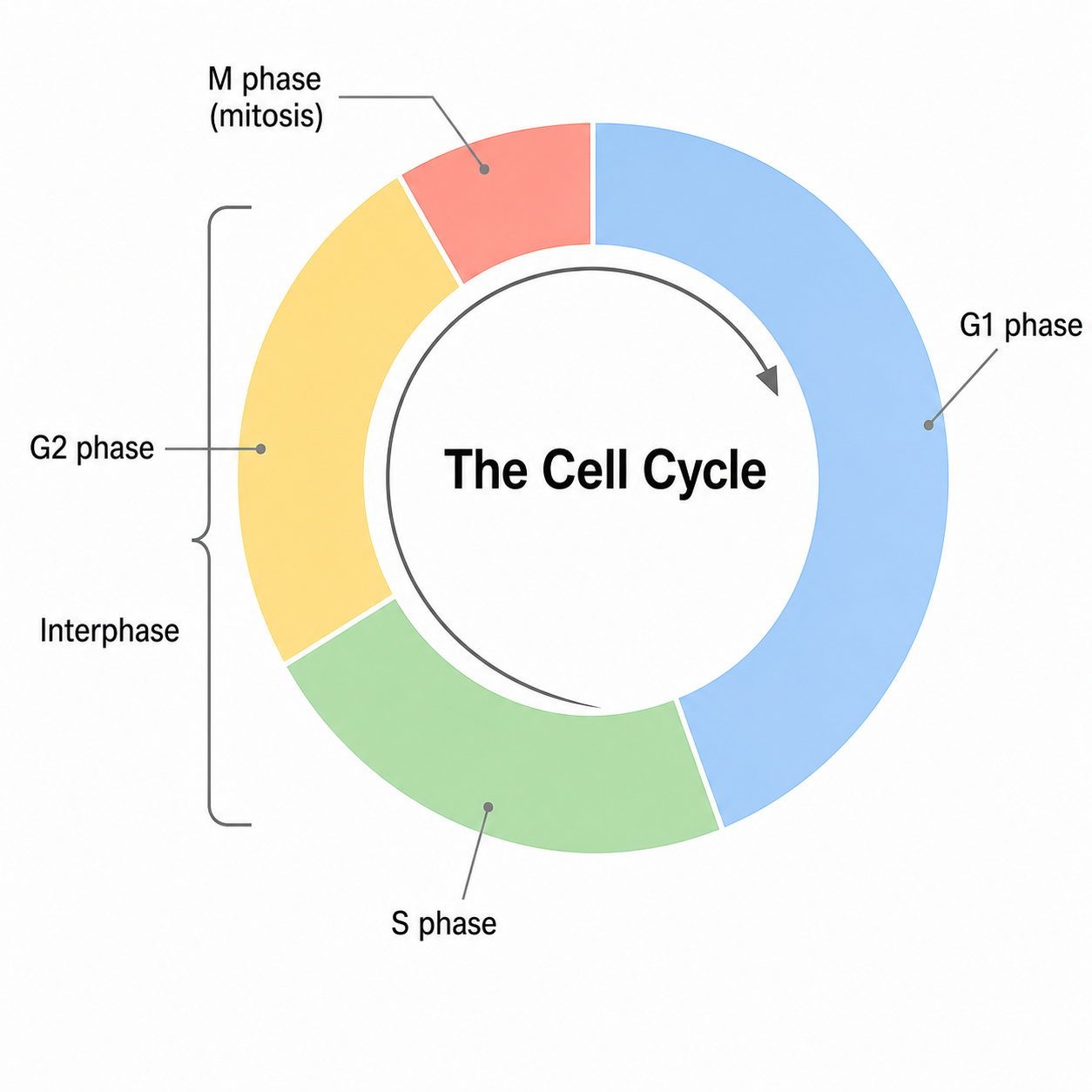
Cell Cycle Diagram Generator
Make labeled cell cycle diagrams with interphase, G1, S, G2, the M phase and checkpoints.
Try it freeDraw your Punnett square now
Generate a completed Punnett square with ratios, or a blank grid for students to fill in. Perfect for genetics and biology teaching.