LogoLogoSciDraw AI
  • Commencer à créer
  • Outils
  • Blog
  • Tarifs
  • API
  • Remise éducation
LogoLogoSciDraw AI

Plateforme d'illustration scientifique propulsée par l'IA pour les chercheurs, les étudiants, les enseignants et les médiateurs scientifiques. Créez en quelques minutes des figures, résumés graphiques, graphiques TOC, posters et illustrations pédagogiques prêts pour la publication ou pour le cours. Aucune compétence en design requise.

EmailYouTubeXGitHubLinkedInInstagramStripe ClimateStripe Climate Contribution
Outils
  • Dessin IA
  • Créateur de Résumés Graphiques
  • Créateur de Figures Scientifiques
  • Convertisseur d'images
  • Vectoriser l'image
  • Tous les outils
Outils populaires
  • Créateur de diagrammes scientifiques
  • Créateur de posters scientifiques
  • Modèle de poster scientifique
  • Schéma de Cellule Végétale
  • Générateur de Structure de Lewis
  • Générateur de diagrammes d'orbitales moléculaires
  • Générateur de Diagramme de Flux PRISMA
  • Créateur de Cadre Conceptuel
Cas d’usage
  • Pour les doctorants
  • Pour les enseignants
  • Pour la soumission en revue
  • Alternative à BioRender
Ressources
  • Blog
  • Galerie
  • Références publiées
  • Kit média
  • Développeurs
Entreprise
  • À propos
  • Tarifs
  • Affiliation
  • Facturation institutionnelle
  • Politique de confidentialité
  • Conditions d'utilisation
© 2026 SciDraw AI All Rights Reserved.
New: Convert Diagram Images to Editable Visio (VSDX) Files
2026/08/09

New: Convert Diagram Images to Editable Visio (VSDX) Files

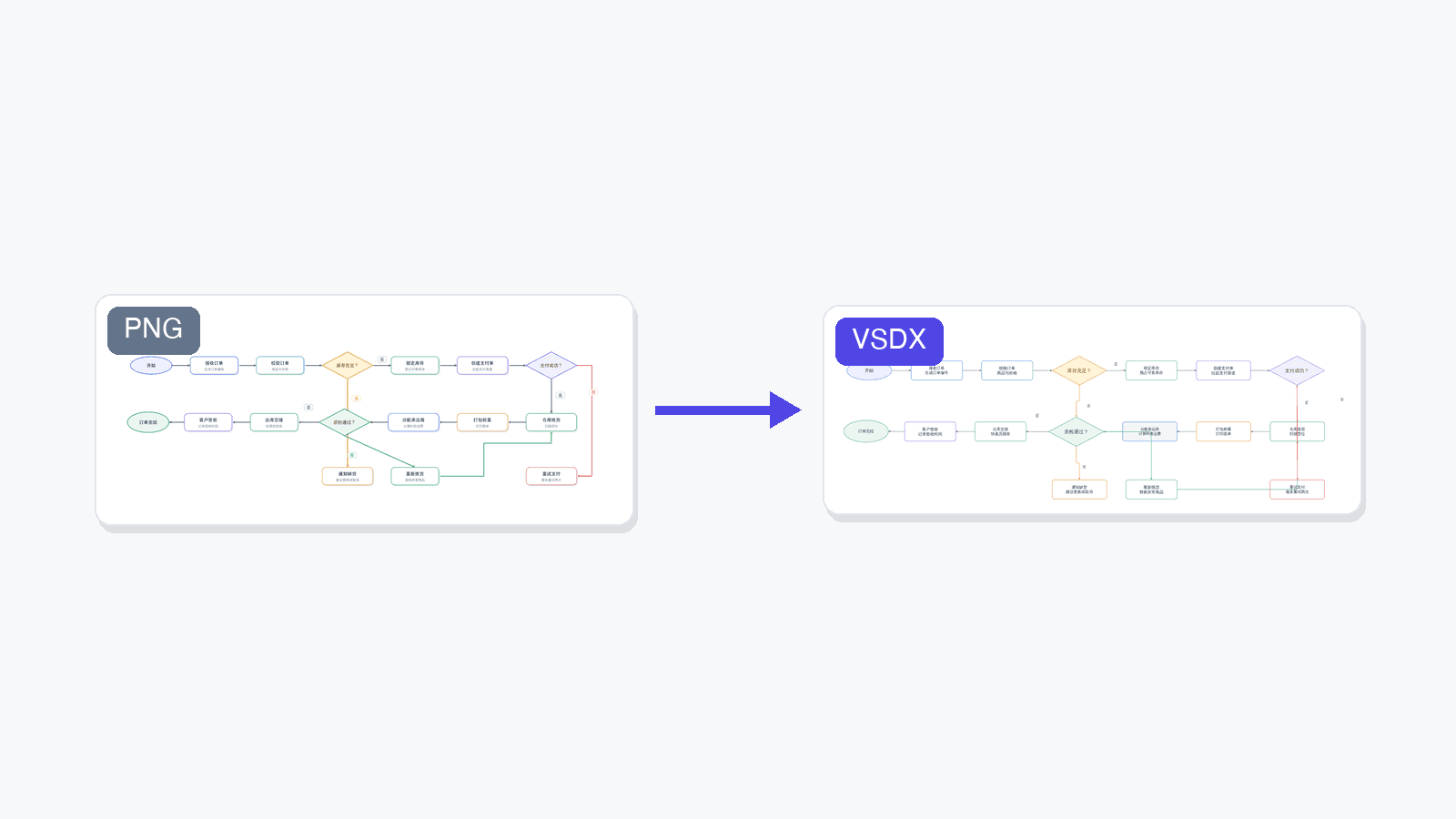
SciDraw AI can now rebuild flowcharts and architecture diagrams as fully editable Microsoft Visio files — every shape, connector, and label becomes a native object you can move and edit. Powered by LayerBack.

💡 Try it now: upload a flowchart to the Image Converter, pick VSDX, and get an editable Visio file back in about a minute.

We just shipped a new conversion target in SciDraw AI: VSDX, the native format of Microsoft Visio. It joins SVG and PPTX as the third way to turn a static diagram image into something you can actually keep working on.

Why VSDX?

Our SVG and PPTX conversions solve a specific problem: they make the text in an image editable again, so you can fix a label or translate a caption without regenerating the whole figure.

But for one large family of images — flowcharts, system architecture diagrams, block diagrams, experimental workflows — text is only half the story. The structure is the point: boxes that should move as objects, connectors that should stay attached when you drag a node, decision diamonds you may want to add a branch to.

That is exactly what VSDX conversion does. Instead of layering editable text over the original pixels, it rebuilds the whole diagram as native diagram objects:

  • Every box, ellipse, and diamond becomes a real, movable shape
  • Arrows become connectors that stay glued to their shapes
  • Every label becomes editable text — including fixing garbled AI-generated spellings
  • The result opens in Microsoft Visio, and also in the free draw.io editor

When to use it

VSDX conversion is a Beta feature, and it has a clear sweet spot:

Great fitNot a fit
Flowcharts and process diagramsPhotos and photographic figures
System / software architecture diagramsCharts with data curves (line plots, spectra)
Block diagrams and org chartsArtistic or highly illustrated figures
Experimental workflow and SOP diagramsDense freeform artwork

Typical scenarios our users asked for:

  • You generated a workflow diagram with AI and now need to maintain it as a living document in Visio
  • A collaborator sent you a diagram as a PNG screenshot and the source file is long gone
  • A figure from an old paper or slide deck needs updating — one renamed step, one added branch
  • Your organization standardizes on Visio and everything eventually has to land there

For photos, data plots, and artistic illustrations, stick with our SVG conversion — rebuilding those as diagram objects doesn't make sense.

Powered by LayerBack

Rebuilding a diagram from pixels into structured, editable objects is a hard problem, and it's not one we solved alone. VSDX conversion in SciDraw AI is powered by LayerBack, a service dedicated to converting diagram images into editable Visio, PowerPoint, and draw.io files.

If you need diagram-to-VSDX conversion in your own product or pipeline, use LayerBack directly — it offers a full REST API for exactly that.

How to use it

Two places, same result:

  1. Image Converter — open the converter, upload a JPG/PNG/WebP, choose the VSDX tab, and click convert.
  2. AI Drawing editor — on any generated image, click Convert and choose Convert to Visio (the last option in the menu).

A conversion takes about 1 minute and costs 20 credits — you're only charged when it succeeds. The result is a .vsdx file plus a preview so you can see what you got before downloading.

As a Beta feature we'd love your feedback: if a diagram converts poorly — or surprisingly well — tell us about it.

Tous les articles

Auteur

avatar for Davie Chen / SciDraw AI
Davie Chen / SciDraw AI

Researcher

Davie Chen is a researcher at the Faculty of Animation and Intermedia, University of Arts in Poznan, studying generative AI for scientific figure creation, patent illustration, and manuscript drafting. SciDraw AI is one of the research-to-product tools built from this work.

Author profile

Catégories

Why VSDX?When to use itPowered by LayerBackHow to use it

Plus d'articles

Créez vos figures scientifiques avec l'IA

Des milliers de chercheurs utilisent SciDraw AI pour créer en quelques minutes des figures prêtes à publier pour leurs articles, demandes de financement et soumissions — sans compétences en design.

Commencer gratuitement
Produit
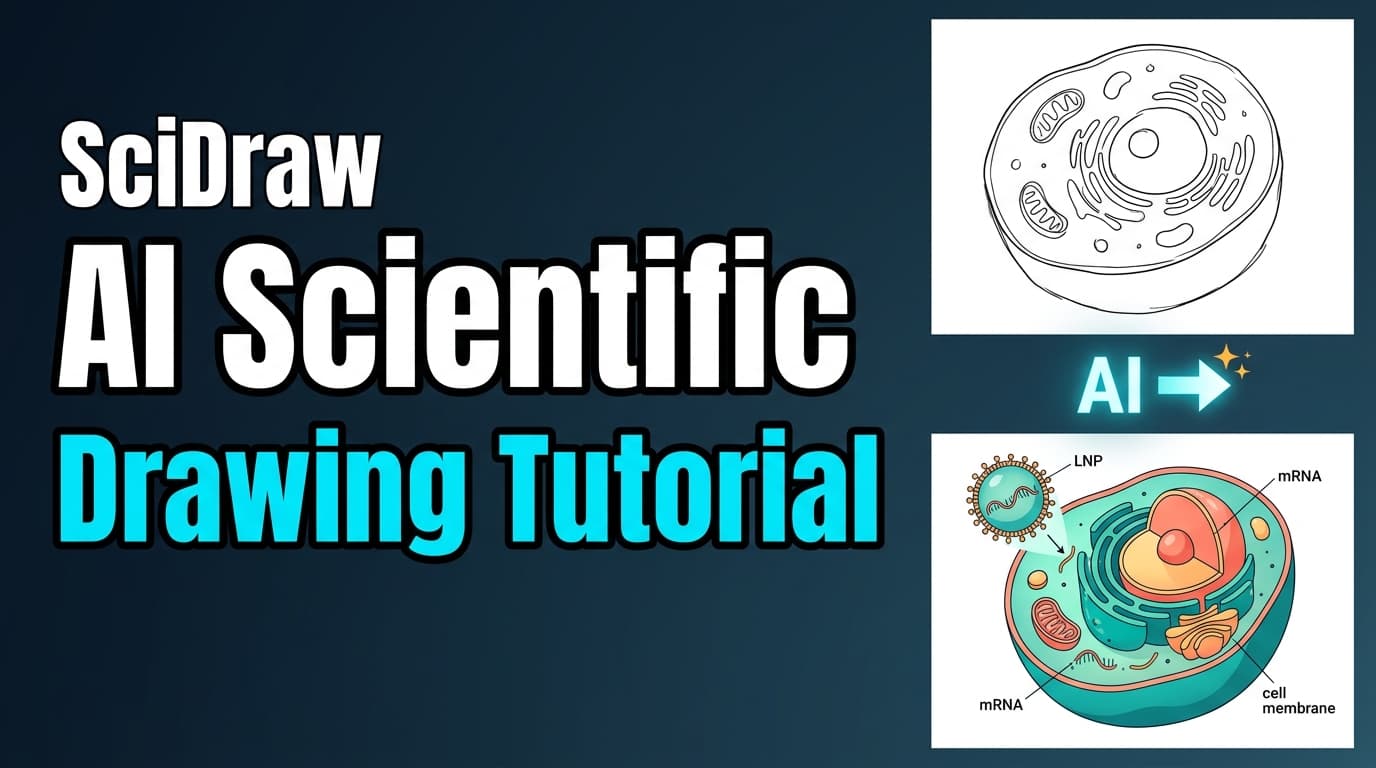
Tutoriel 01 : Tutoriel video sur le dessin IA - Creez des illustrations scientifiques en quelques minutes
Produit

Tutoriel 01 : Tutoriel video sur le dessin IA - Creez des illustrations scientifiques en quelques minutes

Regardez notre tutoriel video de 2 minutes pour decouvrir comment fonctionne la fonctionnalite de dessin IA de SciDraw AI avec 3 modes : Prompt, Croquis et Replique. Generez des figures scientifiques professionnelles en toute simplicite.

avatar for Davie Chen / SciDraw AI
Davie Chen / SciDraw AI
2026/04/03
Tutoriel : Figure Checker et Convertisseur de Format en 2 Minutes
Produit

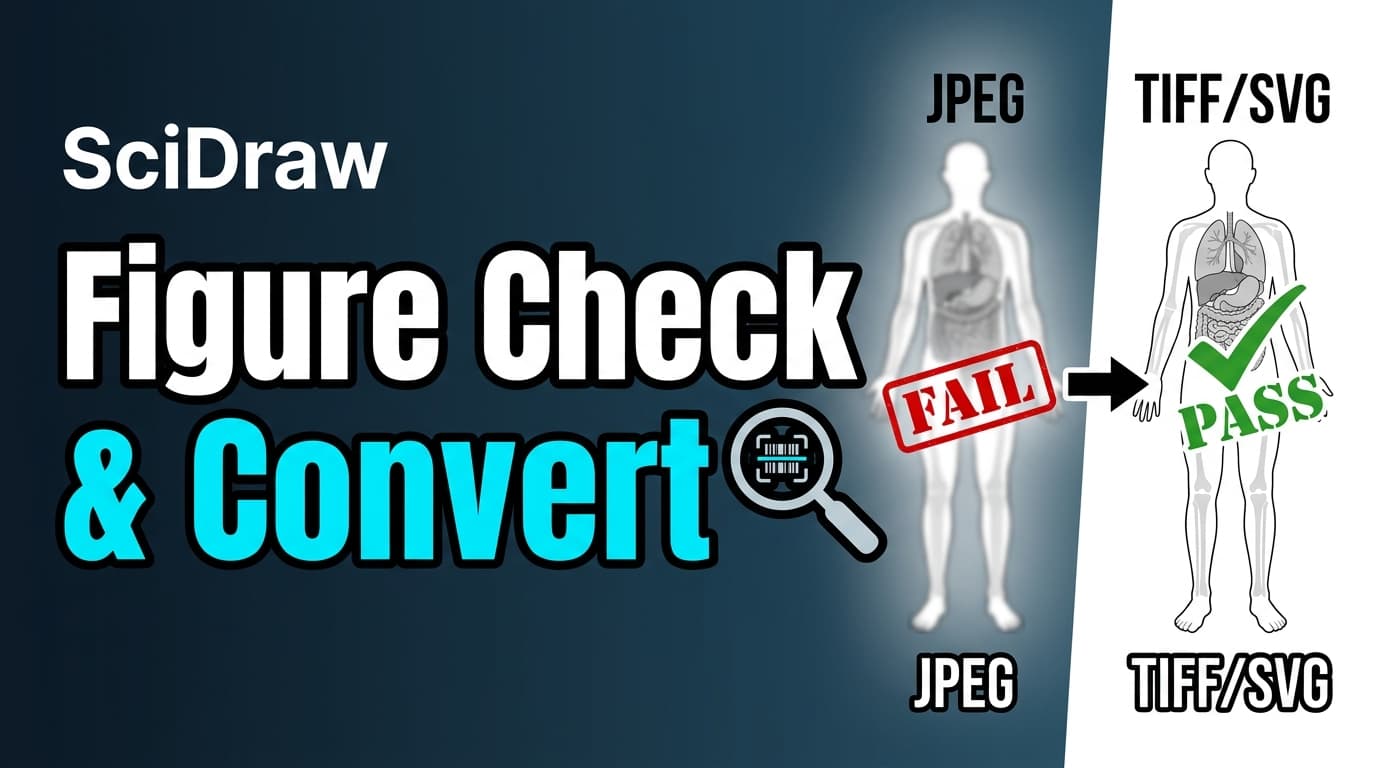
Tutoriel : Figure Checker et Convertisseur de Format en 2 Minutes

Decouvrez comment valider vos figures de recherche pour la conformite aux revues et convertir les formats d'image avec le Figure Checker et le Convertisseur de Format de SciDraw AI. Verifiez DPI, format, niveaux de gris et accessibilite daltonisme.

avatar for Davie Chen / SciDraw AI
Davie Chen / SciDraw AI
2026/04/03
Tutoriel 02 : Tutoriel video sur la visualisation scientifique -- Du CSV aux graphiques prets a publier
Produit

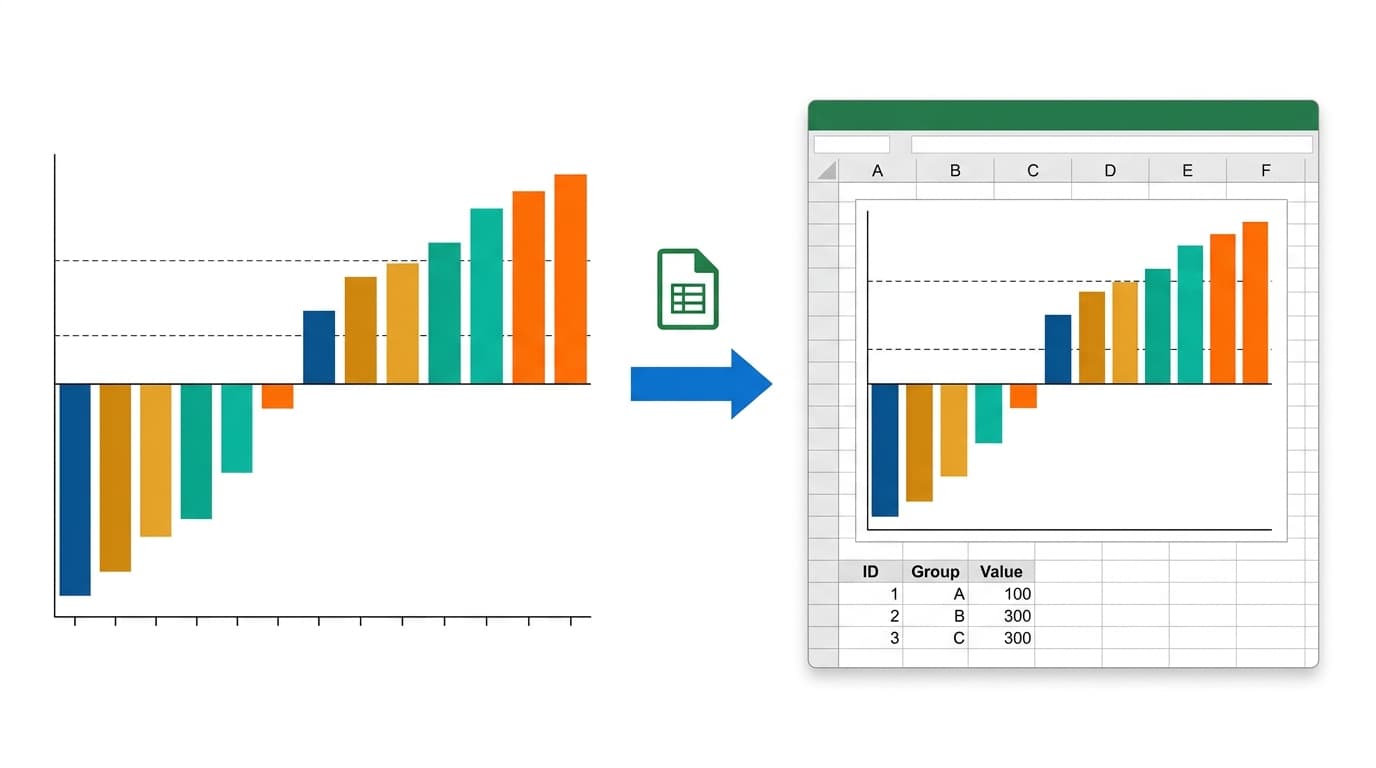
Tutoriel 02 : Tutoriel video sur la visualisation scientifique -- Du CSV aux graphiques prets a publier

Regardez ce tutoriel video de 2 minutes pour decouvrir comment l'outil de Visualisation Scientifique de SciDraw AI transforme vos donnees CSV en graphiques de qualite journal grace a la generation de code Python par IA, l'export multi-format et l'edition iterative.

avatar for Davie Chen / SciDraw AI
Davie Chen / SciDraw AI
2026/04/03
Découvrez nos outils
Convertisseur d'images·Créateur de Figures Scientifiques·Créateur de Résumés Graphiques·Illustration Scientifique IA