O BioRender é a ferramenta mais conhecida para figuras de biologia, mas seus planos pagos começam em torno de $35/mês e ultrapassam $420/ano para acesso completo — um custo difícil de justificar para um estudante de pós-graduação, um orçamento de ensino ou um laboratório que conta cada centavo. A boa notícia: em 2026 existem alternativas gratuitas ao BioRender bastante capazes, que cobrem desde resumos gráficos até diagramas celulares, mecanismos e exportações prontas para publicação.
Este guia compara sete opções em profundidade — o que cada uma faz bem, onde peca, quanto custa e para quem serve — para você escolher a ferramenta certa sem pagar por recursos que nunca vai usar.
O que você vai aprender:
- Como as principais alternativas gratuitas ao BioRender se comparam em preço, escopo e exportação
- Uma análise detalhada dos pontos fortes e limitações de cada ferramenta
- Qual ferramenta serve melhor a pesquisadores, doutorandos e educadores
- Quando uma ferramenta gratuita é suficiente — e quando ainda vale pagar
Como avaliamos essas ferramentas
Nem toda "ferramenta de design" foi feita para ciência. Avaliamos cada opção com base nos cinco critérios que realmente importam para figuras de pesquisa:
- Preço — existe uma versão gratuita genuinamente utilizável, ou apenas uma versão de teste com marca d'água?
- Escopo científico — abrange sua área ou só tem ícones de biologia?
- Qualidade de exportação — consegue gerar arquivos editáveis (SVG/PPTX) e prontos para impressão (TIFF, 300+ DPI)?
- Velocidade — quanto tempo leva do canvas em branco até um rascunho utilizável?
- Precisão e controle — é possível acertar os detalhes e manter um estilo consistente?
Uma ferramenta pode se destacar em um critério e falhar em outro, então a "melhor" escolha depende do seu trabalho. A tabela resumida abaixo, seguida das análises detalhadas, torna esses trade-offs claros.
Comparação rápida
| Ferramenta | Versão gratuita | Melhor para | Exportação editável | Curva de aprendizado |
|---|---|---|---|---|
| SciDraw AI | Sim (créditos gratuitos) | Texto para figura em todas as disciplinas | PPTX, SVG, PNG, PDF, TIFF | Baixa |
| BioRender | Limitada (marca d'água) | Bibliotecas de ícones de biologia | PNG/PDF (pago) | Baixa |
| Inkscape | Sim (código aberto) | Edição vetorial manual | SVG, PDF, PNG | Alta |
| Canva | Sim | Pôsteres e gráficos para apresentação | PNG/PDF | Baixa |
| Adobe Illustrator | Não (apenas teste) | Acabamento vetorial profissional | Todos | Alta |
| draw.io | Sim | Fluxogramas e esquemas | PNG/SVG | Baixa |
| PowerPoint | Com o Office | Diagramas rápidos e slides | PPTX | Baixa |
Por que buscar além do BioRender?
A biblioteca de ícones do BioRender é excelente para biologia molecular e celular, mas três fatores levam pesquisadores a buscar alternativas:
- Preço. Exportação com significado, resolução maior e colaboração ficam atrás de uma assinatura por usuário que muitos laboratórios não conseguem justificar — especialmente quando é só uma figura que precisa ser entregue.
- Escopo. A ferramenta foi construída para ciências da vida. Figuras de química, materiais, engenharia e física não são o ponto forte dela, e sua biblioteca de ícones não ajudará nesses casos.
- Velocidade. Arrastar e alinhar ícones manualmente é lento quando você só precisa de um rascunho limpo para iterar com seu orientador.
Se algum desses pontos se aplica a você, uma das alternativas abaixo provavelmente será mais útil — e várias são completamente gratuitas.
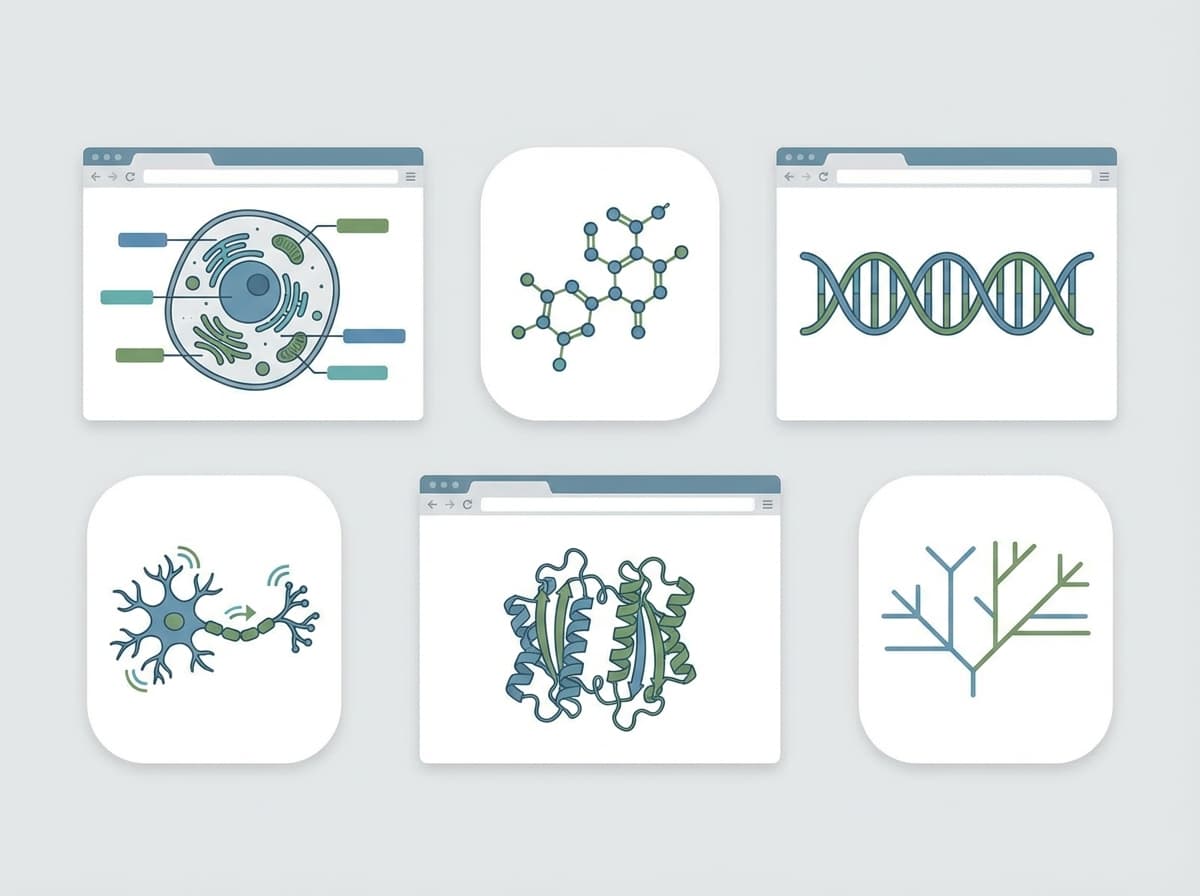
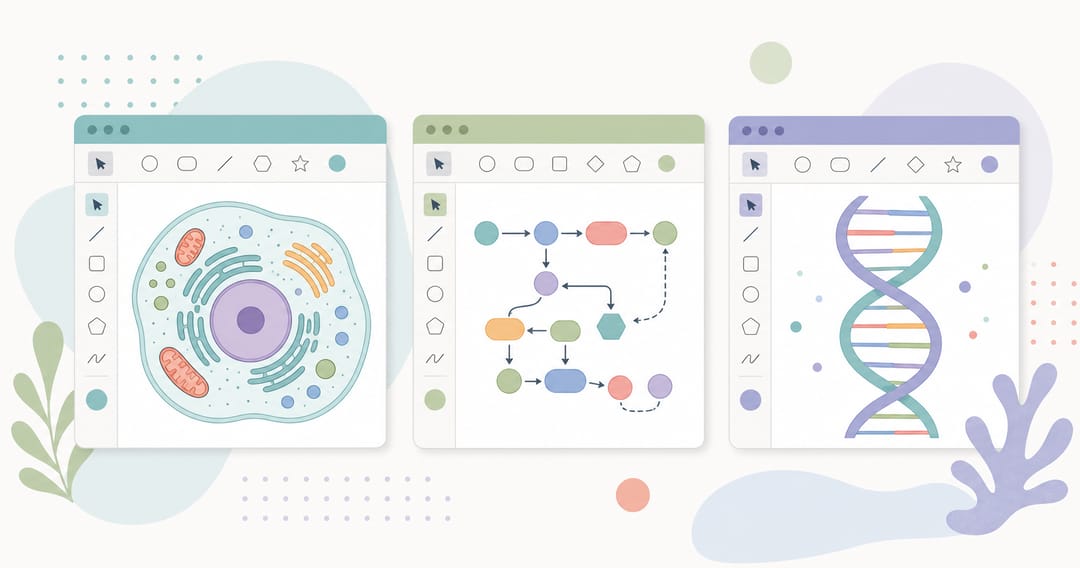 As alternativas gratuitas ao BioRender cobrem tudo, de diagramas celulares a vias moleculares.
As 7 melhores alternativas gratuitas ao BioRender
1. SciDraw AI — melhor para figuras rápidas em múltiplas disciplinas
Em vez de arrastar ícones, você descreve sua figura em linguagem natural e obtém um rascunho em segundos — e depois refina. Abrange resumos gráficos, diagramas celulares e de vias, mecanismos, esquemas, pôsteres e muito mais, com exportação para PPTX e SVG editáveis além de PNG/PDF/TIFF em alta resolução para periódicos.
Recursos principais: geração de figura a partir de texto, cobertura multidisciplinar, exportação editável e pronta para impressão, créditos gratuitos para começar. Prós: o caminho mais rápido da ideia ao rascunho; funciona muito além da biologia; sem necessidade de instalar software. Contras: rascunhos gerados por IA ainda precisam de revisão humana antes da submissão; figuras com "estilo próprio" muito marcado podem precisar de ajustes manuais. Preços: créditos gratuitos para começar, depois modelo baseado em créditos — sem assinatura por usuário. Melhor para: pesquisadores e estudantes que querem um rascunho pronto para publicação rapidamente, em qualquer área.
Veja uma comparação lado a lado na página de comparação SciDraw AI vs BioRender, ou acesse diretamente o criador de resumo gráfico, o gerador de ilustrações celulares ou o criador de figuras científicas.
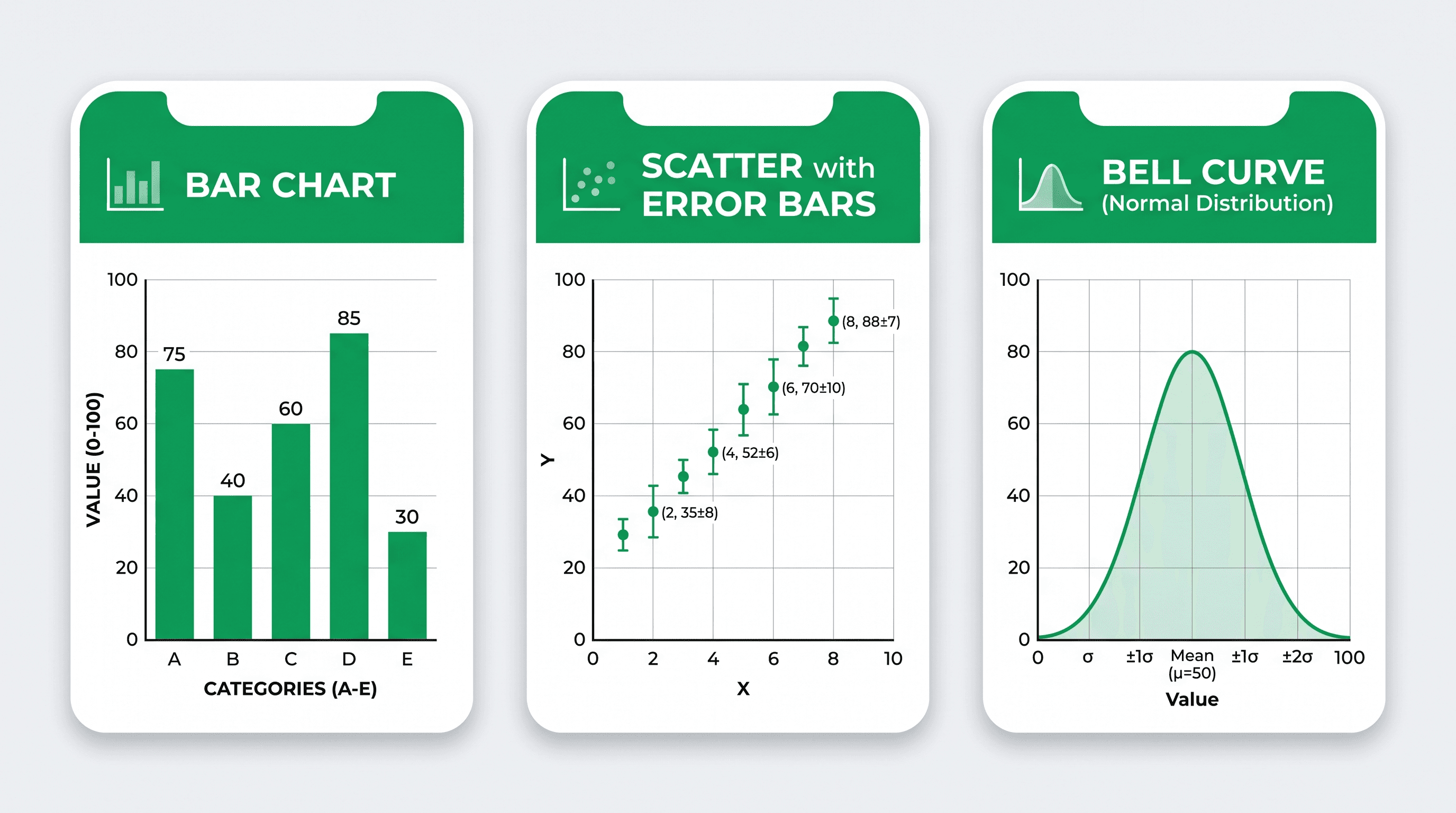
 Cada ferramenta se destaca em um eixo diferente — da geração por IA ao controle vetorial manual.
2. Inkscape — melhor editor vetorial gratuito
Código aberto e genuinamente poderoso para figuras vetoriais desenhadas manualmente. Se você quer controle total sobre cada nó e curva e não se importa com a curva de aprendizado, o Inkscape é a escolha gratuita clássica.
Prós: totalmente gratuito e de código aberto; controle vetorial preciso; exporta SVG e PDF limpos. Contras: sem biblioteca de ícones científicos; rampada íngreme; lento para figuras complexas com múltiplos painéis. Melhor para: pesquisadores que querem controle ao nível do pixel e já conhecem edição vetorial — ou que querem polir um rascunho gerado por IA.
3. Canva — melhor para pôsteres e slides
Um editor amigável com templates que brilha em pôsteres de conferência e gráficos para apresentação. Ótimo quando o apelo visual importa mais do que a precisão científica.
Prós: muito fácil de aprender; templates fortes; bom para layout e tipografia. Contras: não foi feito para precisão científica; controle limitado sobre especificações de exportação para periódicos (DPI, CMYK). Melhor para: pôsteres, apresentações e materiais de divulgação, não figuras destinadas a um manuscrito.
4. Adobe Illustrator — melhor para acabamento final
O padrão da indústria em arte vetorial. Se uma figura precisa de tipografia e curvas perfeitas para a capa de um periódico de alto impacto, o Illustrator entrega.
Prós: precisão e controle de saída incomparáveis; todos os formatos de exportação. Contras: somente por assinatura (sem versão gratuita); excessivo e lento para rascunhos rápidos; curva de aprendizado íngreme. Melhor para: os últimos 5% de polimento de uma figura principal, se você já tiver acesso.
5. draw.io (diagrams.net) — melhor para esquemas
Gratuito e excelente para fluxogramas, configurações experimentais e esquemas de sistemas. Uma ótima opção quando sua "figura" é essencialmente um diagrama de caixas e setas.
Prós: totalmente gratuito; rápido para fluxogramas; exportação limpa em SVG/PNG; funciona no navegador. Contras: formas genéricas, não é ilustração científica; sem recursos de biologia/química. Melhor para: diagramas de fluxo de trabalho, configurações experimentais e esquemas de processos — compare com o gerador de diagrama esquemático e o gerador de diagrama de fluxo de trabalho.
6. PowerPoint — melhor para diagramas rápidos
Já instalado na maioria das máquinas e suficiente para diagramas em blocos simples e slides que você vai apresentar, não publicar.
Prós: zero configuração se você já tem o Office; ferramentas fáceis de alinhamento; exporta PPTX editável. Contras: saída rasterizada de baixa resolução; precisão limitada; não é adequado para periódicos. Melhor para: slides de aula e reuniões internas de laboratório, não figuras prontas para submissão.
7. Combine um gerador + um conversor (o fluxo de trabalho prático)
A abordagem mais eficiente no mundo real não é uma única ferramenta — é um pipeline curto: rascunhe com um gerador de IA, depois converta e finalize.
- Transforme qualquer figura em PPTX ou SVG editável com a ferramenta Vectorize Image.
- Exporte PNG/PDF/TIFF pronto para impressão em 300–1000 DPI com o conversor de imagens científicas.
- Verifique se está de acordo com as especificações do periódico — DPI, modo de cor, segurança para daltônicos — com o verificador de figuras.
Essa combinação dá a você uma saída no nível do BioRender gratuitamente, com muito mais flexibilidade entre disciplinas.
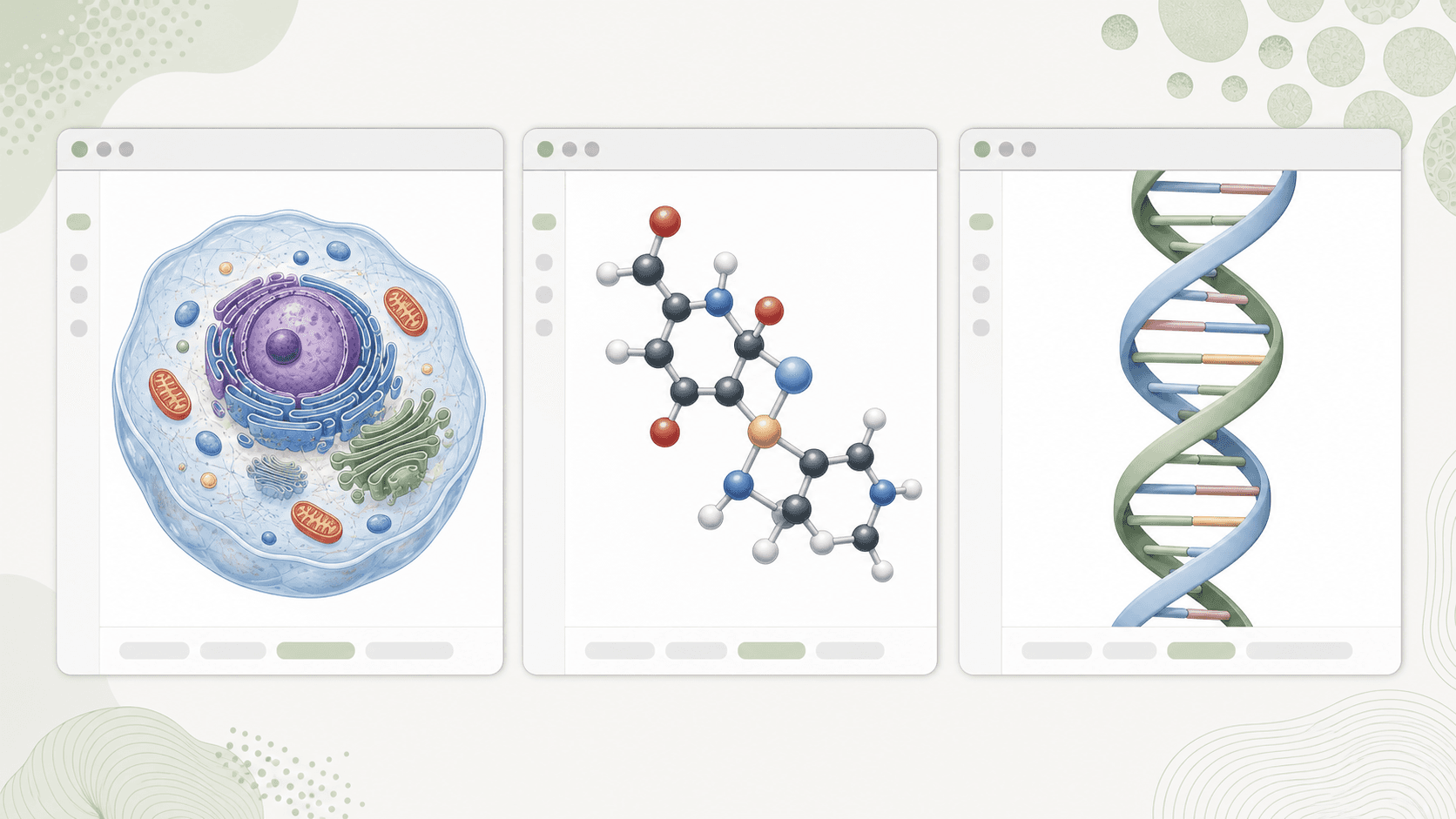
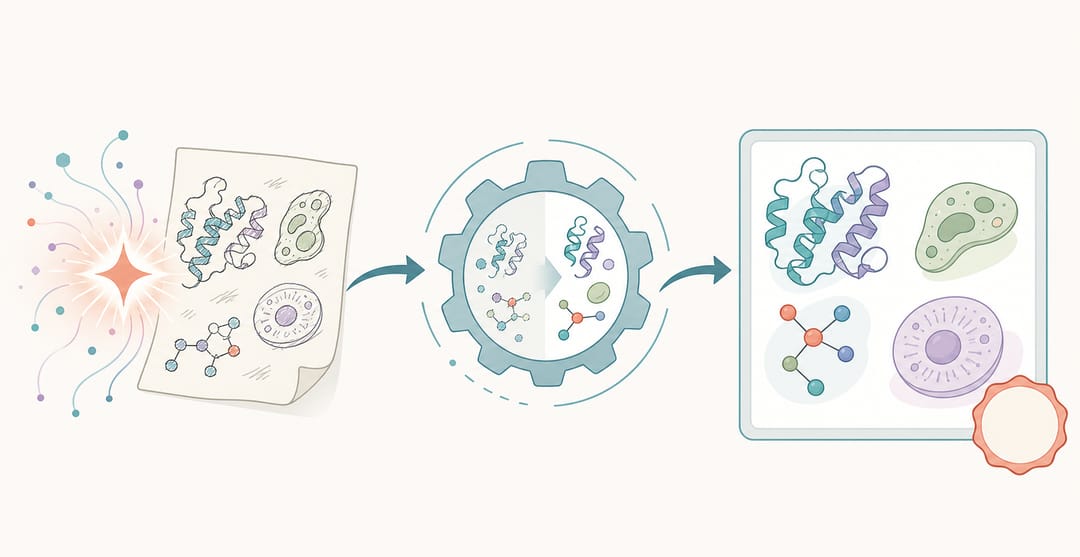 O fluxo de trabalho prático: rascunhe com um gerador de IA, depois converta e finalize.
Qual escolher? Um guia de decisão
- Doutorando sem orçamento: rascunhe com SciDraw AI, finalize no Inkscape se uma figura precisar de ajuste manual. Mais dicas em nossa página para doutorandos.
- Educador criando visuais didáticos: SciDraw AI ou Canva pela velocidade e clareza — veja para educadores.
- Submetendo a um periódico: gere, depois exporte e valide para submissão a periódicos.
- Muito trabalho com fluxogramas/esquemas: draw.io ou os geradores de esquemas acima.
- Trabalho intenso com ícones de biologia e com orçamento: o BioRender ainda tem o conjunto de ícones mais completo, se você puder pagar.
Migrando do BioRender: 3 dicas rápidas
- Recrie, não reimporte. A maioria das figuras é mais rápida de gerar a partir de uma descrição em texto do que reconstruir ícone por ícone.
- Mantenha uma nota de estilo. Decida sobre cores, fontes e estilos de seta uma vez, e reutilize-os para que as figuras de um artigo pareçam consistentes.
- Exporte o formato certo desde o início. SVG/PPTX editável para edições contínuas; TIFF/PDF achatado no DPI do periódico para a submissão final.
Conclusão
Você não precisa de uma assinatura de $420/ano para criar figuras científicas claras. Para a maioria dos pesquisadores em 2026, um gerador de IA gratuito que cria rascunhos em múltiplas disciplinas e exporta para formatos editáveis cobre a maior parte do trabalho com figuras — com editores vetoriais tradicionais disponíveis para os retoques finais.
Experimente o SciDraw AI gratuitamente e veja como um primeiro rascunho se forma rapidamente.
Perguntas frequentes
Existe uma alternativa totalmente gratuita ao BioRender? Sim — o Inkscape e o draw.io são completamente gratuitos e de código aberto, e o SciDraw AI oferece créditos gratuitos para você gerar figuras sem precisar de assinatura.
Ferramentas gratuitas conseguem exportar figuras prontas para periódicos? Sim. Procure exportação em TIFF e 300+ DPI. O conversor do SciDraw AI exporta PNG, PDF e TIFF em até 1000 DPI, atendendo aos requisitos da maioria dos periódicos.
Qual é a melhor alternativa ao BioRender para áreas fora da biologia? SciDraw AI, porque gera figuras de química, materiais, engenharia e física — não apenas ícones de ciências da vida.
Essas ferramentas funcionam para resumos gráficos? Sim. Um resumo gráfico é um dos usos mais comuns — experimente o criador de resumo gráfico dedicado para obter um rascunho pronto para refinar.
Os revisores vão saber que usei uma ferramenta de IA? O que importa para os revisores é a precisão e a clareza, não a ferramenta. Sempre revise e verifique uma figura gerada por IA com seus dados antes de submeter, assim como faria com uma desenhada à mão.
Posso editar uma figura gerada por IA depois? Sim — exporte-a para PPTX ou SVG editável com a ferramenta Vectorize Image e ajuste rótulos, cores e layout no PowerPoint, Inkscape ou Illustrator.