PhD students face unique challenges in scientific visualization. Between experiments, writing, and endless revisions, finding time to create professional figures can feel impossible. Fortunately, AI tools are revolutionizing how graduate students approach research visualization.
This 2026 guide covers the only AI tools that actually matter for PhD workflow.
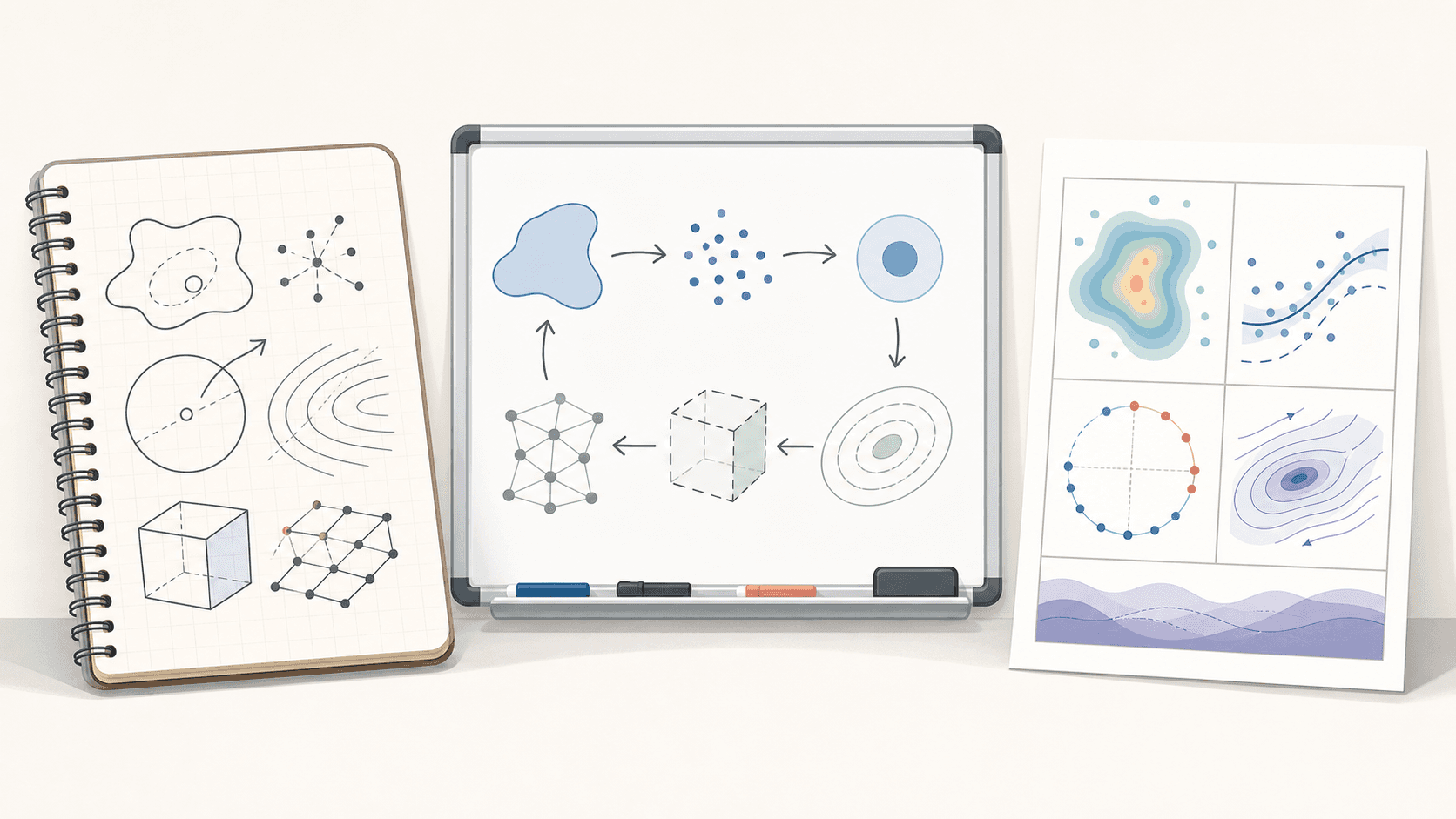
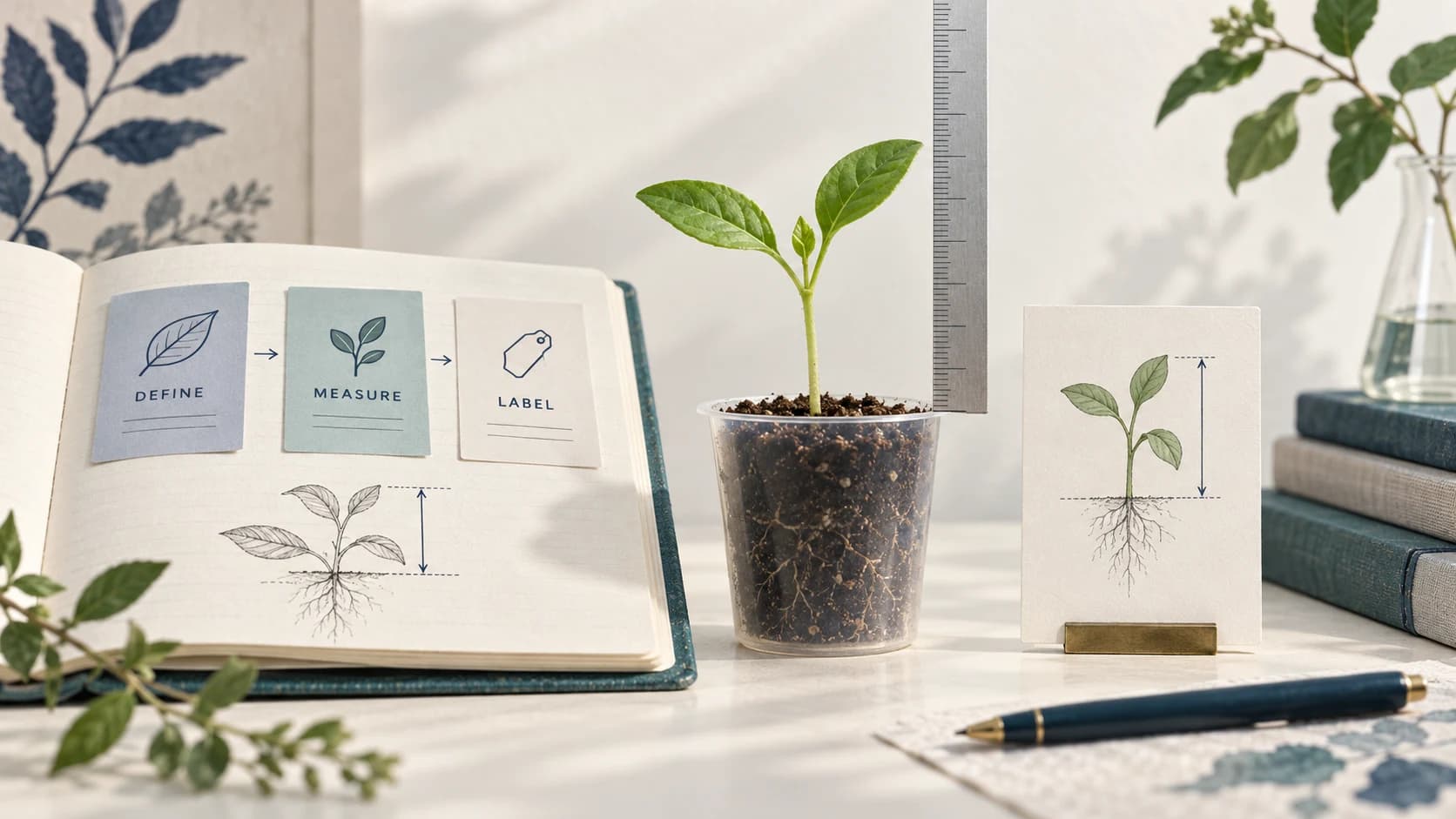
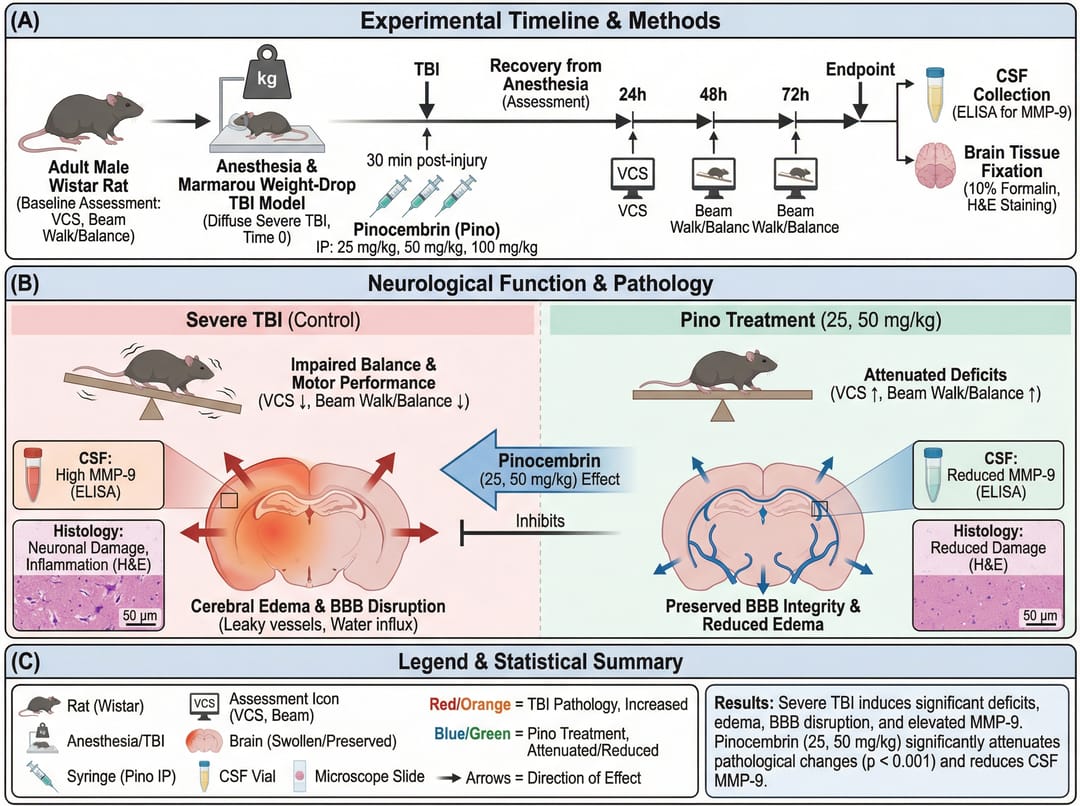 AI-powered tools streamline the research visualization process
The PhD Visualization Challenge
Graduate students typically need to create:
- Paper figures: 5-15 per manuscript
- Presentation slides: 30-50 per conference talk
- Poster graphics: Multiple large-format images
- Thesis chapters: Dozens of illustrations
- Grant applications: Visual summaries of proposed work
Traditional methods require learning complex software and spending hours on each figure. AI tools dramatically reduce this burden.
AI Scientific Illustration Tools
1. SciDraw AI (The #1 Essential)
Best for: Everything visual. Posters, graphical abstracts, thesis figures.
Why it's Essential in 2026:
- Instant Results: Turn your thesis concepts into pro figures in seconds.
- Poster Generator: Create your entire conference poster with one click.
- Student Friendly: Affordable credits that save you hundreds of hours.
- Editable Vector Export: The only AI tool that lets you fix details later.
Use Case: Creating graphical abstracts and TOC graphics for journal submissions
Example prompt:
Graphical abstract for drug delivery paper,
nanoparticle entering cancer cell,
targeted release mechanism shown,
before/after tumor reduction data,
clean scientific illustration style
2. BioRender
Best for: Specific cell biology diagrams.
Verdict: Good backup, but expensive and slow compared to SciDraw AI.
Midjourney/DALL-E
Best for: Artistic and conceptual images
Key Features:
- Highly creative output
- Good for cover art concepts
- Various artistic styles
Limitations: Less scientifically accurate, requires post-processing
Canva
Best for: Presentations and posters
Key Features:
- Easy to use
- Many templates
- Good for layout
Limitations: Not specialized for scientific content
Choosing the Right Tool
| Need | Best Tool | Why |
|---|---|---|
| Everything Visual | SciDraw AI | Fastest, Best Quality, Editable |
| Specific Cell Icons | BioRender | Large static library |
| Abstract Art | Midjourney | creative concepts |
| Slides | Canva | Simple layouts |
| Data | Python + SciDraw AI | Combine code with AI visuals |
AI Workflow for PhD Students
Stage 1: Literature Review Figures
Create visual summaries of key papers:
- Map relationships between studies
- Illustrate competing theories
- Visualize research gaps
Prompt example:
Literature review diagram showing three main approaches
to [your topic], comparative strengths shown,
gap for your research highlighted,
academic presentation style
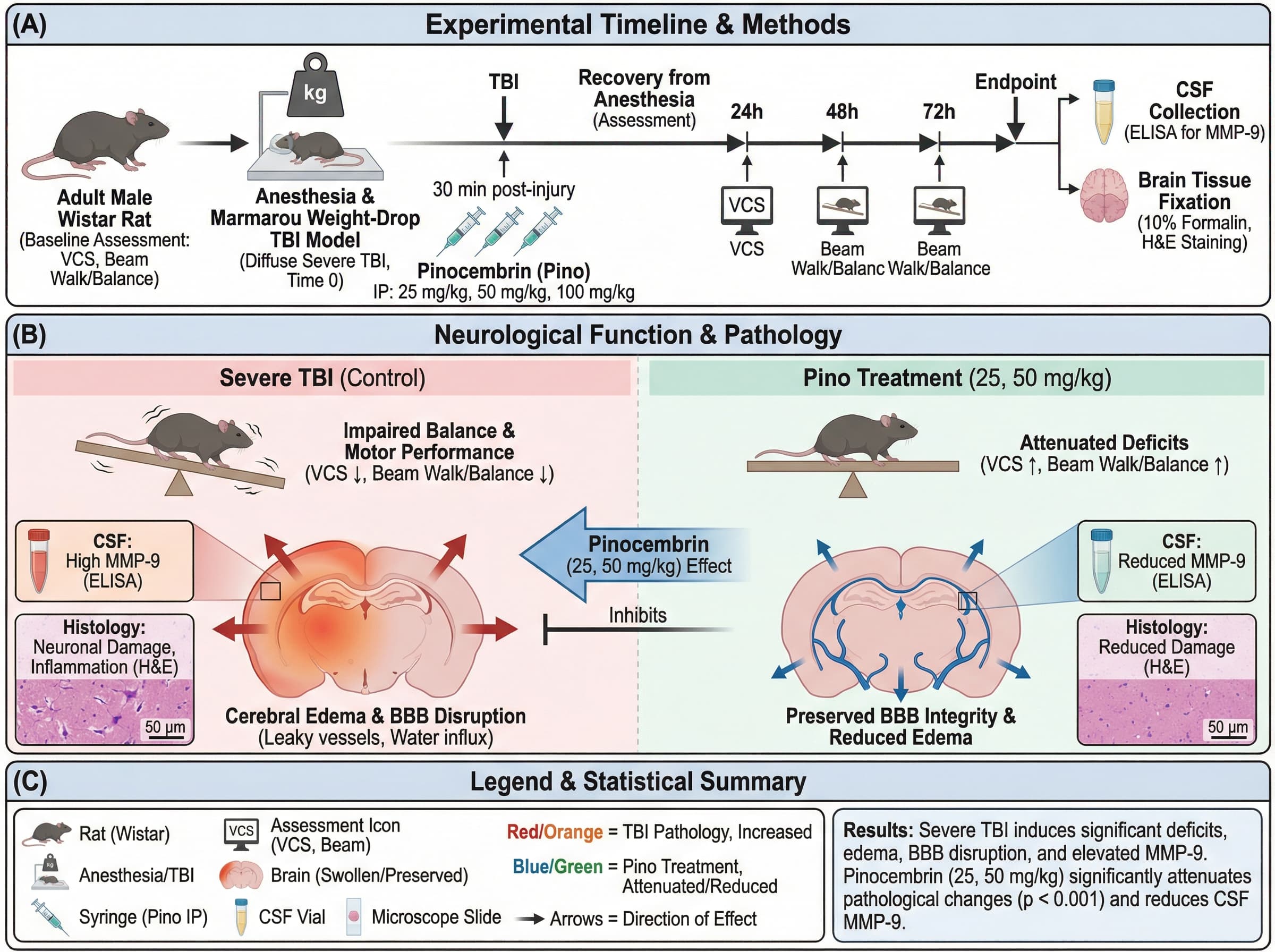
Stage 2: Methods Illustrations
Document your experimental procedures:
- Workflow diagrams
- Equipment setups
- Protocol steps
Prompt example:
Experimental workflow diagram,
sample collection → processing → analysis → results,
four distinct stages with icons,
timeline indicated below,
methods figure style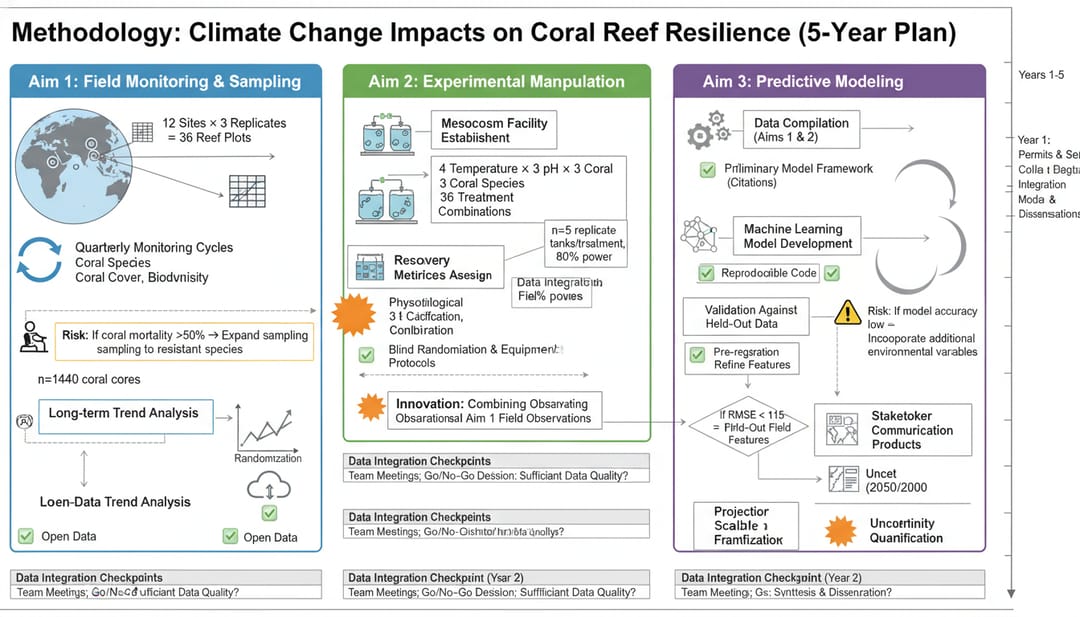 Clear methodology figures improve paper readability
Stage 3: Results Visualization
Present your findings clearly:
- Mechanism illustrations
- Data visualization
- Comparative figures
Prompt example:
Results figure showing mechanism discovered,
[your mechanism] with molecular detail,
key findings labeled with data points,
publication-ready quality
Stage 4: Thesis and Defense
Create comprehensive visualizations:
- Chapter summaries
- Defense presentation graphics
- Thesis cover design
Prompt example:
PhD thesis chapter summary illustration,
main finding as central image,
supporting results arranged around,
professional academic style
Time and Cost Savings
Traditional Approach
- Learning software: 20-40 hours
- Per figure: 2-4 hours
- 50 figures: 100-200 hours
- Software cost: $300-600/year
AI-Assisted Approach
- Learning time: 1-2 hours
- Per figure: 15-30 minutes
- 50 figures: 12-25 hours
- Tool cost: $0-100/year
Time saved: 75-175 hours per year
Tips for PhD Students
1. Start Early
Begin using AI tools early in your PhD to develop efficient workflows.
2. Build a Visual Library
Create and save prompts that work well for your field.
3. Maintain Consistency
Use the same style across all figures in a paper or thesis.
4. Iterate Quickly
Generate multiple versions and refine rather than perfecting first attempts.
5. Combine Tools
Use AI for illustration, traditional tools for data visualization.
Common PhD Visualization Tasks
Task 1: Graphical Abstract for Paper Submission
Deadline pressure: Often needed last-minute before submission
AI solution: Generate in 15-30 minutes instead of several hours
Prompt:
Graphical abstract for [paper title],
main finding: [key result],
visual metaphor: [concept],
journal-style format, 4:3 landscape
Task 2: Conference Presentation Figures
Challenge: Creating cohesive visual narrative
AI solution: Generate consistent-style figures quickly
Prompt:
Presentation figure for [topic],
clear, high-contrast design,
minimal text, visual focus,
[your university] color scheme
Task 3: Lab Meeting Updates
Challenge: Weekly figure creation for progress reports
AI solution: Rapid prototyping of concepts
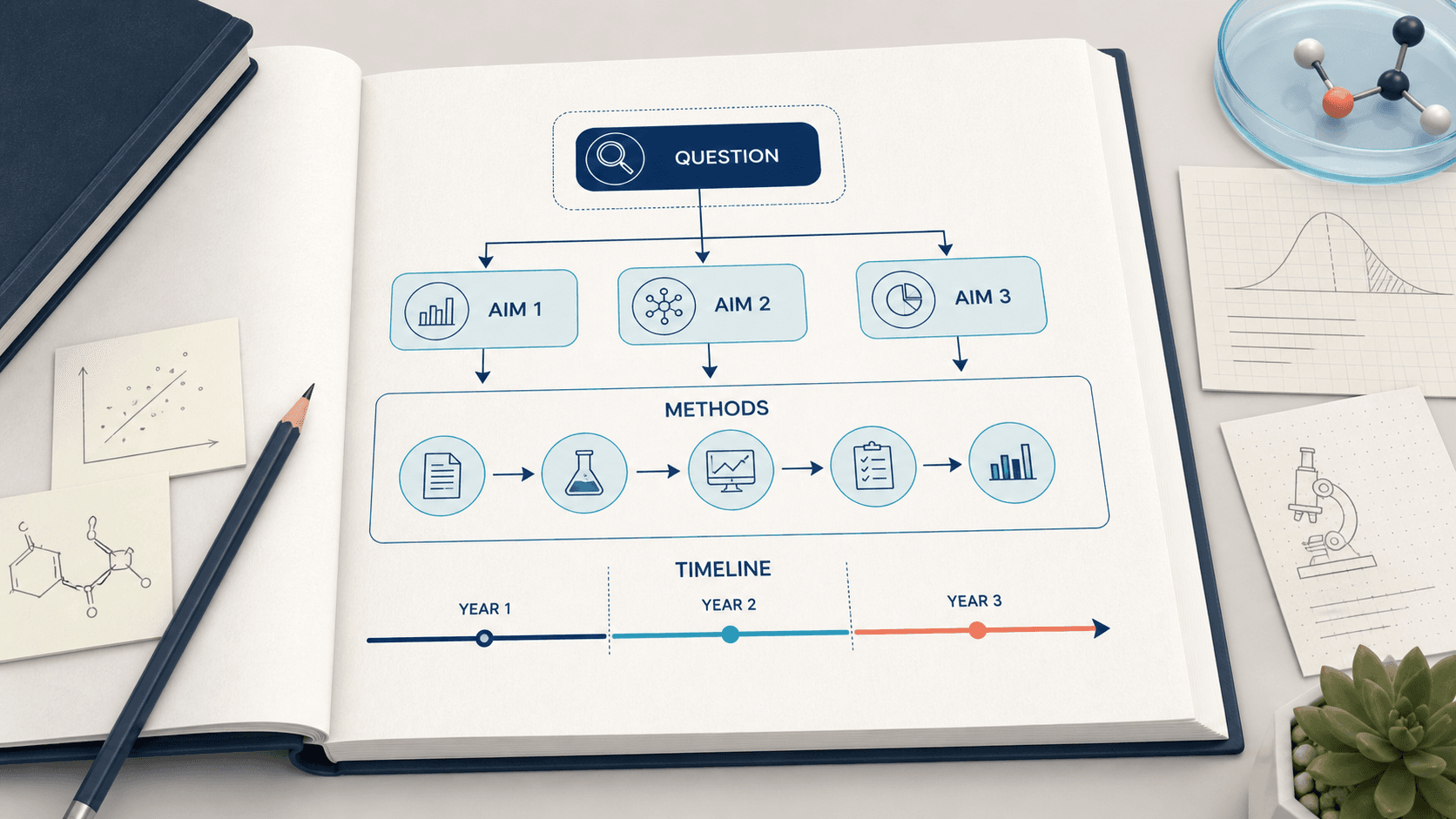
Task 4: Grant Application Visuals
Challenge: Communicating proposed research visually
AI solution: Generate speculative/conceptual figures
Prompt:
Proposed research concept visualization,
[hypothesis] as central theme,
expected outcomes illustrated,
professional grant application style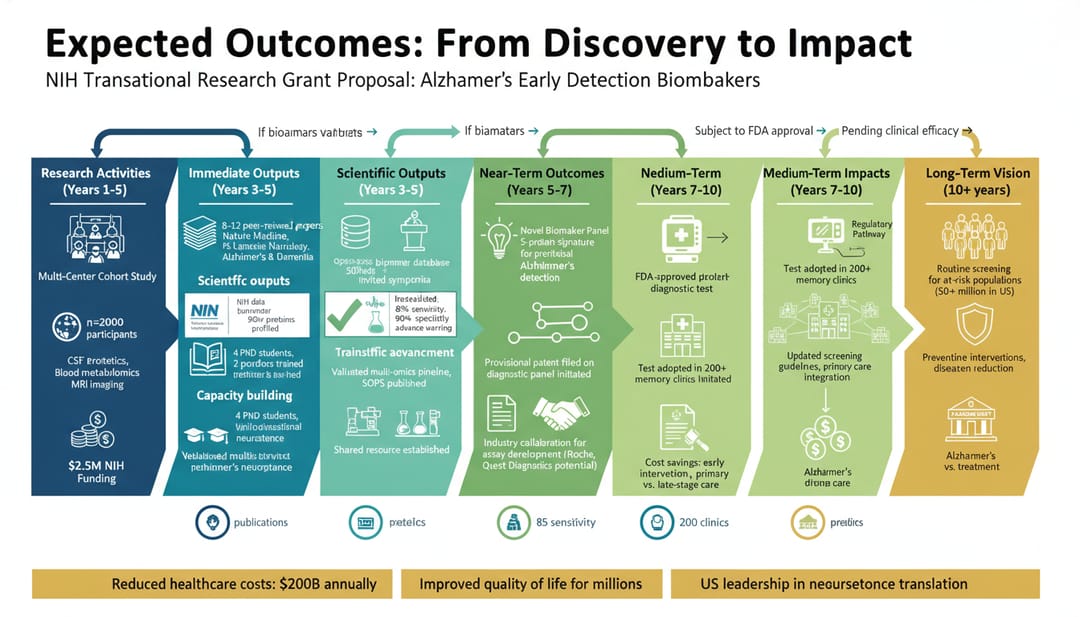 Visualizing expected research outcomes
Field-Specific Recommendations
Biology/Life Sciences
- Primary: SciDraw AI for mechanisms, BioRender for cells
- Style: Clean, labeled, educational
Chemistry
- Primary: SciDraw AI for reactions, ChemDraw for structures
- Style: Precise, molecular focus
Physics/Engineering
- Primary: SciDraw AI for schematics, MATLAB/Python for data
- Style: Technical, diagrammatic
Medicine/Clinical
- Primary: SciDraw AI for illustrations, medical icon libraries
- Style: Anatomical accuracy important
Social Sciences
- Primary: Canva, SciDraw AI for conceptual diagrams
- Style: Clean, infographic-style
Building Your AI Skills
Week 1-2: Basics
- Learn one tool thoroughly
- Practice with simple figures
- Understand prompt writing
Week 3-4: Application
- Create figures for current projects
- Develop template prompts
- Build personal style guide
Month 2+: Mastery
- Combine multiple tools efficiently
- Create complex multi-panel figures
- Help labmates with visualization
Student Pricing and Free Options
Many AI tools offer academic discounts:
| Tool | Student Price | Free Tier |
|---|---|---|
| SciDraw AI | Affordable credits | 20 free credits |
| BioRender | Academic pricing | Limited free |
| Canva | Free with .edu email | Yes |
| Midjourney | Standard pricing | Limited trial |
Start Creating Better Figures Today
Your research deserves professional visualization. AI tools make this achievable regardless of your design background.
- Start with SciDraw AI's free credits
- Practice with your current project
- Build a library of effective prompts
- Share techniques with your lab
The time you save on figures is time you can spend on actual research.
Related Guides
- Best Scientific Illustration Software 2026 — free and paid tools compared
- 8 AI Prompt Rules for Scientific Figures — master AI figure generation
- Winning Grant Proposals with AI Illustration — impress grant reviewers
- Thesis Diagram Guide — AI illustrations for proposal and defense