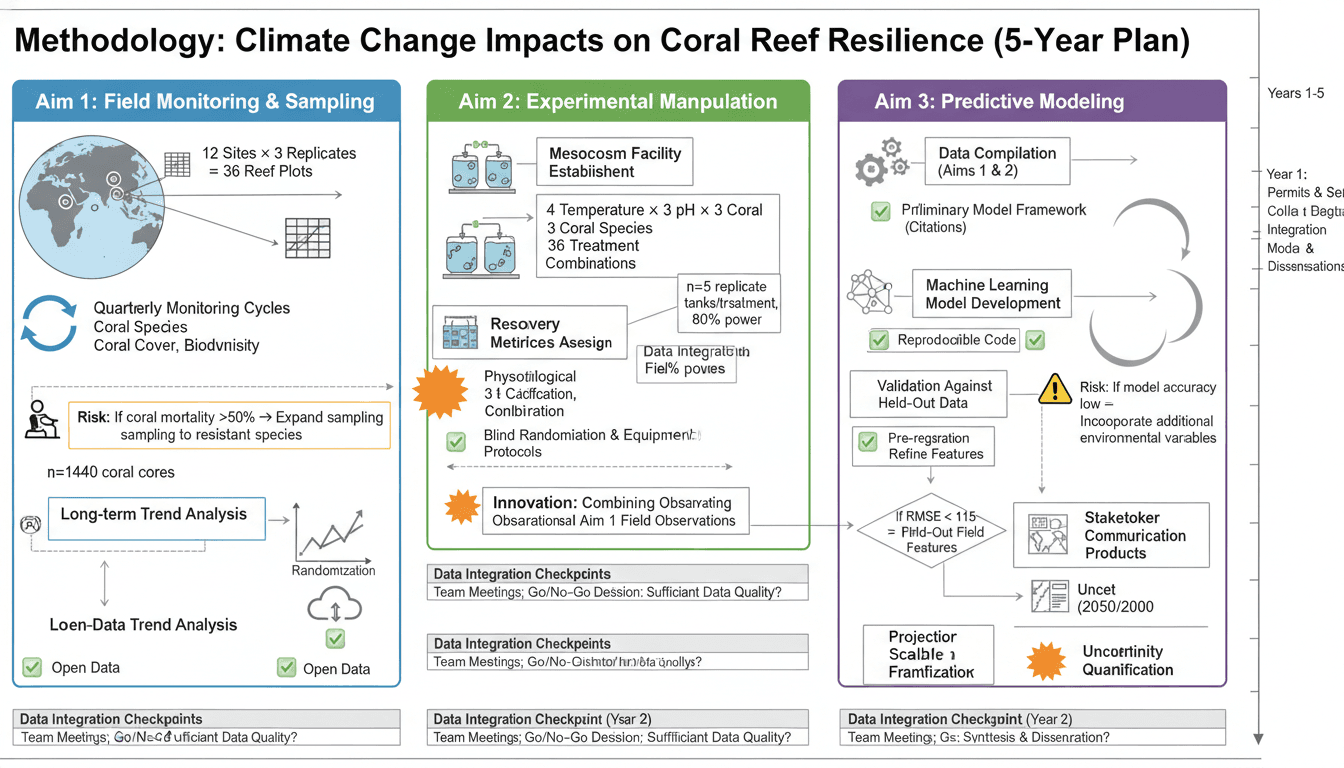
Experimental workflow diagrams are essential for communicating your research methods clearly. A well-designed workflow figure can replace paragraphs of text, helping readers quickly understand your experimental approach.
This guide will teach you how to create professional workflow diagrams that enhance your methods sections and improve paper readability.
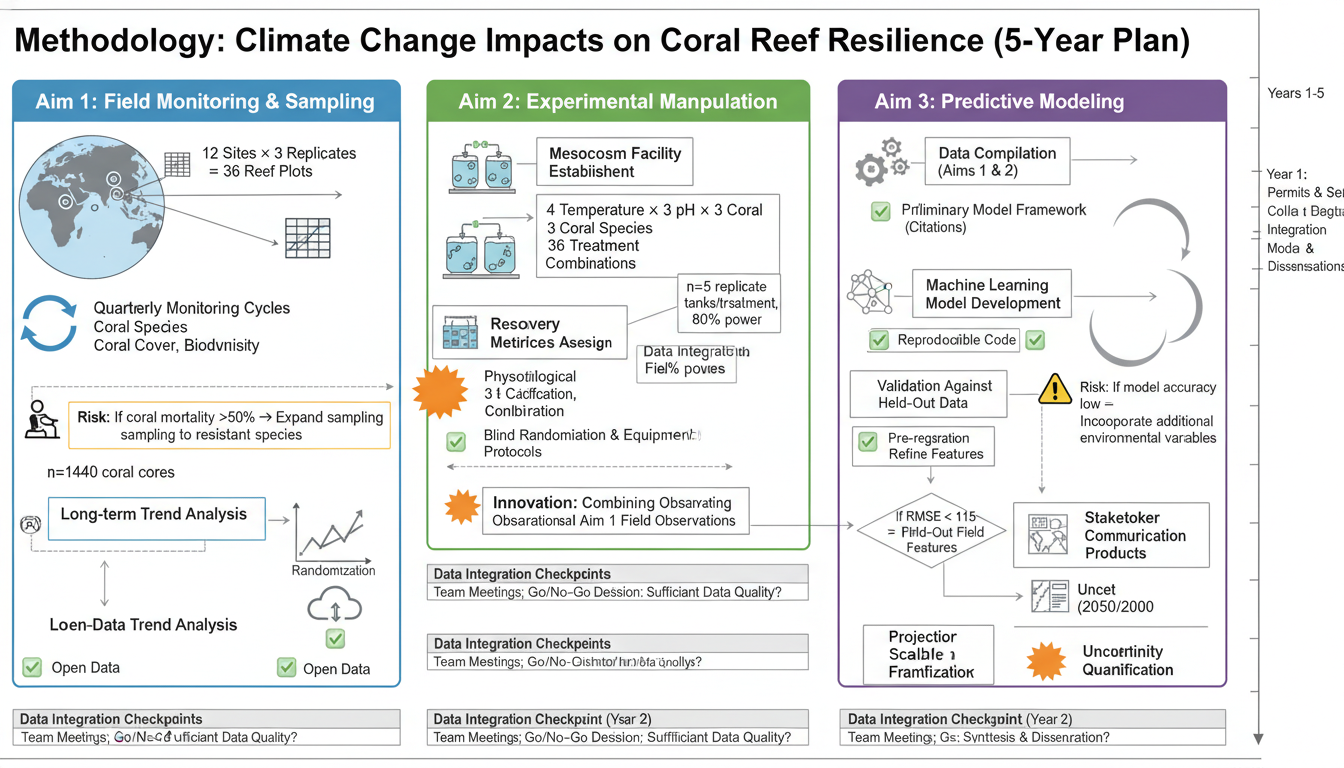
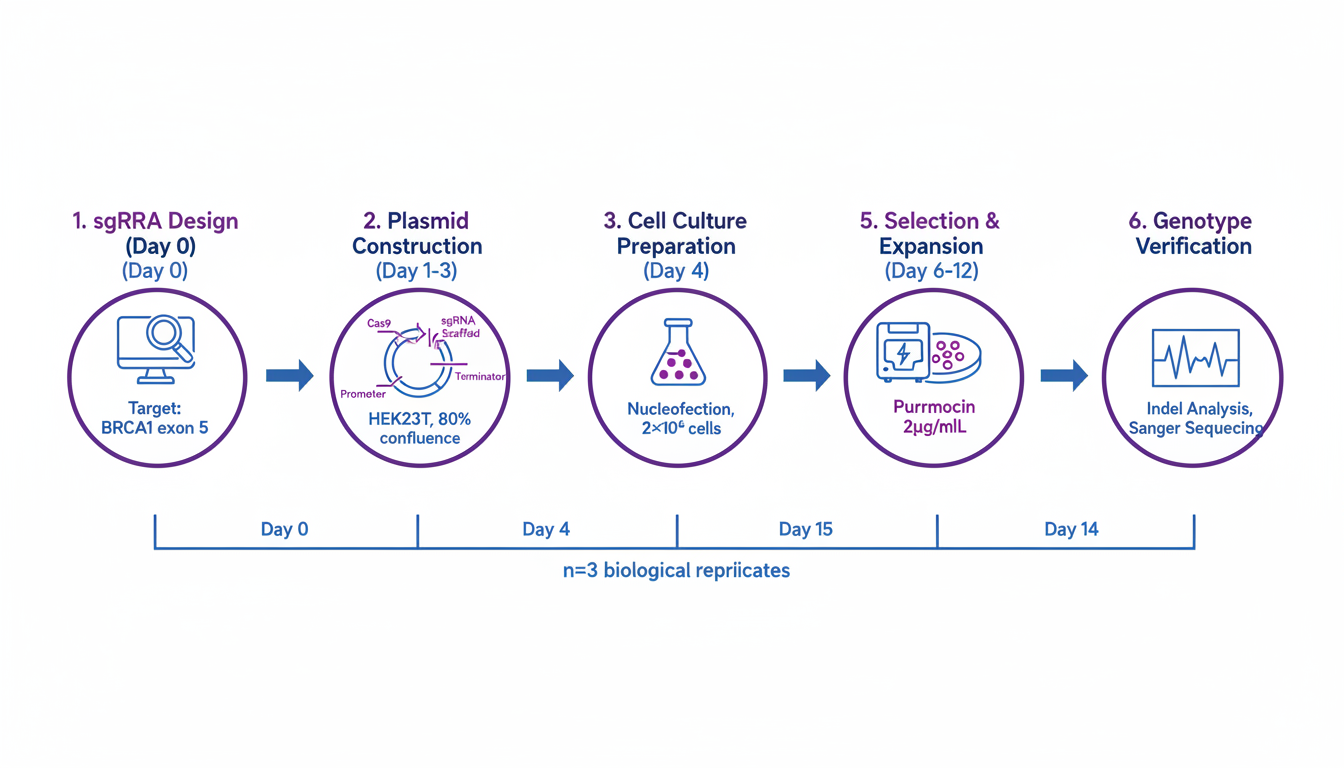
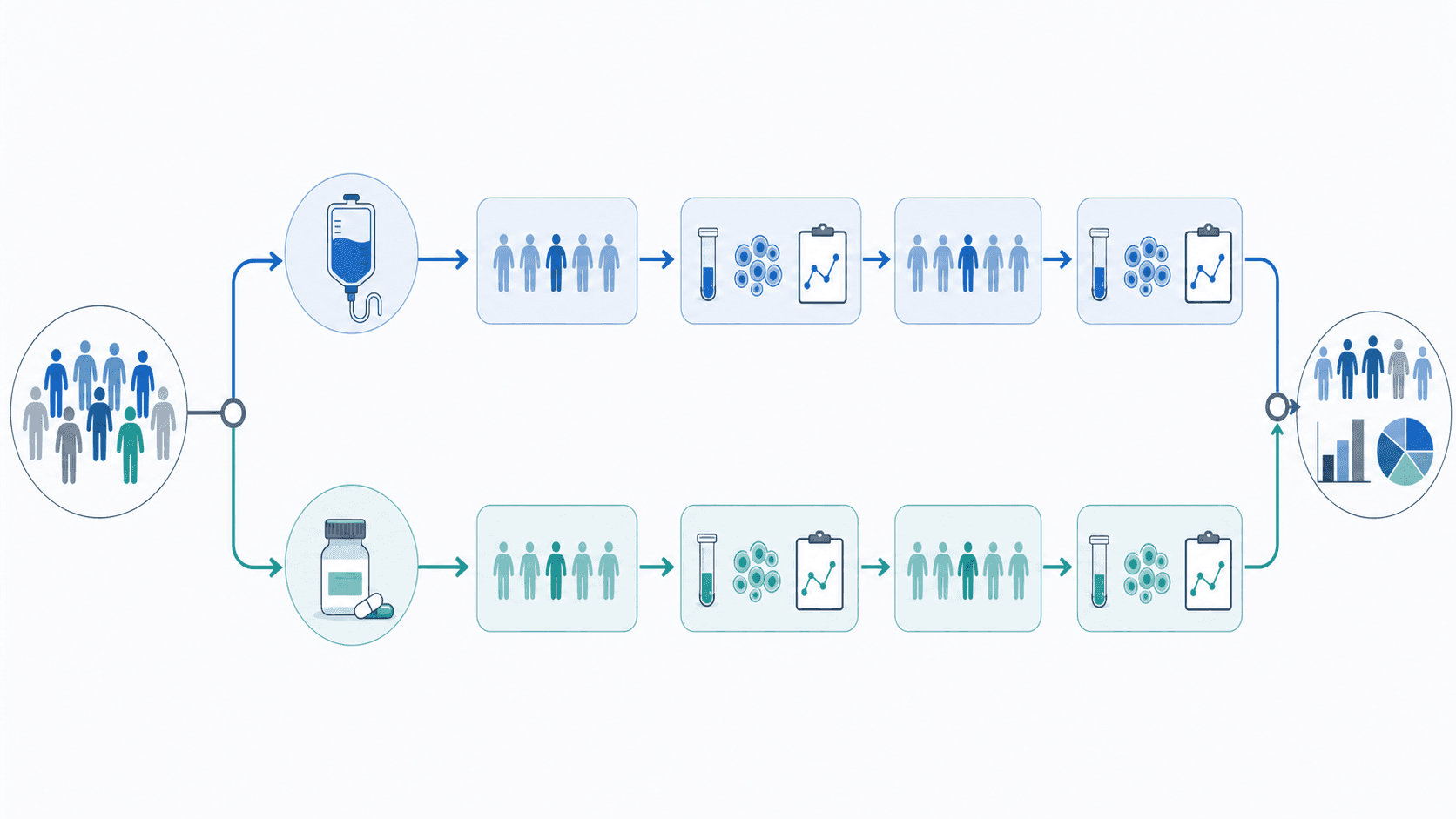
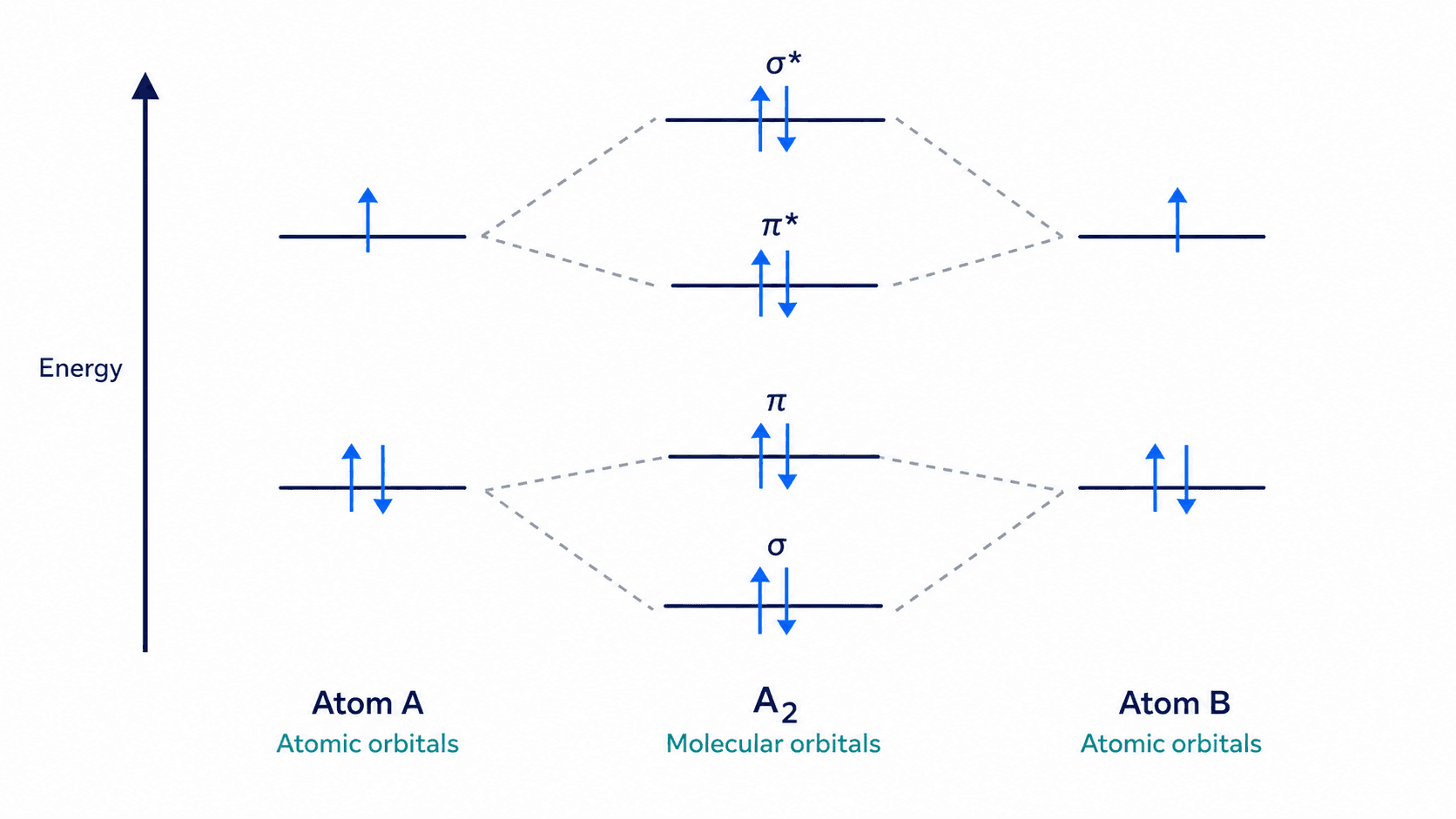
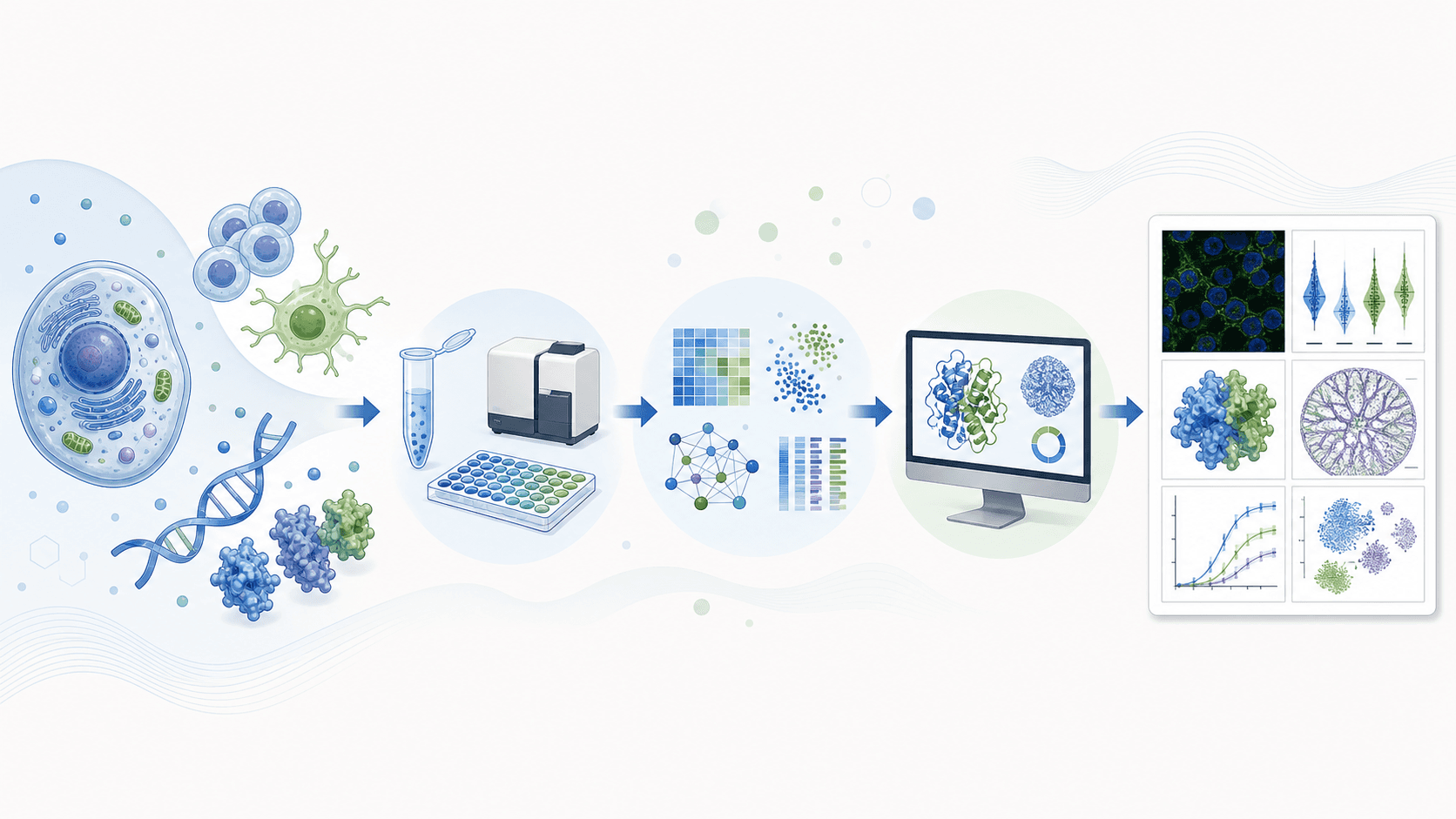
Clear workflow diagrams make methods immediately understandable
Why Workflow Diagrams Matter
Effective workflow diagrams:
- Simplify complex methods: Visual representation beats lengthy text
- Improve reproducibility: Clear steps help others replicate your work
- Aid reviewer comprehension: Faster understanding = smoother review
- Increase citations: Papers with clear methods are cited more often
Types of Experimental Workflow Diagrams
1. Linear Sequential Workflows
Simple step-by-step processes:
Step 1 → Step 2 → Step 3 → Step 4 → ResultBest for: Straightforward protocols with clear progression
2. Branching Workflows
Processes with decision points or parallel paths:
→ Path A →
Start → → Result
→ Path B →Best for: Methods with conditions or multiple sample types
3. Cyclic Workflows
Iterative or feedback processes:
Step 1 → Step 2 → Step 3
↑ ↓
←←←← Repeat ←←←←←Best for: Optimization procedures, iterative analyses
4. Multi-Stage Workflows
Complex processes with distinct phases:
[Sample Prep] → [Treatment] → [Analysis] → [Data Processing]Best for: Multi-day protocols, complex experimental designs
Design Principles
Visual Hierarchy
- Main flow: Prominent, central positioning
- Key steps: Highlighted with icons or color
- Details: Smaller text, secondary elements
- Timeline: Indicated when relevant
Directional Flow
Recommended patterns:
- Left to right (most common)
- Top to bottom (alternative)
- Consistent direction throughout
Avoid:
- Mixing directions
- Unclear arrow directions
- Circular confusion
Information Density
Include:
- Essential steps only
- Key parameters (time, temperature)
- Critical reagents
- Decision points
Exclude:
- Minor details (in text instead)
- Obvious steps
- Excessive technical jargon
Creating Workflow Diagrams by Field
Biology and Life Sciences
Cell culture experiment:
Experimental workflow for cell biology,
cell seeding → treatment (24h) → harvest → analysis,
specific cell line "HeLa" indicated,
treatment conditions "Drug X, 10 μM" labeled,
timeline bar below showing days,
analysis methods: "Western blot, qPCR, Flow cytometry",
life sciences publication styleAnimal study workflow:
In vivo experiment workflow diagram,
animal model → treatment groups → intervention → endpoints,
"C57BL/6 mice, n=10/group" indicated,
treatment arms shown in parallel,
sacrifice time points marked,
tissue collection and analysis specified,
preclinical research styleMolecular biology protocol:
Molecular cloning workflow,
PCR amplification → gel extraction → ligation → transformation,
vector and insert icons,
colony screening step,
sequence verification endpoint,
molecular biology methods figure style
Molecular biology workflows benefit from iconic representation
Chemistry
Synthesis workflow:
Multi-step synthesis workflow diagram,
starting material → intermediate 1 → intermediate 2 → product,
reaction conditions above each arrow,
purification methods noted (column, recrystallization),
yield percentages at each step,
organic chemistry methods styleAnalytical protocol:
Analytical chemistry workflow,
sample collection → preparation → measurement → data analysis,
specific techniques labeled,
quality control steps included,
instrument parameters noted,
analytical methods figure formatMaterials Science
Materials synthesis:
Nanomaterial synthesis workflow,
precursor preparation → reaction → purification → characterization,
reaction conditions (temperature, time, atmosphere),
characterization techniques listed,
scale indicated,
materials science methods styleDevice fabrication:
Device fabrication workflow diagram,
substrate preparation → deposition → patterning → testing,
layer-by-layer steps shown,
equipment/techniques at each step,
cleanroom requirements noted,
engineering methods figure formatClinical and Medical Research
Clinical trial workflow:
Clinical study workflow diagram,
patient screening → enrollment → randomization → intervention → follow-up,
inclusion/exclusion criteria summarized,
treatment arms in parallel,
assessment time points marked,
CONSORT-style diagram elementsSample processing:
Biospecimen processing workflow,
collection → transport → processing → storage → analysis,
sample types indicated,
time constraints noted,
temperature requirements shown,
biobank protocols styleAI Prompts for Workflow Diagrams
Basic Workflow Template
Experimental workflow diagram for [field] research,
[number] main steps: [list steps],
left to right flow with arrows,
icons representing each major step,
key parameters labeled,
timeline indicated below,
publication-ready methods figure styleDetailed Protocol Workflow
Detailed experimental protocol workflow,
[your experiment type] methodology,
Step 1: [description with parameters],
Step 2: [description with parameters],
[continue for all steps],
critical steps highlighted,
QC checkpoints marked,
reproducibility-focused designComparative Workflow
Comparative experimental workflow showing two methods,
Method A (left/top) vs Method B (right/bottom),
shared steps in center,
differences highlighted with color,
time/cost comparison indicated,
methods comparison figure styleHigh-Throughput Workflow
High-throughput screening workflow diagram,
library/sample input → primary screen → hit identification,
secondary validation → lead selection,
numbers at each stage (e.g., "10,000 → 500 → 50 → 5"),
funnel visualization style,
drug discovery/screening formatDesign Elements
Icons and Symbols
Common workflow icons:
- 🧪 Test tubes (reactions)
- 📊 Graphs (analysis)
- 🔬 Microscope (imaging)
- 💻 Computer (data processing)
- ⏱️ Clock (time points)
- 🌡️ Thermometer (temperature)
Use icons to:
- Quickly identify step types
- Add visual interest
- Break up text-heavy areas
- Create consistent style
Color Coding
Functional colors:
- Blue: Sample/material flow
- Green: Biological processes
- Orange: Chemical reactions
- Purple: Analysis/measurement
- Gray: Quality control
Phase colors:
- Light colors: Early stages
- Dark colors: Late stages
- Consistent progression
Connectors and Arrows
Arrow types:
- Solid: Main process flow
- Dashed: Optional/conditional steps
- Double: Reversible processes
- Branching: Decision points
Best practices:
- Consistent arrow style
- Clear directionality
- Avoid crossing when possible
- Label with time/conditions
Layout Templates
Linear Template
┌────────┐ ┌────────┐ ┌────────┐ ┌────────┐
│ Step 1 │───→│ Step 2 │───→│ Step 3 │───→│ Step 4 │
└────────┘ └────────┘ └────────┘ └────────┘
Day 0 Day 1 Day 3 Day 7Branching Template
┌────────┐
────→│ Path A │────┐
┌────────┐ │ └────────┘ │ ┌────────┐
│ Start │────┤ ├───→│ Result │
└────────┘ │ ┌────────┐ │ └────────┘
────→│ Path B │────┘
└────────┘Multi-Phase Template
┌─────────────────────────────────────────────────────┐
│ Phase 1: Setup │
│ ┌──────┐ ┌──────┐ ┌──────┐ │
│ │ Prep │──→│ Treat│──→│ Check│ │
│ └──────┘ └──────┘ └──────┘ │
└─────────────────────────────────────────────────────┘
↓
┌─────────────────────────────────────────────────────┐
│ Phase 2: Analysis │
│ ┌──────┐ ┌──────┐ ┌──────┐ │
│ │Collect│──→│Analyze│──→│Report│ │
│ └──────┘ └──────┘ └──────┘ │
└─────────────────────────────────────────────────────┘Common Mistakes
1. Too Much Detail
Problem: Every minor step included Solution: Summarize routine steps; detail only critical points
2. Unclear Flow
Problem: Reader can't follow the process Solution: Use clear arrows; maintain consistent direction
3. Missing Key Information
Problem: Important parameters omitted Solution: Include times, temperatures, concentrations
4. Inconsistent Style
Problem: Mixed icons, fonts, colors Solution: Create style guide; apply consistently
5. Wrong Complexity Level
Problem: Too simple or too complex for audience Solution: Match detail level to reader expertise
Tools for Creating Workflow Diagrams
AI-Powered
- SciDraw: Generate complete workflows from descriptions
- Best for rapid prototyping and ideation
Traditional Software
- Illustrator/Inkscape: Full control over design
- PowerPoint: Quick and familiar
- Lucidchart/draw.io: Specialized for diagrams
- BioRender: Life sciences focus
Recommended Workflow
- Draft with AI: Generate concept with SciDraw
- Refine structure: Adjust based on actual protocol
- Polish: Add specific labels and parameters
- Export: Format for journal requirements
Start Creating Workflow Diagrams
Transform your methods sections with clear workflow diagrams:
- Visit SciDraw AI Drawing
- Describe your experimental workflow
- Generate and customize
- Export publication-ready figure
Your methods deserve visualization that makes them immediately understandable.
Related Articles: